
Misty Cliff Plank Road Photograph
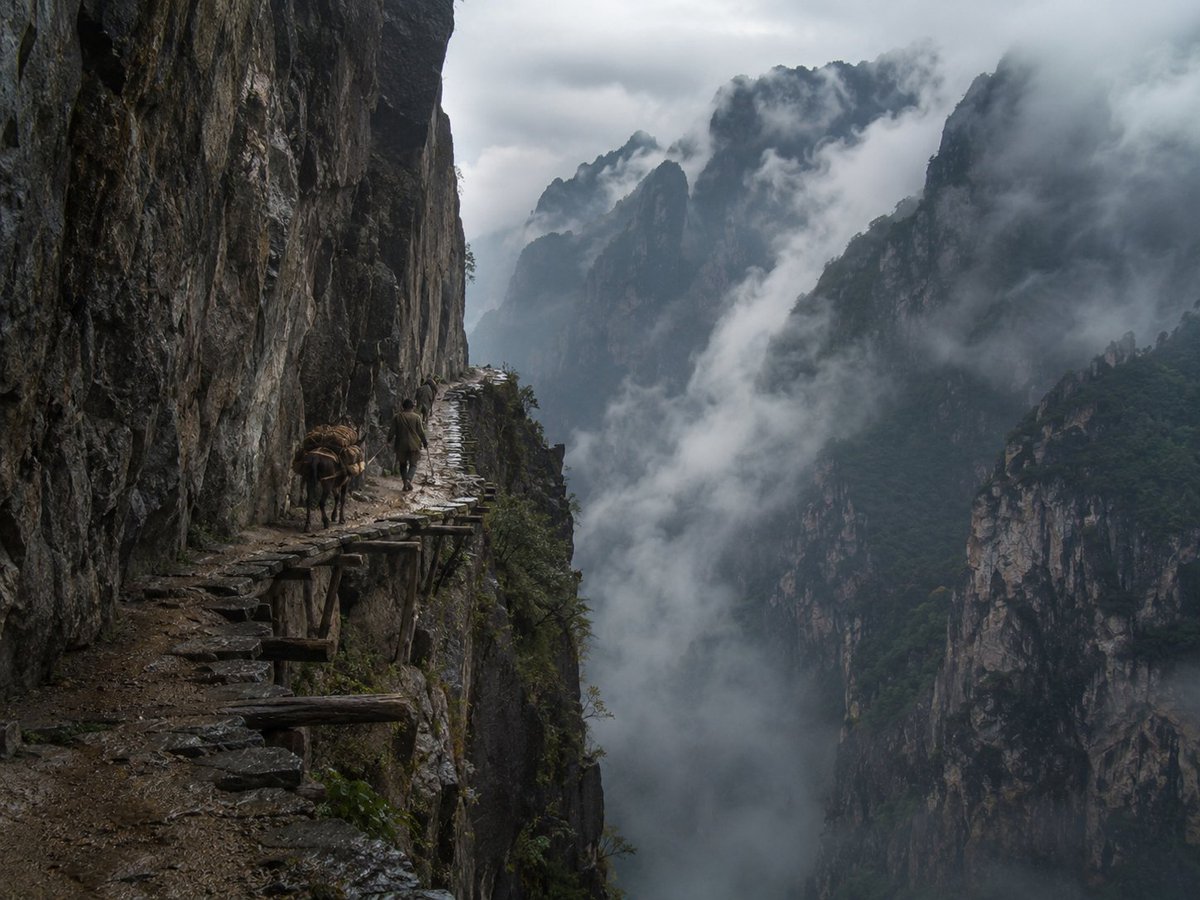
Generates a realistic fine-art mountain travel photograph of an ancient cliffside plank road with a traveler and pack animal in a fog-filled gorge.
- Prompt included
- Model and format preset
- Free template
The prompt behind this image
Copy the exact prompt behind Misty Cliff Plank Road Photograph, or open it in the studio and make it yours.
Create a hyper-realistic collectible fine-art landscape photograph inspired by ancient Chinese mountain travel writing: a perilous plank road carved into a vertical cliff in a remote misty mountain gorge. The scene shows exactly two living subjects on the narrow path: one lone traveler in simple dark traditional mountain clothing walking away from the camera, and one small pack donkey or mule loaded with bundled brown cargo. The path clings to the left side of the frame beneath a towering wet rock wall, made of uneven stone slabs and rough wooden support beams jutting out over a sheer drop. The right and center of the image open into a vast abyss filled with drifting white-gray clouds and fog, with multiple jagged forested peaks and dark limestone cliffs receding into the distance. Use a moody overcast sky, cold blue-gray color grading, damp rock textures, sparse green vegetation on ledges, and soft diffused natural light after rain. Compose as a professional documentary adventure photograph from a slightly elevated viewpoint looking along the cliff trail into the gorge, wide-angle but natural perspective, deep depth of field, cinematic realism, high detail, no fantasy architecture, no modern objects, no text, no watermark. The atmosphere should feel dangerous, ancient, quiet, and awe-inspiring, as if captured by a top National Geographic photographer in a real hidden mountain pass. Customize the source mood as {argument name="source mood" default="ancient Chinese mountain travel writing"}, the location as {argument name="mountain location" default="remote misty Chinese gorge"}, the main traveler as {argument name="main traveler" default="lone traveler in simple dark traditional mountain clothing"}, the pack animal as {argument name="pack animal" default="small pack donkey loaded with brown bundled cargo"}, and the weather as {argument name="weather" default="overcast after-rain fog"}.
How to use Misty Cliff Plank Road Photograph in 3 steps
- 1Upload ImagePNG, JPG or paste
Add your photo
Upload the photo the template builds on. The prompt, model and format are already set.
- 2…a portrait of your subject in softgolden-hour light, 85mm…
Personalize
Edit the subject and creative details for your destination.
- 3Generate
Generate
Press Generate — your image is created in PicX Studio, so you can compare it with the original and refine one variable at a time.
More like this
Templates with the same subject, style or setup. Open one to see its prompt.
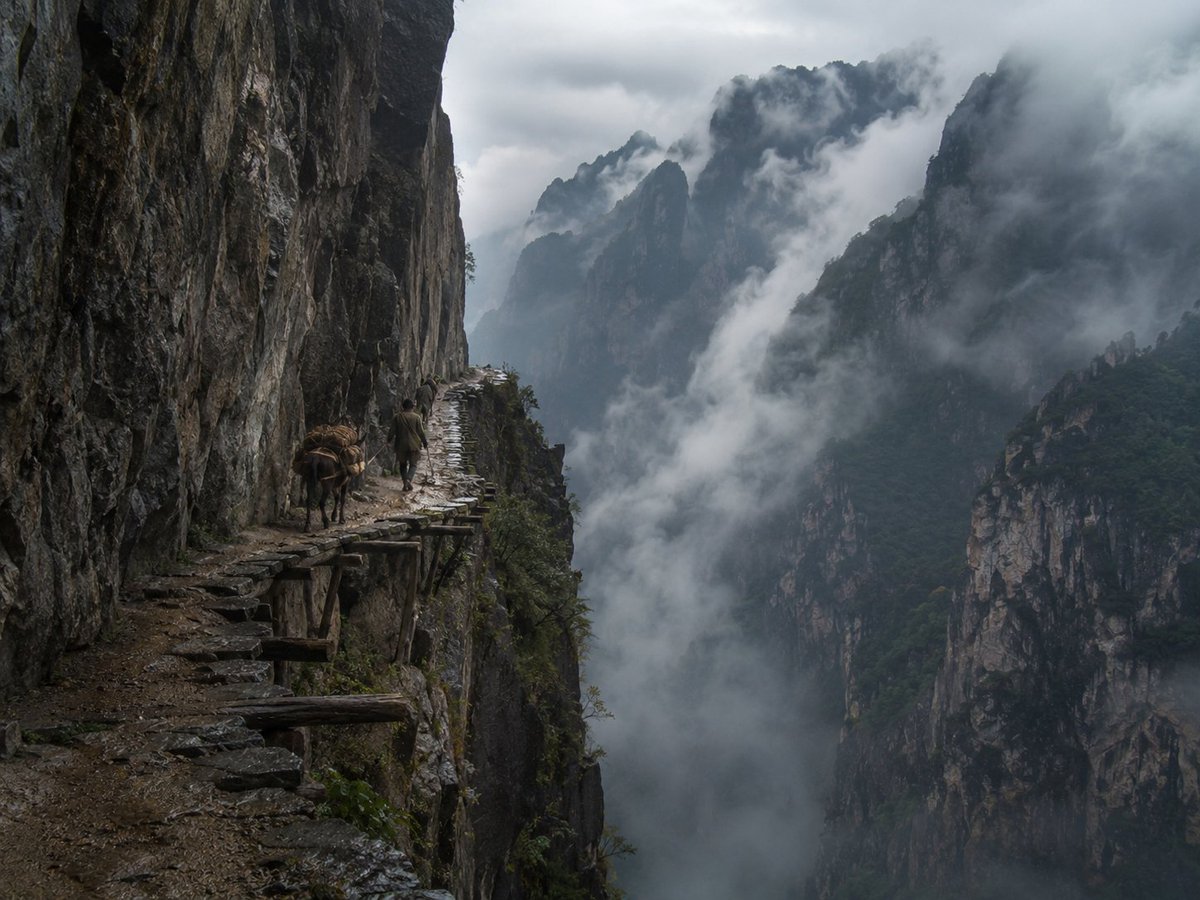
Misty Cliffside Mule Trail
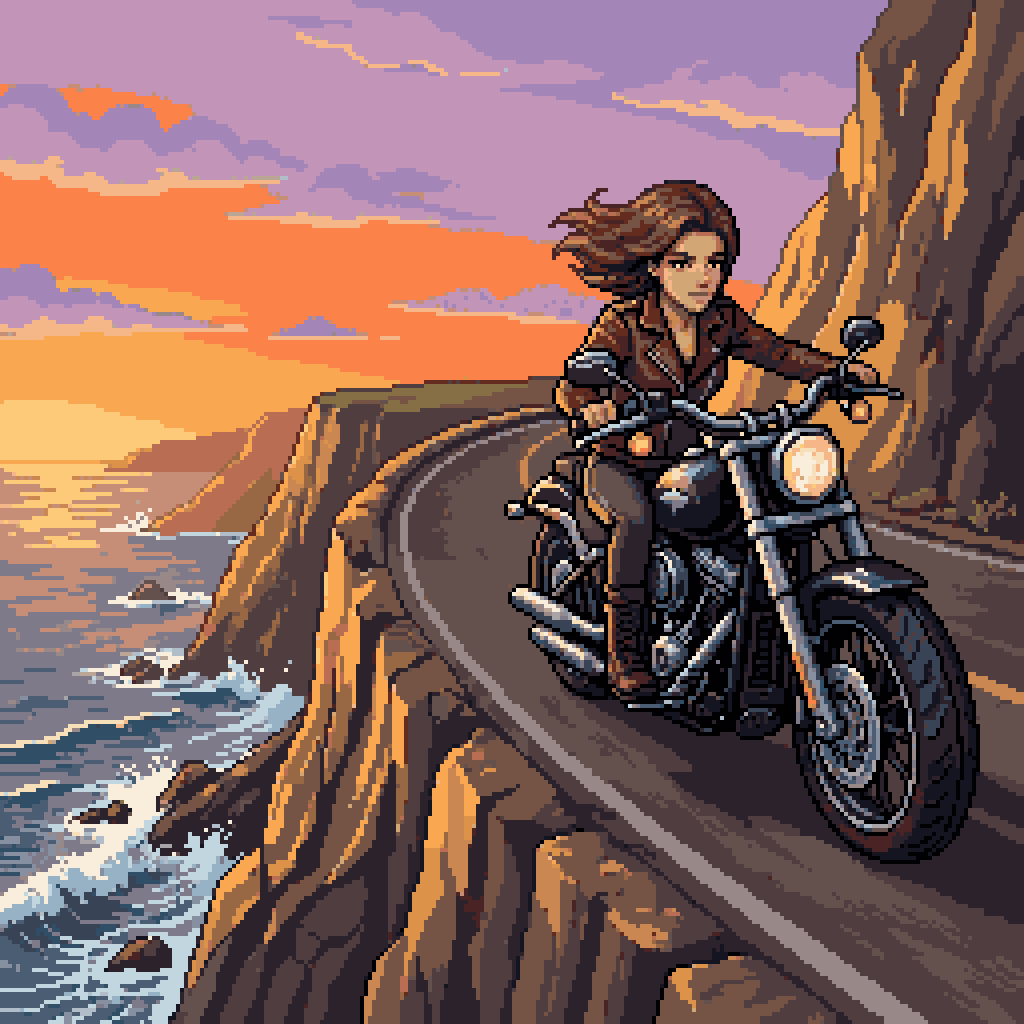
Woman Riding Motorcycle on Cliff Road
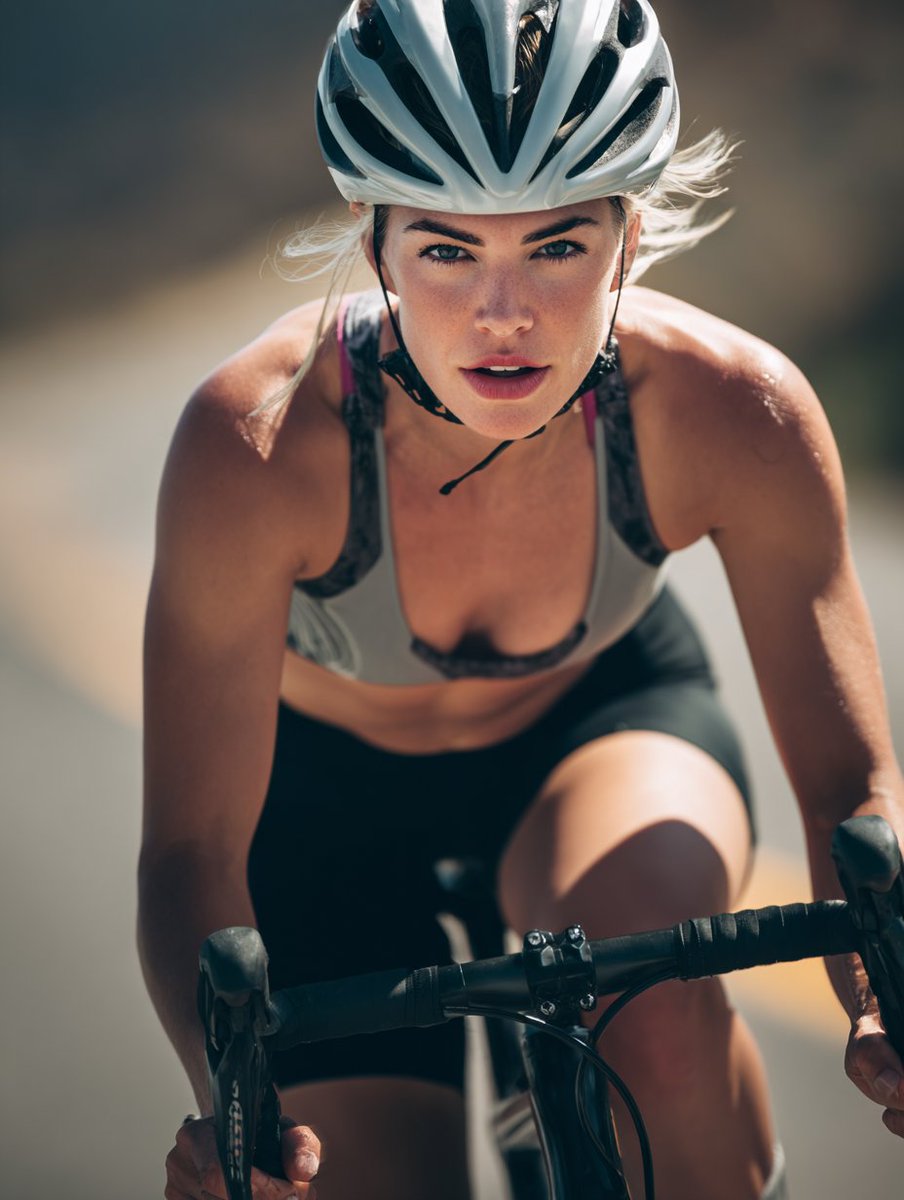
High-End Sports Photography: Competitive Road Cyclist
Cinematic Photograph of Man on Countryside Road

Found Photograph: Us, 1970

Cyberpunk Cliffside Megacity Wallpaper
Sci-Fi Misty Antenna Terrain
Misty Jiangnan Classical Portrait
Stormy Coastal Cliff Landscape
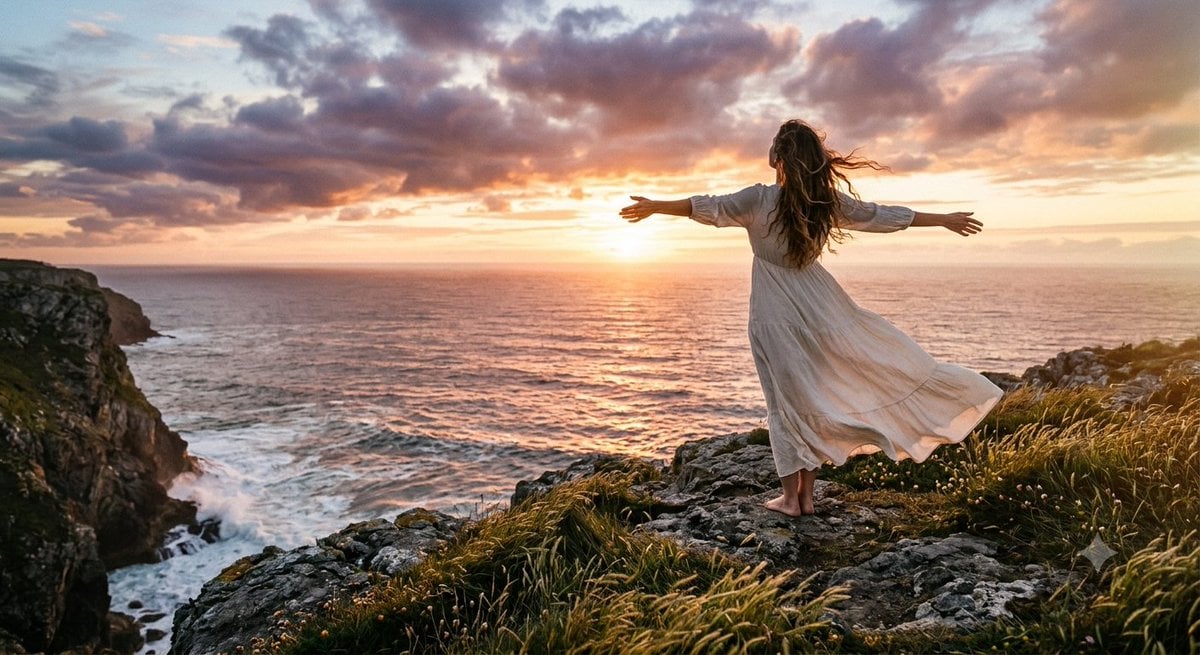
Cinematic Coastal Cliff Sunset Portrait
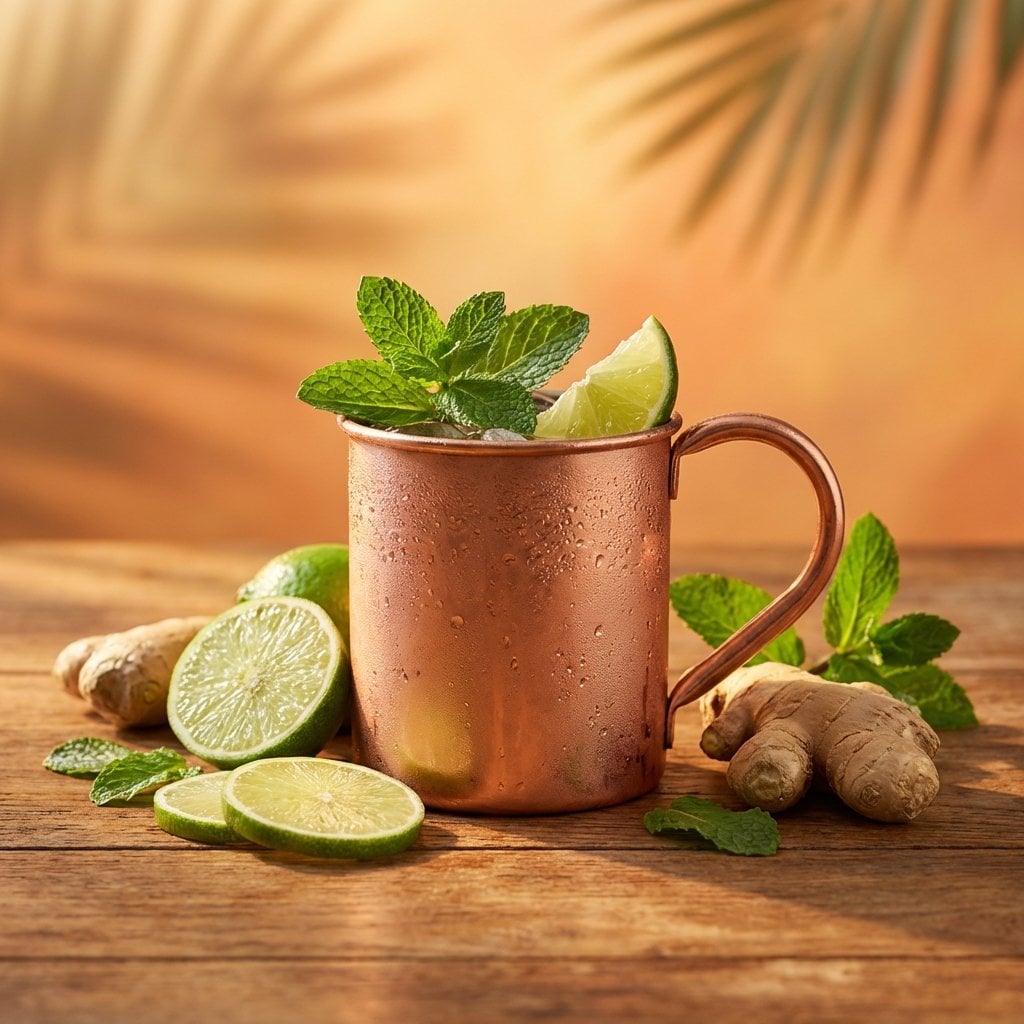
Cocktail Studio Photography Tropical

A hyper-realistic beauty product photograph of a pink jar placed
Make it yours
Misty Cliff Plank Road Photograph works as-is. These are the safest ways to change it without losing the look.
Change one field
Copy a single group, rewrite it, and generate again so you can see what that field is doing.
Keep the frame, change the subject
Hold the composition and light of Misty Cliff Plank Road Photograph, then swap wardrobe, props or the person for a new take.
| If the result… | Why | Fix |
|---|---|---|
| The result drifts from the preview | Too many fields changed at once. | Reuse Misty Cliff Plank Road Photograph as-is first, then change one group — subject, light, or setting. |
| The model over-stylizes the scene | The prose prompt leaves finish and camera underspecified. | Add one camera or lighting sentence and stay on GPT Image 2. |
More GPT Image 2 templates
Other prompts made for GPT Image 2.

Six VTuber Japanese Logo Sheet

Realistic Portrait of Woman and Deer

The Vista Modular Condo Poster

AI Model Routing Comparison Infographic

2.5D Anime Art Board

Isometric Productivity Desk Scene

New York Double Exposure Poster

Four-Panel AI Landscape Comparison

Japanese Tatami Lifestyle Magazine Cover

NESCAFÉ Coffee Map Poster
More image prompts
Fresh picks from across the catalog.
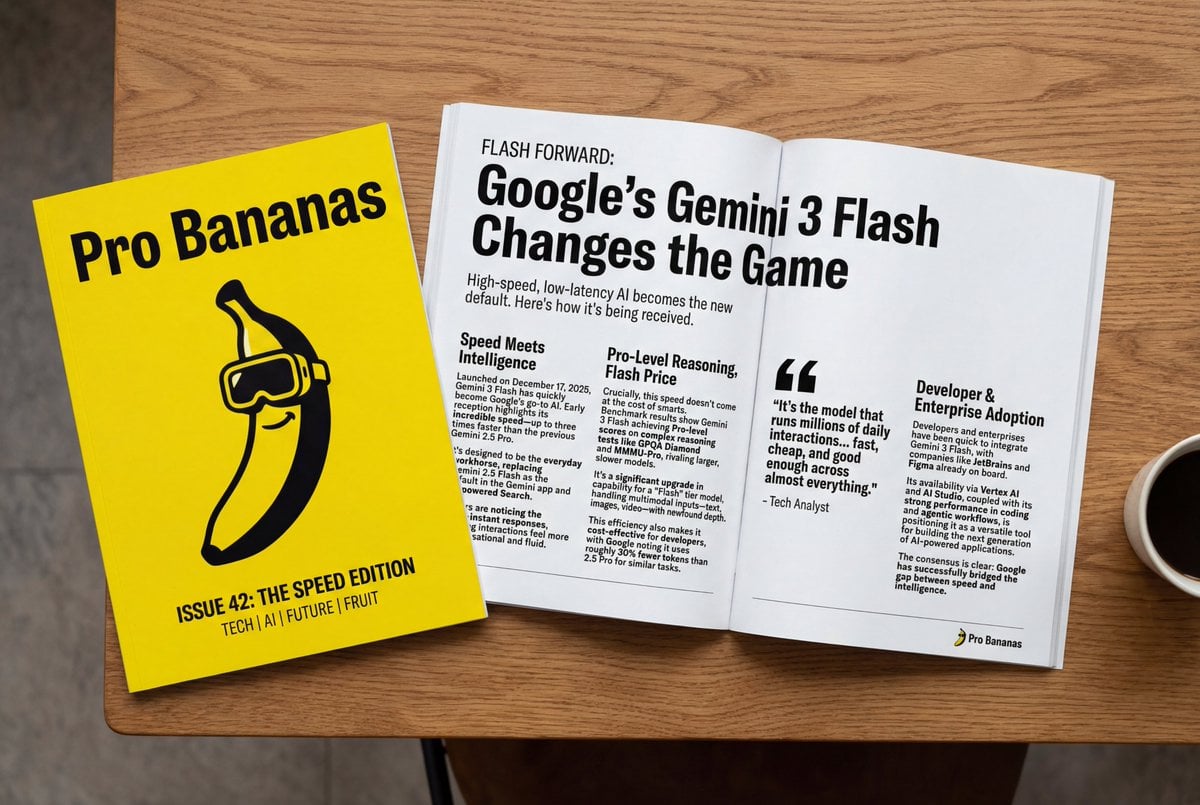
Generate Magazine Article and Cover (LLM/Image)
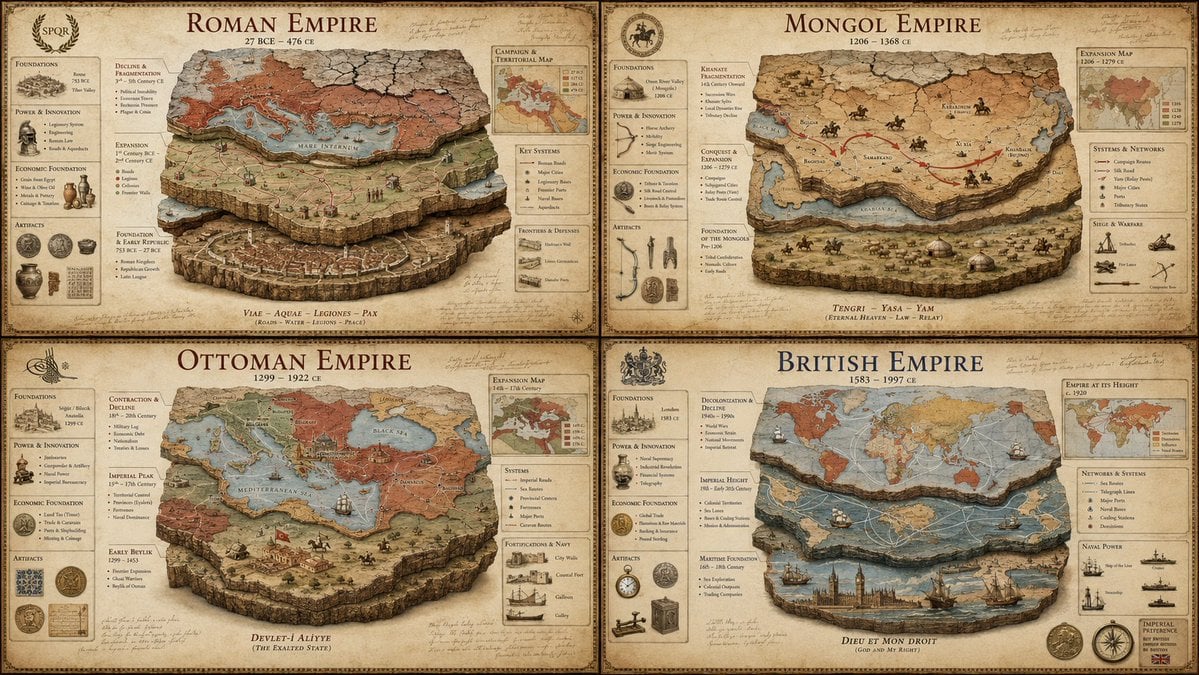
Luxury Empire Stratigraphy Poster

Cinematic Athlete Journey Portrait
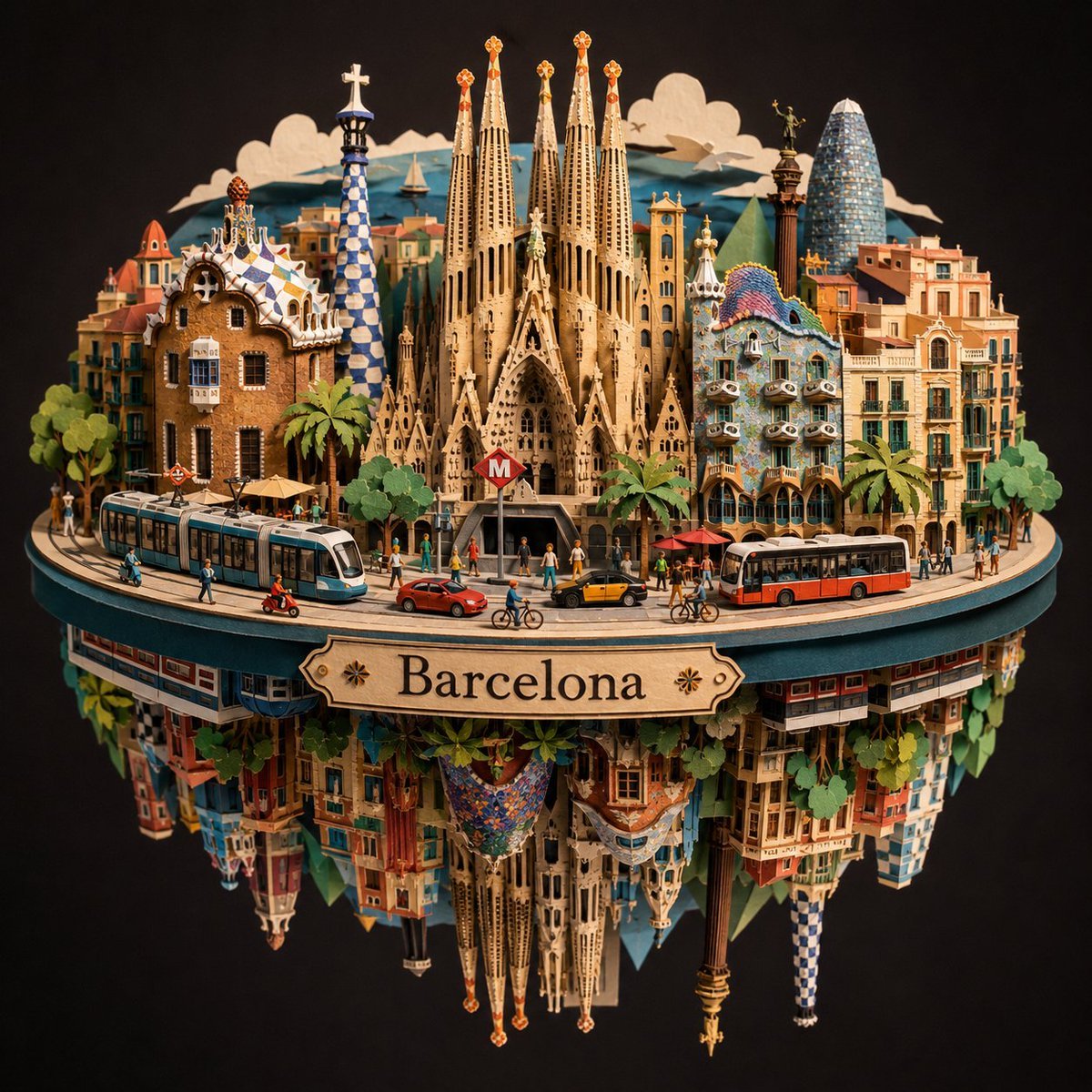
Barcelona Spherical Paper City Diorama

Dark Chat UI Anime Conversion Screenshot
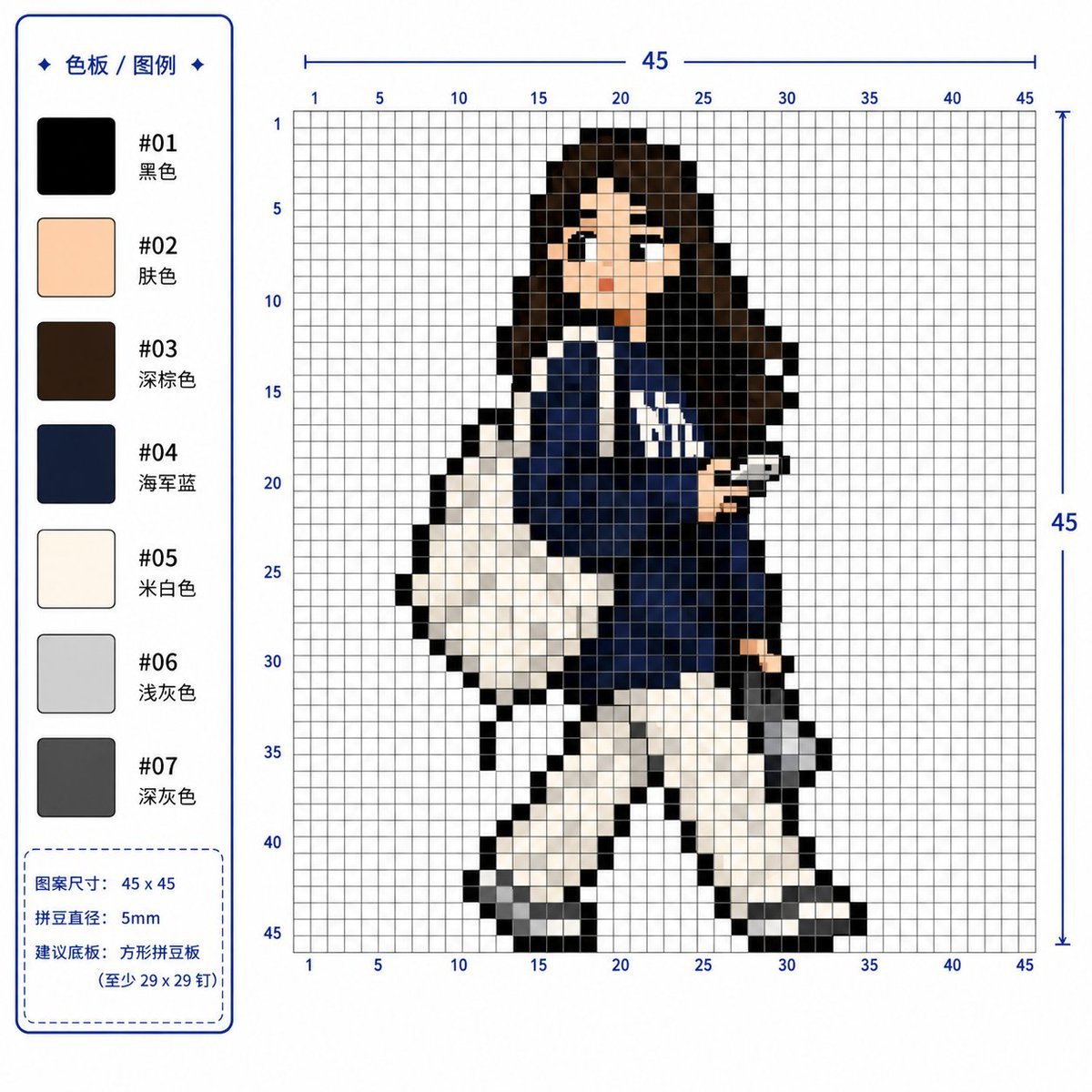
Professional 2D Perler Bead Pattern Design
Photorealistic Gym Mirror Selfie Prompt (Curvy Physique)

3D Animated Boy Portrait

untitled

Vintage Pomegranate Growth Atlas
Browse template categories
Misty Cliff Plank Road Photograph questions
How do I use the Misty Cliff Plank Road Photograph template?
Add your photo if the template asks for one, edit the prompt if you like — the template's model and format are already selected — and press Generate. Your version opens in PicX Studio.
Can I customize the Misty Cliff Plank Road Photograph template?
Yes. You can change the subject, setting, lighting, mood, format, and available model controls before creating your image.
Is the Misty Cliff Plank Road Photograph template free?
Opening and editing this template is free. Generating uses credits, shown on the Generate button when you are signed in.
Which AI model should I use?
Start with GPT Image 2, which is the model associated with this template. You can compare another compatible model for a different finish.
Looking for something else? Browse all templates.

Your photo, any look
Thousands of ready templates for every top image and video model, from one credit balance.