
Cyberpunk Cliffside Megacity Wallpaper
Transforms a cliffside fantasy city reference into a cinematic futuristic East Asian cyberpunk megacity wallpaper at sunset.
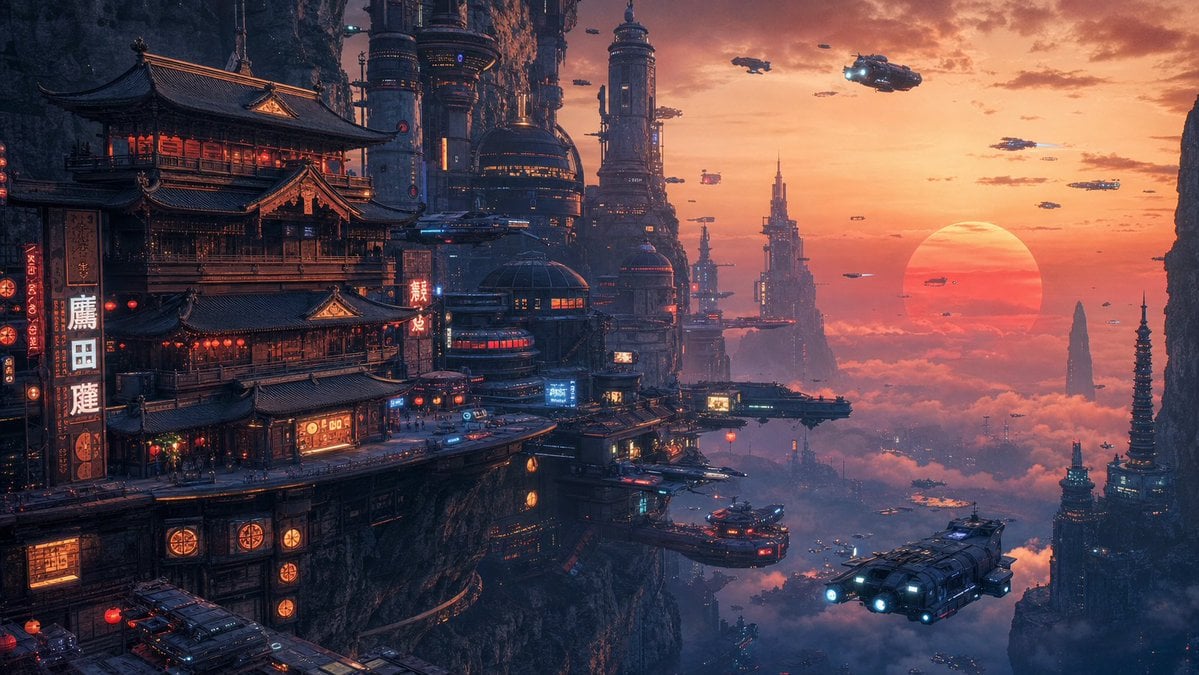
- Prompt included
- Model and format preset
- Free template
The prompt behind this image
Copy the exact prompt behind Cyberpunk Cliffside Megacity Wallpaper, or open it in the studio and make it yours.
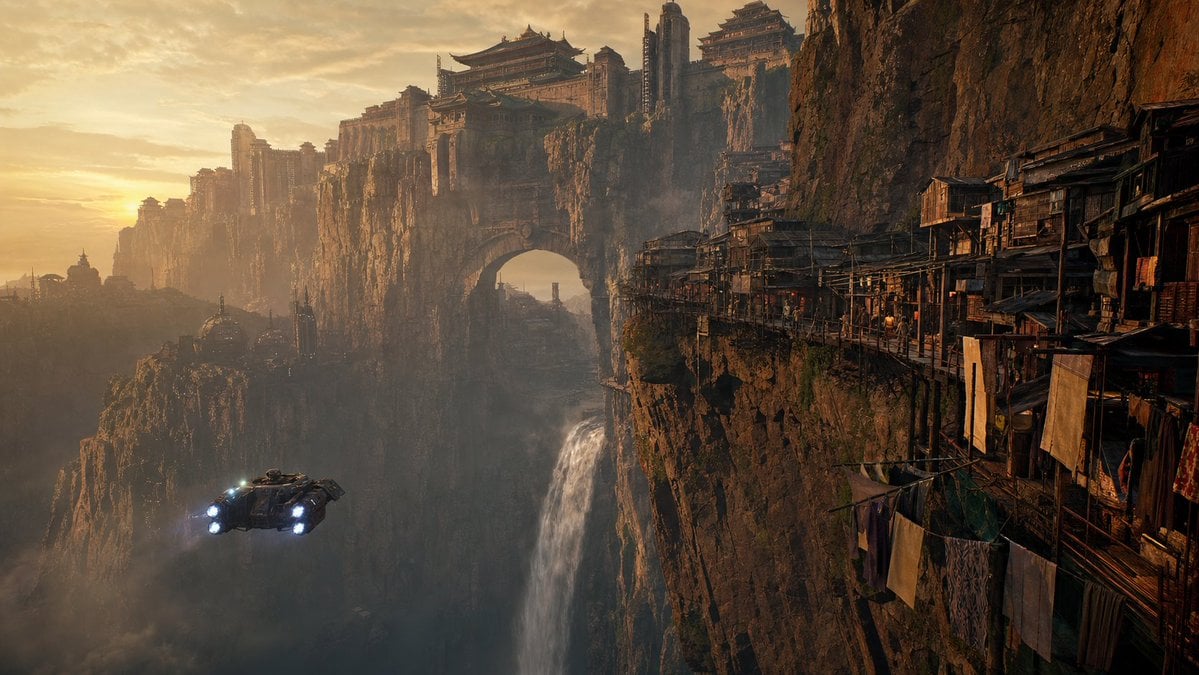
Using the provided reference image as the base composition, transform the cliffside fantasy city into a {argument name="city style" default="futuristic East Asian cyberpunk megacity"} while keeping the dramatic vertical cliff setting, high-altitude scale, and wide 16:9 desktop-wallpaper framing. Replace the rustic cliff dwellings and ancient fortress feel with dense neon-lit pagoda architecture fused with towering sci-fi skyscrapers, cylindrical megastructures, antennas, platforms, glowing windows, holographic signs, and layered sky docks built into the rock face. Change the atmosphere to {argument name="time of day" default="orange-red sunset above clouds"}: a huge low sun on the right horizon, warm peach sky, purple-blue shadows, misty clouds below the city, and cinematic volumetric haze. Make the scene feel more futuristic and populated, with red lanterns, vertical illuminated signs, small lit storefronts, and cyberpunk blue/red accent lights. Add exactly 12 prominent flying vehicles to the sky and city airspace: 1 large foreground transport with two bright blue engines at lower right, 1 partially visible vehicle at lower left, 1 large patrol craft near the upper right, 1 small craft above the central towers, 1 small craft near the upper center-left, 1 pink-lit craft near the center sky, 1 elongated craft near the central building platforms, 1 tiny silhouette crossing the sun, and 4 additional small distant aircraft scattered across the right-side sunset sky. Keep the vehicles consistent with a rugged futuristic sci-fi design. Preserve the grand sense of altitude and cliff-edge architecture from the reference, but remove the waterfall and replace the medieval/fantasy tone with a polished {argument name="visual style" default="ultra-detailed cinematic 4K sci-fi concept art"}. No text overlays, no watermark, no border.
Reference images included
Cyberpunk Cliffside Megacity Wallpaper needs input media to work. They load alongside the prompt when you open it in the studio.
How to use Cyberpunk Cliffside Megacity Wallpaper in 3 steps
- 1Upload ImagePNG, JPG or paste
Add your photo
Upload the photo the template builds on. The prompt, model and format are already set.
- 2…a portrait of your subject in softgolden-hour light, 85mm…
Personalize
Edit the subject and creative details for your destination.
- 3Generate
Generate
Press Generate — your image is created in PicX Studio, so you can compare it with the original and refine one variable at a time.
More like this
Templates with the same subject, style or setup. Open one to see its prompt.
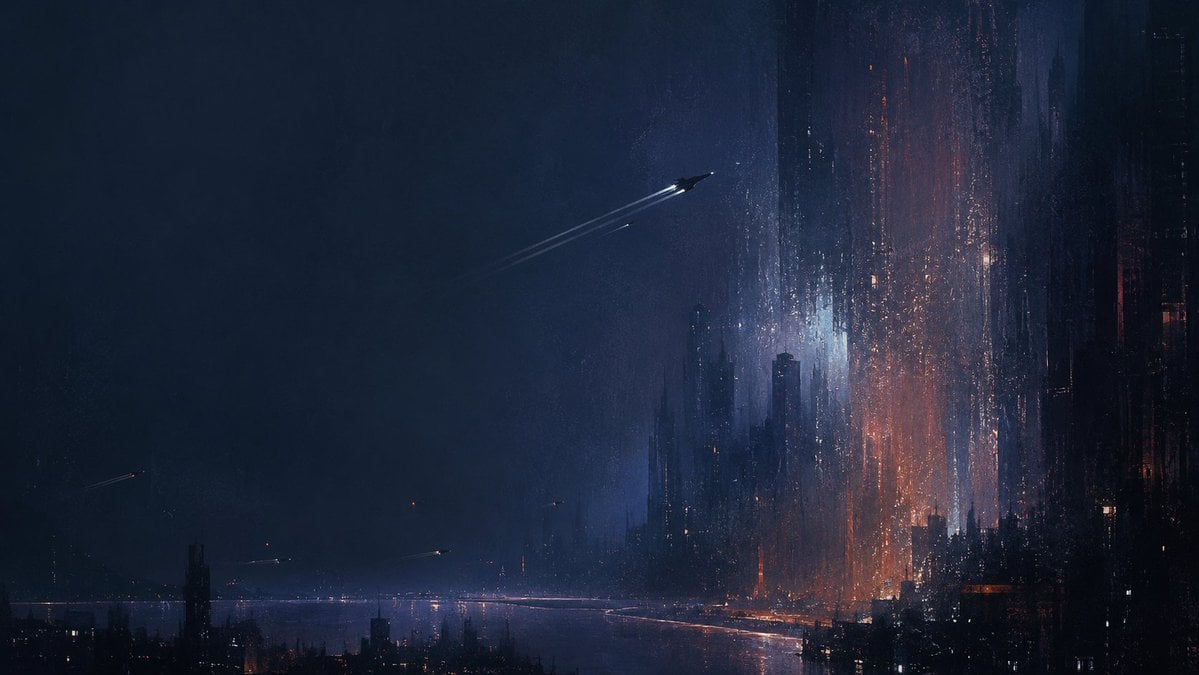
Deep Blue Sci-Fi Megacity Wallpaper
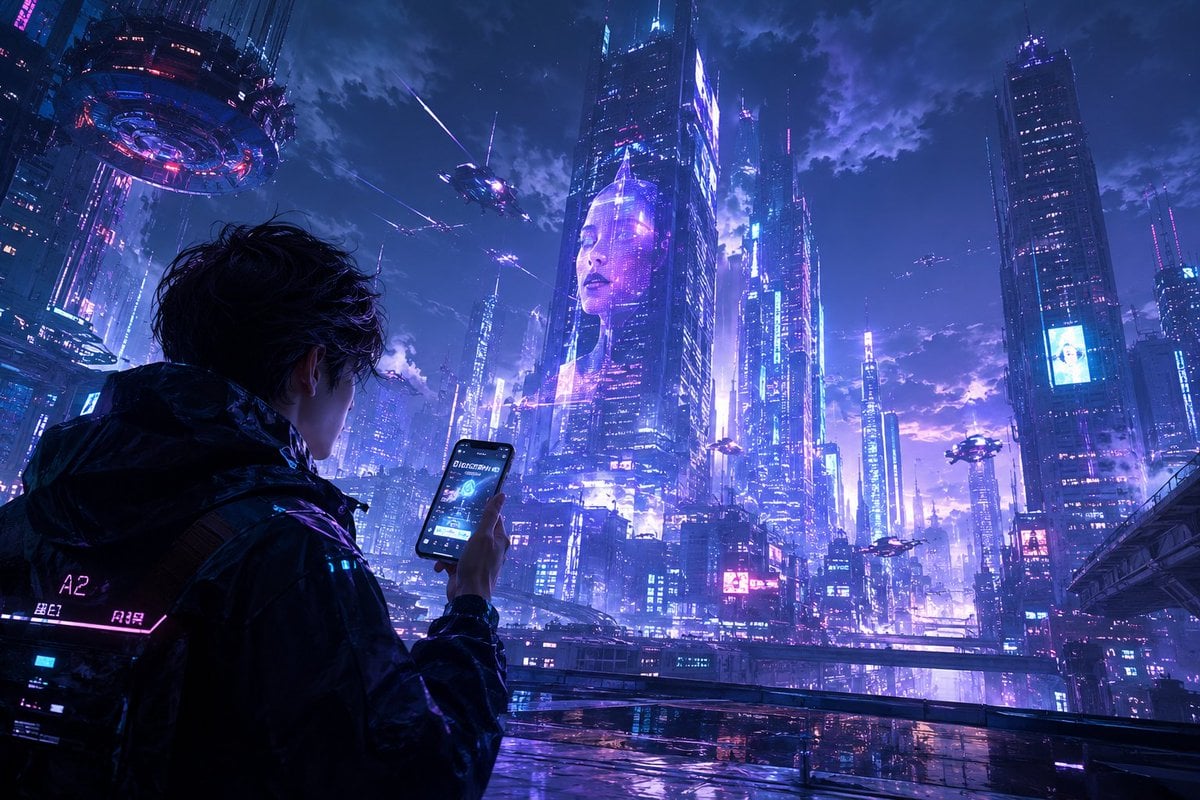
Cyberpunk Megacity Hacker Scene
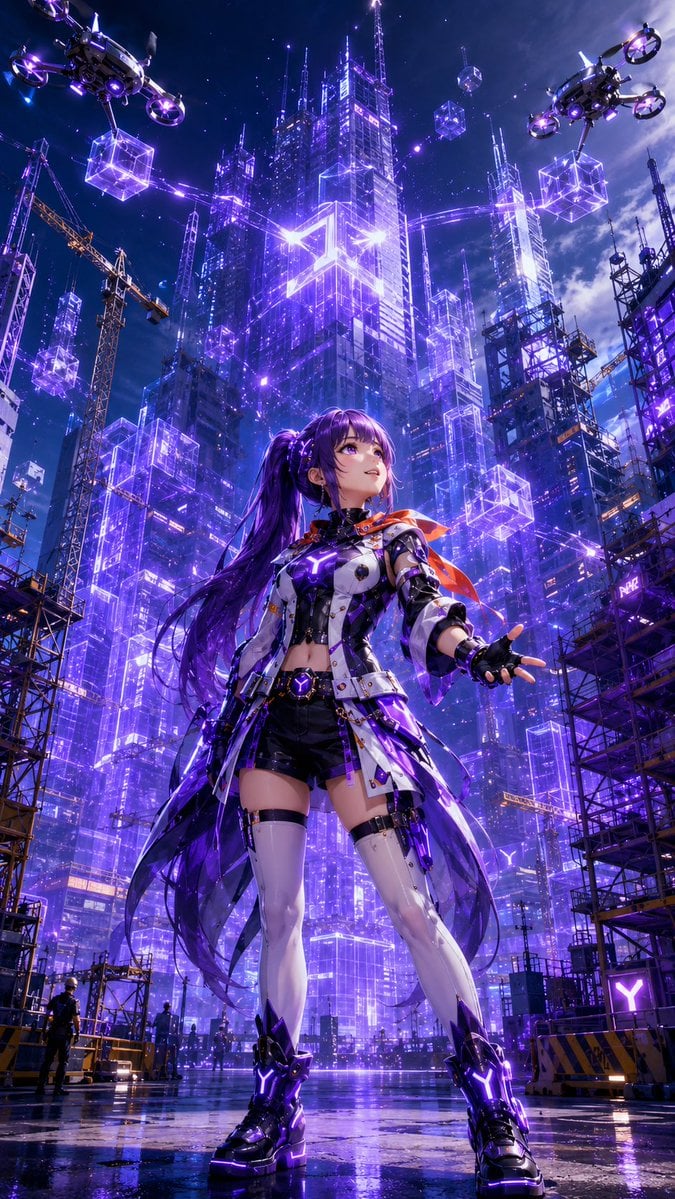
Cyberpunk Anime Heroine Megacity
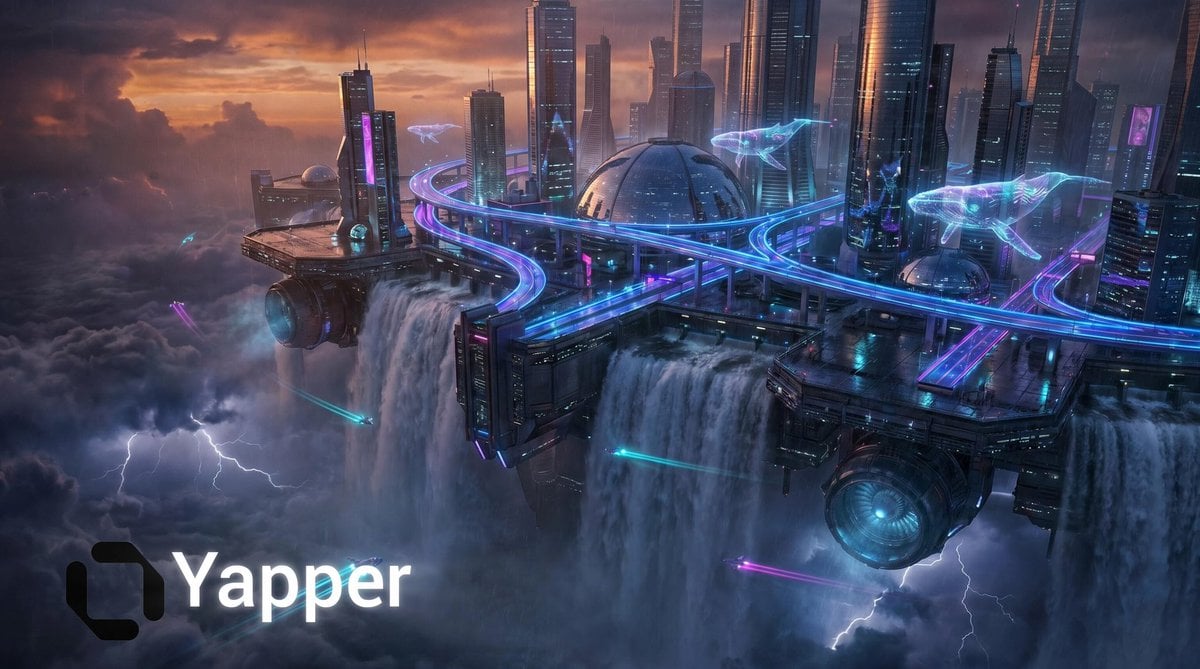
Cyberpunk Floating Megacity

Rainy Night Android Cyberpunk Portrait

Korean Idol Partial Shadow Editorial Portrait

Cinematic Sci-Fi Interface Side Profile

Cyberpunk Neon Profile Fashion Portrait

Cinematic Neon Light Strip Studio Portrait

Futuristic Studio Neon Ring Minimalist Portrait

Neon Violet Streetwear Fashion Portrait

Neon Night Crosswalk Candid Portrait
Make it yours
Cyberpunk Cliffside Megacity Wallpaper works as-is. These are the safest ways to change it without losing the look.
Change one field
Copy a single group, rewrite it, and generate again so you can see what that field is doing.
Keep the frame, change the subject
Hold the composition and light of Cyberpunk Cliffside Megacity Wallpaper, then swap wardrobe, props or the person for a new take.
| If the result… | Why | Fix |
|---|---|---|
| The result drifts from the preview | Too many fields changed at once. | Reuse Cyberpunk Cliffside Megacity Wallpaper as-is first, then change one group — subject, light, or setting. |
| The model over-stylizes the scene | The prose prompt leaves finish and camera underspecified. | Add one camera or lighting sentence and stay on GPT Image 2. |
More GPT Image 2 templates
Other prompts made for GPT Image 2.

Six VTuber Japanese Logo Sheet

Realistic Portrait of Woman and Deer

The Vista Modular Condo Poster

AI Model Routing Comparison Infographic

2.5D Anime Art Board

Isometric Productivity Desk Scene

New York Double Exposure Poster

Four-Panel AI Landscape Comparison

Japanese Tatami Lifestyle Magazine Cover

NESCAFÉ Coffee Map Poster
More image prompts
Fresh picks from across the catalog.

9/11 Twin Towers Street Photo

Juventus Kit Soccer Field Portrait with Harsh Sunlight

Japanese Train Comic Ad

Dramatic Portrait with Strong Directional Light
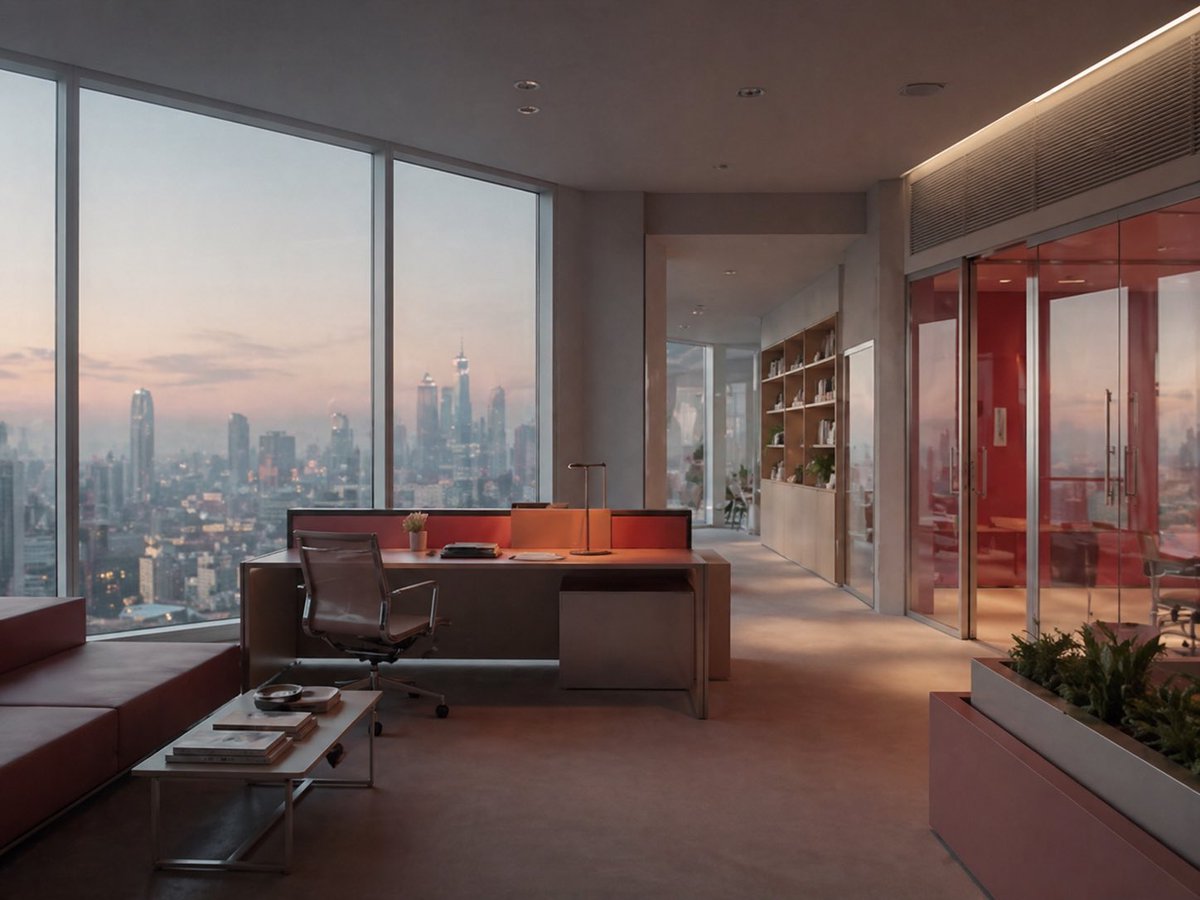
Luxury Office at Dusk Skyline View

Photoreal Valentine Idol Portrait

Hyper-Realistic Mountain Dew Can Explosion Product Shot

Emoji-Based Creative Image Generation
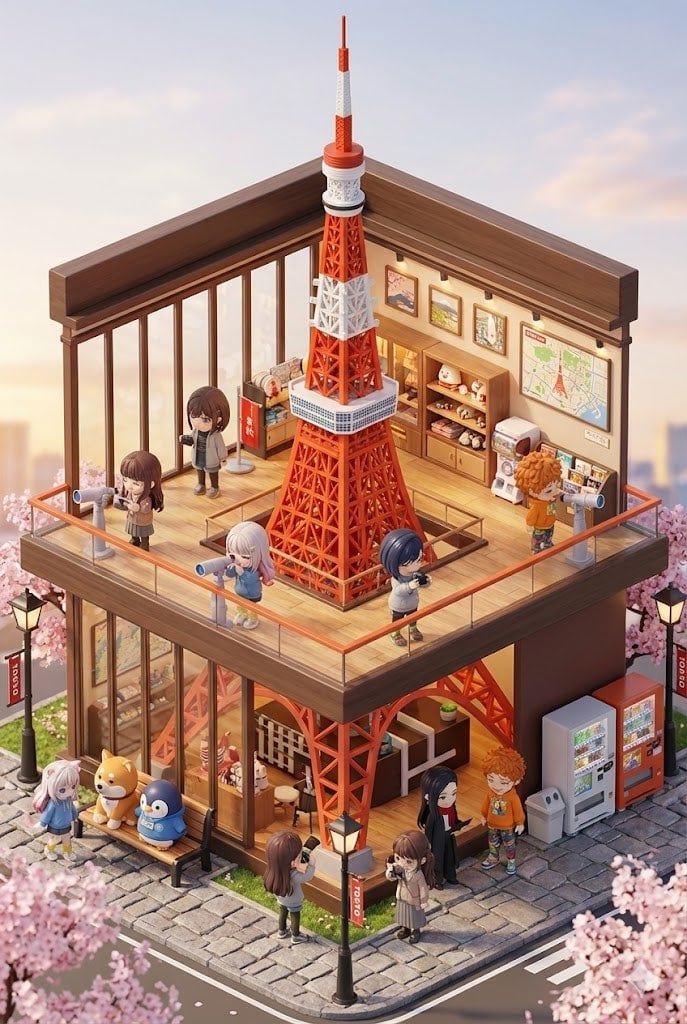
3D chibi miniature travel spot concept prompt

Instagram Milestone Influencer Poster
Browse template categories
Cyberpunk Cliffside Megacity Wallpaper questions
How do I use the Cyberpunk Cliffside Megacity Wallpaper template?
Add your photo if the template asks for one, edit the prompt if you like — the template's model and format are already selected — and press Generate. Your version opens in PicX Studio.
Can I customize the Cyberpunk Cliffside Megacity Wallpaper template?
Yes. You can change the subject, setting, lighting, mood, format, and available model controls before creating your image.
Is the Cyberpunk Cliffside Megacity Wallpaper template free?
Opening and editing this template is free. Generating uses credits, shown on the Generate button when you are signed in.
Which AI model should I use?
Start with GPT Image 2, which is the model associated with this template. You can compare another compatible model for a different finish.
Looking for something else? Browse all templates.

Your photo, any look
Thousands of ready templates for every top image and video model, from one credit balance.