
9/11 Twin Towers Street Photo
This prompt generates a realistic documentary-style image of the World Trade Center attack as seen by onlookers from a Manhattan street, suitable for historical or editorial visualizations.
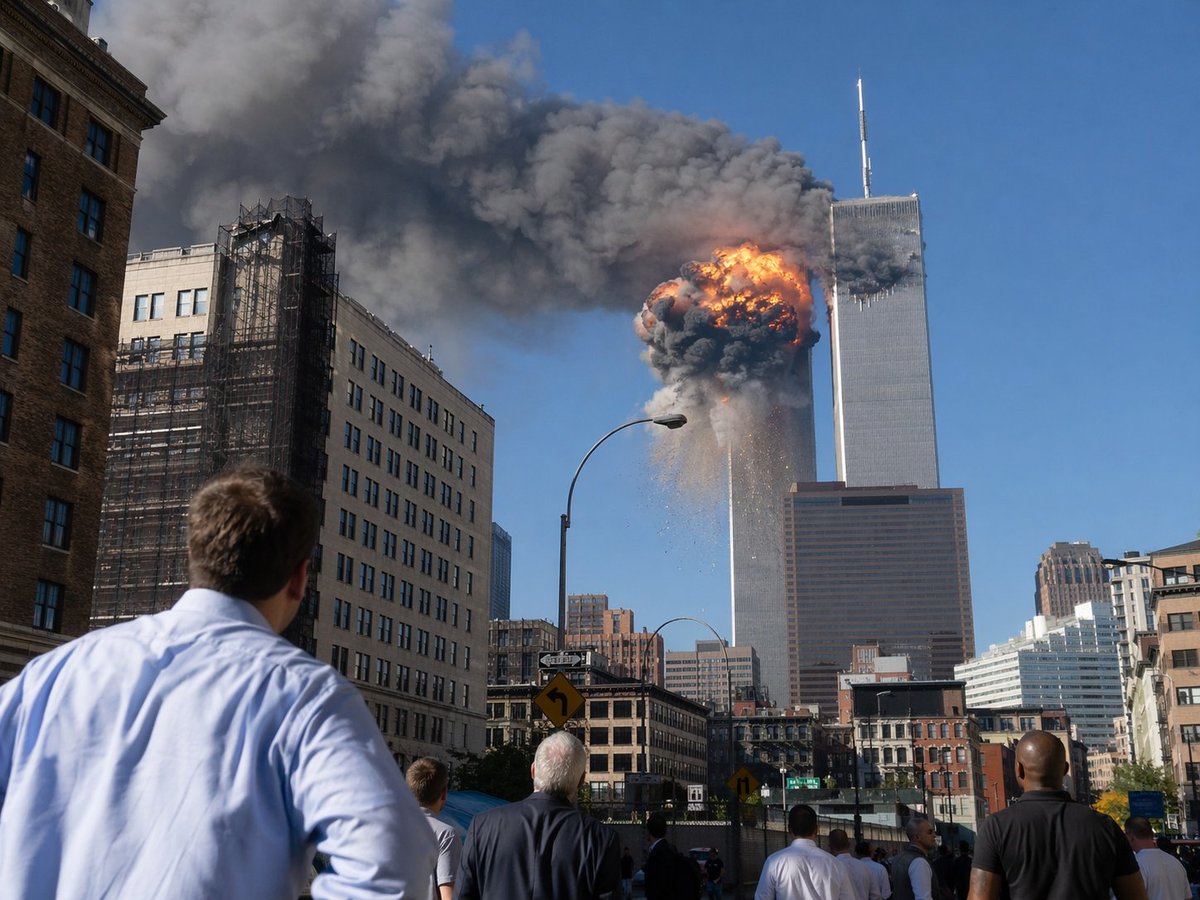
- Prompt included
- Model and format preset
- Free template
The prompt behind this image
Copy the exact prompt behind 9/11 Twin Towers Street Photo, or open it in the studio and make it yours.
A dramatic photojournalistic street-level scene in lower Manhattan showing the World Trade Center during the September 11 attacks, viewed from several blocks away on a bright clear blue morning. The composition centers on the Twin Towers, with the left tower engulfed near the upper floors by a massive orange-and-black fireball, thick dark gray smoke billowing horizontally across the sky, and debris falling downward. The right tower stands adjacent with its antenna visible, partially obscured by smoke. In the foreground, exactly 6 visible bystanders stand in the street and on the sidewalk with their backs to the camera, watching in shock; the closest is a man in a light blue dress shirt at lower left. Surrounding the avenue are mid-rise city buildings, including a beige building with black construction scaffolding on the left, older brick and stone facades at street level, a tall curved streetlamp near center, traffic signs, and a dense urban canyon leading the eye toward the towers. Realistic documentary photography, high detail, natural daylight, long-lens compression, urgent historical-news atmosphere, sharp focus, no text, no watermark.
How to use 9/11 Twin Towers Street Photo in 3 steps
- 1Upload ImagePNG, JPG or paste
Add your photo
Upload the photo the template builds on. The prompt, model and format are already set.
- 2…a portrait of your subject in softgolden-hour light, 85mm…
Personalize
Edit the subject and creative details for your destination.
- 3Generate
Generate
Press Generate — your image is created in PicX Studio, so you can compare it with the original and refine one variable at a time.
More like this
Templates with the same subject, style or setup. Open one to see its prompt.

Two Tickets, One Night

Meet Me When It Rains

Two Hearts. One Scooter.

1986 Street Couple

1985 Street Scene

Cinematic Street Fashion Portrait Motion Blur Crowd

Blue Hour Editorial Fashion Portrait
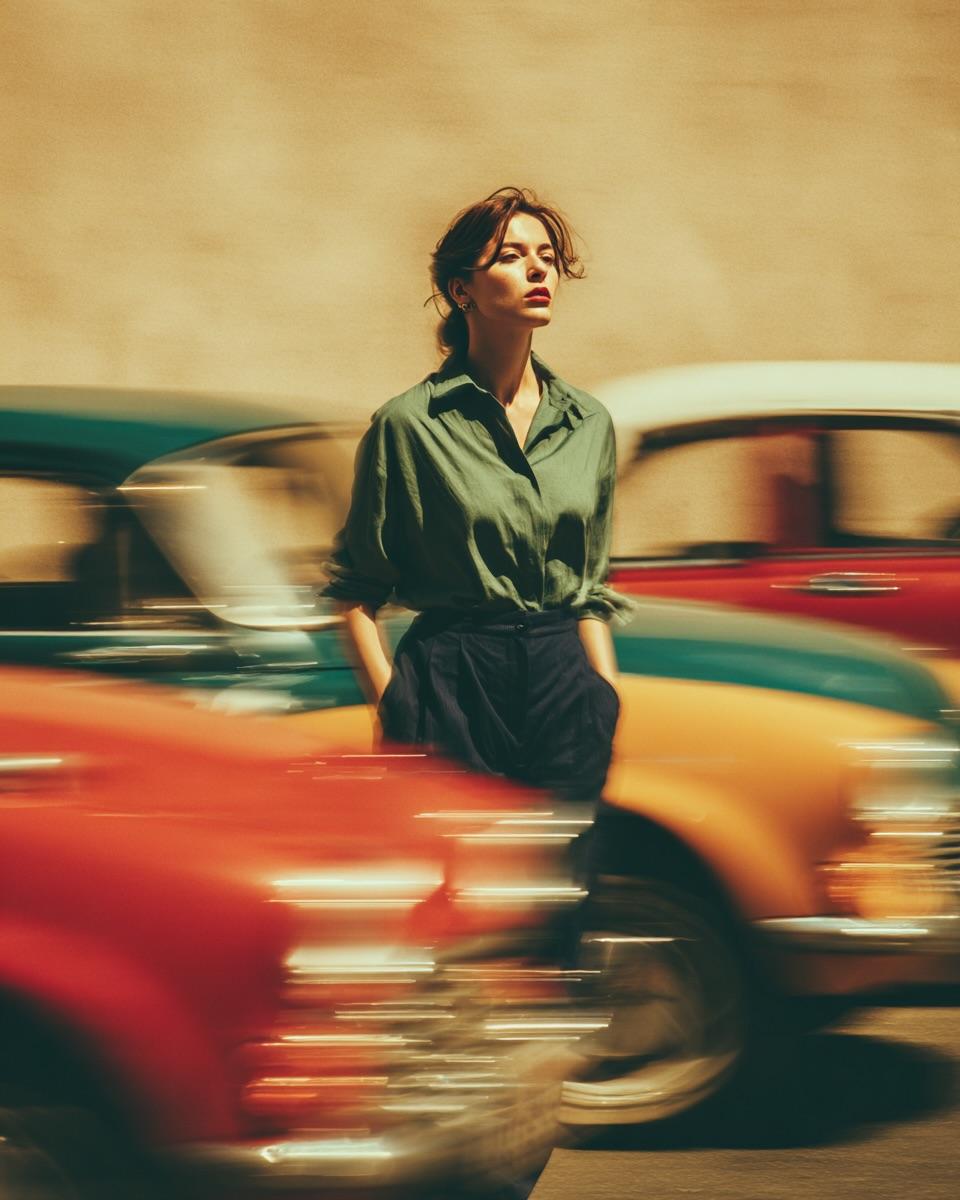
Golden Hour Street Motion Portrait

Face-Locked Cream Half-Zip Street Walk

Golden Hour Fedora Bar Doorway Street Style
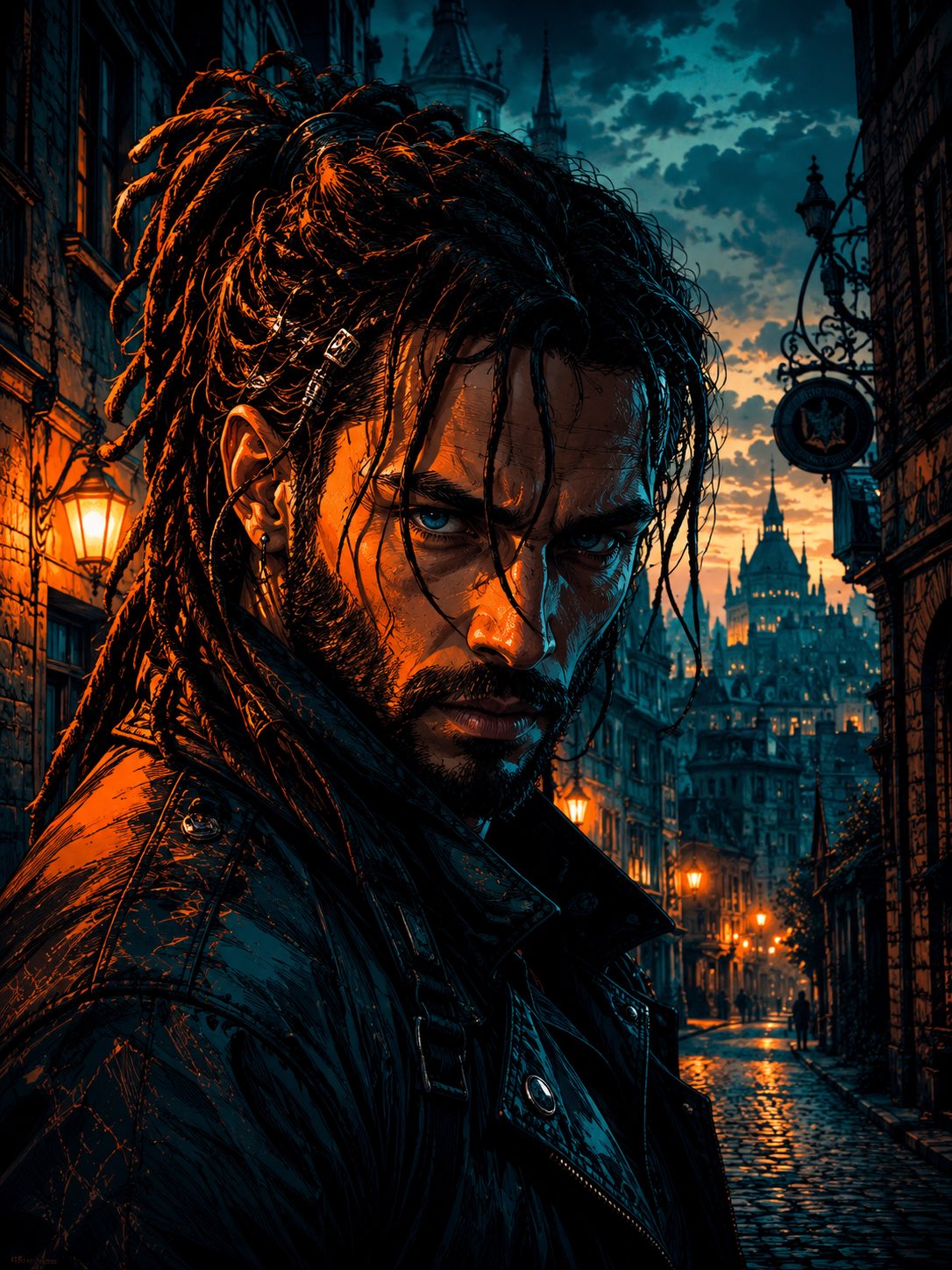
Cyber Noir Dreadlocks Street Portrait

Face-Locked City Skyline Double Exposure
Make it yours
9/11 Twin Towers Street Photo works as-is. These are the safest ways to change it without losing the look.
Change one field
Copy a single group, rewrite it, and generate again so you can see what that field is doing.
Keep the frame, change the subject
Hold the composition and light of 9/11 Twin Towers Street Photo, then swap wardrobe, props or the person for a new take.
| If the result… | Why | Fix |
|---|---|---|
| The result drifts from the preview | Too many fields changed at once. | Reuse 9/11 Twin Towers Street Photo as-is first, then change one group — subject, light, or setting. |
| The model over-stylizes the scene | The prose prompt leaves finish and camera underspecified. | Add one camera or lighting sentence and stay on GPT Image 2. |
More GPT Image 2 templates
Other prompts made for GPT Image 2.

Six VTuber Japanese Logo Sheet

Realistic Portrait of Woman and Deer

The Vista Modular Condo Poster

AI Model Routing Comparison Infographic

2.5D Anime Art Board

Isometric Productivity Desk Scene

New York Double Exposure Poster

Four-Panel AI Landscape Comparison

Japanese Tatami Lifestyle Magazine Cover

NESCAFÉ Coffee Map Poster
More image prompts
Fresh picks from across the catalog.
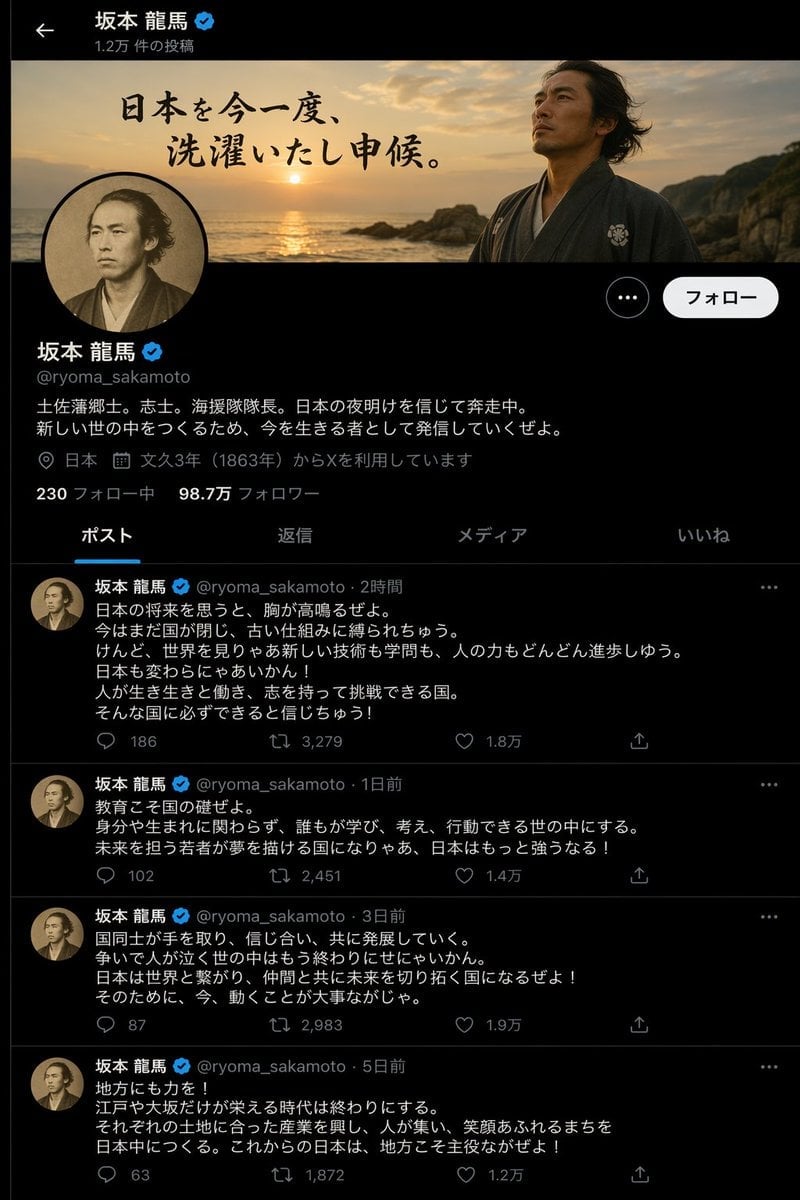
Historical Figure X Post Design
Intimate Bohemian Portrait Prompt (Jenna Ortega & Emma Myers)
Cinematic Tracking Shot Video Prompt
Cheerful minimal edit to existing art
Industrial Packaging Design Sheet
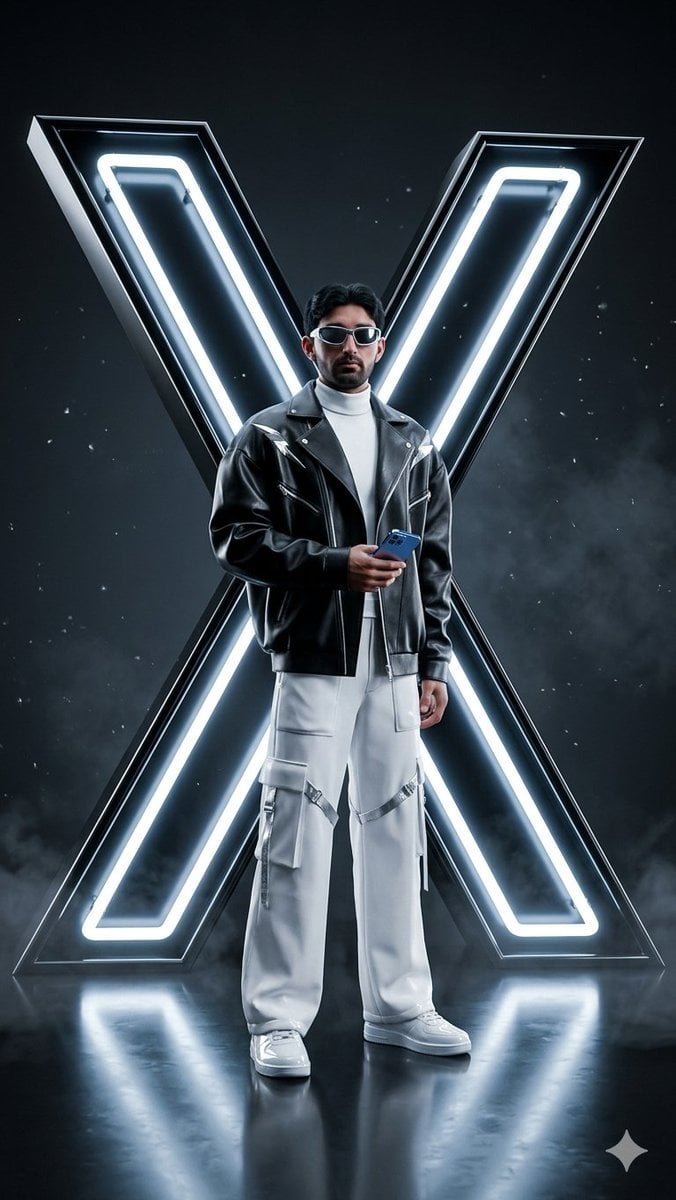
Cyberpunk Neon Logo Fashion Photography

Cubist Chinese Membership Promo Poster
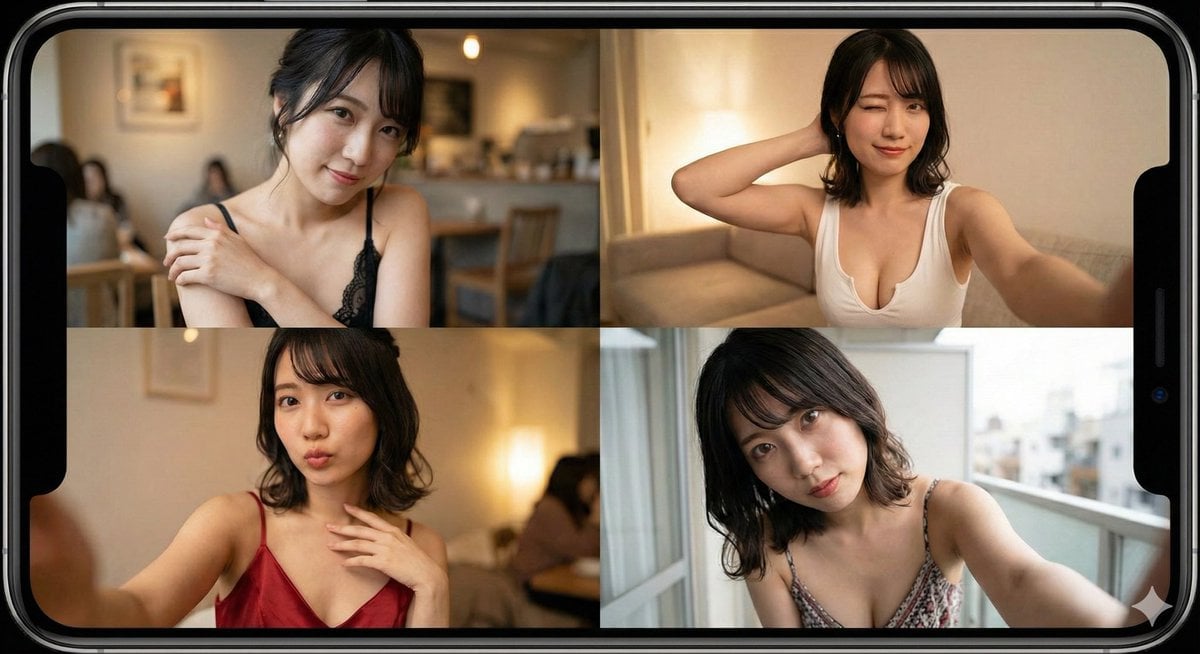
Prompt for Generating Image Variations from a Base Image
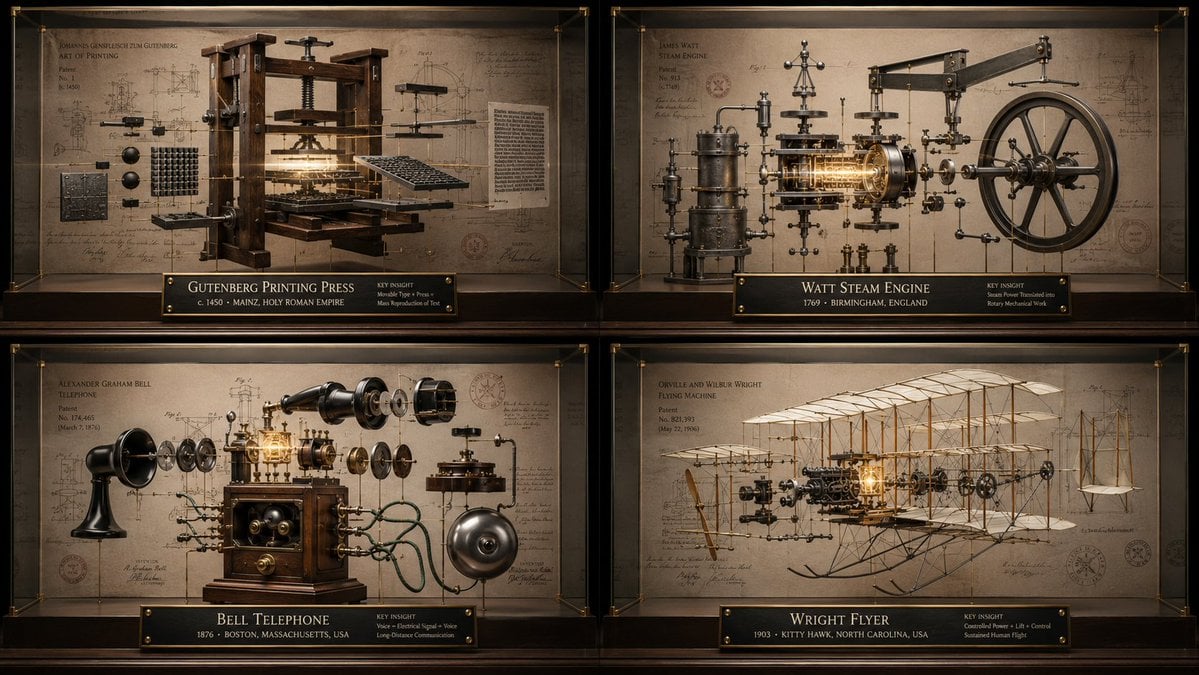
Innovation Reliquary Exploded Diagram
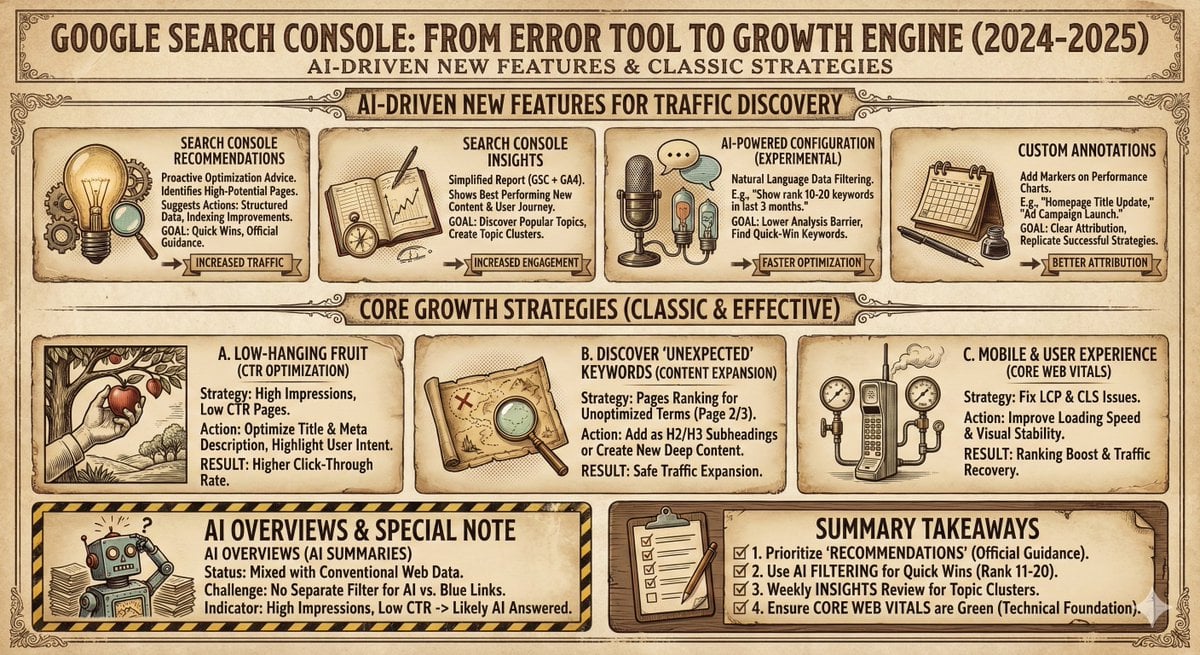
Infographic and Cover Design Style Templates
Browse template categories
9/11 Twin Towers Street Photo questions
How do I use the 9/11 Twin Towers Street Photo template?
Add your photo if the template asks for one, edit the prompt if you like — the template's model and format are already selected — and press Generate. Your version opens in PicX Studio.
Can I customize the 9/11 Twin Towers Street Photo template?
Yes. You can change the subject, setting, lighting, mood, format, and available model controls before creating your image.
Is the 9/11 Twin Towers Street Photo template free?
Opening and editing this template is free. Generating uses credits, shown on the Generate button when you are signed in.
Which AI model should I use?
Start with GPT Image 2, which is the model associated with this template. You can compare another compatible model for a different finish.
Looking for something else? Browse all templates.

Your photo, any look
Thousands of ready templates for every top image and video model, from one credit balance.