
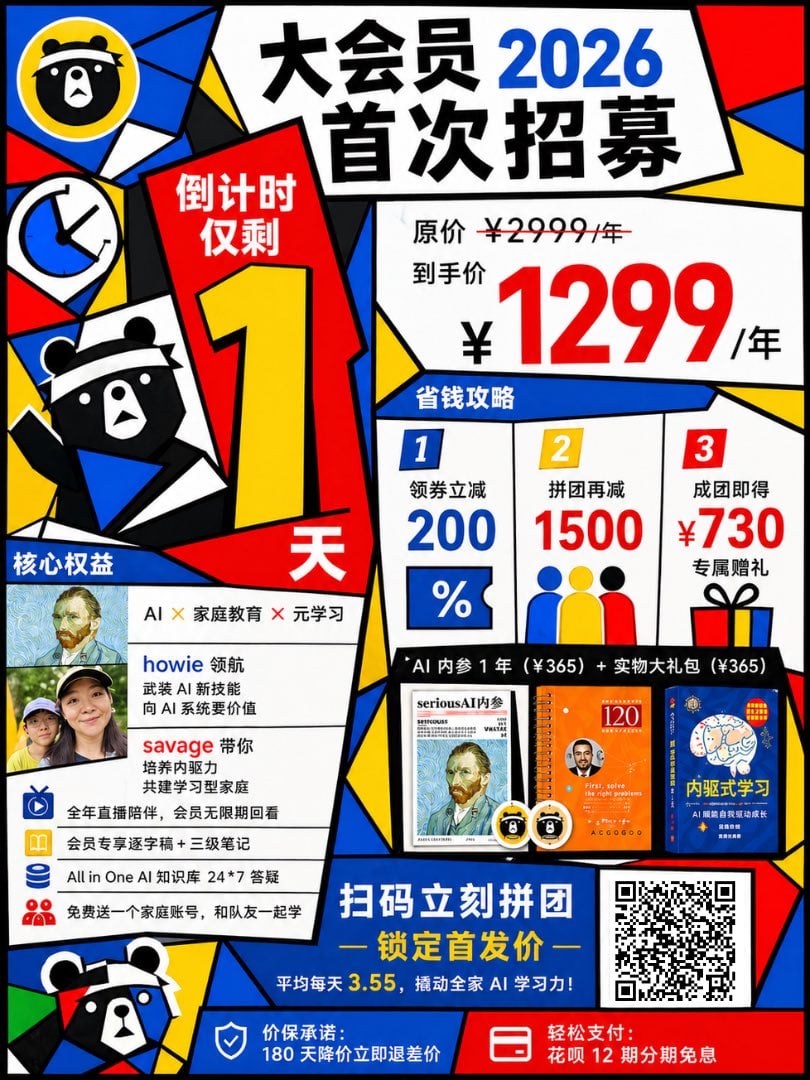
Cubist Chinese Membership Promo Poster
This prompt generates a colorful geometric Chinese marketing poster for a membership launch, useful for social media promotions, campaign ads, and sales announcement graphics.
- Prompt included
- Model and format preset
- Free template
The prompt behind this image
Copy the exact prompt behind Cubist Chinese Membership Promo Poster, or open it in the studio and make it yours.
Create a bold Chinese promotional poster in a chaotic Mondrian-meets-Fauvism-meets-Cubism graphic style, with thick black outlines, irregular geometric color blocks, and a high-contrast palette of red, blue, yellow, white, and black. The layout is a dense single-page vertical membership campaign poster with multiple tilted panels and sharp angular divisions, like cut-paper collage and retro commercial poster design. At the top center, place a huge white trapezoid panel with oversized black Chinese headline text: "大会员" on the first line and "首次招募" on the second line, with the year {argument name="year" default="2026"} in large bright blue numerals integrated into the headline. Along the left side, include 4 decorative icon/mascot elements: 1 circular bear-face logo in a yellow circle at the upper left, 1 blue-and-white clock icon below it, 1 half-body black-and-white bear mascot in the mid-left wearing a blue scarf and raising one arm, and 1 cropped bear mascot face at the bottom left. In the left-center, add a tall red countdown panel with white Chinese text "倒计时仅剩" at the top, an enormous yellow numeral "1" in the middle, and a large white "天" at the bottom. On the upper right, place a large white pricing panel showing the original price line "原价 ¥2999/年" with a strikethrough over 2999, then the discounted line "到手价" above a giant red price "¥1299/年". Beneath that, create a blue header strip labeled "省钱攻略" and divide the area into 3 vertical offer columns labeled 1, 2, and 3. Column 1 shows "领券立减" and a large blue "200" with a percent-style coupon icon below. Column 2 shows "拼团再减" and a large red "1500" with three simplified person icons in blue, yellow, and red below. Column 3 shows "成团即得" and a large red "¥730" with smaller black text "专属赠礼" and a gift box icon below. In the lower left, add a white benefits panel with a blue tab title "核心权益". Inside, place 2 small rectangular portrait thumbnails at the upper left, then to the right list 3 text rows: "AI × 家庭教育 × 元学习", a blue-highlighted name "howie" followed by black Chinese descriptive text, and a red-highlighted name "savage" followed by black Chinese descriptive text. Under these, include 4 bullet-like benefit rows with small blue icons: "全年直播陪伴,会员无限期回看", "会员专享逐字稿 + 三级笔记", "All in One AI 知识库 24*7 答疑", and "免费送一个家庭账号,和队友一起学". Across the lower middle, create a black horizontal strip with white text: "AI 内参 1 年(¥365) + 实物大礼包(¥365)". Below that strip, show 3 product images side by side: 1 magazine-style booklet cover, 1 orange notebook/book cover, and 1 blue book cover, plus 2 small round mascot badges near the products. At the bottom center, place a large blue call-to-action panel with big white Chinese text "扫码立刻拼团" and yellow subtitle text "— 锁定首发价 —", then a smaller line in white and yellow: "平均每天 3.55,撬动全家 AI 学习力!". At the bottom right, add a large black-and-white QR code in a white square. Along the very bottom, create 2 footer bars: on the left a blue strip with a shield icon and white text "价保承诺:180 天降价立即退差价", and on the right a red strip with a card/payment icon and white text "轻松支付:花呗 12 期分期免息". Use very heavy sans-serif Chinese typography, exaggerated scale contrast, dynamic asymmetrical composition, overlapping panels, and an energetic commercial poster feel for social media marketing.
How to use Cubist Chinese Membership Promo Poster in 3 steps
- 1Upload ImagePNG, JPG or paste
Add your photo
Upload the photo the template builds on. The prompt, model and format are already set.
- 2…a portrait of your subject in softgolden-hour light, 85mm…
Personalize
Edit the subject and creative details for your destination.
- 3Generate
Generate
Press Generate — your image is created in PicX Studio, so you can compare it with the original and refine one variable at a time.
More like this
Templates with the same subject, style or setup. Open one to see its prompt.

Trendy Cafe Drink Promo Poster

Gpt2 Youtube Thumbnail Anime Music Bootcamp Promo Poster

Japan Travel Brochure Poster

Cartoon TV Show Poster Pack

Urban Fashion Editorial Collage Streetwear Poster

Premium Fashion Editorial Cover Layout System

Polo Ralph Lauren Luxury American Heritage Fashion Campaign

Monochrome Halftone Editorial Fashion Poster

Retro Mirror Luxury Fashion Campaign Poster

Luxury Fashion Campaign Typography Poster System

Premium Fashion Editorial Campaign Poster System

Ultra-Stylized High-Fashion Streetwear Poster
Make it yours
Cubist Chinese Membership Promo Poster works as-is. These are the safest ways to change it without losing the look.
Change one field
Copy a single group, rewrite it, and generate again so you can see what that field is doing.
Keep the frame, change the subject
Hold the composition and light of Cubist Chinese Membership Promo Poster, then swap wardrobe, props or the person for a new take.
| If the result… | Why | Fix |
|---|---|---|
| The result drifts from the preview | Too many fields changed at once. | Reuse Cubist Chinese Membership Promo Poster as-is first, then change one group — subject, light, or setting. |
| The model over-stylizes the scene | The prose prompt leaves finish and camera underspecified. | Add one camera or lighting sentence and stay on GPT Image 2. |
More GPT Image 2 templates
Other prompts made for GPT Image 2.

Six VTuber Japanese Logo Sheet

Realistic Portrait of Woman and Deer

The Vista Modular Condo Poster

AI Model Routing Comparison Infographic

2.5D Anime Art Board

Isometric Productivity Desk Scene

New York Double Exposure Poster

Four-Panel AI Landscape Comparison

Japanese Tatami Lifestyle Magazine Cover

NESCAFÉ Coffee Map Poster
More image prompts
Fresh picks from across the catalog.
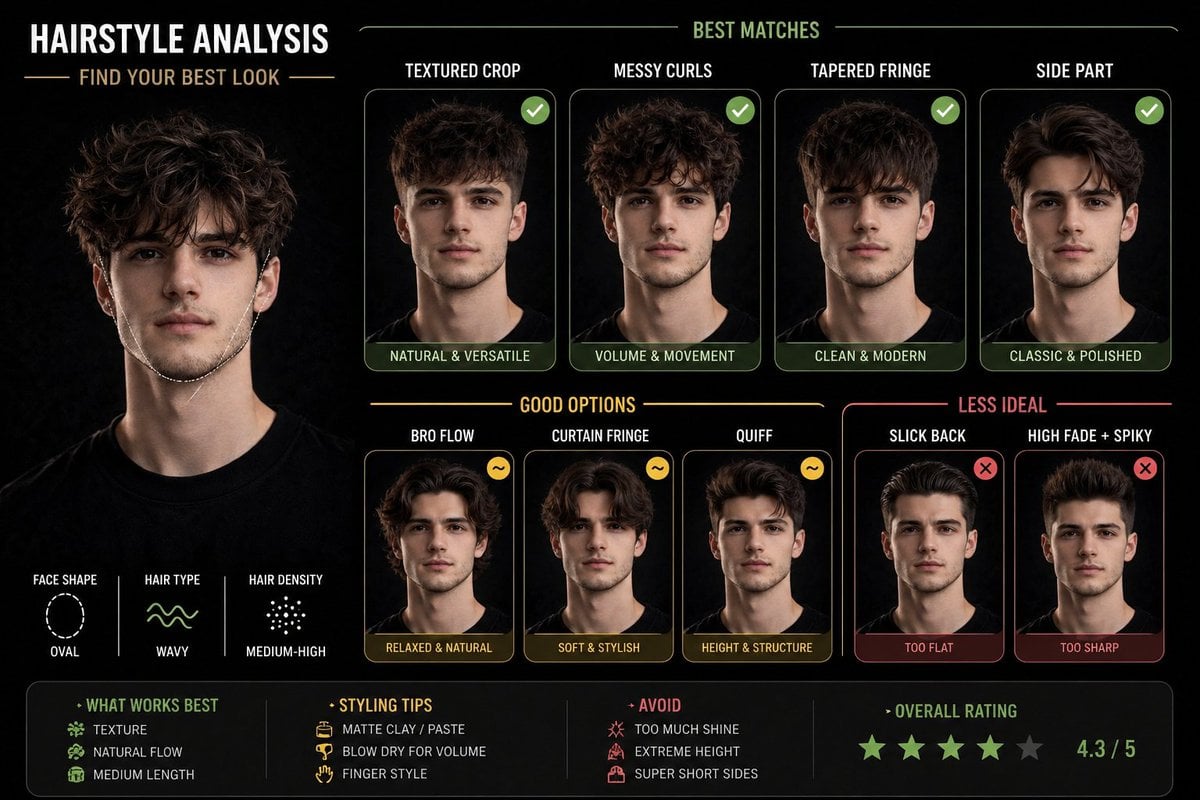
Hairstyle Suitability Analysis Chart
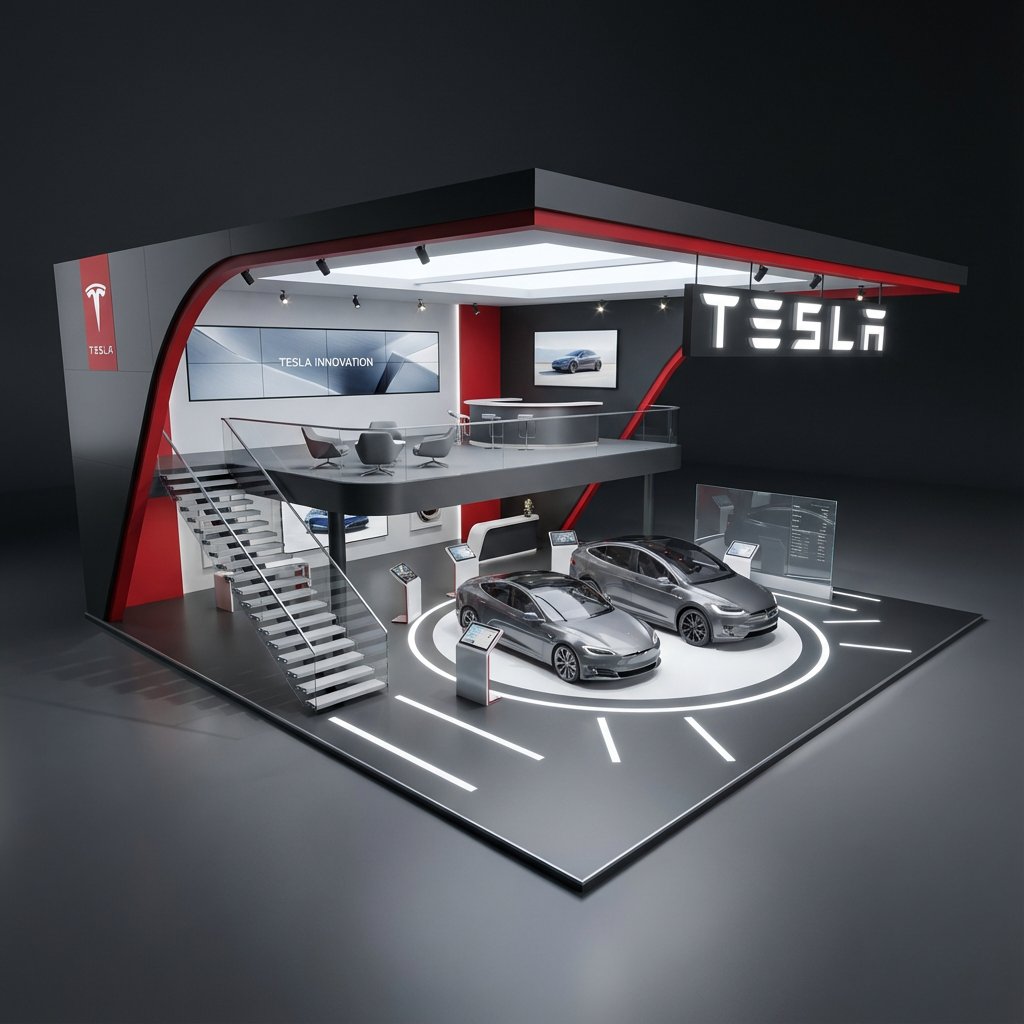
Hyper-Realistic 3D Architectural Exhibition Booth Visualization
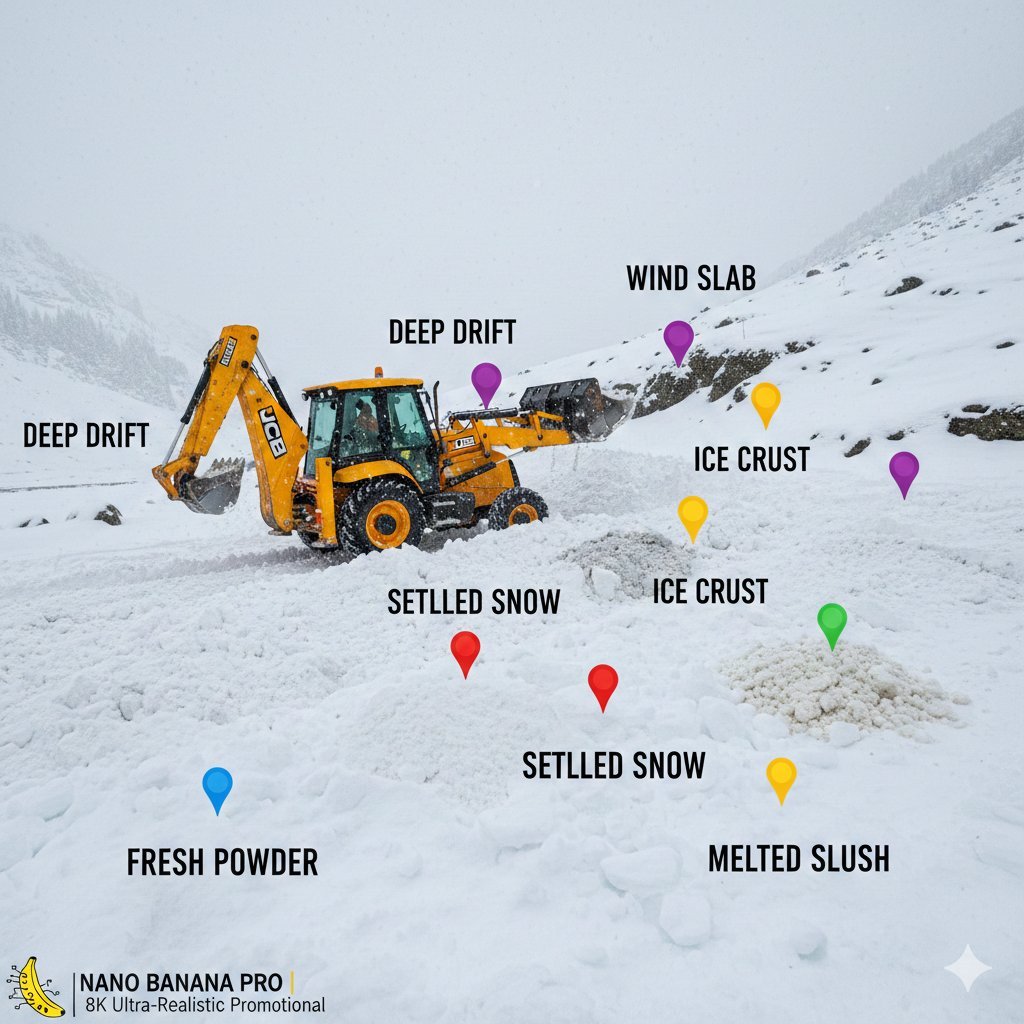
Cinematic JCB Clearing Snow in Kashmir
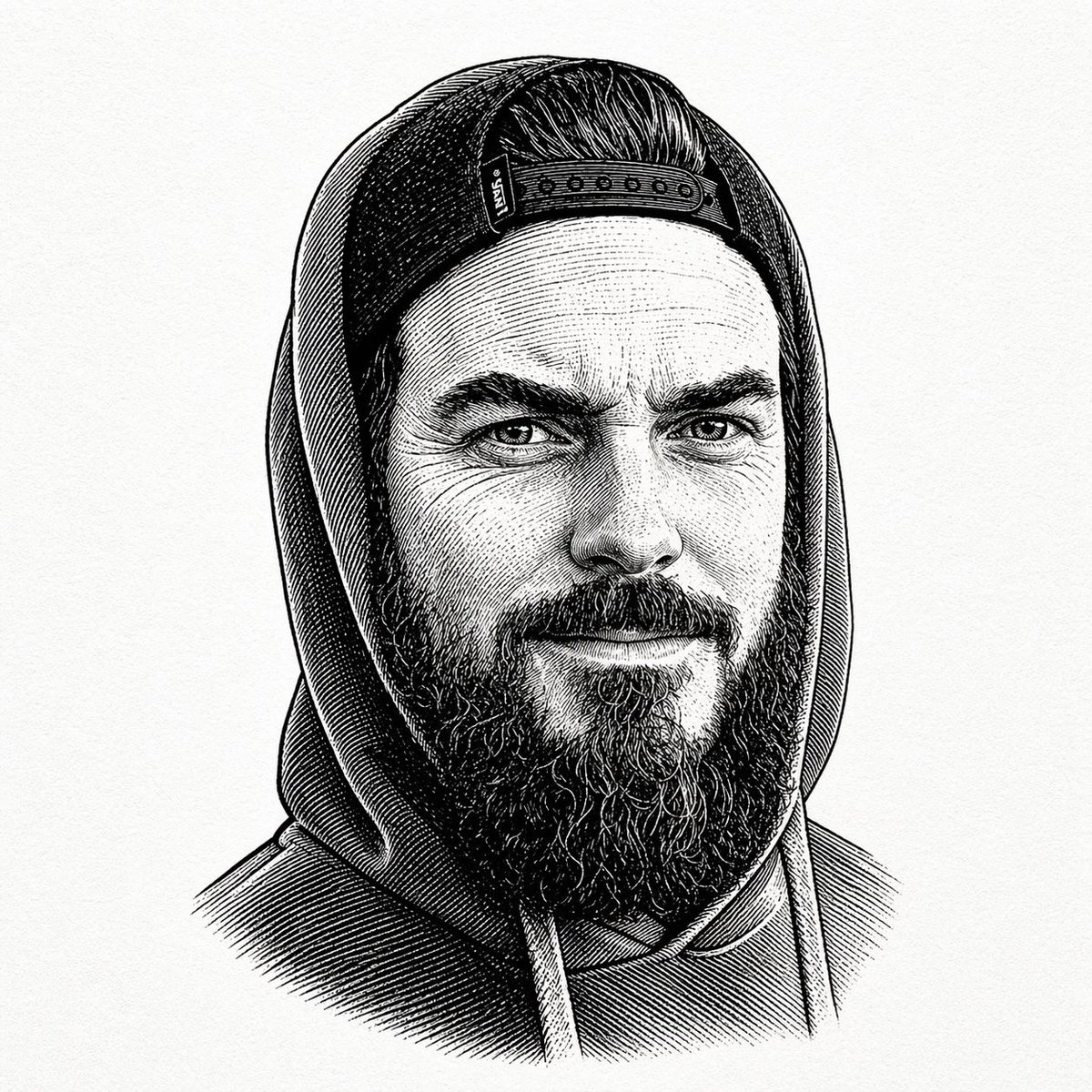
Gpt2 Profile Avatar Vintage Engraved Hoodie Portrait
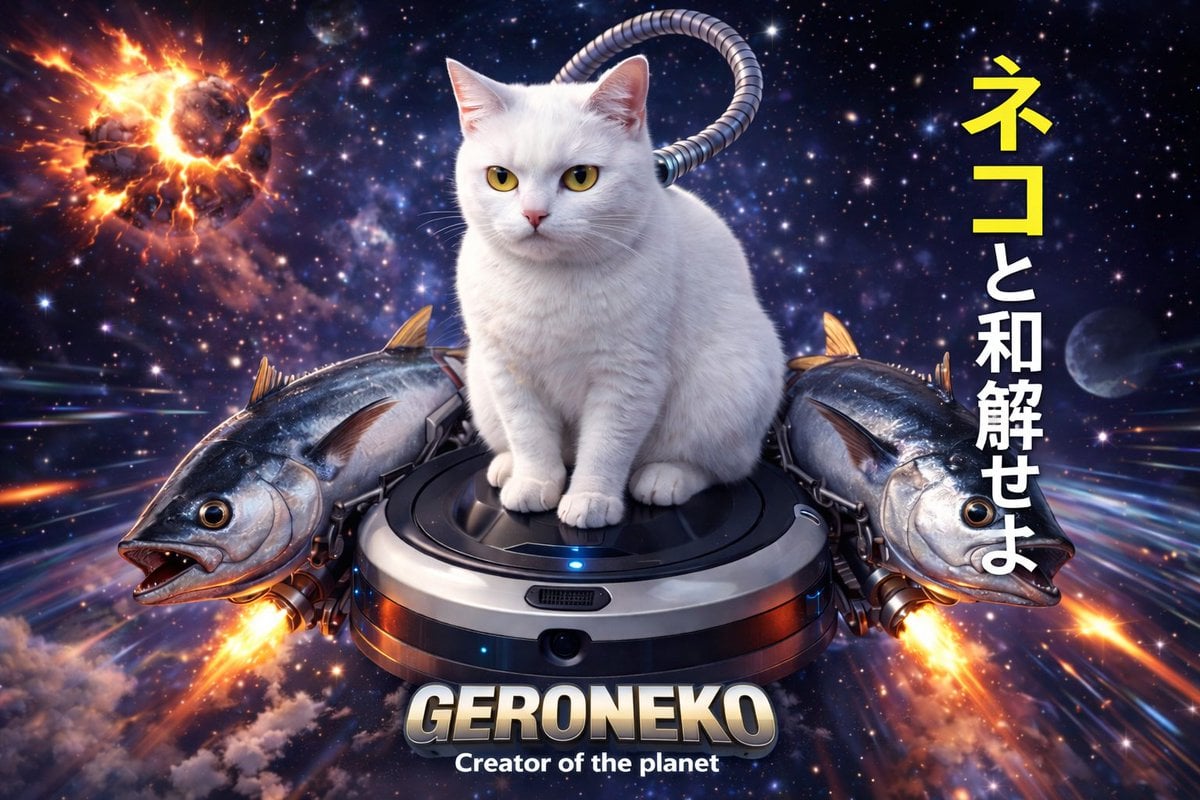
Sci-Fi Cat on Fish-Powered Vacuum
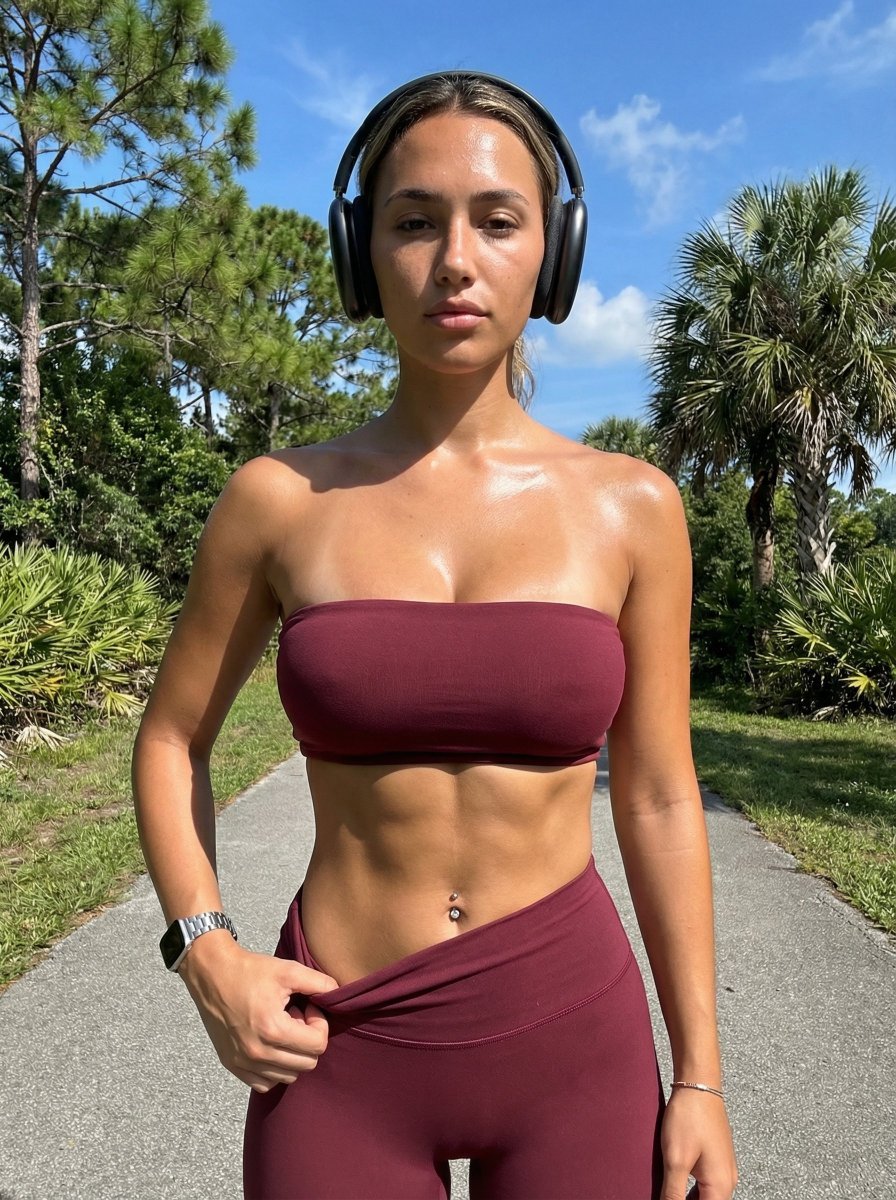
Ultra-Realistic Glistening Athletic Portrait
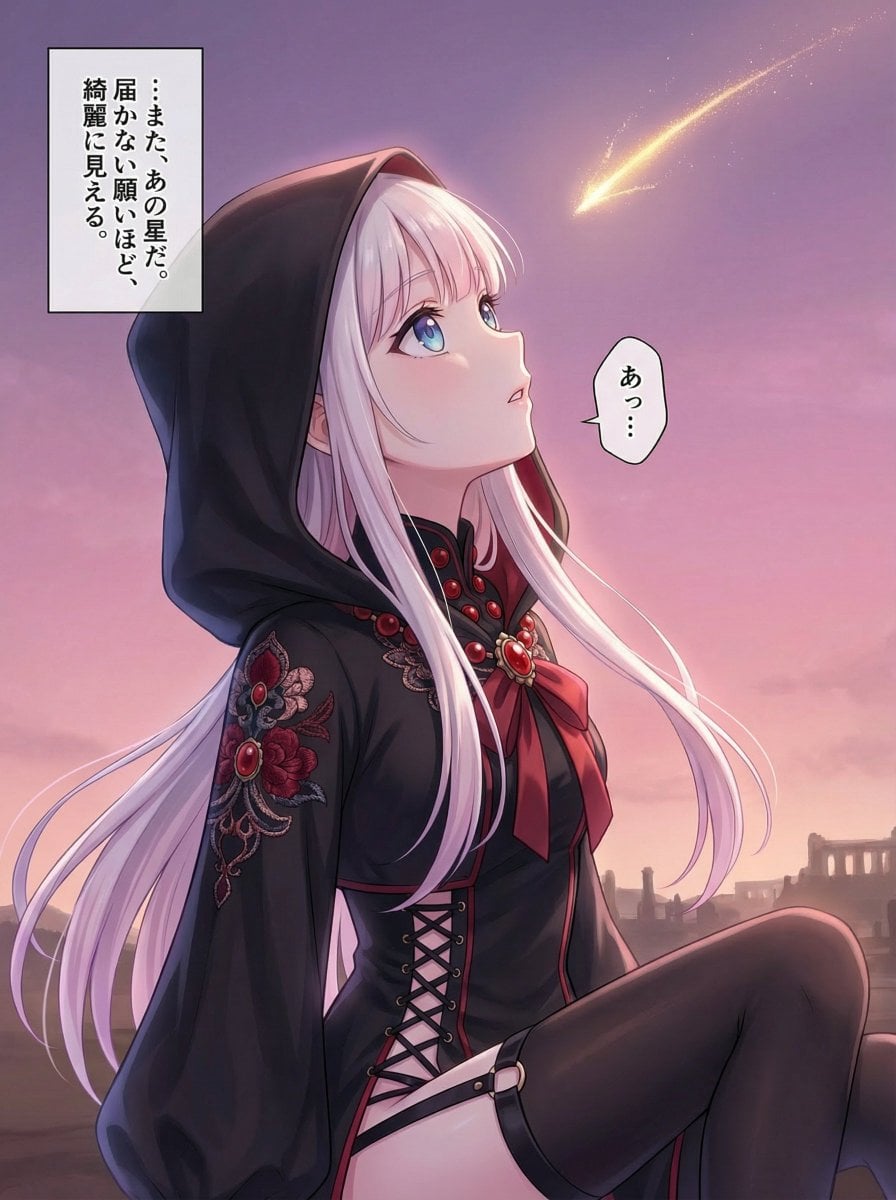
Comprehensive manga one-page scene creation system prompt
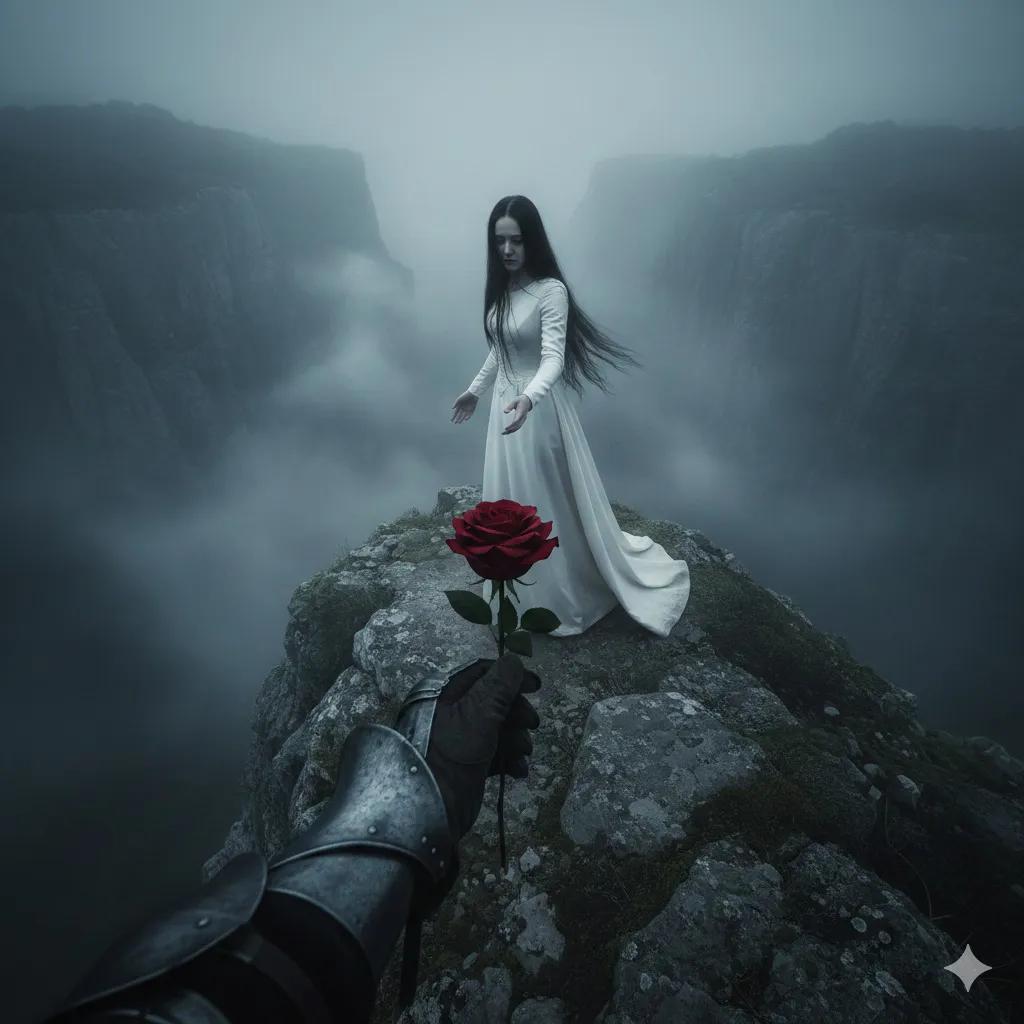
Haunting Cinematic Cliff Scene with Red Rose
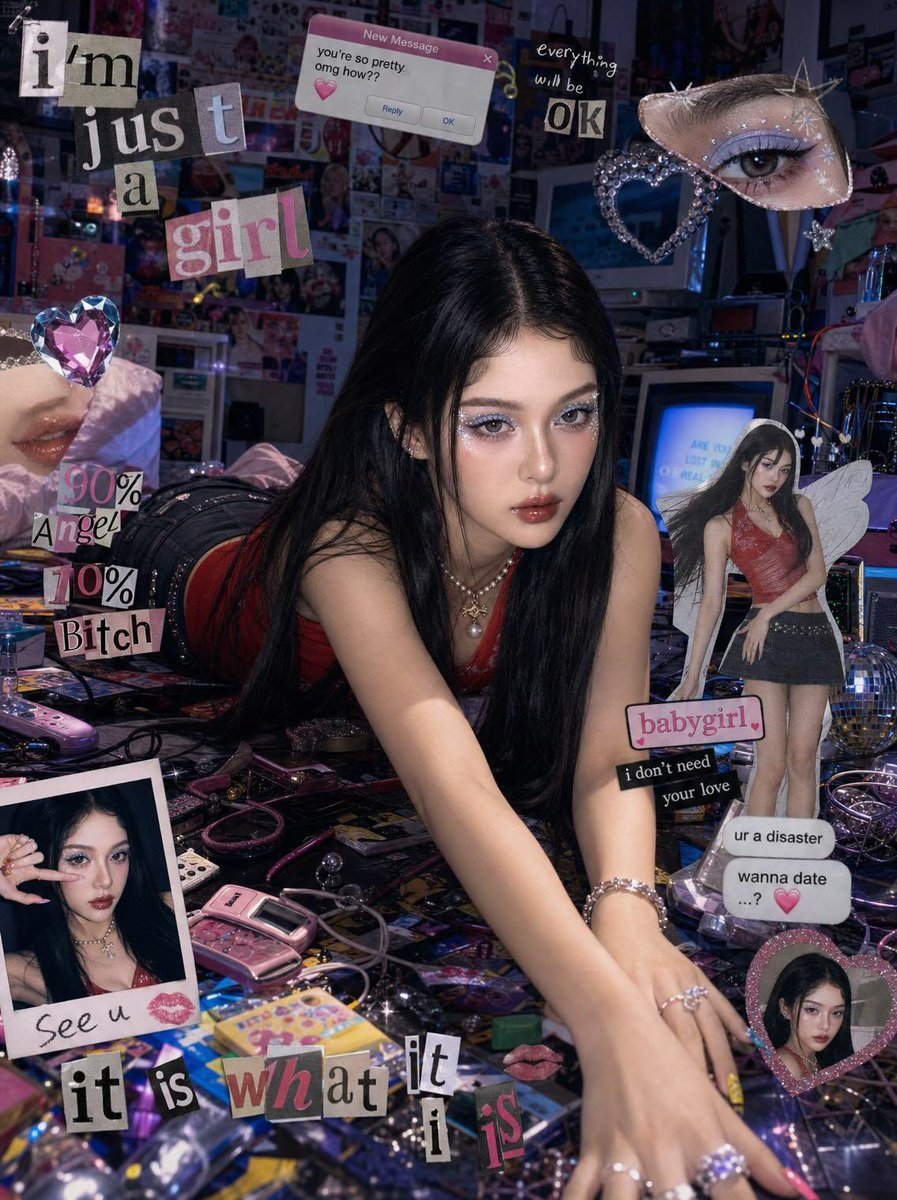
Chaotic Y2K Cyber-Pop Editorial Portrait
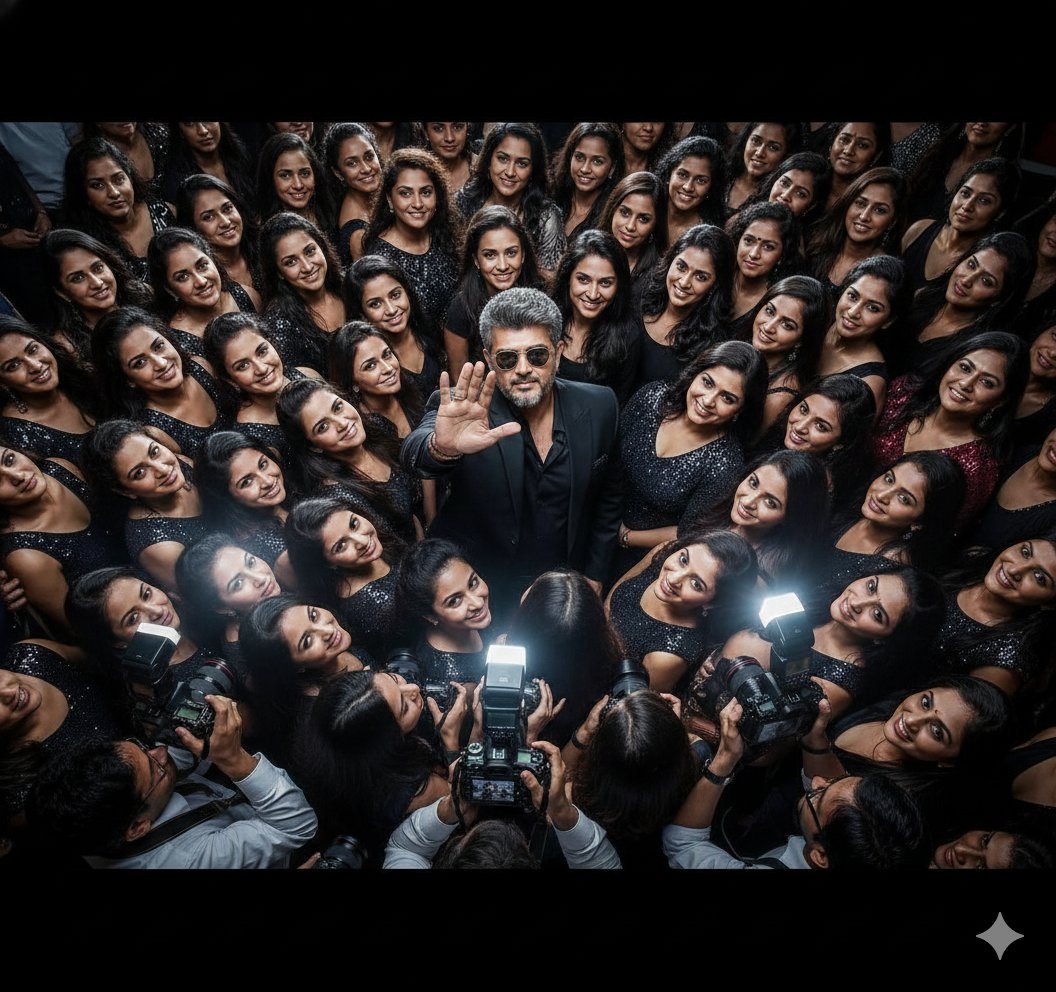
Paparazzi Flash Crowd Scene Prompt (Identity Preservation)
Browse template categories
Cubist Chinese Membership Promo Poster questions
How do I use the Cubist Chinese Membership Promo Poster template?
Add your photo if the template asks for one, edit the prompt if you like — the template's model and format are already selected — and press Generate. Your version opens in PicX Studio.
Can I customize the Cubist Chinese Membership Promo Poster template?
Yes. You can change the subject, setting, lighting, mood, format, and available model controls before creating your image.
Is the Cubist Chinese Membership Promo Poster template free?
Opening and editing this template is free. Generating uses credits, shown on the Generate button when you are signed in.
Which AI model should I use?
Start with GPT Image 2, which is the model associated with this template. You can compare another compatible model for a different finish.
Looking for something else? Browse all templates.

Your photo, any look
Thousands of ready templates for every top image and video model, from one credit balance.