
Deep Blue Sci-Fi Megacity Wallpaper
Generates a moody cinematic deep-blue futuristic cityscape wallpaper with painterly light streaks, film grain, and distant aircraft trails.
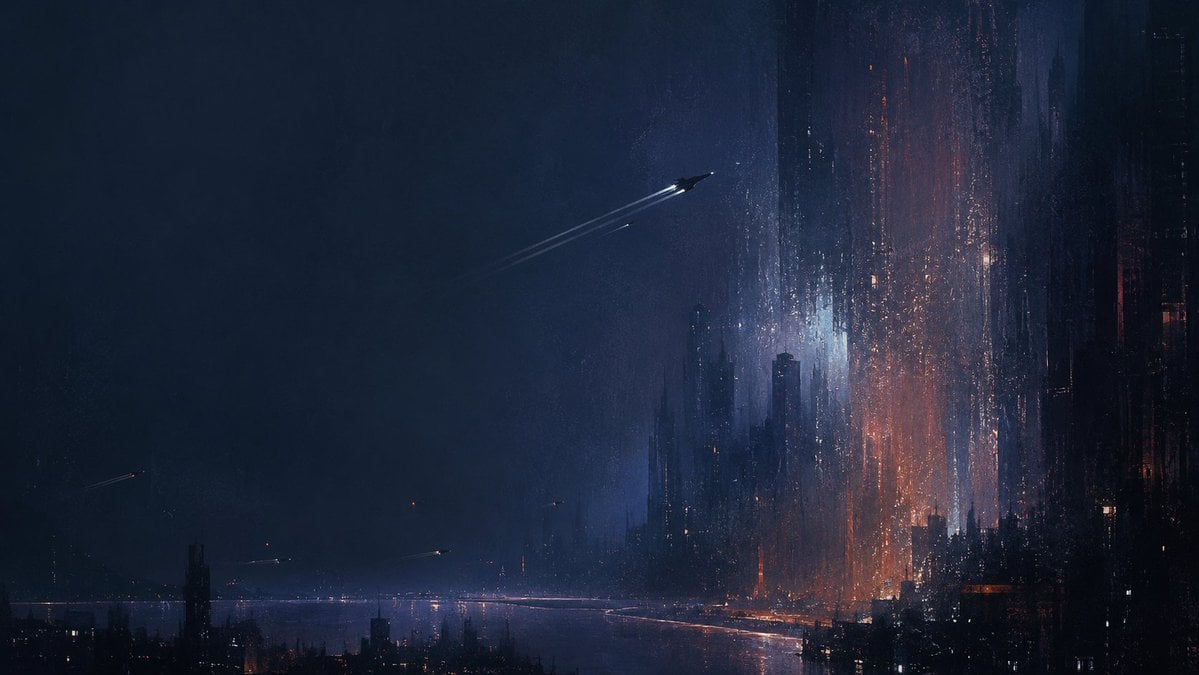
- Prompt included
- Model and format preset
- Free template
The prompt behind this image
Copy the exact prompt behind Deep Blue Sci-Fi Megacity Wallpaper, or open it in the studio and make it yours.
Create a cinematic 16:9 matte deep-blue sci-fi wallpaper of a vast futuristic megacity at night, seen from a distant elevated viewpoint across dark water or haze. The right half of the frame is dominated by immense vertical skyscraper silhouettes, needle towers, and dense black architecture, with the tallest structures fading into mist; the left half is mostly open stormy blue-black sky for negative space. Treat light like paint: orange ember-like windows and cyan-white glows are stippled, dragged downward into vertical streaks, woven textures, and reflective distortions across the tower faces. Add heavy atmospheric fog, subtle film grain, slight defocus, soft bloom, rain-slick reflections, and long vertical smear artifacts, giving the city a matte, moody, painterly, dystopian aesthetic. Include exactly 6 flying light craft or aircraft trails: 1 prominent sleek craft near the upper center moving diagonally toward the right with two long pale contrails, and 5 much smaller distant streaks scattered low across the left and middle horizon. Use a restrained palette of navy, midnight blue, black, muted violet, cold cyan, and sparse burnt orange highlights. No people, no readable text, no logos, no borders, no sharp clean CGI look; make it feel like a grainy concept-art frame from an atmospheric science-fiction film.
How to use Deep Blue Sci-Fi Megacity Wallpaper in 3 steps
- 1Upload ImagePNG, JPG or paste
Add your photo
Upload the photo the template builds on. The prompt, model and format are already set.
- 2…a portrait of your subject in softgolden-hour light, 85mm…
Personalize
Edit the subject and creative details for your destination.
- 3Generate
Generate
Press Generate — your image is created in PicX Studio, so you can compare it with the original and refine one variable at a time.
More like this
Templates with the same subject, style or setup. Open one to see its prompt.
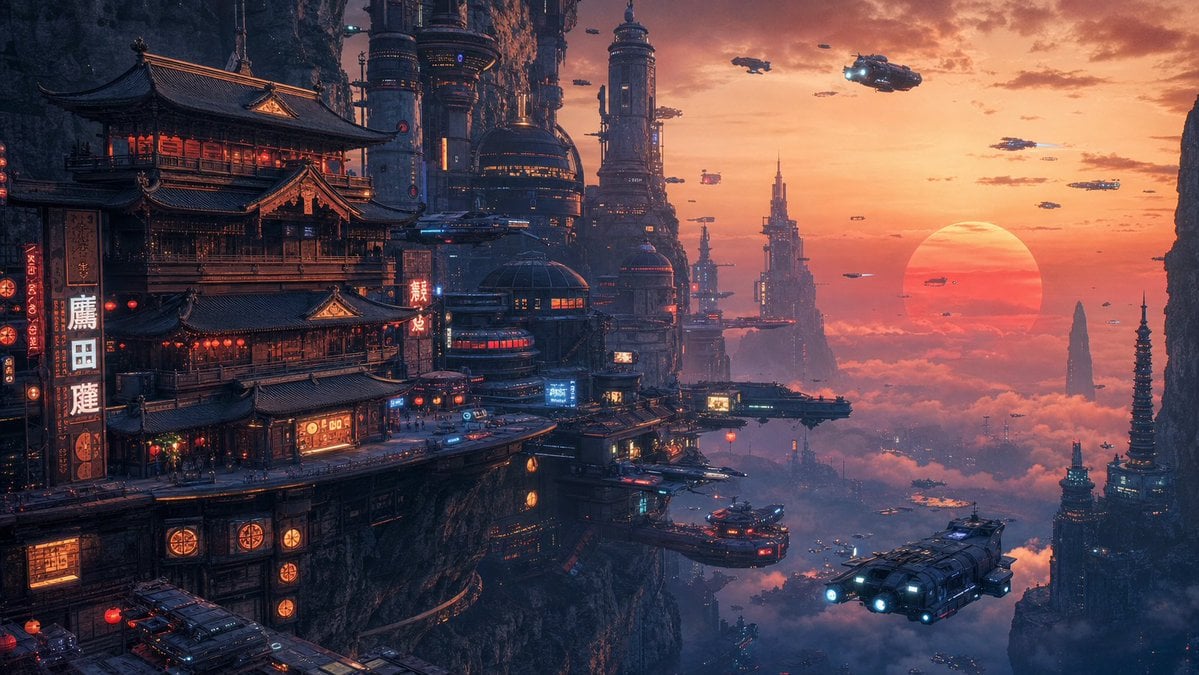
Cyberpunk Cliffside Megacity Wallpaper
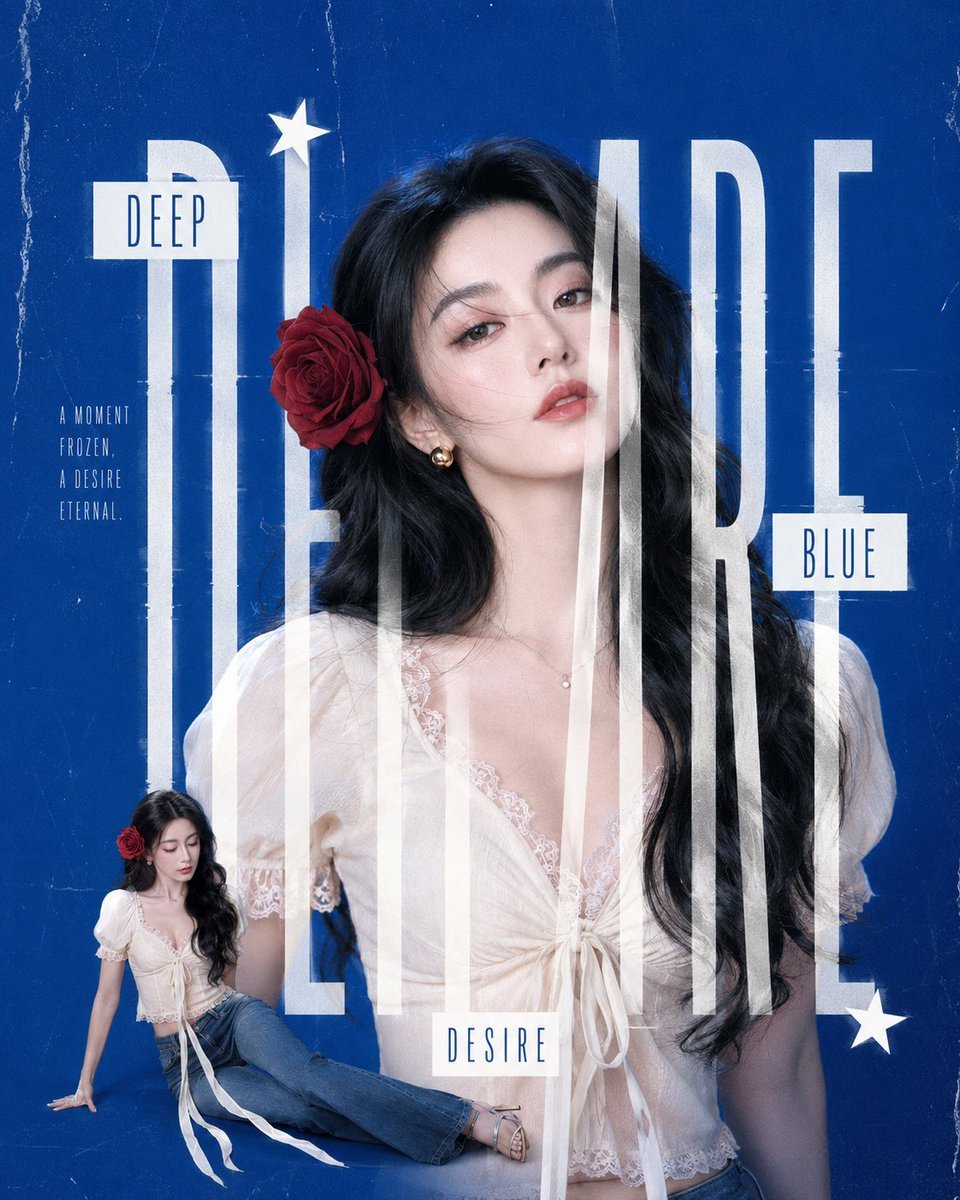
Deep Blue Desire Fashion Poster
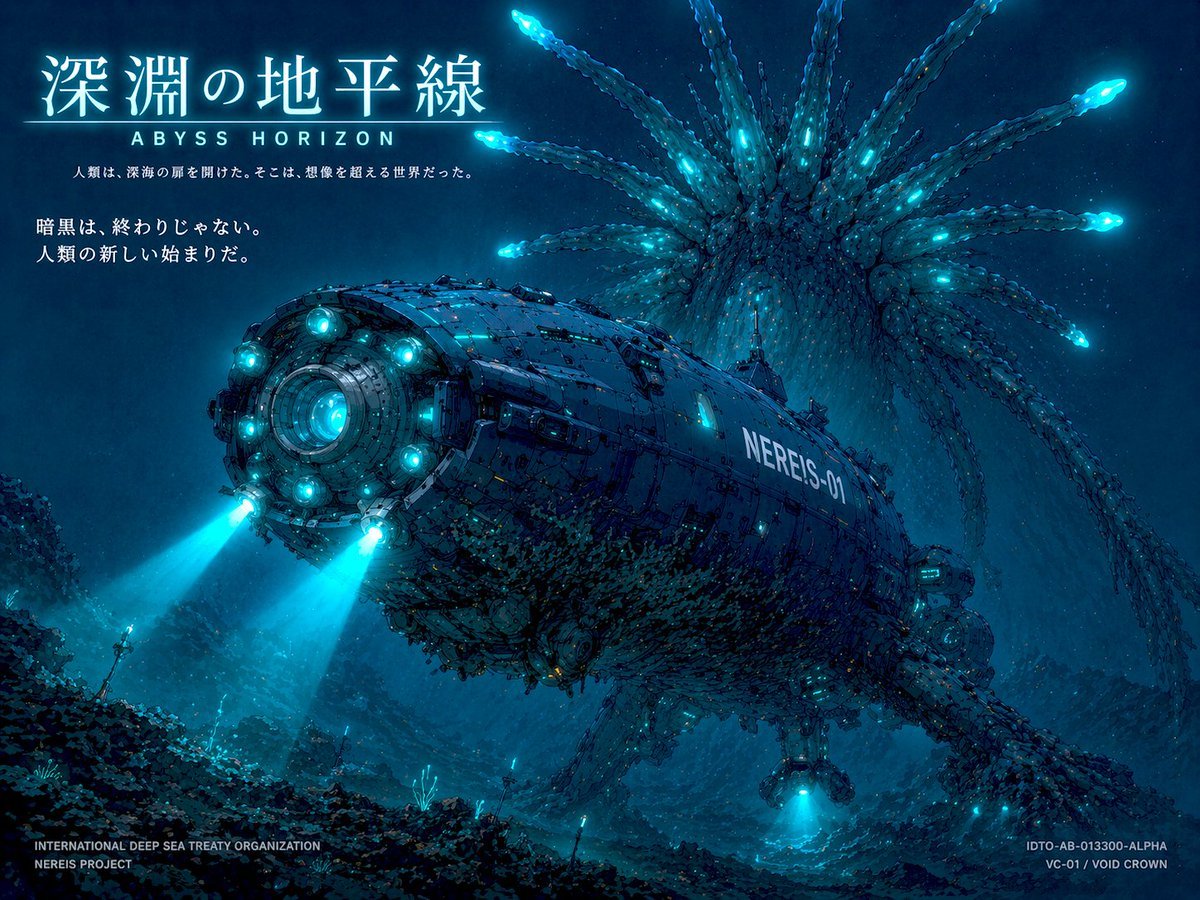
Sci-Fi Deep Sea Submarine Poster
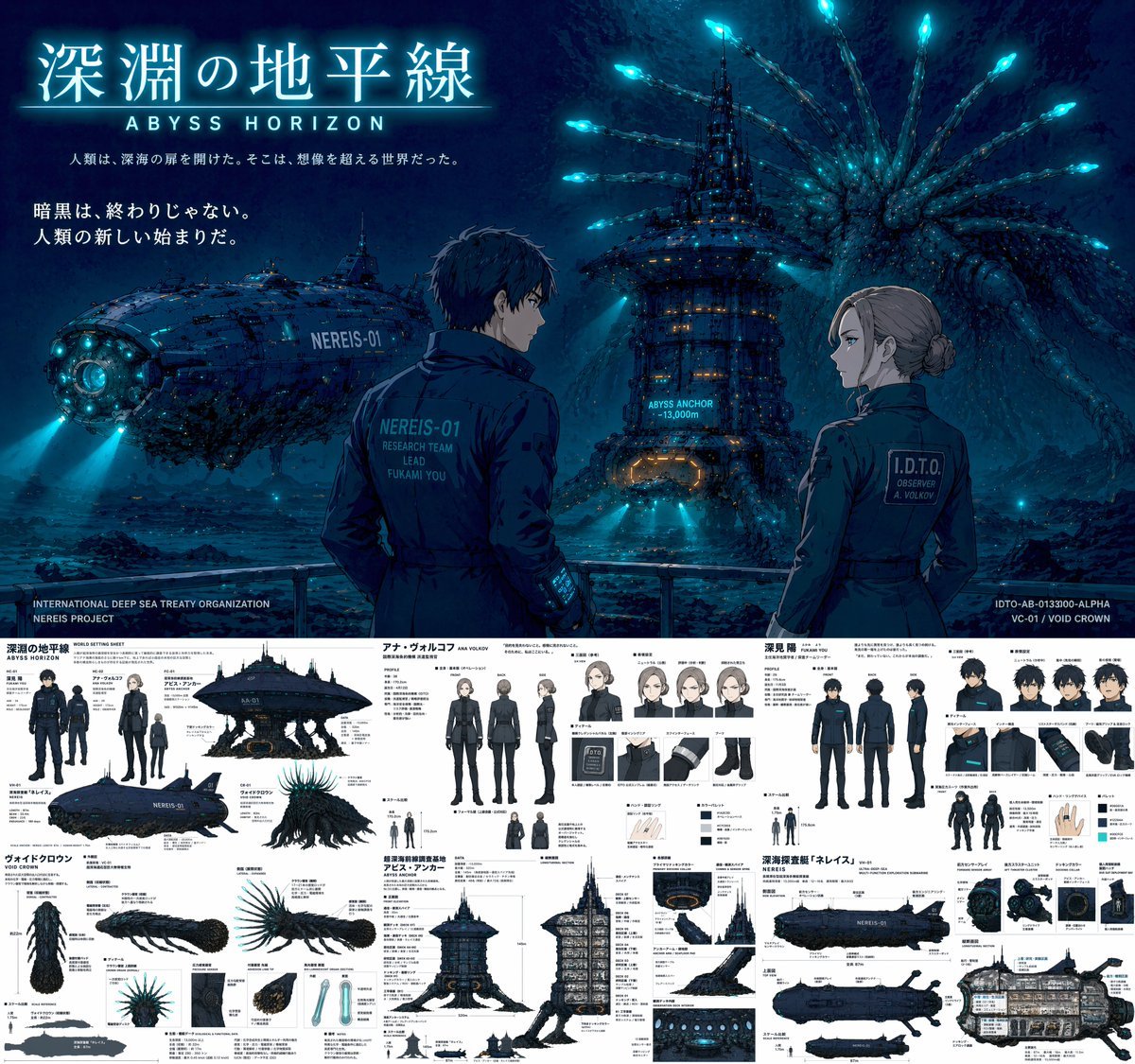
Sci-Fi Deep Sea Concept Art & Reference Sheet
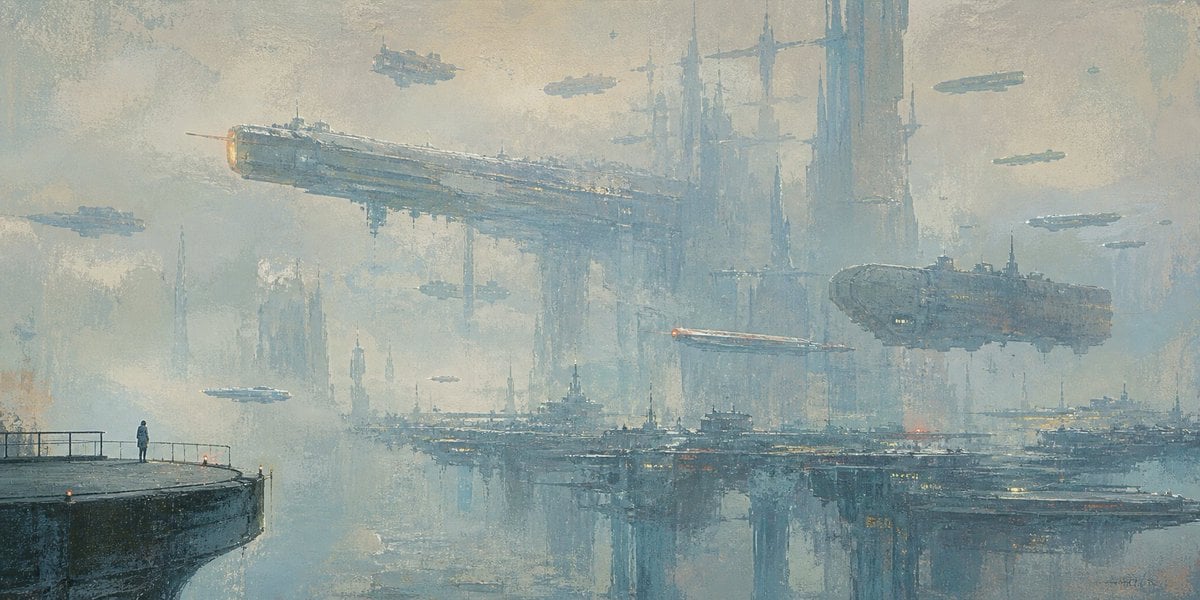
Lonely Sci-Fi Harbor Wallpaper

Monochrome Portrait Jersey Accent Poster

Retro Deep-Sea Sci-Fi Anime Poster
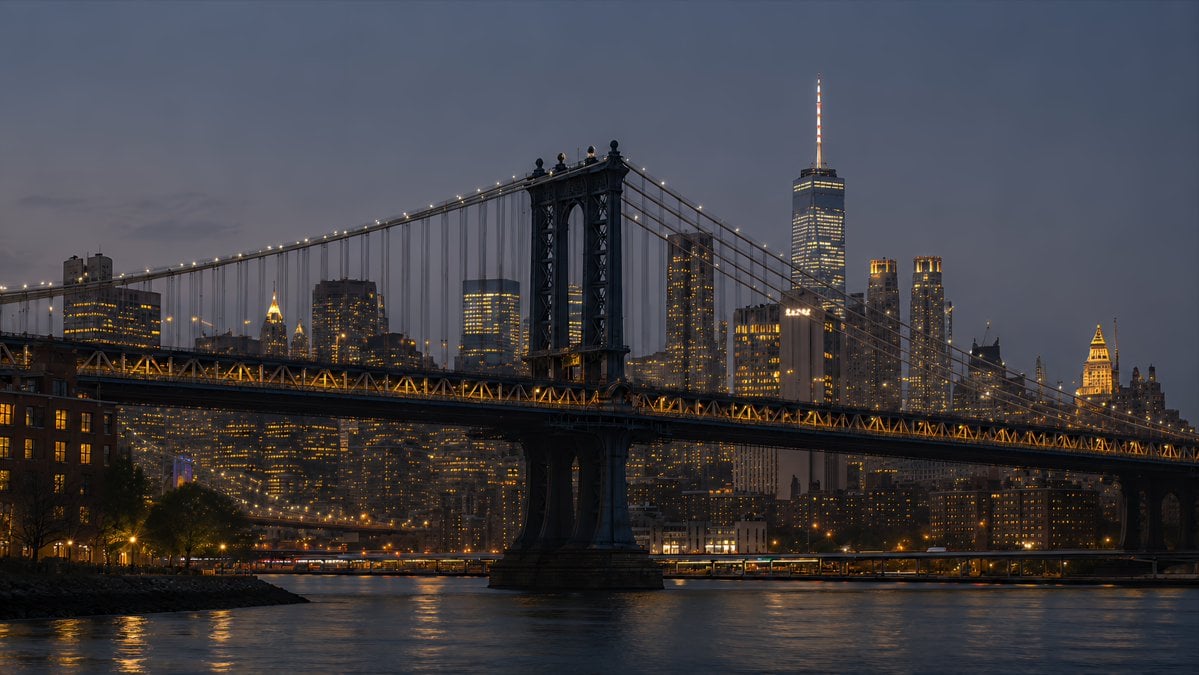
NYC Bridge Blue Hour Wallpaper

Cosmetic Tube Product — Nano Banana 2

Nano Banana - Evening Champagne Blue
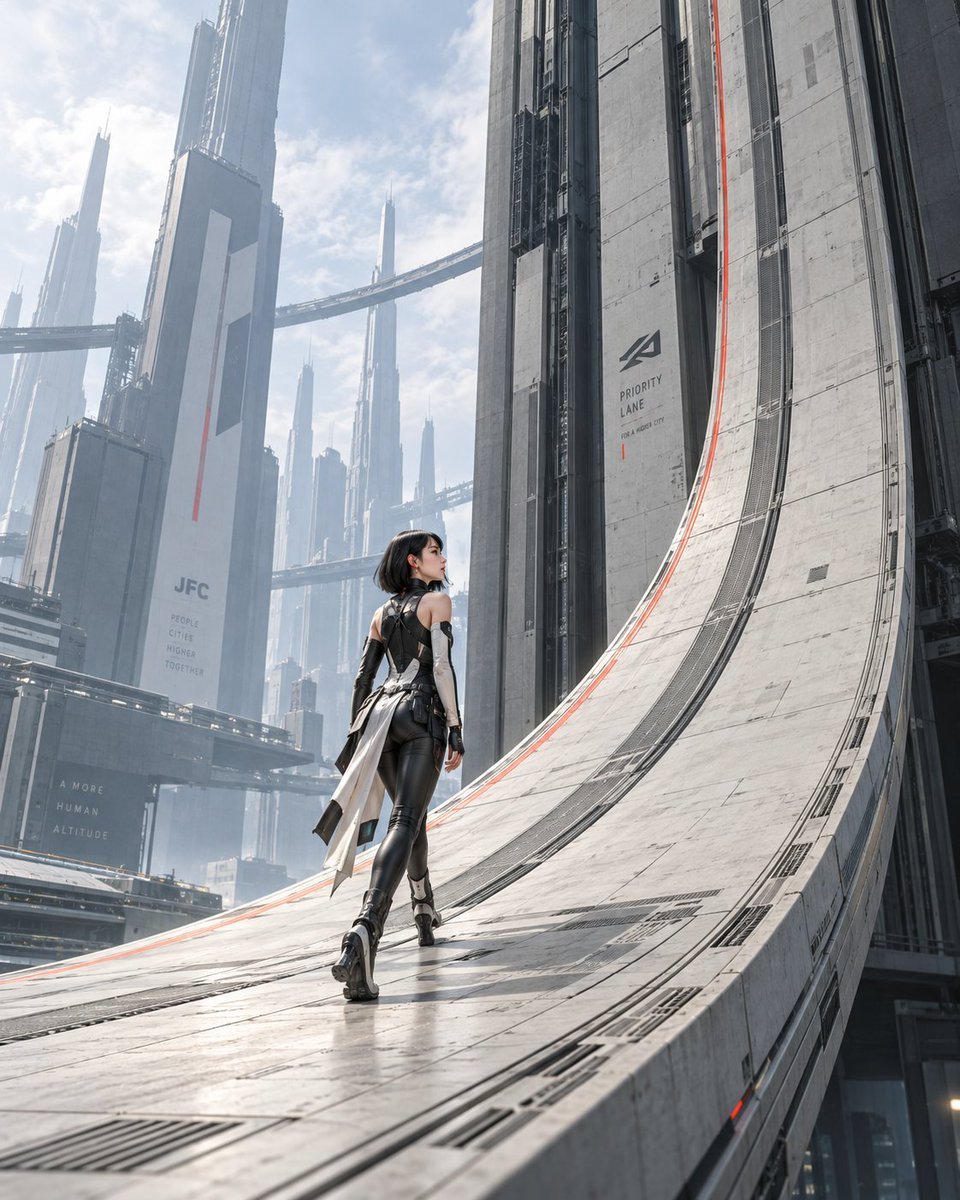
The Gravity Lane Megacity
Farmer in Deep Work Aura
Make it yours
Deep Blue Sci-Fi Megacity Wallpaper works as-is. These are the safest ways to change it without losing the look.
Change one field
Copy a single group, rewrite it, and generate again so you can see what that field is doing.
Keep the frame, change the subject
Hold the composition and light of Deep Blue Sci-Fi Megacity Wallpaper, then swap wardrobe, props or the person for a new take.
| If the result… | Why | Fix |
|---|---|---|
| The result drifts from the preview | Too many fields changed at once. | Reuse Deep Blue Sci-Fi Megacity Wallpaper as-is first, then change one group — subject, light, or setting. |
| The model over-stylizes the scene | The prose prompt leaves finish and camera underspecified. | Add one camera or lighting sentence and stay on GPT Image 2. |
More GPT Image 2 templates
Other prompts made for GPT Image 2.

Six VTuber Japanese Logo Sheet

Realistic Portrait of Woman and Deer

The Vista Modular Condo Poster

AI Model Routing Comparison Infographic

2.5D Anime Art Board

Isometric Productivity Desk Scene

New York Double Exposure Poster

Four-Panel AI Landscape Comparison

Japanese Tatami Lifestyle Magazine Cover

NESCAFÉ Coffee Map Poster
More image prompts
Fresh picks from across the catalog.
Intimate Late Night Bathroom Selfie
Realistic Garden Fairy Editorial Portrait
Cyberpunk Neon Night Street Portrait
Japanese Anime AI Launch Poster
Black and White Panther and Woman Editorial Portrait

Vogue Hong Kong Yacht Editorial
Wooden Impossible City Knot
Luxury Fashion Magazine Cover Prompt
Atmospheric Indoor Mirror Selfie with 'Pure and Desire' Aesthetic
Natural Language Prompt for Spider-Man Folded-Paper Blueprint
Browse template categories
Deep Blue Sci-Fi Megacity Wallpaper questions
How do I use the Deep Blue Sci-Fi Megacity Wallpaper template?
Add your photo if the template asks for one, edit the prompt if you like — the template's model and format are already selected — and press Generate. Your version opens in PicX Studio.
Can I customize the Deep Blue Sci-Fi Megacity Wallpaper template?
Yes. You can change the subject, setting, lighting, mood, format, and available model controls before creating your image.
Is the Deep Blue Sci-Fi Megacity Wallpaper template free?
Opening and editing this template is free. Generating uses credits, shown on the Generate button when you are signed in.
Which AI model should I use?
Start with GPT Image 2, which is the model associated with this template. You can compare another compatible model for a different finish.
Looking for something else? Browse all templates.

Your photo, any look
Thousands of ready templates for every top image and video model, from one credit balance.