
The Gravity Lane Megacity
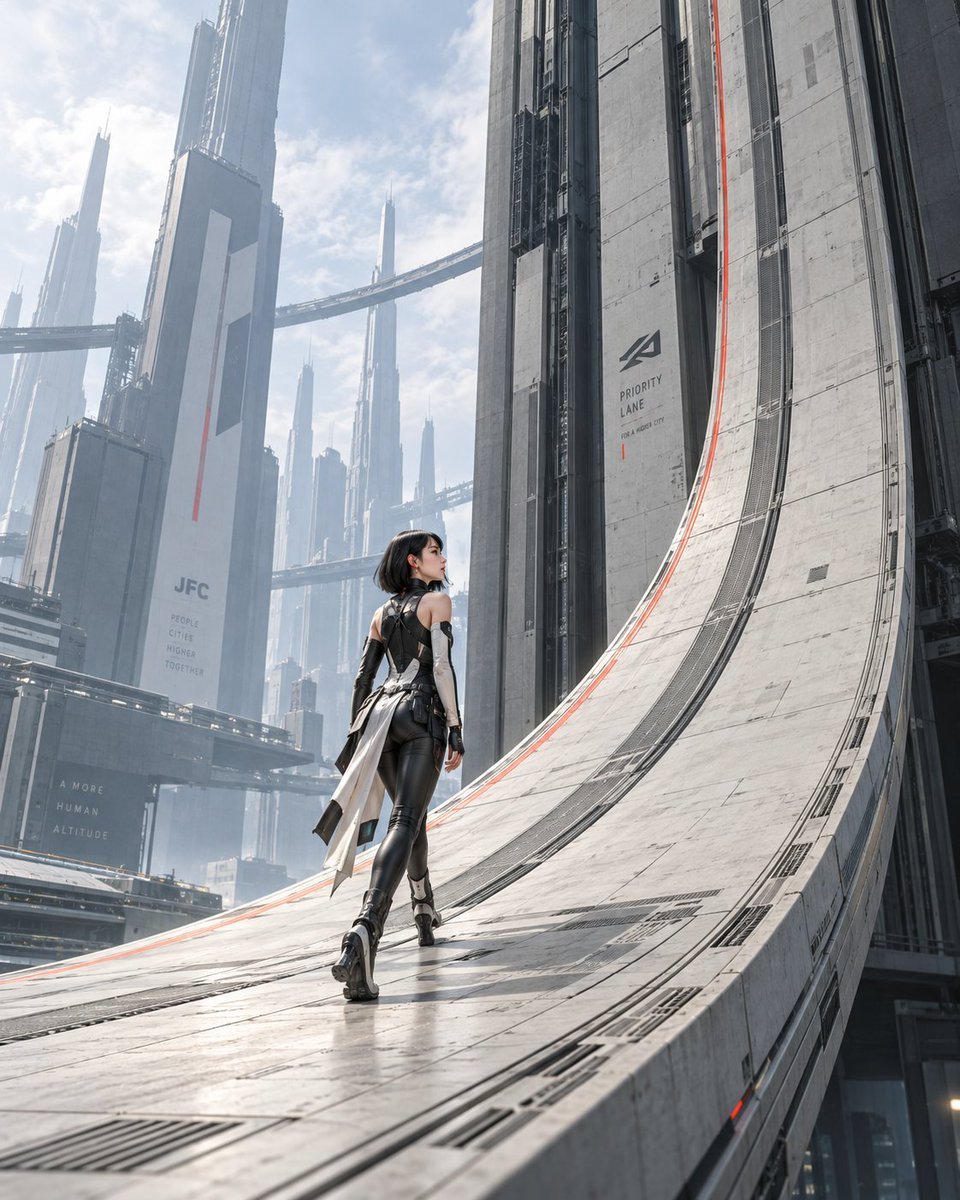
A cinematic sci-fi scene of a futuristic woman walking on a curved gravity-defying city lane among towering megastructures.
- Prompt included
- Model and format preset
- Free template
The prompt behind this image
Copy the exact prompt behind The Gravity Lane Megacity, or open it in the studio and make it yours.
Create a cinematic vertical sci-fi concept art scene titled {argument name="project title" default="JFC-01 | THE GRAVITY LANE"}: a lone young woman walking away from the viewer along a monumental curved gravity road that bends upward from horizontal street level into a vertical skyscraper wall, as if the city is rewriting gravity to keep her path open. The woman is centered in the lower middle of the frame, small against the architecture, looking slightly upward to the right; she has a short black bob haircut and wears a sleek black-and-white futuristic bodysuit with armored panels, long gloves, high-tech boots, and a split white coat-tail or sash flowing behind her. The environment is an enormous clean megacity of pale concrete, steel, glass, and mist, filled with towering vertical skyscrapers, elevated bridges, skyways, and layered transit structures fading into atmospheric haze. The gravity lane is a wide pale concrete-and-metal track with visible panel seams, embedded grates, rail-like grooves, subtle red-orange guide lines along the curve, and strong perspective leading lines. Add readable urban infrastructure markings on buildings: one wall sign with a simple angular logo and the words {argument name="lane sign text" default="PRIORITY LANE"}, small subtext {argument name="lane subtext" default="FOR A RIGHT CITY"}, a distant tower marked {argument name="city logo text" default="JFC"}, and faint civic slogan text {argument name="civic slogan" default="PEOPLE CITIES HIGHER TOGETHER"}; keep the typography minimalist, industrial, and integrated into the architecture. Lighting is bright overcast daylight with soft shadows, cool blue-gray tones, slight bloom, realistic materials, polished wet-like reflections on the lane surface, immense scale, quiet awe, and no vehicles or crowds. Use a low rear three-quarter camera angle from lane level, wide-angle perspective, portrait 4:5 composition, hyper-detailed realistic sci-fi architecture, clean utopian brutalism, cinematic matte-painting quality.
How to use The Gravity Lane Megacity in 3 steps
- 1Upload ImagePNG, JPG or paste
Add your photo
Upload the photo the template builds on. The prompt, model and format are already set.
- 2…a portrait of your subject in softgolden-hour light, 85mm…
Personalize
Edit the subject and creative details for your destination.
- 3Generate
Generate
Press Generate — your image is created in PicX Studio, so you can compare it with the original and refine one variable at a time.
More like this
Templates with the same subject, style or setup. Open one to see its prompt.
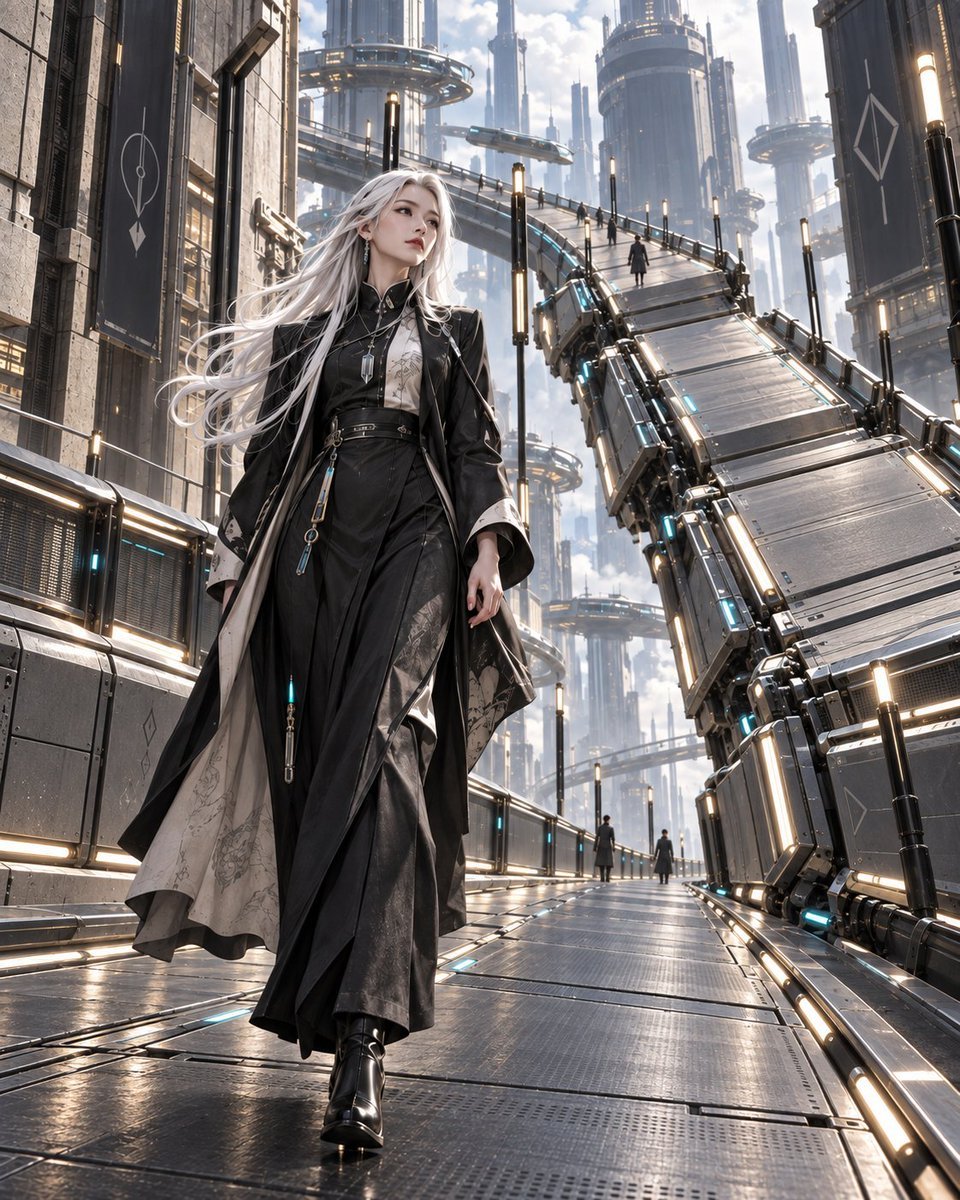
Gravity Lane Futuristic Fashion Walk
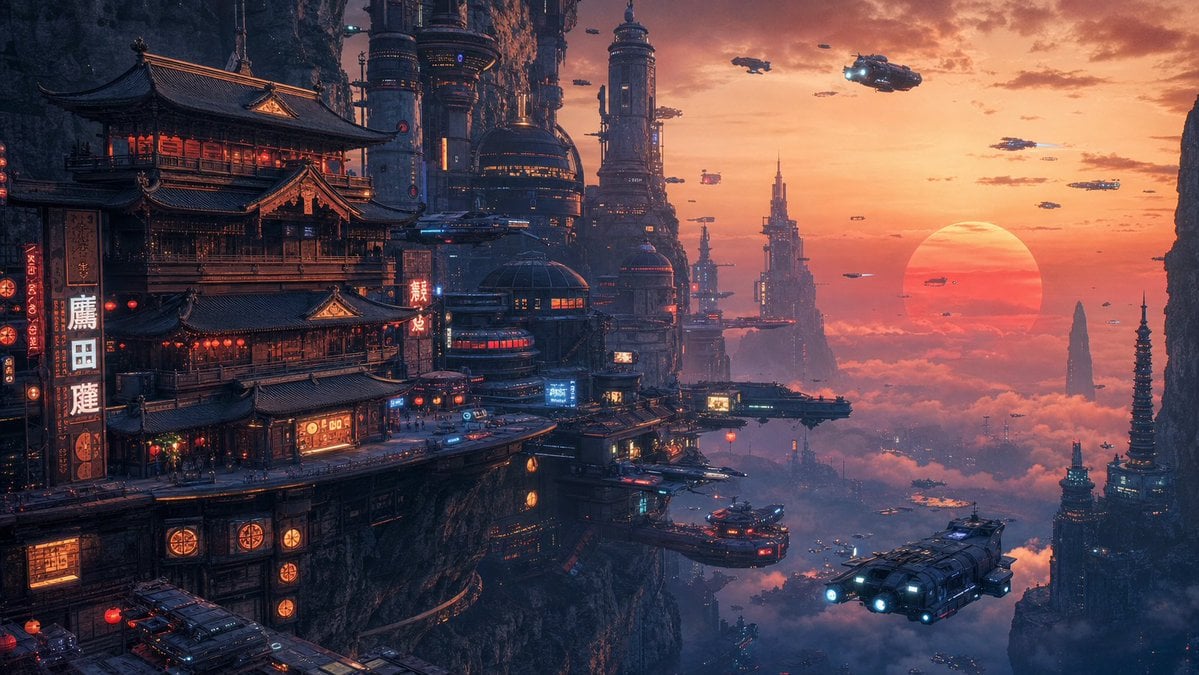
Cyberpunk Cliffside Megacity Wallpaper
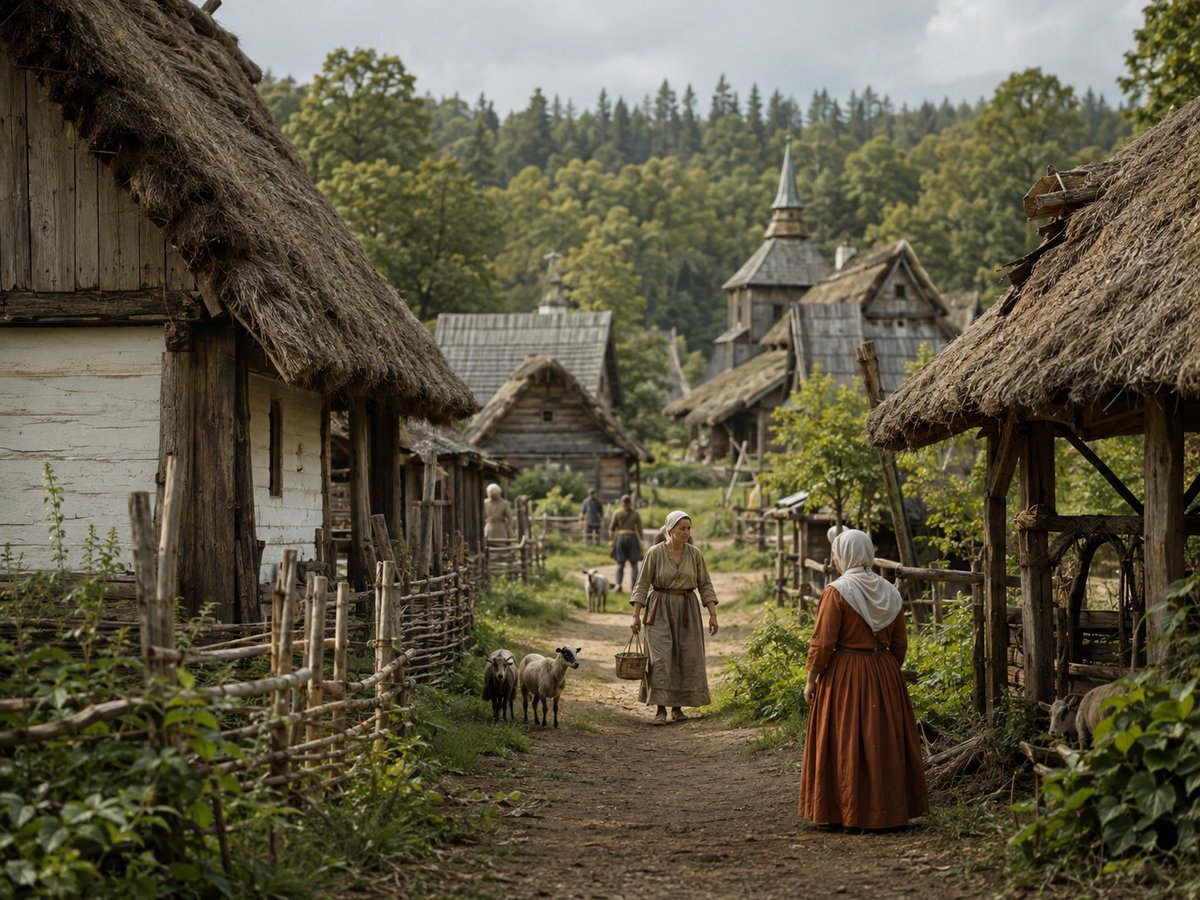
Photorealistic Medieval Village Lane
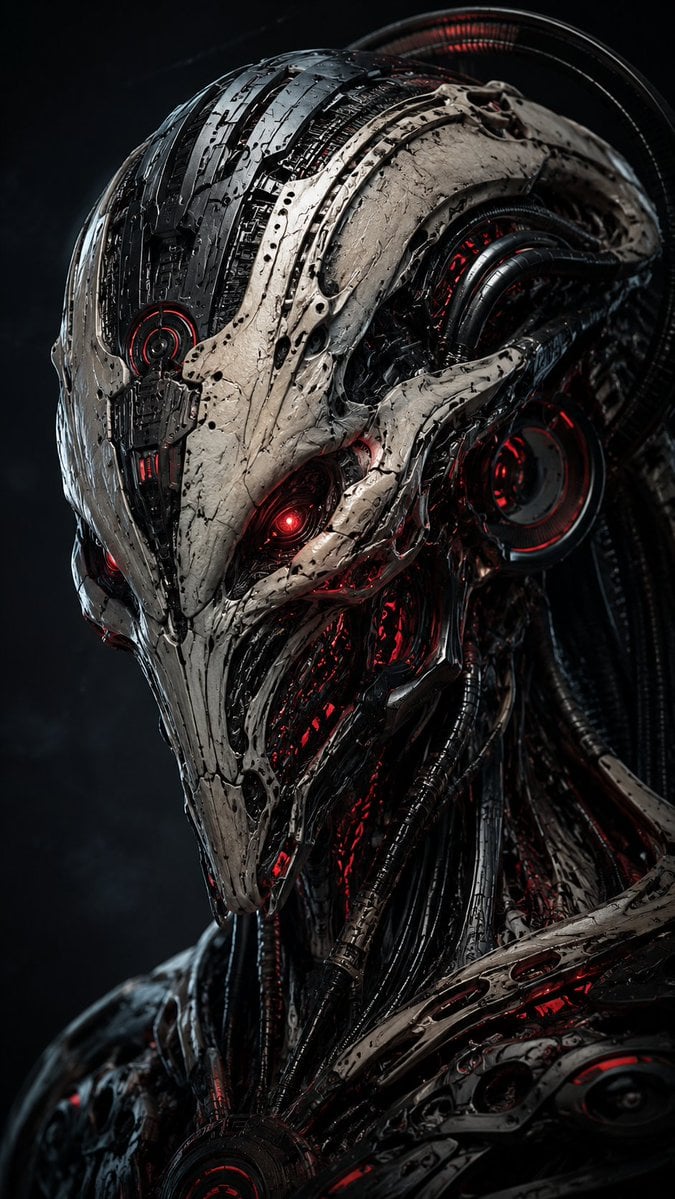
Mecha Alien at Gravity Edge
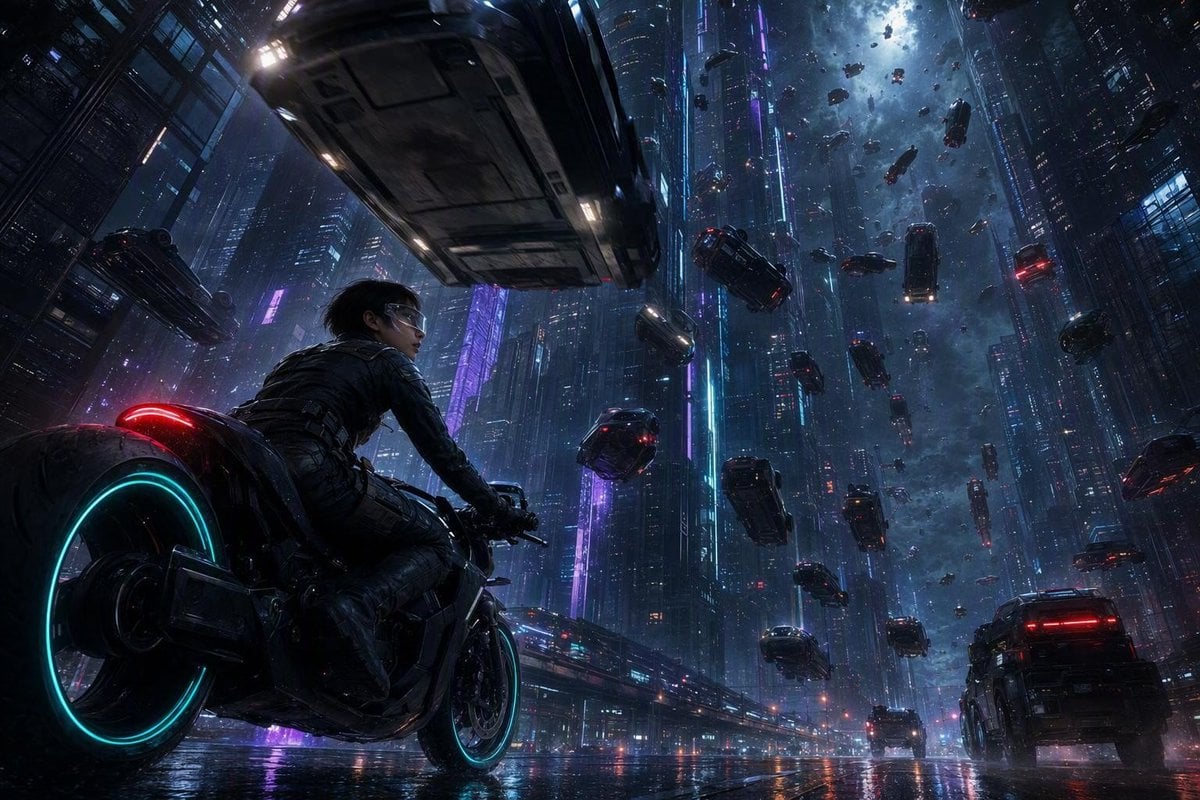
Futuristic Sci-Fi Gravity Reversal Keyframe

Zero Gravity Morning Scene
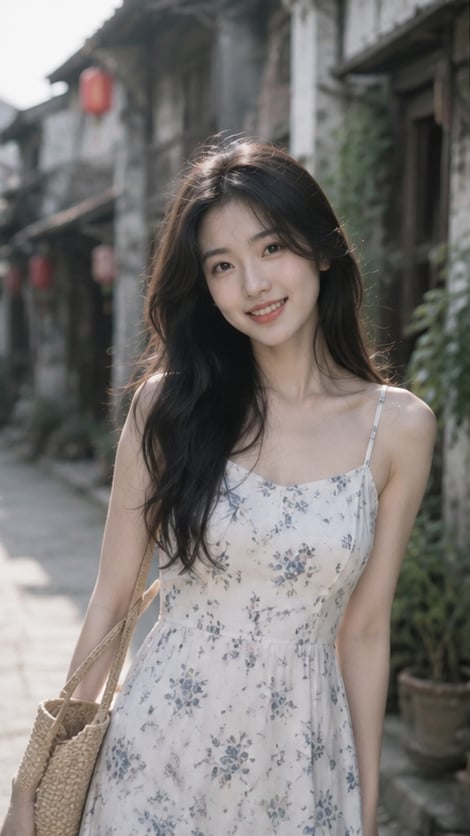
Woman in Ancient Chinese Town Lane
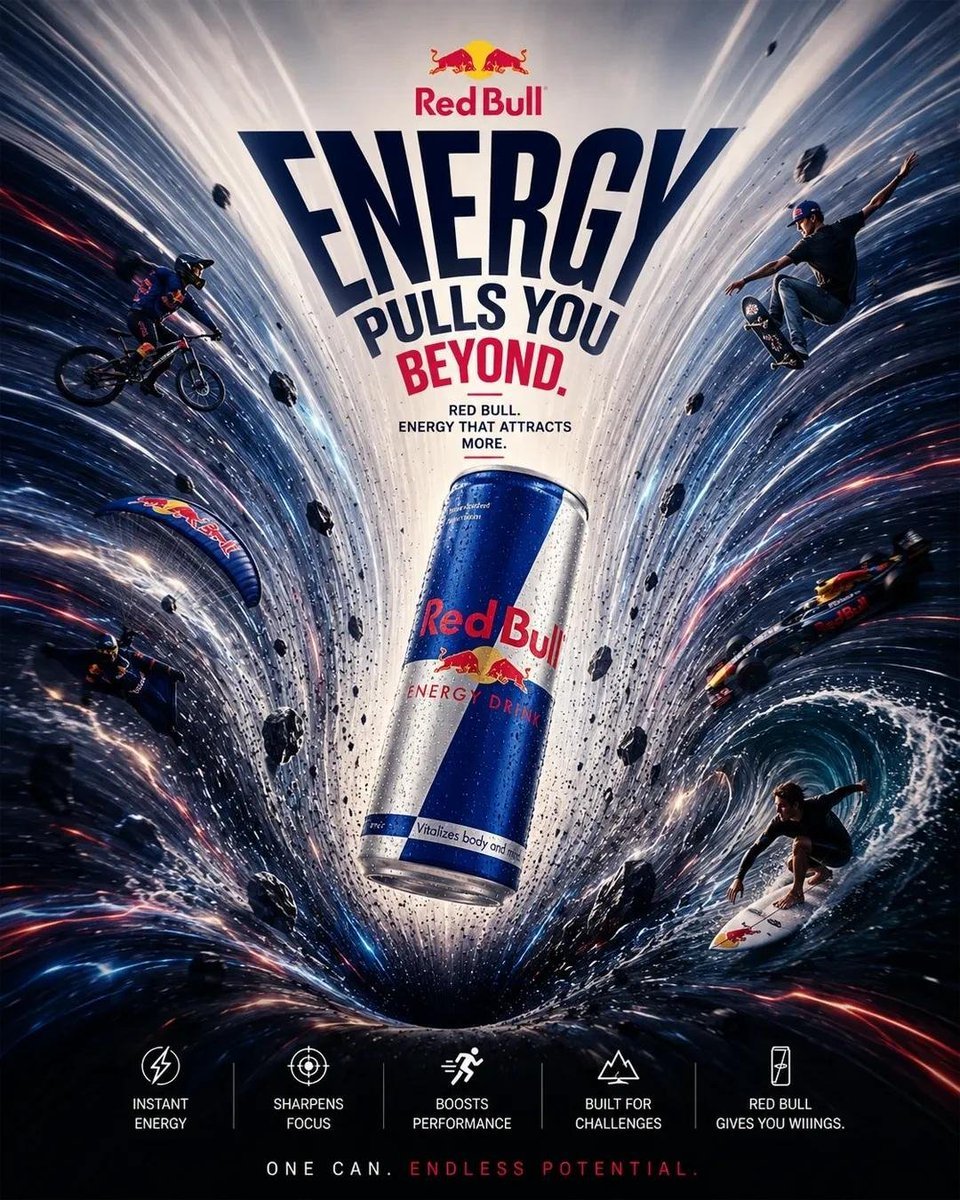
Product Gravity Advertising Poster
Deep Blue Sci-Fi Megacity Wallpaper
Cyberpunk Megacity Hacker Scene
Futuristic Pedestrian Megacity
Zero-Gravity Anime Spaceship Escape
Make it yours
The Gravity Lane Megacity works as-is. These are the safest ways to change it without losing the look.
Change one field
Copy a single group, rewrite it, and generate again so you can see what that field is doing.
Keep the frame, change the subject
Hold the composition and light of The Gravity Lane Megacity, then swap wardrobe, props or the person for a new take.
| If the result… | Why | Fix |
|---|---|---|
| The result drifts from the preview | Too many fields changed at once. | Reuse The Gravity Lane Megacity as-is first, then change one group — subject, light, or setting. |
| The model over-stylizes the scene | The prose prompt leaves finish and camera underspecified. | Add one camera or lighting sentence and stay on GPT Image 2. |
More GPT Image 2 templates
Other prompts made for GPT Image 2.

Six VTuber Japanese Logo Sheet

Realistic Portrait of Woman and Deer

The Vista Modular Condo Poster

AI Model Routing Comparison Infographic

2.5D Anime Art Board

Isometric Productivity Desk Scene

New York Double Exposure Poster

Four-Panel AI Landscape Comparison

Japanese Tatami Lifestyle Magazine Cover

NESCAFÉ Coffee Map Poster
More image prompts
Fresh picks from across the catalog.
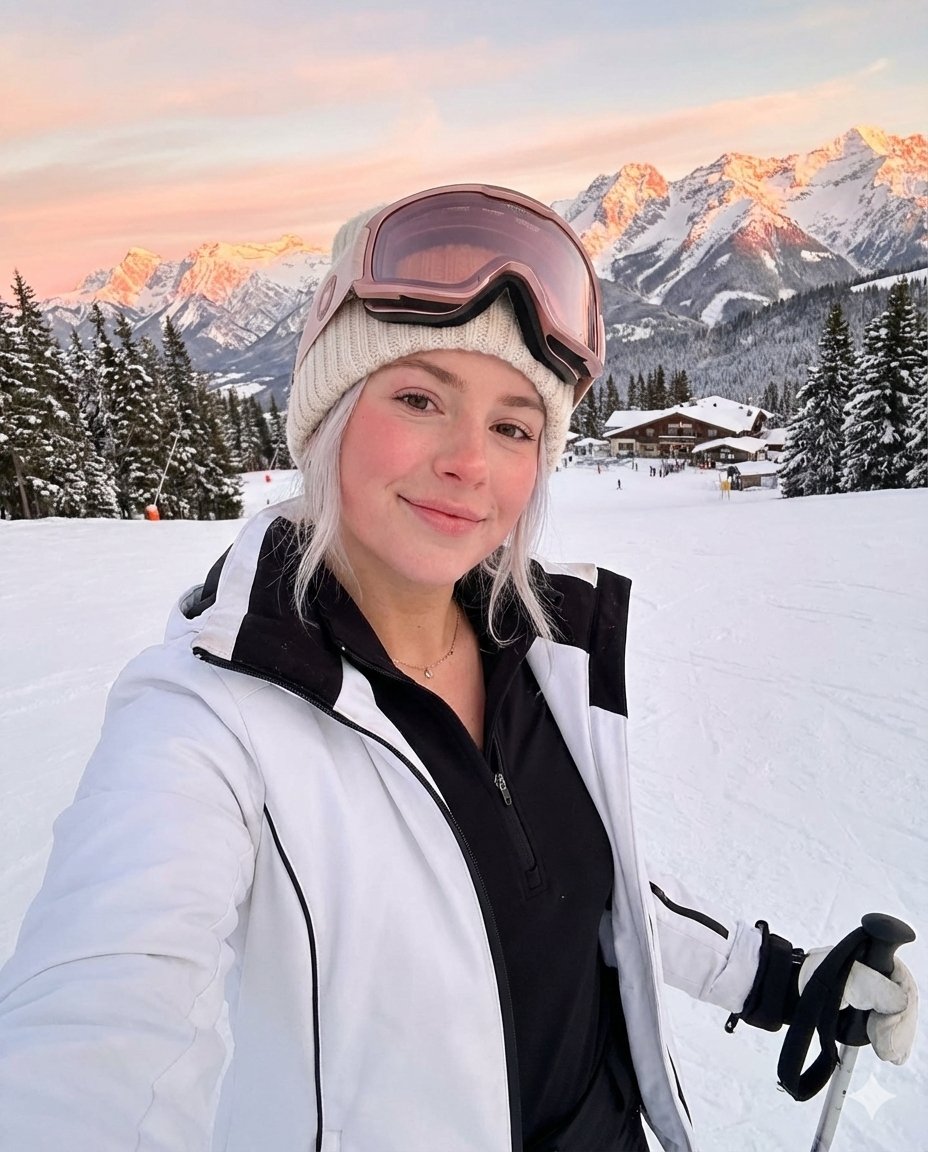
Golden Hour Ski Slope Selfie (Snow Bunny Aesthetic)
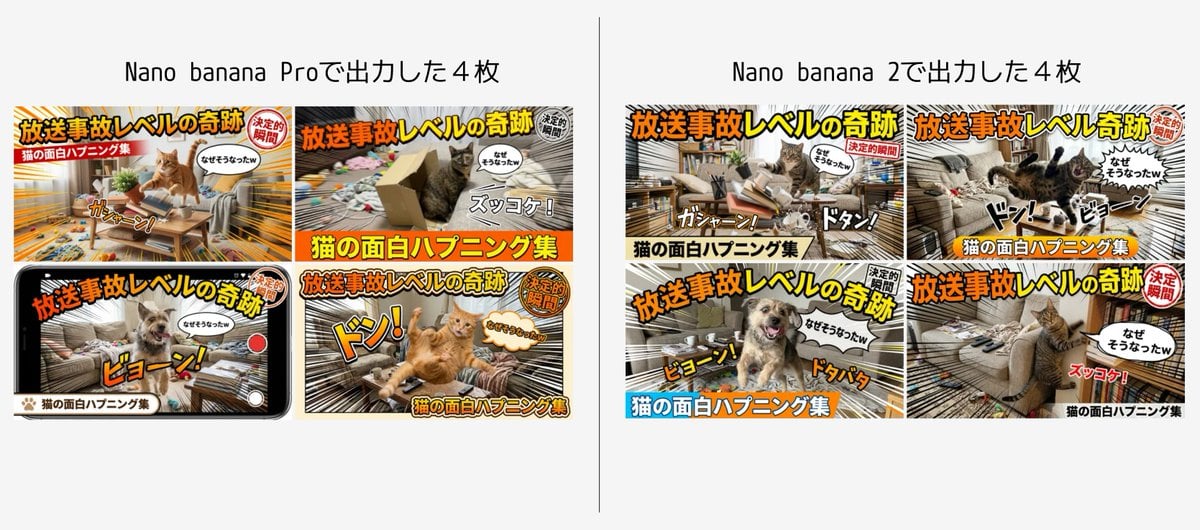
Detailed Japanese Prompt for Variety Show Style Image

Constructivist AI Artist Editorial Poster
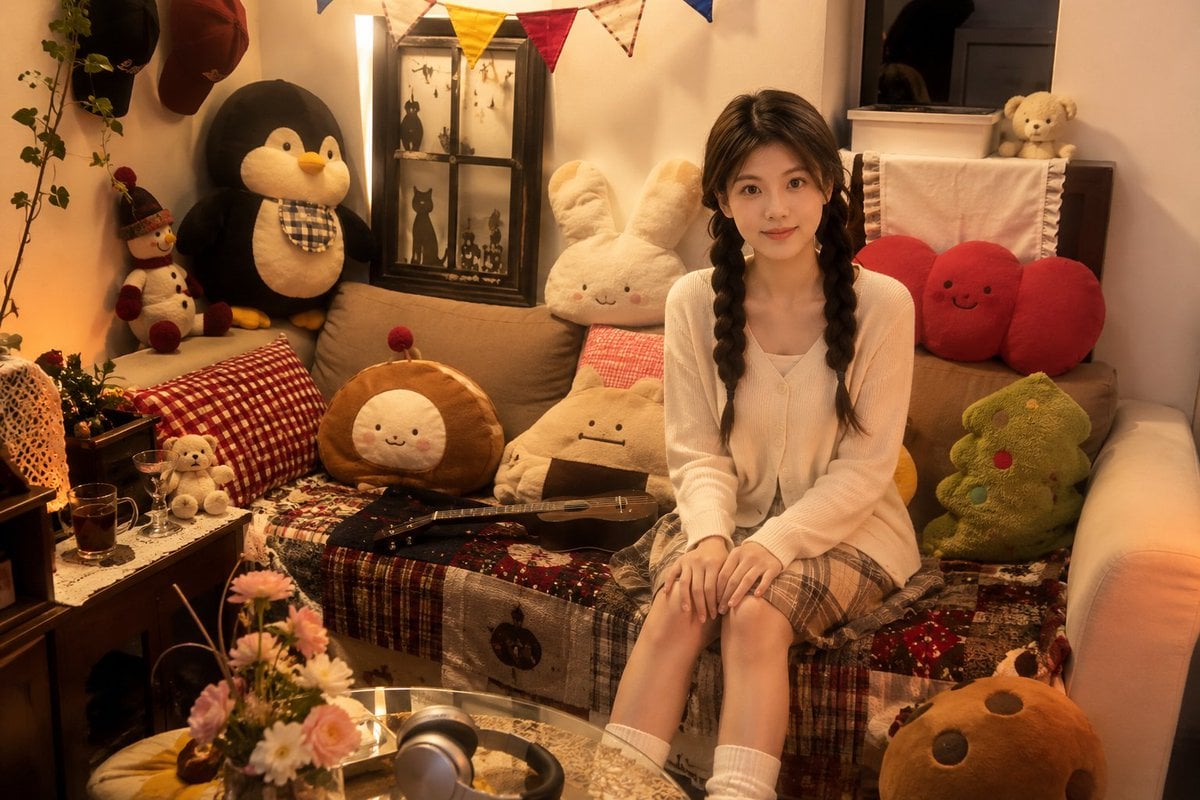
Cozy Bedroom Plush Portrait
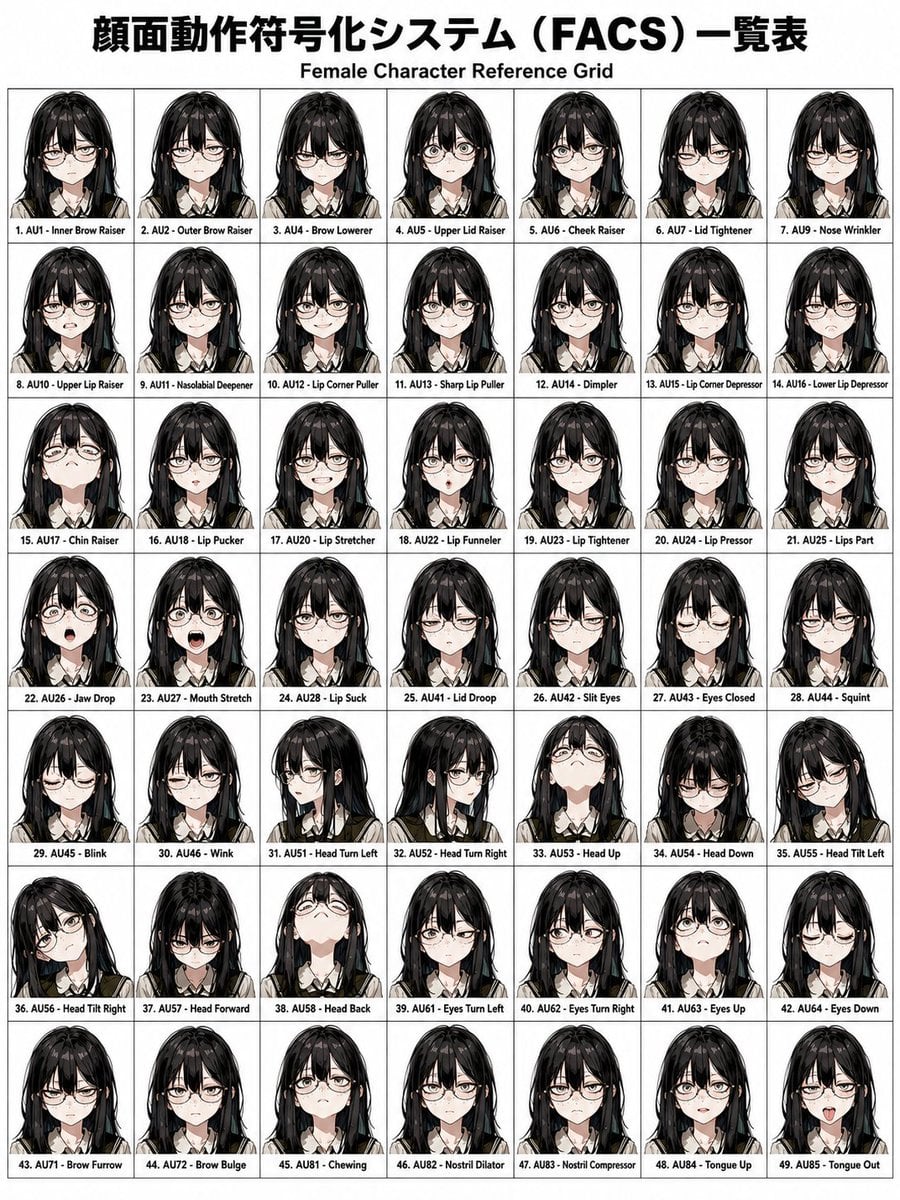
FACS Facial Expression Control
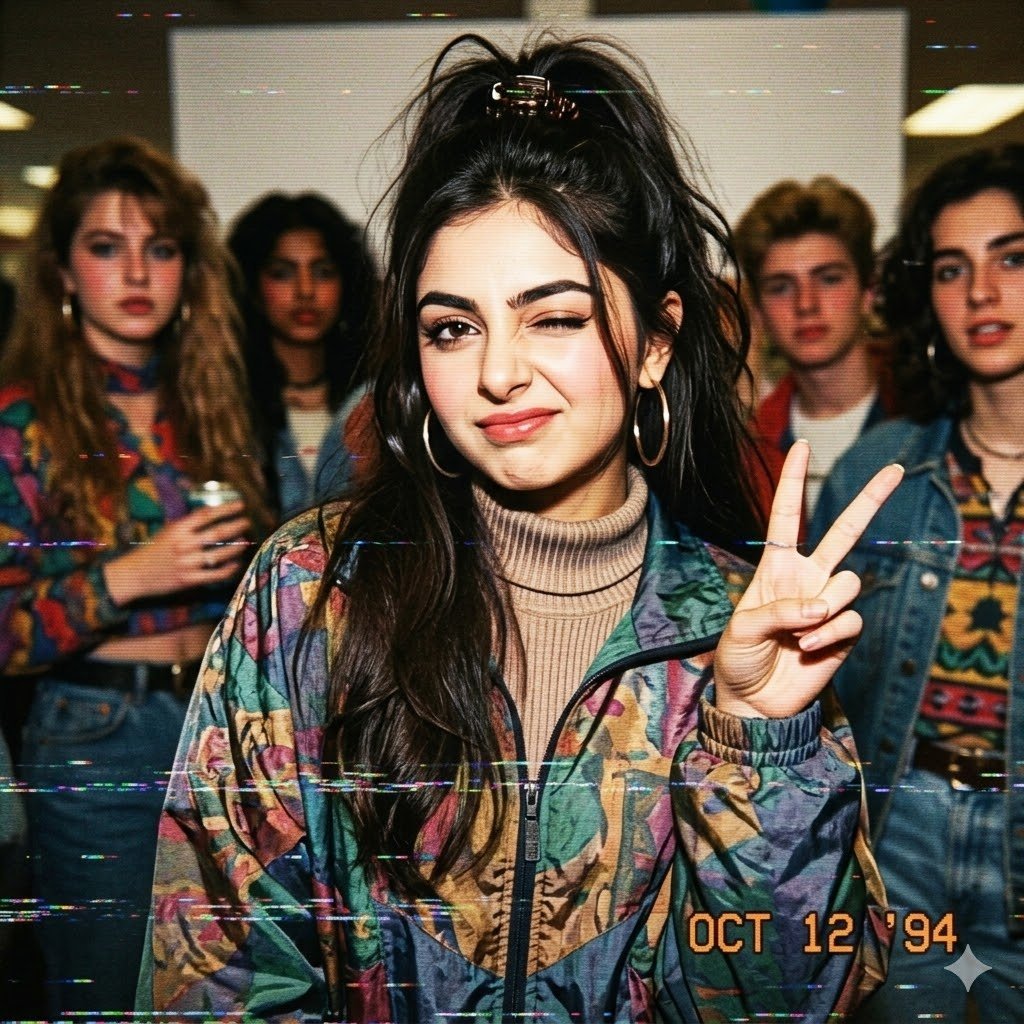
VHS 90s Mall Teen Group Portrait
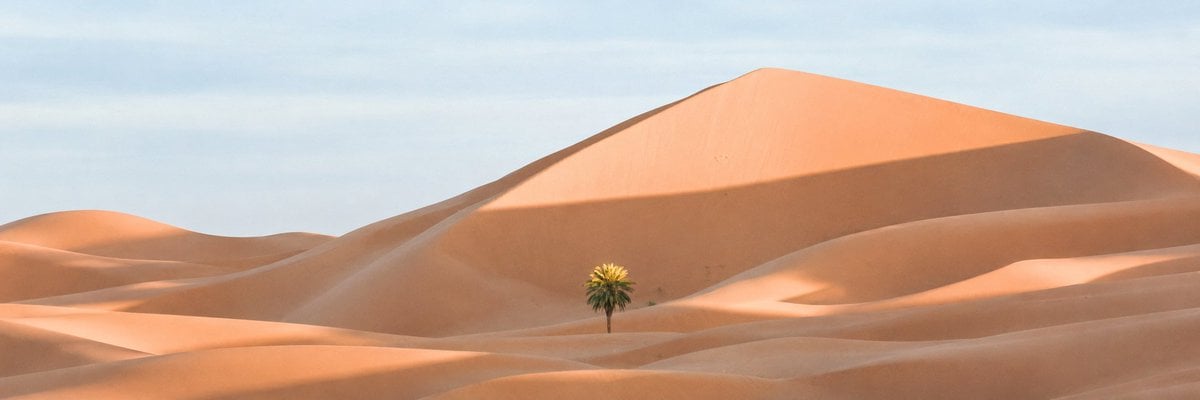
Ultra-Wide Desert Dunes With Lone Palm
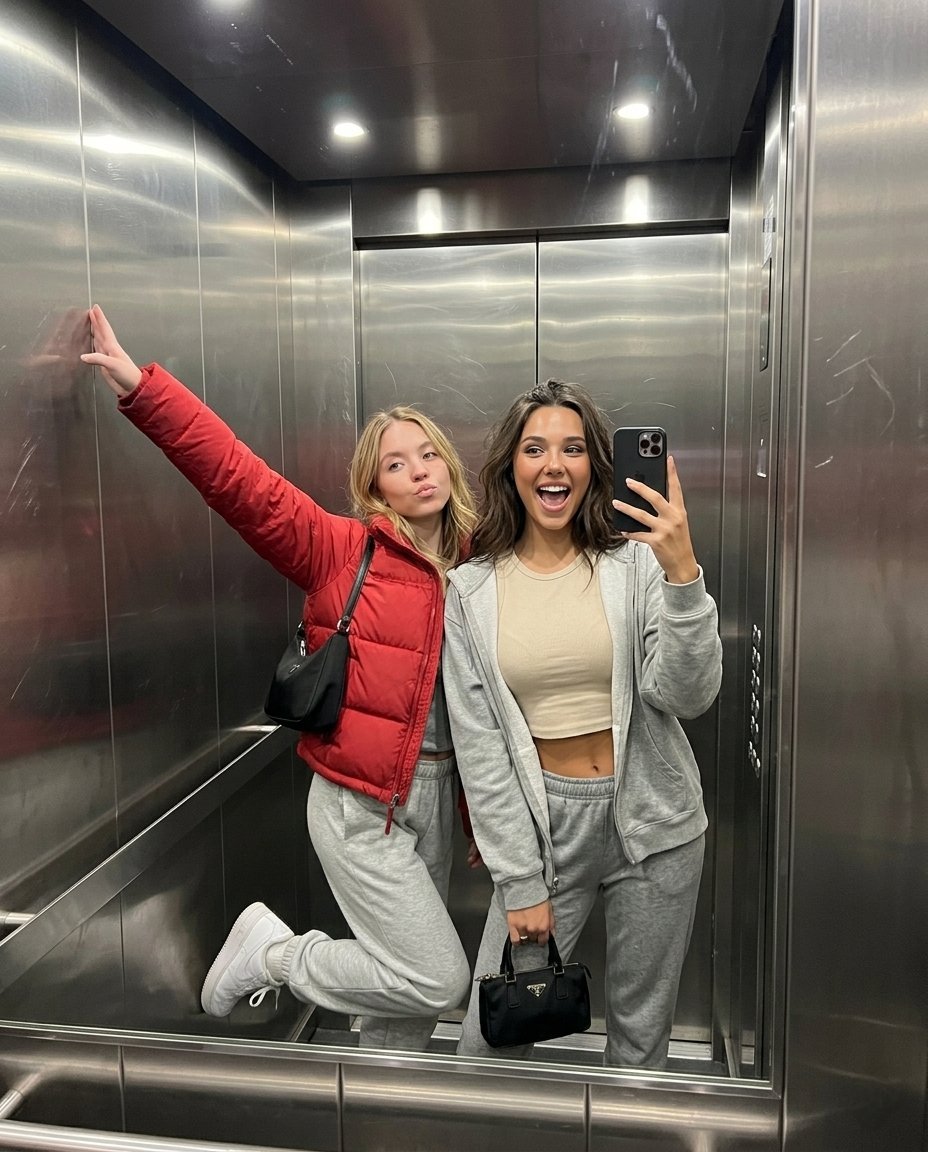
Realistic Elevator Mirror Selfie Prompt for Nano Banana Pro

Gpt2 Profile Avatar Dreamy Oriental Female Portrait
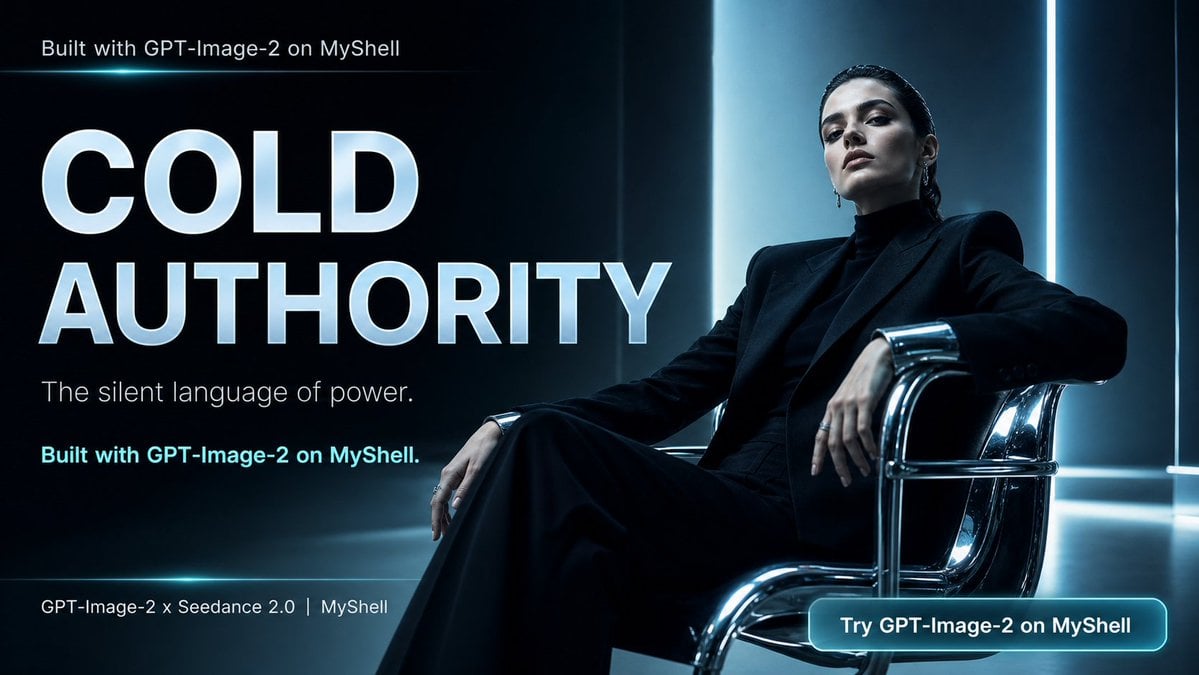
Cold Authority Tech Poster
Browse template categories
The Gravity Lane Megacity questions
How do I use the The Gravity Lane Megacity template?
Add your photo if the template asks for one, edit the prompt if you like — the template's model and format are already selected — and press Generate. Your version opens in PicX Studio.
Can I customize the The Gravity Lane Megacity template?
Yes. You can change the subject, setting, lighting, mood, format, and available model controls before creating your image.
Is the The Gravity Lane Megacity template free?
Opening and editing this template is free. Generating uses credits, shown on the Generate button when you are signed in.
Which AI model should I use?
Start with GPT Image 2, which is the model associated with this template. You can compare another compatible model for a different finish.
Looking for something else? Browse all templates.

Your photo, any look
Thousands of ready templates for every top image and video model, from one credit balance.