
Futuristic Pedestrian Megacity
A vertical cinematic concept-art prompt for generating an optimistic futuristic city boulevard filled with glass towers, skybridges, greenery, pedestrians, and flying transit.
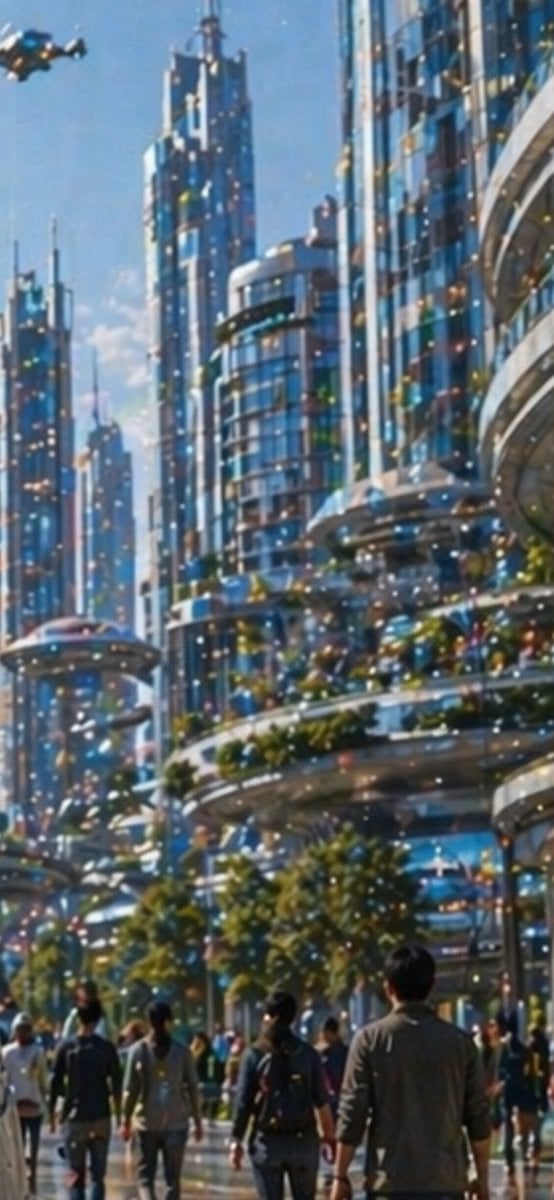
- Prompt included
- Model and format preset
- Free template
The prompt behind this image
Copy the exact prompt behind Futuristic Pedestrian Megacity, or open it in the studio and make it yours.
Create a tall vertical cinematic sci-fi city scene in bright daytime, showing a dense futuristic metropolis with towering blue-glass skyscrapers, rounded balconies, layered skybridges, and lush greenery integrated into terraces. The viewpoint is from street level looking upward through a pedestrian boulevard, emphasizing immense scale and depth. Include exactly 6 dominant high-rise towers: three slim spired towers on the left and center, one cylindrical glass tower in the middle, and two massive curved glass-and-metal buildings on the right. Add elevated circular transit platforms and sweeping walkways between buildings, with warm glowing windows and many tiny multicolored light specks across the architecture. In the foreground, show exactly 9 prominent pedestrians walking away from the viewer, including a central person with a dark backpack, a tall man on the right in a gray jacket, two figures on the left in casual clothing, and five partially visible people scattered across the lower street; add a soft distant crowd behind them without individually defined faces. Include exactly 1 small flying vehicle in the upper-left sky and exactly 1 saucer-like elevated transit pod or platform on the left midground. Use {argument name="city style" default="utopian futuristic glass megacity"}, {argument name="time of day" default="clear sunny morning"}, {argument name="visual style" default="painterly cinematic concept art"}, {argument name="lighting mood" default="sparkling optimistic blue and gold light"}, and {argument name="foreground subject" default="pedestrians walking into the future"}. The image should feel like an aspirational future city, with soft atmospheric haze, reflective glass, saturated blue tones, warm highlights, shallow painterly detail, and no readable text, logos, or watermark.
How to use Futuristic Pedestrian Megacity in 3 steps
- 1Upload ImagePNG, JPG or paste
Add your photo
Upload the photo the template builds on. The prompt, model and format are already set.
- 2…a portrait of your subject in softgolden-hour light, 85mm…
Personalize
Edit the subject and creative details for your destination.
- 3Generate
Generate
Press Generate — your image is created in PicX Studio, so you can compare it with the original and refine one variable at a time.
More like this
Templates with the same subject, style or setup. Open one to see its prompt.

Futuristic Chrome Helmet Fashion Portrait

Futuristic Studio Neon Ring Minimalist Portrait
Futuristic Chrome Helmet Fashion Portrait
Futuristic Studio Neon Ring Minimalist Portrait

Black Liquid Cyberpunk Portrait Poster

Cyberpunk Neon Brazil World Cup Poster

Playful Futuristic Brand Kit Board
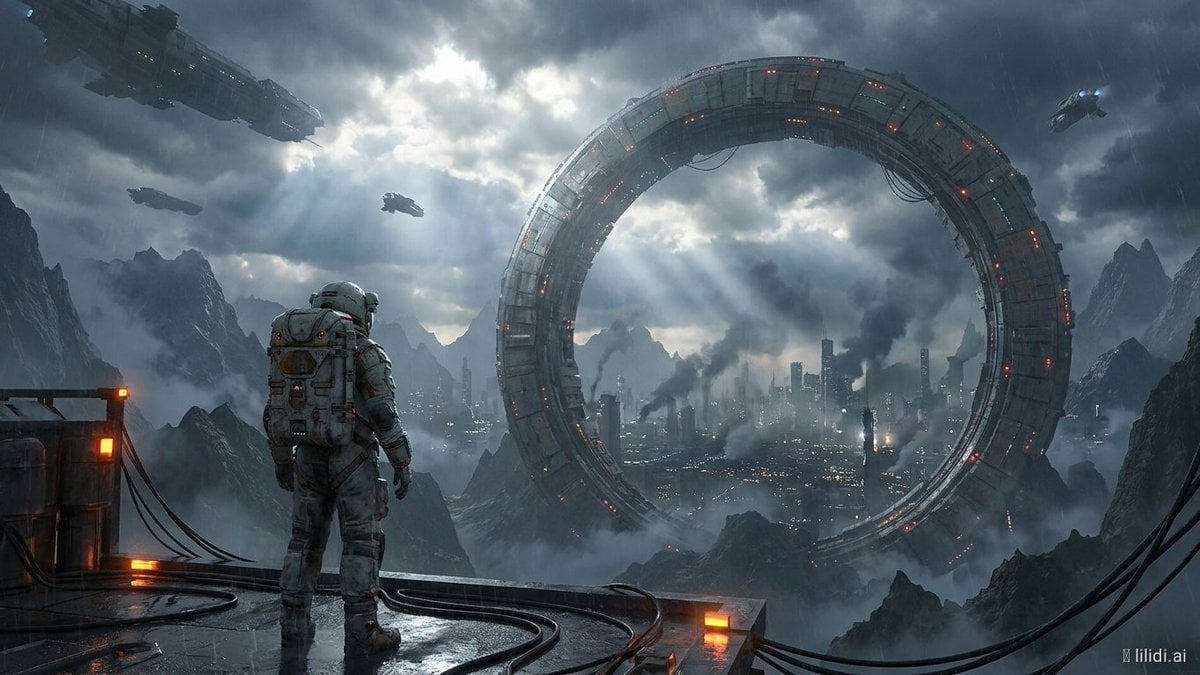
Futuristic Ring Megacity Concept Art
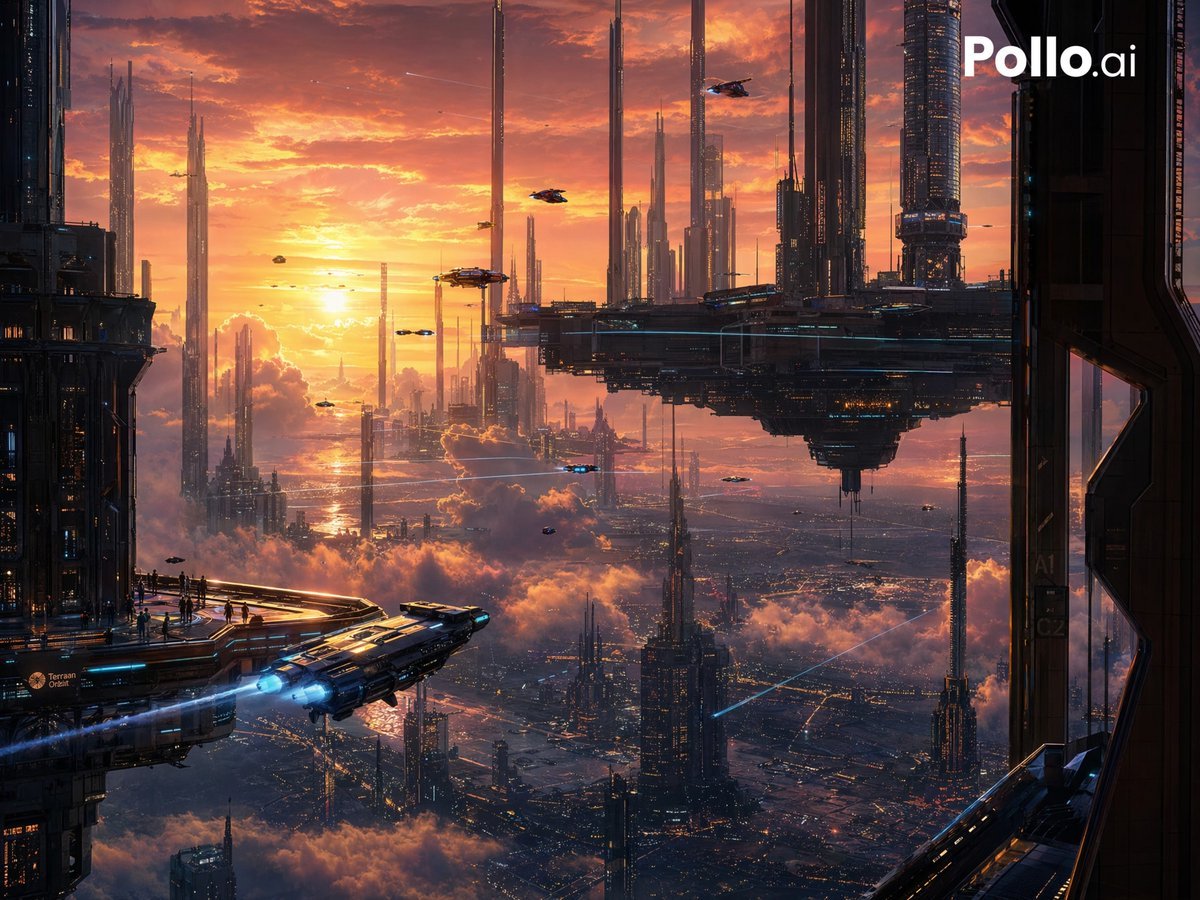
Sunset Futuristic Megacity Panorama
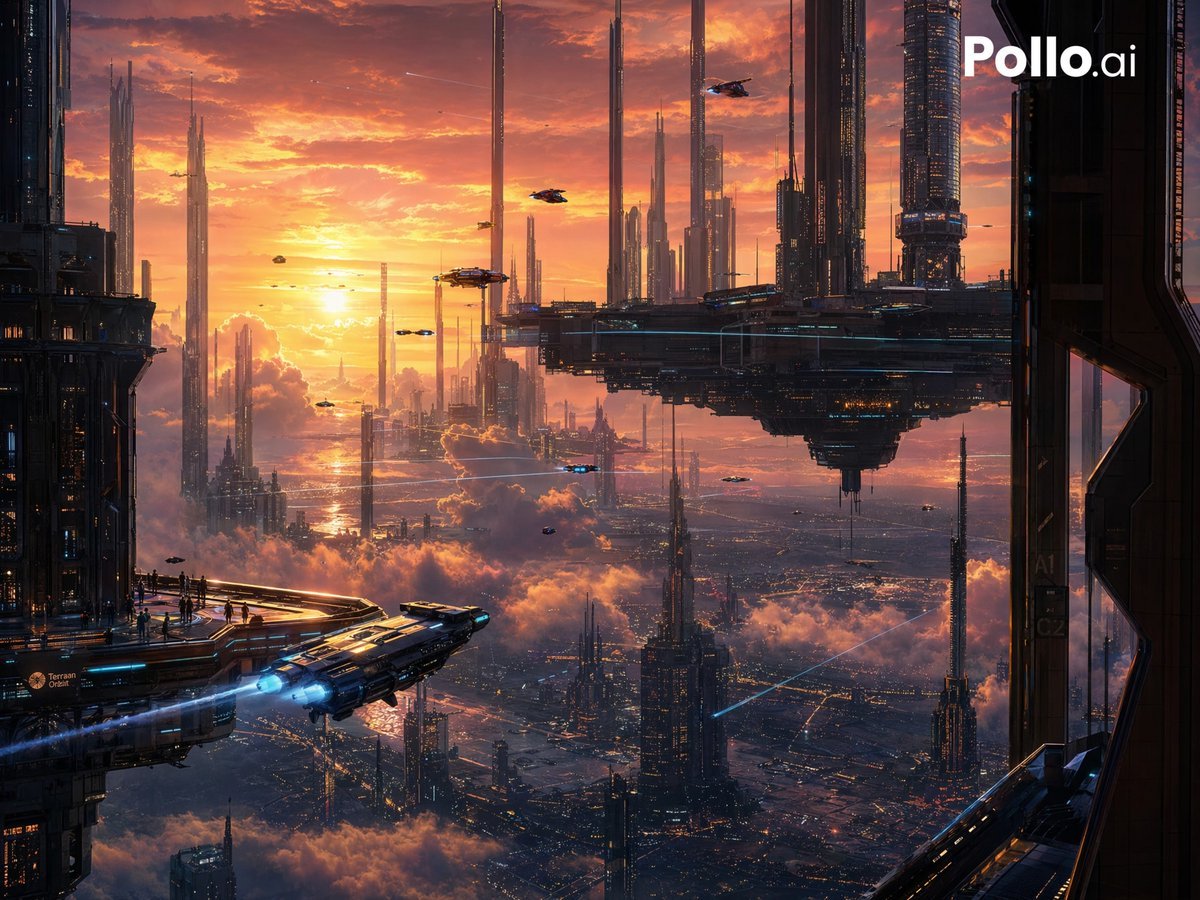
Futuristic Sunset Megacity
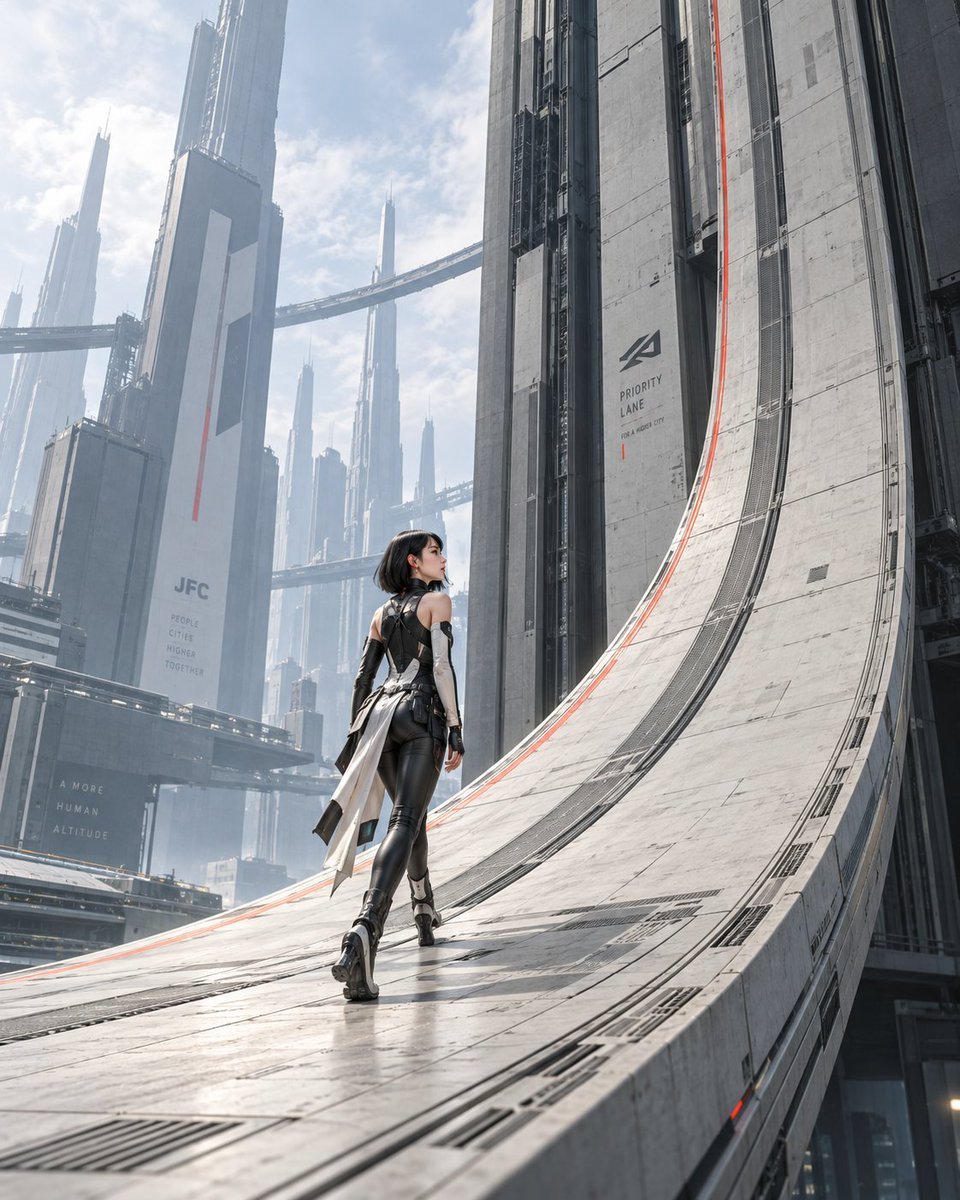
The Gravity Lane Megacity
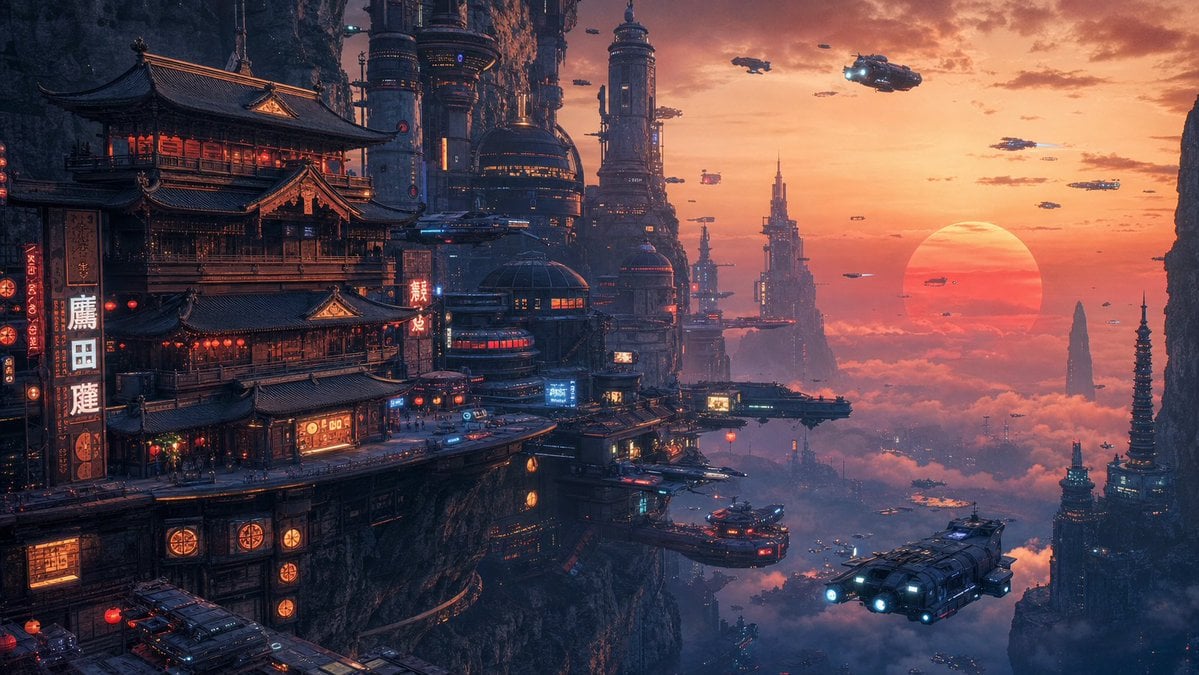
Cyberpunk Cliffside Megacity Wallpaper
Make it yours
Futuristic Pedestrian Megacity works as-is. These are the safest ways to change it without losing the look.
Change one field
Copy a single group, rewrite it, and generate again so you can see what that field is doing.
Keep the frame, change the subject
Hold the composition and light of Futuristic Pedestrian Megacity, then swap wardrobe, props or the person for a new take.
| If the result… | Why | Fix |
|---|---|---|
| The result drifts from the preview | Too many fields changed at once. | Reuse Futuristic Pedestrian Megacity as-is first, then change one group — subject, light, or setting. |
| The model over-stylizes the scene | The prose prompt leaves finish and camera underspecified. | Add one camera or lighting sentence and stay on GPT Image 2. |
More GPT Image 2 templates
Other prompts made for GPT Image 2.

Six VTuber Japanese Logo Sheet

Realistic Portrait of Woman and Deer

The Vista Modular Condo Poster

AI Model Routing Comparison Infographic

2.5D Anime Art Board

Isometric Productivity Desk Scene

New York Double Exposure Poster

Four-Panel AI Landscape Comparison

Japanese Tatami Lifestyle Magazine Cover

NESCAFÉ Coffee Map Poster
More image prompts
Fresh picks from across the catalog.

High-End Matcha Product Photography Prompt for Nano Banana 2
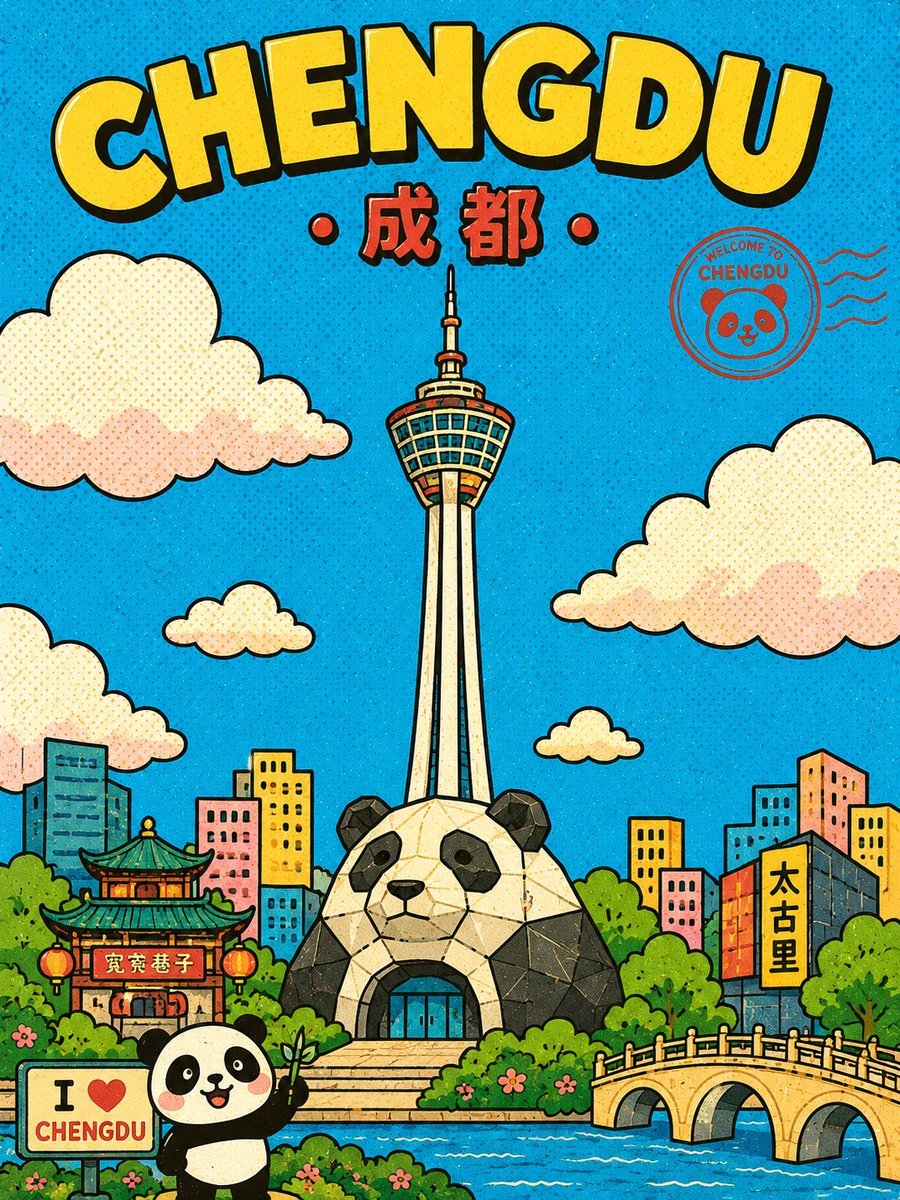
Retro Chengdu Cartoon Postcard
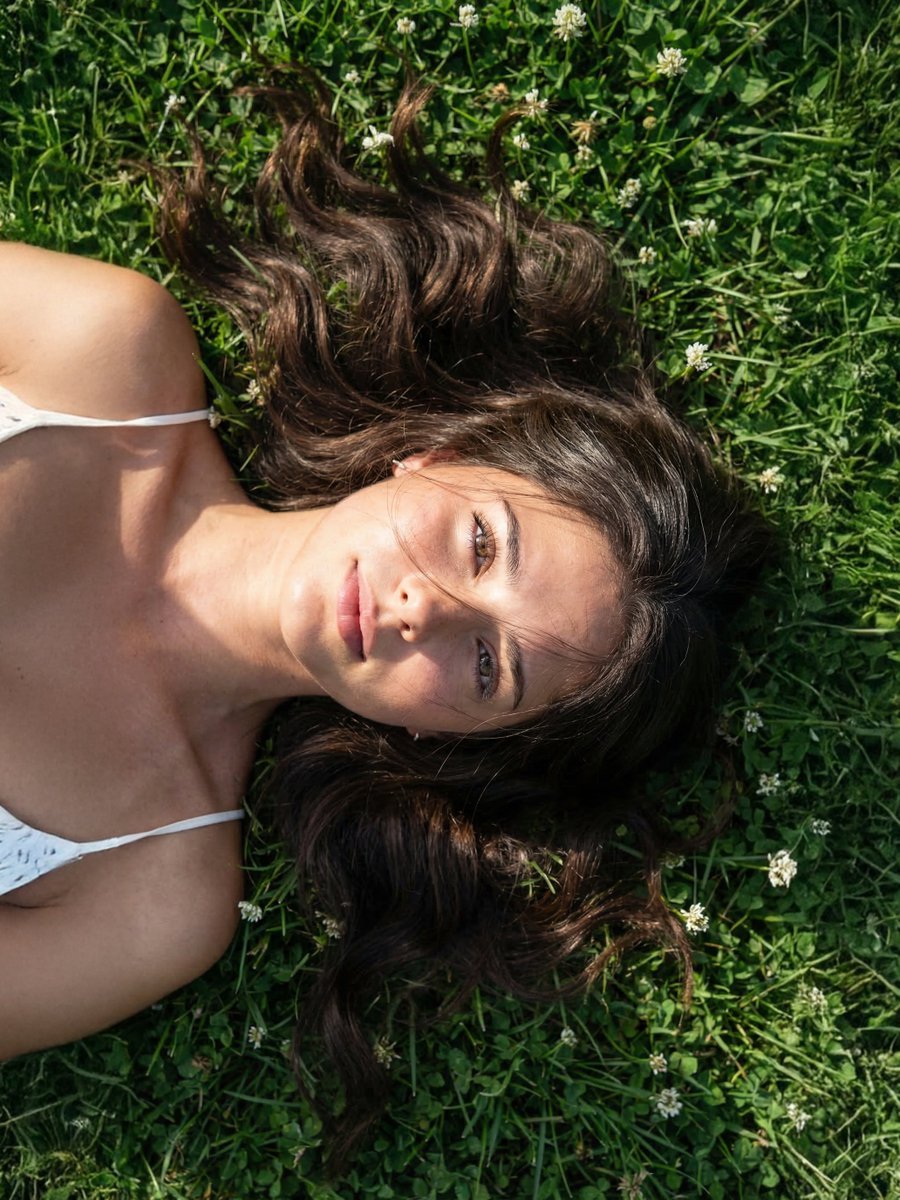
Photorealistic Close Portrait with Raw Natural Photography Style
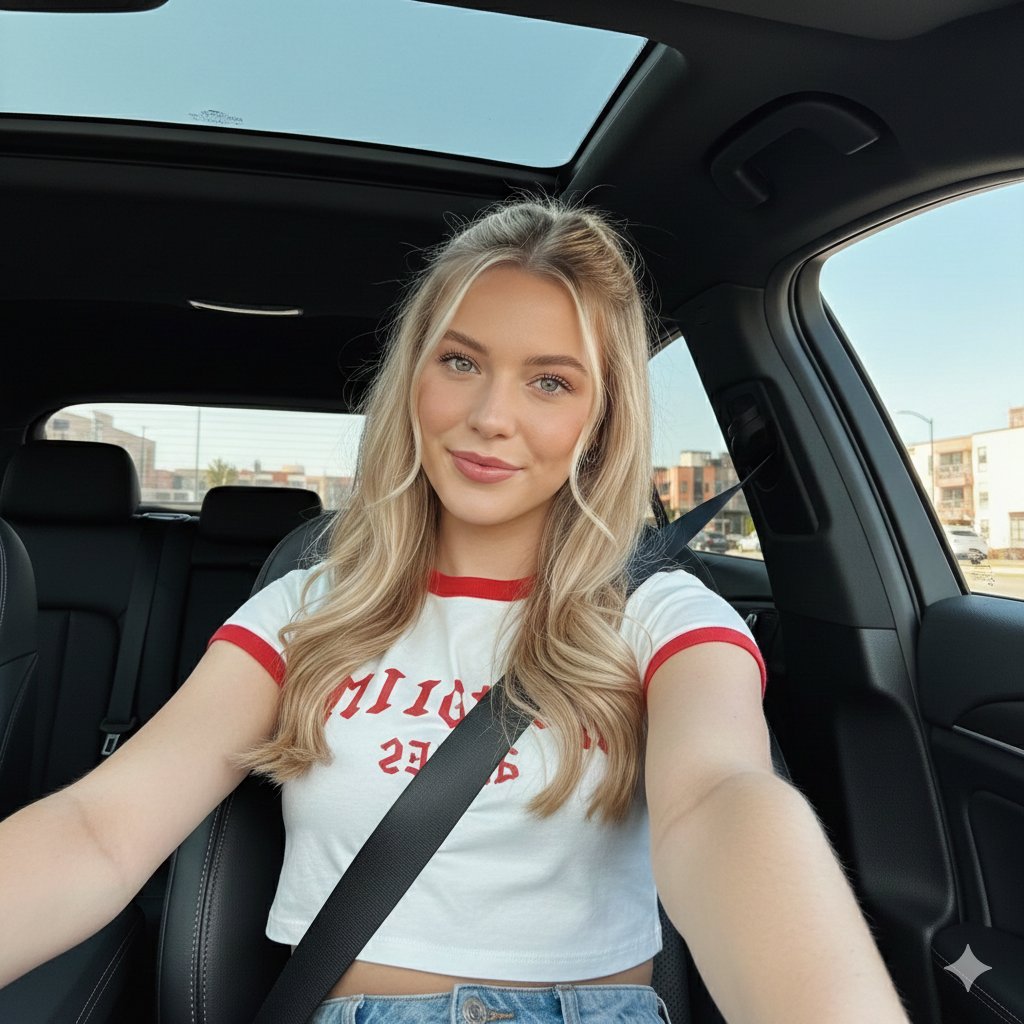
Wide-Angle Car Selfie with Panoramic Sunroof
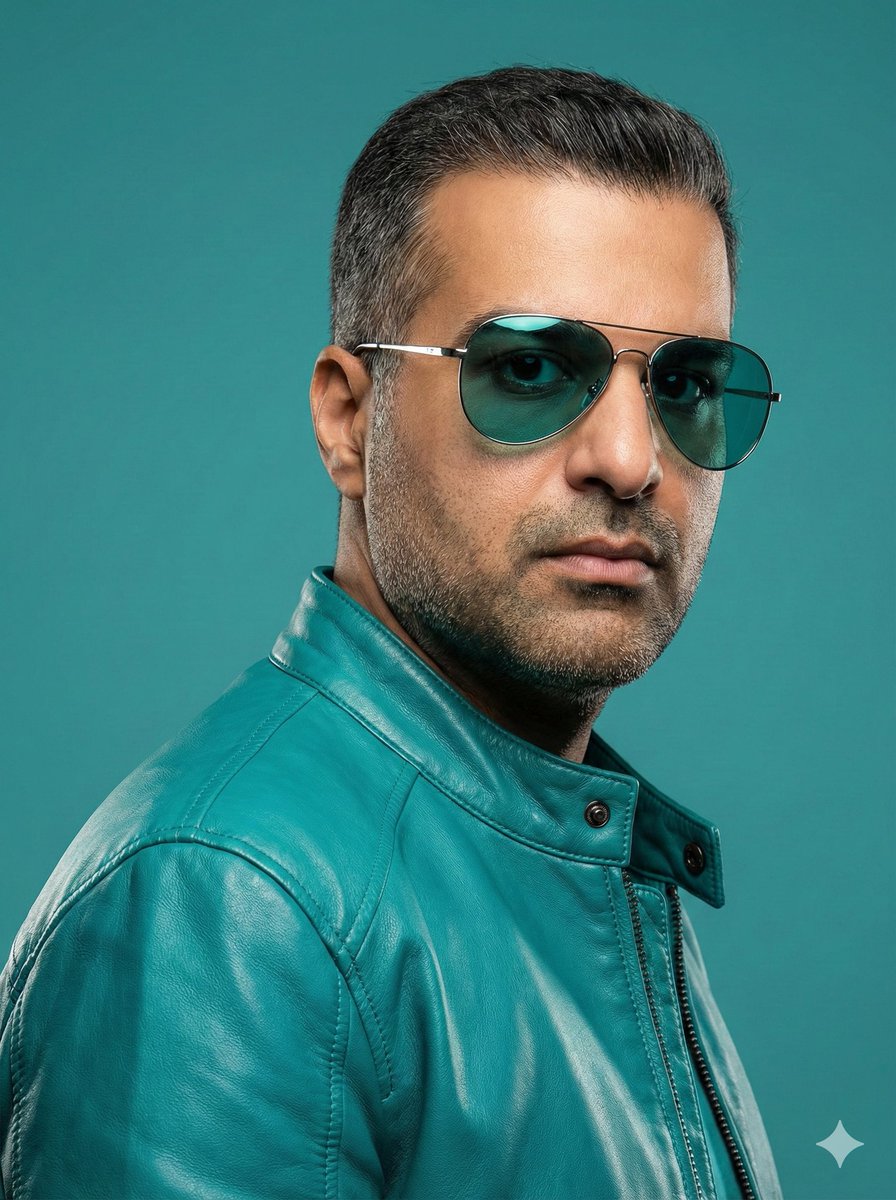
Teal Leather Jacket Studio Portrait Prompt
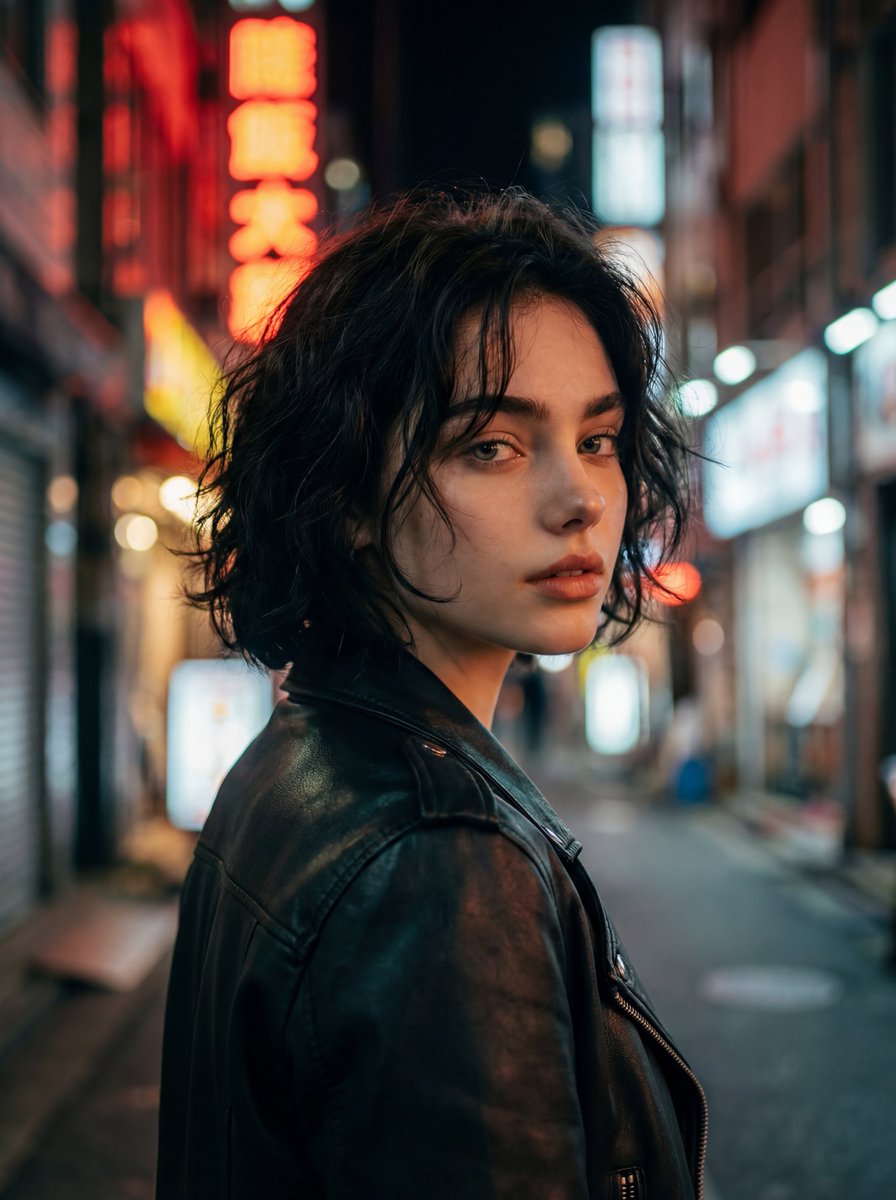
Cinematic Night Street Portrait
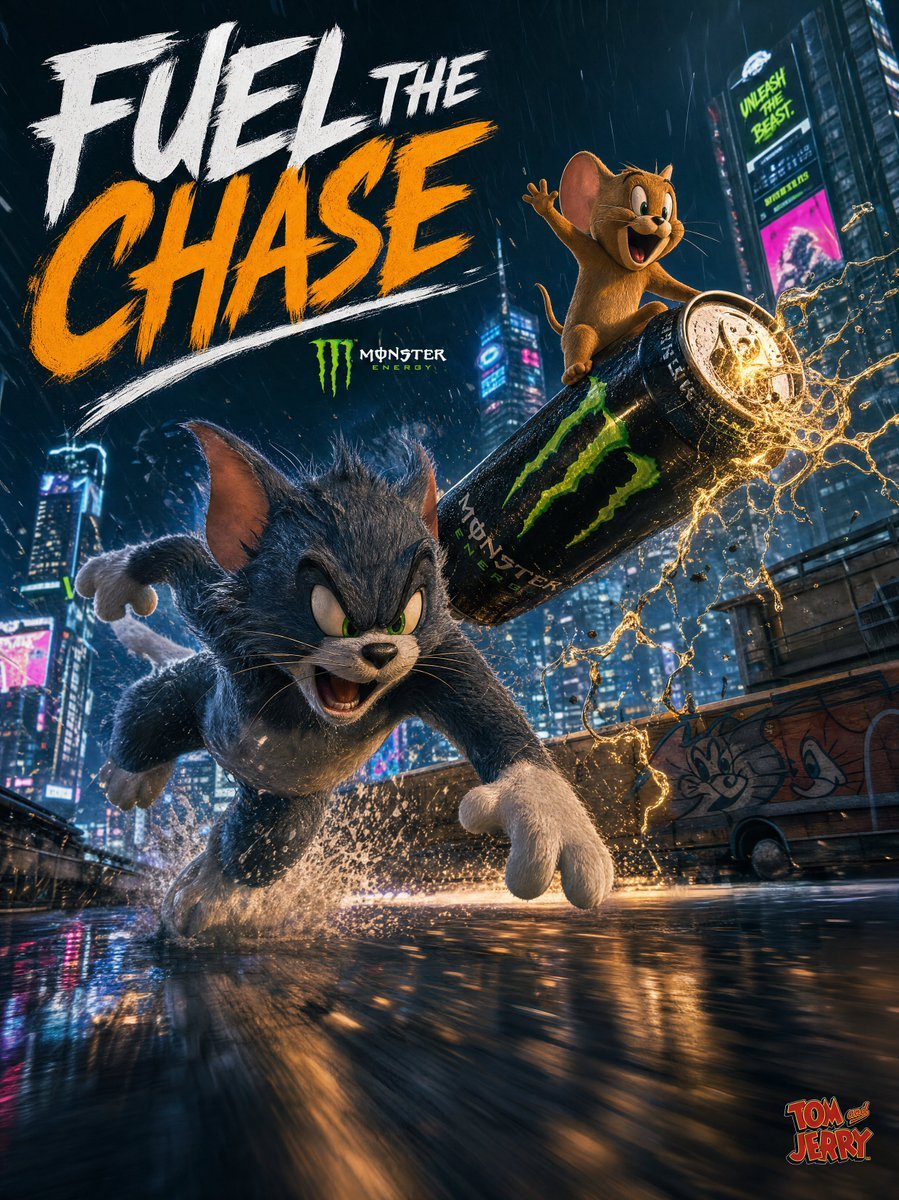
Tom and Jerry Energy Drink Ad
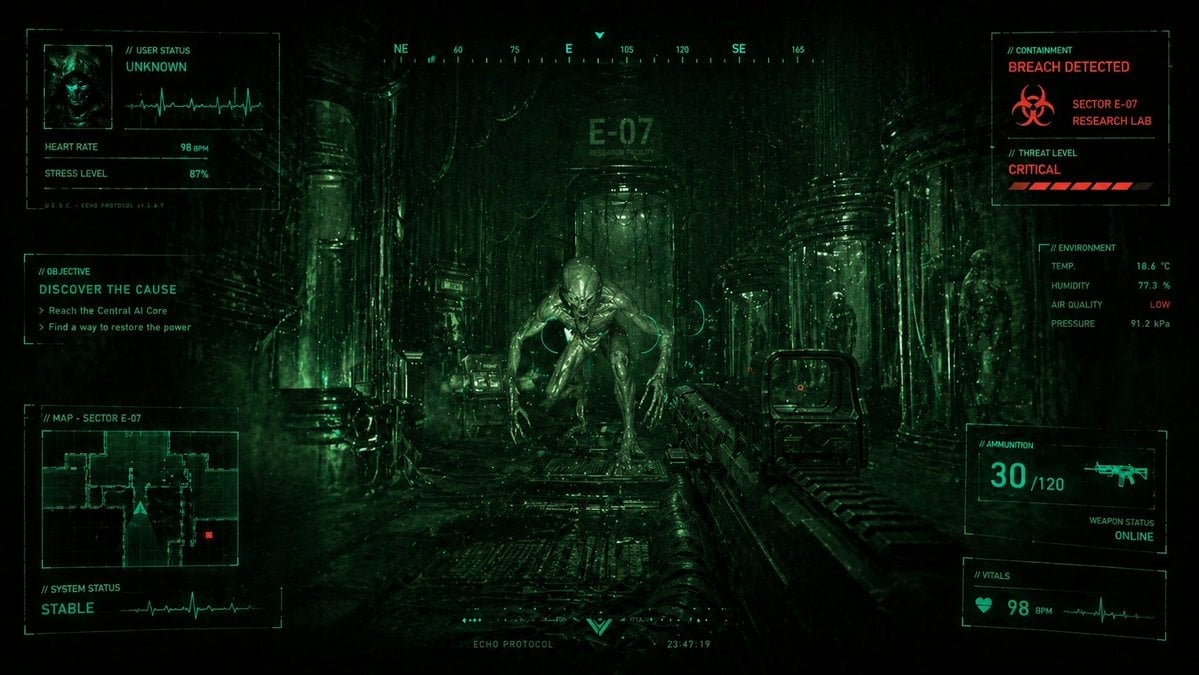
Sci-Fi Horror FPS HUD Lab Breach

Ultra-Realistic Food Photography of Dessert Splash
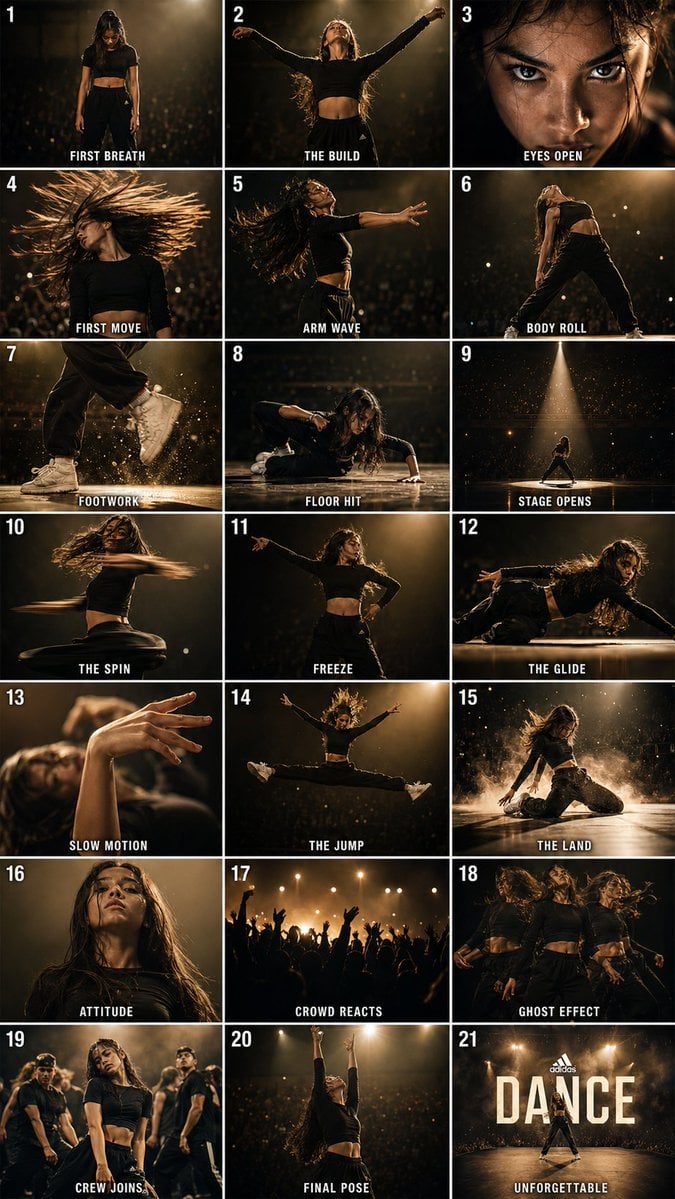
Cinematic Dance Routine Storyboard
Browse template categories
Futuristic Pedestrian Megacity questions
How do I use the Futuristic Pedestrian Megacity template?
Add your photo if the template asks for one, edit the prompt if you like — the template's model and format are already selected — and press Generate. Your version opens in PicX Studio.
Can I customize the Futuristic Pedestrian Megacity template?
Yes. You can change the subject, setting, lighting, mood, format, and available model controls before creating your image.
Is the Futuristic Pedestrian Megacity template free?
Opening and editing this template is free. Generating uses credits, shown on the Generate button when you are signed in.
Which AI model should I use?
Start with GPT Image 2, which is the model associated with this template. You can compare another compatible model for a different finish.
Looking for something else? Browse all templates.

Your photo, any look
Thousands of ready templates for every top image and video model, from one credit balance.