
Sunset Futuristic Megacity Panorama
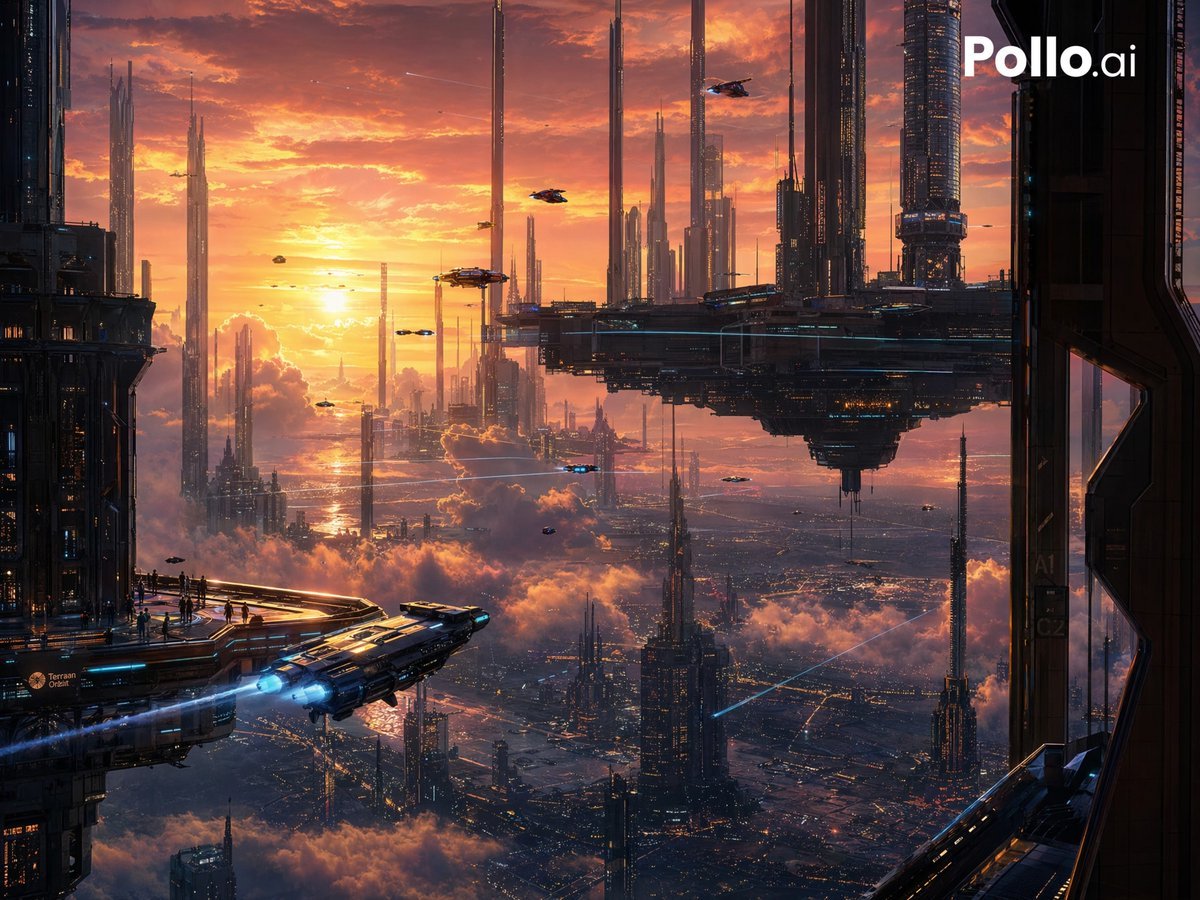
A cinematic prompt for generating an ultra-detailed sci-fi cityscape with flying vehicles, towering spires, and a glowing sunset skyline, ideal for concept art or dramatic worldbuilding visuals.
- Prompt included
- Model and format preset
- Free template
The prompt behind this image
Copy the exact prompt behind Sunset Futuristic Megacity Panorama, or open it in the studio and make it yours.
A vast cinematic sci-fi megacity at sunset, viewed from a high observation platform between dark futuristic superstructures, with an immense glowing orange-and-gold sky filled with dramatic clouds and haze. The scene shows a sprawling vertical city extending far into the distance, packed with countless ultra-tall needle-like skyscrapers and luminous architectural spires rising through layers of clouds. A colossal hovering platform-city dominates the upper right-middle area, dark metallic and heavily detailed, suspended above the skyline with smaller towers and structures attached beneath it. In the lower left foreground, a sleek futuristic spacecraft is launching away from a terrace, angled diagonally outward toward the center, with bright blue engine exhaust trails and reflective metallic panels. Tiny human silhouettes stand along the terrace edge for scale. Multiple small flying vehicles and hovercraft are scattered across the sky at different distances, creating dense air traffic. Far below, the city grid glitters with warm lights through atmospheric mist. Use a grand panoramic composition, high contrast between dark architectural framing and radiant sunset light, intricate techno-industrial detail, atmospheric perspective, volumetric clouds, reflective surfaces, and a richly colored palette of amber, peach, violet, deep navy, and electric blue accents. Ultra-detailed, epic futuristic concept art, photoreal matte-painting feel, sharp focus, dramatic scale, vertical 4:3 composition, no text or logos.
How to use Sunset Futuristic Megacity Panorama in 3 steps
- 1Upload ImagePNG, JPG or paste
Add your photo
Upload the photo the template builds on. The prompt, model and format are already set.
- 2…a portrait of your subject in softgolden-hour light, 85mm…
Personalize
Edit the subject and creative details for your destination.
- 3Generate
Generate
Press Generate — your image is created in PicX Studio, so you can compare it with the original and refine one variable at a time.
More like this
Templates with the same subject, style or setup. Open one to see its prompt.
Futuristic Sunset Megacity
Futuristic Pedestrian Megacity

Mountain Lake Sunset Landscape
Futuristic Ring Megacity Concept Art

Artistic Arborpunk Garden Observatory Complex

Futuristic Chrome Helmet Fashion Portrait

Futuristic Studio Neon Ring Minimalist Portrait
Futuristic Chrome Helmet Fashion Portrait
Futuristic Studio Neon Ring Minimalist Portrait

Black Liquid Cyberpunk Portrait Poster

Cyberpunk Neon Brazil World Cup Poster

Playful Futuristic Brand Kit Board
Make it yours
Sunset Futuristic Megacity Panorama works as-is. These are the safest ways to change it without losing the look.
Change one field
Copy a single group, rewrite it, and generate again so you can see what that field is doing.
Keep the frame, change the subject
Hold the composition and light of Sunset Futuristic Megacity Panorama, then swap wardrobe, props or the person for a new take.
| If the result… | Why | Fix |
|---|---|---|
| The result drifts from the preview | Too many fields changed at once. | Reuse Sunset Futuristic Megacity Panorama as-is first, then change one group — subject, light, or setting. |
| The model over-stylizes the scene | The prose prompt leaves finish and camera underspecified. | Add one camera or lighting sentence and stay on GPT Image 2. |
More GPT Image 2 templates
Other prompts made for GPT Image 2.

Six VTuber Japanese Logo Sheet

Realistic Portrait of Woman and Deer

The Vista Modular Condo Poster

AI Model Routing Comparison Infographic

2.5D Anime Art Board

Isometric Productivity Desk Scene

New York Double Exposure Poster

Four-Panel AI Landscape Comparison

Japanese Tatami Lifestyle Magazine Cover

NESCAFÉ Coffee Map Poster
More image prompts
Fresh picks from across the catalog.
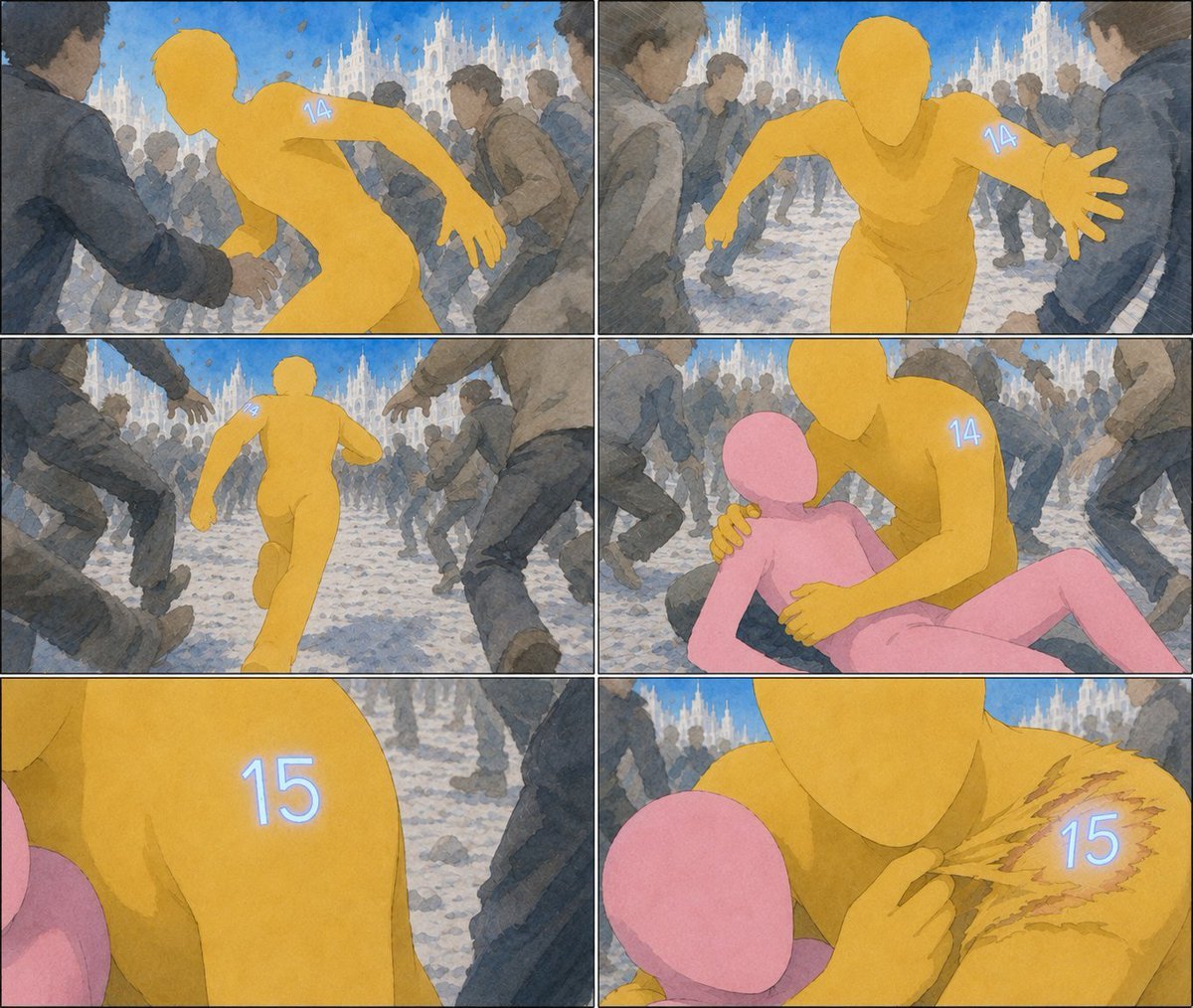
Six-Panel Numbered Humanoid Storyboard
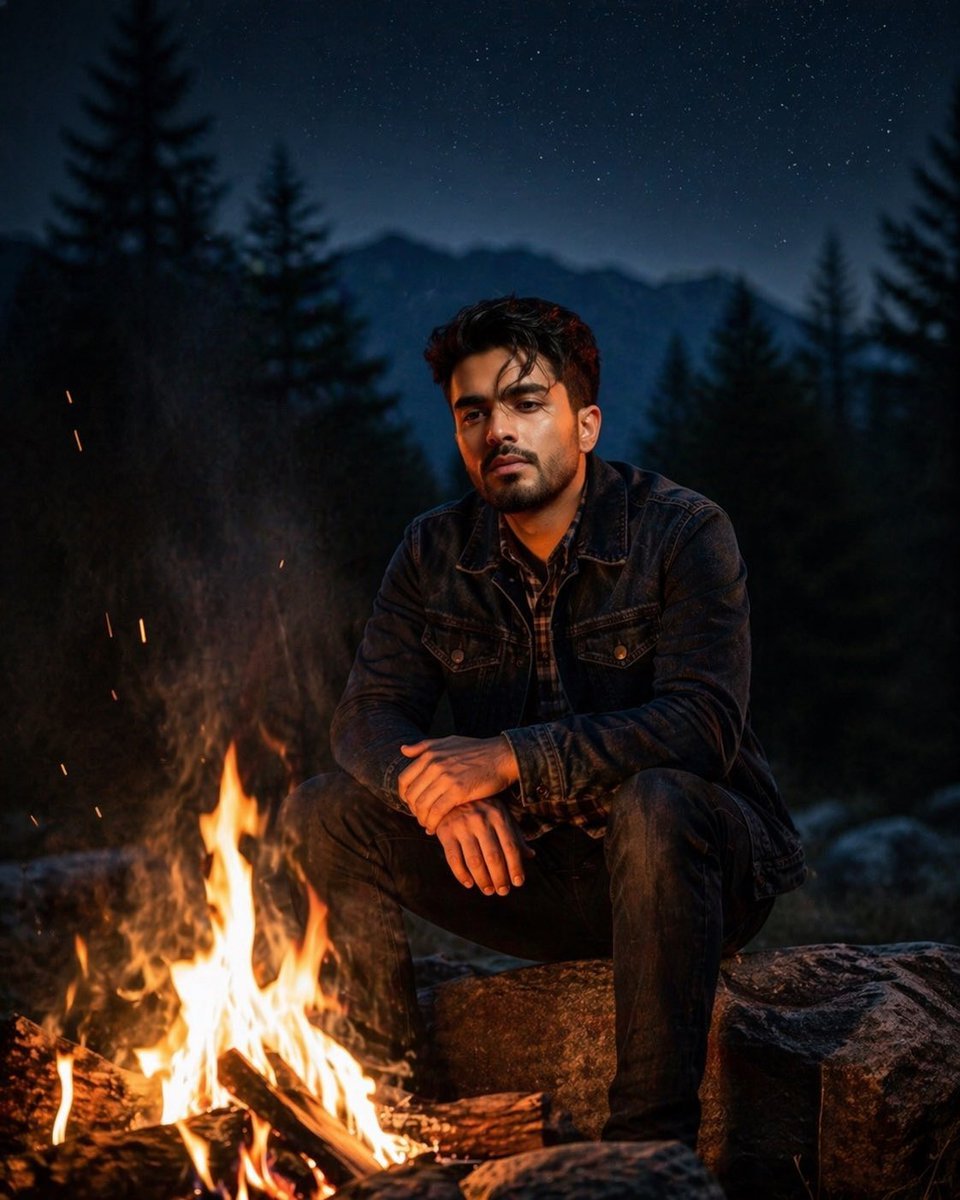
Cinematic Forest Campfire Portrait
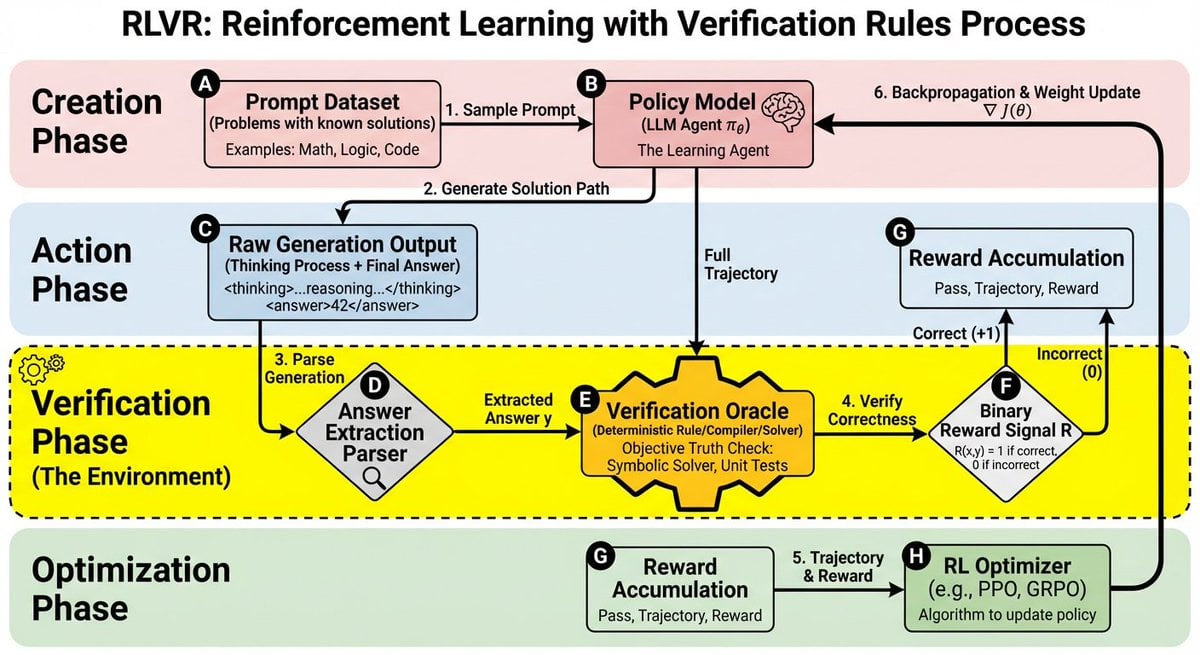
RLVR block diagram
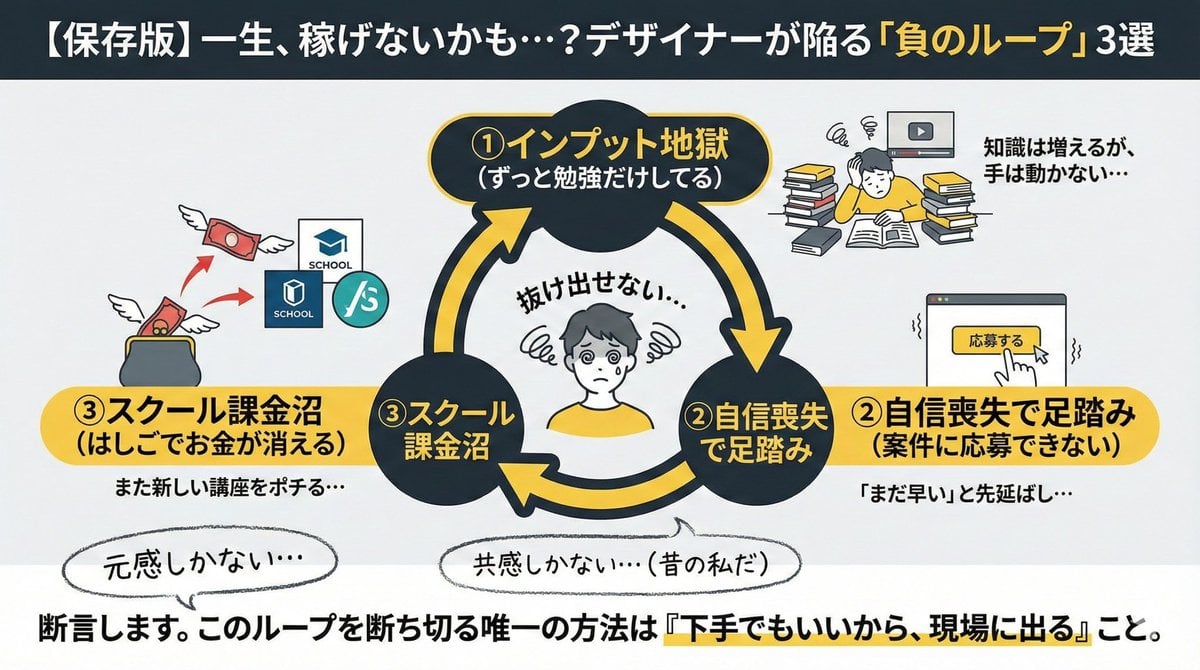
Infographic/Diagram Generation Prompt for Nano Banana Pro
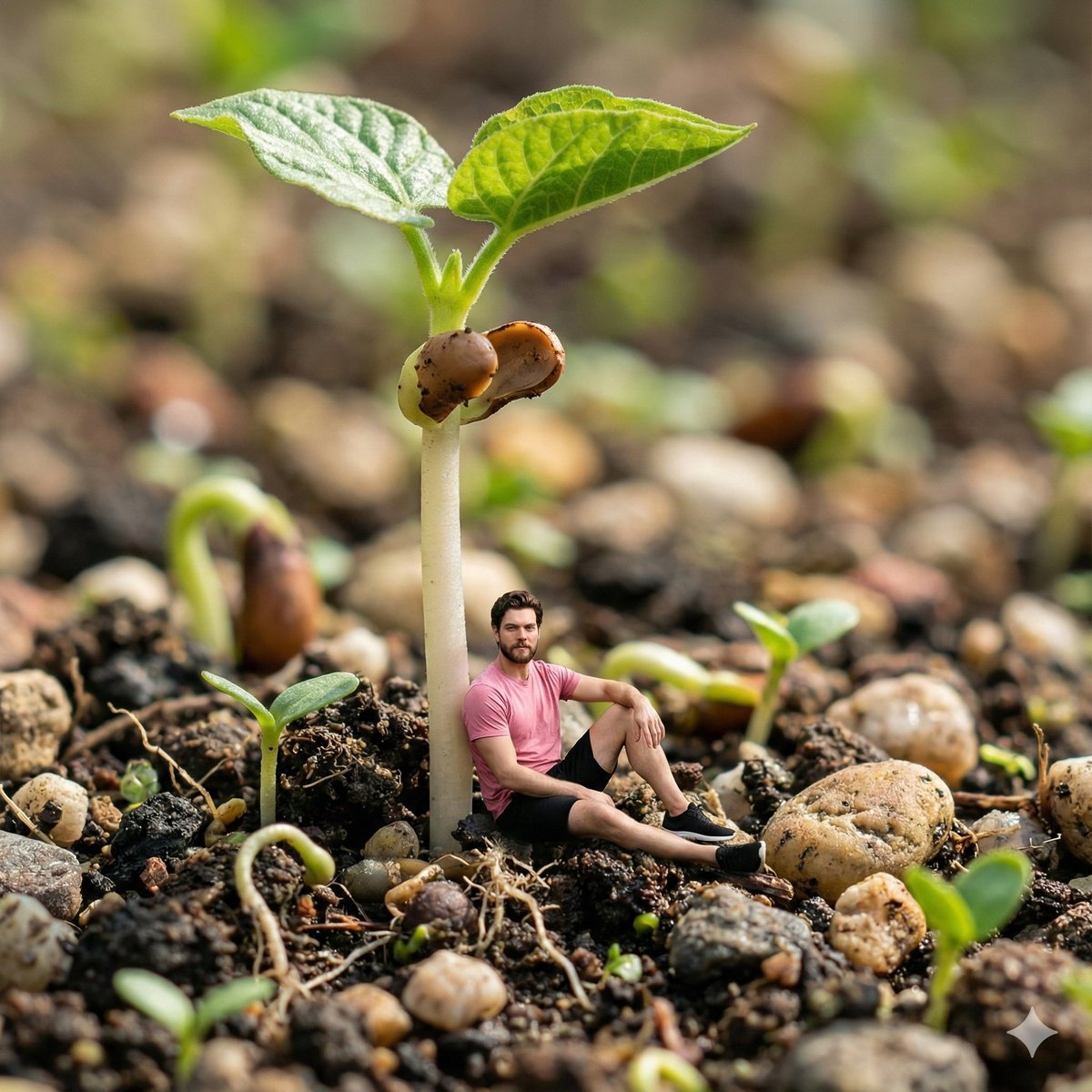
Surreal Macro-Fantasy: Tiny Man and Giant Bean Sprout
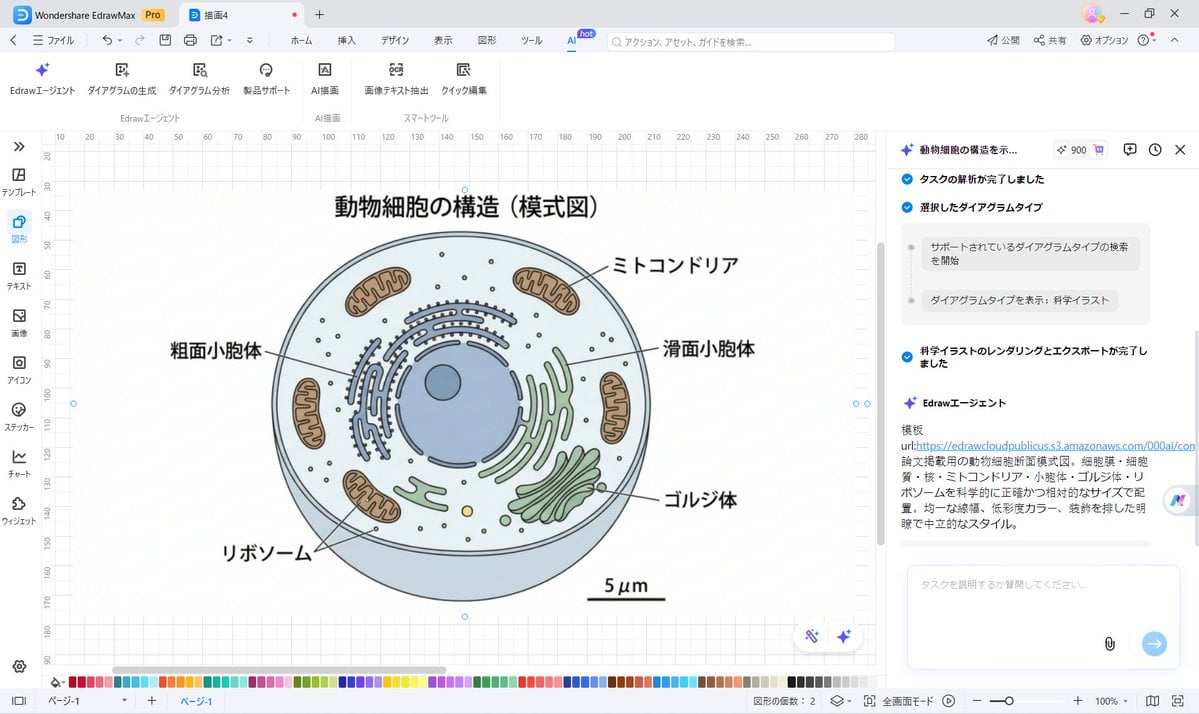
Nano Banana Pro for Scientific Illustration Generation

Minimalist Fashion Campaign Typography
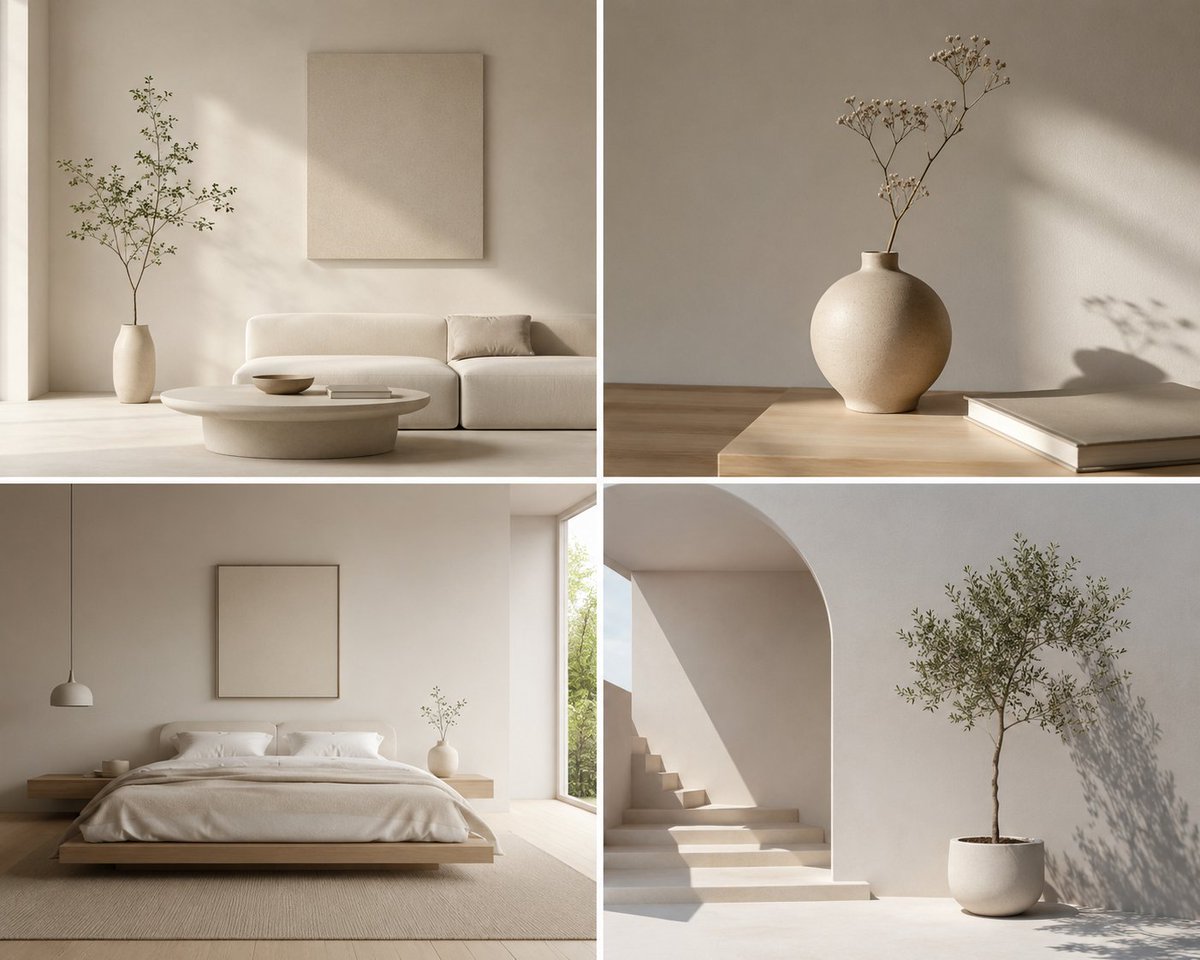
Minimalist Design Scene
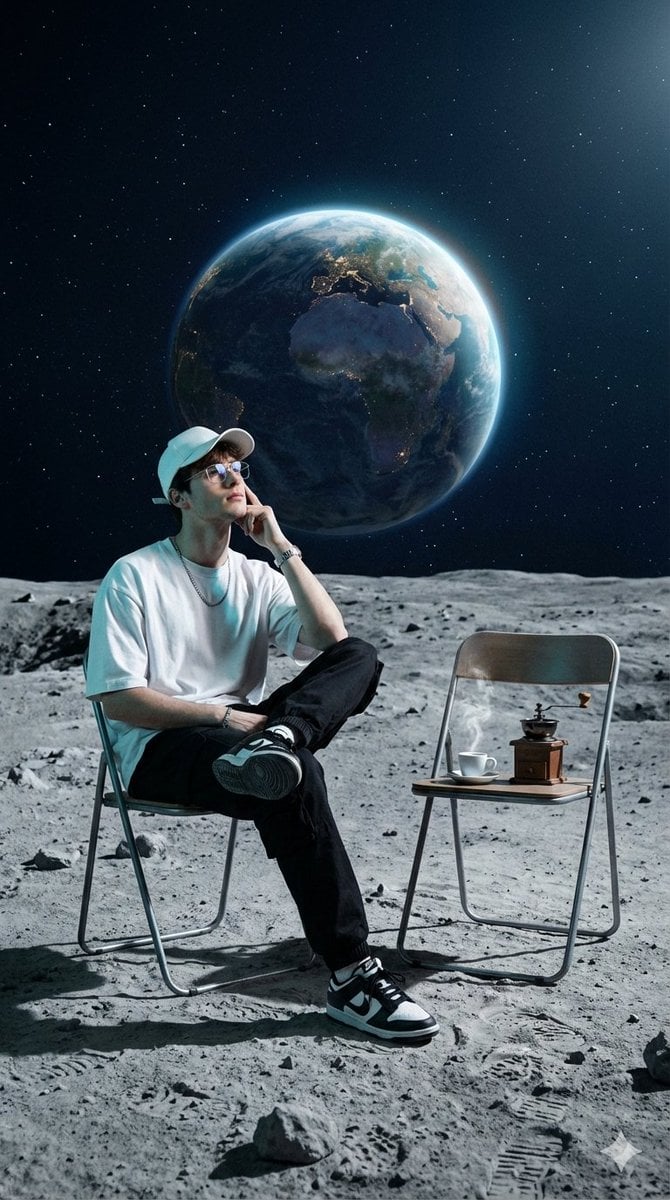
Surreal Cinematic Fashion Editorial on a Lunar Plain

Natural Blonde Woman Portrait Prompts
Browse template categories
Sunset Futuristic Megacity Panorama questions
How do I use the Sunset Futuristic Megacity Panorama template?
Add your photo if the template asks for one, edit the prompt if you like — the template's model and format are already selected — and press Generate. Your version opens in PicX Studio.
Can I customize the Sunset Futuristic Megacity Panorama template?
Yes. You can change the subject, setting, lighting, mood, format, and available model controls before creating your image.
Is the Sunset Futuristic Megacity Panorama template free?
Opening and editing this template is free. Generating uses credits, shown on the Generate button when you are signed in.
Which AI model should I use?
Start with GPT Image 2, which is the model associated with this template. You can compare another compatible model for a different finish.
Looking for something else? Browse all templates.

Your photo, any look
Thousands of ready templates for every top image and video model, from one credit balance.