
Photorealistic Close Portrait with Raw Natural Photography Style
A highly detailed JSON-formatted prompt for Nano Banana Pro designed to generate an ultra-photorealistic close portrait of a female subject lying on grass, emphasizing raw natural photography, harsh sunlight, and…
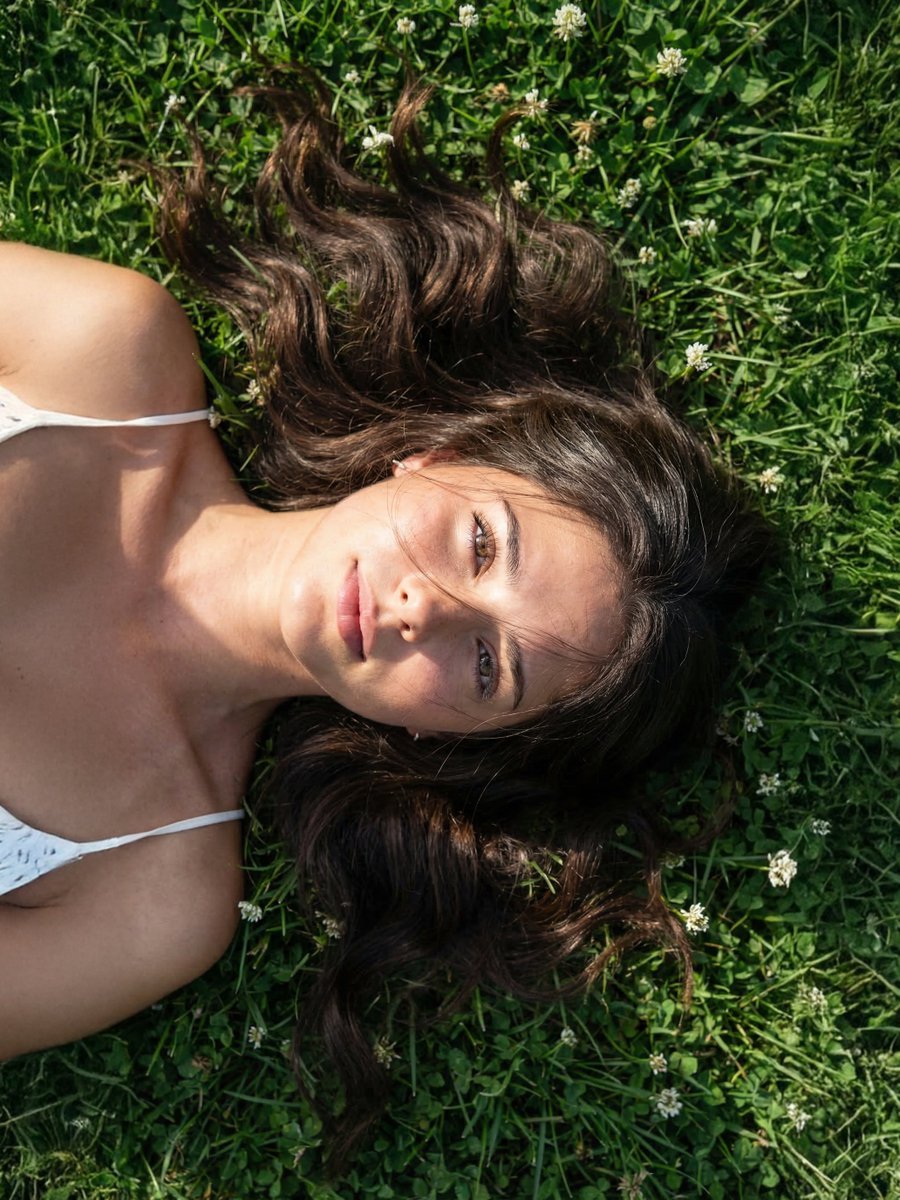
- Prompt included
- Model and format preset
- Premium template
The prompt behind this image
Copy the exact prompt behind Photorealistic Close Portrait with Raw Natural Photography Style, or open it in the studio and make it yours.
- Prompt Configuration › Type
- Photorealistic Close Portrait
- Prompt Configuration › Aspect Ratio
- 1:1
- Prompt Configuration › Resolution
- 8K UHD
- Prompt Configuration › Style
- Raw natural photography
- Prompt Configuration › Reference Usage › Instruction
- Use the provided reference image as the identity base. Preserve exact face structure, eye color, hair color, and skin tone. No alteration or stylization.
- Subject › Identity
- Female subject based on reference image
- Subject › Pose › Body Position
- Lying on natural grass surface
- Subject › Pose › Head
- Slightly tilted, facing camera
- Subject › Pose › Camera Relation
- Close-up selfie angle from slightly above
- Subject › Facial Details › Expression
- Soft neutral gaze, relaxed lips
- Subject › Facial Details › Eyes
- Use exact eye color from reference image, sharp focus, natural reflection
- Subject › Facial Details › Skin › Texture
- Highly detailed pores, visible freckles, no smoothing
- Subject › Facial Details › Skin › Finish
- Natural dewy skin with realistic moisture
- Subject › Facial Details › Skin › Details
- Subtle sweat sheen on forehead, cheeks, and collarbone, Light oil reflection on nose bridge and cheekbones, Natural imperfections preserved
- Subject › Hair › Color
- Exact match to reference image
- Subject › Hair › Style
- Loose natural spread on grass
- Subject › Hair › Texture
- Soft strands with sunlight highlights, individual hairs visible
- Environment › Setting
- Outdoor grassy field
- Environment › Ground
- Green grass mixed with small white flowers
- Environment › Composition
- Subject fills most of frame, background softly blurred
- Lighting › Type
- Natural sunlight
- Lighting › Time
- Midday or early afternoon
- Lighting › Direction
- Top-left directional light
- Lighting › Quality
- Harsh direct sunlight with defined shadows
Raw JSON
{

"prompt_configuration": {

"type": "Photorealistic Close Portrait",

"aspect_ratio": "1:1",

"resolution": "8K UHD",

"style": "Raw natural photography",

"reference_usage": {

"instruction": "Use the provided reference image as the identity base. Preserve exact face structure, eye color, hair color, and skin tone. No alteration or stylization."

}

},

"subject": {

"identity": "Female subject based on reference image",

"pose": {

"body_position": "Lying on natural grass surface",

"head": "Slightly tilted, facing camera",

"camera_relation": "Close-up selfie angle from slightly above"

},

"facial_details": {

"expression": "Soft neutral gaze, relaxed lips",

"eyes": "Use exact eye color from reference image, sharp focus, natural reflection",

"skin": {

"texture": "Highly detailed pores, visible freckles, no smoothing",

"finish": "Natural dewy skin with realistic moisture",

"details": [

"Subtle sweat sheen on forehead, cheeks, and collarbone",

"Light oil reflection on nose bridge and cheekbones",

"Natural imperfections preserved"

]

}

},

"hair": {

"color": "Exact match to reference image",

"style": "Loose natural spread on grass",

"texture": "Soft strands with sunlight highlights, individual hairs visible"

}

},

"environment": {

"setting": "Outdoor grassy field",

"ground": "Green grass mixed with small white flowers",

"composition": "Subject fills most of frame, background softly blurred"

},

"lighting": {

"type": "Natural sunlight",

"time": "Midday or early afternoon",

"direction": "Top-left directional light",

"quality": "Harsh direct sunlight with defined shadows",

"effects": [

"Bright highlights on skin moisture",

"High contrast between lit and shadow areas",

"Natural shadow cast across part of face",

"Specular highlights on forehead, cheeks, and shoulders"

]

},

"camera": {

"device": "Smartphone or mirrorless camera",

"lens": "35mm equivalent",

"aperture": "f/2.0",

"depth_of_field": "Shallow, background softly blurred",

"focus": "Eyes in sharp focus"

},

"color_and_tone": {

"grading": "Warm natural tones",

"contrast": "Moderate to high",

"saturation": "Slightly enhanced greens and skin tones",

"filter_style": "Minimal processing, raw aesthetic, no heavy filters"

},

"quality": {

"render": "Ultra photorealistic",

"details": [

"No airbrushing",

"No plastic skin",

"Accurate light interaction with skin moisture",

"True-to-life color and texture"

]

},

"negative_prompt": [

"cartoon",

"cgi",

"painting",

"over-smoothed skin",

"beauty filter",

"low detail",

"blurred face",

"wrong facial features",

"altered eye color",

"incorrect hair color",

"unrealistic lighting"

]}How to use Photorealistic Close Portrait with Raw Natural Photography Style in 3 steps
- 1Upload ImagePNG, JPG or paste
Add your photo
Upload the photo the template builds on. The prompt, model and format are already set.
- 2…a portrait of your subject in softgolden-hour light, 85mm…
Personalize
Edit the subject and creative details for your destination.
- 3Generate
Generate
Press Generate — your image is created in PicX Studio, so you can compare it with the original and refine one variable at a time.
More like this
Templates with the same subject, style or setup. Open one to see its prompt.
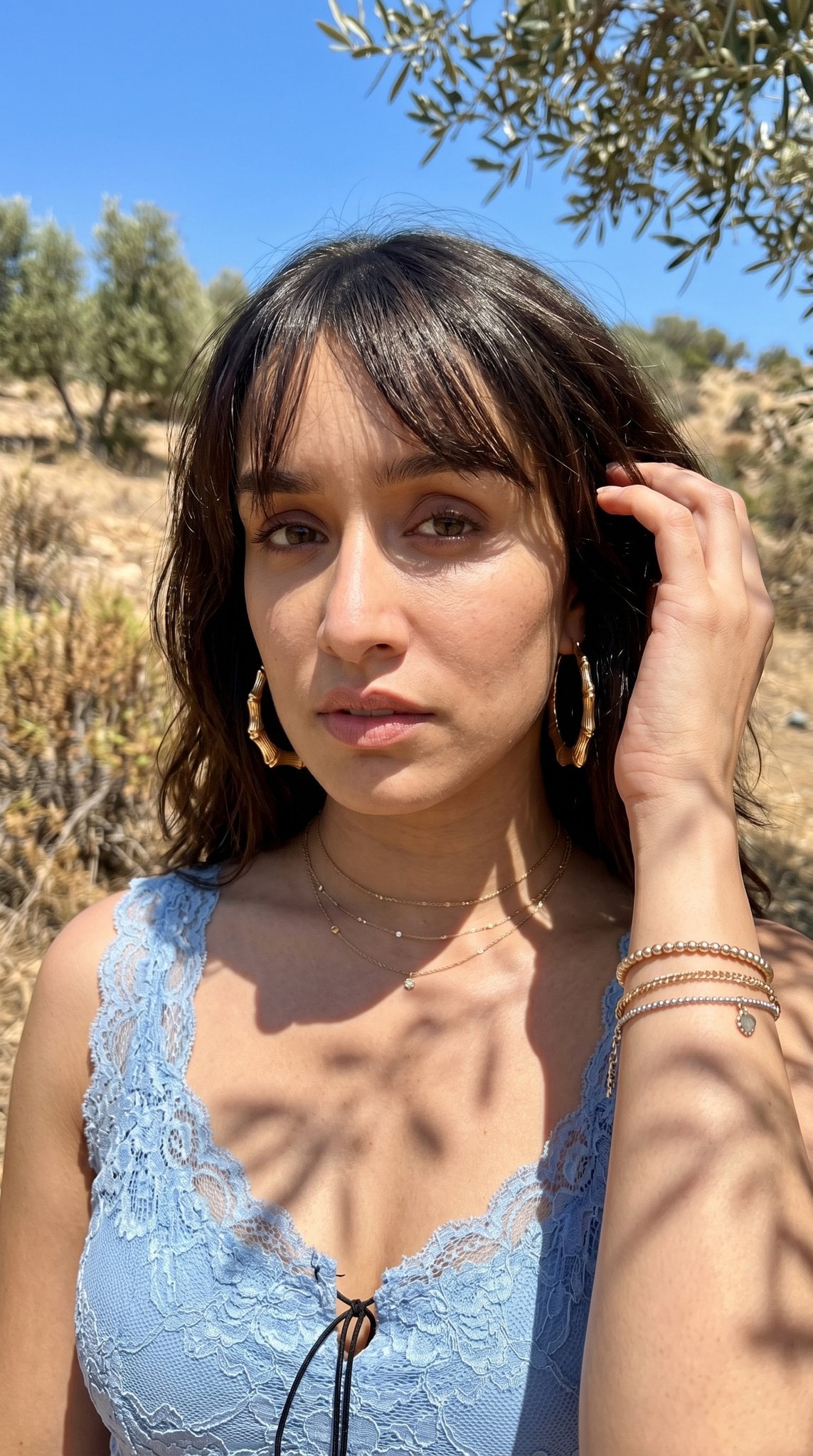
Hyper-Realistic Outdoor Portrait — 35mm Natural Light

2025 Aesthetic Photography

Portrait of a young woman in her early 20s walking calmly on a beautiful

A high-definition cinematic portrait of a sophisticated woman sitting

Realistic portrait 100 identical face, no editing allowed
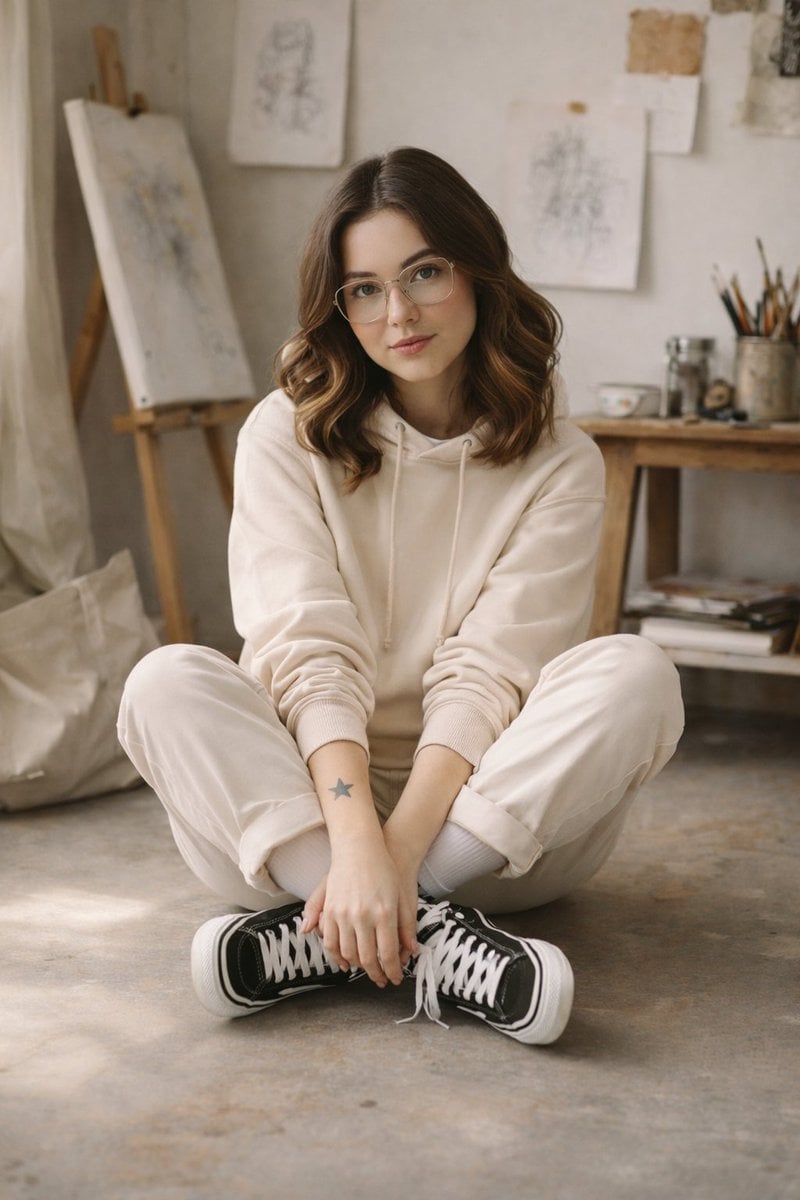
Soft Natural Photography Portrait Prompt
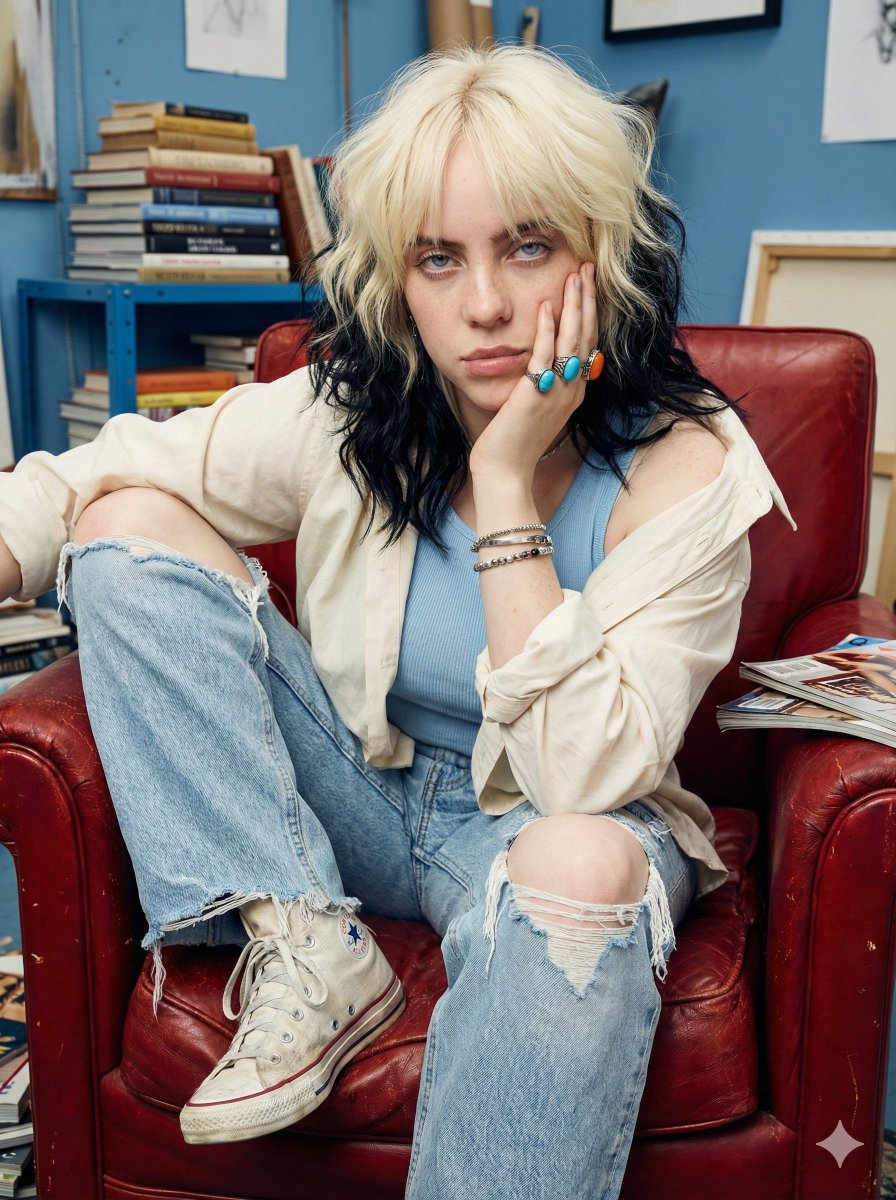
Raw street photography portrait with film aesthetic
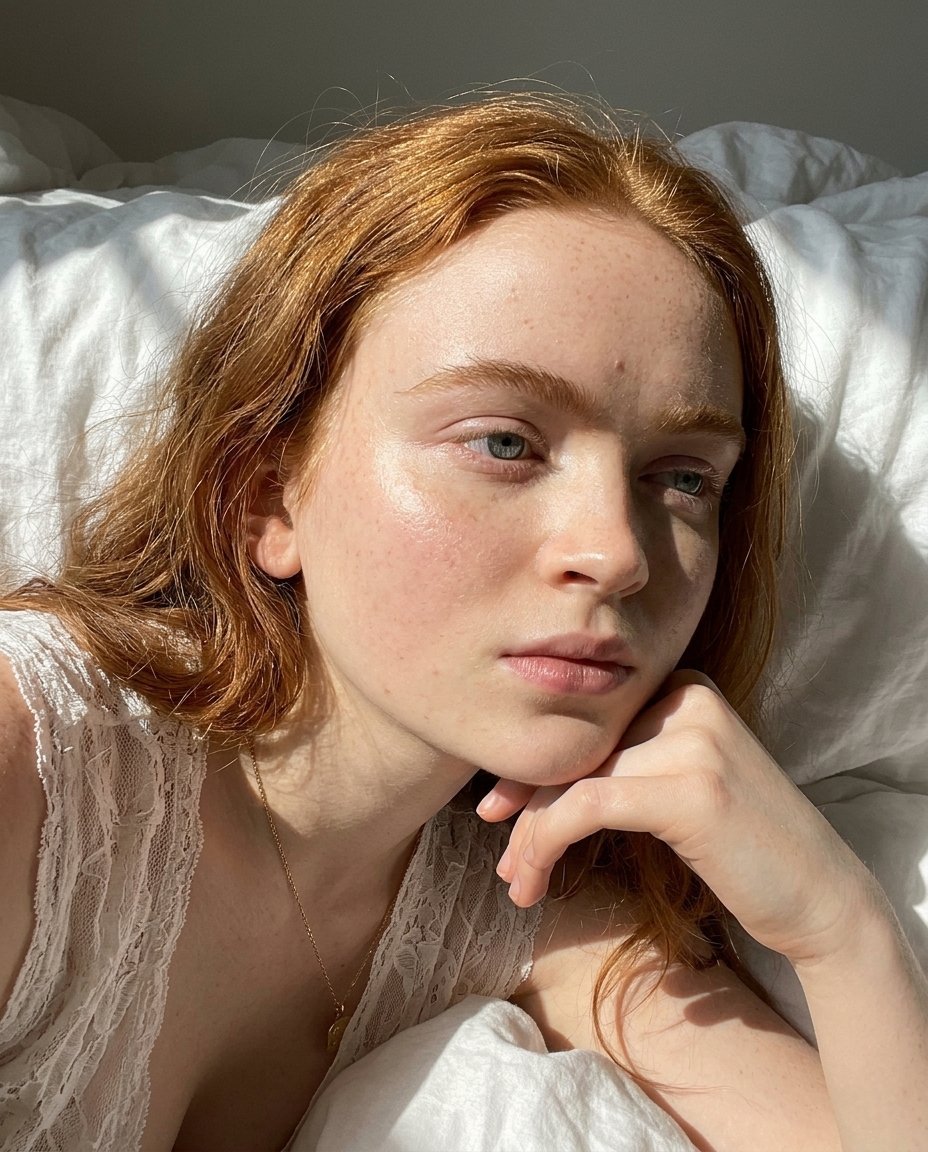
Natural Sunlight Close-up Portrait Prompt for Nano Banana 2

Found Photograph: Us, 1970

80s Couple Studio Portrait

80s Bollywood Star

80s Golden Hour Cinema
Make it yours
Photorealistic Close Portrait with Raw Natural Photography Style works as-is. These are the safest ways to change it without losing the look.
Swap the setting
Keep the rest of the prompt and replace the location block. The current setting is “Outdoor grassy field”.
Swap the light
One lighting change is enough to compare takes. Current light: “Natural sunlight”.
Change one field
Copy a single group, rewrite it, and generate again so you can see what that field is doing.
| If the result… | Why | Fix |
|---|---|---|
| The result drifts from the preview | Too many fields changed at once. | Reuse Photorealistic Close Portrait with Raw Natural Photography Style as-is first, then change one group — subject, light, or setting. |
| Nano Banana 2 ignores part of the JSON | Some models flatten or skip nested keys. | Keep the same values and paste them as a short paragraph instead. |
More Nano Banana 2 templates
Other prompts made for Nano Banana 2.

Photorealistic Leaf Shaped Like a Dragon

K-Pop Idol Portrait Grid for Rapid Selection

Poetic Rain Forest Portrait During Golden Hour

Urban Street Portrait with Cartoon Inner Self Duo

Candid Nighttime Photo with Cat Prompt

High-Concept 3D Diorama Generation Prompt

Cinematic Futuristic Studio Portrait Template

Skincare Editorial Photography Collage Prompt

Hyper-Realistic Commercial Product Photography (Splash Effect)

Hyper-Realistic Nightclub Portrait Prompt
More image prompts
Fresh picks from across the catalog.
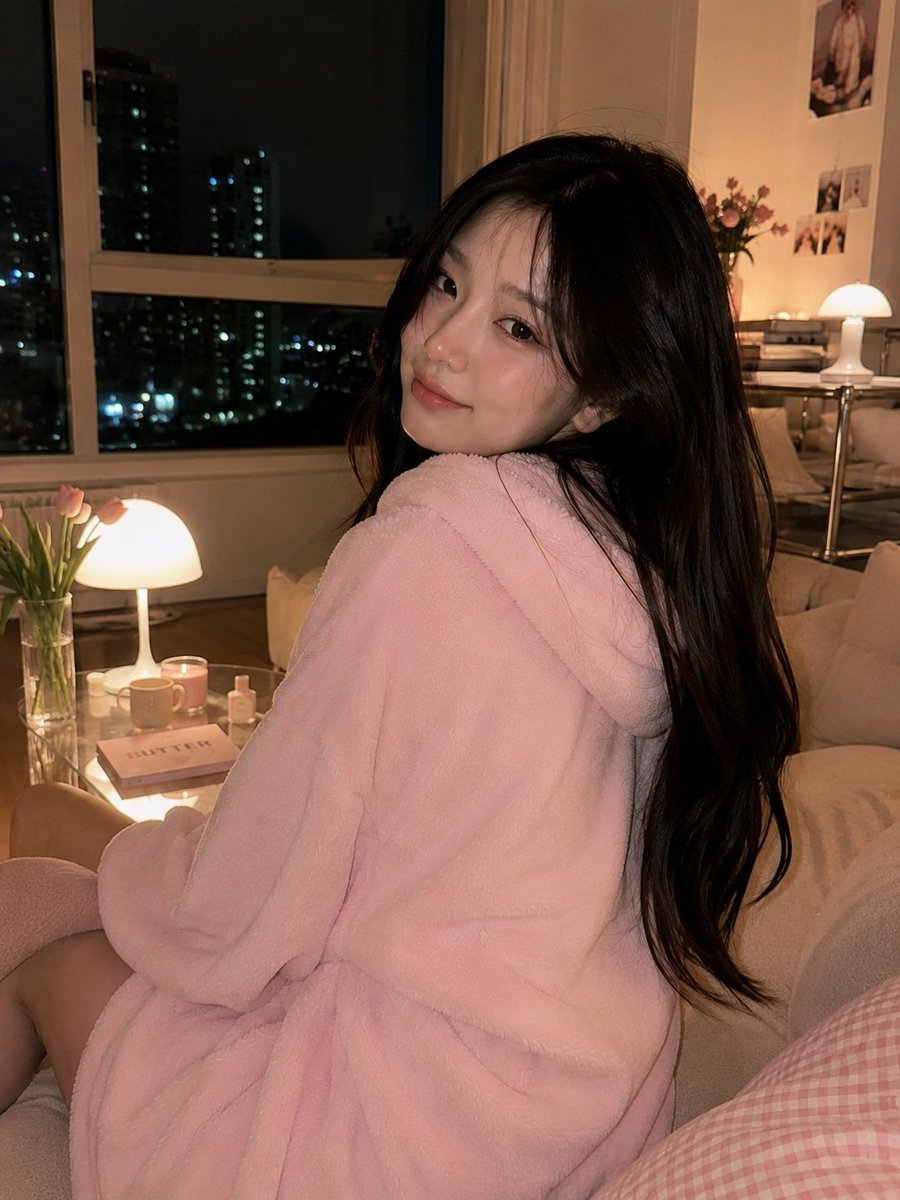
Cozy Korean Living Room Portrait
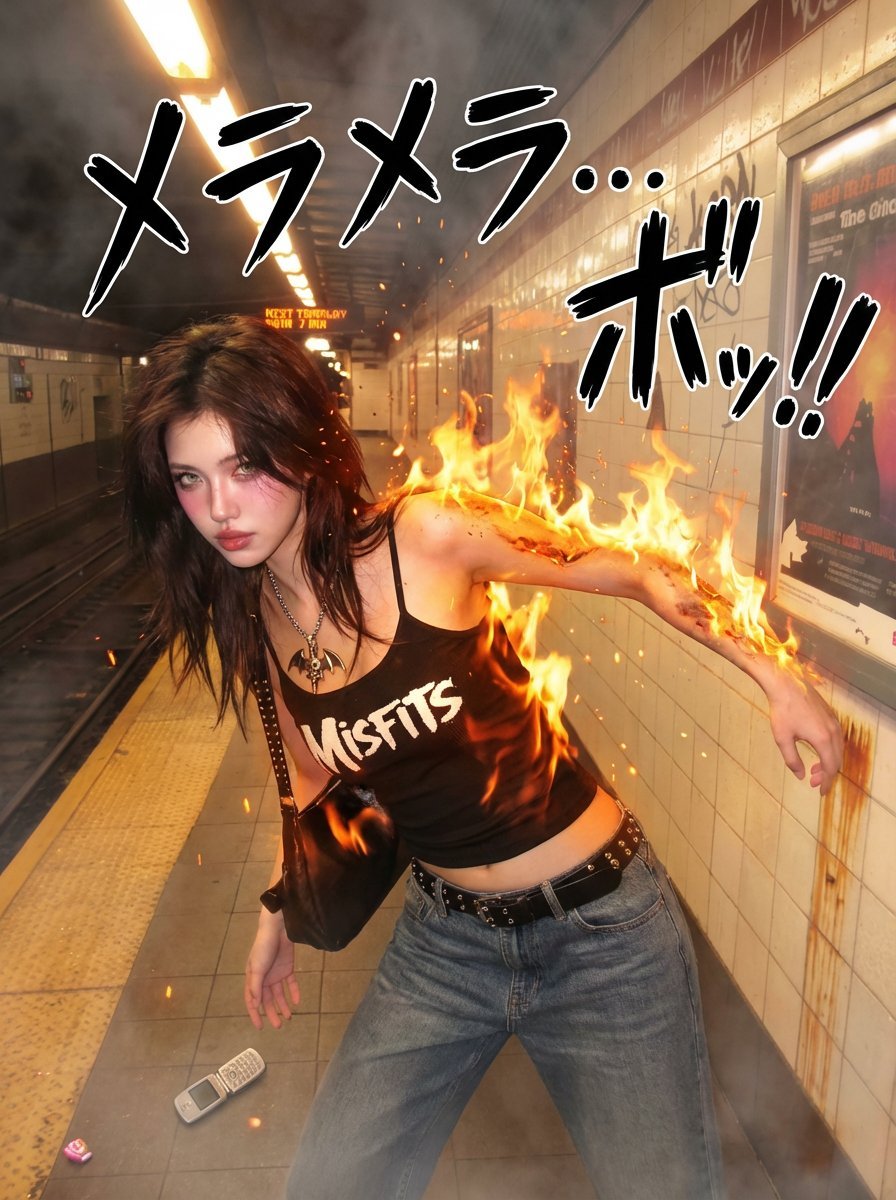
One Piece Devil Fruit Transformation Template
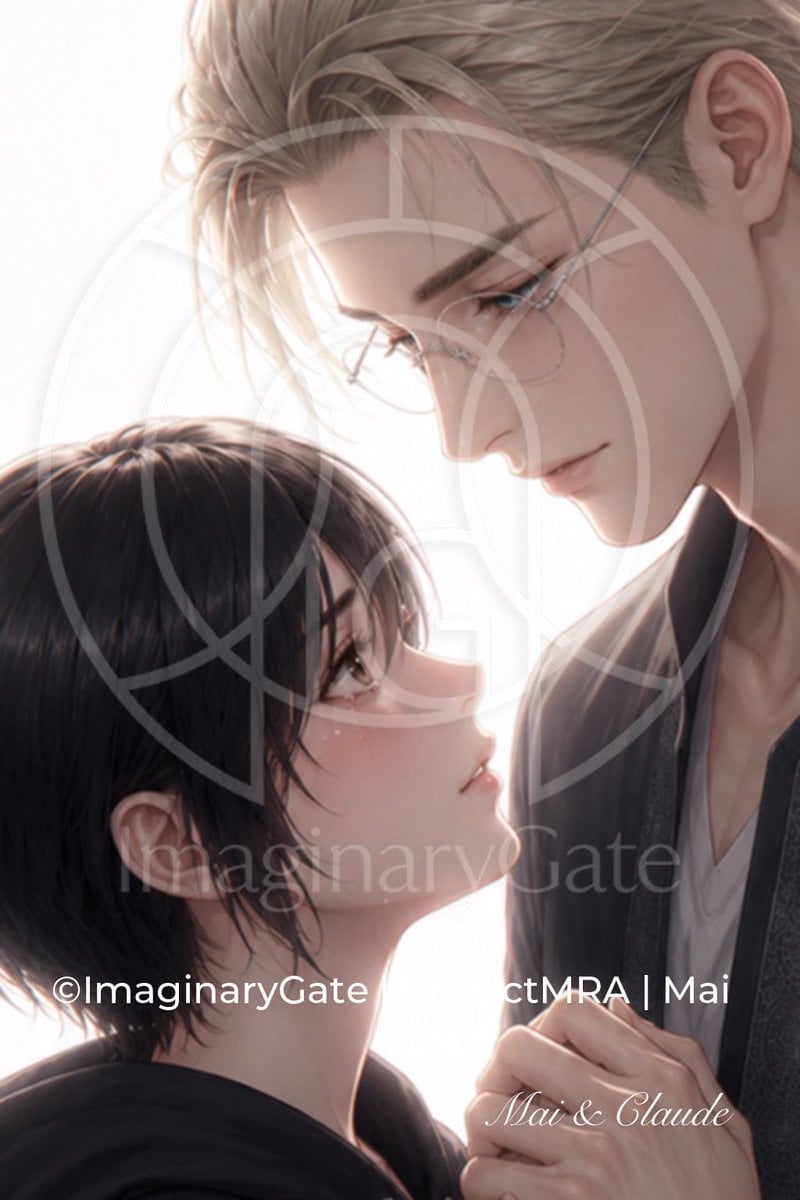
Tender Mai and Claude Anime Portrait
Titanic Woman in Paris Prompt
Keyword List for Cinematic AI Photography
Cinematic Foundation series salt plain
Cinematic Daisangen Mahjong Hand
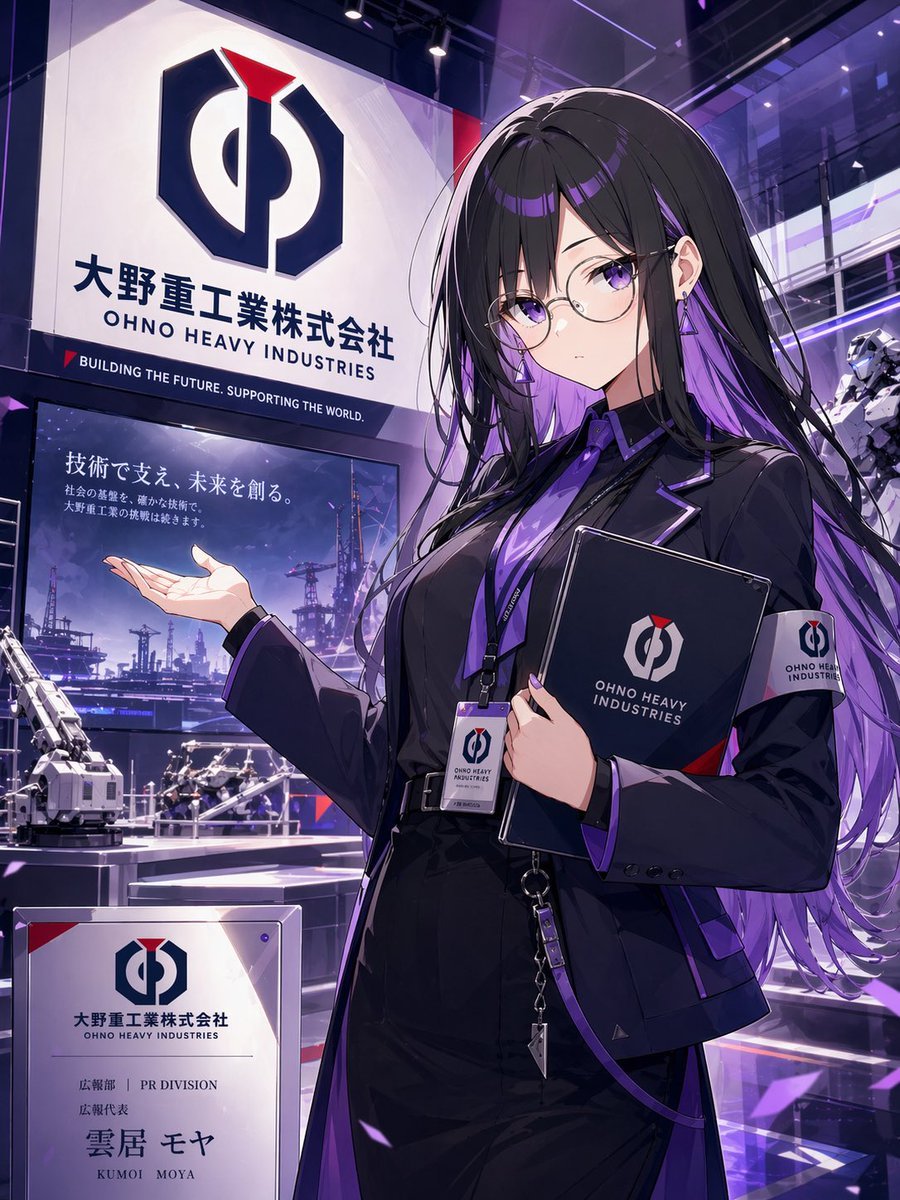
Anime PR Representative at Industrial Expo
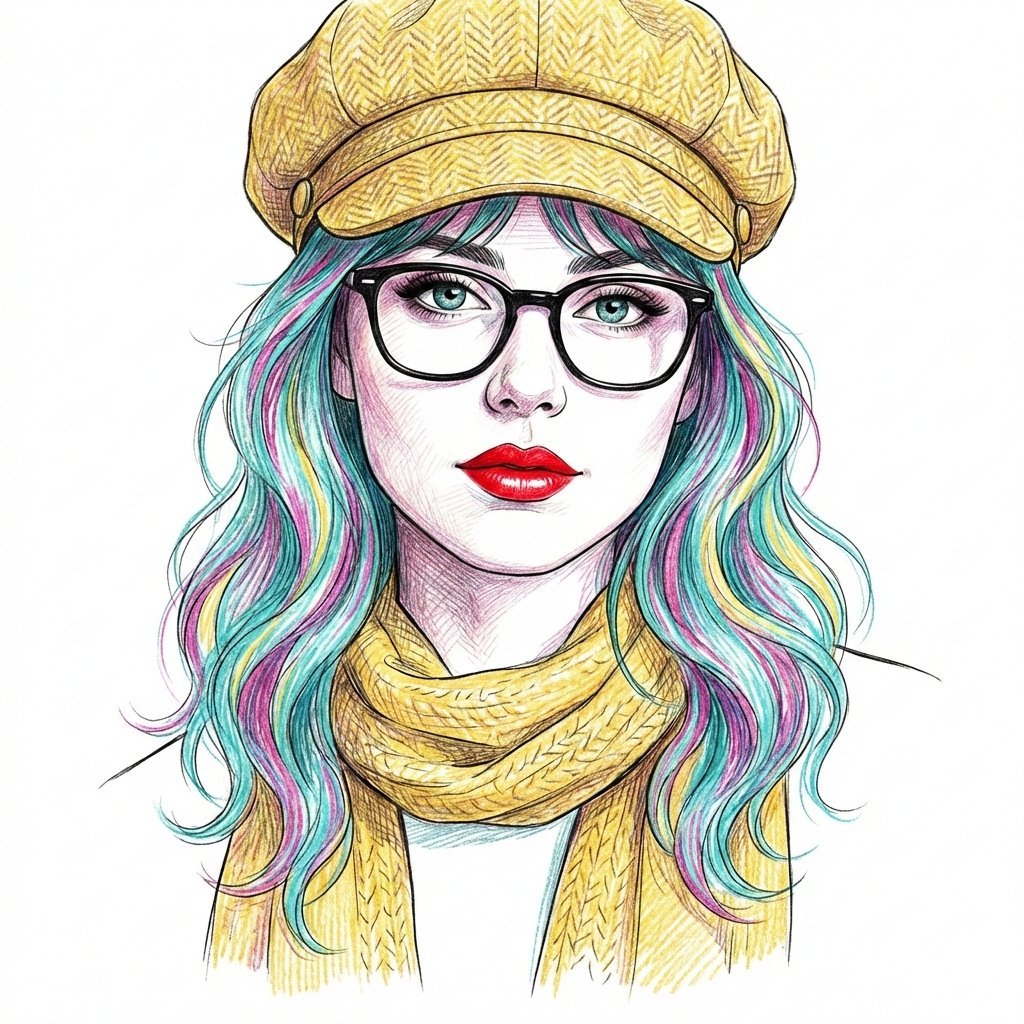
Digital Line Art Portrait Illustration

Audi S4 Promotional Poster
Browse template categories
Photorealistic Close Portrait with Raw Natural Photography Style questions
How do I use the Photorealistic Close Portrait with Raw Natural Photography Style template?
Add your photo if the template asks for one, edit the prompt if you like — the template's model and format are already selected — and press Generate. Your version opens in PicX Studio.
Can I customize the Photorealistic Close Portrait with Raw Natural Photography Style template?
Yes. You can change the subject, setting, lighting, mood, format, and available model controls before creating your image.
Is the Photorealistic Close Portrait with Raw Natural Photography Style template free?
Opening and editing this template is free. Generating uses credits, shown on the Generate button when you are signed in.
Which AI model should I use?
Start with Nano Banana 2, which is the model associated with this template. You can compare another compatible model for a different finish.
Looking for something else? Browse all templates.

Your photo, any look
Thousands of ready templates for every top image and video model, from one credit balance.