
VHS 90s Mall Teen Group Portrait
Generates a nostalgic camcorder-style portrait of five anonymized 1990s mall teens in colorful retro clothing.
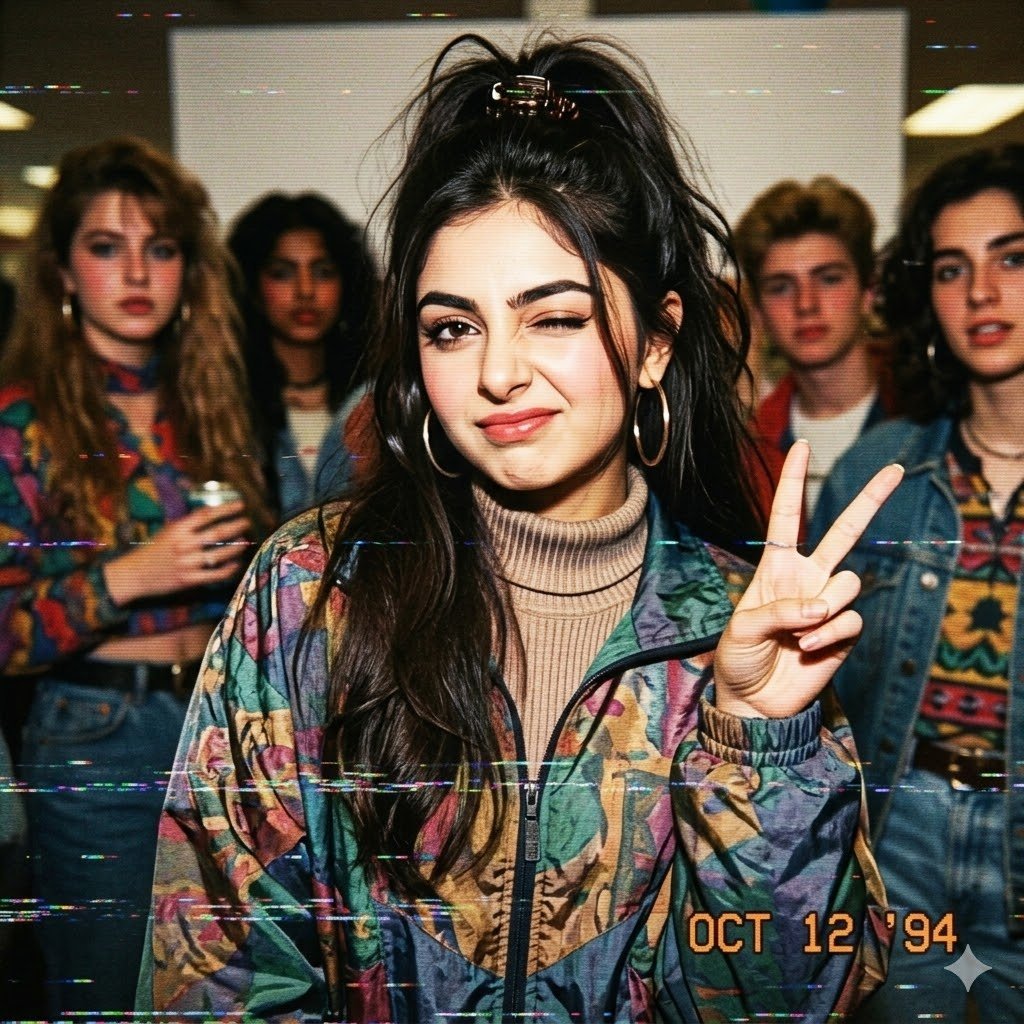
- Prompt included
- Model and format preset
- Free template
The prompt behind this image
Copy the exact prompt behind VHS 90s Mall Teen Group Portrait, or open it in the studio and make it yours.
Create a candid 1990s mall-teen group portrait shot on a consumer VHS camcorder with heavy analog tape artifacts. The scene shows exactly 5 teenagers standing indoors in a mall or department-store hallway under warm fluorescent ceiling lights: 1 central teenage girl in the foreground and 4 background teens behind her, two on the left and two on the right. The central subject wears a loud multicolor geometric windbreaker over a beige ribbed turtleneck, large gold hoop earrings, and has long messy black hair pulled into a high half-ponytail with a scrunchie; she holds up a peace sign with her right hand close to the camera and faces forward. The background teens wear exaggerated retro clothing: one in a colorful patterned sweater holding a soda can, one in layered denim, one in a blue denim jacket over a white shirt, and one in a bold patterned knit sweater with star-like shapes. All faces are intentionally anonymized by soft rectangular blur blocks, including the central subject and the four background teens. Use a nostalgic disposable-camera/VHS aesthetic with flash-lit skin tones, slight fisheye perspective, grain, scanlines, chromatic noise, horizontal tracking glitches, muted but saturated colors, and a low-resolution 4:3 frame. Add an orange camcorder date stamp in the bottom-right reading {argument name="date stamp" default="OCT 12 '94"}. Overall mood: kooky, awkward, fun, retro mall hangout energy. The central teen's jacket color palette should be {argument name="jacket colors" default="teal, purple, mustard, coral, and navy"}, her hair should be {argument name="hair color" default="black"}, and the setting should feel like {argument name="setting" default="a 1990s shopping mall interior"}.
How to use VHS 90s Mall Teen Group Portrait in 3 steps
- 1Upload ImagePNG, JPG or paste
Add your photo
Upload the photo the template builds on. The prompt, model and format are already set.
- 2…a portrait of your subject in softgolden-hour light, 85mm…
Personalize
Edit the subject and creative details for your destination.
- 3Generate
Generate
Press Generate — your image is created in PicX Studio, so you can compare it with the original and refine one variable at a time.
More like this
Templates with the same subject, style or setup. Open one to see its prompt.

Found Photograph: Us, 1970

80s Couple Studio Portrait

80s Bollywood Star

80s Golden Hour Cinema

Me in 1985

1985 Studio Portrait

Hyper-Realistic Minecraft POV Portrait

Teen Girl Alpine Lake Mountain View

Rooftop Fisheye — Cat-Ear Balaclava at Golden Hour

Rainy Café Window Moody Portrait

Woman in Mall with Chanel Bag - Heart Gesture

untitled
Make it yours
VHS 90s Mall Teen Group Portrait works as-is. These are the safest ways to change it without losing the look.
Change one field
Copy a single group, rewrite it, and generate again so you can see what that field is doing.
Keep the frame, change the subject
Hold the composition and light of VHS 90s Mall Teen Group Portrait, then swap wardrobe, props or the person for a new take.
| If the result… | Why | Fix |
|---|---|---|
| The result drifts from the preview | Too many fields changed at once. | Reuse VHS 90s Mall Teen Group Portrait as-is first, then change one group — subject, light, or setting. |
| The model over-stylizes the scene | The prose prompt leaves finish and camera underspecified. | Add one camera or lighting sentence and stay on GPT Image 2. |
More GPT Image 2 templates
Other prompts made for GPT Image 2.

Six VTuber Japanese Logo Sheet

Realistic Portrait of Woman and Deer

The Vista Modular Condo Poster

AI Model Routing Comparison Infographic

2.5D Anime Art Board

Isometric Productivity Desk Scene

New York Double Exposure Poster

Four-Panel AI Landscape Comparison

Japanese Tatami Lifestyle Magazine Cover

NESCAFÉ Coffee Map Poster
More image prompts
Fresh picks from across the catalog.

Enchanted Forest Root Kiss Scene By Nano
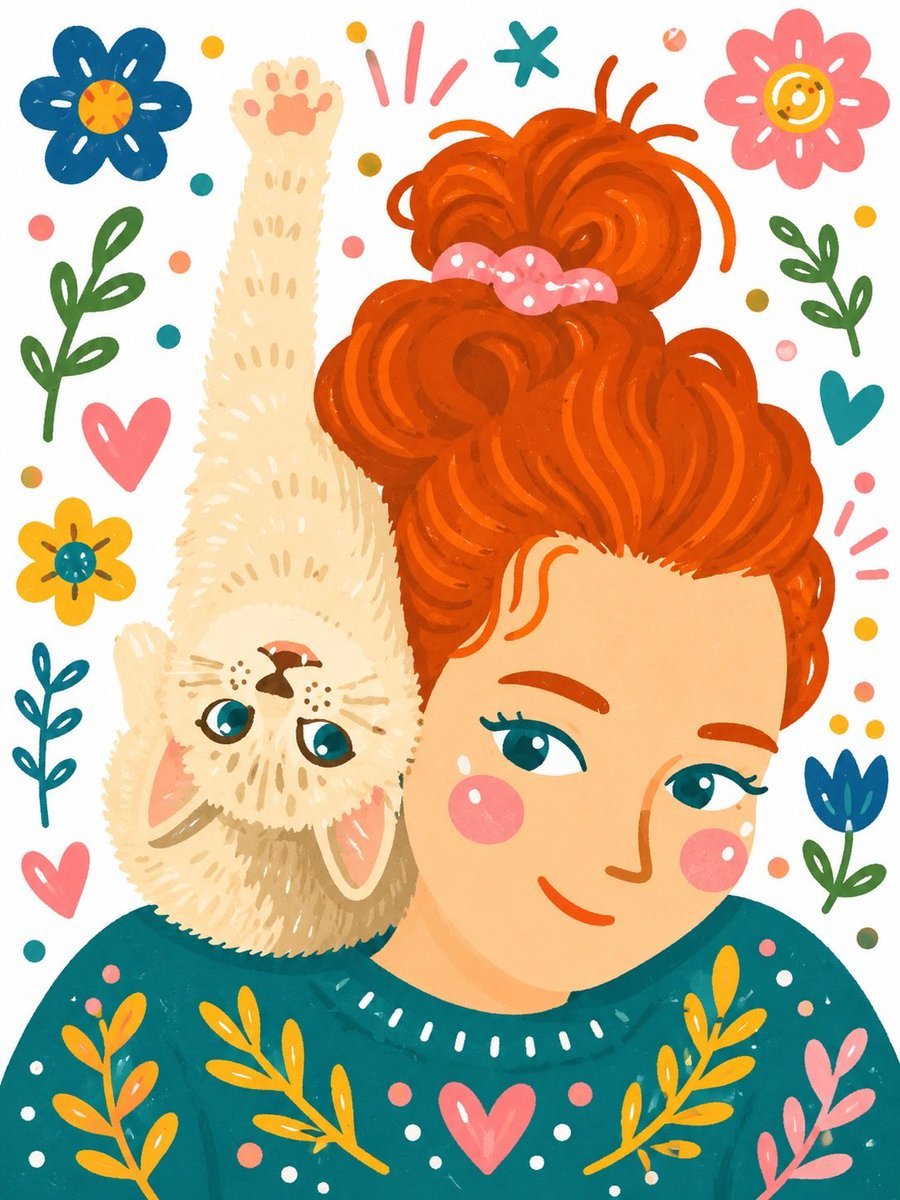
Whimsical Hand-Painted Girl with Kitten Illustration
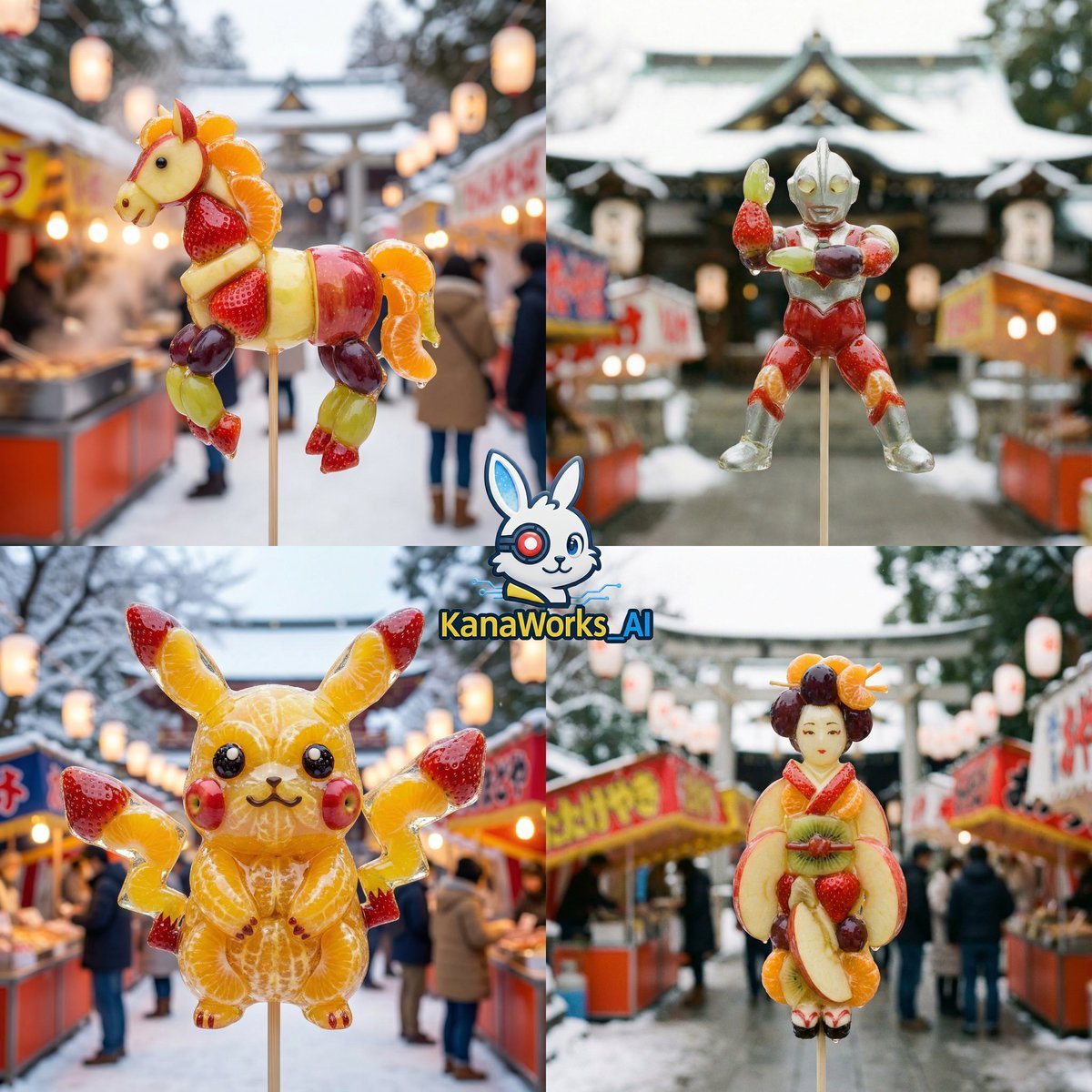
DomoAI prompt for Candied Fruit (Amezaiku) featuring Nano Banana Pro

Warm Penguin Fantasy Movie Poster
Logo generation prompt for Nano Banana Pro
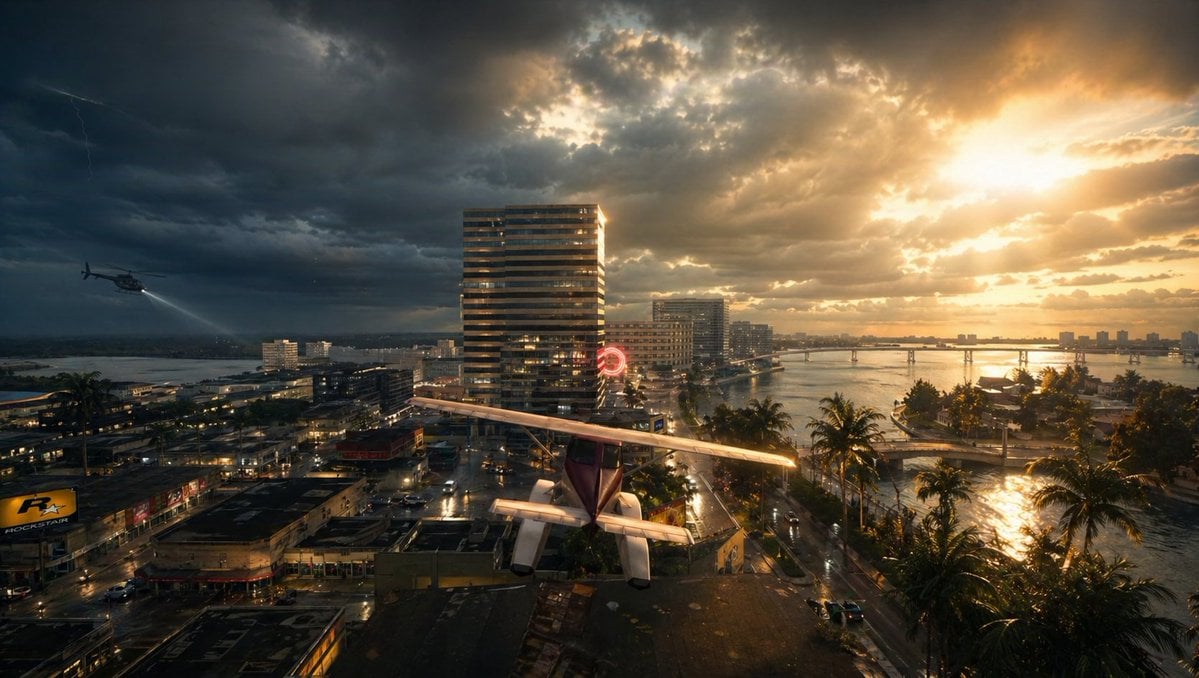
Gpt2 Comic Storyboard Stormy Tropical City with Rooftop Plane

Satoru Gojo Luxury Editorial Poster

Minimalist Startup Presentation Cover Visual Prompt
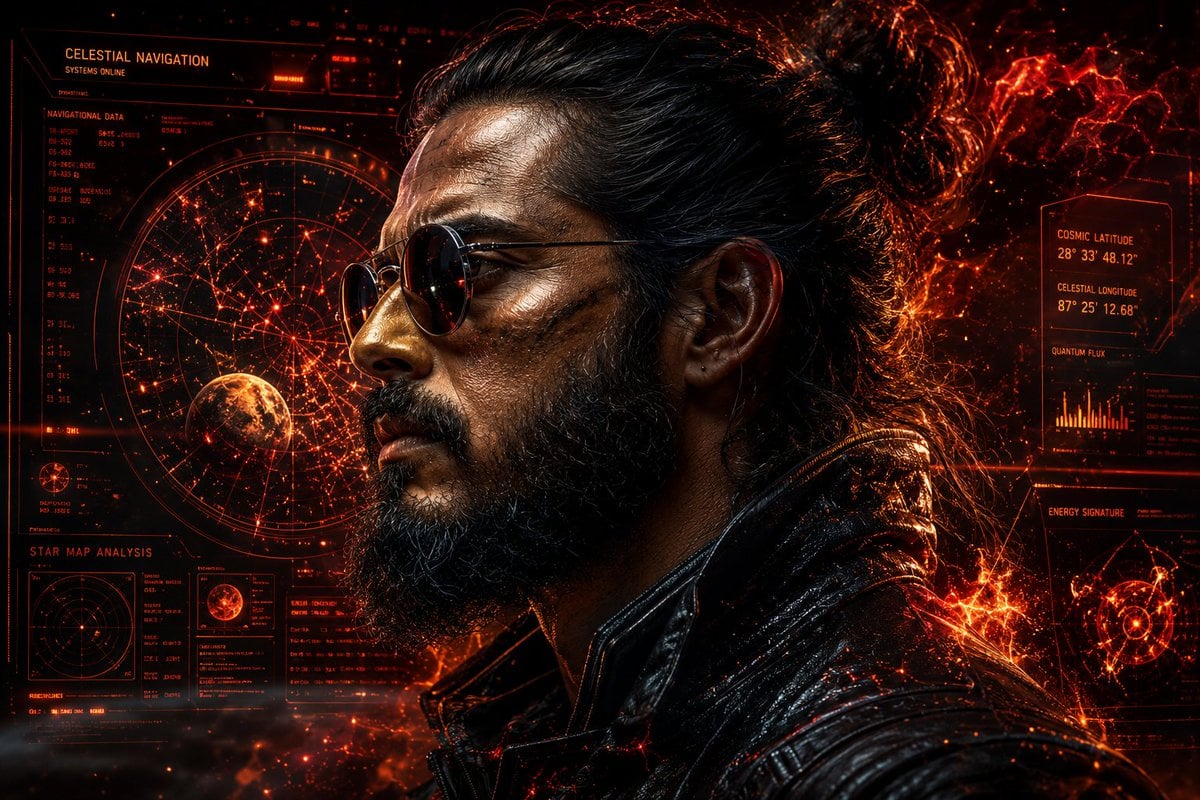
Rugged Cyberpunk Man HUD Portrait
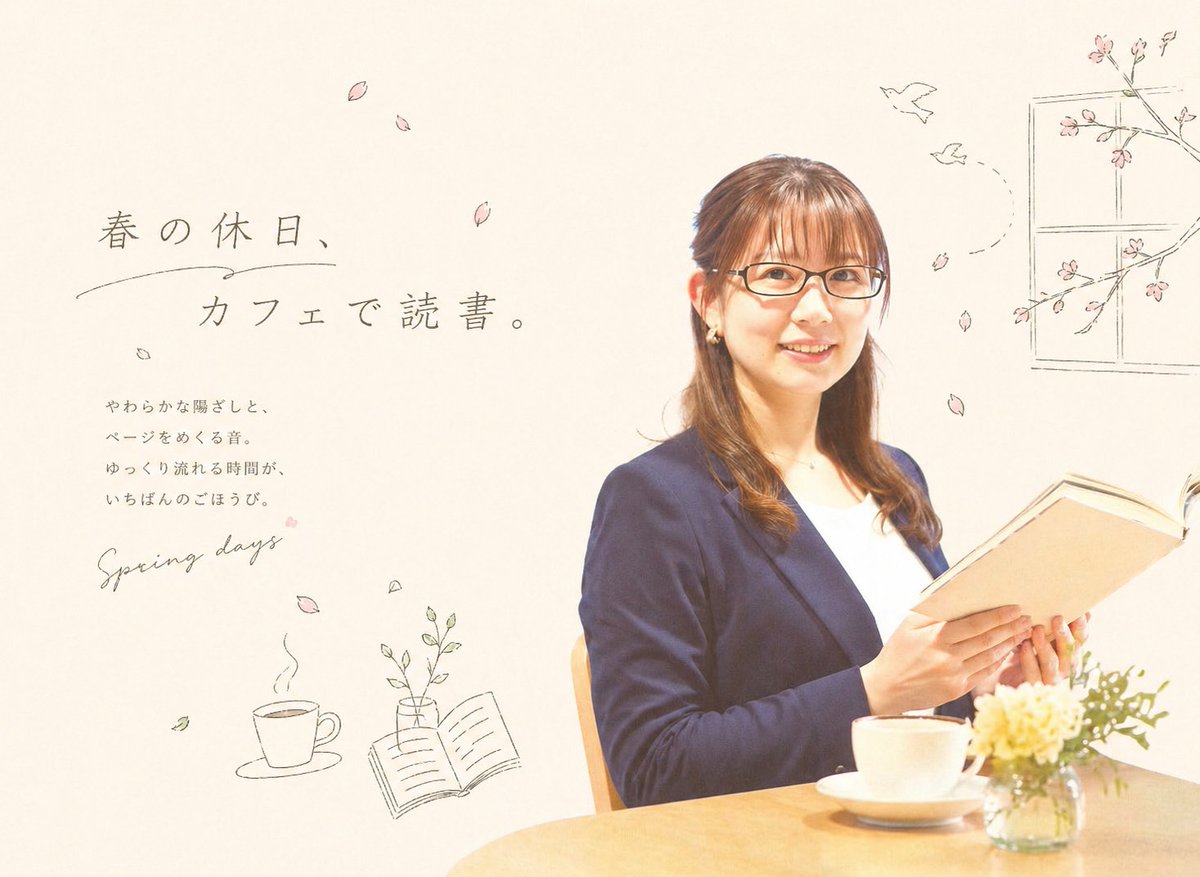
Spring Cafe Reading Editorial
Featured in prompt roundups
Hand-picked collections that include this template.
Browse template categories
VHS 90s Mall Teen Group Portrait questions
How do I use the VHS 90s Mall Teen Group Portrait template?
Add your photo if the template asks for one, edit the prompt if you like — the template's model and format are already selected — and press Generate. Your version opens in PicX Studio.
Can I customize the VHS 90s Mall Teen Group Portrait template?
Yes. You can change the subject, setting, lighting, mood, format, and available model controls before creating your image.
Is the VHS 90s Mall Teen Group Portrait template free?
Opening and editing this template is free. Generating uses credits, shown on the Generate button when you are signed in.
Which AI model should I use?
Start with GPT Image 2, which is the model associated with this template. You can compare another compatible model for a different finish.
Looking for something else? Browse all templates.

Your photo, any look
Thousands of ready templates for every top image and video model, from one credit balance.