
Warm Penguin Fantasy Movie Poster
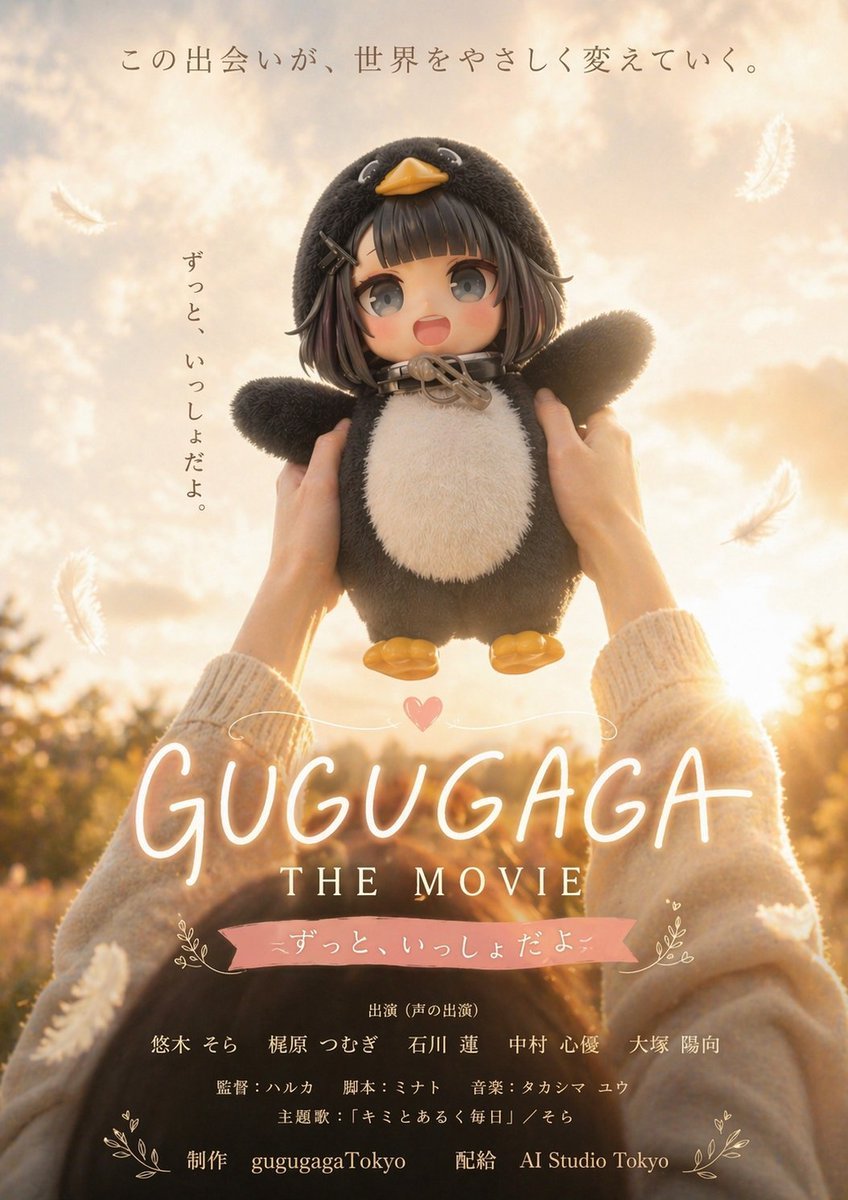
This prompt generates a sentimental Japanese-style fictional movie poster featuring a plush penguin mascot held up at sunset, ideal for parody film key art and viral social media visuals.
- Prompt included
- Model and format preset
- Free template
The prompt behind this image
Copy the exact prompt behind Warm Penguin Fantasy Movie Poster, or open it in the studio and make it yours.
A heartwarming fictional movie poster in a soft cinematic Japanese drama style, photographed at golden hour with dreamy backlight and gentle lens glow. A person seen from behind and slightly below, wearing a cozy cream knit sweater, lifts a plush penguin toy high toward a bright sunset sky. The plush is centered and fills much of the frame: black fuzzy body, white belly, small yellow beak, yellow feet, outstretched stubby wings, and a humanlike anime-girl face framed by short dark brown bobbed hair with hairpins, creating a cute surreal mascot character. The background is an outdoor field with warm bokeh trees and a glowing sun low on the horizon, all in creamy beige, honey, peach, and gold tones. Several white feathers float through the air; show exactly 5 visible feathers scattered around the composition. Make the mood tender, nostalgic, hopeful, and slightly fantastical, like a family fantasy film poster. Add Japanese poster typography integrated into the design: at the top center, the tagline "この出会いが、世界をやさしく変えていく。"; along the left side vertically, "ずっと、いっしょだよ。"; near the bottom center, a large handwritten glowing title "{argument name="movie title" default="GUGUGAGA"}" in warm white neon-like script with a small pink heart above it; directly below in elegant serif capitals, "{argument name="subtitle" default="THE MOVIE"}". Beneath that, place a pink ribbon banner with the Japanese line "ずっと、いっしょだよ。". At the very bottom, add small centered Japanese credit text in a realistic film-poster layout, including cast and staff lines and production/distribution credits; include "gugugagaTokyo" and "AI Studio Tokyo" on the final line. Use a vertical one-sheet poster composition, polished commercial key art, shallow depth of field, soft filmic contrast, premium cinematic lighting, sentimental fantasy-drama aesthetic.
How to use Warm Penguin Fantasy Movie Poster in 3 steps
- 1Upload ImagePNG, JPG or paste
Add your photo
Upload the photo the template builds on. The prompt, model and format are already set.
- 2…a portrait of your subject in softgolden-hour light, 85mm…
Personalize
Edit the subject and creative details for your destination.
- 3Generate
Generate
Press Generate — your image is created in PicX Studio, so you can compare it with the original and refine one variable at a time.
More like this
Templates with the same subject, style or setup. Open one to see its prompt.

Anime Fantasy Celestial Movie Poster
Anime Fantasy Celestial Movie Poster

Gpt2 Youtube Thumbnail Wuxia Movie Character Posters

Japan Travel Brochure Poster

Cartoon TV Show Poster Pack

Trendy Cafe Drink Promo Poster

Urban Fashion Editorial Collage Streetwear Poster
Warm Vintage Manor Bohemian Fashion Editorial

Premium Fashion Editorial Cover Layout System

Polo Ralph Lauren Luxury American Heritage Fashion Campaign

Monochrome Halftone Editorial Fashion Poster

Retro Mirror Luxury Fashion Campaign Poster
Make it yours
Warm Penguin Fantasy Movie Poster works as-is. These are the safest ways to change it without losing the look.
Change one field
Copy a single group, rewrite it, and generate again so you can see what that field is doing.
Keep the frame, change the subject
Hold the composition and light of Warm Penguin Fantasy Movie Poster, then swap wardrobe, props or the person for a new take.
| If the result… | Why | Fix |
|---|---|---|
| The result drifts from the preview | Too many fields changed at once. | Reuse Warm Penguin Fantasy Movie Poster as-is first, then change one group — subject, light, or setting. |
| The model over-stylizes the scene | The prose prompt leaves finish and camera underspecified. | Add one camera or lighting sentence and stay on GPT Image 2. |
More GPT Image 2 templates
Other prompts made for GPT Image 2.

Six VTuber Japanese Logo Sheet

Realistic Portrait of Woman and Deer

The Vista Modular Condo Poster

AI Model Routing Comparison Infographic

2.5D Anime Art Board

Isometric Productivity Desk Scene

New York Double Exposure Poster

Four-Panel AI Landscape Comparison

Japanese Tatami Lifestyle Magazine Cover

NESCAFÉ Coffee Map Poster
More image prompts
Fresh picks from across the catalog.
Indie Comic Book Page
Minimalist 3D Isometric Car Showroom Model
Black and White Pensive Portrait with Single Light Beam
Old Photo Restoration
Image Generation Prompt: Debussy's 'Pelléas et Mélisande'

Indian Village Cattle Herding — Nano Banana
Vintage Cookbook Food Scene Template (Okonomiyaki)
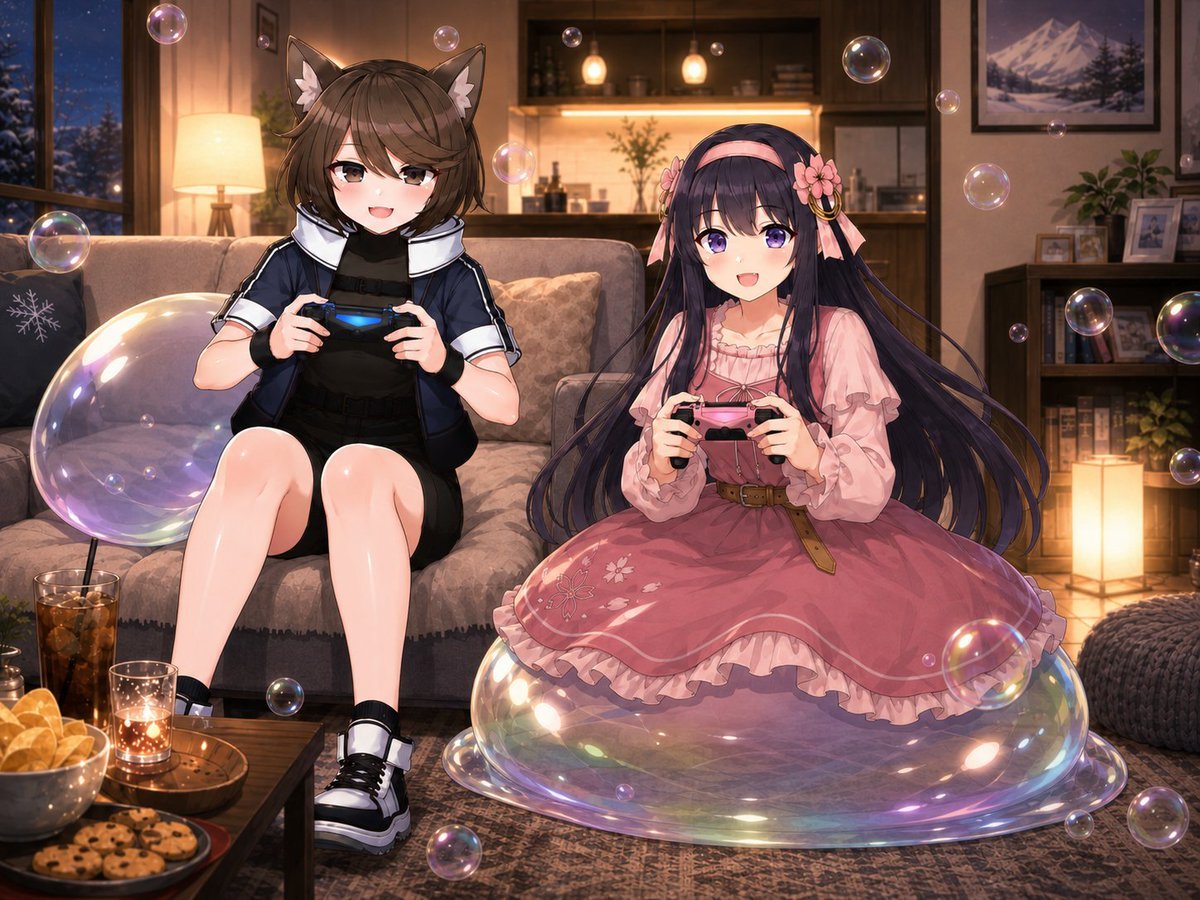
Anime Condo Duo Gaming Scene
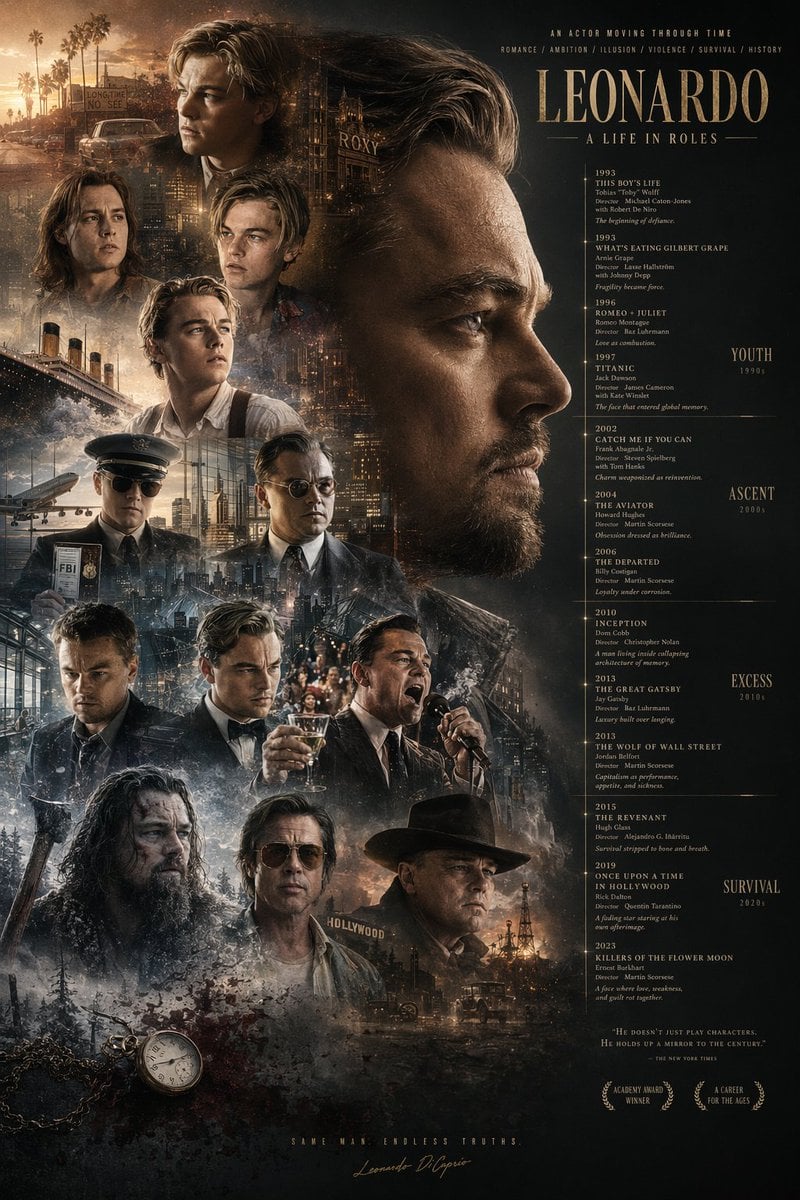
Mirrored Actor Retrospective Poster
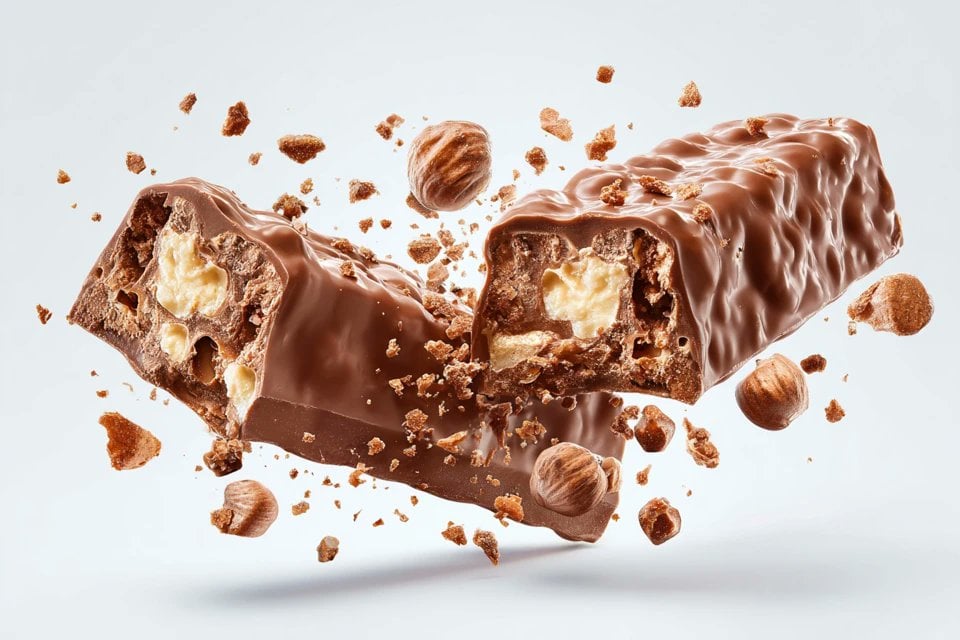
Exploding Food Commercial Photography
Browse template categories
Warm Penguin Fantasy Movie Poster questions
How do I use the Warm Penguin Fantasy Movie Poster template?
Add your photo if the template asks for one, edit the prompt if you like — the template's model and format are already selected — and press Generate. Your version opens in PicX Studio.
Can I customize the Warm Penguin Fantasy Movie Poster template?
Yes. You can change the subject, setting, lighting, mood, format, and available model controls before creating your image.
Is the Warm Penguin Fantasy Movie Poster template free?
Opening and editing this template is free. Generating uses credits, shown on the Generate button when you are signed in.
Which AI model should I use?
Start with GPT Image 2, which is the model associated with this template. You can compare another compatible model for a different finish.
Looking for something else? Browse all templates.

Your photo, any look
Thousands of ready templates for every top image and video model, from one credit balance.