
Zero-Gravity Anime Spaceship Escape
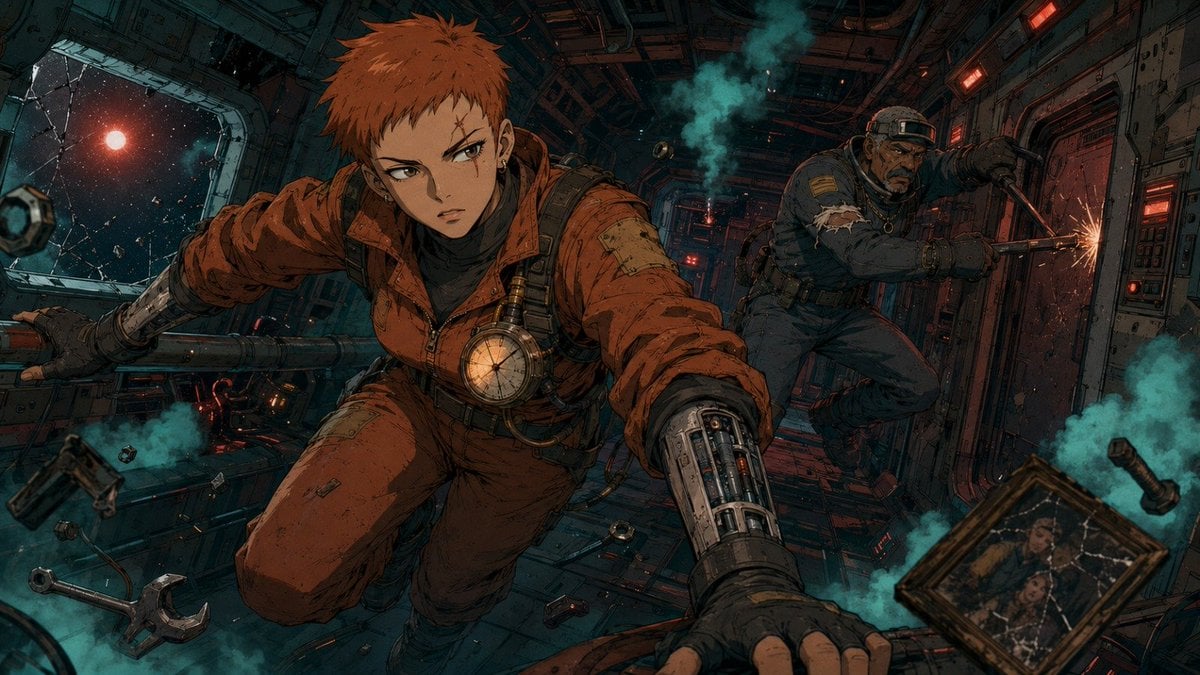
A cinematic anime prompt for generating a dramatic zero-gravity sci-fi action scene inside a damaged spaceship corridor.
- Prompt included
- Model and format preset
- Free template
The prompt behind this image
Copy the exact prompt behind Zero-Gravity Anime Spaceship Escape, or open it in the studio and make it yours.
Create a cinematic anime sci-fi hero frame in a gritty hand-drawn style, wide 16:9 composition. Inside a damaged spaceship corridor in zero gravity, show exactly 2 characters: the foreground hero, {argument name="character name" default="a young androgynous pilot"}, with short spiky {argument name="hair color" default="rust-orange hair"}, sharp focused eyes, an orange patched flight suit, black gloves, harness straps, a round glowing chest instrument, and one exposed mechanical cybernetic forearm reaching toward the viewer; and the background companion, {argument name="second character" default="an older rugged Black mechanic-soldier"}, wearing a dark tactical suit, headband, gear straps, and a grim expression while bracing himself near a door and using a cutting torch that throws bright sparks. The hero should appear mid-lunge, floating diagonally through the corridor with one arm extended forward and the other holding a metal rail or pipe, creating strong perspective and motion. The environment is a claustrophobic industrial spacecraft interior with dark teal metal walls, red warning lights, panels, cables, vents, scratched surfaces, and a cracked window on the left revealing outer space, stars, drifting debris, and a red planet or sun. Add turquoise smoke clouds and dust throughout the scene. Include exactly 7 distinct floating loose objects around the characters: 1 large wrench in the lower left, 1 small wrench near the lower center, 1 framed cracked family photograph in the lower right, 1 cylindrical pipe segment on the right edge, 1 small cube-like mechanical module near the left window, 1 small ring-shaped part near the lower middle, and 1 tiny dark tool or cartridge near the floor center. Use dramatic low-key lighting, teal-and-orange color grading, heavy ink outlines, detailed crosshatching, cel-shaded anime rendering, dynamic foreshortening, debris particles, motion tension, and a suspenseful rescue-or-escape mood. No text, no watermark, no clean glossy 3D look.
How to use Zero-Gravity Anime Spaceship Escape in 3 steps
- 1Upload ImagePNG, JPG or paste
Add your photo
Upload the photo the template builds on. The prompt, model and format are already set.
- 2…a portrait of your subject in softgolden-hour light, 85mm…
Personalize
Edit the subject and creative details for your destination.
- 3Generate
Generate
Press Generate — your image is created in PicX Studio, so you can compare it with the original and refine one variable at a time.
More like this
Templates with the same subject, style or setup. Open one to see its prompt.









Make it yours
Zero-Gravity Anime Spaceship Escape works as-is. These are the safest ways to change it without losing the look.
Change one field
Copy a single group, rewrite it, and generate again so you can see what that field is doing.
Keep the frame, change the subject
Hold the composition and light of Zero-Gravity Anime Spaceship Escape, then swap wardrobe, props or the person for a new take.
| If the result… | Why | Fix |
|---|---|---|
| The result drifts from the preview | Too many fields changed at once. | Reuse Zero-Gravity Anime Spaceship Escape as-is first, then change one group — subject, light, or setting. |
| The model over-stylizes the scene | The prose prompt leaves finish and camera underspecified. | Add one camera or lighting sentence and stay on GPT Image 2. |
More GPT Image 2 templates
Other prompts made for GPT Image 2.

Six VTuber Japanese Logo Sheet

Realistic Portrait of Woman and Deer

The Vista Modular Condo Poster

AI Model Routing Comparison Infographic

2.5D Anime Art Board

Isometric Productivity Desk Scene

New York Double Exposure Poster

Four-Panel AI Landscape Comparison

Japanese Tatami Lifestyle Magazine Cover

NESCAFÉ Coffee Map Poster
More image prompts
Fresh picks from across the catalog.
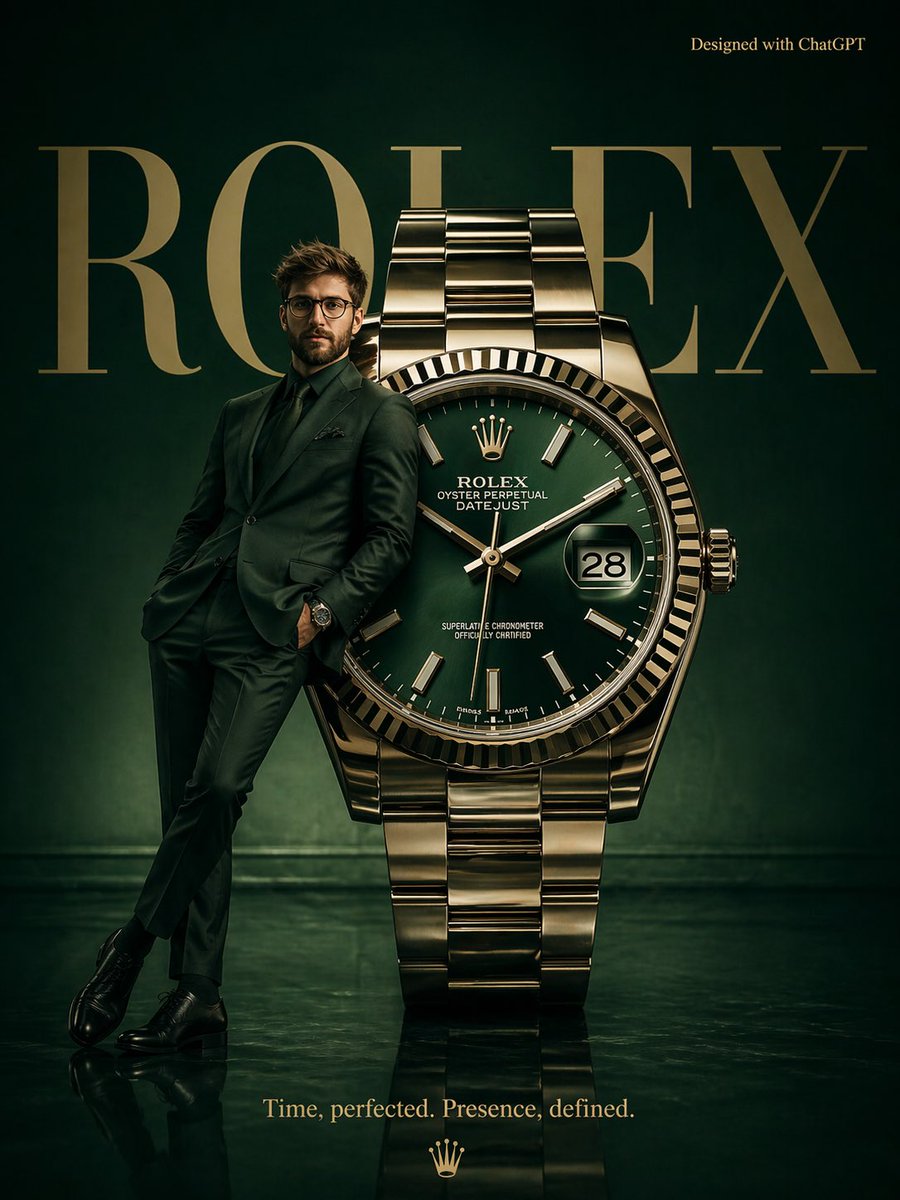
Surrealist Rolex Advertisement Poster
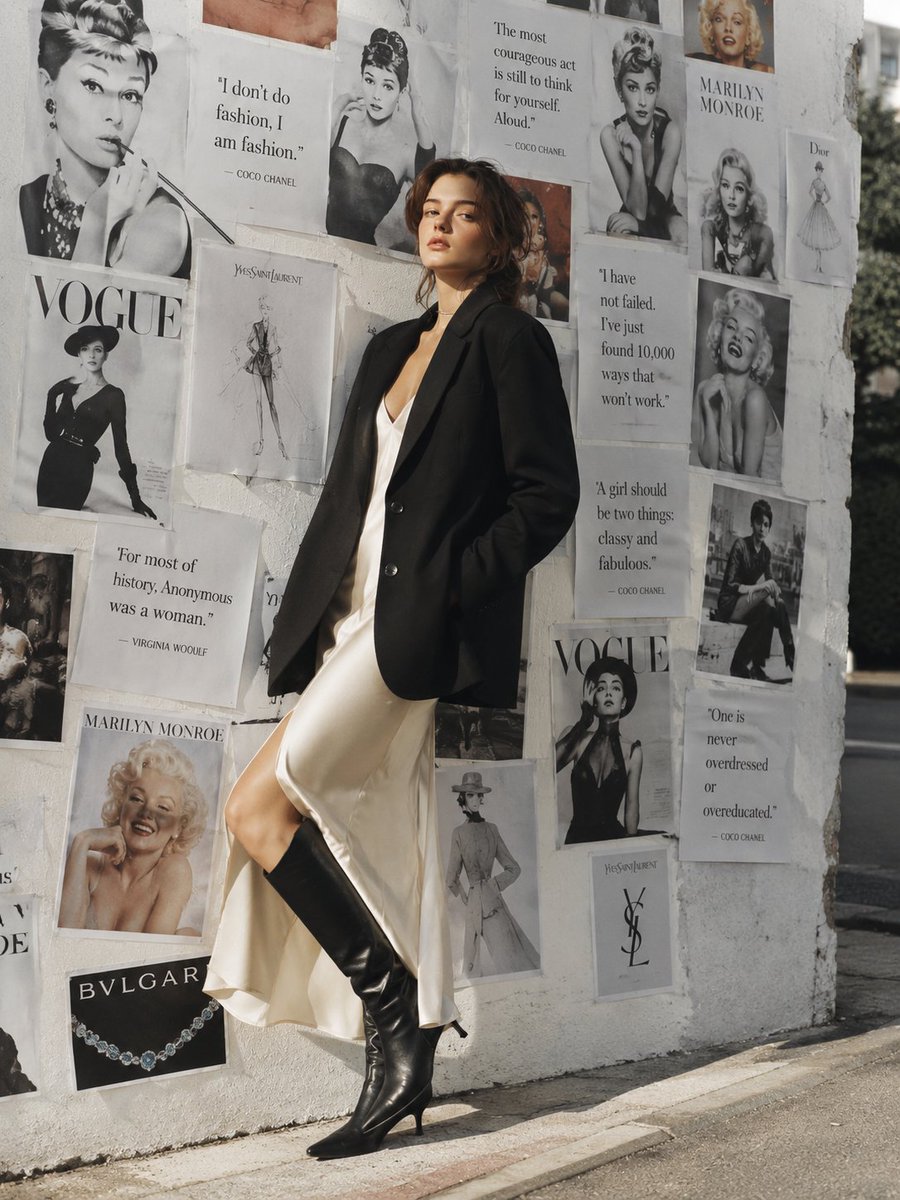
Parisian Chic Fashion Portrait
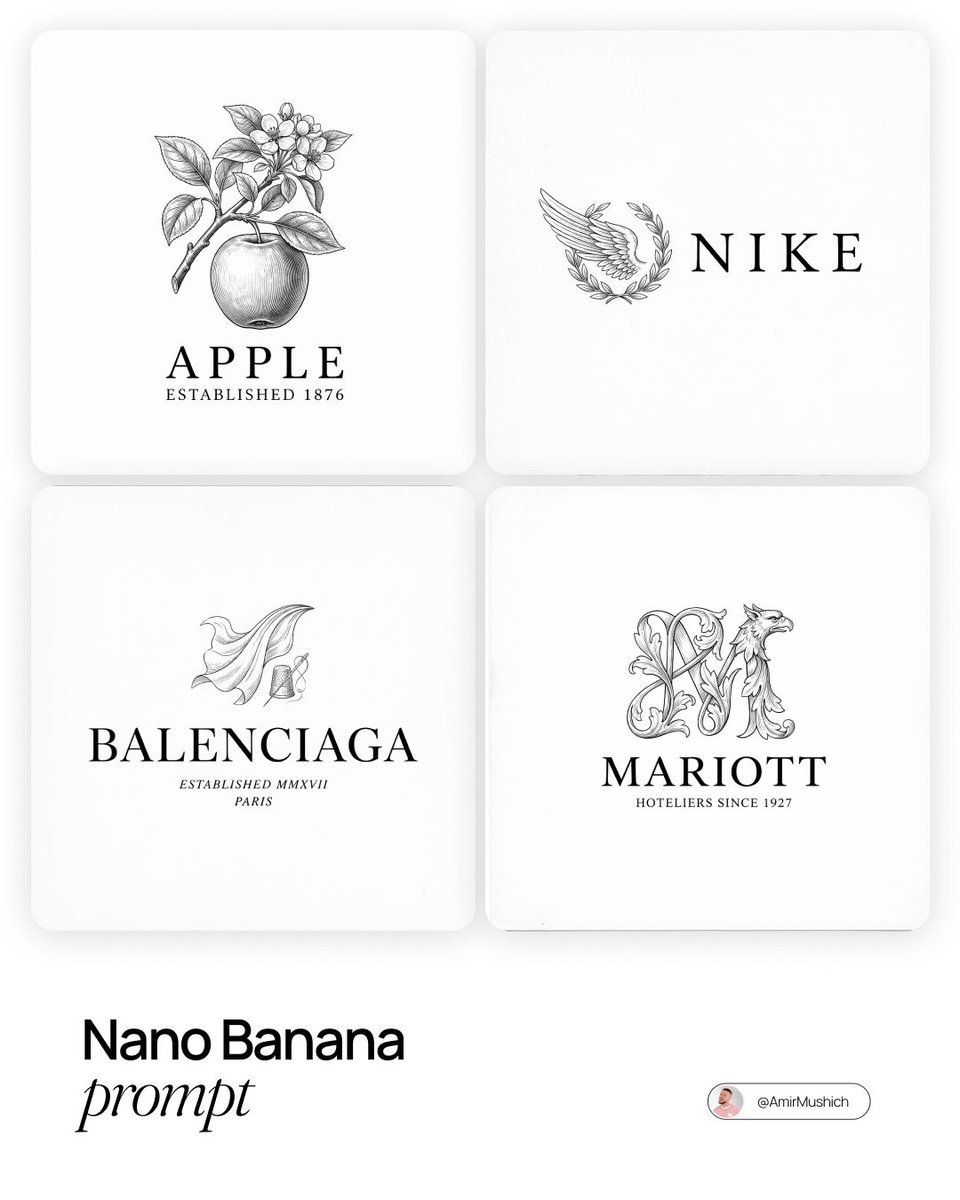
Modern Brands in 19th Century Prompt
Videogame Cinematic Trailer - Seedance 2.0
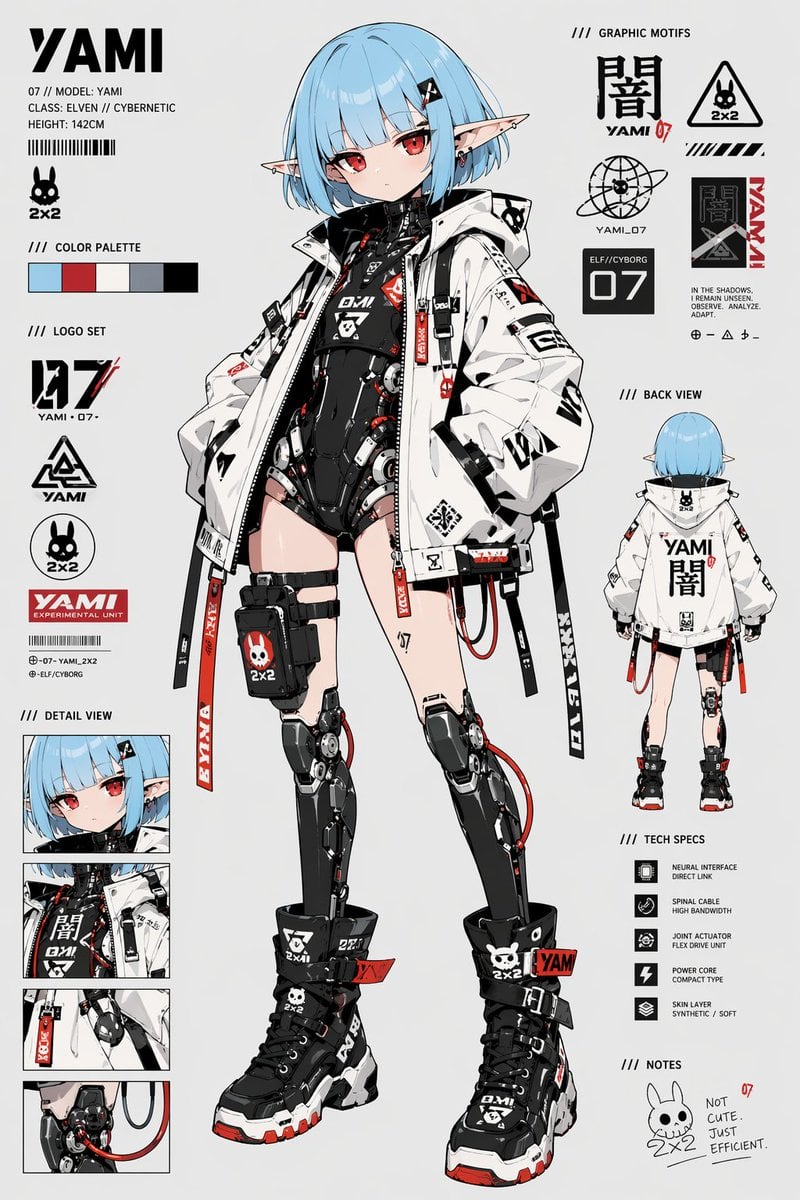
Cyberpunk Elf Android Reference Sheet
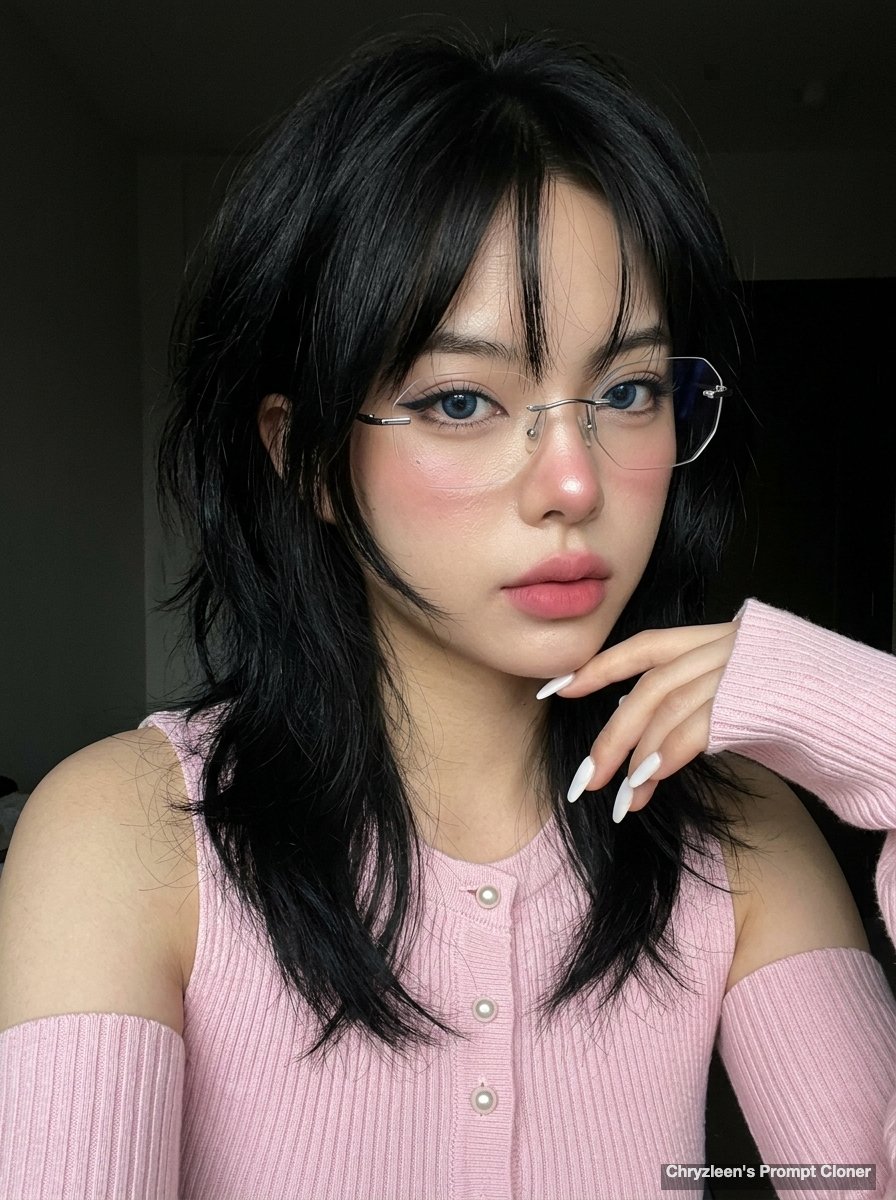
Hyper-realistic iPhone Photo Prompt (Gemini Nano Banana)
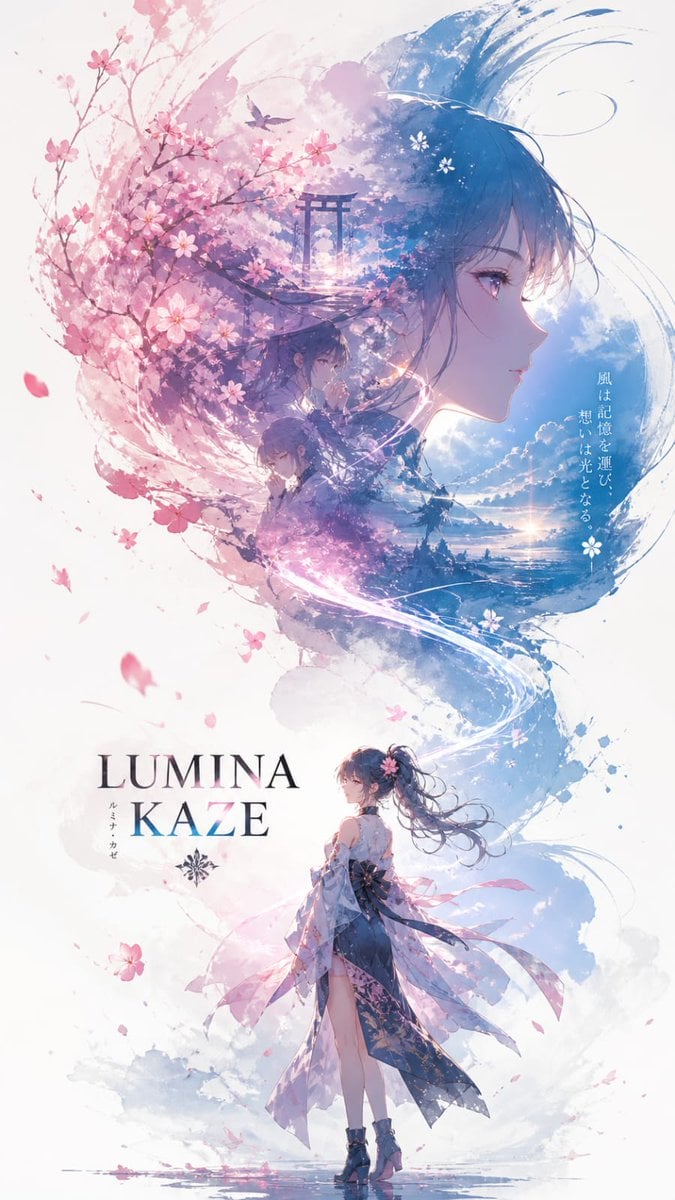
Anime Double-Exposure Poster
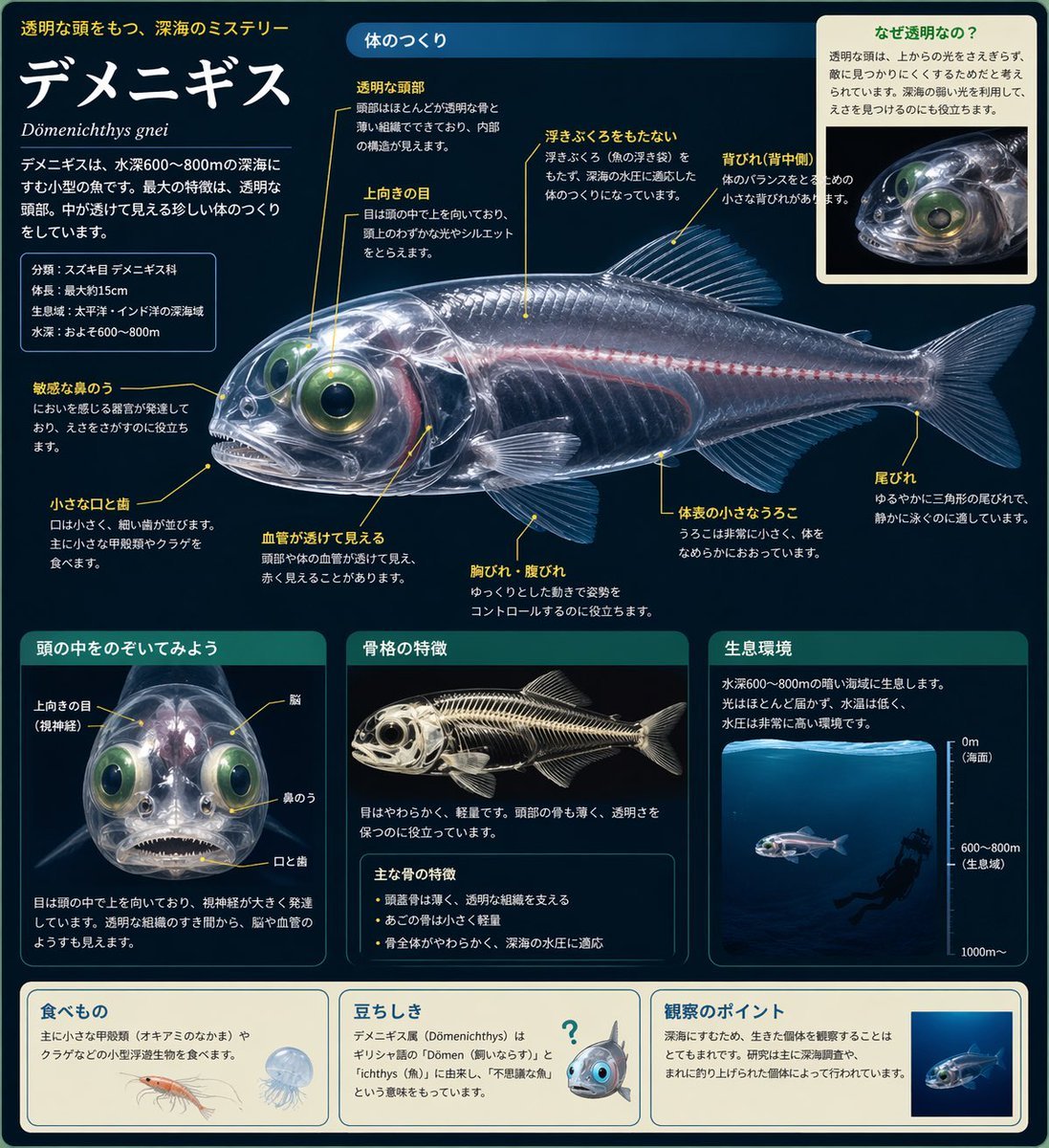
Biological Illustration Page
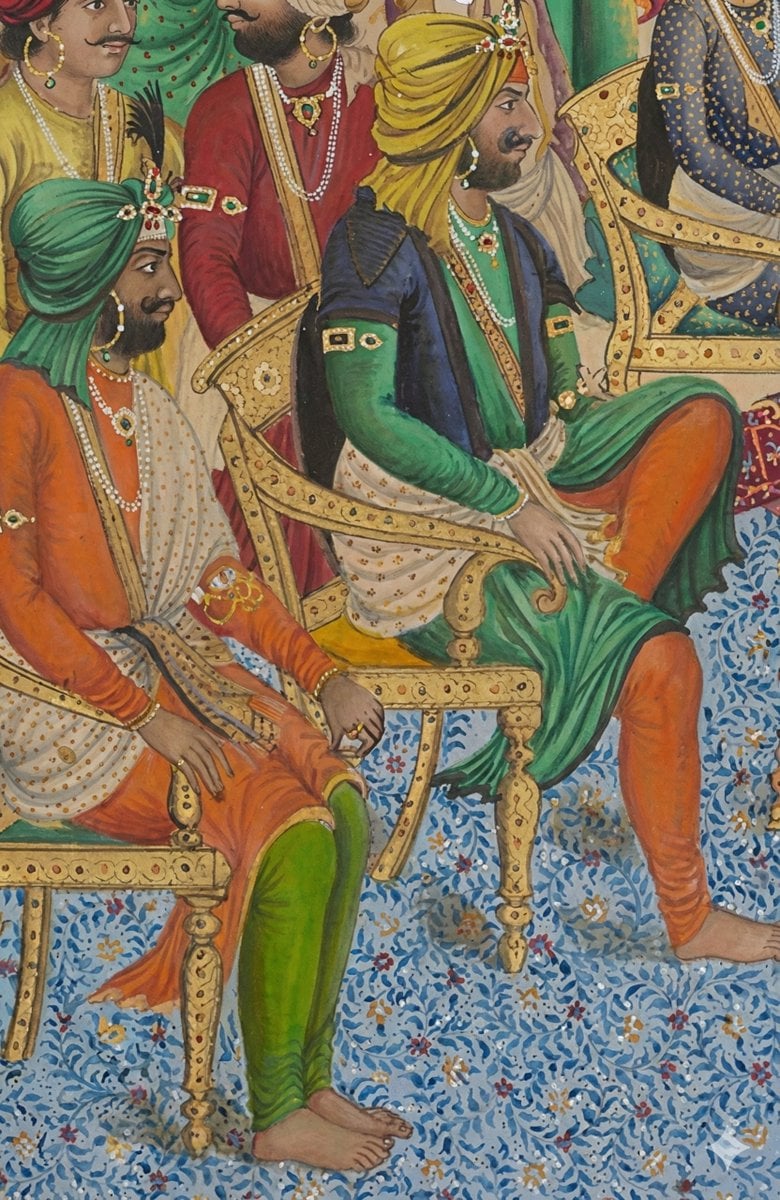
Image Sharpening and Resolution Improvement Prompt for Google Gemini A.I.
Satellite Map of Big Ben Area
Browse template categories
Zero-Gravity Anime Spaceship Escape questions
How do I use the Zero-Gravity Anime Spaceship Escape template?
Add your photo if the template asks for one, edit the prompt if you like — the template's model and format are already selected — and press Generate. Your version opens in PicX Studio.
Can I customize the Zero-Gravity Anime Spaceship Escape template?
Yes. You can change the subject, setting, lighting, mood, format, and available model controls before creating your image.
Is the Zero-Gravity Anime Spaceship Escape template free?
Opening and editing this template is free. Generating uses credits, shown on the Generate button when you are signed in.
Which AI model should I use?
Start with GPT Image 2, which is the model associated with this template. You can compare another compatible model for a different finish.
Looking for something else? Browse all templates.

Your photo, any look
Thousands of ready templates for every top image and video model, from one credit balance.