
Ultra-Wide Desert Dunes With Lone Palm
Generates a cinematic 3:1 panoramic desert landscape with warm dunes and a single palm tree for wide-format environmental imagery.
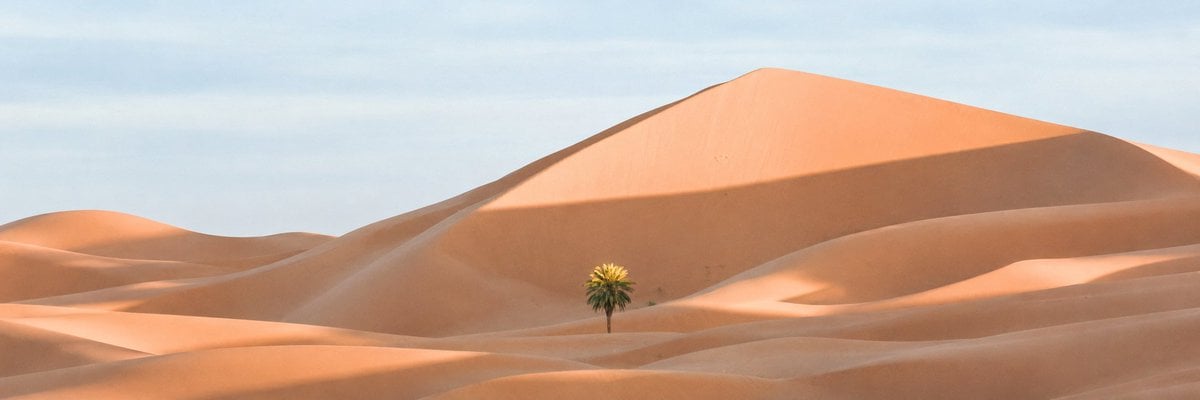
- Prompt included
- Model and format preset
- Free template
The prompt behind this image
Copy the exact prompt behind Ultra-Wide Desert Dunes With Lone Palm, or open it in the studio and make it yours.
Create an ultra-wide 3:1 panoramic desert landscape with sweeping orange sand dunes under a pale blue sky. The scene is minimal and cinematic, featuring one small lone {argument name="tree type" default="palm tree"} near the lower center, standing in a shallow basin between dunes. A massive smooth dune rises in the background, its crest sloping gently upward, with warm late-afternoon sunlight illuminating the sand and casting a broad soft shadow across the right side of the large dune. The foreground contains layered rolling dune ridges with subtle wind-shaped curves and delicate highlights. Use a realistic photographic style, soft natural lighting, warm peach and terracotta sand tones, slight atmospheric haze, calm empty wilderness mood, no people, no buildings, no text.
How to use Ultra-Wide Desert Dunes With Lone Palm in 3 steps
- 1Upload ImagePNG, JPG or paste
Add your photo
Upload the photo the template builds on. The prompt, model and format are already set.
- 2…a portrait of your subject in softgolden-hour light, 85mm…
Personalize
Edit the subject and creative details for your destination.
- 3Generate
Generate
Press Generate — your image is created in PicX Studio, so you can compare it with the original and refine one variable at a time.
More like this
Templates with the same subject, style or setup. Open one to see its prompt.

Saudi Arabia Paper Cut Travel Poster
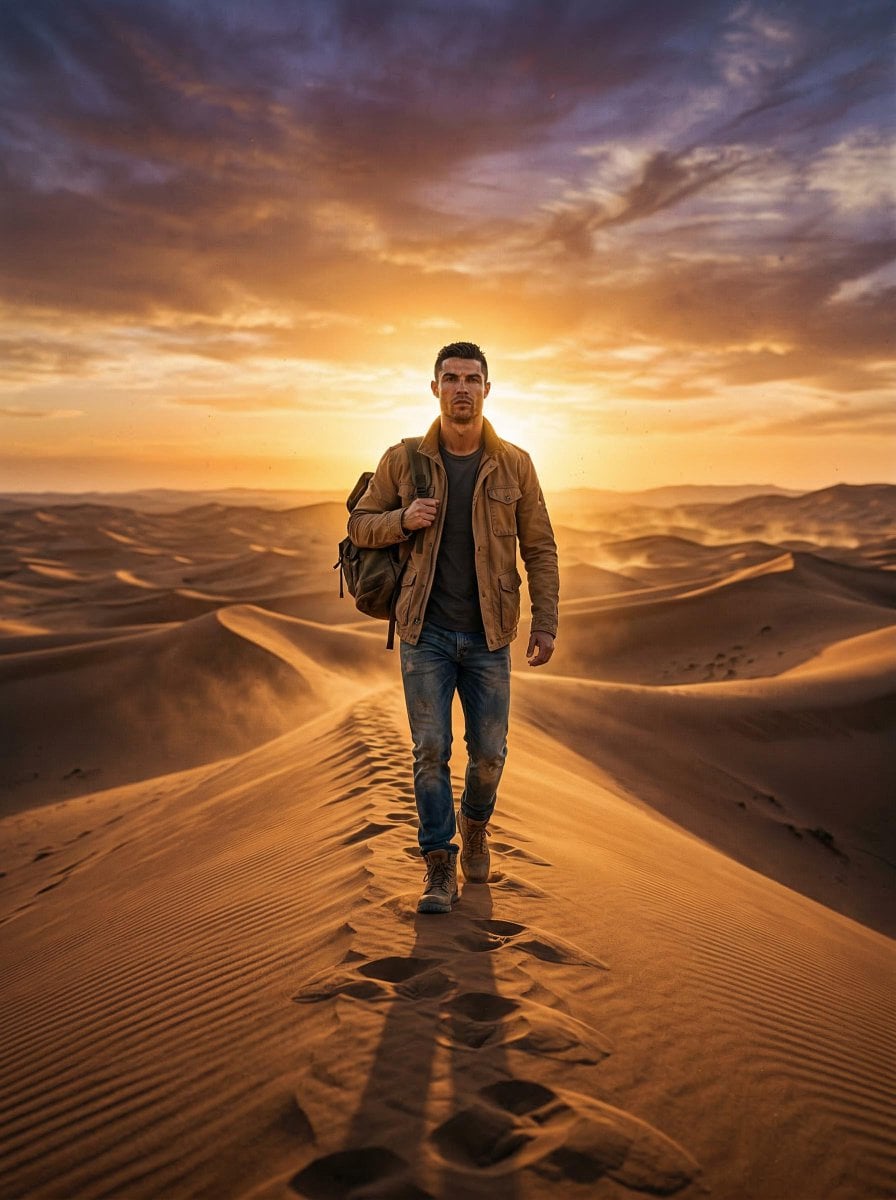
Lone Traveler in Saharan Dunes Prompt
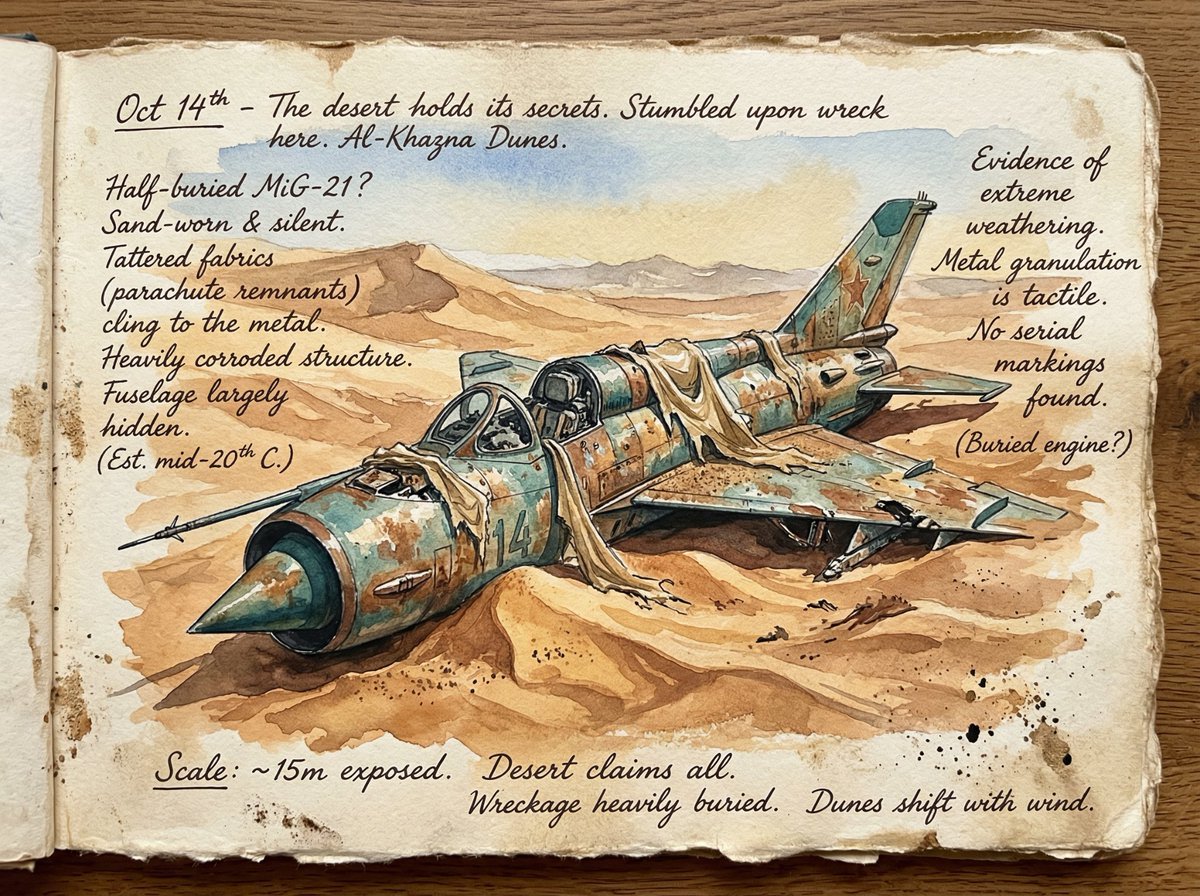
Loose Watercolor of a Half-Buried Fighter Jet in Desert Dunes

Lone Mountaineer in Moonlit Snow
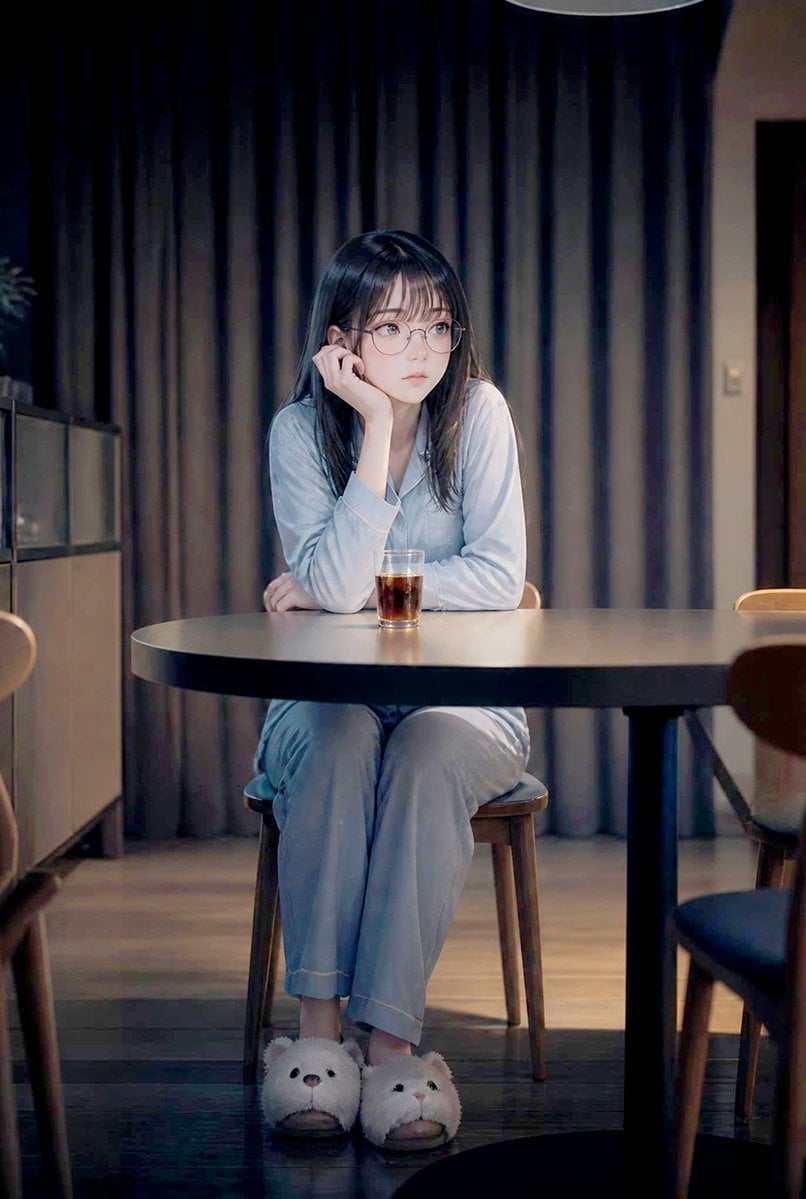
Lonely Night Dining Portrait
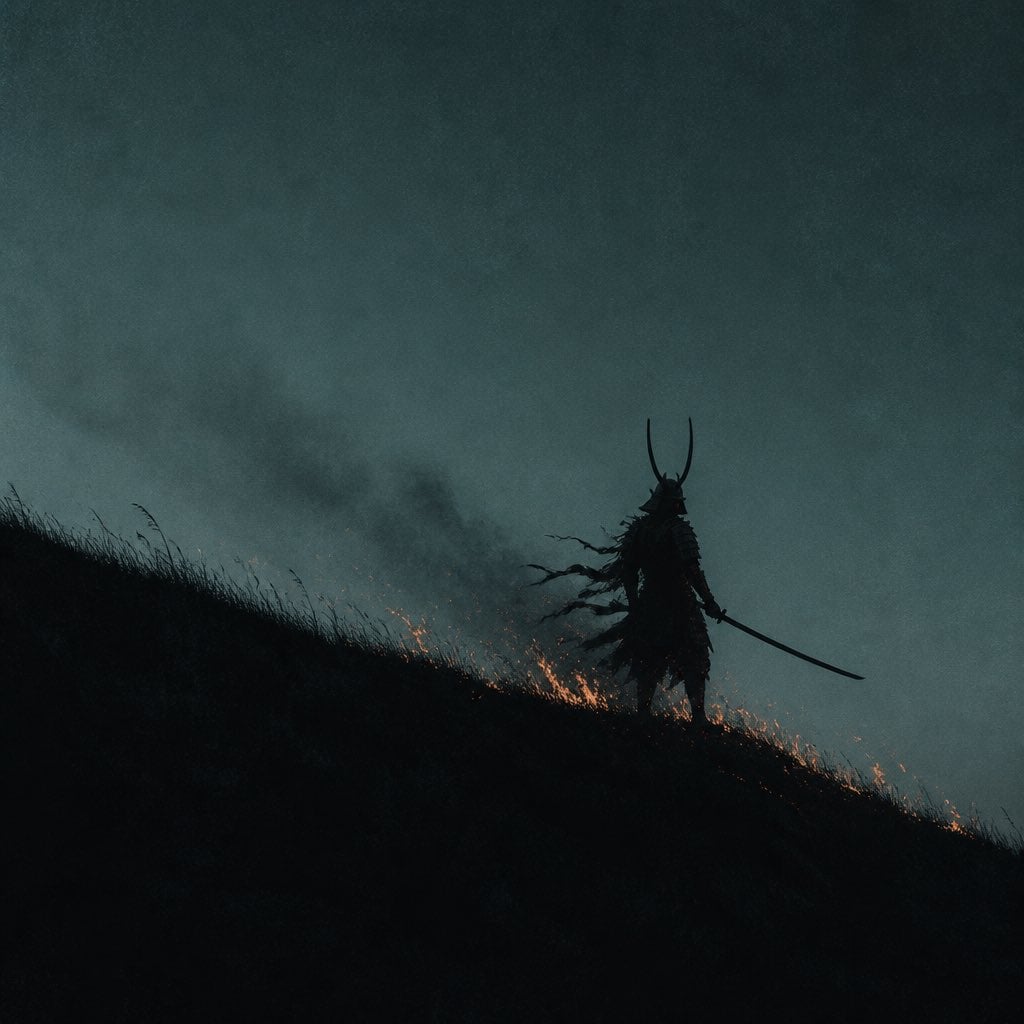
Lone Samurai Warrior Silhouette
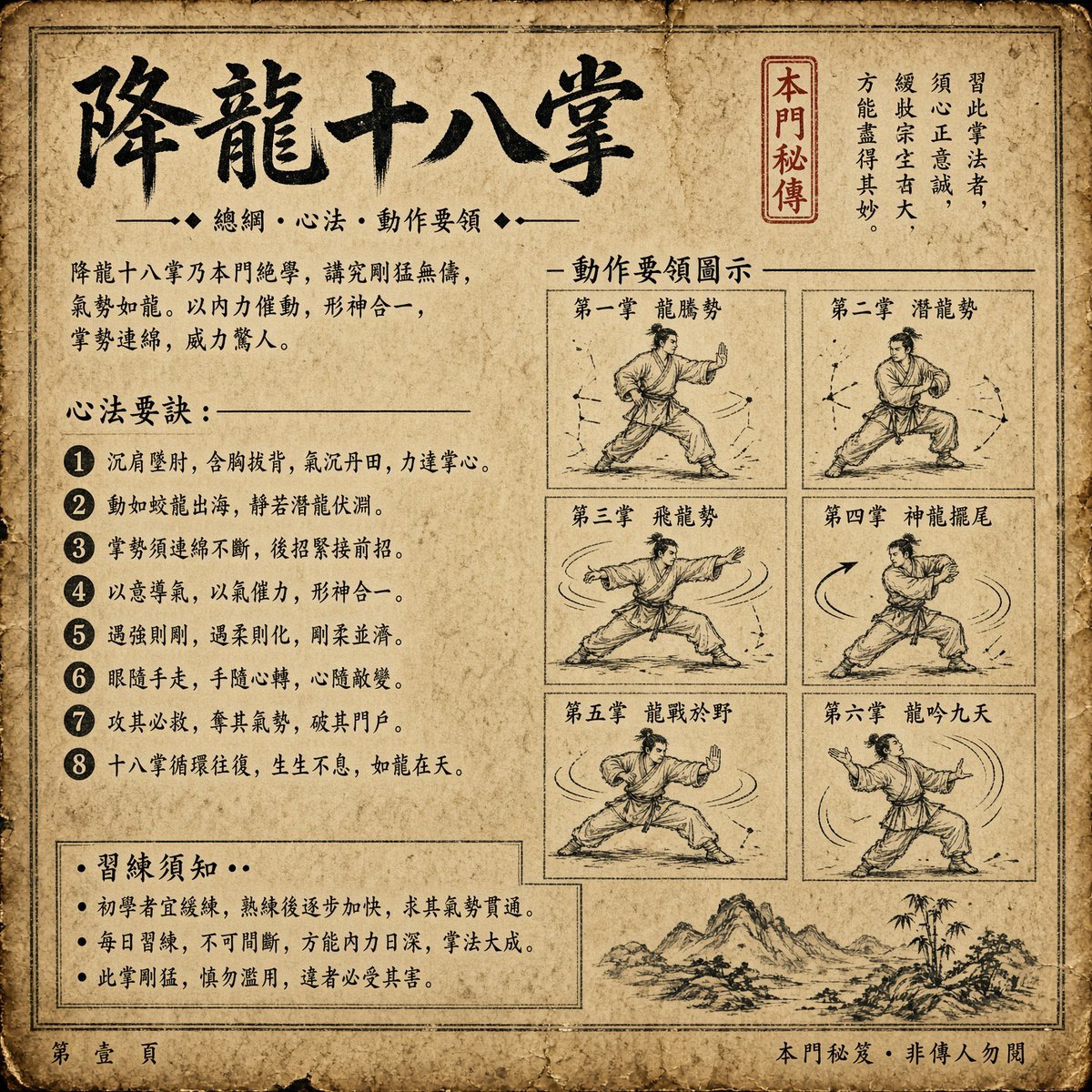
Ancient Dragon Palm Kung Fu Manual
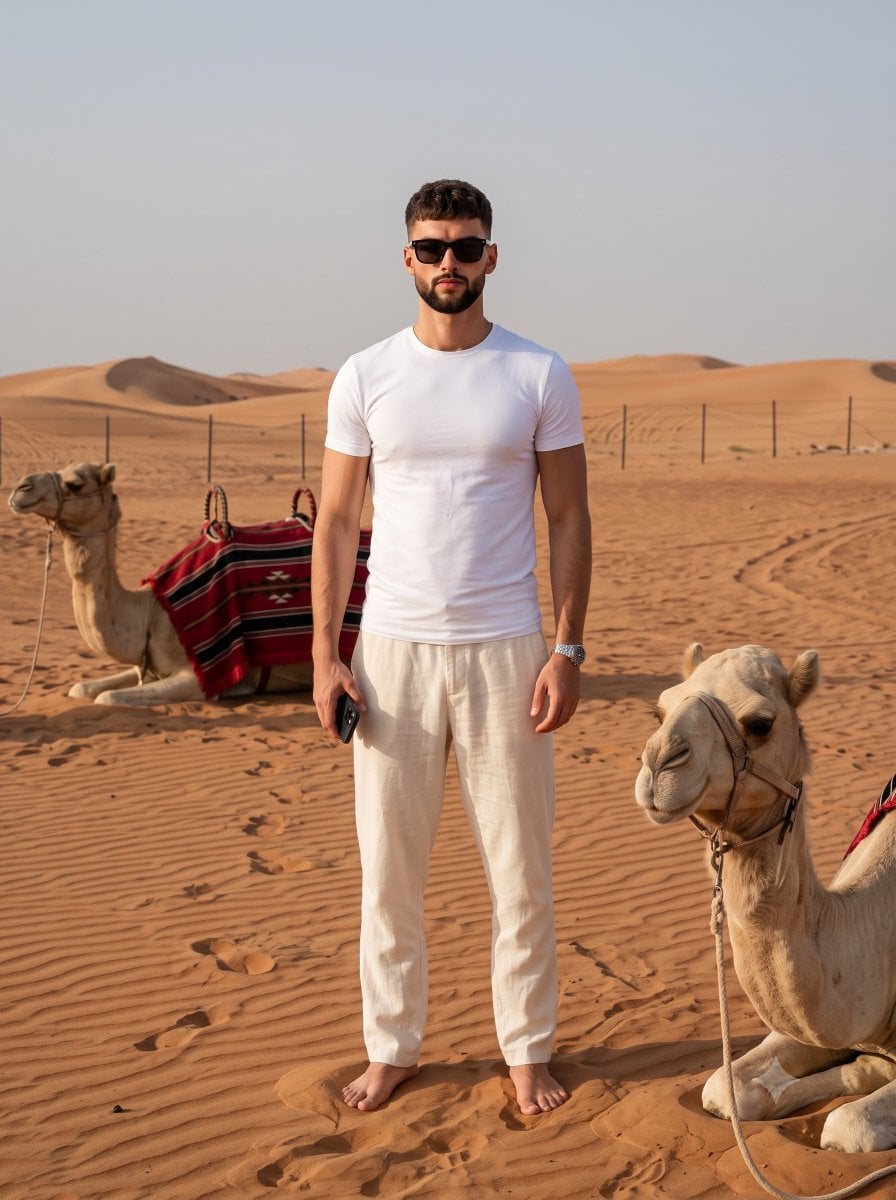
Desert Travel Lifestyle Portrait
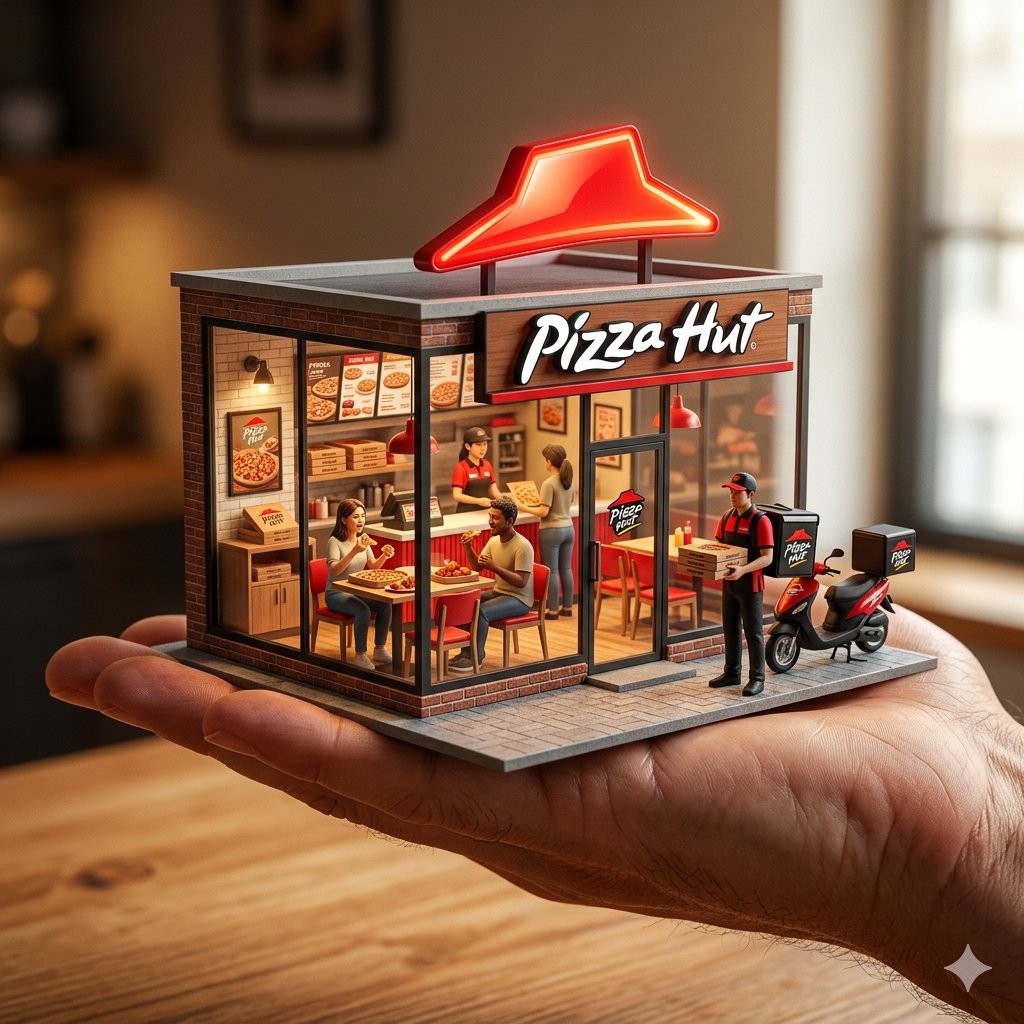
An ultra-realistic miniature showroom balanced on a human palm, designed
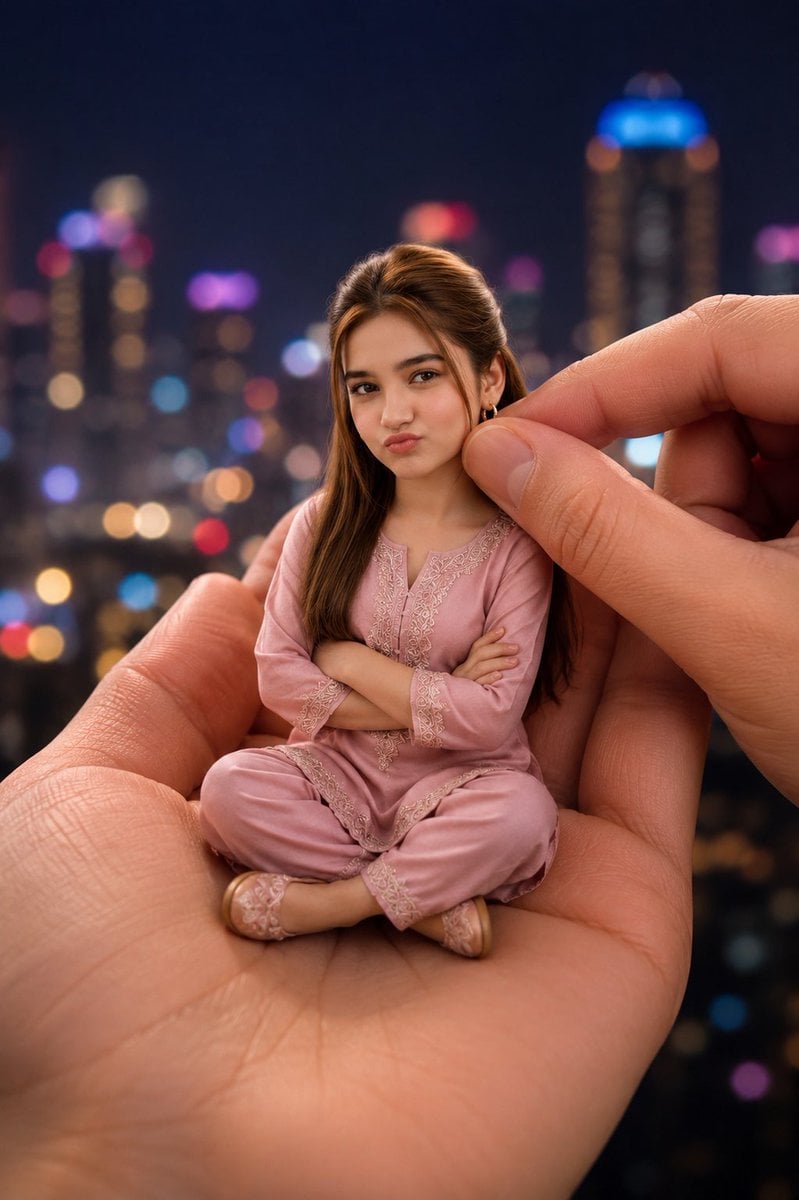
Miniature Woman in Human Palm
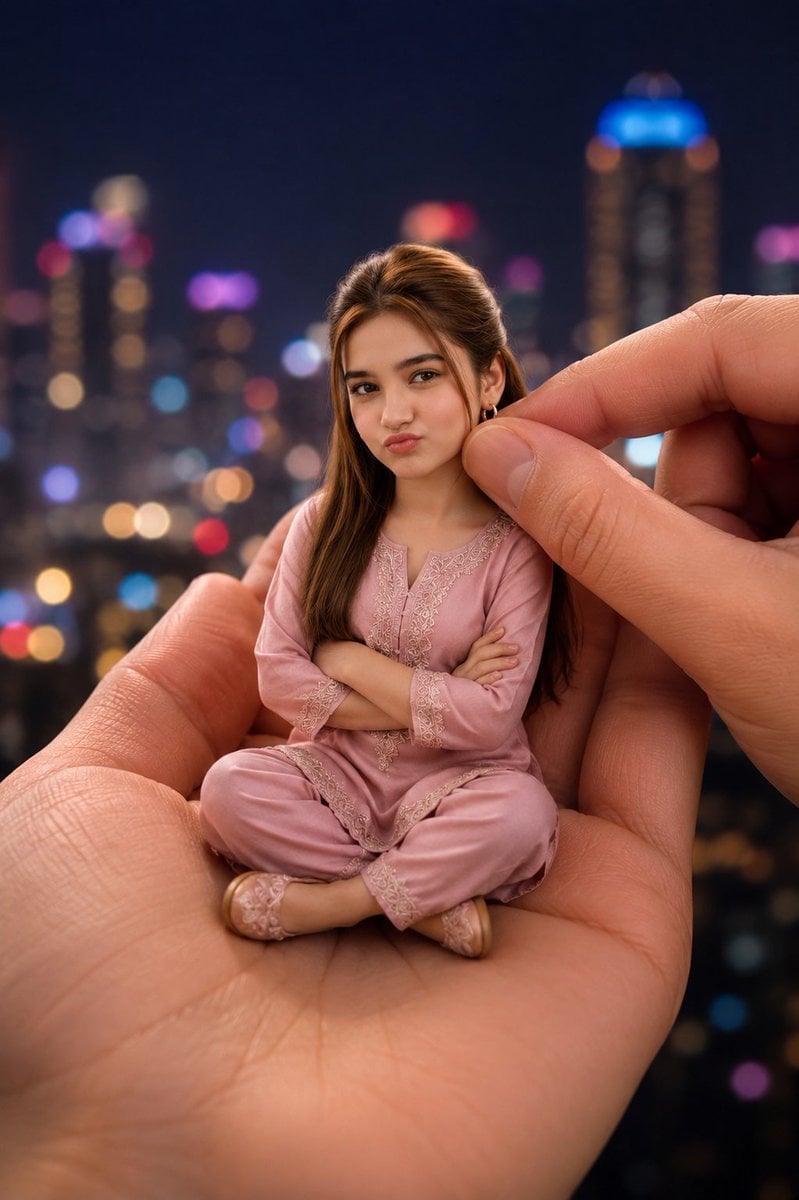
Miniature Doll in Human Palm
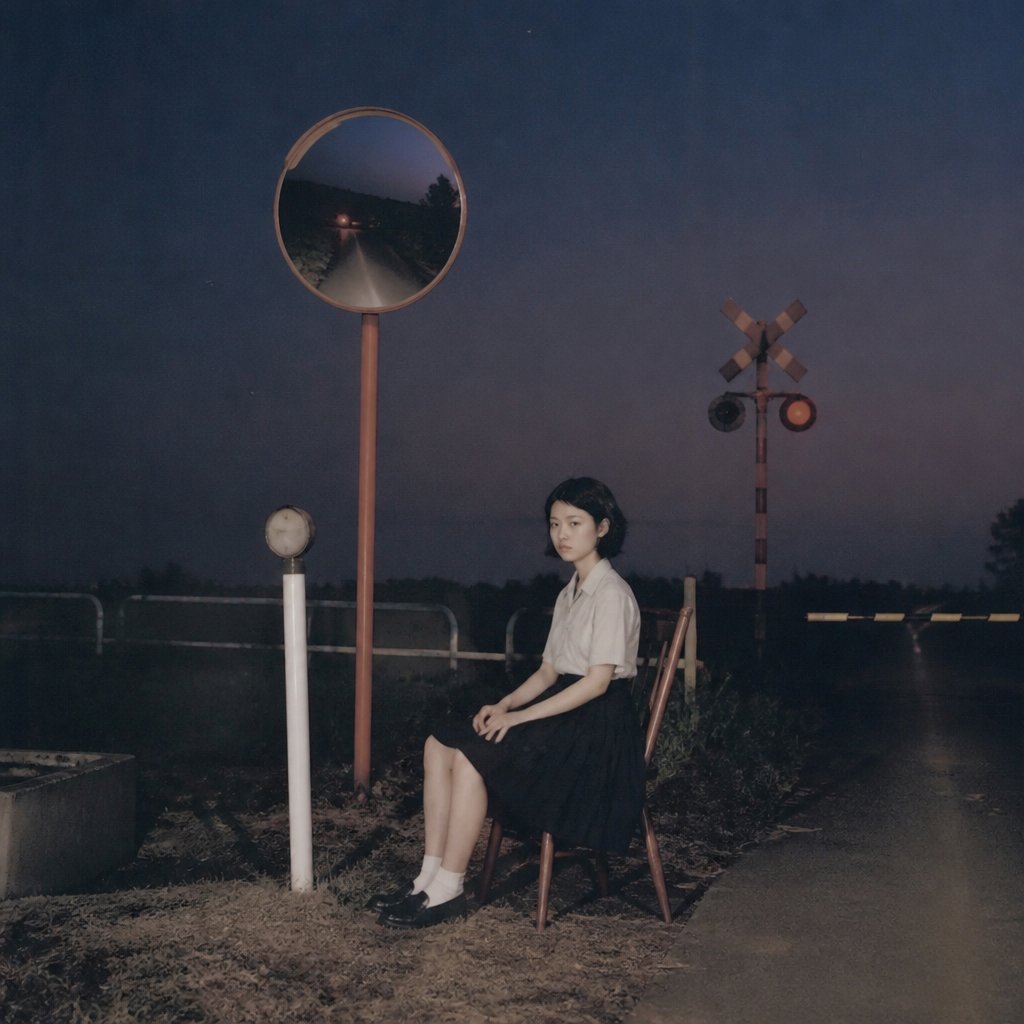
Lonely Night Railway Crossing Attendant
Make it yours
Ultra-Wide Desert Dunes With Lone Palm works as-is. These are the safest ways to change it without losing the look.
Change one field
Copy a single group, rewrite it, and generate again so you can see what that field is doing.
Keep the frame, change the subject
Hold the composition and light of Ultra-Wide Desert Dunes With Lone Palm, then swap wardrobe, props or the person for a new take.
| If the result… | Why | Fix |
|---|---|---|
| The result drifts from the preview | Too many fields changed at once. | Reuse Ultra-Wide Desert Dunes With Lone Palm as-is first, then change one group — subject, light, or setting. |
| The model over-stylizes the scene | The prose prompt leaves finish and camera underspecified. | Add one camera or lighting sentence and stay on GPT Image 2. |
More GPT Image 2 templates
Other prompts made for GPT Image 2.

Six VTuber Japanese Logo Sheet

Realistic Portrait of Woman and Deer

The Vista Modular Condo Poster

AI Model Routing Comparison Infographic

2.5D Anime Art Board

Isometric Productivity Desk Scene

New York Double Exposure Poster

Four-Panel AI Landscape Comparison

Japanese Tatami Lifestyle Magazine Cover

NESCAFÉ Coffee Map Poster
More image prompts
Fresh picks from across the catalog.
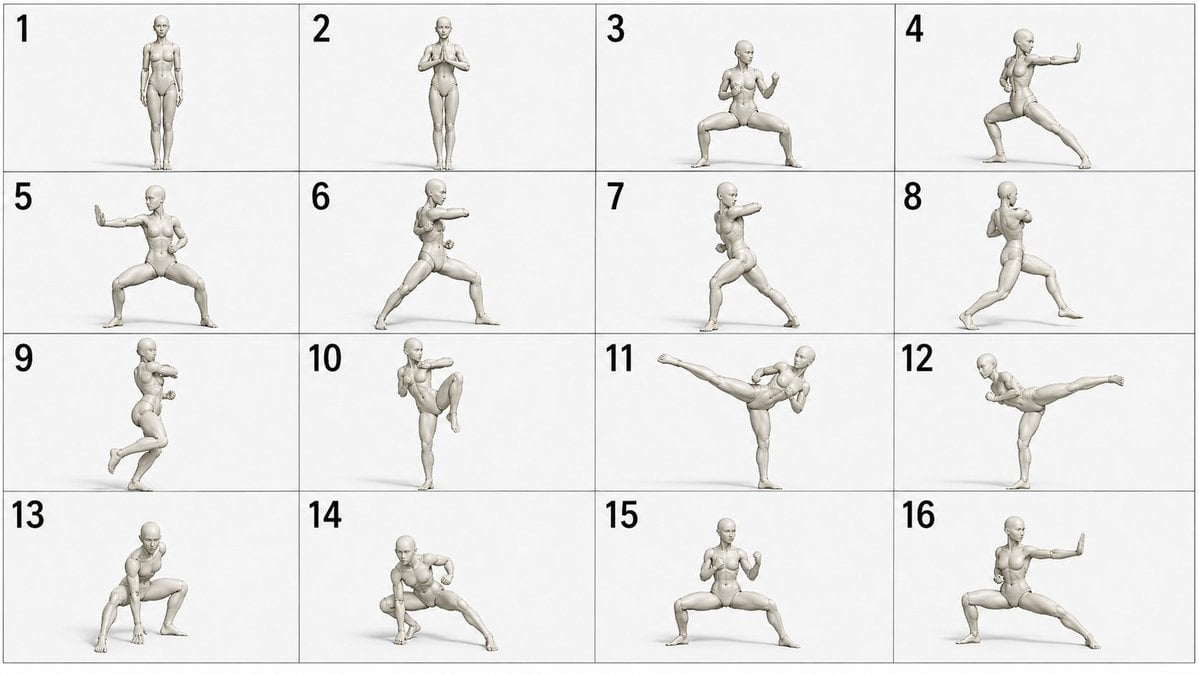
Martial Arts Grid Motion Prompt

Kona-Monde Okonomiyaki Ladies Poster
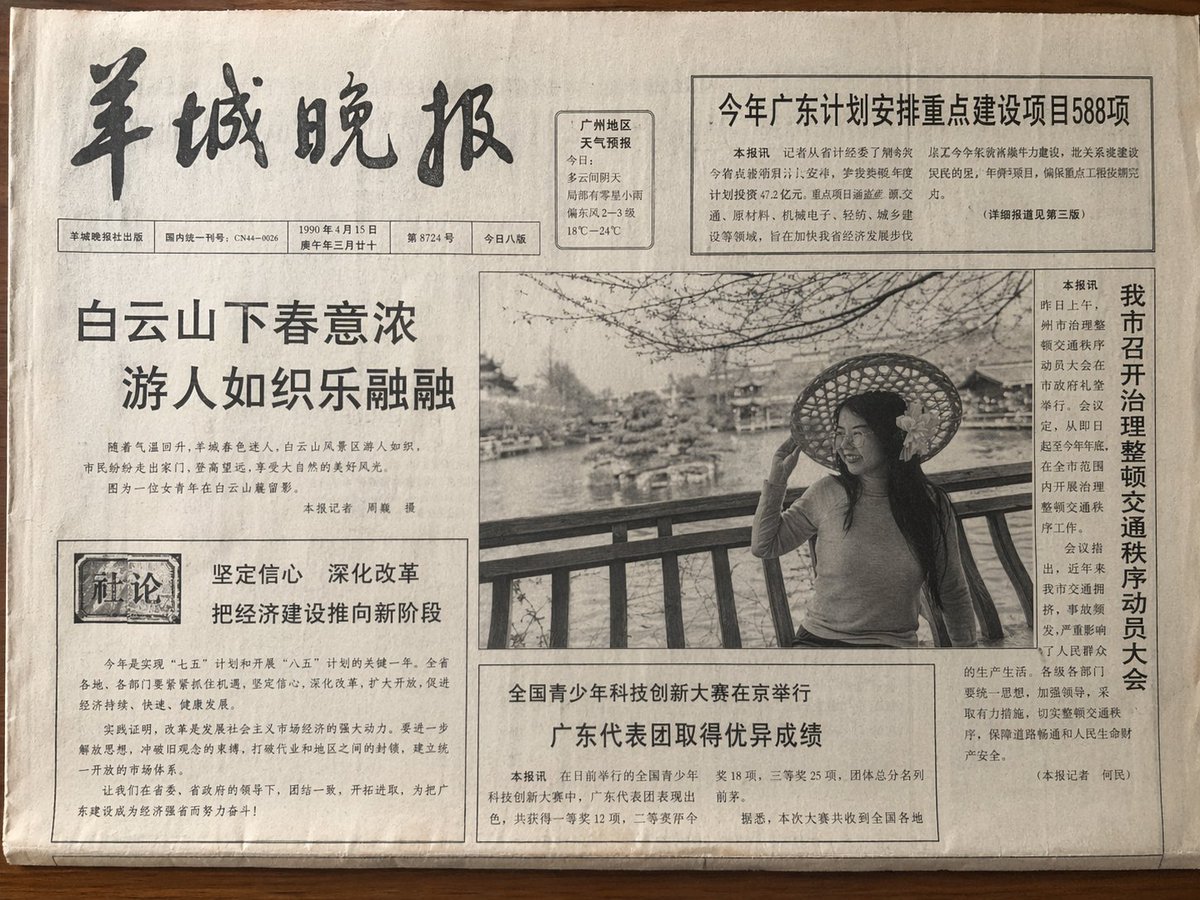
Vintage Newspaper Front Page

Educational Kids Product Poster
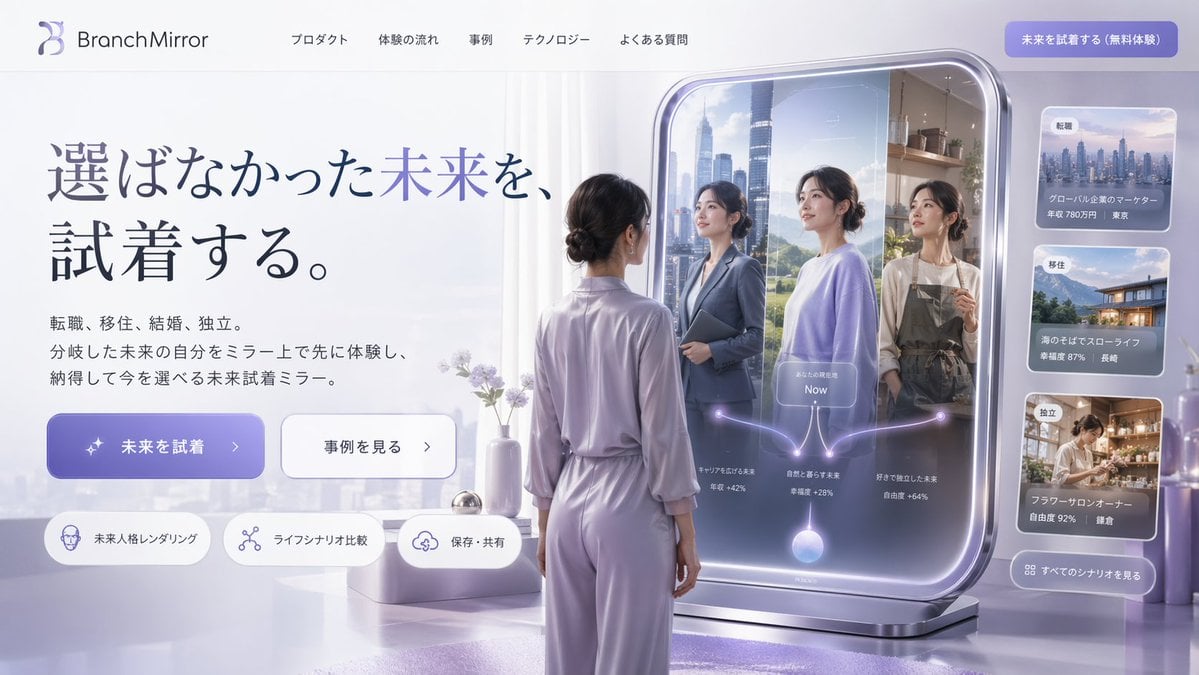
Futuristic Smart Mirror Website Mockup
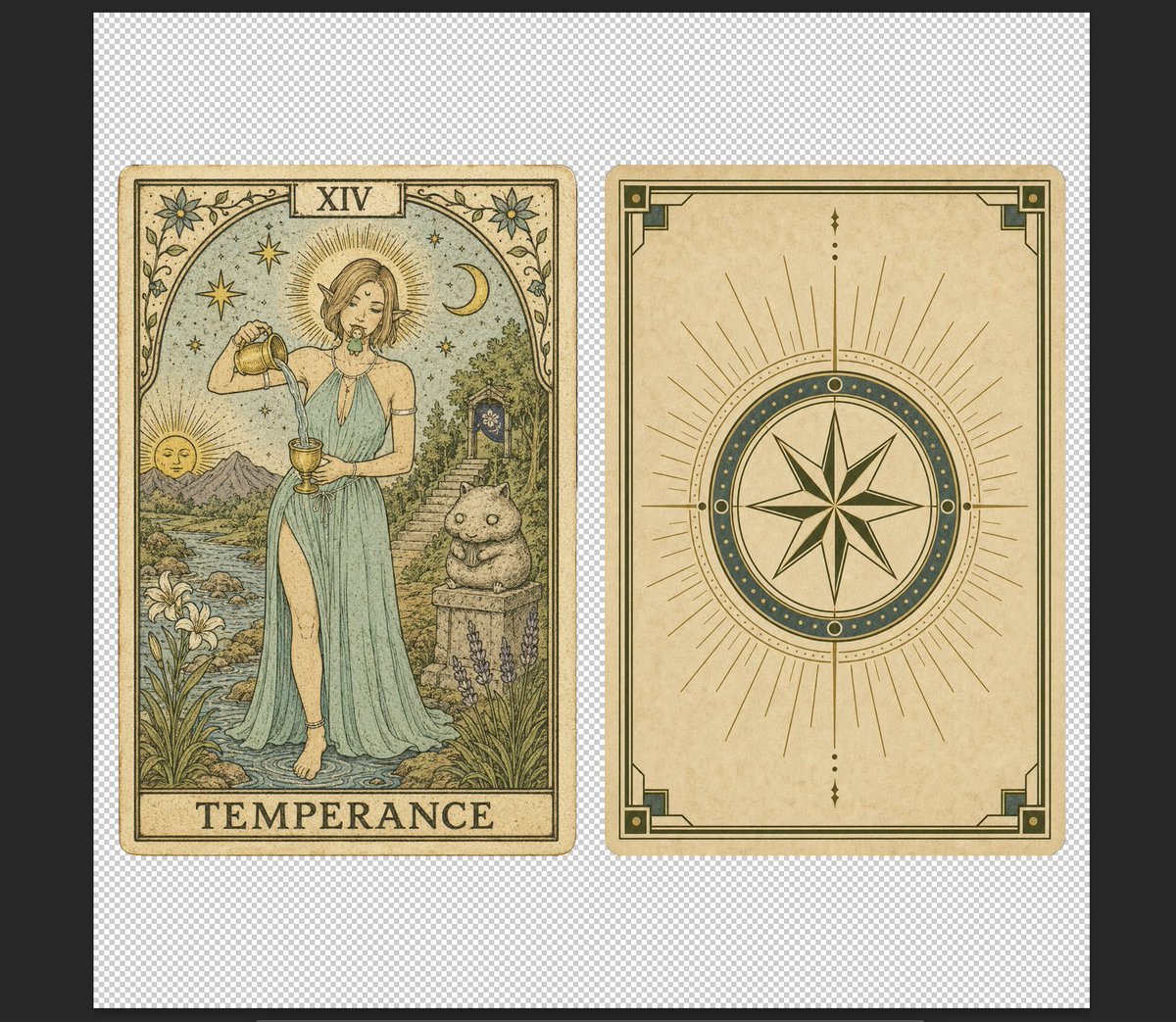
Vintage Temperance Tarot Card Pair

Futuristic Google Search Poster
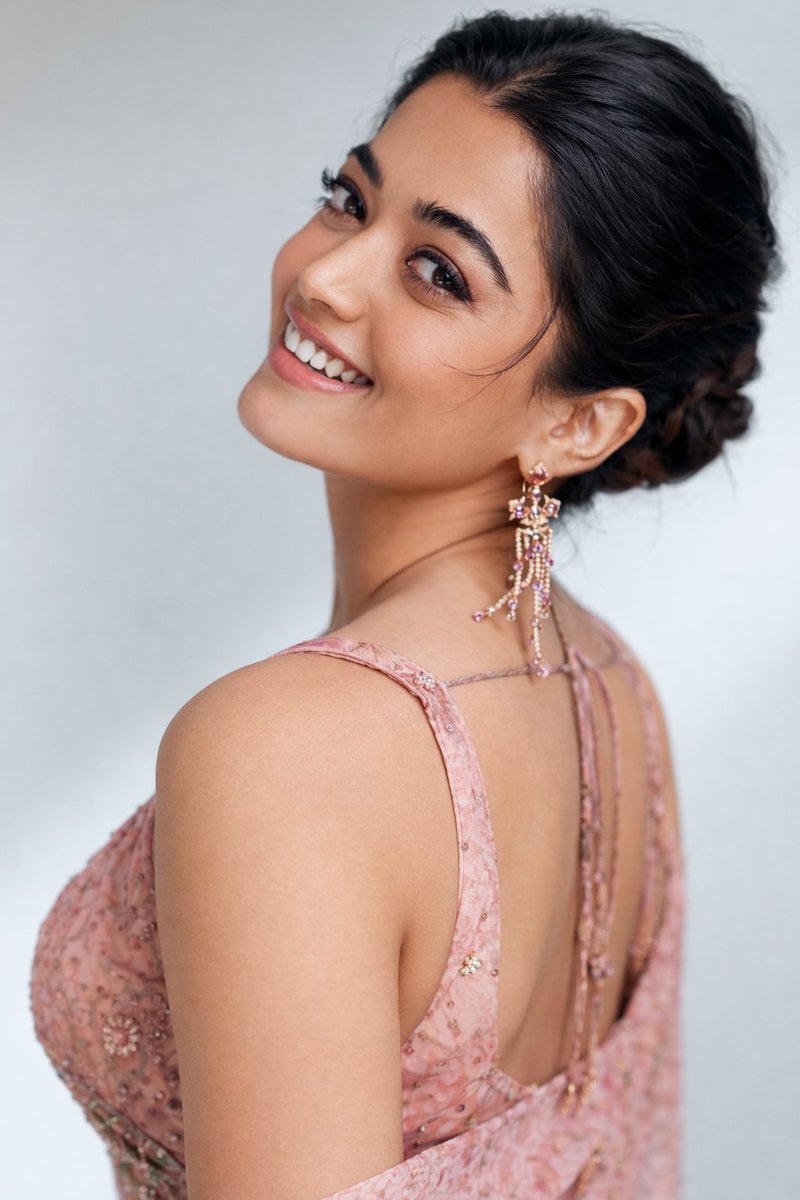
8K Studio Portrait of Rashmika Mandhana in Saree
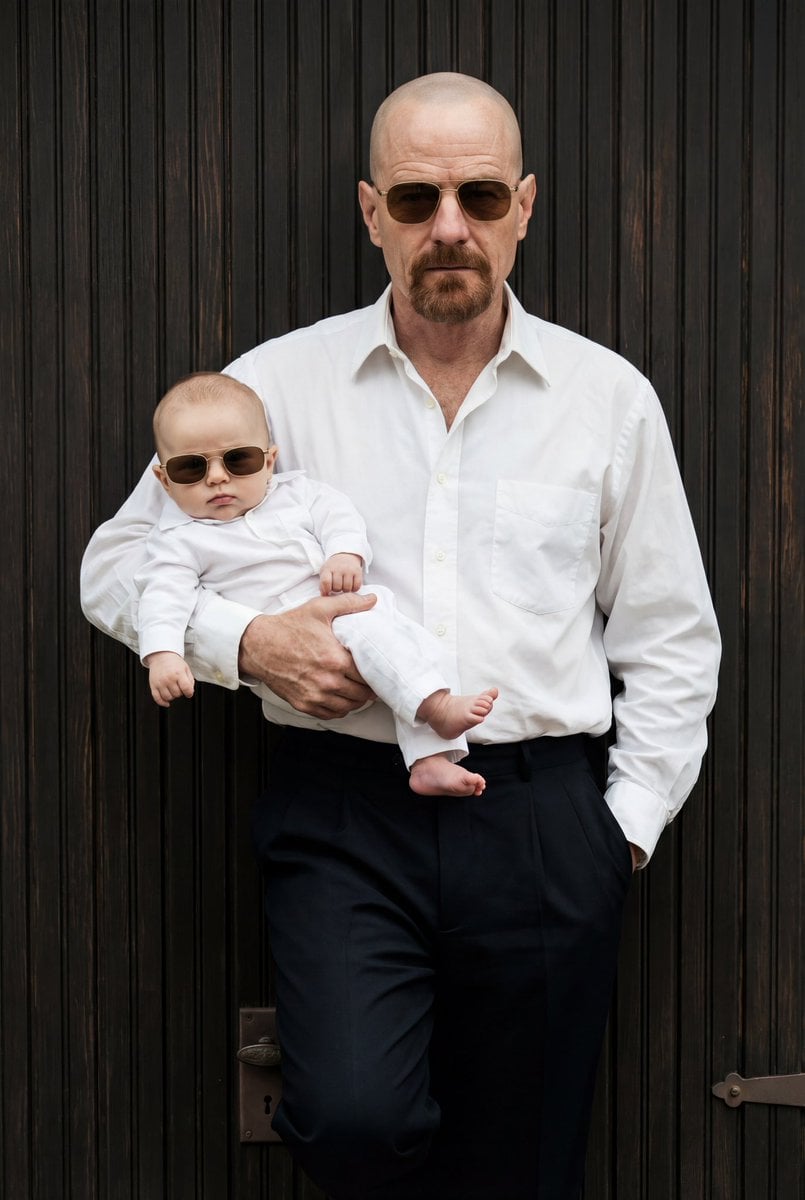
Ultra-Realistic 90s Old-Money Father and Baby Portrait
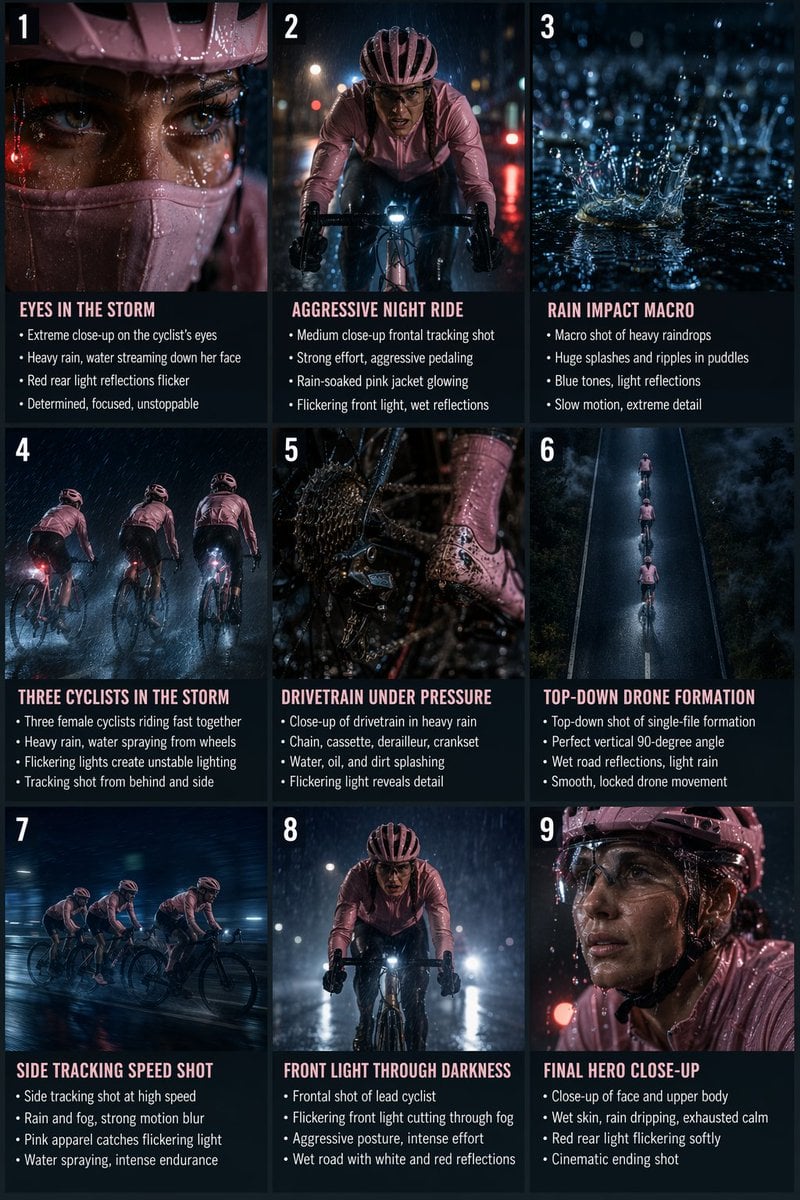
Night Rain Storyboard Infographic
Browse template categories
Ultra-Wide Desert Dunes With Lone Palm questions
How do I use the Ultra-Wide Desert Dunes With Lone Palm template?
Add your photo if the template asks for one, edit the prompt if you like — the template's model and format are already selected — and press Generate. Your version opens in PicX Studio.
Can I customize the Ultra-Wide Desert Dunes With Lone Palm template?
Yes. You can change the subject, setting, lighting, mood, format, and available model controls before creating your image.
Is the Ultra-Wide Desert Dunes With Lone Palm template free?
Opening and editing this template is free. Generating uses credits, shown on the Generate button when you are signed in.
Which AI model should I use?
Start with GPT Image 2, which is the model associated with this template. You can compare another compatible model for a different finish.
Looking for something else? Browse all templates.

Your photo, any look
Thousands of ready templates for every top image and video model, from one credit balance.