
Futuristic Google Search Poster
Creates a glossy vertical tech advertisement featuring a central figure holding a Google phone interface amid holographic search cards, maps, AI icons, and neon data effects.
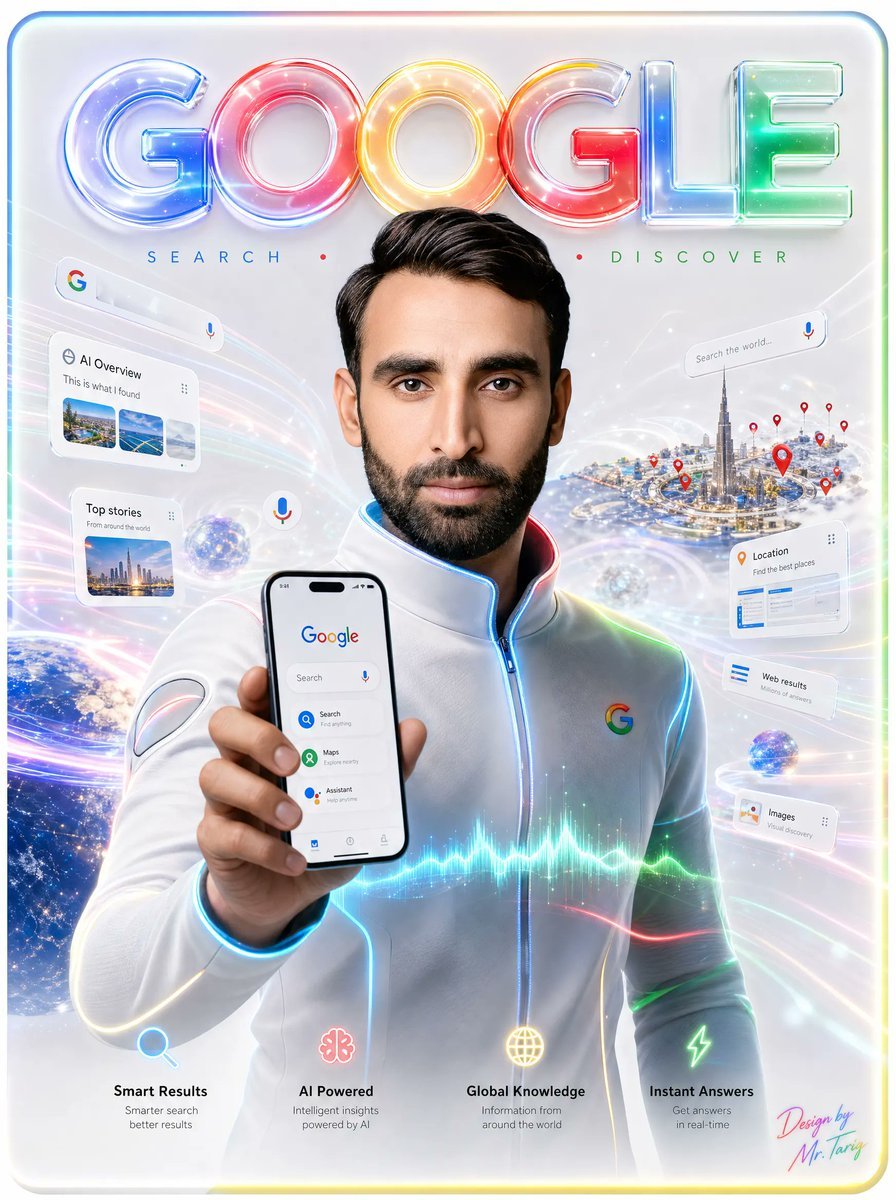
- Prompt included
- Model and format preset
- Free template
The prompt behind this image
Copy the exact prompt behind Futuristic Google Search Poster, or open it in the studio and make it yours.
- Type
- futuristic Google search promotional poster
- Format
- vertical glossy tech advertisement
- Main Subject › Description
- a centered young man from chest up, facing forward, wearing a sleek white futuristic zip-up jacket with subtle seams and glowing blue piping along the zipper, collar, shoulders, and sleeves
- Main Subject › Face
- face area intentionally covered by a flat vertical blurred rectangular privacy block in warm beige-brown tones
- Main Subject › Pose
- left arm extended toward the viewer, holding a smartphone upright in front of his chest
- Main Subject › Jacket Logo
- small multicolor Google G logo on the right chest
- Headline › Text
- {argument name="headline text" default="GOOGLE"}
- Headline › Position
- top center
- Headline › Style
- huge inflated translucent 3D glass letters, each letter glowing in Google colors: blue G, red O, yellow O, red G, blue L, green E, with glossy reflections, neon rims, sparkles, and soft internal highlights
- Tagline › Position
- under headline
- Tagline › Text
- SEARCH • DISCOVER
- Tagline › Style
- widely spaced thin uppercase letters, blue SEARCH, red center dot, green DISCOVER
- Phone Screen › Count
- 1
- Phone Screen › Position
- foreground lower center-left in the subject's hand
- Phone Screen › Content
- Google home screen with the Google logo at top, a search bar with microphone icon, and three visible app-like options: Search, Maps, Assistant; clean white interface with small bottom navigation icons
- Floating Ui Cards › Count
- 7
- Floating Ui Cards › Items › 0 › Label
- AI Overview
- Floating Ui Cards › Items › 0 › Position
- upper left
- Floating Ui Cards › Items › 0 › Details
- white rounded search card with Google icon, the heading AI Overview, a small menu dots icon, and three image thumbnails
- Floating Ui Cards › Items › 1 › Label
- Top stories
- Floating Ui Cards › Items › 1 › Position
- left middle
- Floating Ui Cards › Items › 1 › Details
- white rounded news card with a city thumbnail and short text
- Floating Ui Cards › Items › 2 › Label
- Search the world...
- Floating Ui Cards › Items › 2 › Position
- upper right
Raw JSON
{"type":"futuristic Google search promotional poster","format":"vertical glossy tech advertisement","main_subject":{"description":"a centered young man from chest up, facing forward, wearing a sleek white futuristic zip-up jacket with subtle seams and glowing blue piping along the zipper, collar, shoulders, and sleeves","face":"face area intentionally covered by a flat vertical blurred rectangular privacy block in warm beige-brown tones","pose":"left arm extended toward the viewer, holding a smartphone upright in front of his chest","jacket_logo":"small multicolor Google G logo on the right chest"},"headline":{"text":"{argument name=\"headline text\" default=\"GOOGLE\"}","position":"top center","style":"huge inflated translucent 3D glass letters, each letter glowing in Google colors: blue G, red O, yellow O, red G, blue L, green E, with glossy reflections, neon rims, sparkles, and soft internal highlights"},"tagline":{"position":"under headline","text":"SEARCH • DISCOVER","style":"widely spaced thin uppercase letters, blue SEARCH, red center dot, green DISCOVER"},"phone_screen":{"count":1,"position":"foreground lower center-left in the subject's hand","content":"Google home screen with the Google logo at top, a search bar with microphone icon, and three visible app-like options: Search, Maps, Assistant; clean white interface with small bottom navigation icons"},"floating_ui_cards":{"count":7,"items":[{"label":"AI Overview","position":"upper left","details":"white rounded search card with Google icon, the heading AI Overview, a small menu dots icon, and three image thumbnails"},{"label":"Top stories","position":"left middle","details":"white rounded news card with a city thumbnail and short text"},{"label":"Search the world...","position":"upper right","details":"thin white search bar with a microphone icon"},{"label":"Location","position":"right middle","details":"white rounded card with orange location pin icon and blue list elements"},{"label":"Web results","position":"right lower-middle","details":"small white card with blue list lines"},{"label":"Images","position":"right lower","details":"small white card with a thumbnail icon and image search text"},{"label":"floating microphone bubble","position":"center-left near the phone","details":"small circular white button with a multicolor microphone icon"}]},"background":{"setting":"bright white-silver futuristic digital space filled with sweeping rainbow light trails, translucent data waves, star particles, lens flares, holographic arcs, and a soft rounded rectangular border with faint rainbow glow","left_element":"partial view of Earth from space at the lower left, blue oceans and city lights visible","right_element":"miniature futuristic city island resembling Dubai with a very tall Burj Khalifa-like tower, surrounded by many red location pins","additional_objects":"two small glowing digital globes hovering in the scene"},"bottom_feature_row":{"count":4,"items":[{"title":"Smart Results","icon":"blue magnifying glass","subtitle":"Smarter search better results","position":"bottom left"},{"title":"AI Powered","icon":"pink AI brain or neural flower","subtitle":"Intelligent insights powered by AI","position":"bottom center-left"},{"title":"Global Knowledge","icon":"yellow globe grid","subtitle":"Information from around the world","position":"bottom center-right"},{"title":"Instant Answers","icon":"green lightning bolt","subtitle":"Get answers in real-time","position":"bottom right"}]},"visual_style":"ultra-polished commercial poster, high-detail 3D rendering mixed with photorealistic portrait, luminous neon Google color palette, clean Apple-like glassmorphism UI cards, cinematic lighting, radiant highlights, soft bokeh, sharp foreground phone, premium tech launch aesthetic","signature":{"text":"{argument name=\"signature text\" default=\"Design by Mr. Tariq\"}","position":"bottom right","style":"small colorful handwritten signature in pink, cyan, and yellow"},"customization":{"subject_gender":"{argument name=\"subject gender\" default=\"young man\"}","outfit_color":"{argument name=\"outfit color\" default=\"white\"}","brand_name":"{argument name=\"brand name\" default=\"Google\"}"}}How to use Futuristic Google Search Poster in 3 steps
- 1Upload ImagePNG, JPG or paste
Add your photo
Upload the photo the template builds on. The prompt, model and format are already set.
- 2…a portrait of your subject in softgolden-hour light, 85mm…
Personalize
Edit the subject and creative details for your destination.
- 3Generate
Generate
Press Generate — your image is created in PicX Studio, so you can compare it with the original and refine one variable at a time.
More like this
Templates with the same subject, style or setup. Open one to see its prompt.

Black Liquid Cyberpunk Portrait Poster

Japan Travel Brochure Poster

Cartoon TV Show Poster Pack

Trendy Cafe Drink Promo Poster

Urban Fashion Editorial Collage Streetwear Poster

Premium Fashion Editorial Cover Layout System

Polo Ralph Lauren Luxury American Heritage Fashion Campaign

Monochrome Halftone Editorial Fashion Poster

Retro Mirror Luxury Fashion Campaign Poster

Luxury Fashion Campaign Typography Poster System

Premium Fashion Editorial Campaign Poster System

Ultra-Stylized High-Fashion Streetwear Poster
Make it yours
Futuristic Google Search Poster works as-is. These are the safest ways to change it without losing the look.
Swap the setting
Keep the rest of the prompt and replace the location block. The current setting is “bright white-silver futuristic digital space filled with sweeping rainbow light ”.
Change one field
Copy a single group, rewrite it, and generate again so you can see what that field is doing.
Keep the frame, change the subject
Hold the composition and light of Futuristic Google Search Poster, then swap wardrobe, props or the person for a new take.
| If the result… | Why | Fix |
|---|---|---|
| The result drifts from the preview | Too many fields changed at once. | Reuse Futuristic Google Search Poster as-is first, then change one group — subject, light, or setting. |
| GPT Image 2 ignores part of the JSON | Some models flatten or skip nested keys. | Keep the same values and paste them as a short paragraph instead. |
More GPT Image 2 templates
Other prompts made for GPT Image 2.

Six VTuber Japanese Logo Sheet

Realistic Portrait of Woman and Deer

The Vista Modular Condo Poster

AI Model Routing Comparison Infographic

2.5D Anime Art Board

Isometric Productivity Desk Scene

New York Double Exposure Poster

Four-Panel AI Landscape Comparison

Japanese Tatami Lifestyle Magazine Cover

NESCAFÉ Coffee Map Poster
More image prompts
Fresh picks from across the catalog.
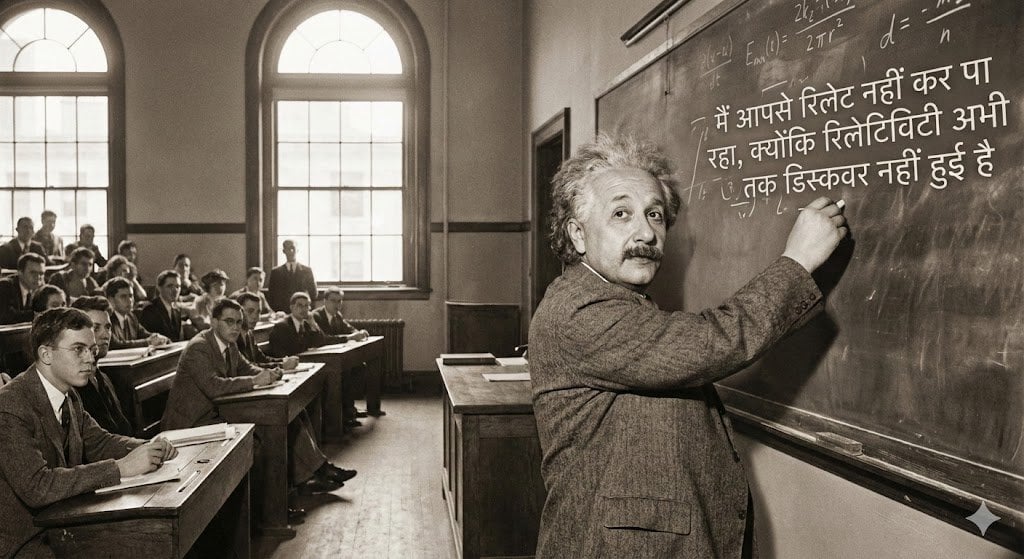
Einstein teaching at MIT with Hindi joke text

Maverick Aviator Lifestyle Poster

Maldives Luxury Travel Poster
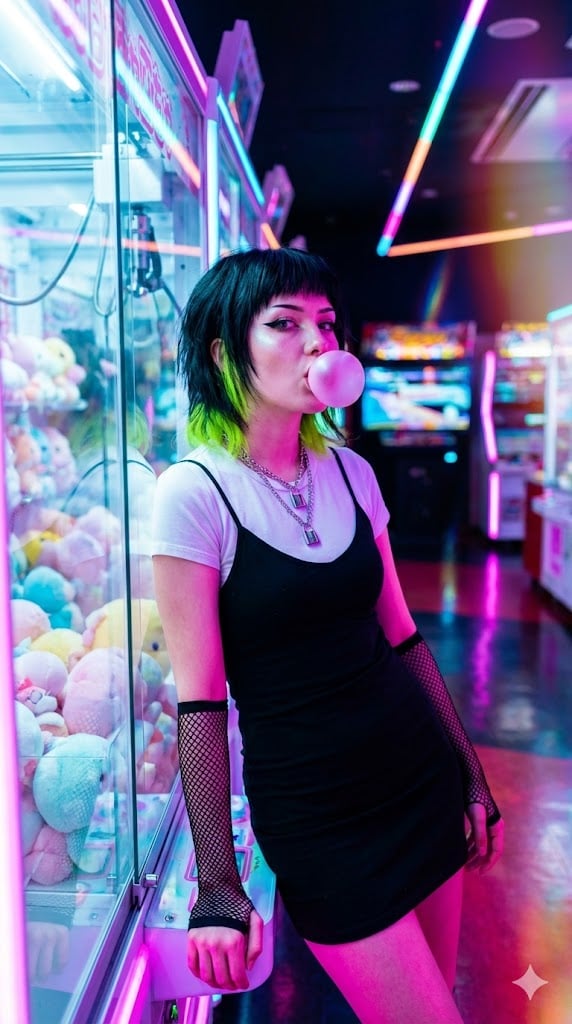
Cyber-Pop E-Girl in Neon Arcade
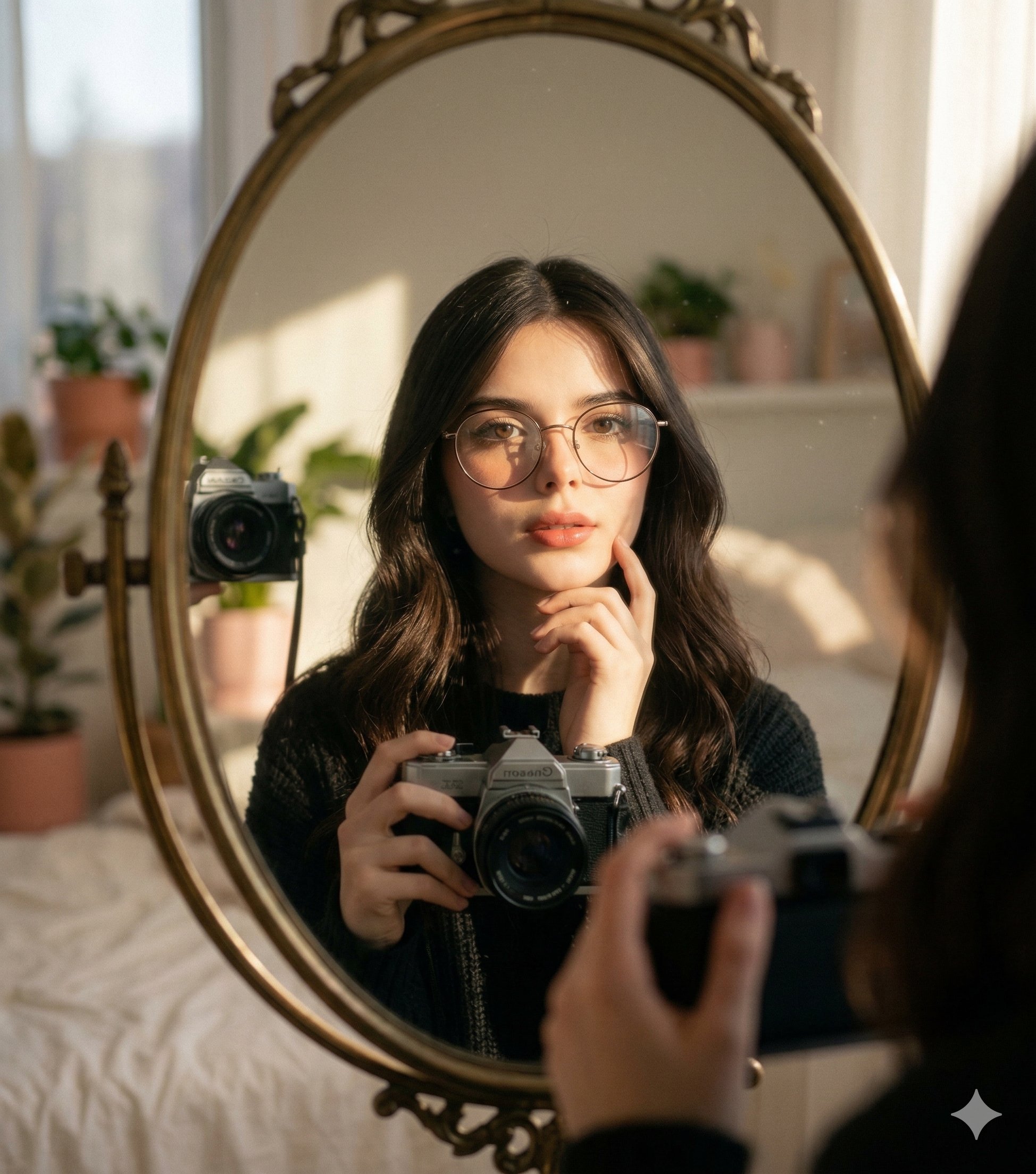
Nano Banana 2 Self Portrait with Vintage

Mahira Khan 2x2 Collage Podcast Interview Prompt

Doodle Beer Selfie Portrait
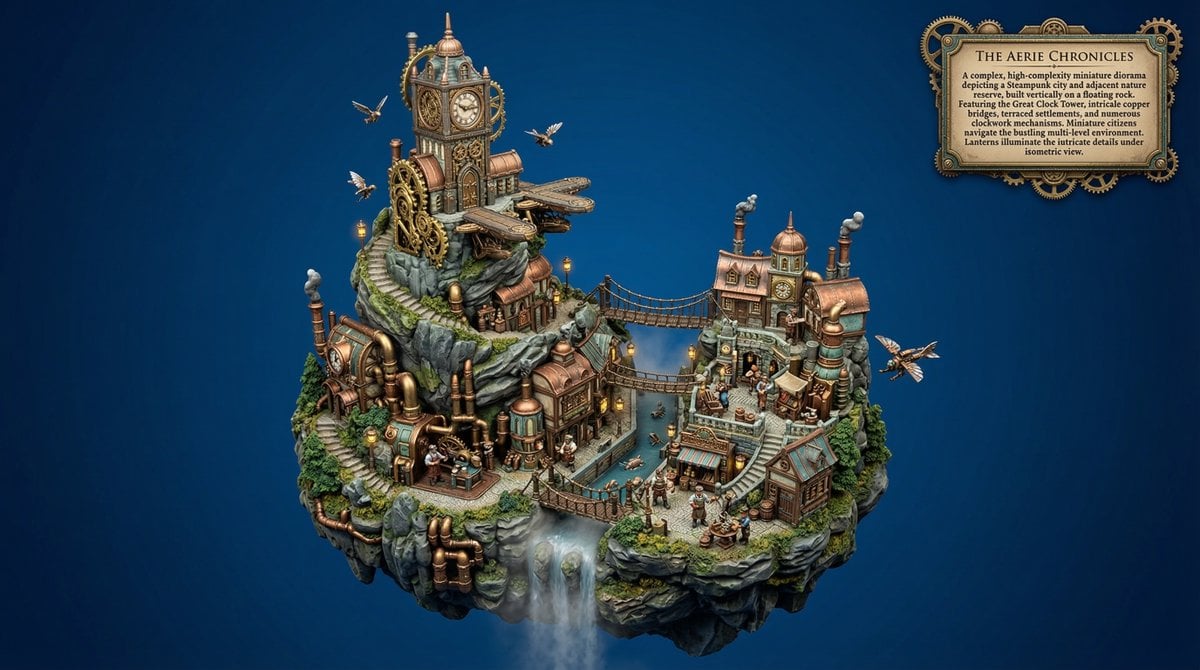
Procedural Whimsical Mono-Punk Floating Diorama Generator

Dewy Nemophila Sunrise Macro

Vintage D-Day Normandy Poster
Browse template categories
Futuristic Google Search Poster questions
How do I use the Futuristic Google Search Poster template?
Add your photo if the template asks for one, edit the prompt if you like — the template's model and format are already selected — and press Generate. Your version opens in PicX Studio.
Can I customize the Futuristic Google Search Poster template?
Yes. You can change the subject, setting, lighting, mood, format, and available model controls before creating your image.
Is the Futuristic Google Search Poster template free?
Opening and editing this template is free. Generating uses credits, shown on the Generate button when you are signed in.
Which AI model should I use?
Start with GPT Image 2, which is the model associated with this template. You can compare another compatible model for a different finish.
Looking for something else? Browse all templates.

Your photo, any look
Thousands of ready templates for every top image and video model, from one credit balance.