How do I use the Doodle Beer Selfie Portrait template?
Edit the prompt in the box under the preview — the template's model and format are already selected — and press Generate. Your version appears right on this page.
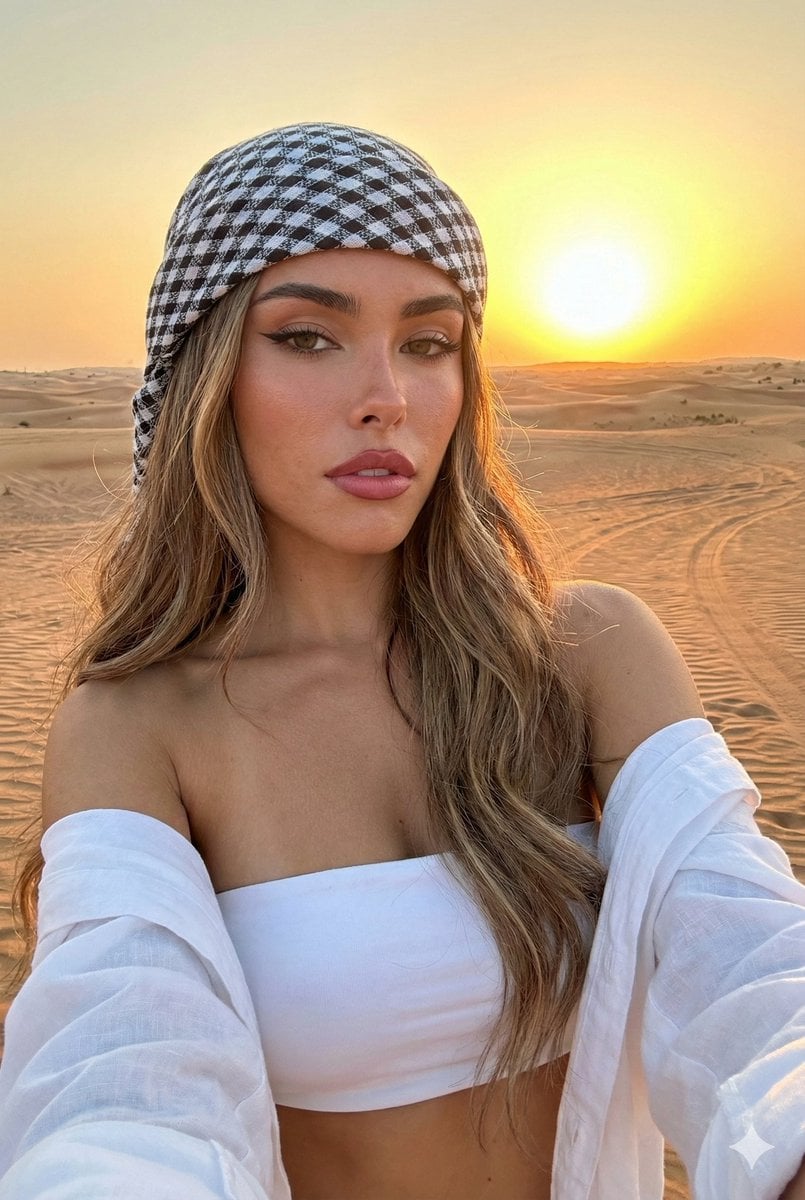
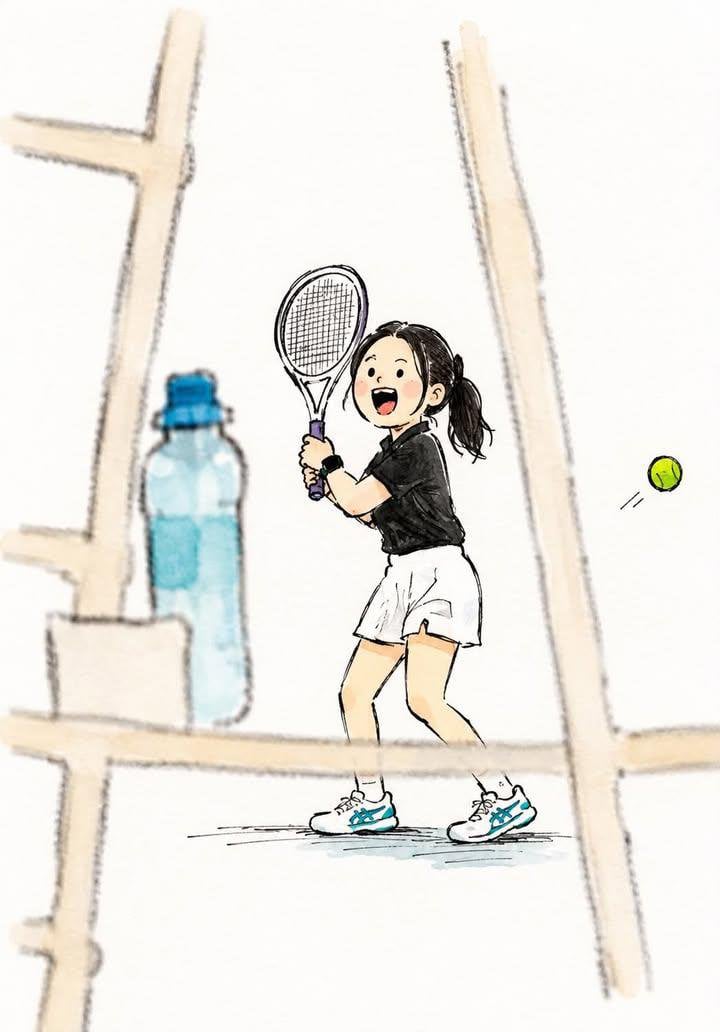
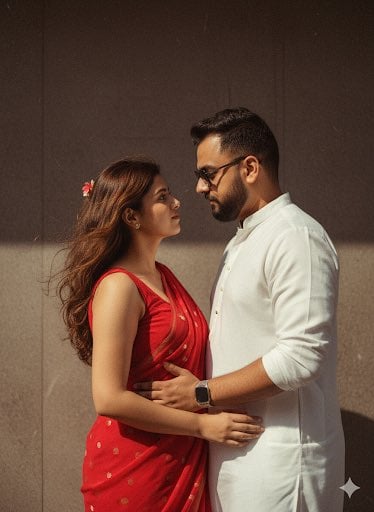
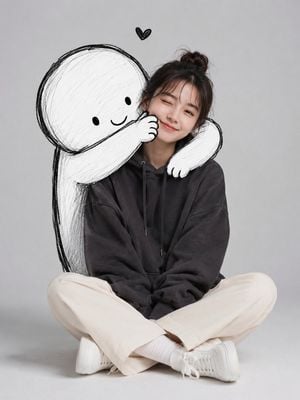
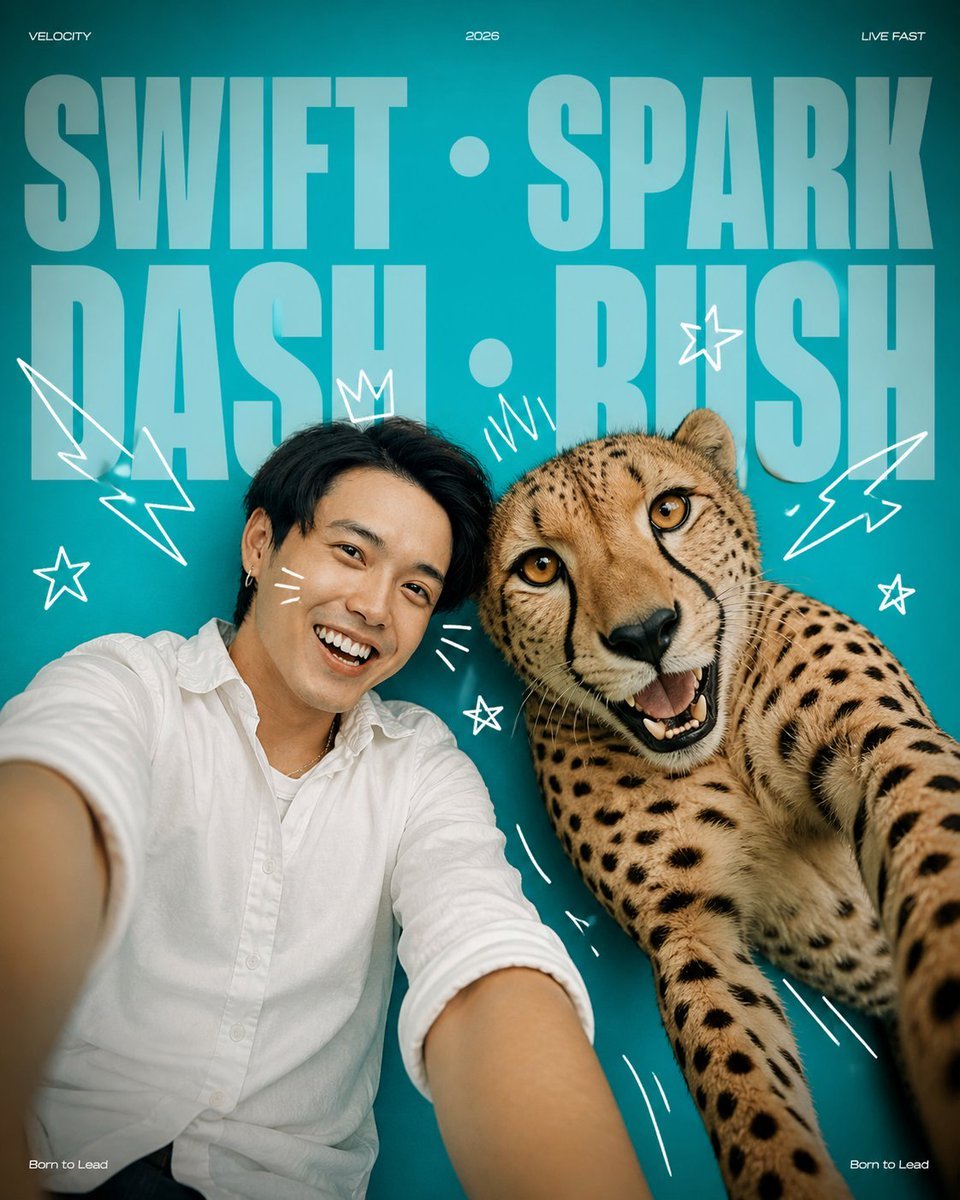
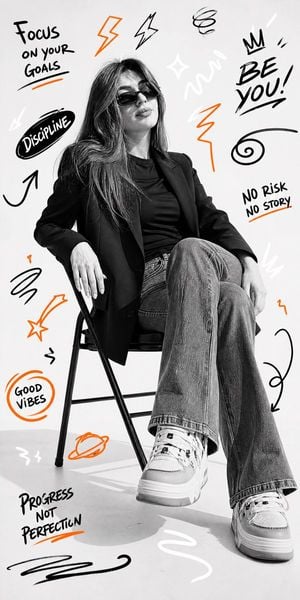
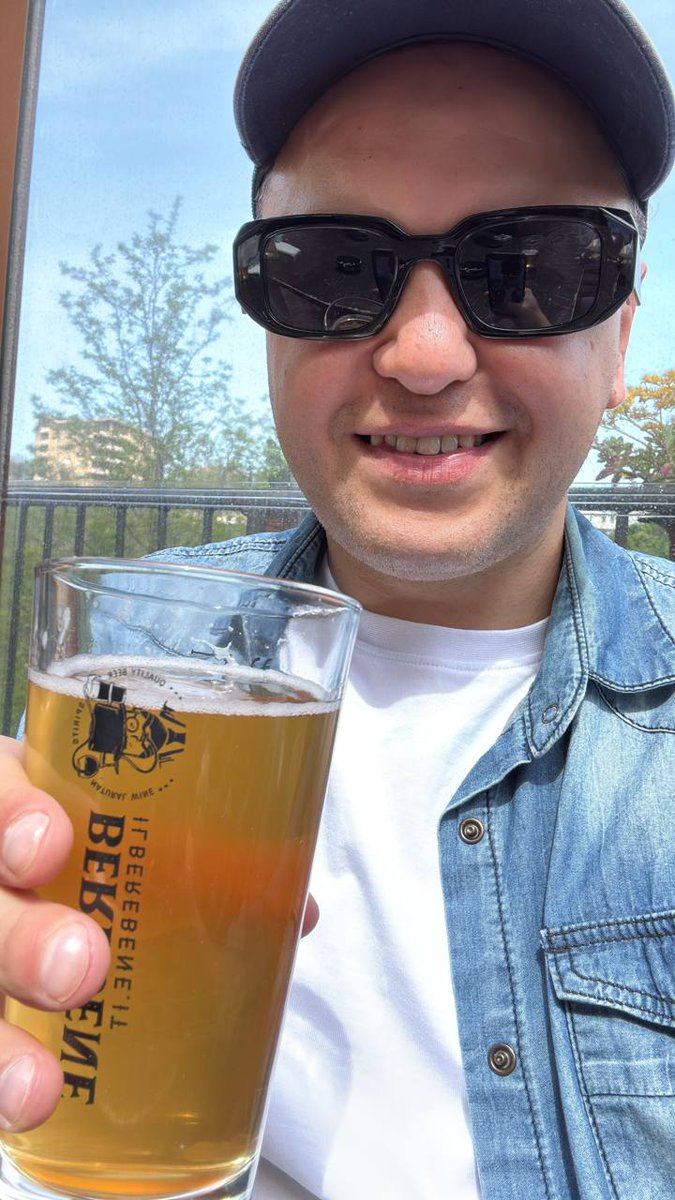
This prompt turns a reference selfie into a simple scribbled cartoon portrait with a clean white background, ideal for viral social avatar edits.

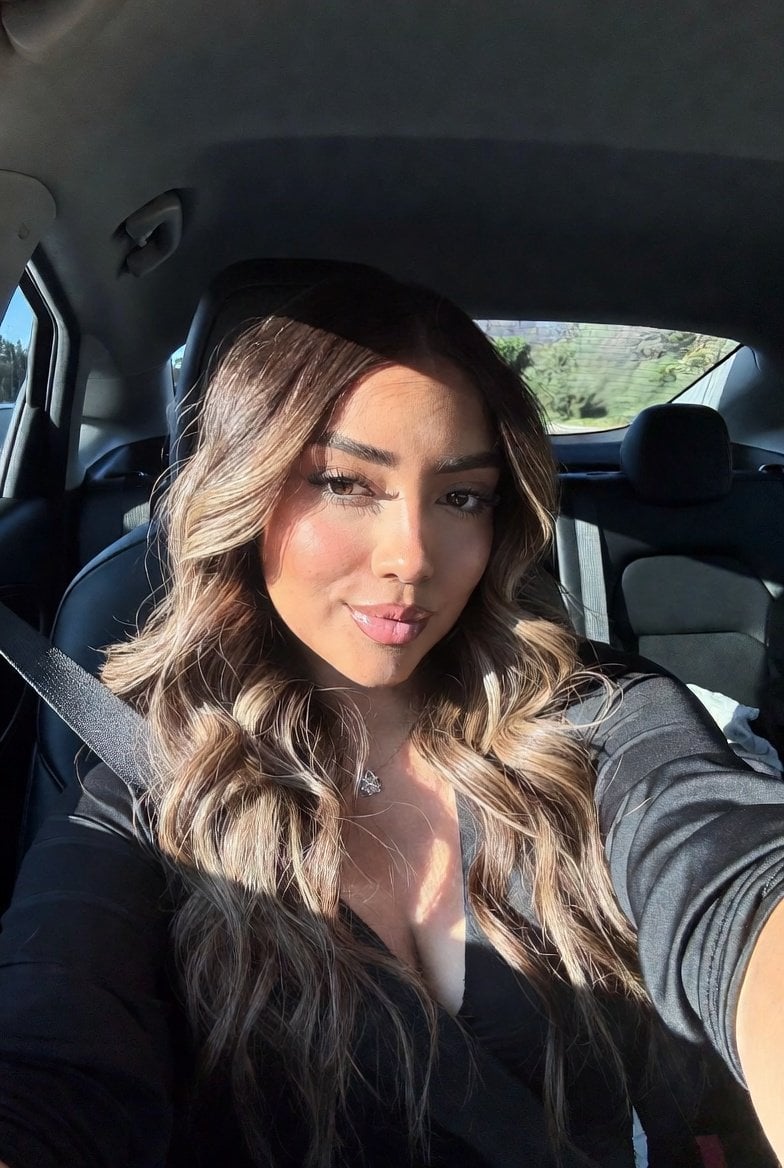
This template uses your photo — add one with the + button.
Using REFERENCE_0, recreate the same selfie composition as a simplified hand-drawn doodle portrait. Keep the person’s pose, clothing, cap, sunglasses, and the raised beer glass in the same positions, but transform everything into a rough sketch style with bold black outlines, loose scribbled fill, and flat minimal color on a plain white background. Remove the outdoor scenery entirely. Keep the beer logo simplified and change the visible text on the glass to the single vertical word {argument name="glass text" default="BEER"}. Make the beer a bright saturated yellow, render the shirt in white and the overshirt and cap in vivid blue, and keep the face area blank/obscured as in the reference-driven result.
Using REFERENCE_0, recreate the same selfie composition as a simplified hand-drawn doodle portrait. Keep the person’s pose, clothing, cap, sunglasses, and the raised beer glass in the same positions, but transform everything into a rough sketch style with bold black outlines, loose scribbled fill, and flat minimal color on a plain white background. Remove the outdoor scenery entirely. Keep the beer logo simplified and change the visible text on the glass to the single vertical word {argument name="glass text" default="BEER"}. Make the beer a bright saturated yellow, render the shirt in white and the overshirt and cap in vivid blue, and keep the face area blank/obscured as in the reference-driven result.
Doodle Beer Selfie Portrait needs input media to work. Open it in the studio and these load alongside the prompt — pick whichever ones your chosen model can take.
Edit the prompt in the box under the preview — the template's model and format are already selected — and press Generate. Your version appears right on this page.
Yes. You can change the subject, setting, lighting, mood, format, and available model controls before creating your image.
Opening and editing this template is free. Generating uses credits, shown on the Generate button when you are signed in.
Start with GPT Image 2, which is the model associated with this template. You can compare another compatible model for a different finish.
Follow a topic to a crawlable collection of related PicX Studio templates.