How do I use the Surreal Macro Selfie with Doodles template?
Edit the prompt in the box under the preview — the template's model and format are already selected — and press Generate. Your version appears right on this page.
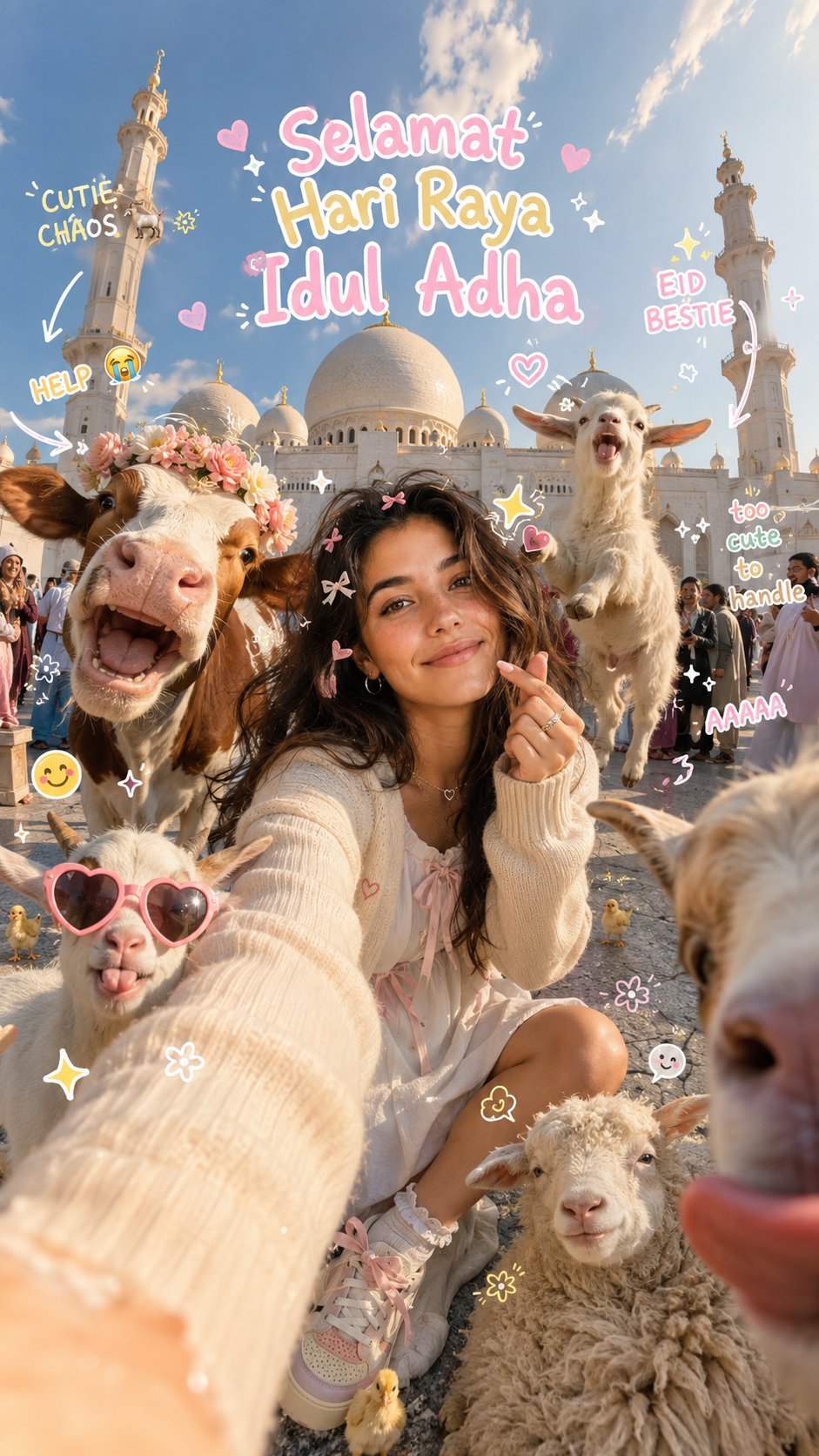
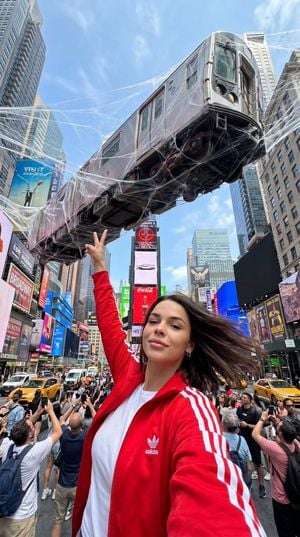
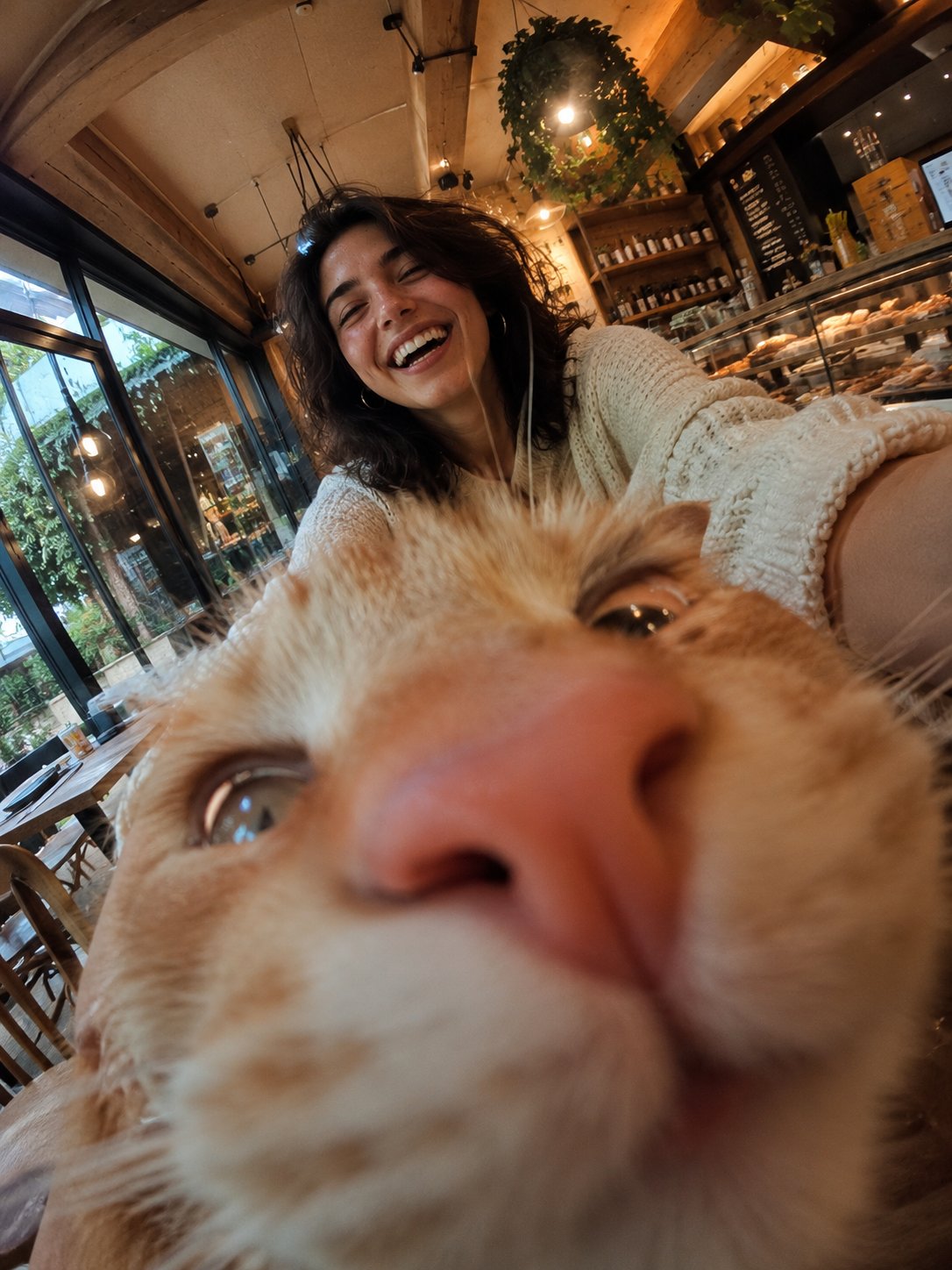
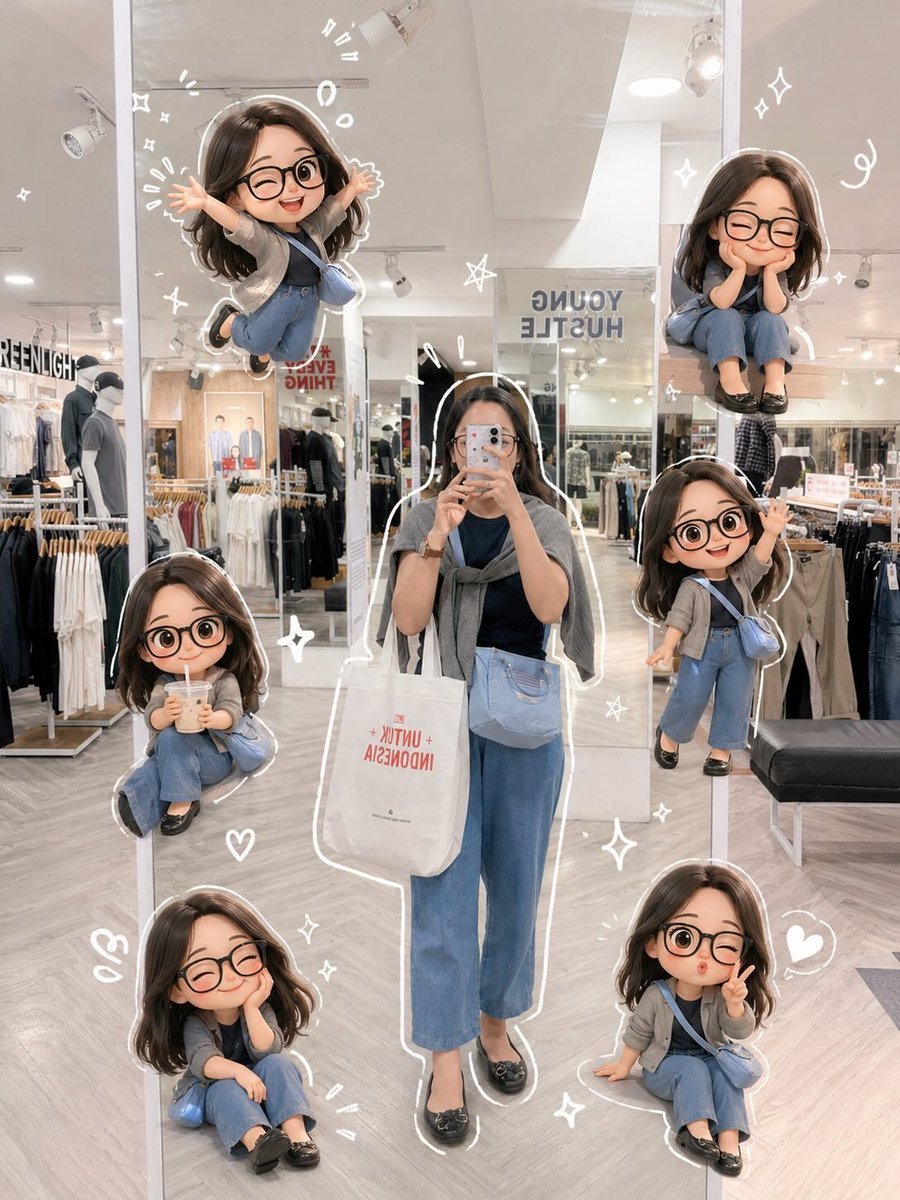
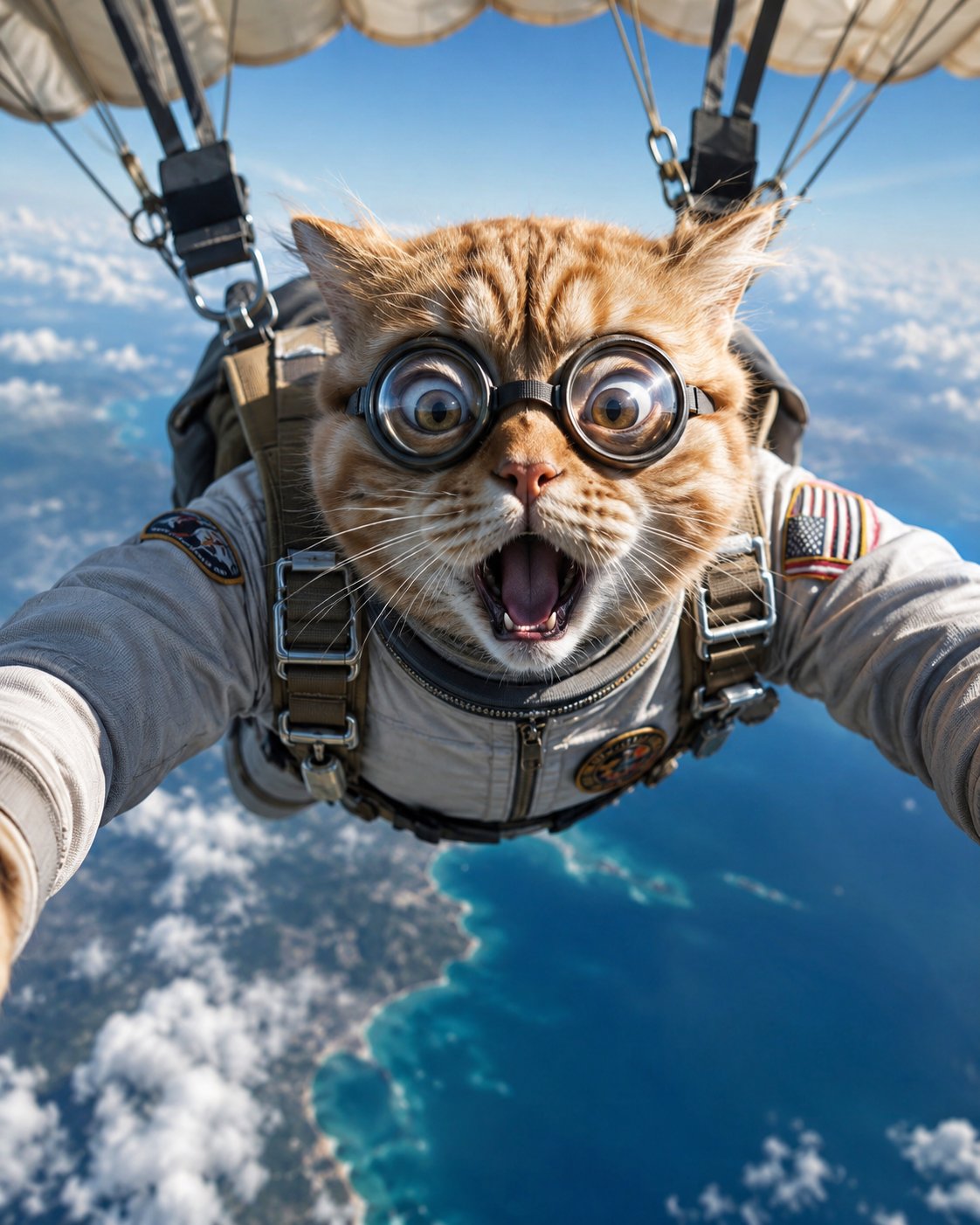
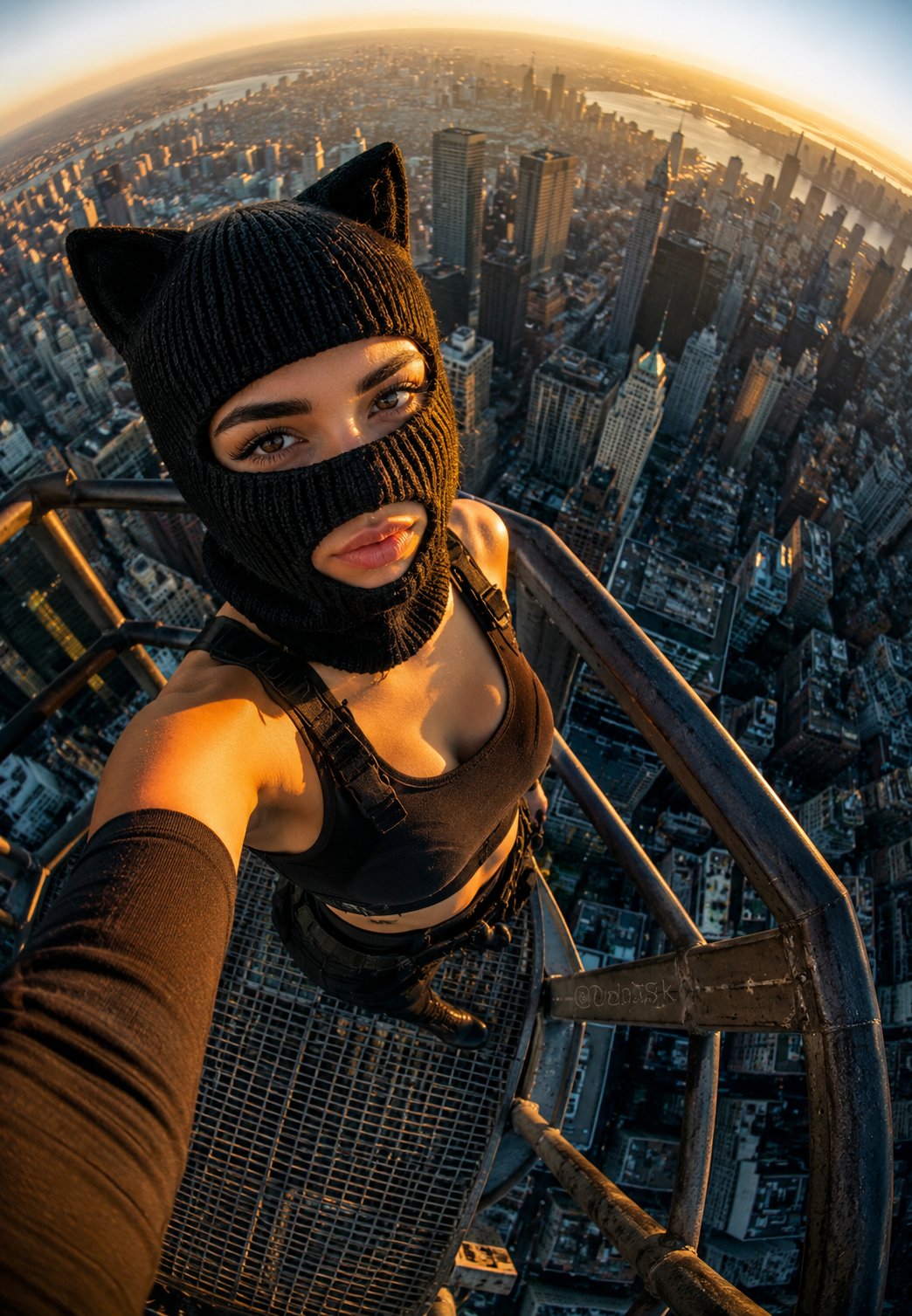
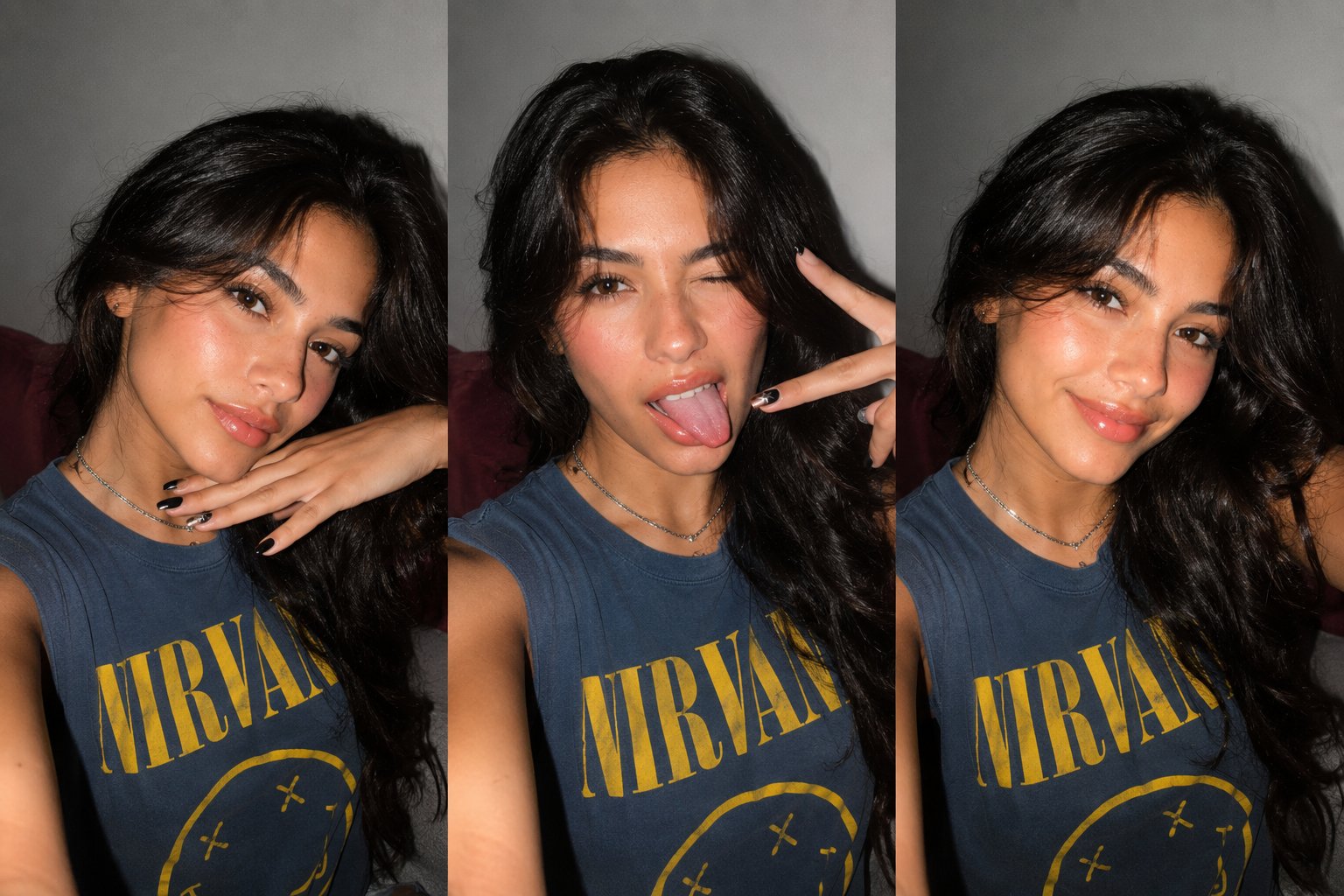
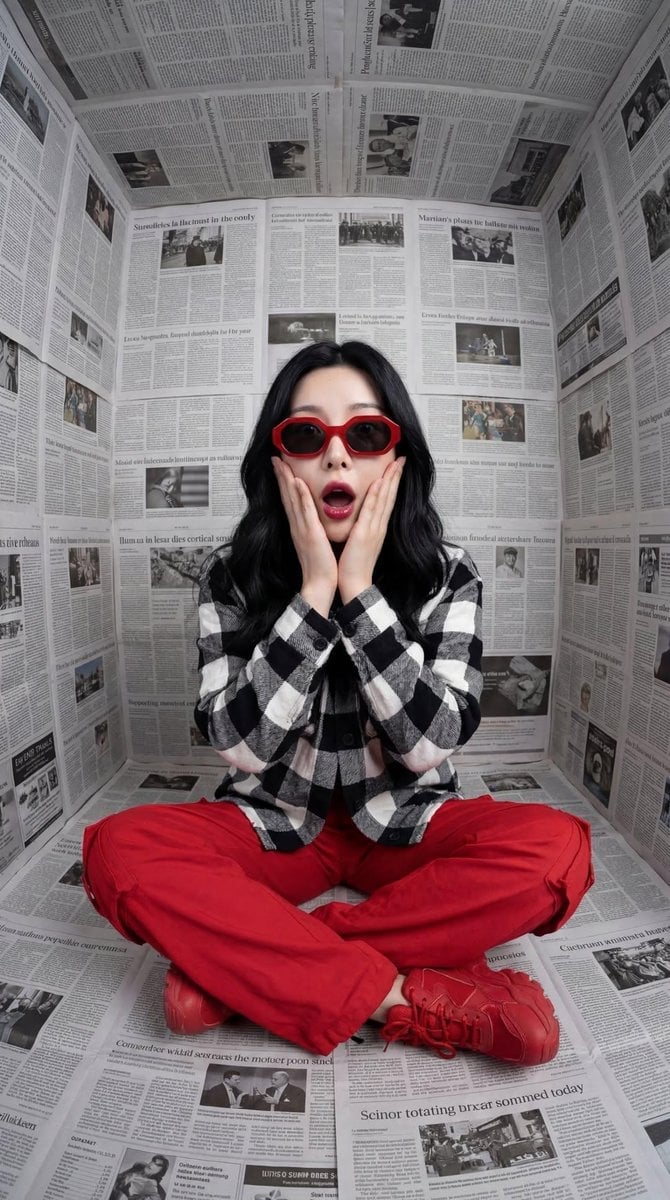
A creative prompt for generating surreal macro photography featuring a person and a giant animal taking an overhead selfie, embellished with playful hand-drawn doodles and bold text.

Creative macro photography. A person lying flat on the ground face-up, beside a giant naturally colored {argument name="animal" default="ANIMAL"} also lying flat on the ground. Both looking directly upward into the camera with blinking expressive eyes. Fisheye lens, top-down overhead selfie perspective, as if both are taking a selfie together. Pure {argument name="background color" default="USER_COLOR"} solid background decorated with hand-drawn cartoon cute creative doodle lines. Behind both subjects, oversized bold semi-transparent white block letters read "{argument name="background text" default="BG_TEXT"}". At the top-left, ultra-fine sans-serif white font reads "{{TOP_LEFT}}". At the top-center, "2026". At the top-right, "{{TOP_RIGHT}}". At the bottom-left, "{{BOTTOM_TEXT}}". At the bottom-right, "{{BOTTOM_TEXT}}". All text is ultra-fine sans-serif white, consistent in size and weight across all images.
Creative macro photography. A person lying flat on the ground face-up, beside a giant naturally colored {argument name="animal" default="ANIMAL"} also lying flat on the ground. Both looking directly upward into the camera with blinking expressive eyes. Fisheye lens, top-down overhead selfie perspective, as if both are taking a selfie together. Pure {argument name="background color" default="USER_COLOR"} solid background decorated with hand-drawn cartoon cute creative doodle lines. Behind both subjects, oversized bold semi-transparent white block letters read "{argument name="background text" default="BG_TEXT"}". At the top-left, ultra-fine sans-serif white font reads "{{TOP_LEFT}}". At the top-center, "2026". At the top-right, "{{TOP_RIGHT}}". At the bottom-left, "{{BOTTOM_TEXT}}". At the bottom-right, "{{BOTTOM_TEXT}}". All text is ultra-fine sans-serif white, consistent in size and weight across all images.
Edit the prompt in the box under the preview — the template's model and format are already selected — and press Generate. Your version appears right on this page.
Yes. You can change the subject, setting, lighting, mood, format, and available model controls before creating your image.
Opening and editing this template is free. Generating uses credits, shown on the Generate button when you are signed in.
Start with GPT Image 2, which is the model associated with this template. You can compare another compatible model for a different finish.
Follow a topic to a crawlable collection of related PicX Studio templates.