How do I use the Soft Grunge Selfie with Black Cat Companion template?
Choose the primary action to open PicX Studio with the available template settings. Review the model and format, personalize the creative direction, and generate when ready.
A detailed JSON prompt for generating a close-up selfie portrait of a young woman in a soft grunge, e-girl aesthetic, holding a black cat cheek-to-cheek. Change the subject, setting, or lighting one variable at a time.

{ "prompt_data": { "subject": { "demographics": "Young woman, approximately late teens to early 20s", "hair": "Jet black, shoulder-length, straight texture with full bangs (fringe) covering the forehead", "skin": "Pale, fair complexion featuring scattered freckles across the nose and cheeks, with a noticeable rosy blush", "eyes": "Striking light blue/grey eyes, accented with sharp black winged eyeliner and mascara", "expression": "Neutral, soft gaze looking directly into the camera lens" }, "companion": { "animal": "Black kitten/cat", "features": "Solid black fur, yellow-green eyes", "interaction": "Held closely against the subject's face (cheek-to-cheek), with the subject's hand gently supporting the cat's chest/neck area" }, "styling": { "apparel": "White ribbed sleeveless tank top (undershirt style)", "jewelry": "Silver chain necklace featuring a pendant of a sword/dagger with angel wings and an eye motif in the center", "piercings": [ "Silver septum ring (circular barbell)", "Small silver stud piercing on the nostril" ] }, "environment": { "setting": "Indoor domestic setting", "background": "Plain beige or cream-colored wall", "lighting": "Warm, dim artificial light (likely lamp light) creating soft shadows and a cozy, slightly moody atmosphere" }, "technical_specs": { "angle": "Close-up selfie portrait", "aesthetic": "Soft grunge, e-girl style, high contrast between dark hair and pale skin", "focus": "Sharp focus on the face and cat, slightly softer background" } } }
Choose the primary action to open PicX Studio with the available template settings. Review the model and format, personalize the creative direction, and generate when ready.
Yes. You can change the subject, setting, lighting, mood, format, and available model controls before creating your image.
This template is free to open and customize. Generation usage is shown in PicX Studio before you create.
Start with Nano Banana 2, which is the model associated with this template. You can compare another compatible model for a different finish.
© 2026 PicX Studio. All rights reserved.

Follow a topic to a crawlable collection of related PicX Studio templates.
43,474 public templates available. Verified via the PicX Studio public templates API; refreshed hourly.
















![Naive doodle-style subject illustration — A doodle-style {argument name="subject" default="[subject]"}, naive lines, humorous shape exaggeration](https://pbs.twimg.com/media/G6Wl2YxbsAARB2b.jpg)













![Cinematic Urban Realism in an Elevator — {
"genre": "cinematic urban realism",
"mood": ["tense", "cold", "isolated", "quiet intensity"],
"theme": "a](https://pbs.twimg.com/media/G-wsyjQa8AAcbJz.jpg)






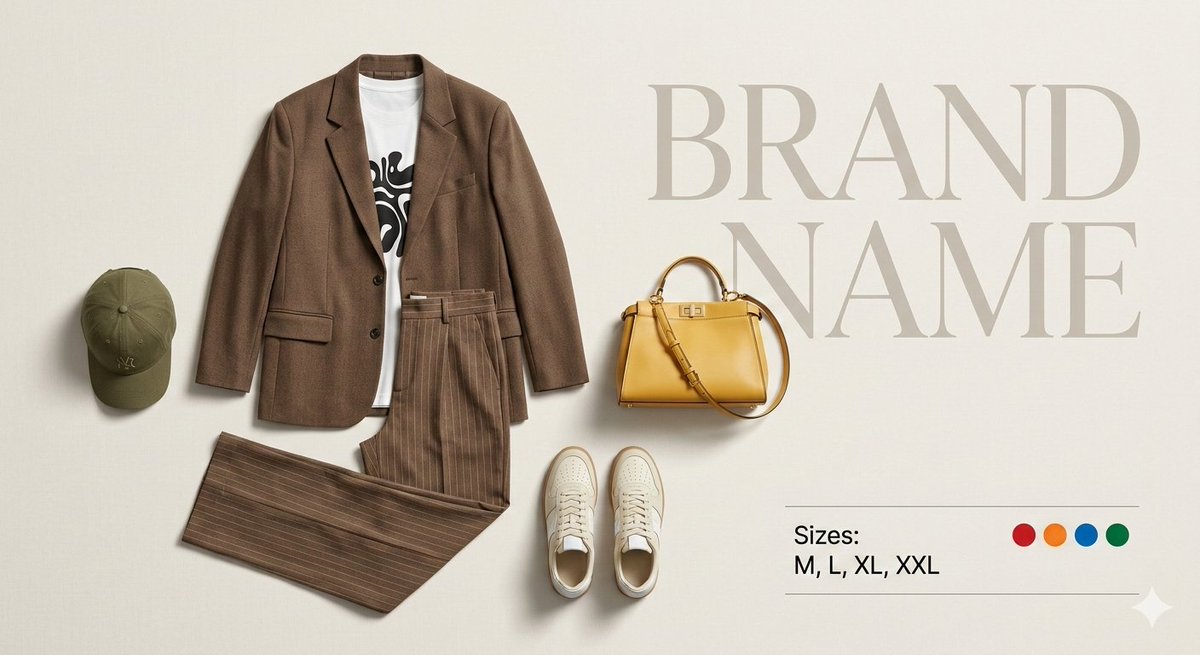
![Premium Top-Down Product Marketing Shot Prompt — A high-end editorial photo of a {argument name="product" default="[PRODUCT]"} placed flat on a {argument name="](https://pbs.twimg.com/media/G9_WTiEXQAAeAMC.jpg)





![Candid 2026 Japanese Calendar Prompt — [テーマ]参照画像の人物をモデルとした、{argument name="年" default="2026年"}{argument name="期間" default="4月~9月"}の{argument name="月数" default="](https://cms-assets.youmind.com/media/1777022523492_228788_HGk_U6CbkAARWMV.jpg)