
Magazine Cover Generation Based on Birth Date Prompt
A prompt for Nano Banana Pro to generate a realistic magazine cover based on a user-provided birth date.
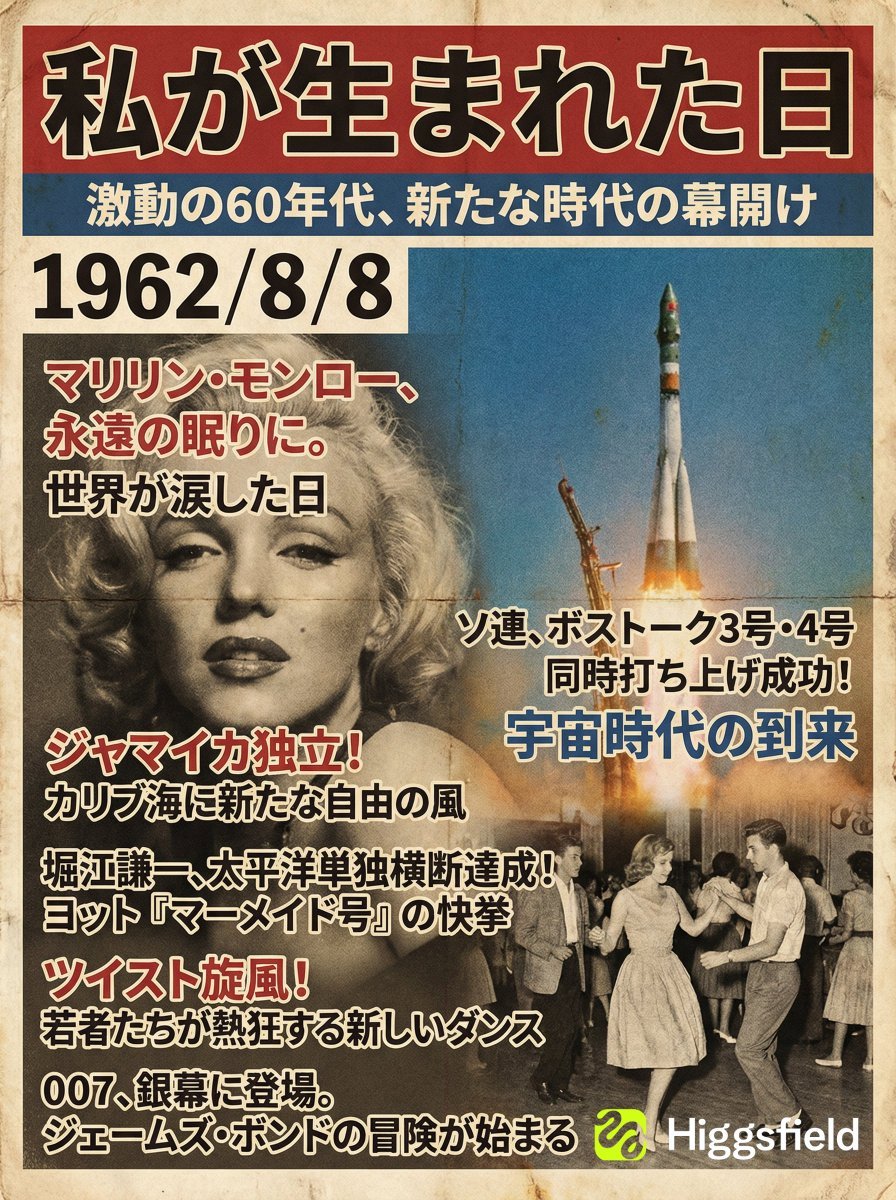
- Prompt included
- Model and format preset
- Free template
The prompt behind this image
Copy the exact prompt behind Magazine Cover Generation Based on Birth Date Prompt, or open it in the studio and make it yours.
【Instruction content】 Based on the "day I was born" ({argument name="birthday" default="1994/6/15"}) entered by the user, select 3 to 5 major news stories that were topical on or around that day, summarize information including the culture and trends of that era, and generate a "general-interest magazine cover image" laying out that content as magazine headlines. 【Work process (your internal processing)】 1. Read the user's birthday, and pick out several major news stories reported around that time. 2. Extract the design trends of that era (fonts, colors, paper quality, photo tone, layout). 3. Build the magazine cover according to the design specifications below, with the final output being an image only. 【Magazine cover design specifications】 ・Main title: must be "The Day I Was Born" ・Subtitle: a catchphrase in one line capturing the flavor and background of that era ・The birthdate (YYYY/MM/DD) must be placed somewhere on the cover ・Page composition: - The main visual is a photographic-style background symbolizing that era - Place the extracted news items as multiple magazine headlines - Also turn the trends of the time (music, movies, fashion, technology, etc.) into supporting headlines ・Design style: - Fonts, colors, photo grain, and paper texture appropriate to a magazine from the birth year - A headline composition with high readability ・Proofread the text so it is correct Japanese, and do not repeat the same sentence ・Aspect ratio: portrait (recommended 3:4) ・Quality: a realistic magazine cover with the texture of a printed product
How to use Magazine Cover Generation Based on Birth Date Prompt in 3 steps
- 1
Open
The prompt is already in the box next to the preview, with the template's model and format selected.
- 2…a portrait of your subject in softgolden-hour light, 85mm…
Personalize
Edit the subject and creative details for your destination.
- 3Generate
Generate
Press Generate — your image is created in PicX Studio, so you can compare it with the original and refine one variable at a time.
More like this
Templates with the same subject, style or setup. Open one to see its prompt.
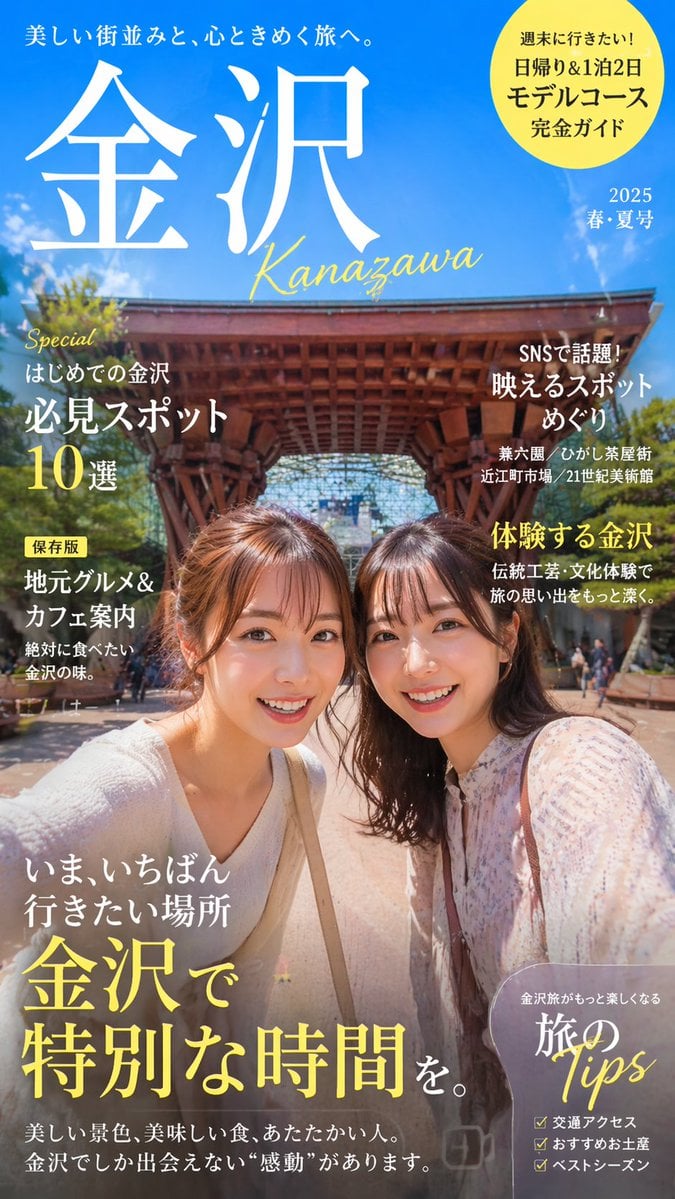
Coordinate-Based Tourism Magazine Cover

Off Duty Fashion Magazine Cover

Japanese Tatami Lifestyle Magazine Cover

Ethereal Bloom Magazine Cover

Tropical Macaw Magazine Cover

Anime Mahjong Magazine Cover

Neon Anime Fireworks Magazine Cover

High-Fashion Magazine Cover Portrait

Open Magazine Luxury Fashion Editorial Layout

Monochrome Halftone Editorial Fashion Poster

Korean Model Floating Magazine Pages Campaign

Blue Hour Editorial Fashion Portrait
Make it yours
Magazine Cover Generation Based on Birth Date Prompt works as-is. These are the safest ways to change it without losing the look.
Change one field
Copy a single group, rewrite it, and generate again so you can see what that field is doing.
Keep the frame, change the subject
Hold the composition and light of Magazine Cover Generation Based on Birth Date Prompt, then swap wardrobe, props or the person for a new take.
| If the result… | Why | Fix |
|---|---|---|
| The result drifts from the preview | Too many fields changed at once. | Reuse Magazine Cover Generation Based on Birth Date Prompt as-is first, then change one group — subject, light, or setting. |
| The model over-stylizes the scene | The prose prompt leaves finish and camera underspecified. | Add one camera or lighting sentence and stay on Nano Banana 2. |
More Nano Banana 2 templates
Other prompts made for Nano Banana 2.

Photorealistic Leaf Shaped Like a Dragon

K-Pop Idol Portrait Grid for Rapid Selection

Poetic Rain Forest Portrait During Golden Hour

Urban Street Portrait with Cartoon Inner Self Duo

Candid Nighttime Photo with Cat Prompt

High-Concept 3D Diorama Generation Prompt

Cinematic Futuristic Studio Portrait Template

Skincare Editorial Photography Collage Prompt

Hyper-Realistic Commercial Product Photography (Splash Effect)

Hyper-Realistic Nightclub Portrait Prompt
More image prompts
Fresh picks from across the catalog.
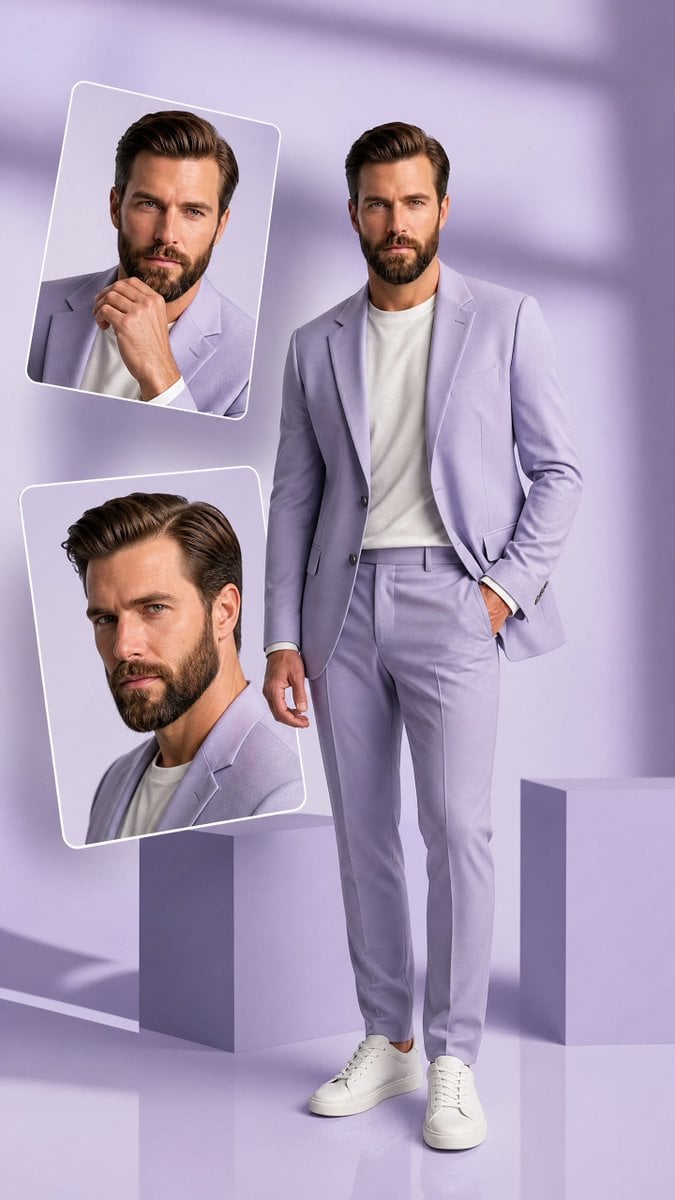
Premium Hollywood Fashion Editorial Poster
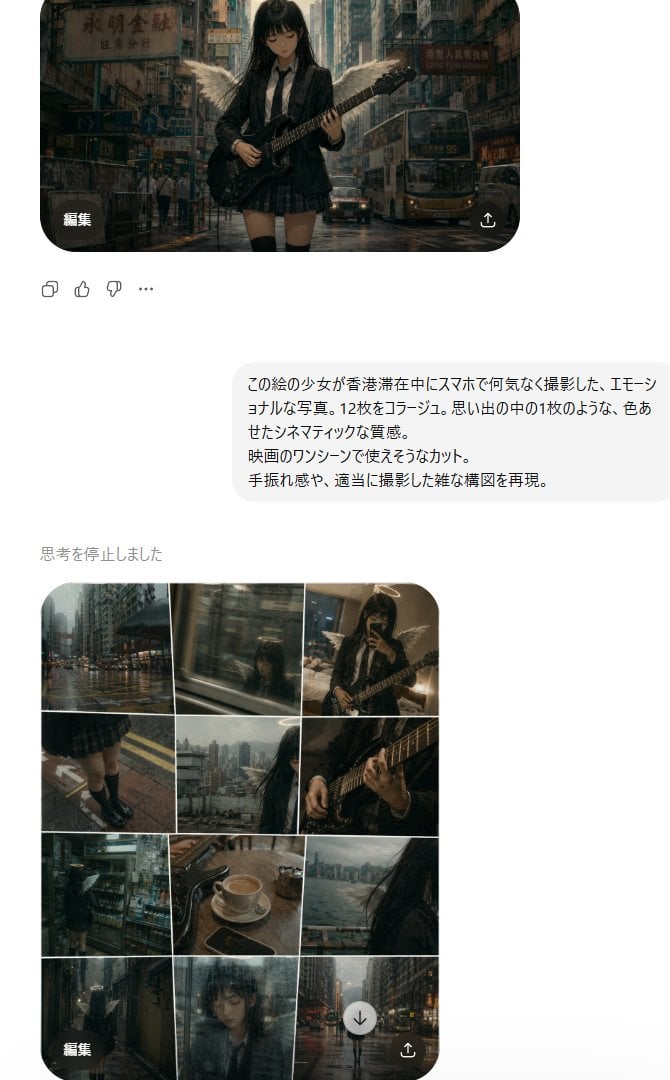
Rainy Hong Kong Schoolgirl Guitar Collage
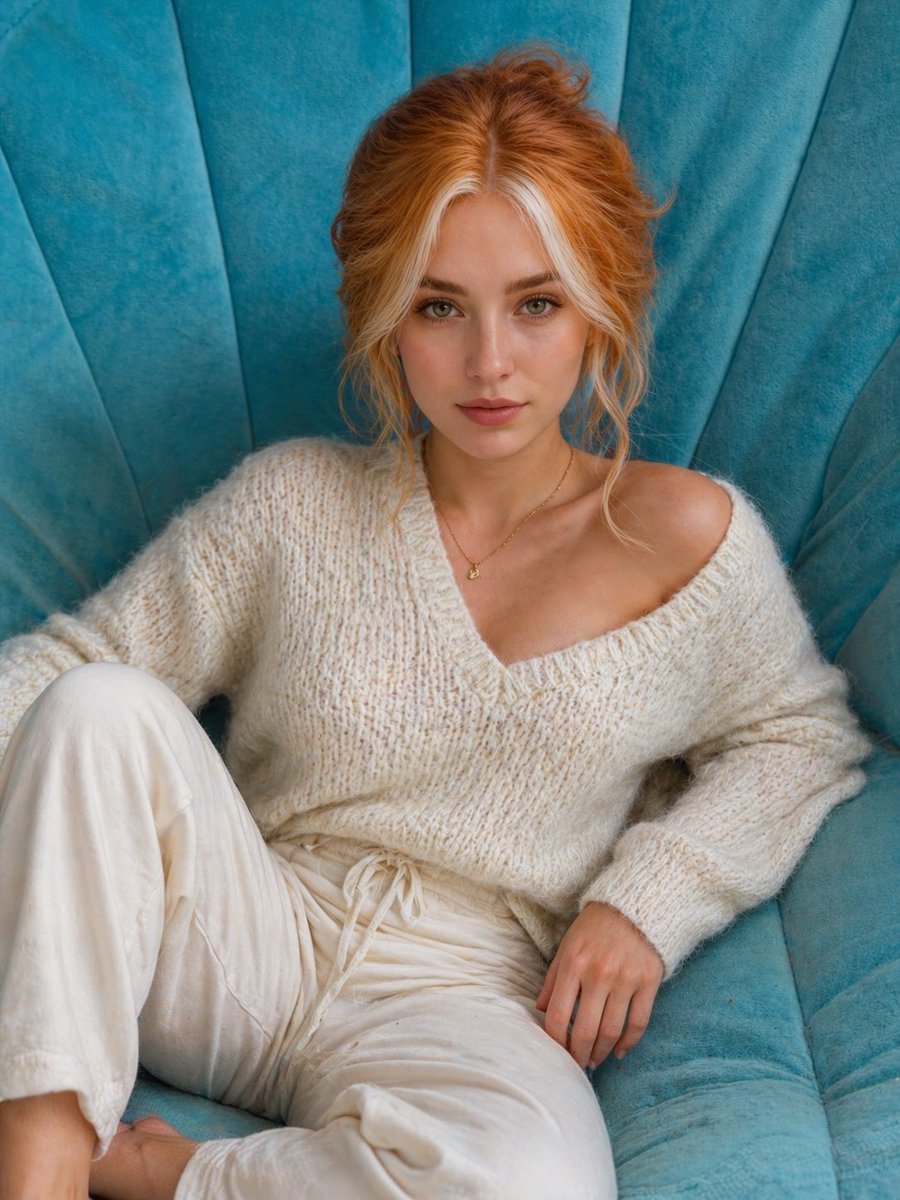
Cat to Human Portrait Transformation
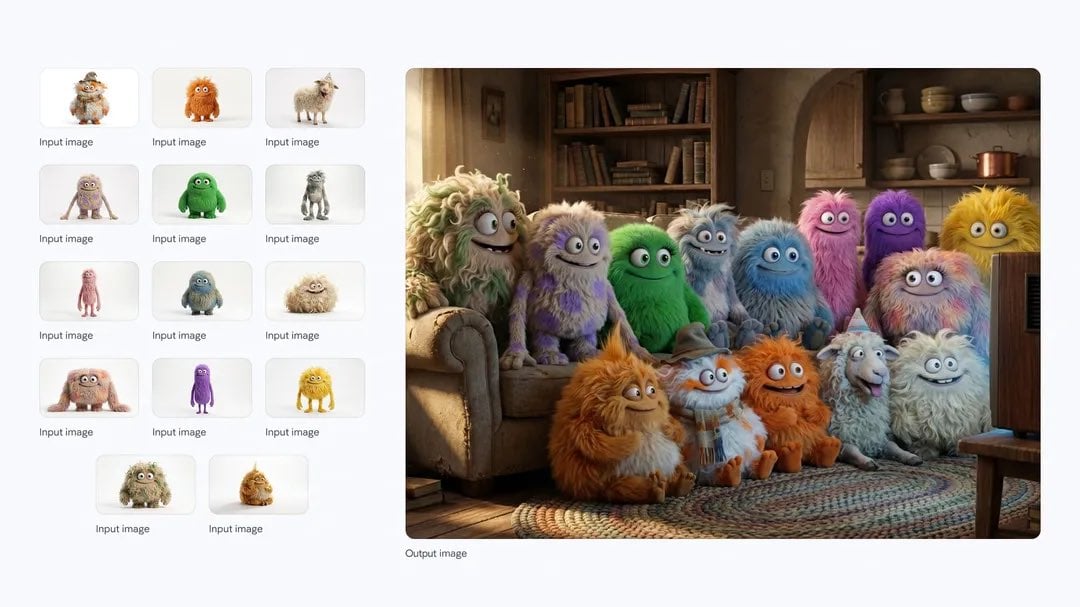
Cozy TV-watching group of fluffy characters
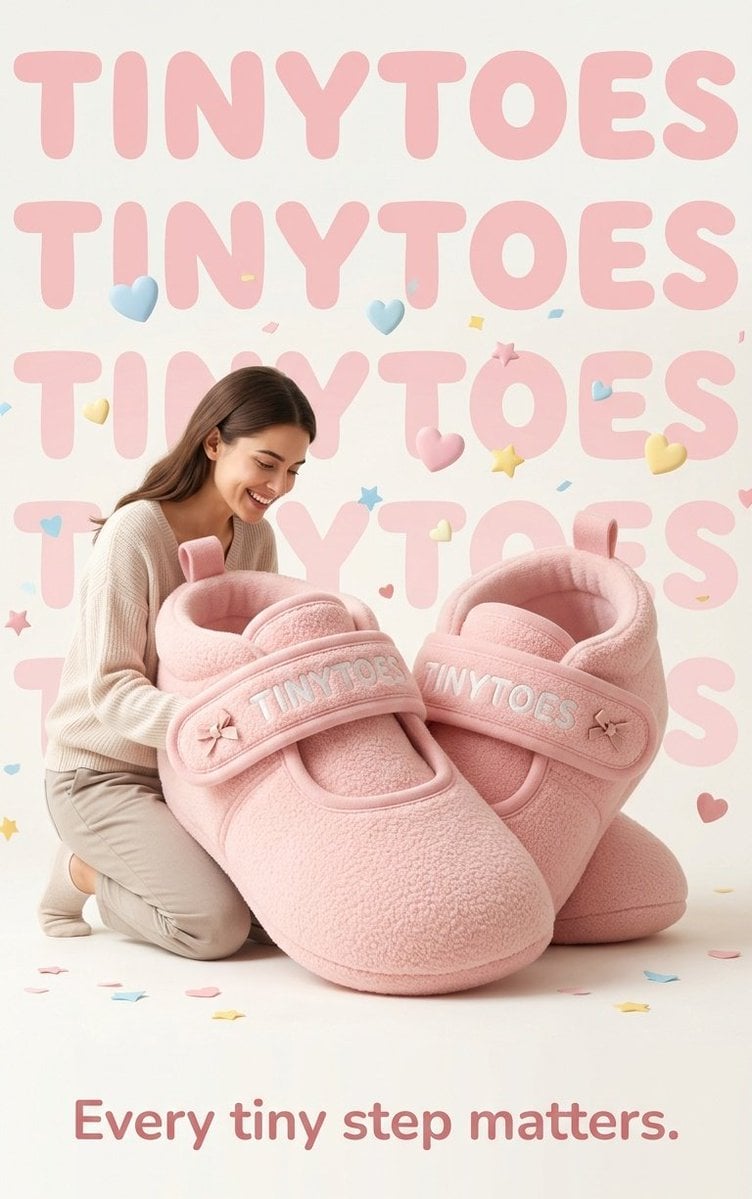
TinyToes Giant Baby Shoes Ad
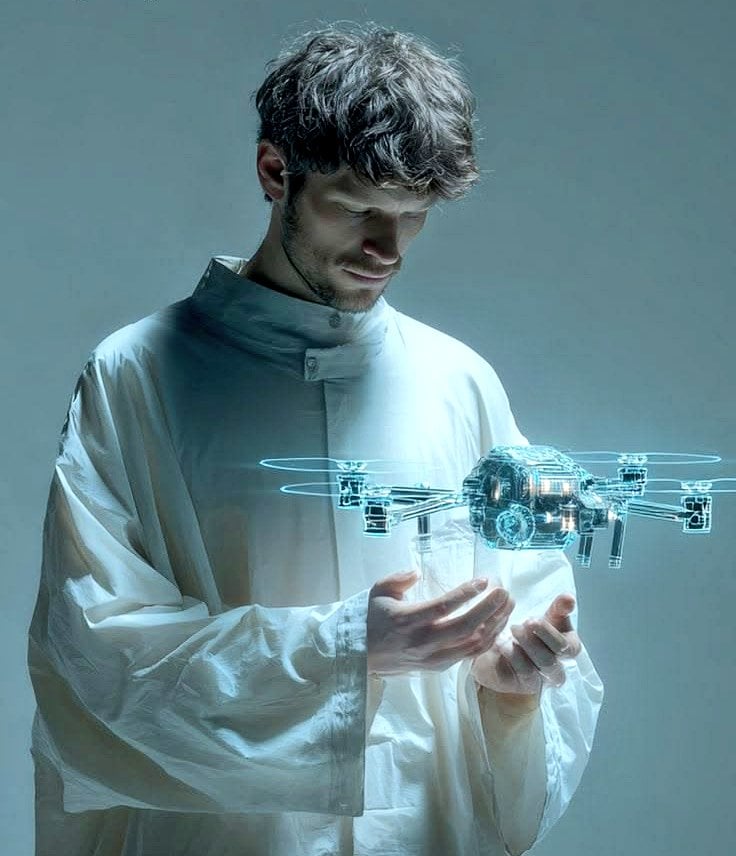
Man Holding Holographic Drone Prompt
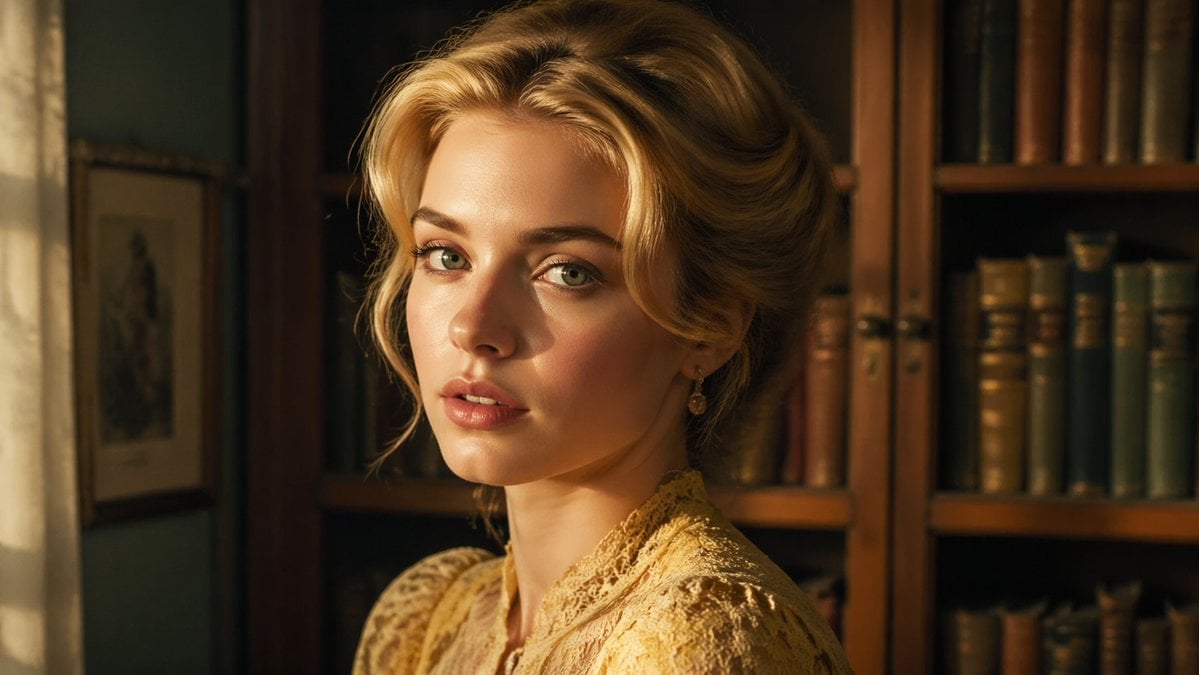
Cinematic Woman in Vintage Library

Wasteland Survivor Cinematic Film Still (Mad Max Style)
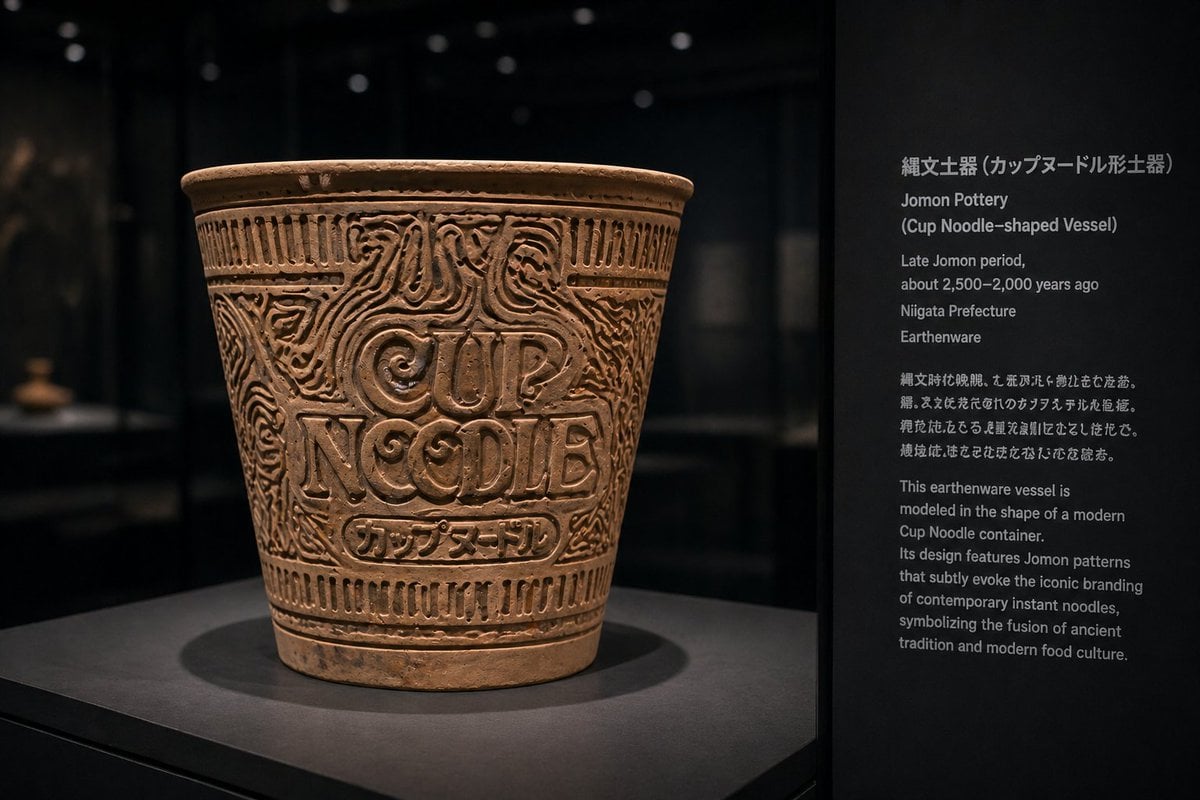
Jomon Pottery Museum Exhibit Mashup
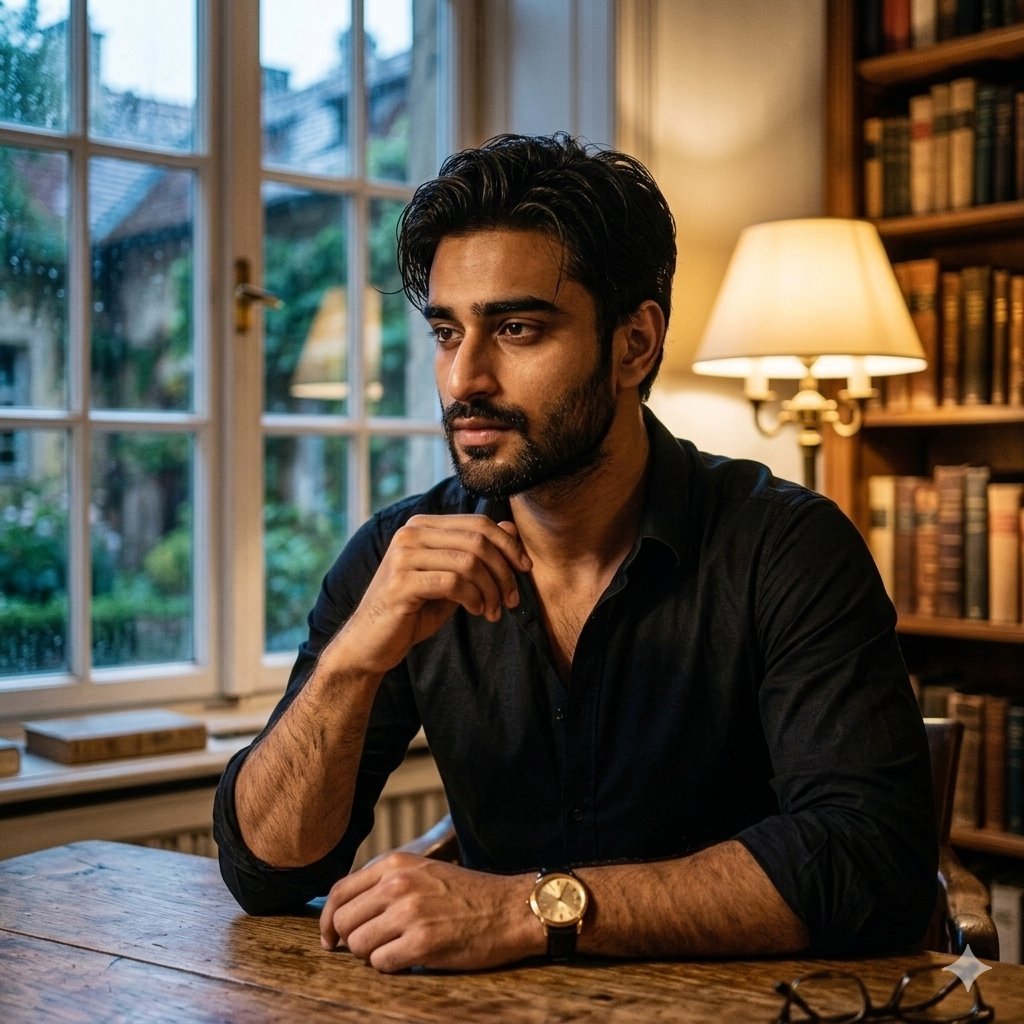
Cinematic Chiaroscuro Portrait of a South Asian Man in a Library
Browse template categories
Magazine Cover Generation Based on Birth Date Prompt questions
How do I use the Magazine Cover Generation Based on Birth Date Prompt template?
Add your photo if the template asks for one, edit the prompt if you like — the template's model and format are already selected — and press Generate. Your version opens in PicX Studio.
Can I customize the Magazine Cover Generation Based on Birth Date Prompt template?
Yes. You can change the subject, setting, lighting, mood, format, and available model controls before creating your image.
Is the Magazine Cover Generation Based on Birth Date Prompt template free?
Opening and editing this template is free. Generating uses credits, shown on the Generate button when you are signed in.
Which AI model should I use?
Start with Nano Banana 2, which is the model associated with this template. You can compare another compatible model for a different finish.
Looking for something else? Browse all templates.

Your photo, any look
Thousands of ready templates for every top image and video model, from one credit balance.