
TinyToes Giant Baby Shoes Ad
A vertical pastel baby product poster featuring a kneeling mother beside oversized plush pink shoes with branded straps and a warm slogan.
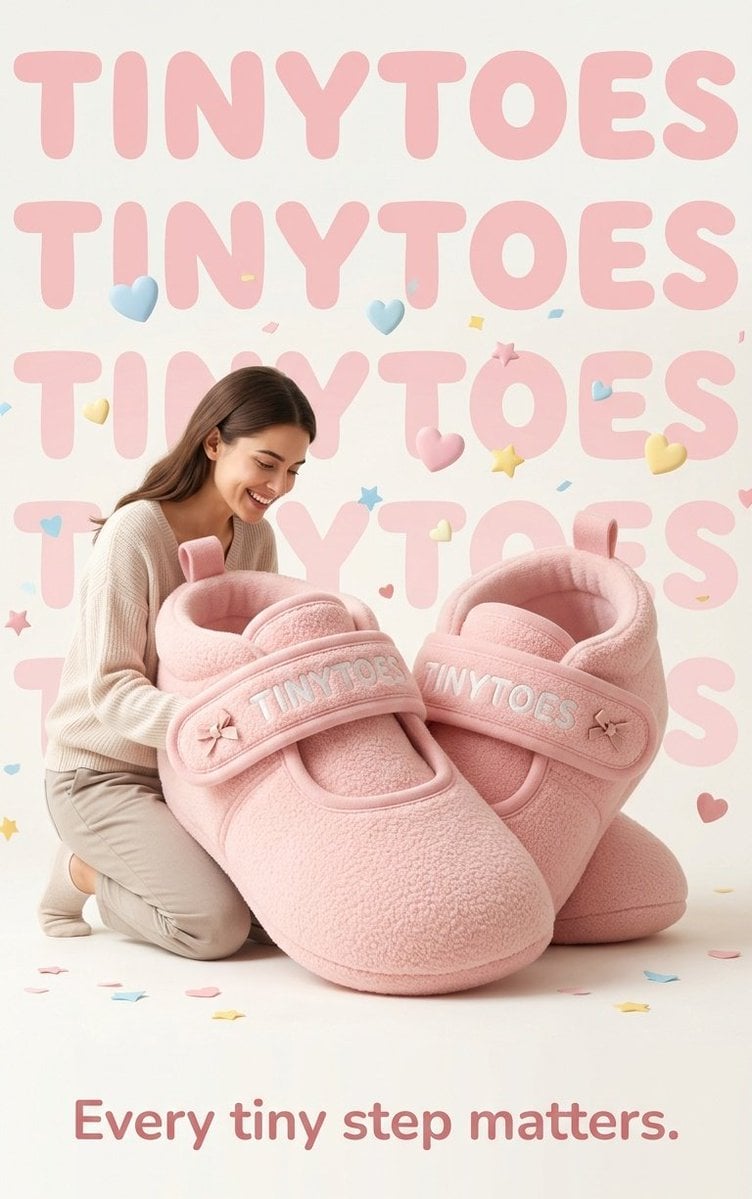
- Prompt included
- Model and format preset
- Free template
The prompt behind this image
Copy the exact prompt behind TinyToes Giant Baby Shoes Ad, or open it in the studio and make it yours.
Create a vertical heartwarming baby product advertisement poster for {argument name="brand name" default="TINYTOES"}. Use a soft cream studio background with oversized pale pink rounded typography repeating the brand name in five large horizontal rows behind the subject, partially obscured by the foreground. In the center foreground, show exactly two enormous plush pastel pink baby Mary Jane shoes, about 2.5 times the height of the kneeling adult, made of fuzzy fleece fabric with rounded toes, padded collars, pull tabs, and wide Velcro straps. Embroider the brand name in raised white letters on each strap, and add one tiny pink bow on the outer side of each strap, for exactly two bows total. A young mother with long brown hair kneels on the left beside the giant shoes, smiling warmly and leaning close to them; she wears a cream ribbed knit sweater, beige pants, and socks, with a gentle lifestyle-ad pose. Scatter playful nursery decorations around the scene: exactly six floating puffy hearts in pastel blue, pink, and yellow; exactly two small puffy stars; and small confetti pieces on the background and floor. Keep the lighting bright, soft, and airy, with subtle shadows, premium product-photography realism, pastel colors, cozy texture detail, and a wholesome baby-brand mood. Add the bottom slogan in large muted rose rounded letters: {argument name="slogan text" default="Every tiny step matters."}. Ensure the poster feels like a polished baby-shoes campaign, no extra logos, no watermark, no harsh colors.
How to use TinyToes Giant Baby Shoes Ad in 3 steps
- 1Upload ImagePNG, JPG or paste
Add your photo
Upload the photo the template builds on. The prompt, model and format are already set.
- 2…a portrait of your subject in softgolden-hour light, 85mm…
Personalize
Edit the subject and creative details for your destination.
- 3Generate
Generate
Press Generate — your image is created in PicX Studio, so you can compare it with the original and refine one variable at a time.
More like this
Templates with the same subject, style or setup. Open one to see its prompt.
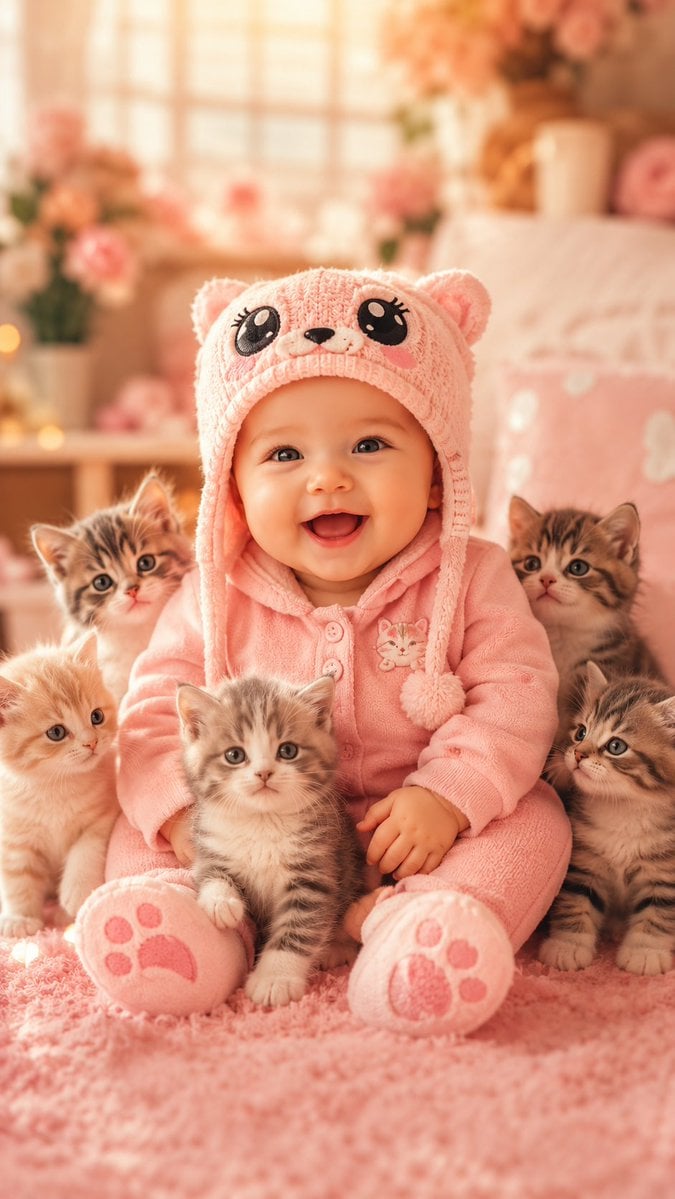
Cute Baby and Kittens Wallpaper
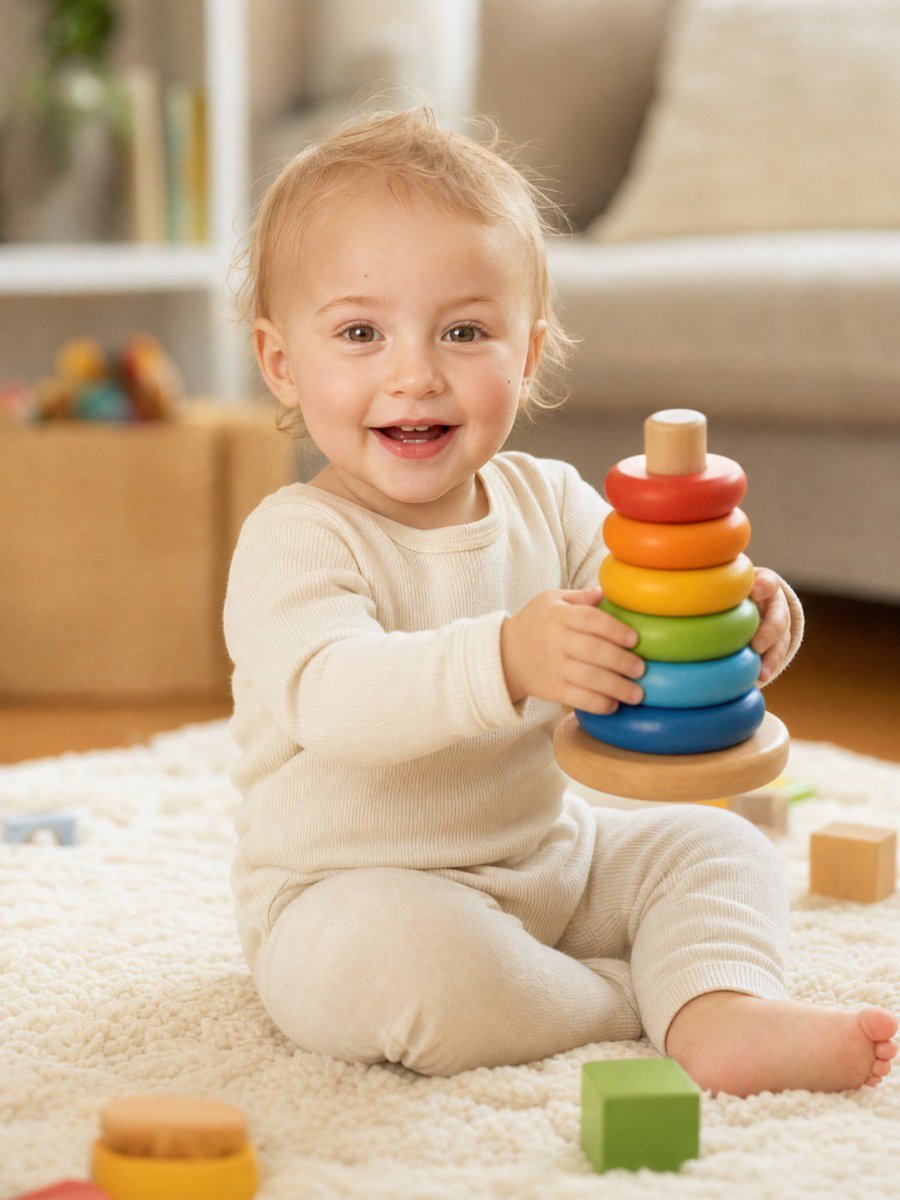
Baby Version Identity Transformation
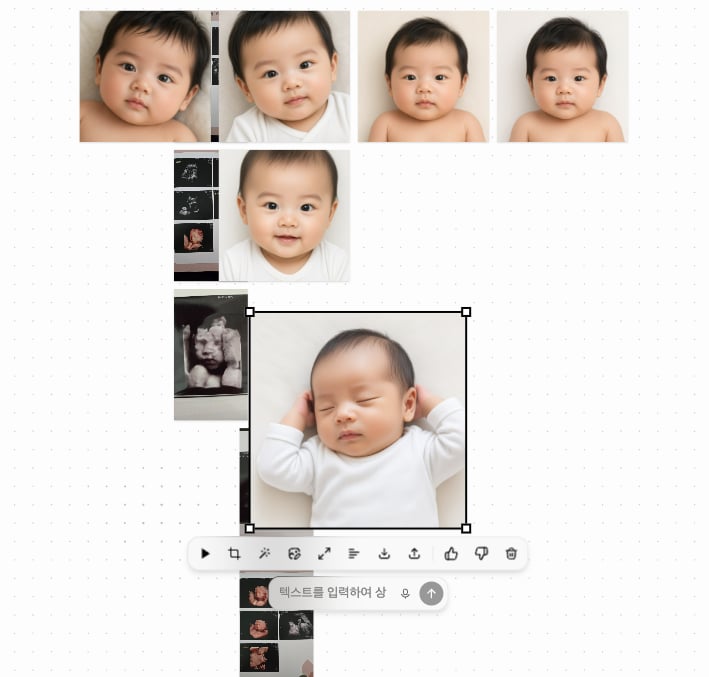
Ultrasound to Baby Portrait Transformation
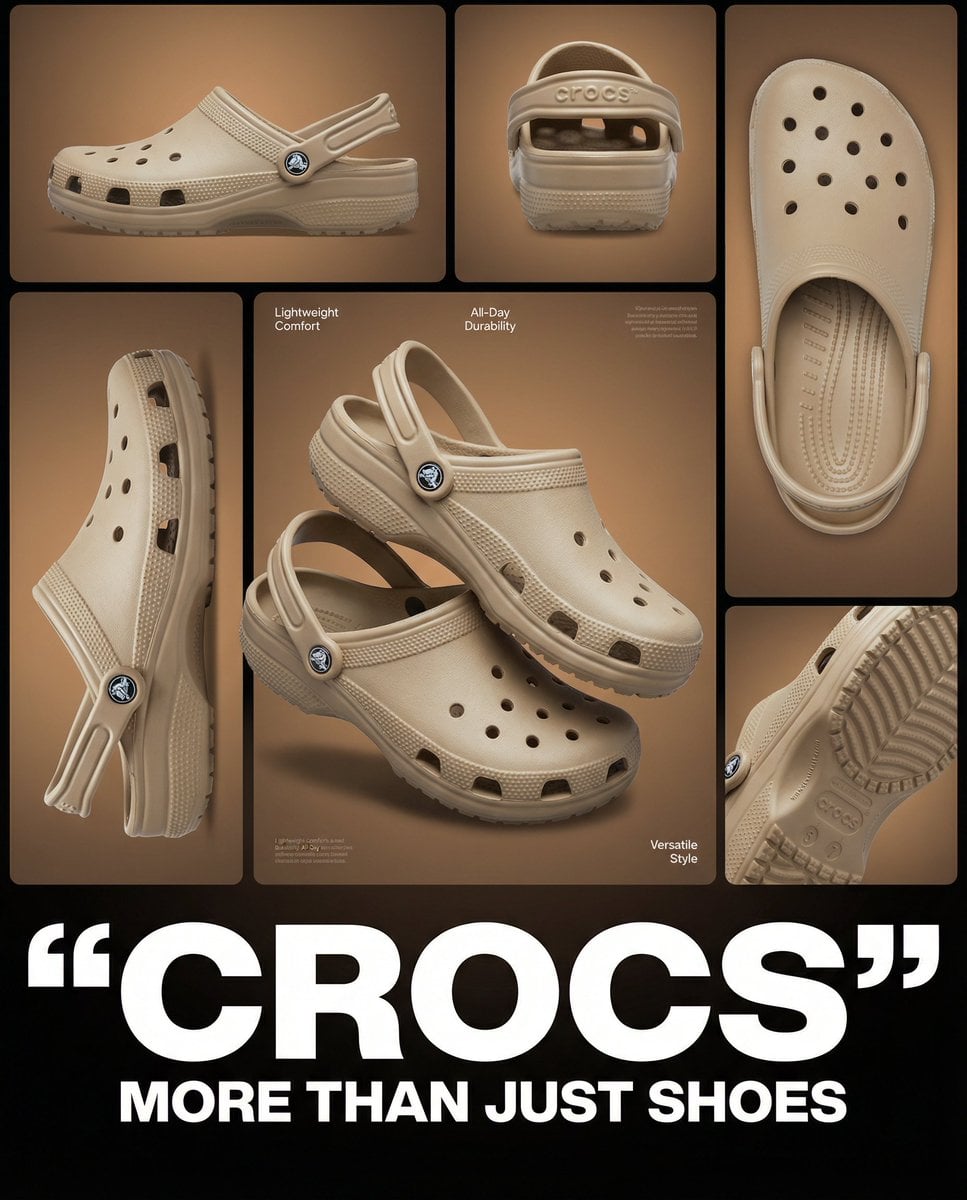
Multi-image product collage poster featuring beige/tan Crocs clog shoes
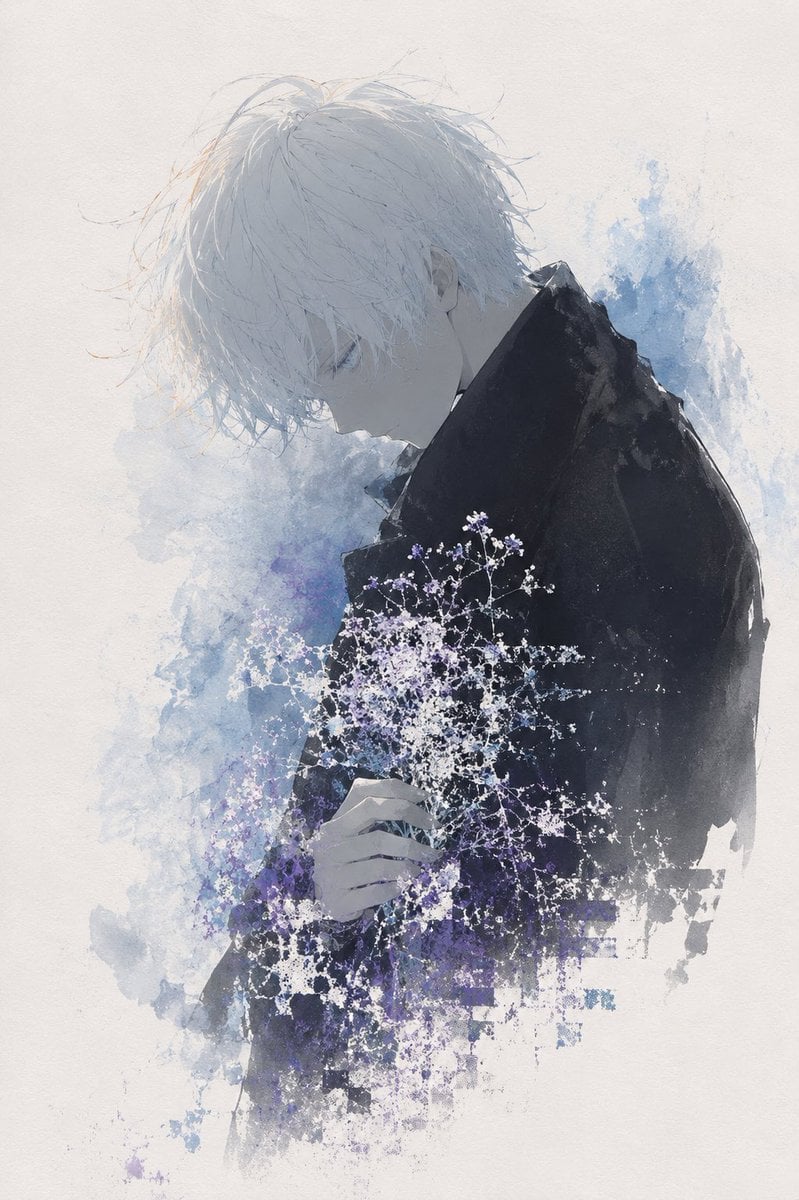
Watercolor Boy With Baby's Breath
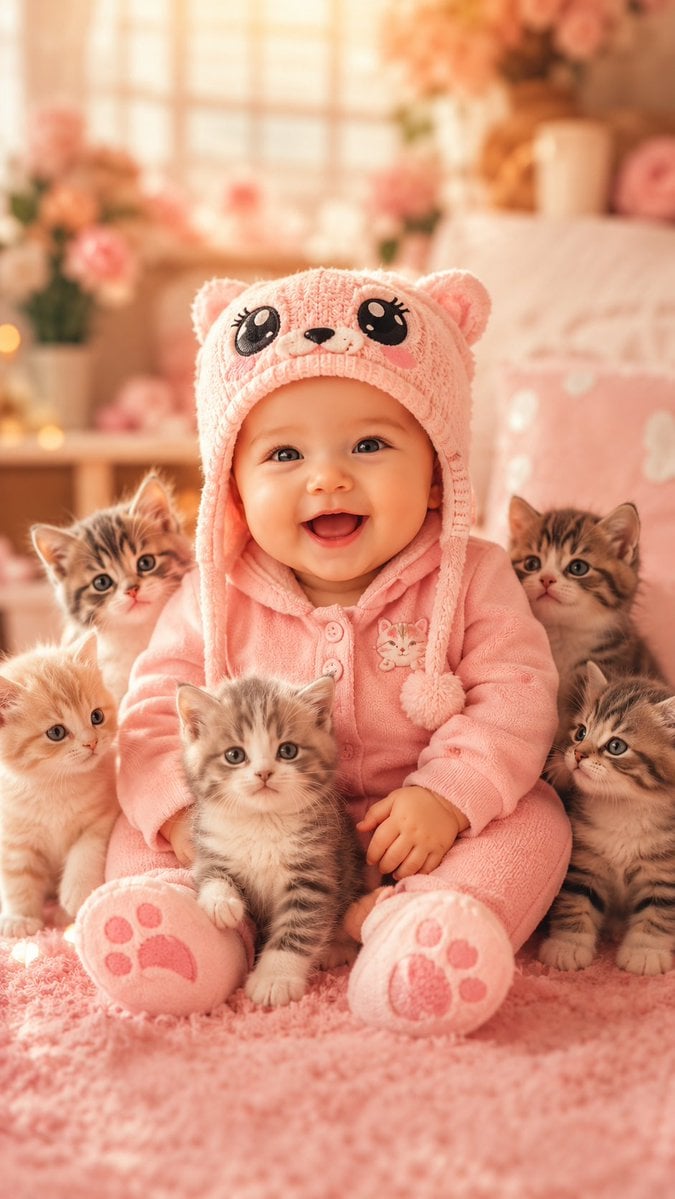
Smiling Baby With Five Kittens
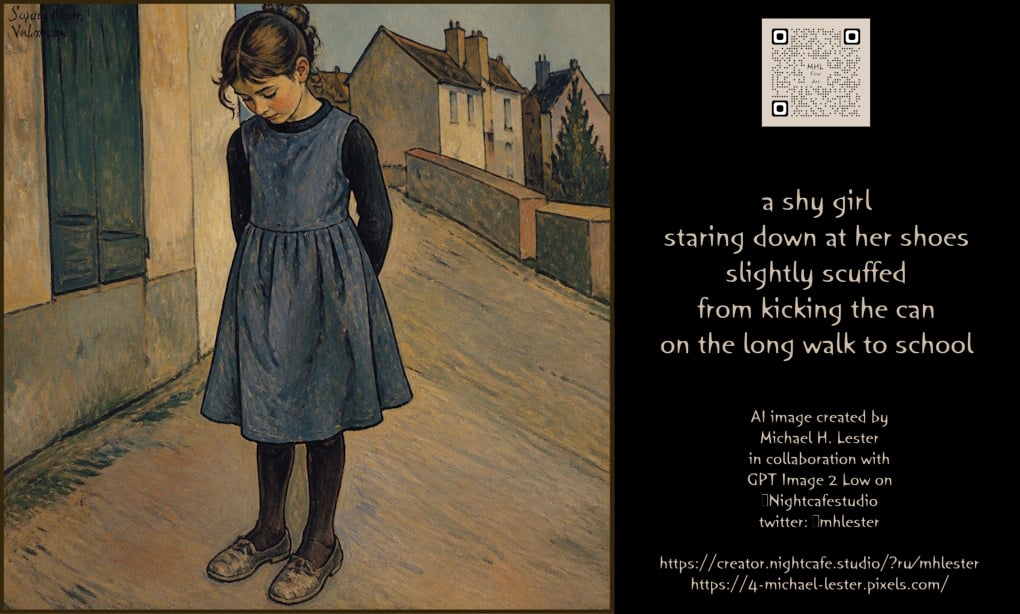
Nostalgic Girl with Scuffed Shoes
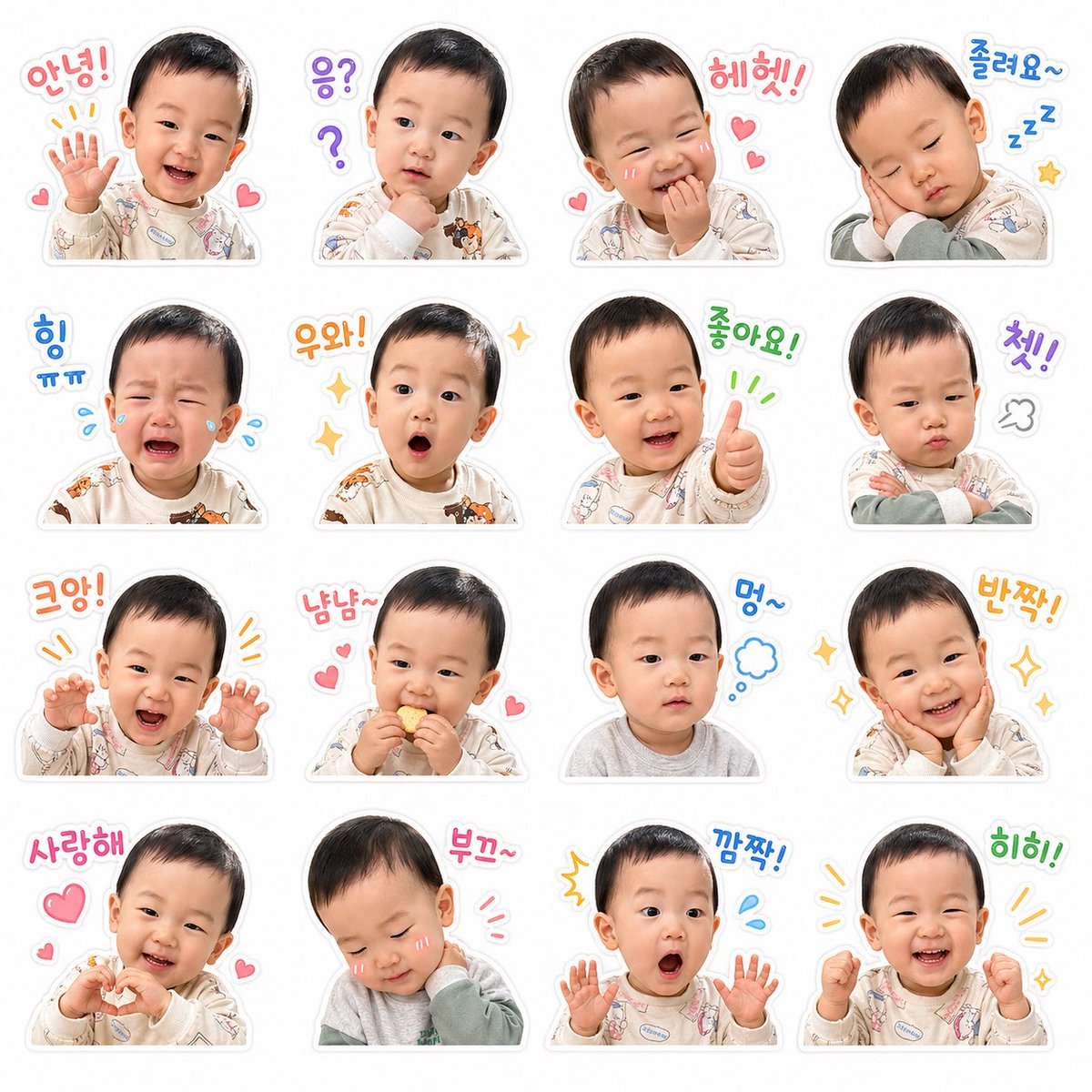
Baby Emoticon Sticker Grid Generator
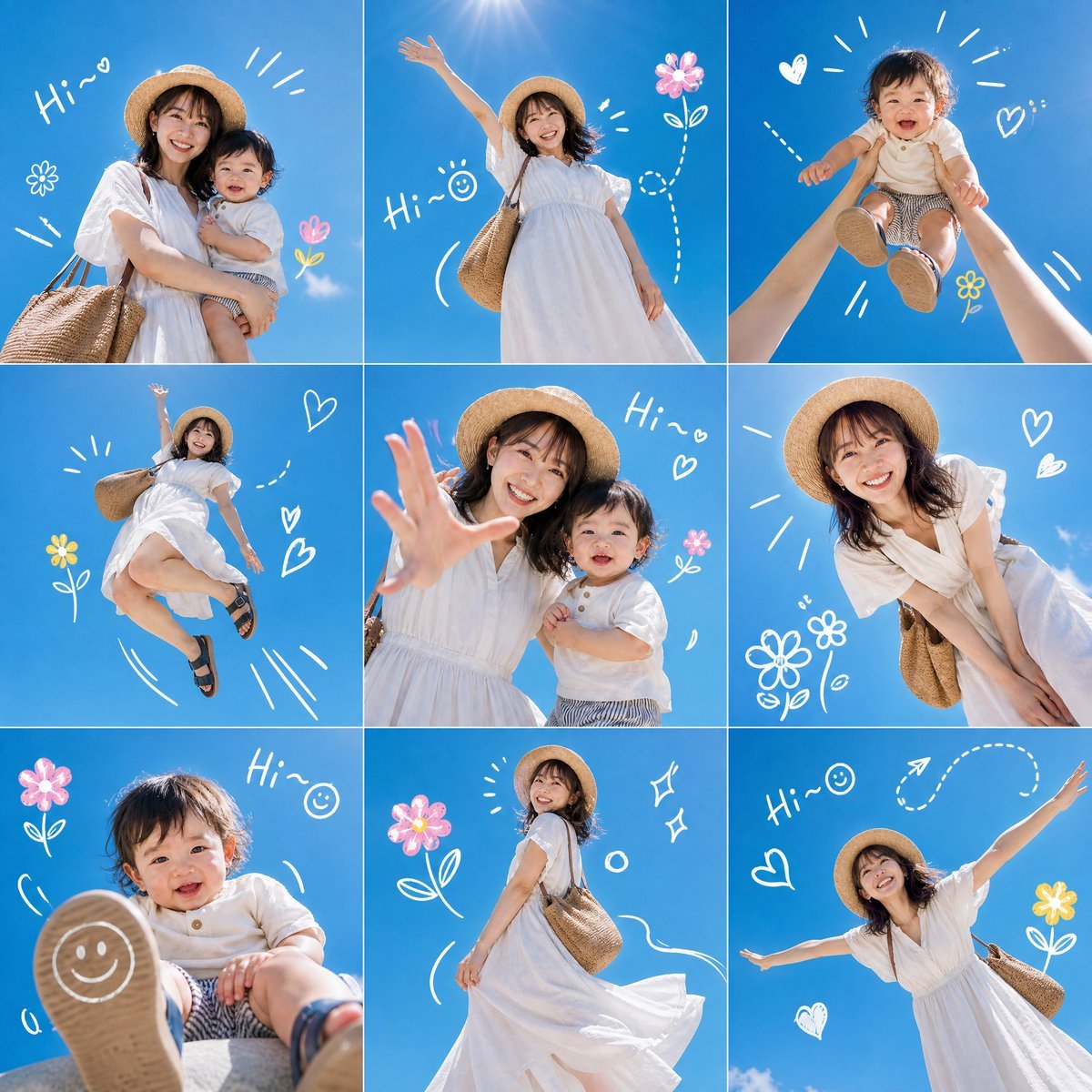
Summer Mother and Baby Sky Collage
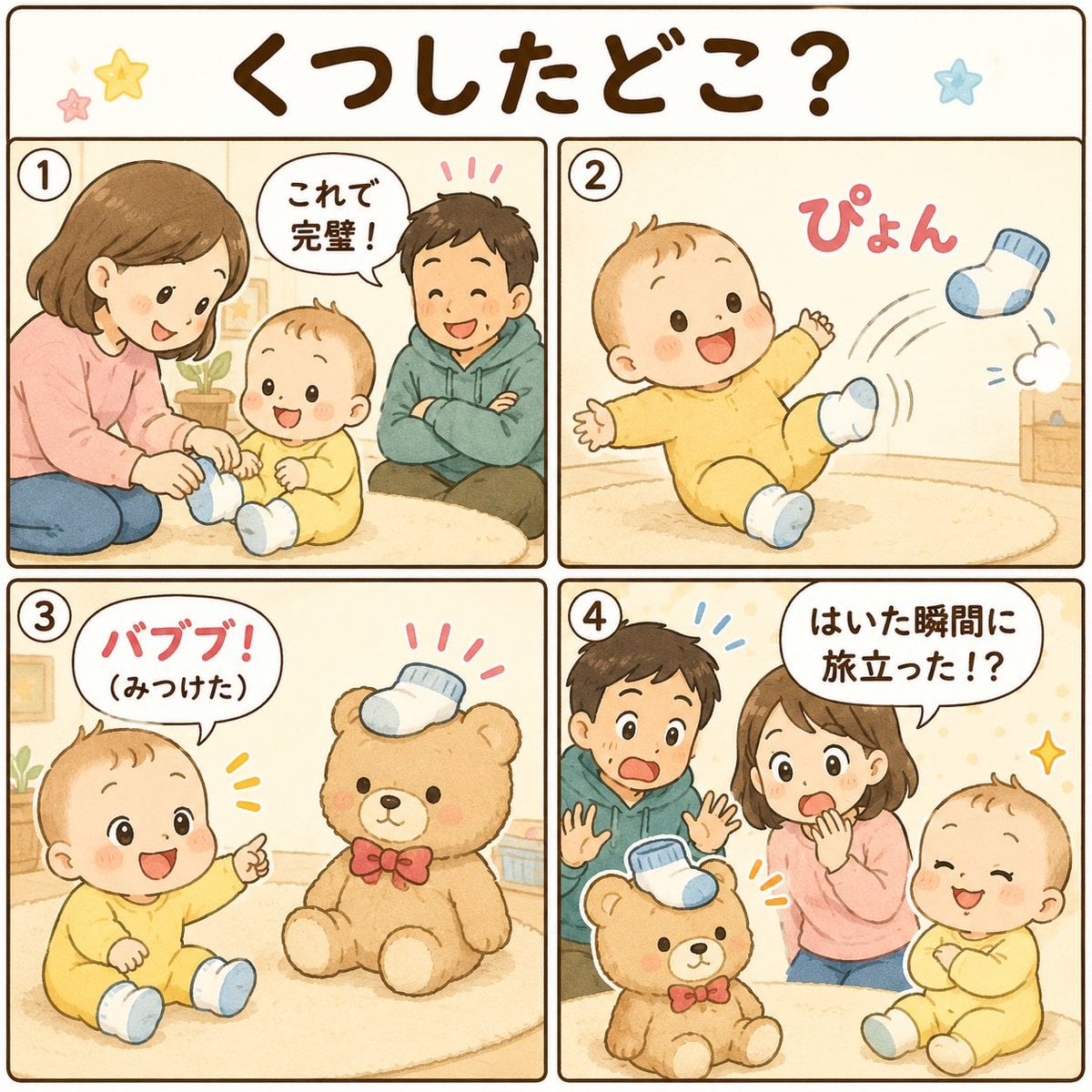
Cute Japanese Baby Sock Comic

DIY Baby Robot Toy Concept Sheet
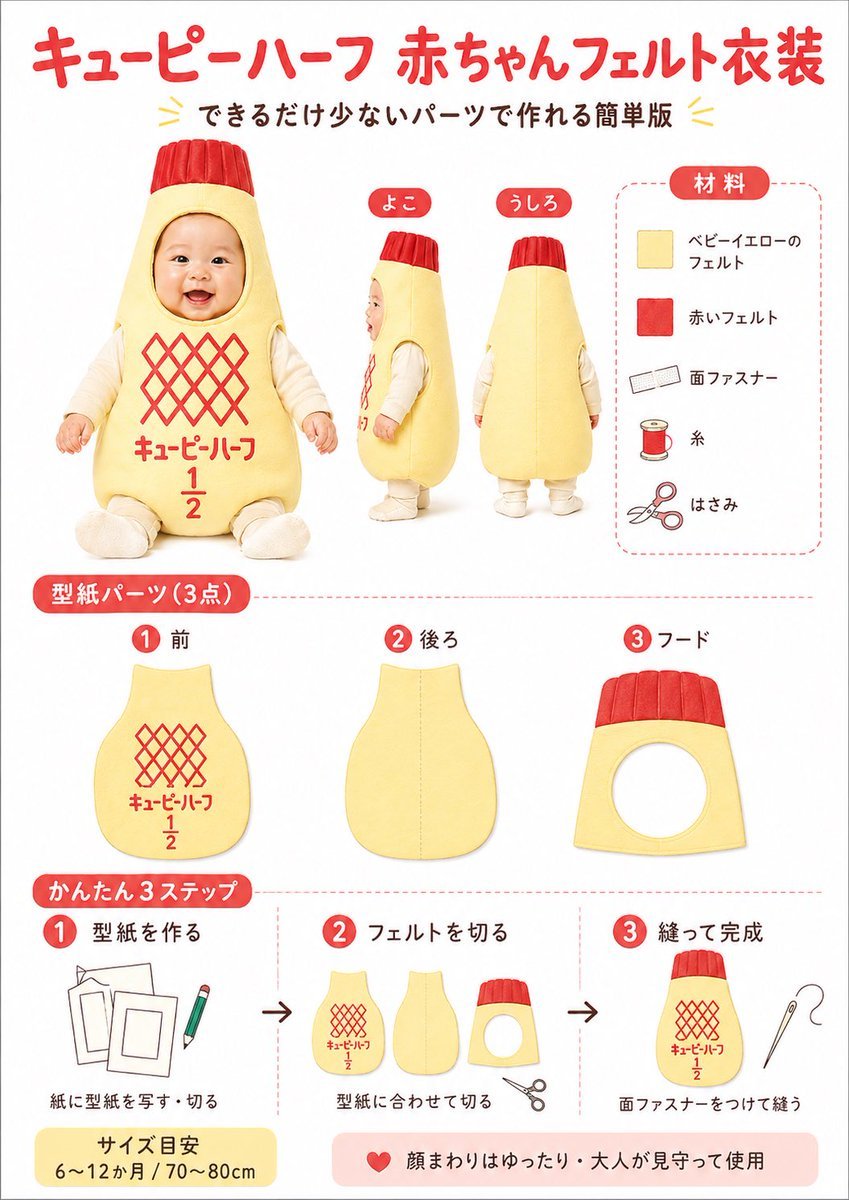
Japanese Baby Felt Costume DIY Sheet
Make it yours
TinyToes Giant Baby Shoes Ad works as-is. These are the safest ways to change it without losing the look.
Change one field
Copy a single group, rewrite it, and generate again so you can see what that field is doing.
Keep the frame, change the subject
Hold the composition and light of TinyToes Giant Baby Shoes Ad, then swap wardrobe, props or the person for a new take.
| If the result… | Why | Fix |
|---|---|---|
| The result drifts from the preview | Too many fields changed at once. | Reuse TinyToes Giant Baby Shoes Ad as-is first, then change one group — subject, light, or setting. |
| The model over-stylizes the scene | The prose prompt leaves finish and camera underspecified. | Add one camera or lighting sentence and stay on GPT Image 2. |
More GPT Image 2 templates
Other prompts made for GPT Image 2.

Six VTuber Japanese Logo Sheet

Realistic Portrait of Woman and Deer

The Vista Modular Condo Poster

AI Model Routing Comparison Infographic

2.5D Anime Art Board

Isometric Productivity Desk Scene

New York Double Exposure Poster

Four-Panel AI Landscape Comparison

Japanese Tatami Lifestyle Magazine Cover

NESCAFÉ Coffee Map Poster
More image prompts
Fresh picks from across the catalog.
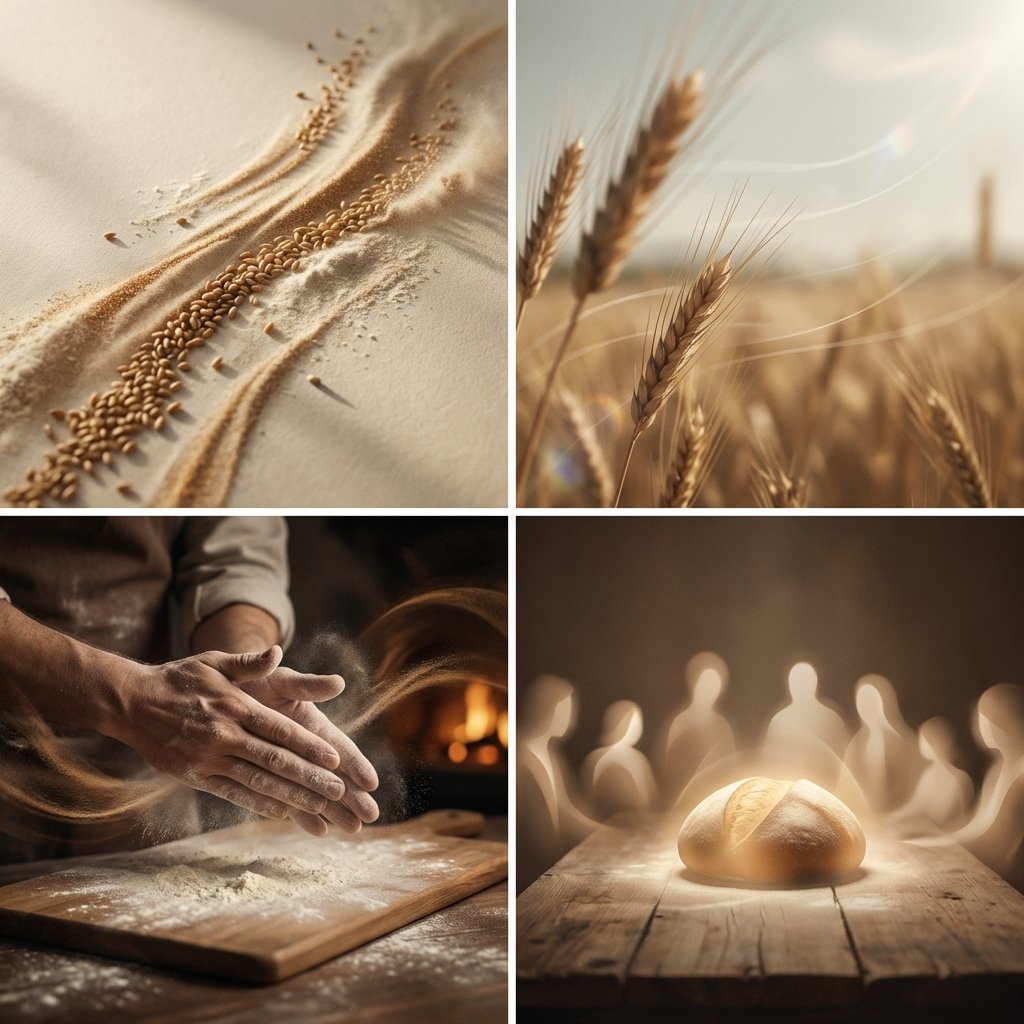
Conceptual Visual Storytelling Asset Prompt
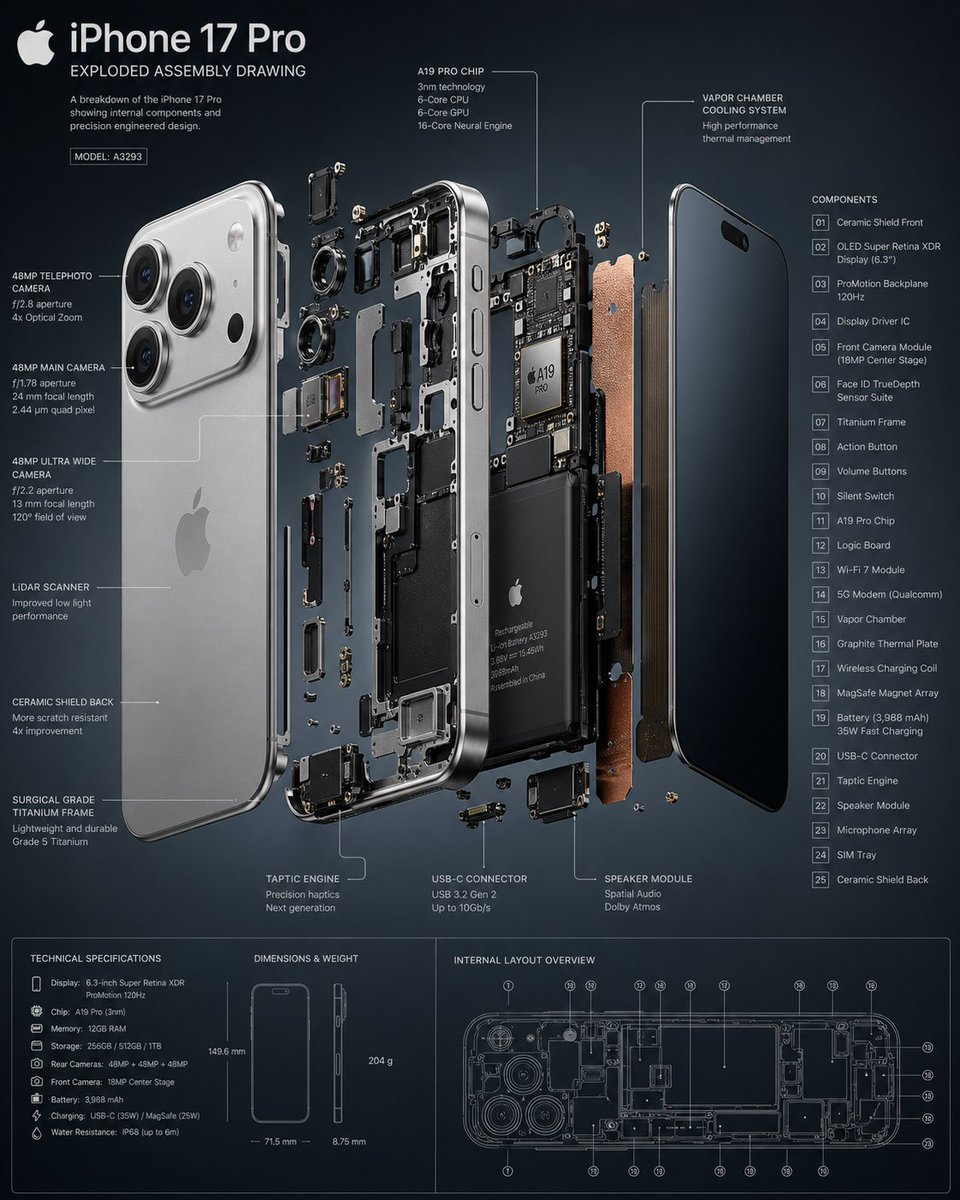
3D Exploded Assembly Drawing
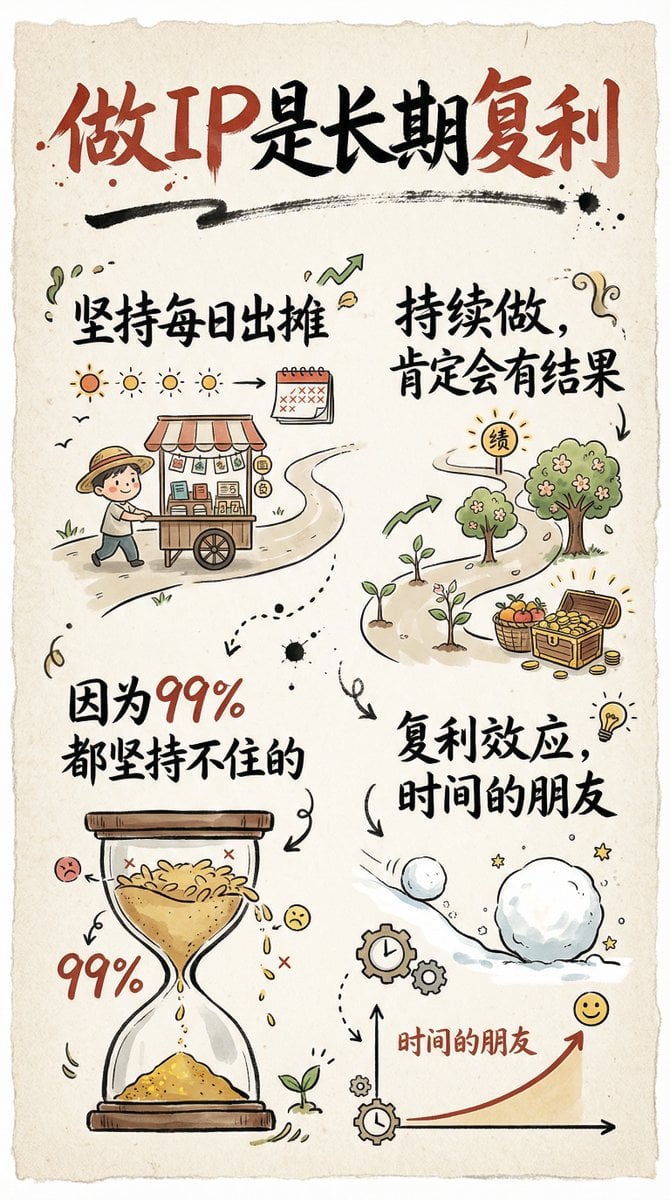
Hand-drawn infographic card about long-term IP building
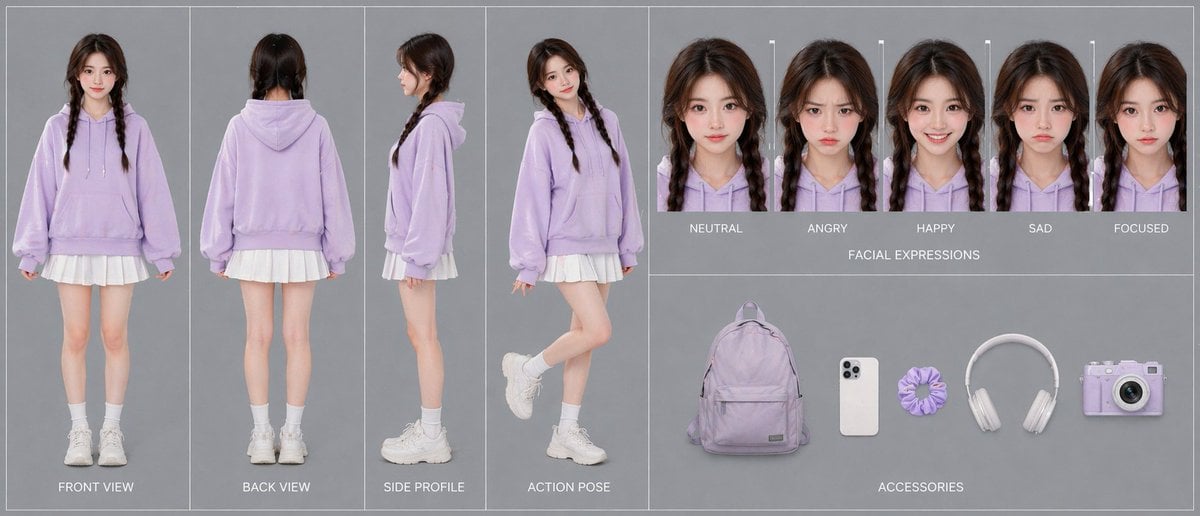
Lavender Hoodie Character Reference Sheet
Photorealistic Candid Bubble Blowing Portrait
Korean Youth Y2K Classroom Candid
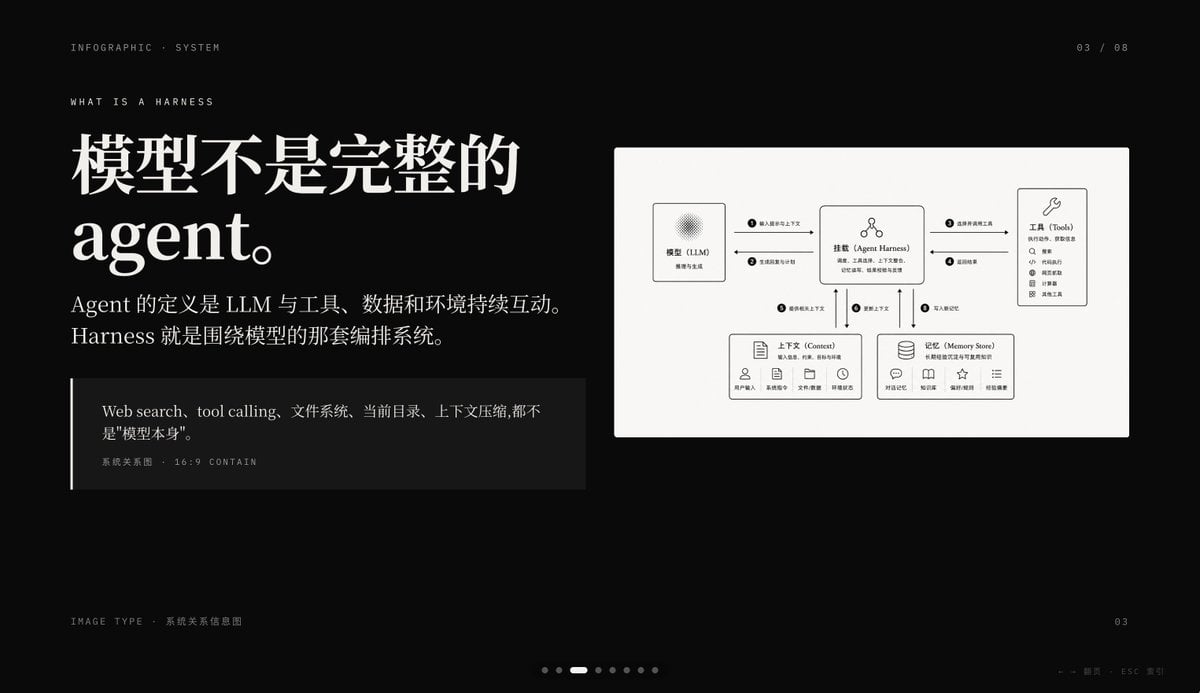
Dark AI Harness Infographic Slide
Pixel Art Dragon Castle
Thumbnail text overlay based on attachment
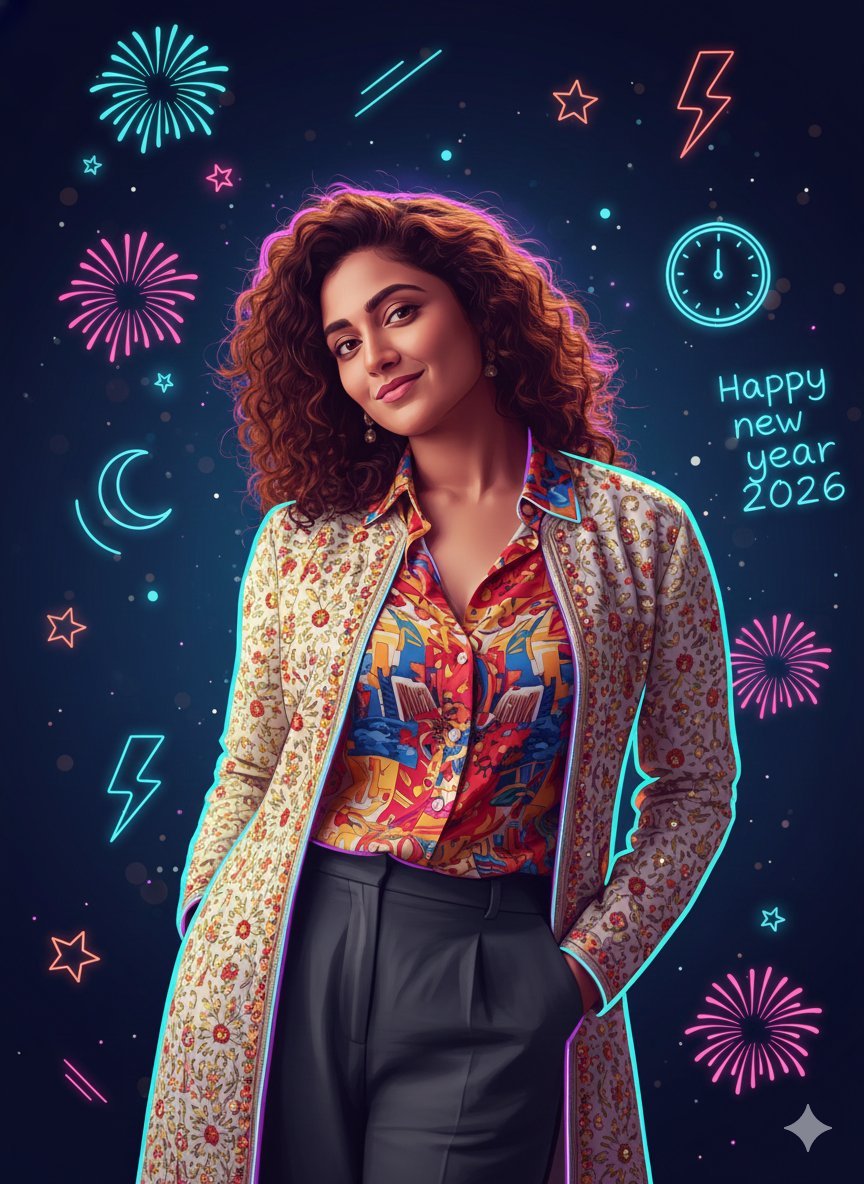
Sigma Dark Neon New Year 2026 Doodle Illustration Prompt
Browse template categories
TinyToes Giant Baby Shoes Ad questions
How do I use the TinyToes Giant Baby Shoes Ad template?
Add your photo if the template asks for one, edit the prompt if you like — the template's model and format are already selected — and press Generate. Your version opens in PicX Studio.
Can I customize the TinyToes Giant Baby Shoes Ad template?
Yes. You can change the subject, setting, lighting, mood, format, and available model controls before creating your image.
Is the TinyToes Giant Baby Shoes Ad template free?
Opening and editing this template is free. Generating uses credits, shown on the Generate button when you are signed in.
Which AI model should I use?
Start with GPT Image 2, which is the model associated with this template. You can compare another compatible model for a different finish.
Looking for something else? Browse all templates.

Your photo, any look
Thousands of ready templates for every top image and video model, from one credit balance.