
Baby Version Identity Transformation
A master prompt for GPT Image 2 that converts an adult portrait into a realistic 1-year-old baby while maintaining identity features like skin tone and eye shape.
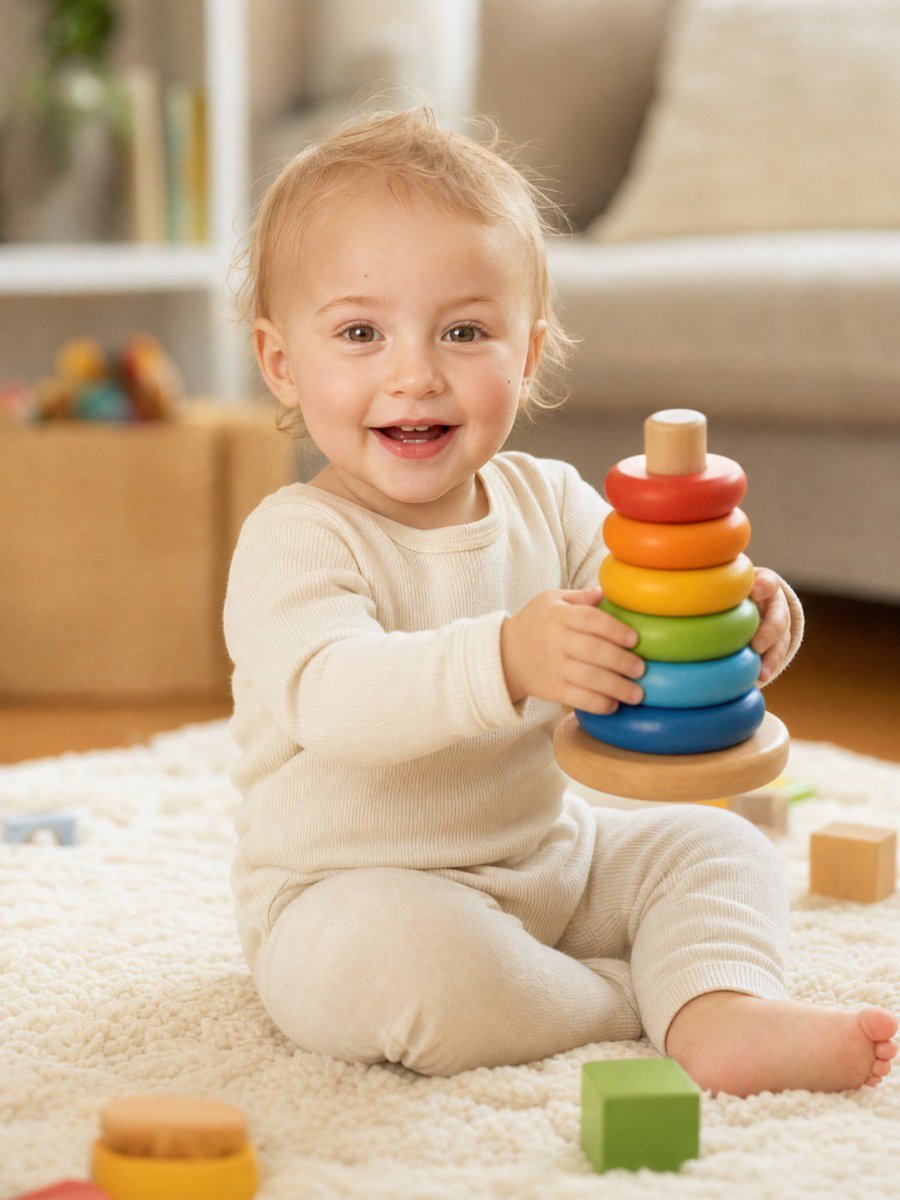
- Prompt included
- Model and format preset
- Free template
The prompt behind this image
Copy the exact prompt behind Baby Version Identity Transformation, or open it in the studio and make it yours.
Using the attached photo as the identity reference, create a photorealistic, heartwarming portrait of this exact same person as a happy 1-year-old baby. Carry the person's real features into the baby version so the resemblance is clear: the same skin tone, eye color and eye shape, the same eyebrow shape, nose shape, lip shape, face proportions, hair color and hair texture, plus any distinctive traits such as dimples, a cleft chin, freckles or a particular smile. The baby's face is soft, round and chubby-cheeked as a real 12-month-old, with fine wispy baby hair in the person's natural hair color, and big bright eyes. Gender is inferred from the attached photo. If the person is male, the baby wears a soft cotton outfit in his palette — a cozy long-sleeve onesie or a small t-shirt with soft pants and tiny socks. If the person is female, the baby wears a soft cotton outfit in her palette — a cozy long-sleeve romper or a little top with soft leggings and tiny socks. All clothing is comfortable, opaque and fully covering the body, with real fabric texture and natural creases. Action: the baby is sitting on a plush carpet or a soft cream blanket on the floor, actively playing — holding up a colorful wooden stacking ring toy in both small hands, or reaching for soft building blocks, or hugging a small plush teddy bear. Natural baby posture, slightly wobbly, one leg tucked, fully absorbed in play. The baby has just looked up at the camera with a wide, genuine, gummy smile showing a couple of tiny front teeth, eyes crinkled with joy, cheeks lifted. Setting: a bright, clean, cozy family living room — warm wooden floor, soft cream blanket, a few colorful wooden toys scattered around, a sofa softly blurred in the background, a window on one side letting in daylight. Everything is tidy, safe and homely. Camera and light: shot on a full-frame camera with an 85mm lens at f/1.8, camera at the baby's eye level close to the floor, tight three-quarter body framing with the toy in frame, shallow depth of field, baby's eyes tack sharp, background softly blurred. Lighting is soft natural window daylight from one side with gentle fill, warm and airy, natural baby skin texture with soft highlights, clear catchlights in the eyes. Style: looks like a real professional family photograph taken at home, candid and joyful, with a light warm color grade, subtle film grain and a palette of 60% soft cream and warm wood tones, 30% gentle pastel colors from the outfit and toys, 10% bright accent color from the stacking rings. Pure, wholesome and cute.
How to use Baby Version Identity Transformation in 3 steps
- 1Upload ImagePNG, JPG or paste
Add your photo
Upload the photo the template builds on. The prompt, model and format are already set.
- 2…a portrait of your subject in softgolden-hour light, 85mm…
Personalize
Edit the subject and creative details for your destination.
- 3Generate
Generate
Press Generate — your image is created in PicX Studio, so you can compare it with the original and refine one variable at a time.
More like this
Templates with the same subject, style or setup. Open one to see its prompt.
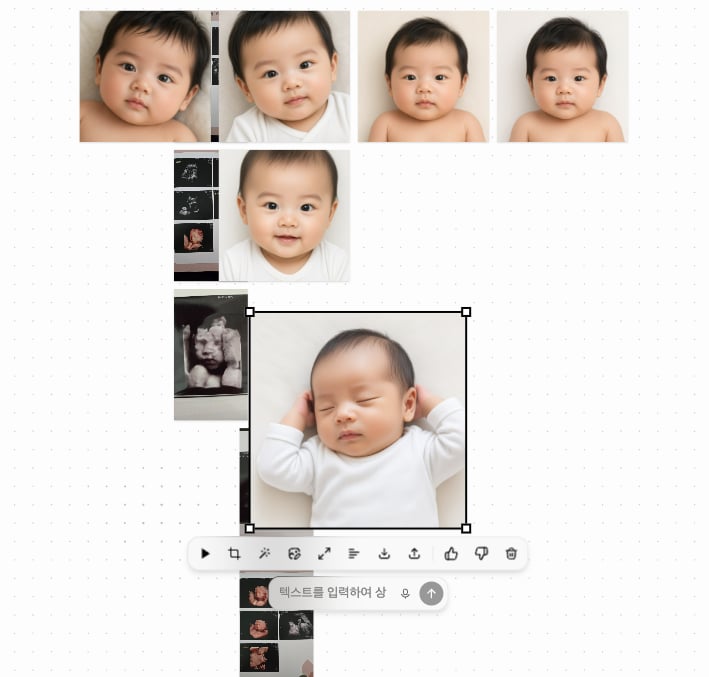
Ultrasound to Baby Portrait Transformation
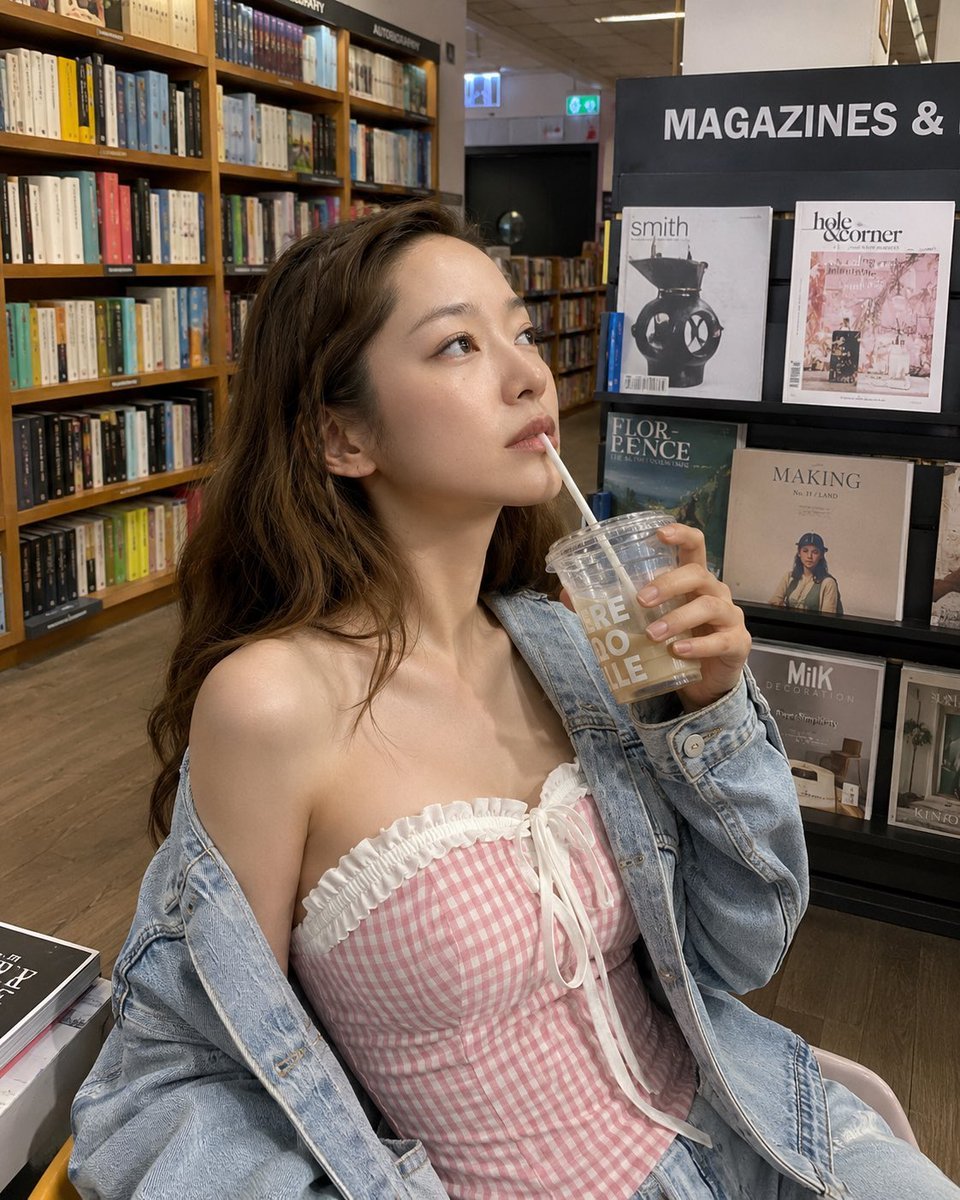
Smartphone Photo Identity Transformation
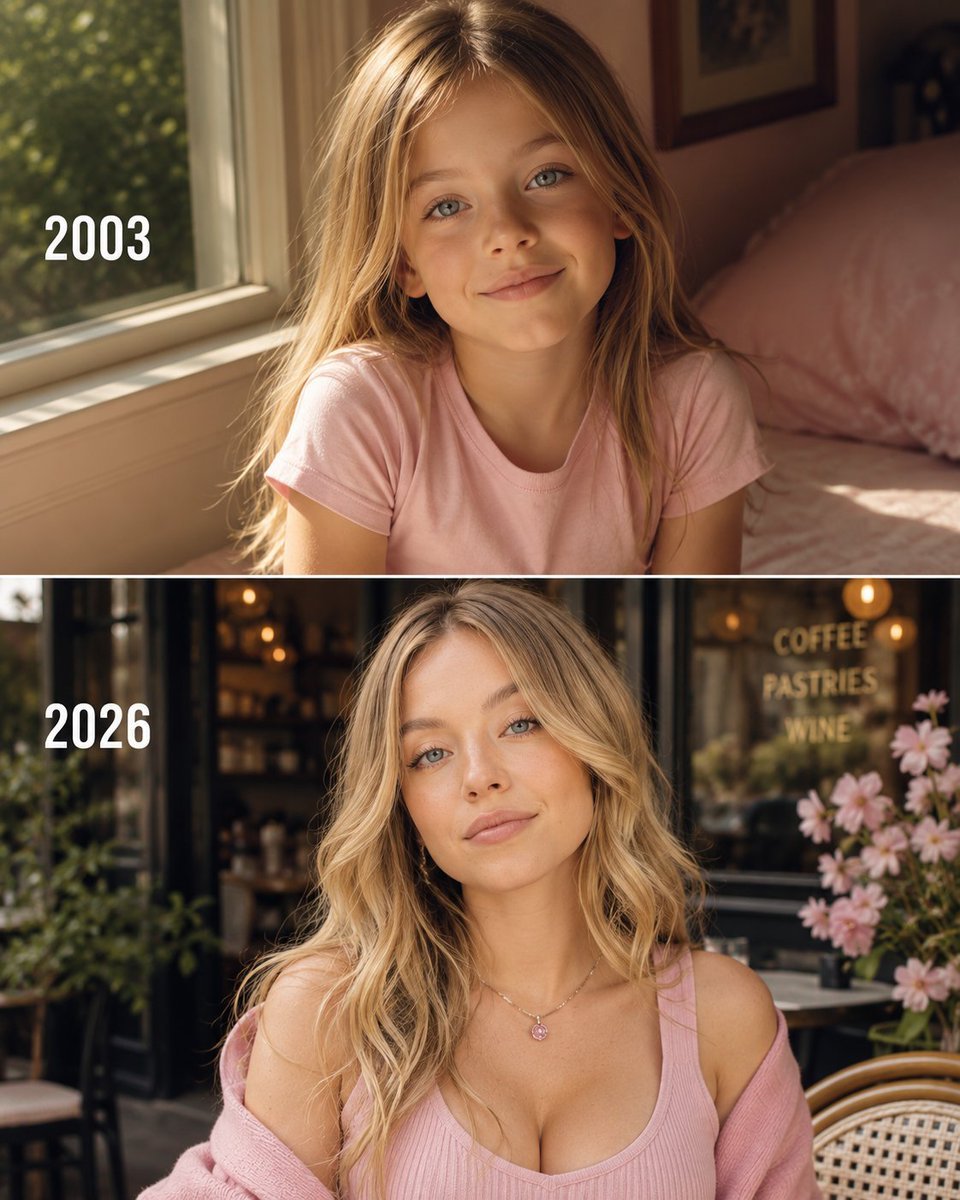
Then vs Now Identity Transformation Collage
Seedance - Character Transition
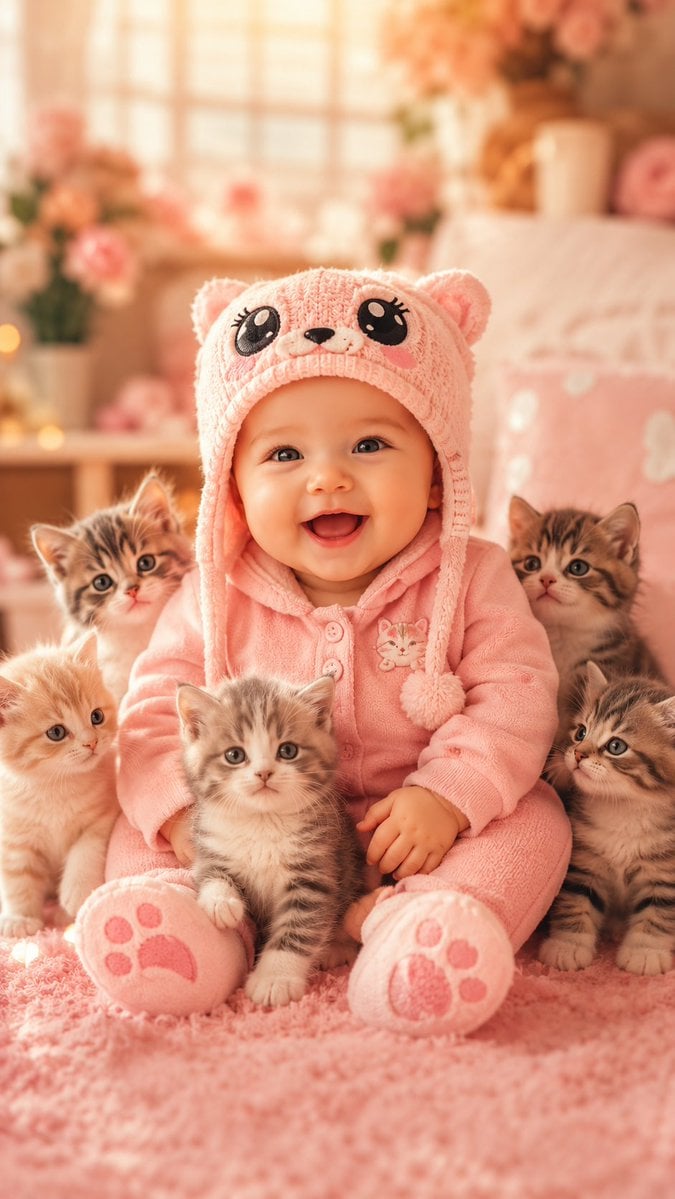
Cute Baby and Kittens Wallpaper
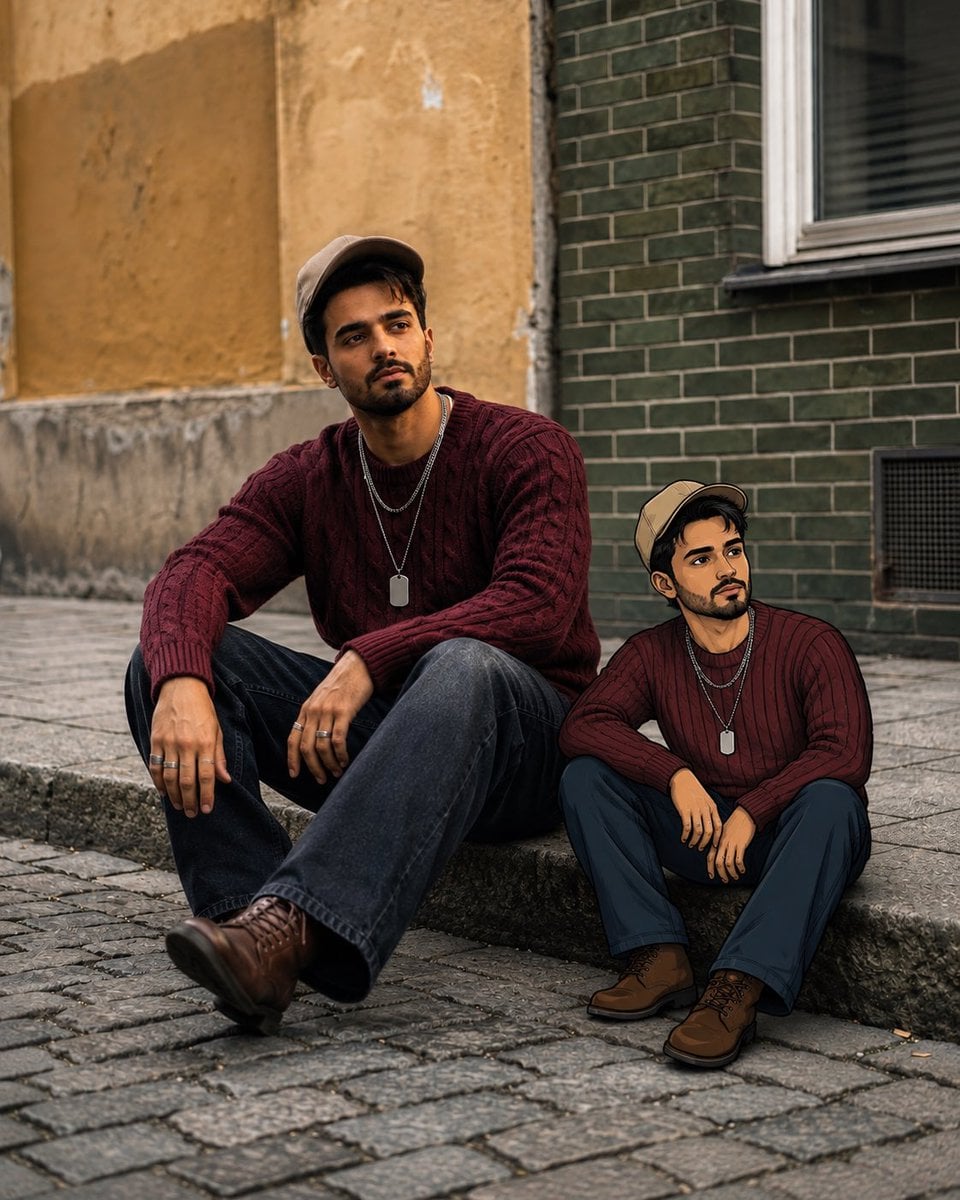
Editorial Street Photo with Cartoon Version

Nano Banana Pro Identity Lock — Composition + Face Reference
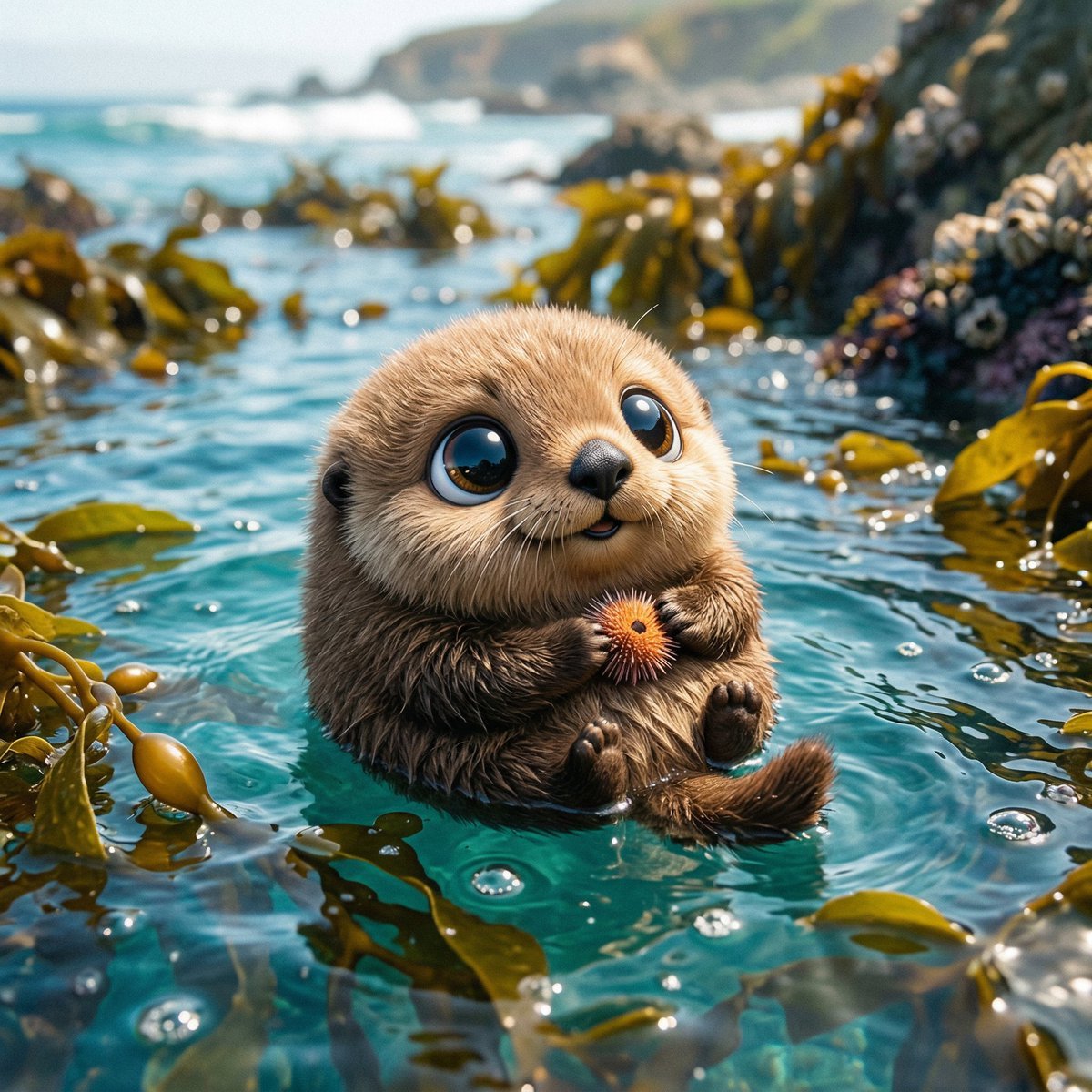
Photo of a cute ball-shaped version of a, with big adorable over-sized
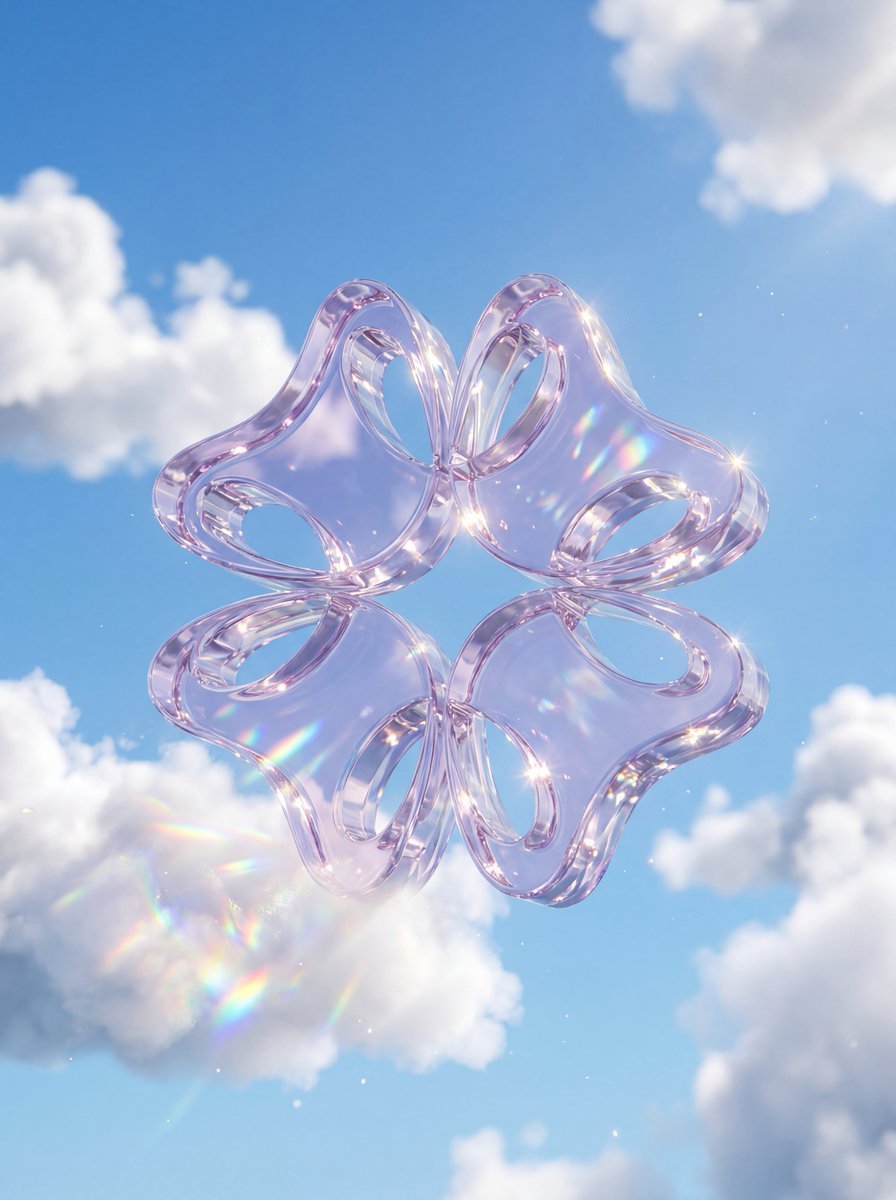
A premium 3D stylized version of attached logo, rendered as thick

Anime Alley Kick Transformation
Watercolor Boy With Baby's Breath
Chaotic Claymation Photo Transformation
Make it yours
Baby Version Identity Transformation works as-is. These are the safest ways to change it without losing the look.
Change one field
Copy a single group, rewrite it, and generate again so you can see what that field is doing.
Keep the frame, change the subject
Hold the composition and light of Baby Version Identity Transformation, then swap wardrobe, props or the person for a new take.
| If the result… | Why | Fix |
|---|---|---|
| The result drifts from the preview | Too many fields changed at once. | Reuse Baby Version Identity Transformation as-is first, then change one group — subject, light, or setting. |
| The model over-stylizes the scene | The prose prompt leaves finish and camera underspecified. | Add one camera or lighting sentence and stay on GPT Image 2. |
More GPT Image 2 templates
Other prompts made for GPT Image 2.

Six VTuber Japanese Logo Sheet

Realistic Portrait of Woman and Deer

The Vista Modular Condo Poster

AI Model Routing Comparison Infographic

2.5D Anime Art Board

Isometric Productivity Desk Scene

New York Double Exposure Poster

Four-Panel AI Landscape Comparison

Japanese Tatami Lifestyle Magazine Cover

NESCAFÉ Coffee Map Poster
More image prompts
Fresh picks from across the catalog.
Street Dancer Concept Sheet

Japanese Youth at Water Park
Jade Texture Application

Modern Heterogeneous Chinese Font Design
3D Pop-Art Comic Grid

2x2 Japanese Web Banner Ad Grid
Realistic Smartphone Flash Selfie at Night Beach
Cinematic Twilight City Portrait with Neon Reflections
Handmade Enamel Souvenir Magnet Design
Stylish Anthropomorphic Cat in Tracksuit
Browse template categories
Baby Version Identity Transformation questions
How do I use the Baby Version Identity Transformation template?
Add your photo if the template asks for one, edit the prompt if you like — the template's model and format are already selected — and press Generate. Your version opens in PicX Studio.
Can I customize the Baby Version Identity Transformation template?
Yes. You can change the subject, setting, lighting, mood, format, and available model controls before creating your image.
Is the Baby Version Identity Transformation template free?
Opening and editing this template is free. Generating uses credits, shown on the Generate button when you are signed in.
Which AI model should I use?
Start with GPT Image 2, which is the model associated with this template. You can compare another compatible model for a different finish.
Looking for something else? Browse all templates.

Your photo, any look
Thousands of ready templates for every top image and video model, from one credit balance.