
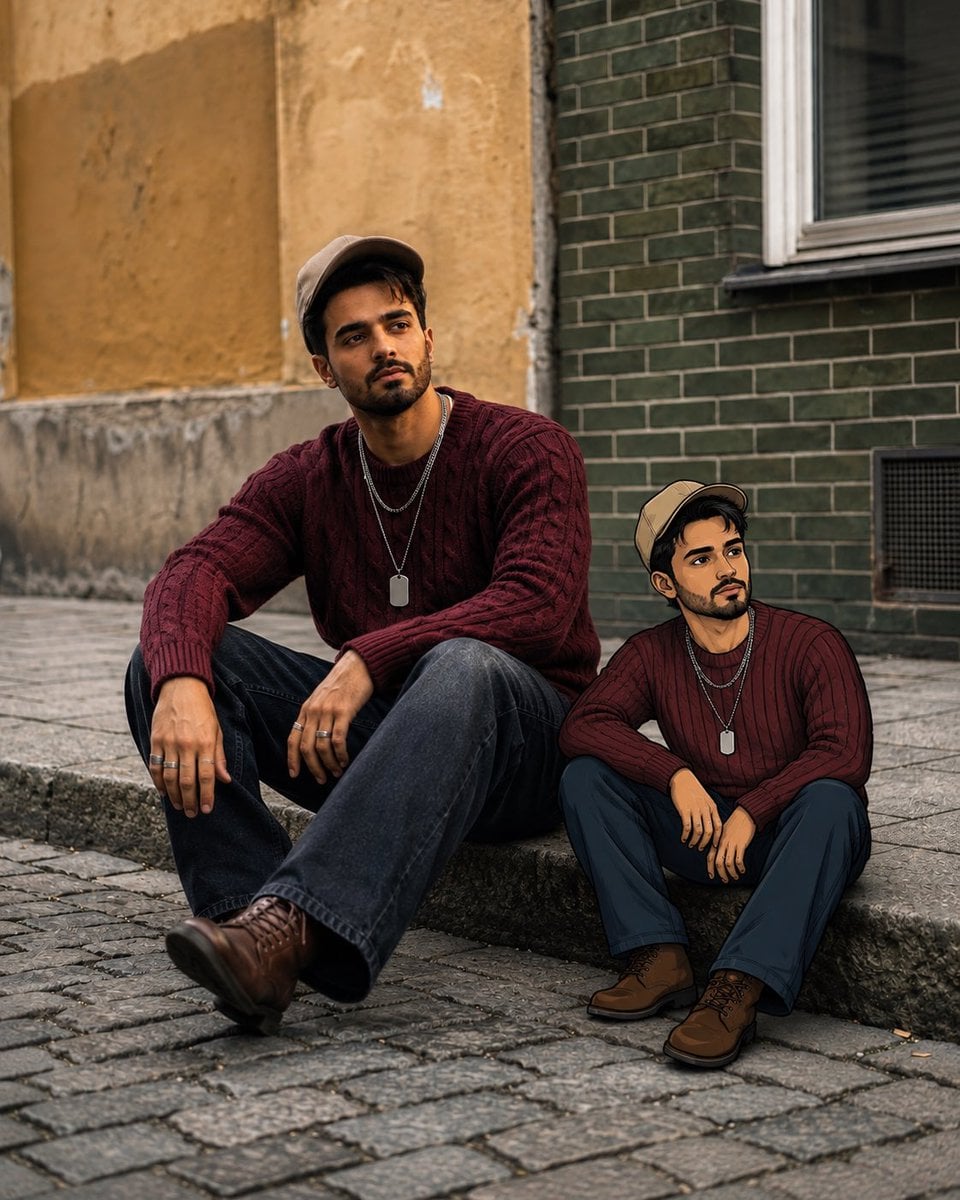
Editorial Street Photo with Cartoon Version
A complex prompt that creates a photorealistic editorial street scene featuring the user and a small 2D animated version of themselves sitting side-by-side.
- Prompt included
- Model and format preset
- Free template
The prompt behind this image
Copy the exact prompt behind Editorial Street Photo with Cartoon Version, or open it in the studio and make it yours.
Use my uploaded reference photo as the primary facial identity reference. Preserve my exact facial identity with maximum accuracy—face shape, jawline, cheekbones, eyebrows, eye shape, nose, lips, ears, skin tone, hairstyle, hair texture, beard/stubble pattern, and all distinctive facial characteristics. Do not beautify, feminize, age, de-age, or replace my identity. Create a photorealistic editorial street photograph showing me sitting casually on a low stone curb in a charming European-style urban street. I am seated with one knee raised and the other leg extended naturally, leaning my cheek against one hand with a relaxed, thoughtful expression. Outfit * Beige/tan baseball cap * Dark burgundy cable-knit sweater * Loose-fit dark blue jeans * Brown leather lace-up boots * Layered silver necklaces with a small rectangular dog-tag pendant * A few subtle silver rings * Natural, effortless streetwear styling Environment Old European city architecture with textured warm beige plaster walls on one side and dark green brickwork on the other. A window is visible in the background. Cobblestone pavement and a slightly weathered stone curb create an authentic urban atmosphere. Keep the background softly blurred while retaining enough architectural detail. Cartoon Version Next to me, sitting on the same curb in almost the exact same pose, outfit, facial expression, and proportions, place a small 2D illustrated cartoon version of myself. The cartoon should clearly resemble me, including my facial features, beard, glasses if present, hairstyle, cap, burgundy sweater, necklaces, jeans, and boots. The cartoon character should look like a hand-drawn premium animation character seamlessly placed into the real photograph—not a generic cartoon. Give it clean expressive linework, subtle shading, realistic clothing details, and a polished modern animation aesthetic. Composition & Style Photorealistic cinematic photography blended with high-quality 2D illustration. Both versions of me should be sitting naturally together and looking in the same general direction. Make the scale and perspective of the cartoon character believable within the scene. Shot at eye level with a slightly low cinematic perspective, 50mm lens look, shallow depth of field, natural overcast daylight, soft shadows, realistic skin texture, detailed fabric, authentic cobblestone textures, subtle film grain, muted warm color grading, premium fashion-editorial photography, highly detailed, realistic lighting, natural proportions. Important: The real person must remain the exact same identity as the uploaded reference image. Do not change facial structure or recognizable features. The cartoon should be a stylized illustrated interpretation of the same person. Aspect ratio: 4:5 vertical. Ultra-high resolution.
How to use Editorial Street Photo with Cartoon Version in 3 steps
- 1Upload ImagePNG, JPG or paste
Add your photo
Upload the photo the template builds on. The prompt, model and format are already set.
- 2…a portrait of your subject in softgolden-hour light, 85mm…
Personalize
Edit the subject and creative details for your destination.
- 3Generate
Generate
Press Generate — your image is created in PicX Studio, so you can compare it with the original and refine one variable at a time.
More like this
Templates with the same subject, style or setup. Open one to see its prompt.











Make it yours
Editorial Street Photo with Cartoon Version works as-is. These are the safest ways to change it without losing the look.
Change one field
Copy a single group, rewrite it, and generate again so you can see what that field is doing.
Keep the frame, change the subject
Hold the composition and light of Editorial Street Photo with Cartoon Version, then swap wardrobe, props or the person for a new take.
| If the result… | Why | Fix |
|---|---|---|
| The result drifts from the preview | Too many fields changed at once. | Reuse Editorial Street Photo with Cartoon Version as-is first, then change one group — subject, light, or setting. |
| The model over-stylizes the scene | The prose prompt leaves finish and camera underspecified. | Add one camera or lighting sentence and stay on GPT Image 2. |
More GPT Image 2 templates
Other prompts made for GPT Image 2.

Six VTuber Japanese Logo Sheet

Realistic Portrait of Woman and Deer

The Vista Modular Condo Poster

AI Model Routing Comparison Infographic

2.5D Anime Art Board

Isometric Productivity Desk Scene

New York Double Exposure Poster

Four-Panel AI Landscape Comparison

Japanese Tatami Lifestyle Magazine Cover

NESCAFÉ Coffee Map Poster
More image prompts
Fresh picks from across the catalog.
Hololive Character Generation
Surreal Landmark Dining Portrait
Cute Hand-Drawn Korean Street Portrait
Kawaii Dessert Food Photography with Doodles
Porsche 911 GT3 RS Motorsport Poster
Pancake Angel Idol Café Selfie
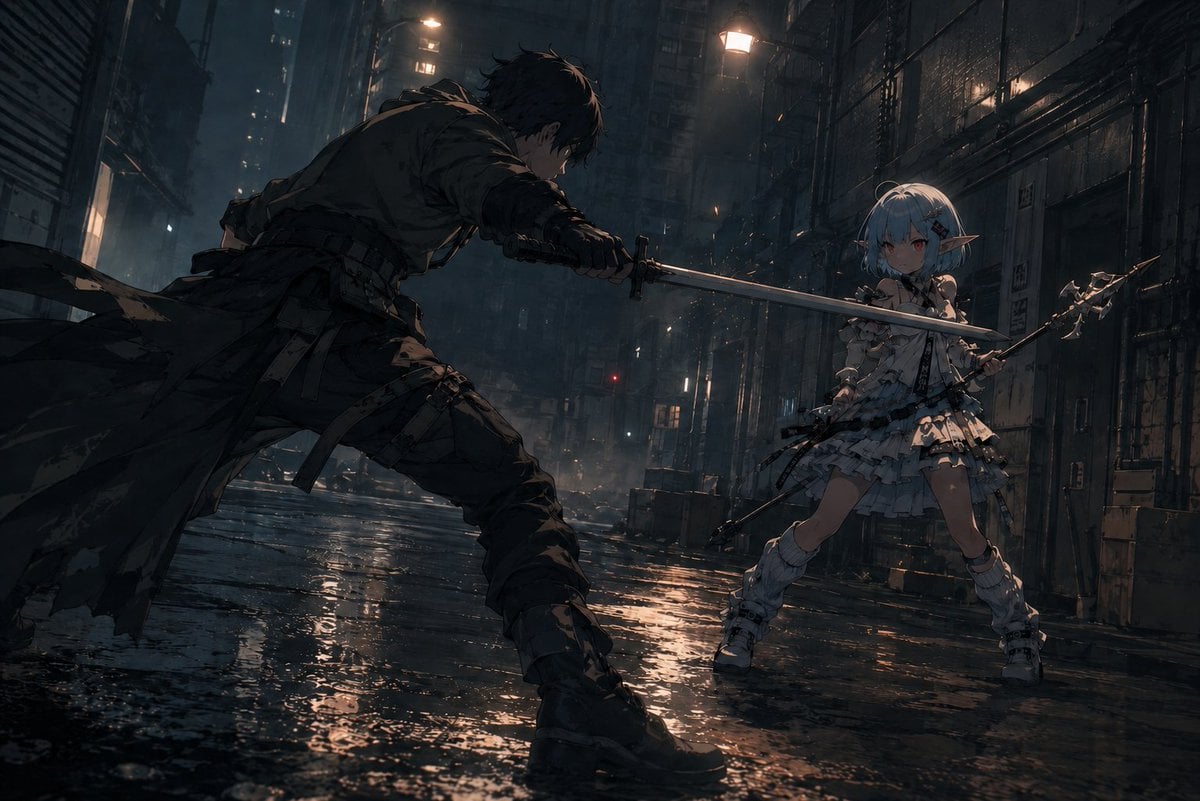
Rainy Cyberpunk Alley Sword Duel
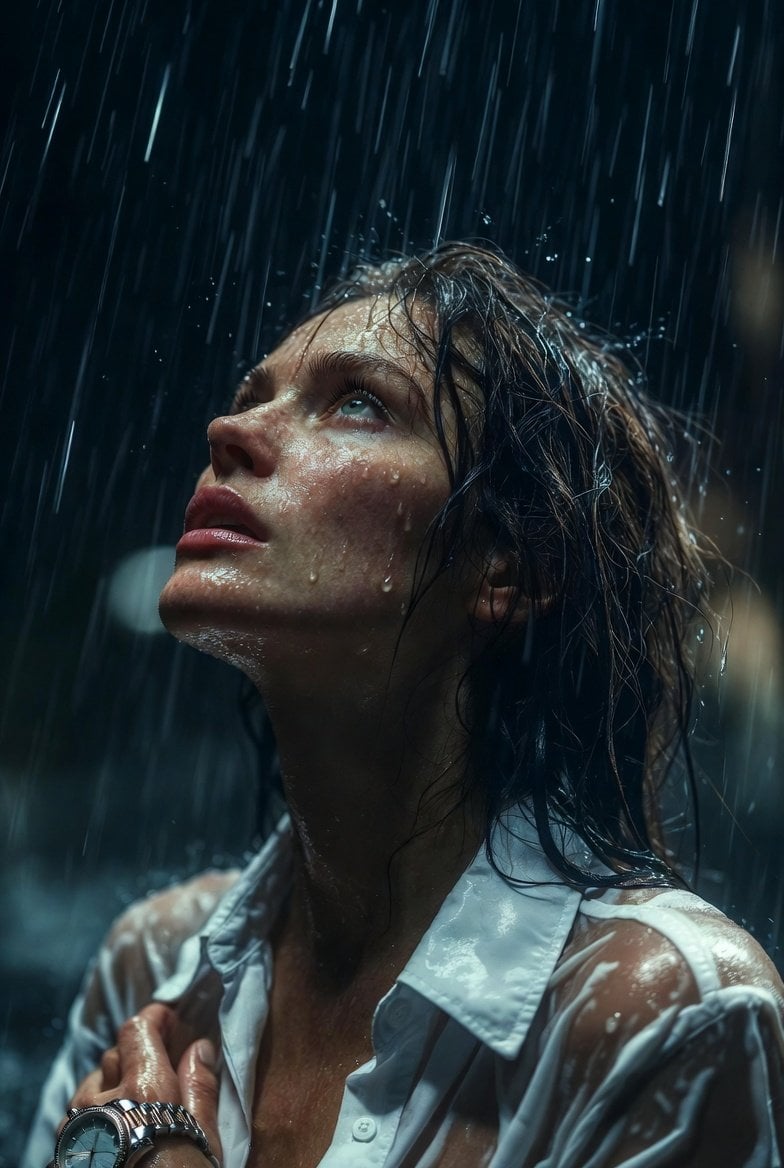
Hyper-Realistic Cinematic Night Rain Portrait JSON Prompt
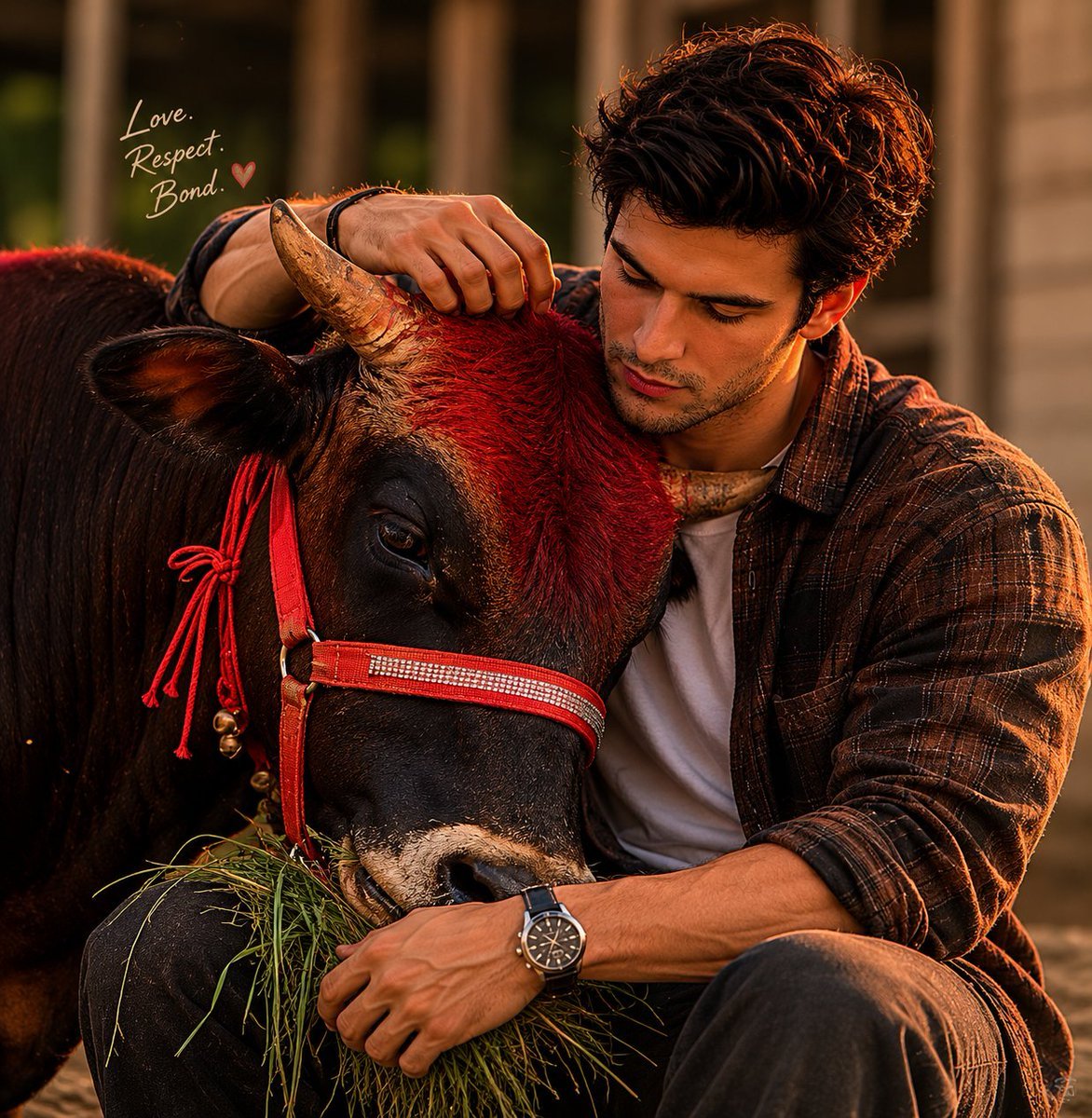
Man and Bull Emotional Bond Portrait
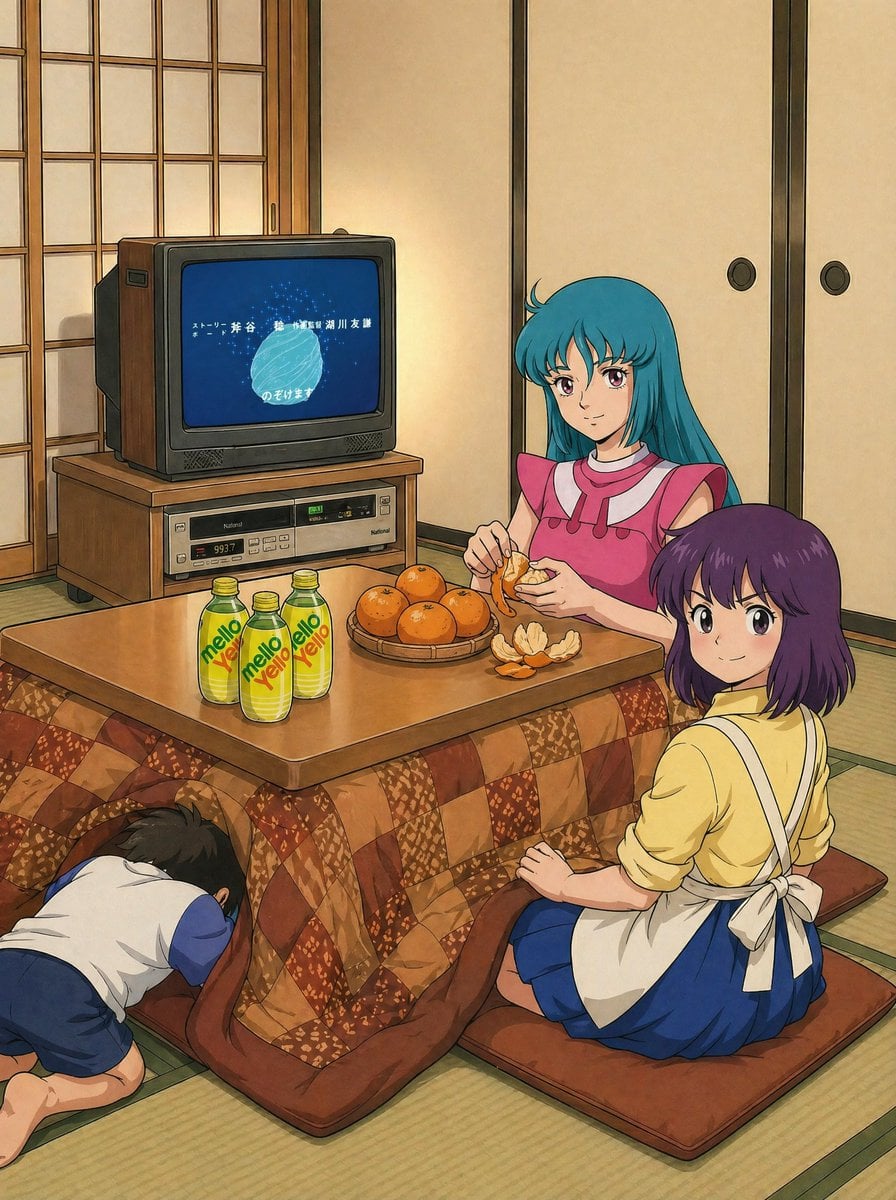
Retro Anime Kotatsu Family Scene
Browse template categories
Editorial Street Photo with Cartoon Version questions
How do I use the Editorial Street Photo with Cartoon Version template?
Add your photo if the template asks for one, edit the prompt if you like — the template's model and format are already selected — and press Generate. Your version opens in PicX Studio.
Can I customize the Editorial Street Photo with Cartoon Version template?
Yes. You can change the subject, setting, lighting, mood, format, and available model controls before creating your image.
Is the Editorial Street Photo with Cartoon Version template free?
Opening and editing this template is free. Generating uses credits, shown on the Generate button when you are signed in.
Which AI model should I use?
Start with GPT Image 2, which is the model associated with this template. You can compare another compatible model for a different finish.
Looking for something else? Browse all templates.

Your photo, any look
Thousands of ready templates for every top image and video model, from one credit balance.