
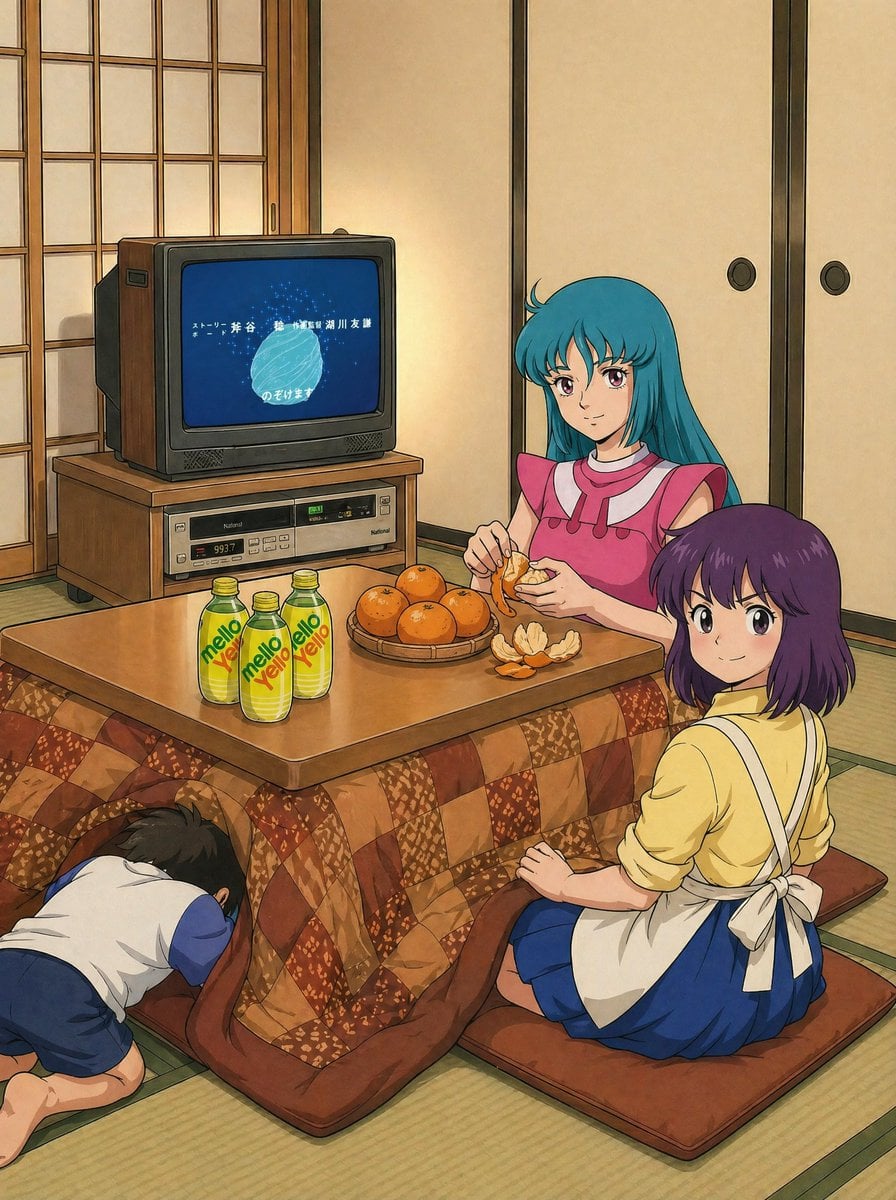
Retro Anime Kotatsu Family Scene
A cozy vintage anime-style winter interior showing three family members around a kotatsu in a traditional Japanese room, ideal for nostalgic slice-of-life illustrations.
- Prompt included
- Model and format preset
- Free template
The prompt behind this image
Copy the exact prompt behind Retro Anime Kotatsu Family Scene, or open it in the studio and make it yours.
A nostalgic anime illustration set in a traditional Japanese tatami room during winter, viewed from a slightly elevated three-quarter angle. In the center is a low wooden kotatsu table covered with a thick brown patchwork quilt, with 2 floor cushions visible on the tatami. Around the table sit 3 people: a young woman with long straight {argument name="hair color" default="teal blue"} hair and a pink sleeveless dress with a white collar, sitting at the far side of the table and peeling a mandarin orange; a second young woman with short bobbed purple hair, wearing a pale yellow top, blue skirt, and a white apron tied in a bow at the back, seated in the right foreground; and a small boy in a white shirt with blue sleeves and blue shorts, kneeling on the left and crawling partway under the kotatsu to warm himself. On top of the table are 3 green-yellow plastic bottles labeled "mello Yello", a round woven tray holding 5 whole mandarins, and 1 peeled mandarin with loose orange peels spread on the tabletop. In the left background stands a chunky 1980s CRT television with woodgrain side panels on a low TV stand, with a silver video deck or console beneath it. The TV screen shows a blue title card with white Japanese credits and a glowing pale circular shape. Behind the characters are 1 shoji sliding door on the left and 2 beige fusuma sliding doors on the right wall. Warm indoor lighting, cozy family atmosphere, retro Showa-era Japanese home, detailed hand-drawn cel-anime style with soft shading, clean linework, and slightly faded vintage colors.
How to use Retro Anime Kotatsu Family Scene in 3 steps
- 1Upload ImagePNG, JPG or paste
Add your photo
Upload the photo the template builds on. The prompt, model and format are already set.
- 2…a portrait of your subject in softgolden-hour light, 85mm…
Personalize
Edit the subject and creative details for your destination.
- 3Generate
Generate
Press Generate — your image is created in PicX Studio, so you can compare it with the original and refine one variable at a time.
More like this
Templates with the same subject, style or setup. Open one to see its prompt.












Make it yours
Retro Anime Kotatsu Family Scene works as-is. These are the safest ways to change it without losing the look.
Change one field
Copy a single group, rewrite it, and generate again so you can see what that field is doing.
Keep the frame, change the subject
Hold the composition and light of Retro Anime Kotatsu Family Scene, then swap wardrobe, props or the person for a new take.
| If the result… | Why | Fix |
|---|---|---|
| The result drifts from the preview | Too many fields changed at once. | Reuse Retro Anime Kotatsu Family Scene as-is first, then change one group — subject, light, or setting. |
| The model over-stylizes the scene | The prose prompt leaves finish and camera underspecified. | Add one camera or lighting sentence and stay on GPT Image 2. |
More GPT Image 2 templates
Other prompts made for GPT Image 2.

Six VTuber Japanese Logo Sheet

Realistic Portrait of Woman and Deer

The Vista Modular Condo Poster

AI Model Routing Comparison Infographic

2.5D Anime Art Board

Isometric Productivity Desk Scene

New York Double Exposure Poster

Four-Panel AI Landscape Comparison

Japanese Tatami Lifestyle Magazine Cover

NESCAFÉ Coffee Map Poster
More image prompts
Fresh picks from across the catalog.
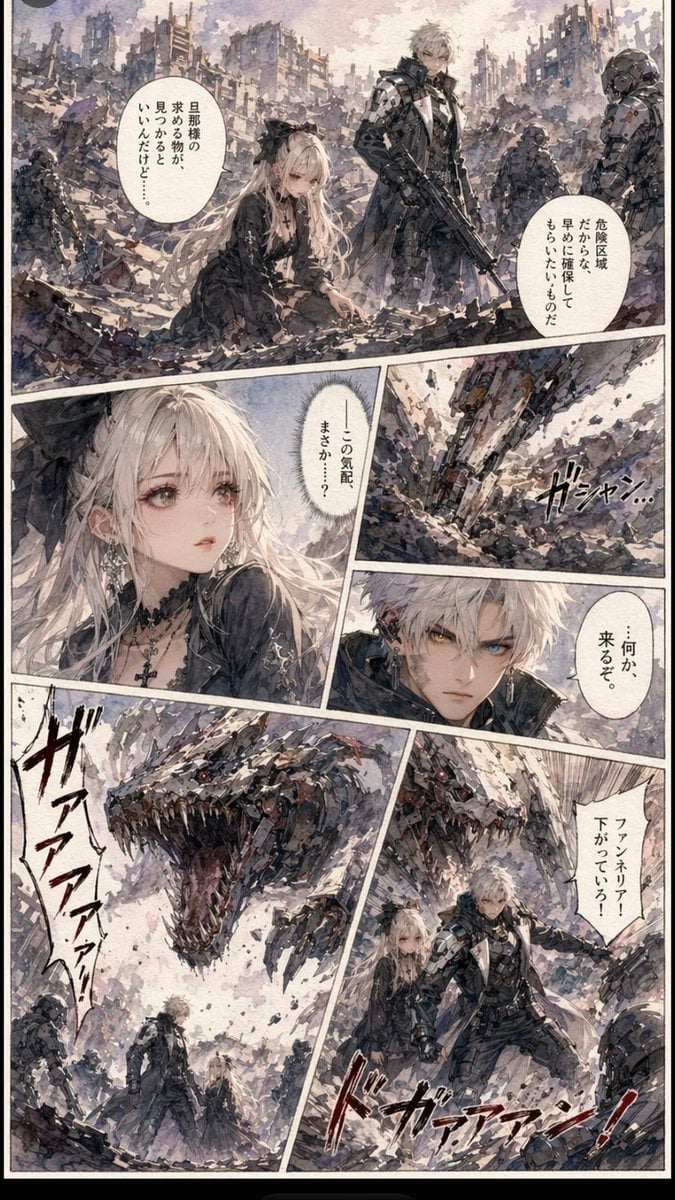
Gritty Sci-Fi Shoujo Manga Page
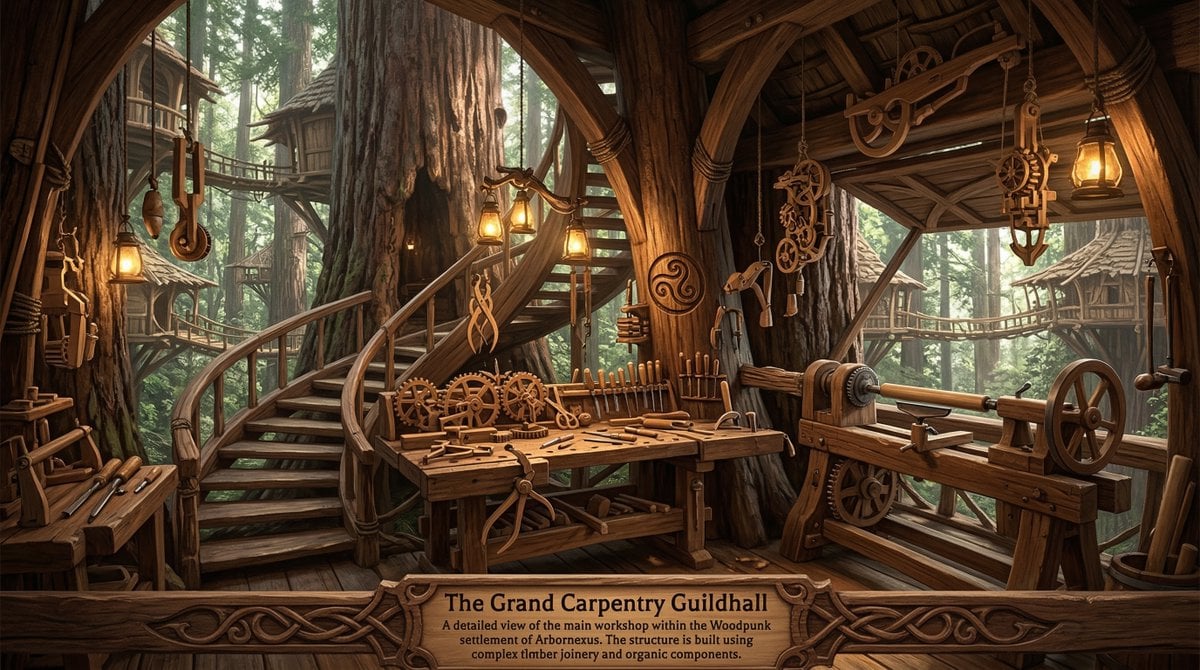
Universal Random Punk Scene Generator
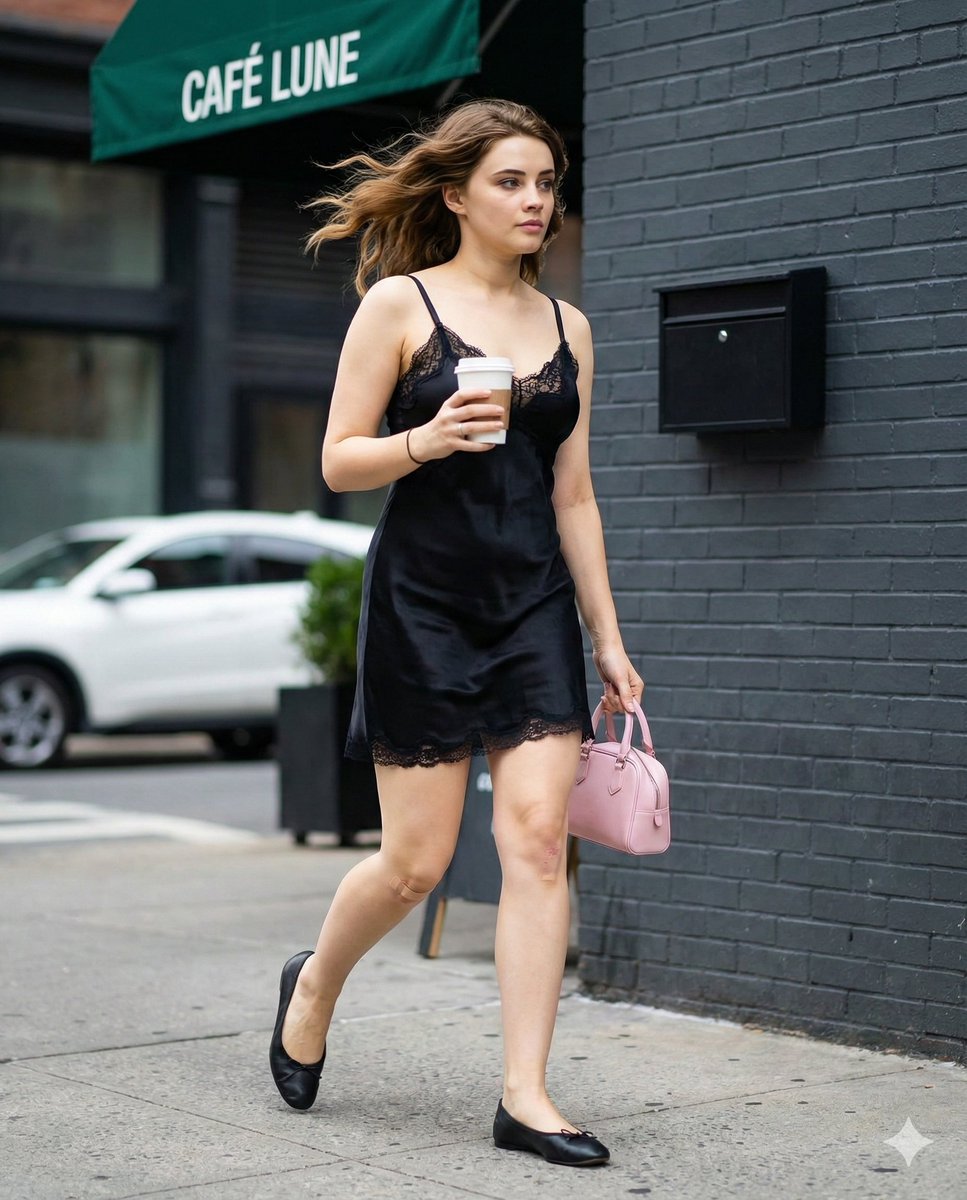
Candid Street Fashion Shot with Bandage Detail
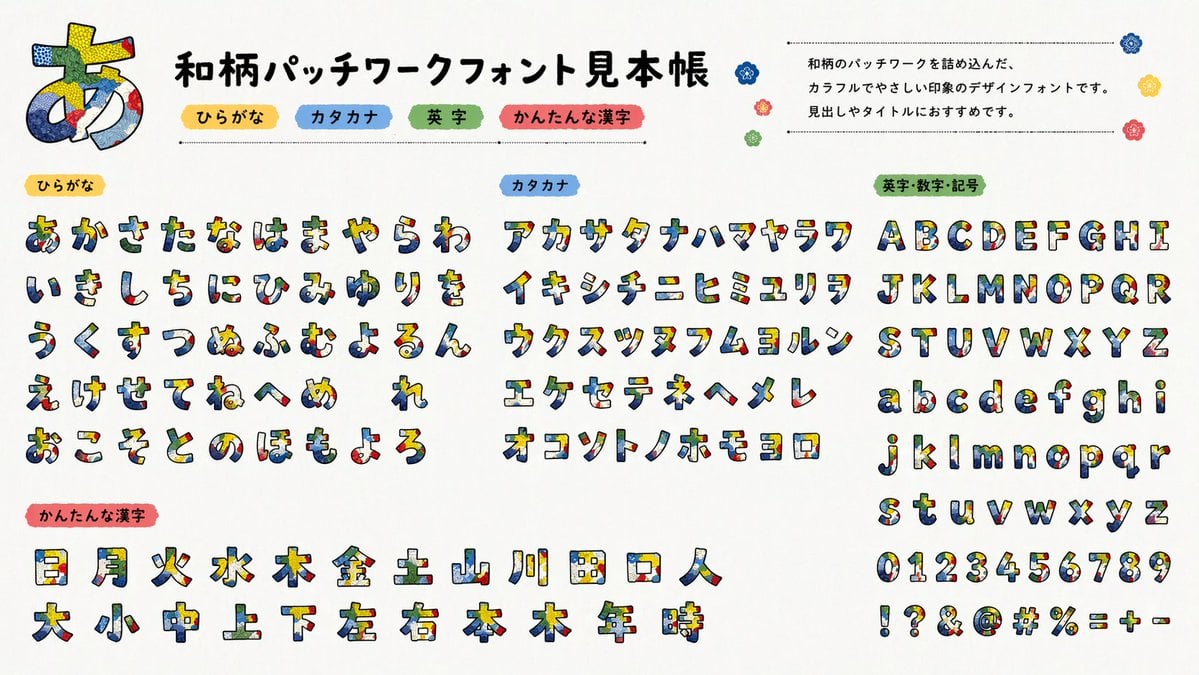
Multilingual font specimen sheet prompt

Mad Max Wasteland Survivor Film Still
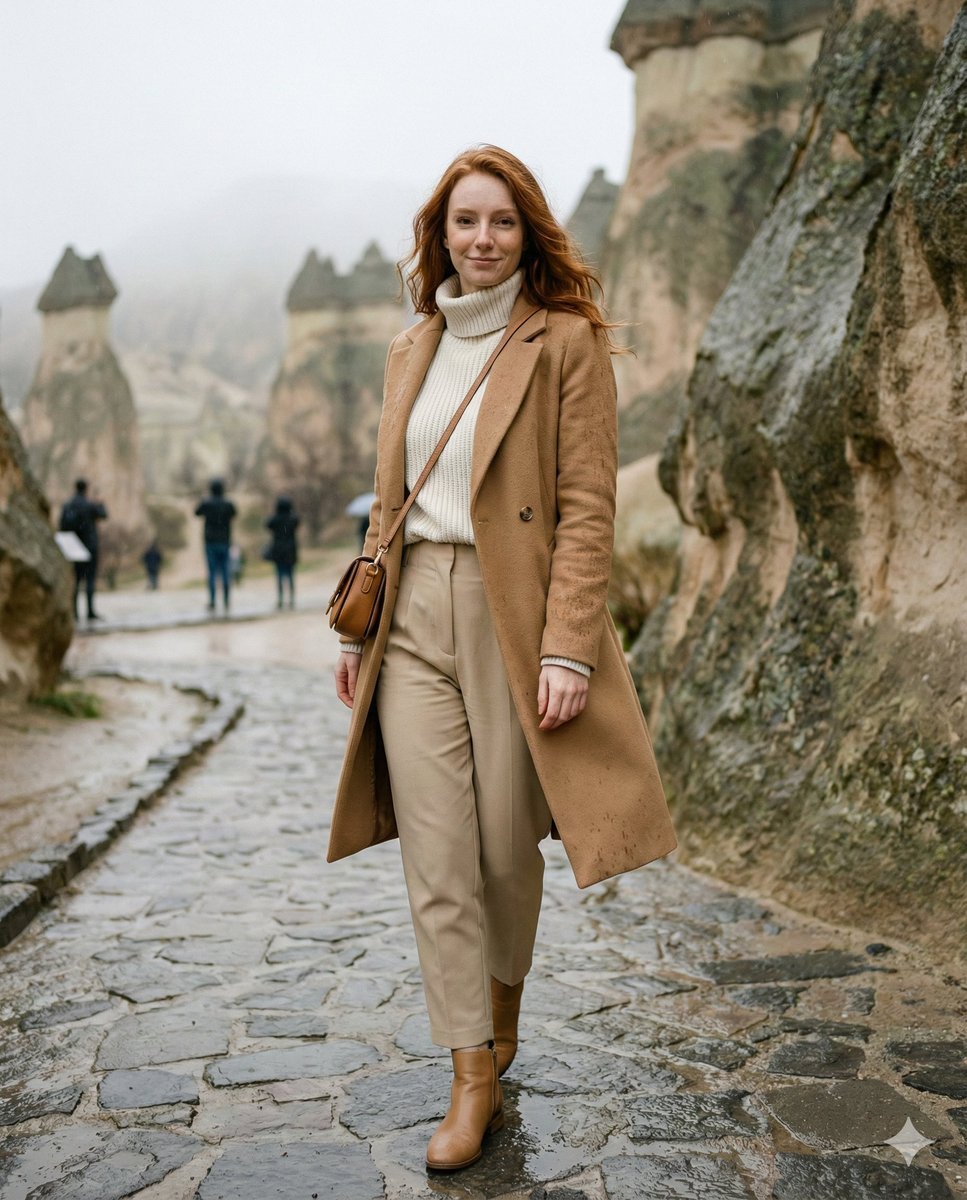
Winter Travel Influencer Editorial Prompt (Cappadocia)

Thumbnail Generation Prompt for Sales Content (Brain/Tips/Note)
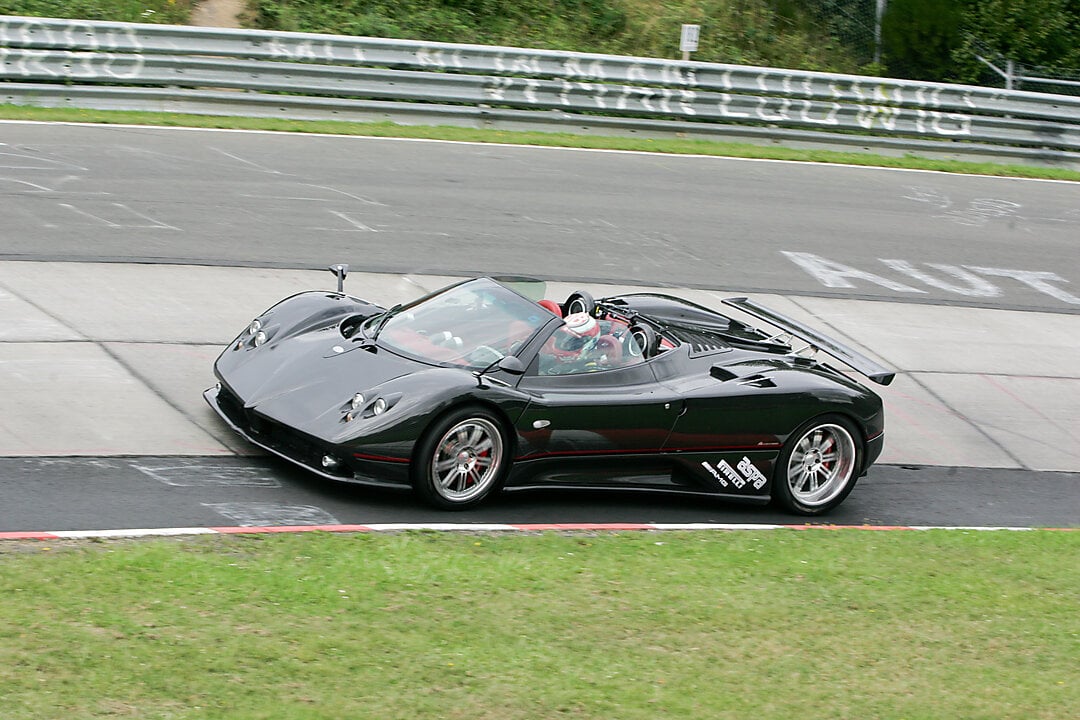
2x2 Grid Car Development Phases

Christmas Santa Hat Bedroom Pose Prompt
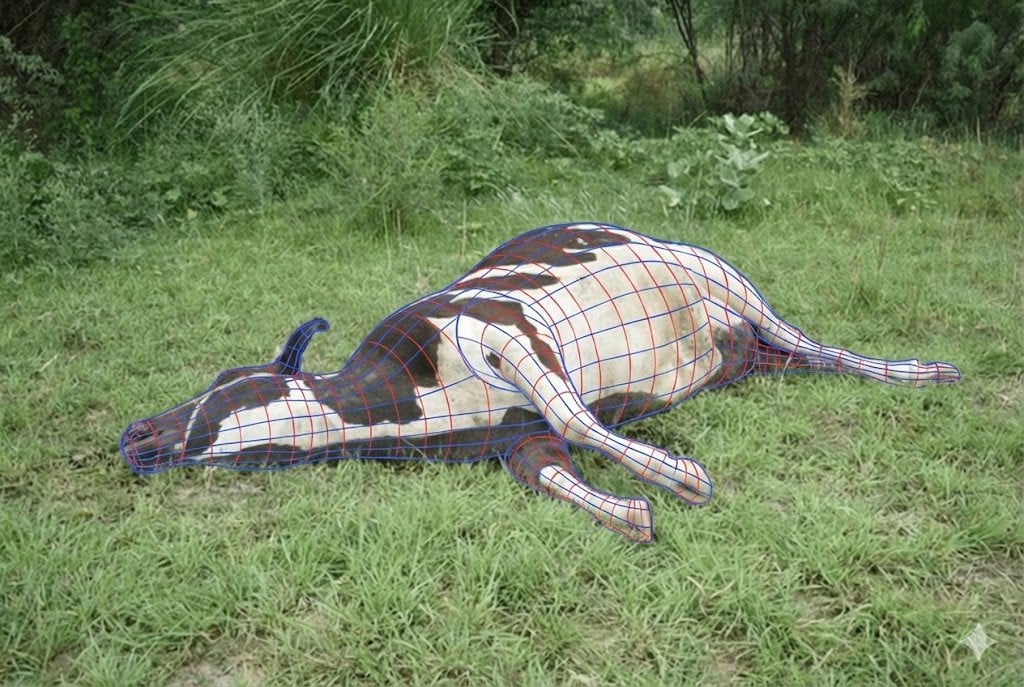
Wireframe Grid Overlay Prompt
Browse template categories
Retro Anime Kotatsu Family Scene questions
How do I use the Retro Anime Kotatsu Family Scene template?
Add your photo if the template asks for one, edit the prompt if you like — the template's model and format are already selected — and press Generate. Your version opens in PicX Studio.
Can I customize the Retro Anime Kotatsu Family Scene template?
Yes. You can change the subject, setting, lighting, mood, format, and available model controls before creating your image.
Is the Retro Anime Kotatsu Family Scene template free?
Opening and editing this template is free. Generating uses credits, shown on the Generate button when you are signed in.
Which AI model should I use?
Start with GPT Image 2, which is the model associated with this template. You can compare another compatible model for a different finish.
Looking for something else? Browse all templates.

Your photo, any look
Thousands of ready templates for every top image and video model, from one credit balance.