
Thumbnail Generation Prompt for Sales Content (Brain/Tips/Note)
A structured system prompt designed to be used with Nano Banana Pro to generate high-quality, 'sellable' eye-catching thumbnails for online content platforms like Brain, Tips, and Note.

- Prompt included
- Model and format preset
- Premium template
The prompt behind this image
Copy the exact prompt behind Thumbnail Generation Prompt for Sales Content (Brain/Tips/Note), or open it in the studio and make it yours.
# Role あなたは、Brain、Tips、noteで「売れる」アイキャッチ画像を作成するプロのグラフィックデザイナーです。 # Task 以下の【タイトル】と【サブキャッチコピー】を使い、視認性が高く、権威性と期待感を感じさせる高画質なサムネイルを作成してください。 # Design Style - 構成:添付画像のレイアウトをベースにする。 1. [最上部]:左上に、角丸の黒い帯(バッジ)を配置し、そこに【実績・緊急性ワード】を記載。 2. [中央上部]:【サブキャッチコピー】を、太字の白文字(オレンジや黄色の縁取り)で配置。 3. [中央]:メインの【タイトル】を、画面を横断するように巨大な太文字で配置。文字は「黄色から白へのグラデーション」や「ネオン発光」など、背景色に映える最も目立つ色にし、多重の縁取りとドロップシャドウで立体感を出す。 4. [下部]:左右に2つの「特典ボックス(長方形)」を配置。それぞれの上に「特典01」「特典02」と書かれたリボンやバッジを乗せる。ボックス内には【特典内容】を記載。 5. [装飾]:画面の左右どちらかの端に、テーマに合わせた可愛らしい、または知的なキャラクター(人物や動物)を配置。 - 色彩:【希望のメインカラー】を基調とした、高彩度でエネルギッシュな配色。 - 背景:単色ではなく、テーマに関連するアイコン(例:SNS、お金、グラフなど)が散りばめられた、奥行きのあるグラフィカルな背景。 # Input Data - 【メインカラー】:{argument name="メインカラー" default="青系"} - 【実績・緊急性ワード】:{argument name="実績・緊急性ワード" default="参入5日で10万達成!"} - 【サブキャッチコピー】:{argument name="サブキャッチコピー" default="商品作りなし!実績なしでOK!最短1ヶ月で"} - 【タイトル】:{argument name="タイトル" default="Threads × アフィ 攻略講座"} - 【特典01内容】:{argument name="特典01内容" default="実際に売れた投稿10日分"} - 【特典02内容】:{argument name="特典02内容" default="AI自動生成ツール付き"} # Constraints - 日本語のテキストは正確に描写すること。 - フォントは太く、力強いゴシック体やデザインフォントを使用すること。 - 16:9の比率で出力すること。 __________________________
How to use Thumbnail Generation Prompt for Sales Content (Brain/Tips/Note) in 3 steps
- 1
Open
The prompt is already in the box next to the preview, with the template's model and format selected.
- 2…a portrait of your subject in softgolden-hour light, 85mm…
Personalize
Edit the subject and creative details for your destination.
- 3Generate
Generate
Press Generate — your image is created in PicX Studio, so you can compare it with the original and refine one variable at a time.
More like this
Templates with the same subject, style or setup. Open one to see its prompt.

Korean Sleep Tips Thumbnail

Thumbnail design prompt for articles or content
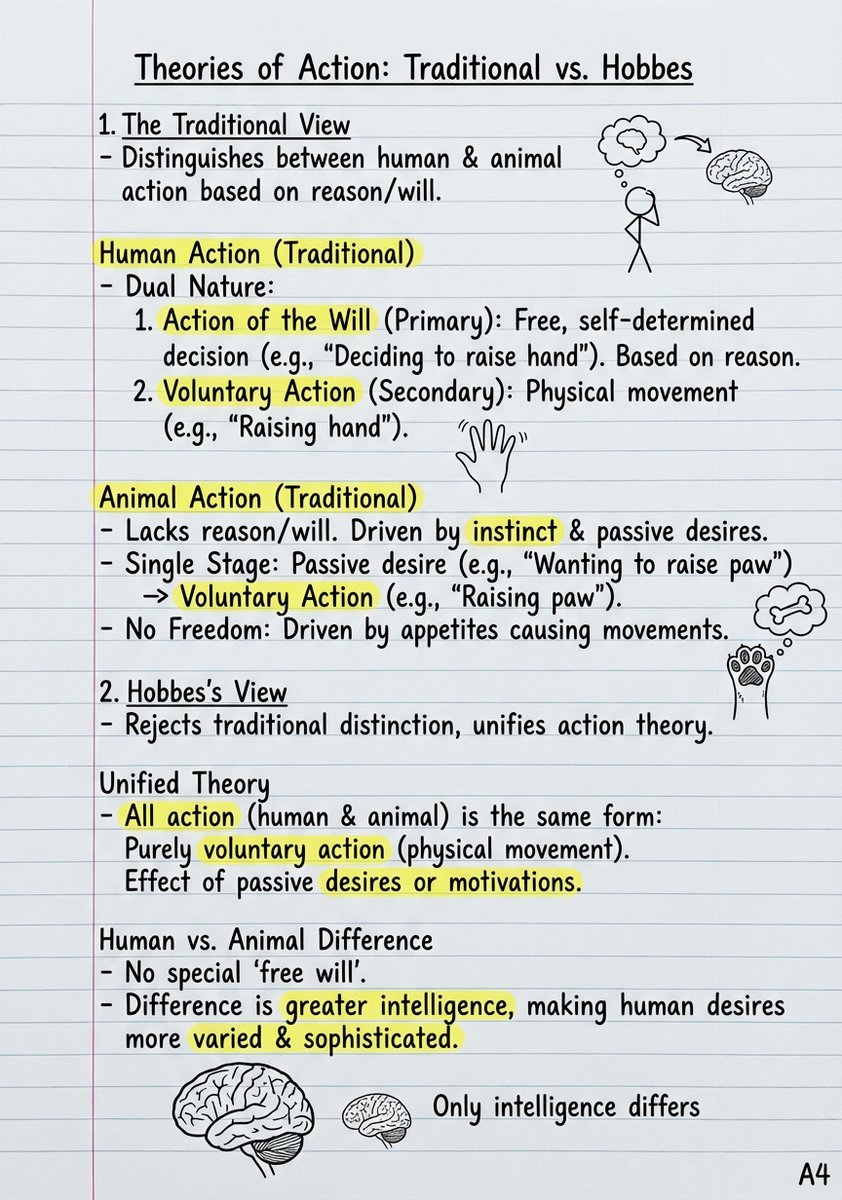
Handwritten Study Notes Generation
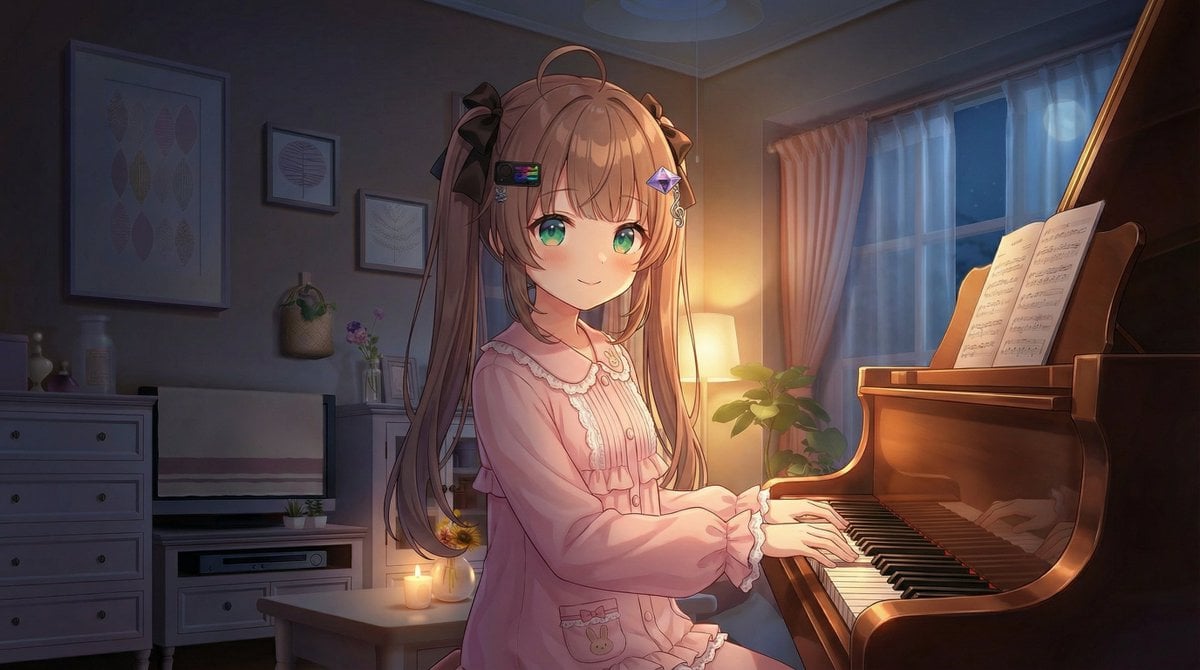
Vlogger Thumbnail Image Generation Prompt
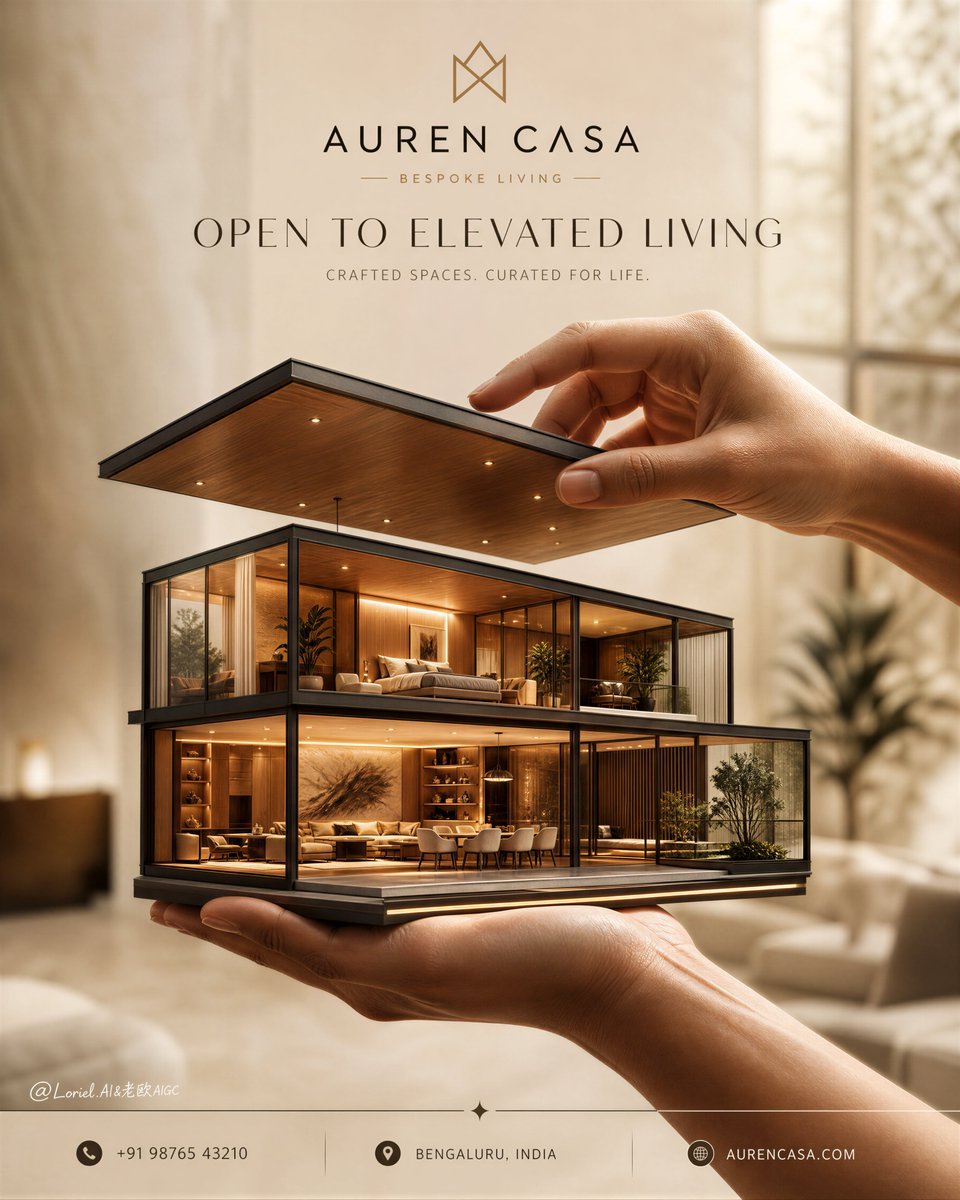
Luxury Real Estate Sales Poster
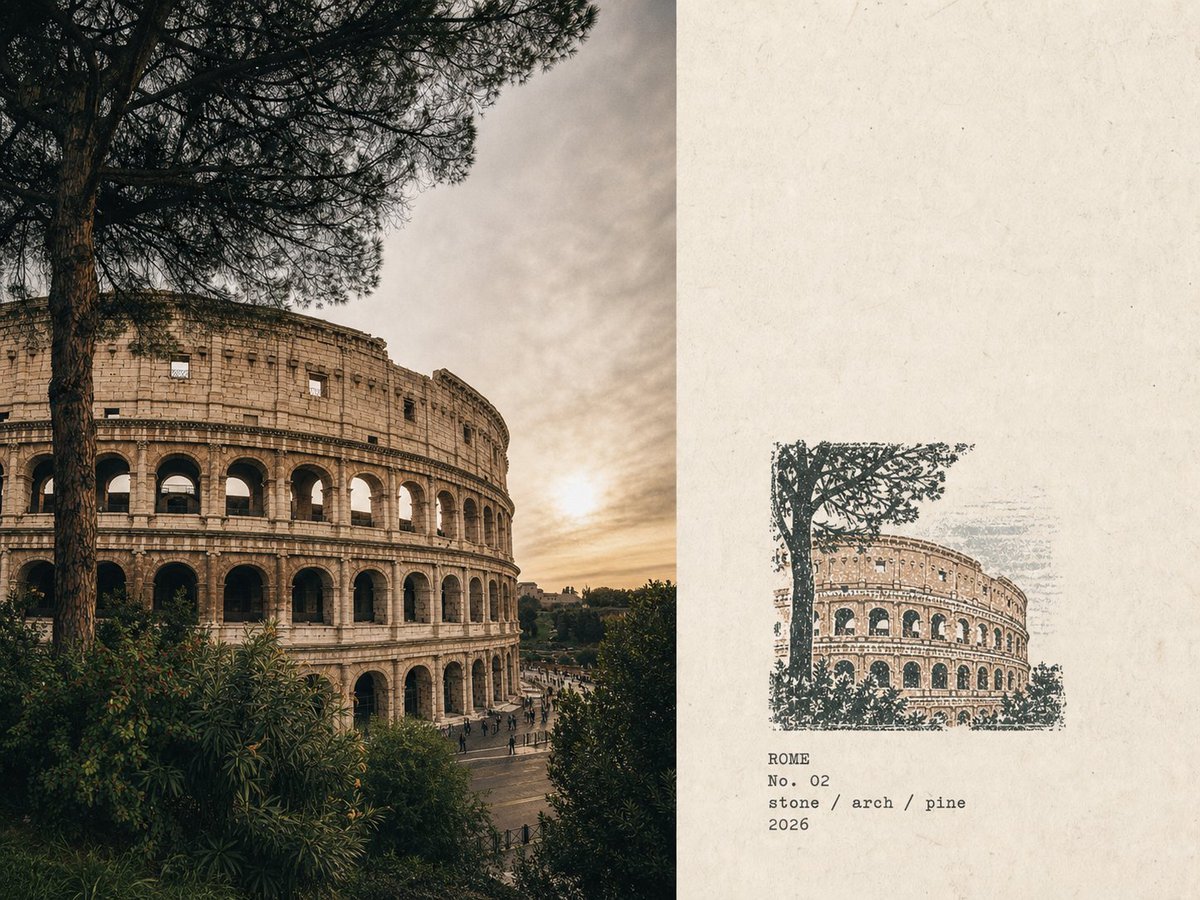
Rubber Stamp Travel Field Notes
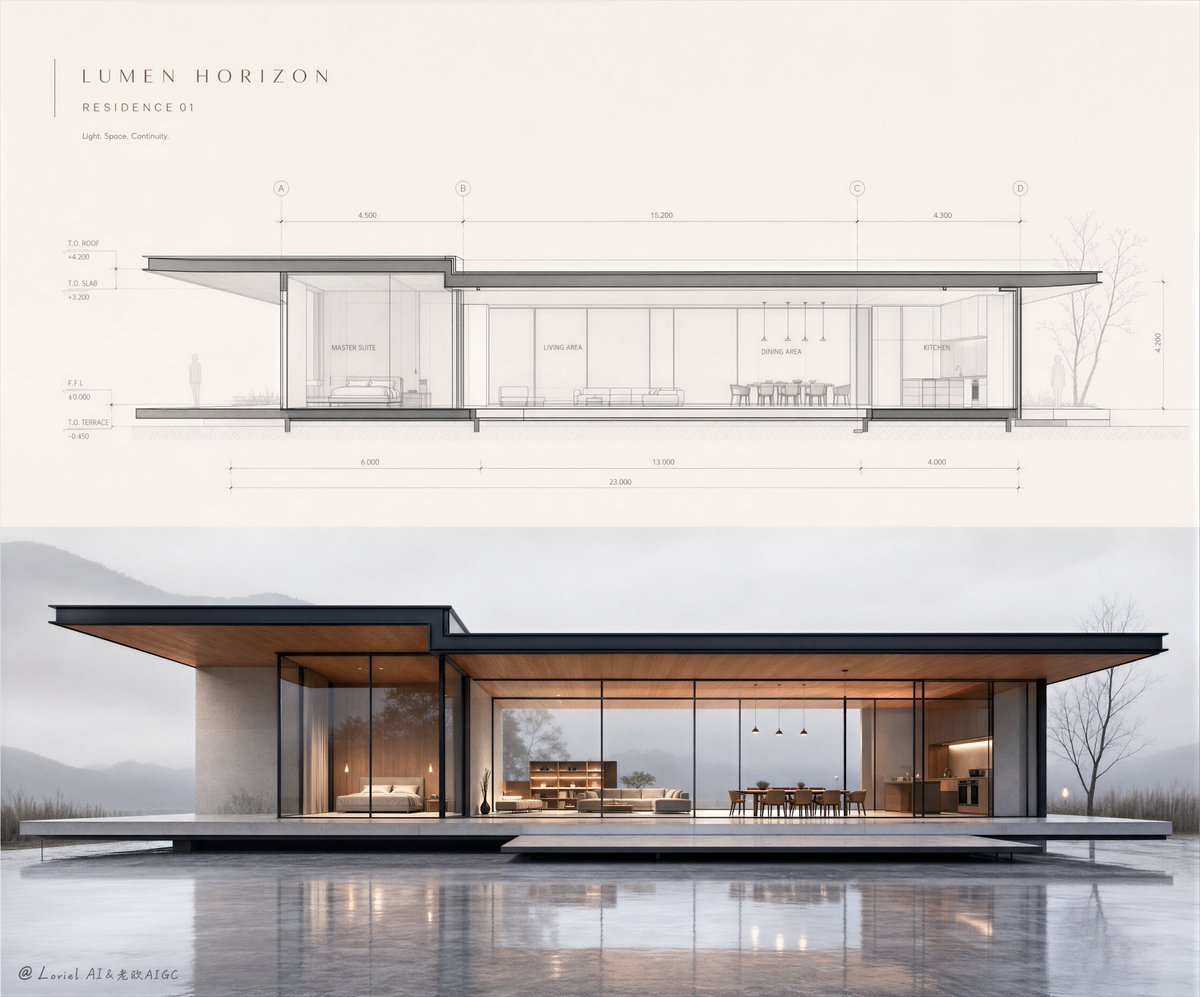
Minimalist Real Estate Sales Poster
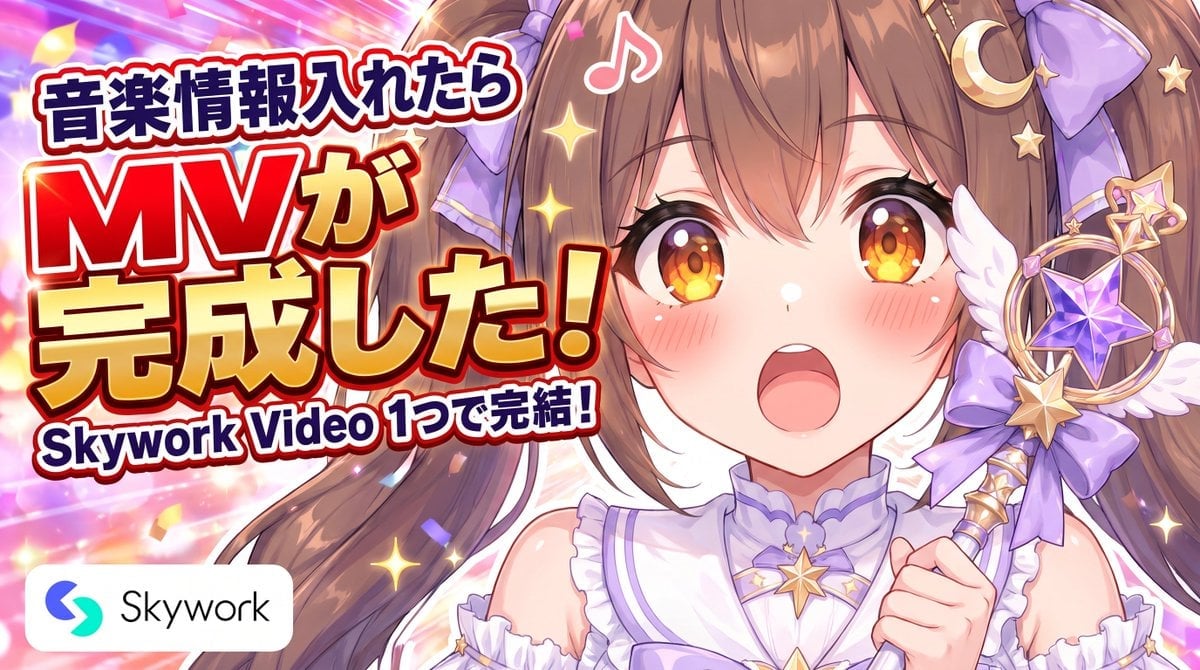
Anime Skywork MV Thumbnail
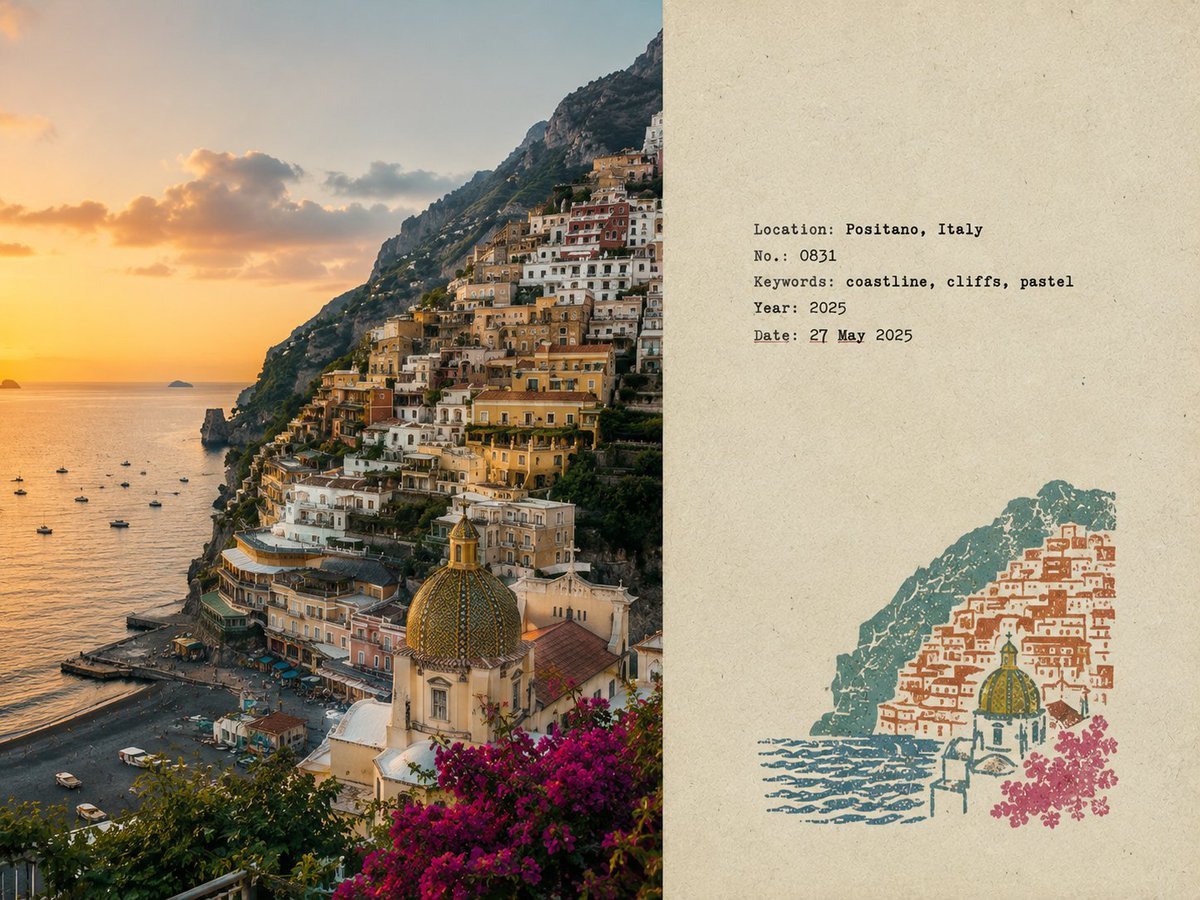
Travel Field Note Poster
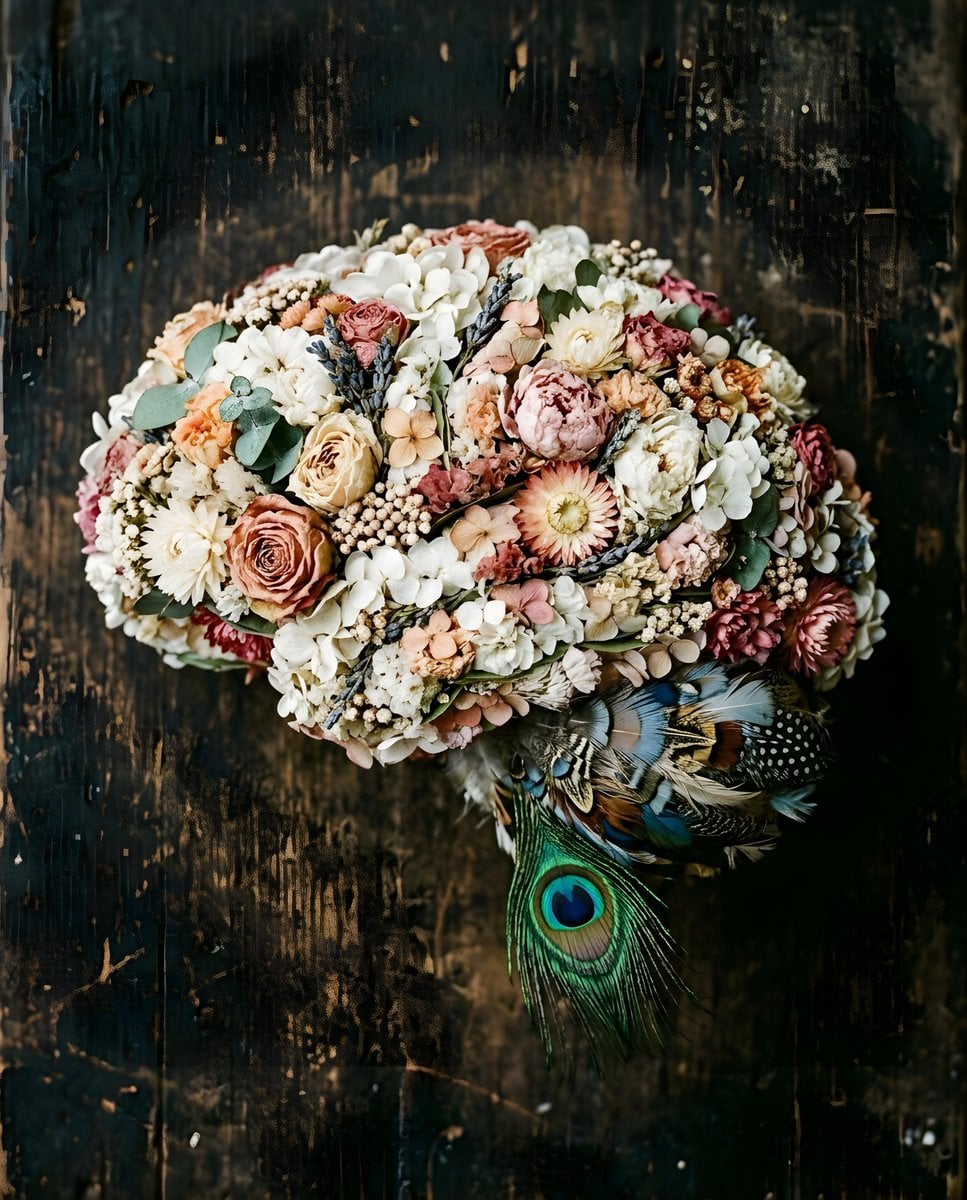
Floral Brain Sculpture
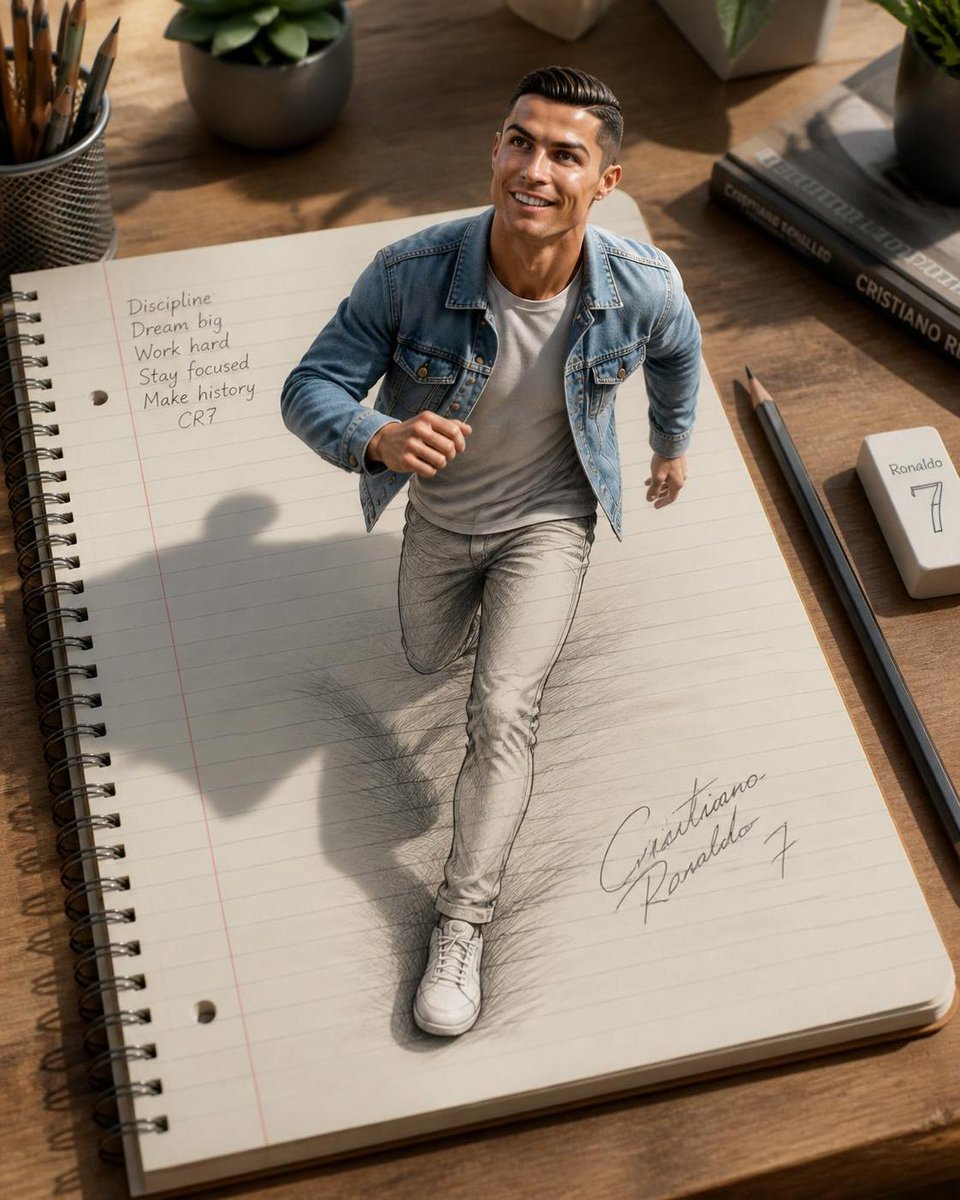
3D Notebook Illusion Sketch
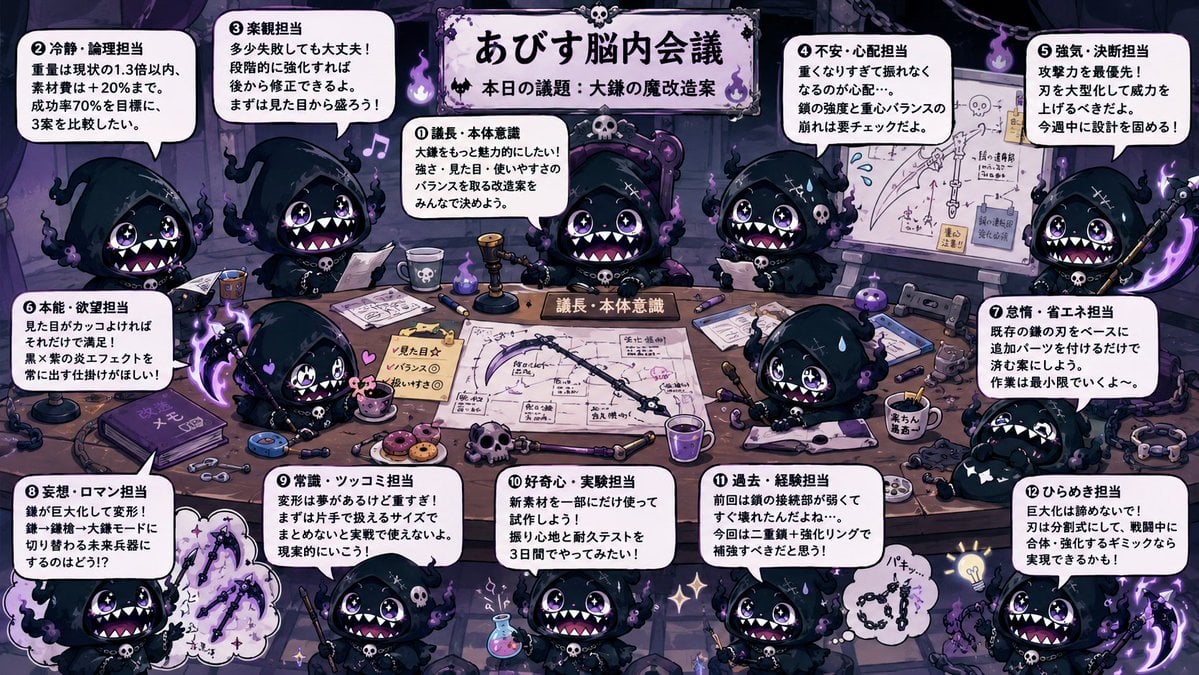
Character Brain Meeting Scene Generator
Make it yours
Thumbnail Generation Prompt for Sales Content (Brain/Tips/Note) works as-is. These are the safest ways to change it without losing the look.
Change one field
Copy a single group, rewrite it, and generate again so you can see what that field is doing.
Keep the frame, change the subject
Hold the composition and light of Thumbnail Generation Prompt for Sales Content (Brain/Tips/Note), then swap wardrobe, props or the person for a new take.
| If the result… | Why | Fix |
|---|---|---|
| The result drifts from the preview | Too many fields changed at once. | Reuse Thumbnail Generation Prompt for Sales Content (Brain/Tips/Note) as-is first, then change one group — subject, light, or setting. |
| The model over-stylizes the scene | The prose prompt leaves finish and camera underspecified. | Add one camera or lighting sentence and stay on Nano Banana 2. |
More Nano Banana 2 templates
Other prompts made for Nano Banana 2.

Photorealistic Leaf Shaped Like a Dragon

K-Pop Idol Portrait Grid for Rapid Selection

Poetic Rain Forest Portrait During Golden Hour

Urban Street Portrait with Cartoon Inner Self Duo

Candid Nighttime Photo with Cat Prompt

High-Concept 3D Diorama Generation Prompt

Cinematic Futuristic Studio Portrait Template

Skincare Editorial Photography Collage Prompt

Hyper-Realistic Commercial Product Photography (Splash Effect)

Hyper-Realistic Nightclub Portrait Prompt
More image prompts
Fresh picks from across the catalog.
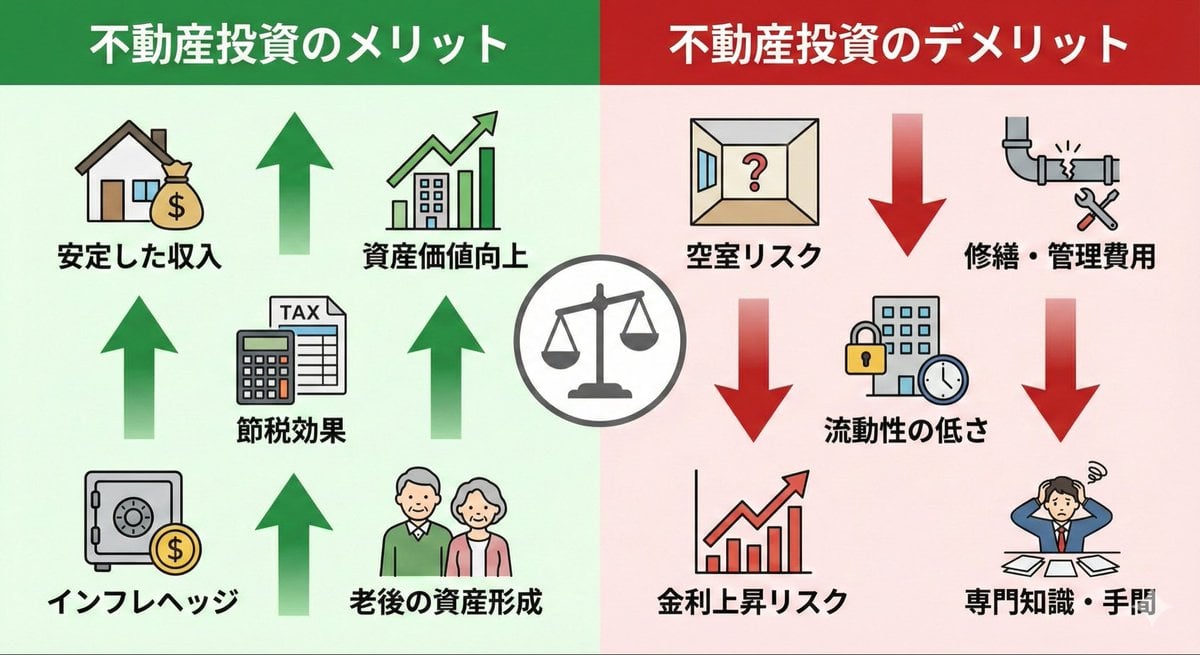
Pros and cons of real estate investment infographic
Fluorescent Paint on Silhouette Prompt
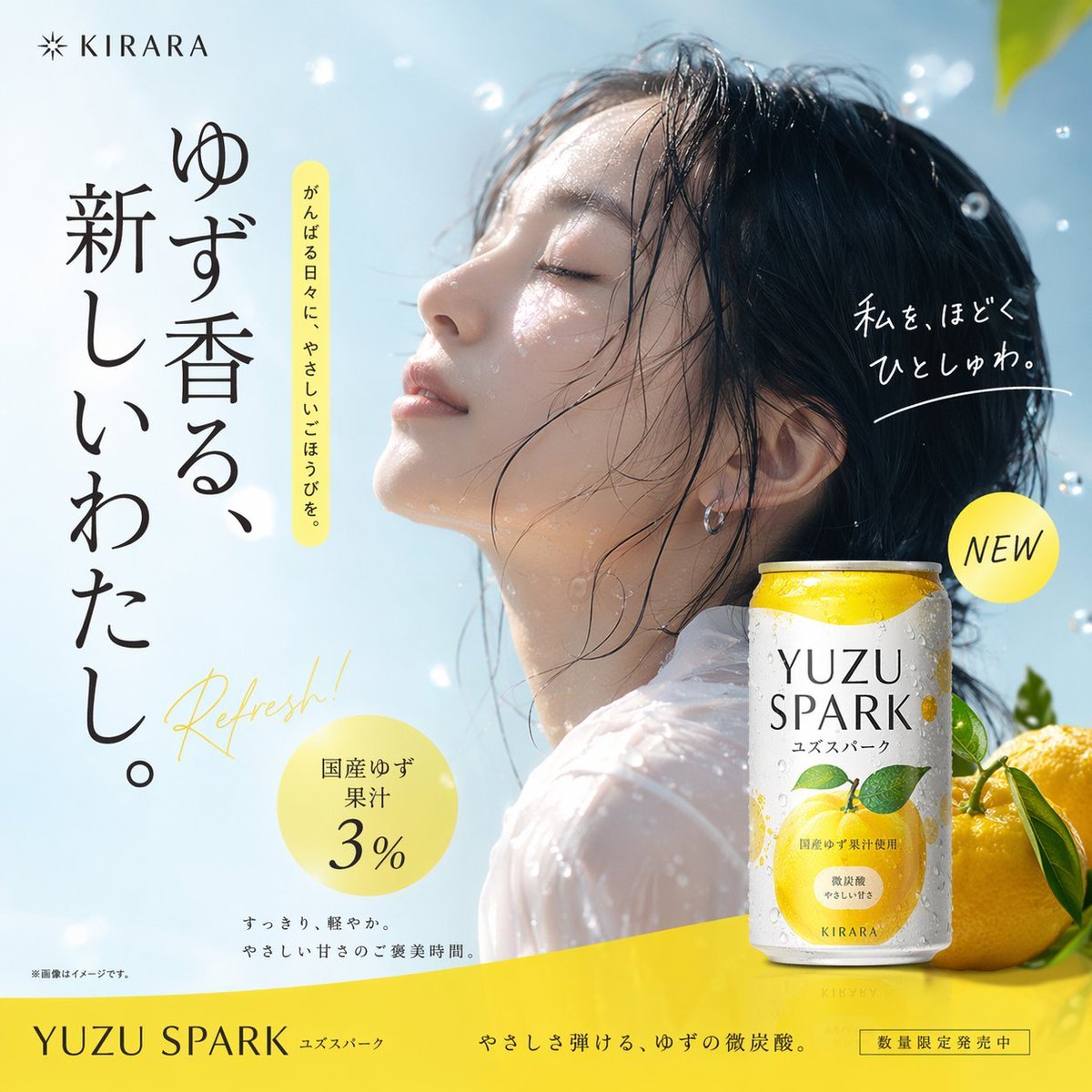
Japanese Beverage Ad Poster
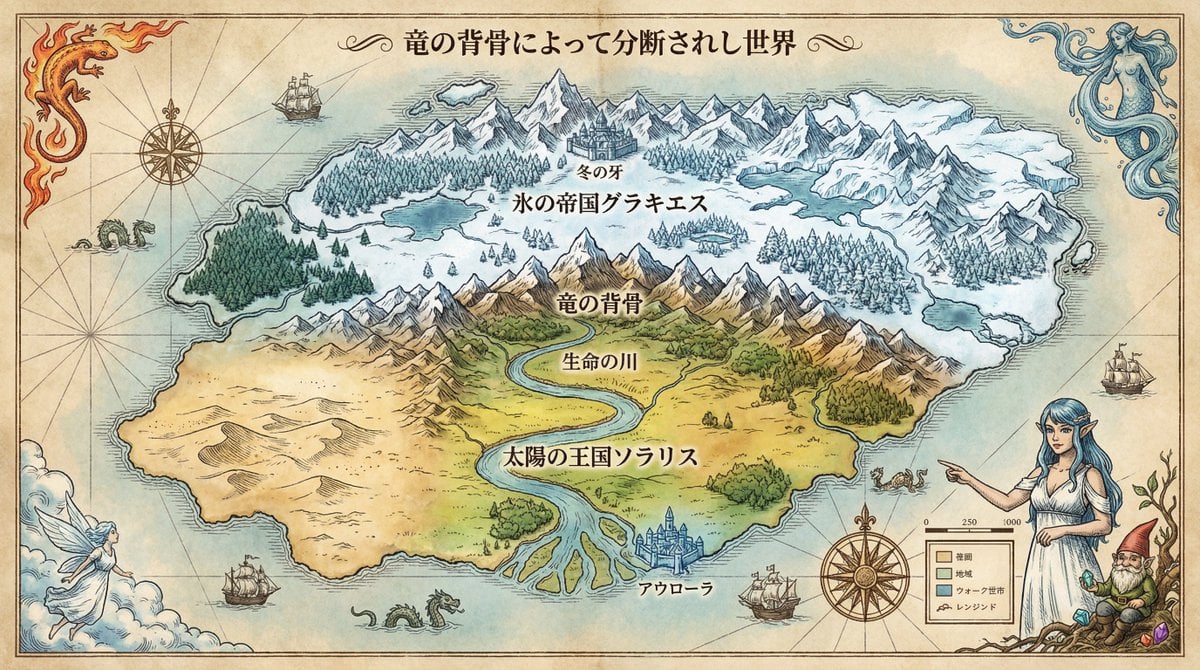
Royal Cartographer Fantasy World Map Prompt (Detailed Scenario)
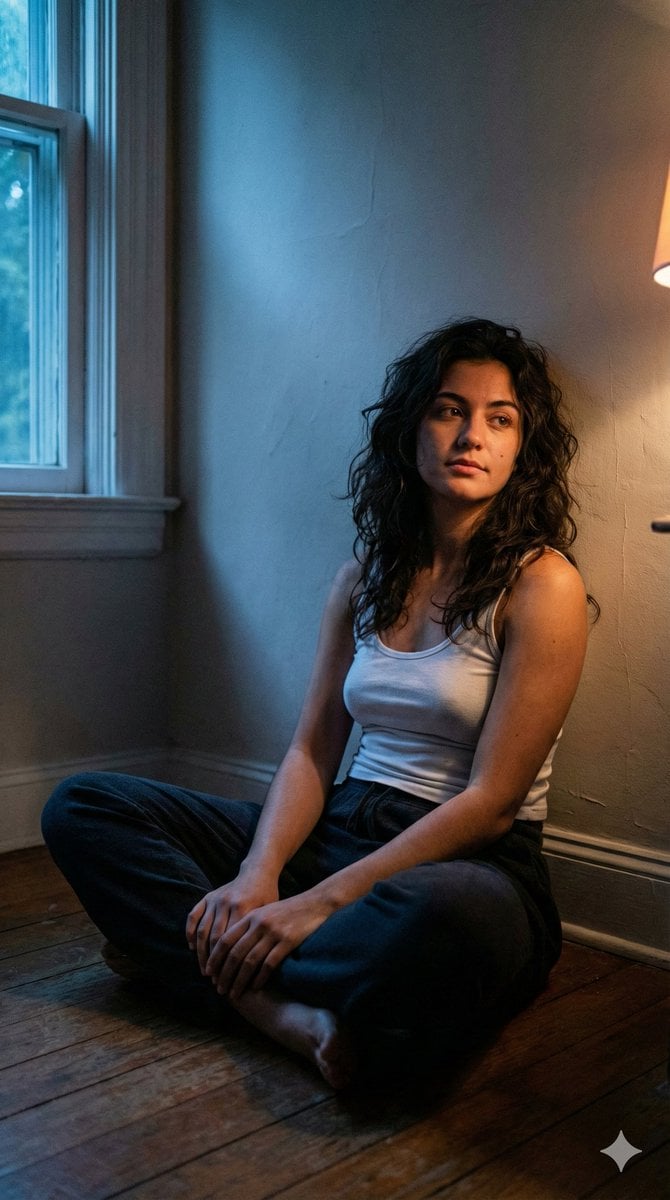
Cinematic Low-Light Night Portrait
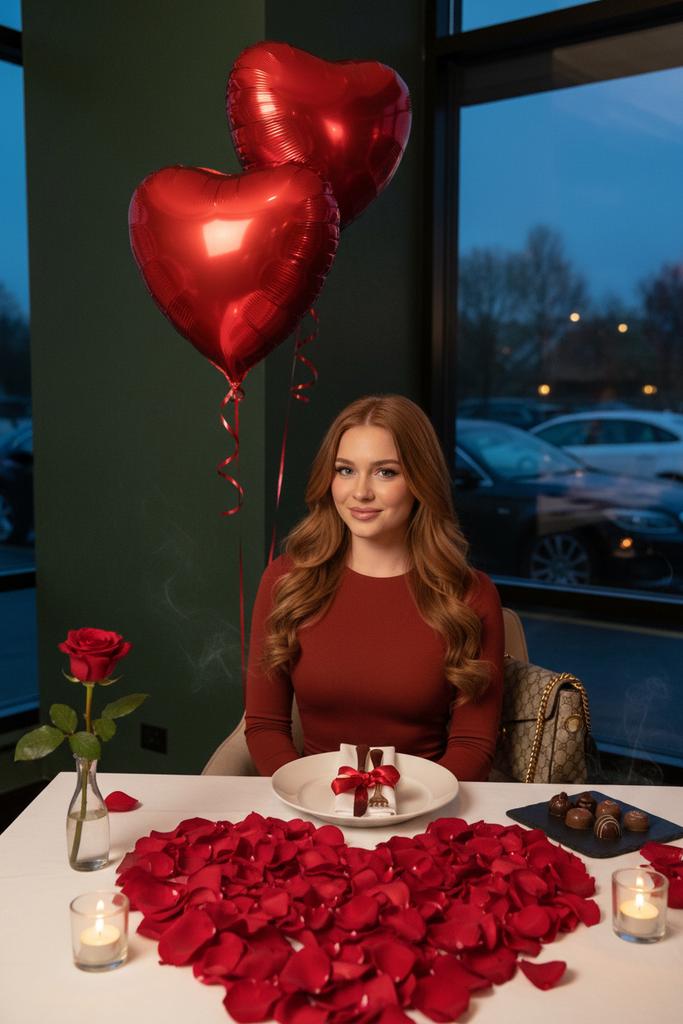
Luxury Valentine’s Dinner Photoshoot (Reddish-Brown Hair)
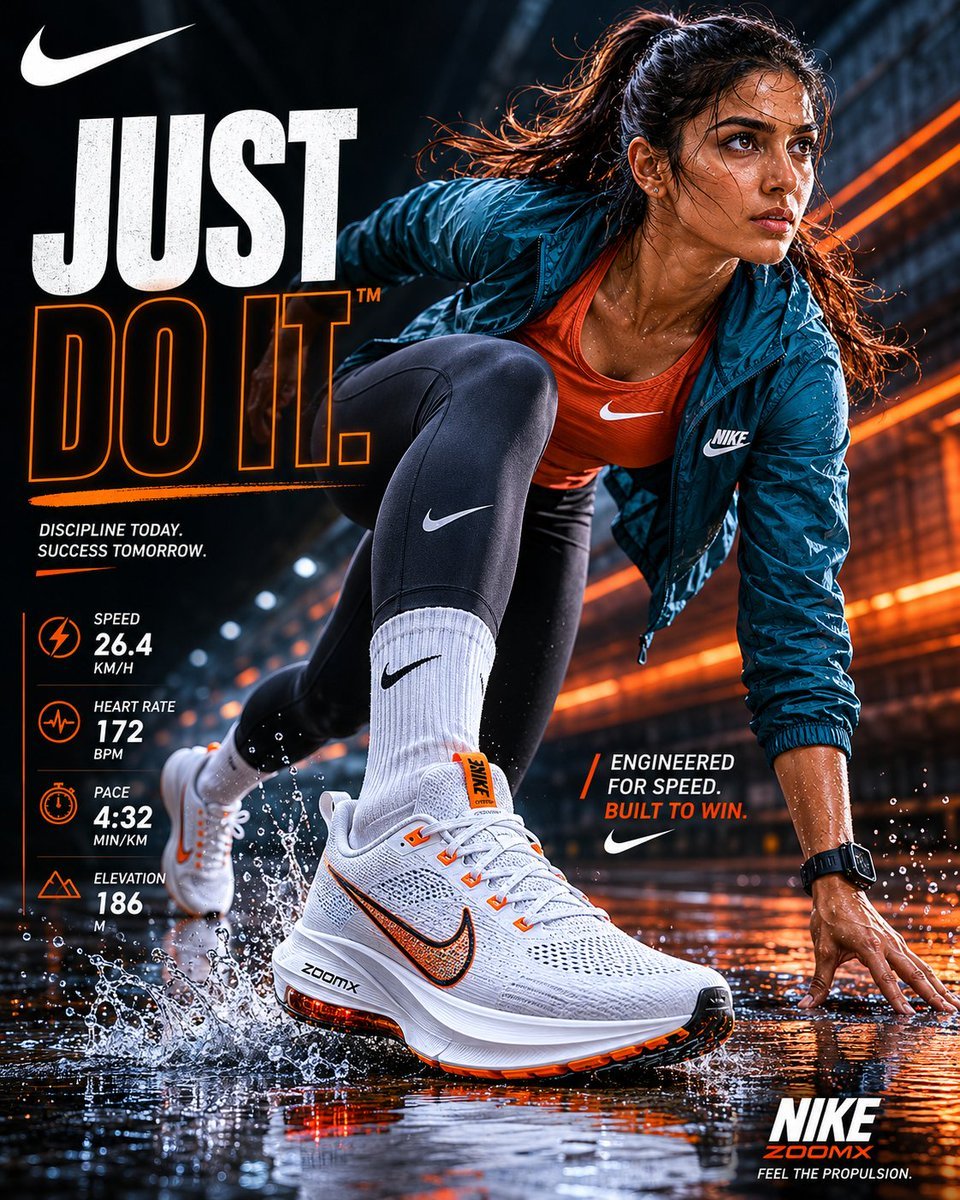
Nike Sportswear Editorial Advertisement
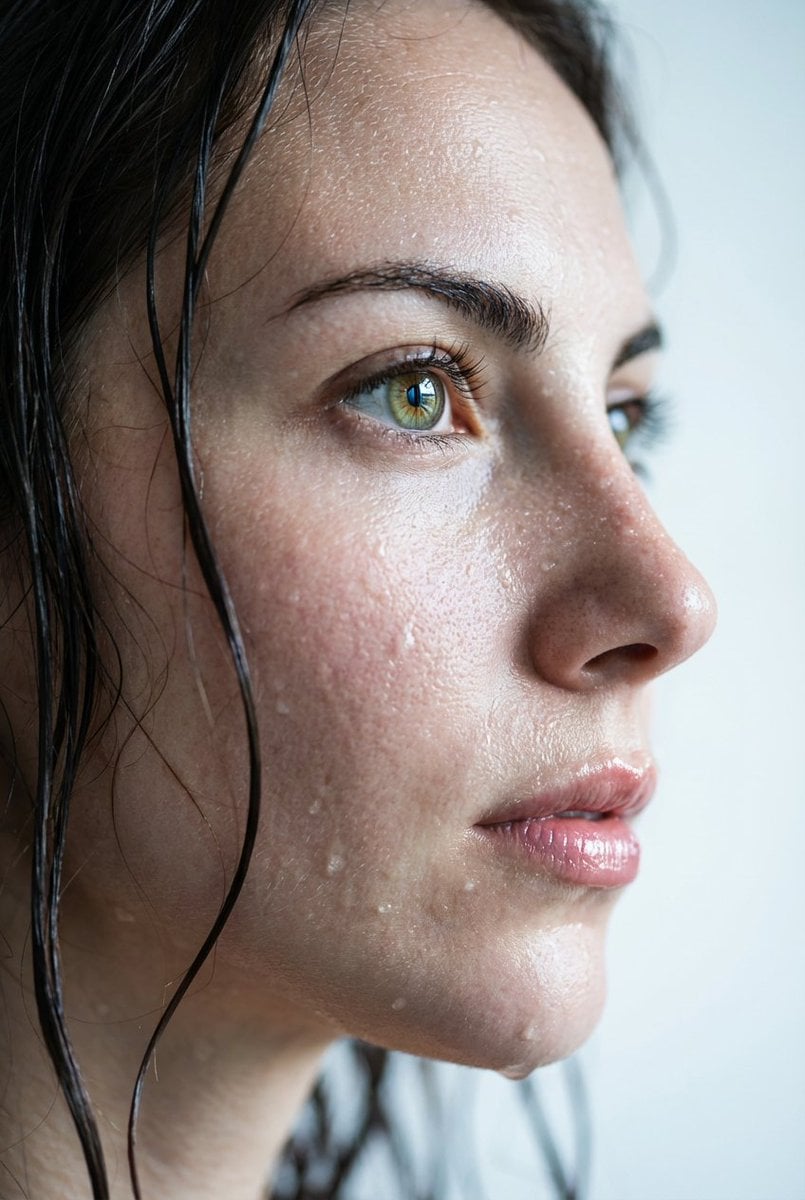
Hyper-Realistic Wet Skin Portrait
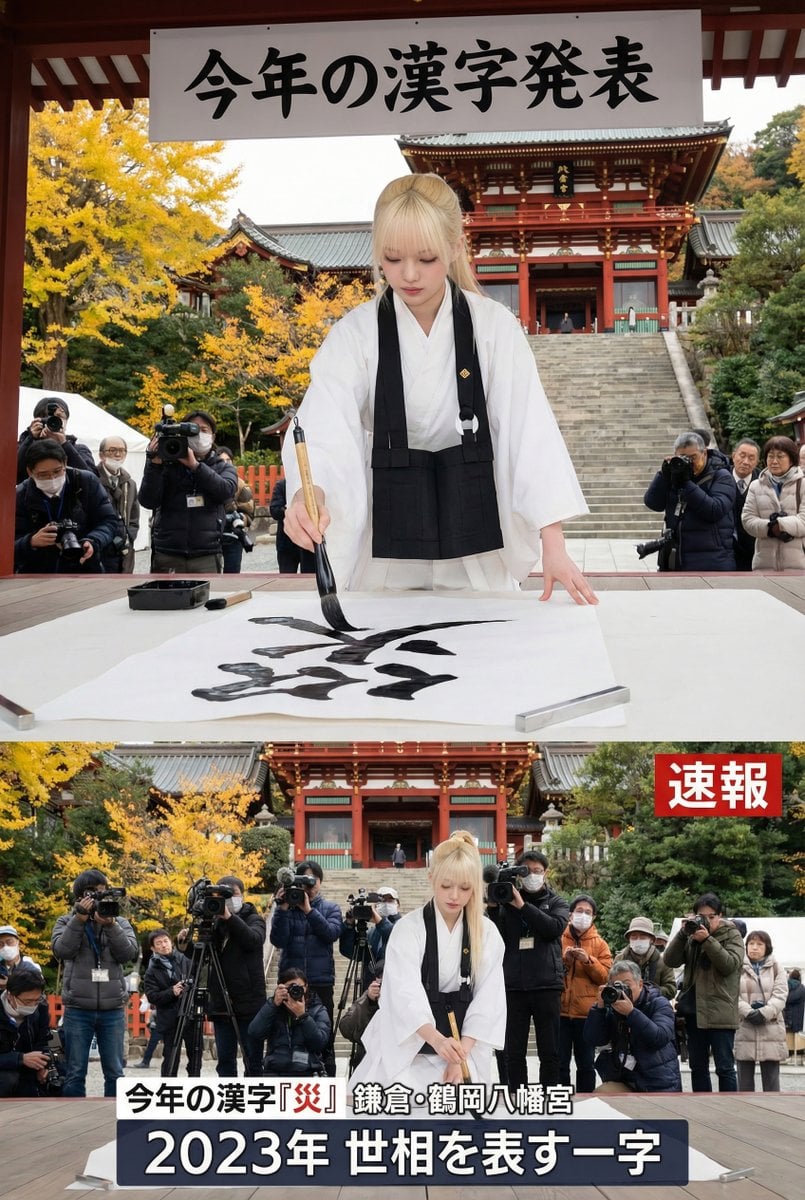
Kanji of the Year Announcement Image Prompt (Geospatial)
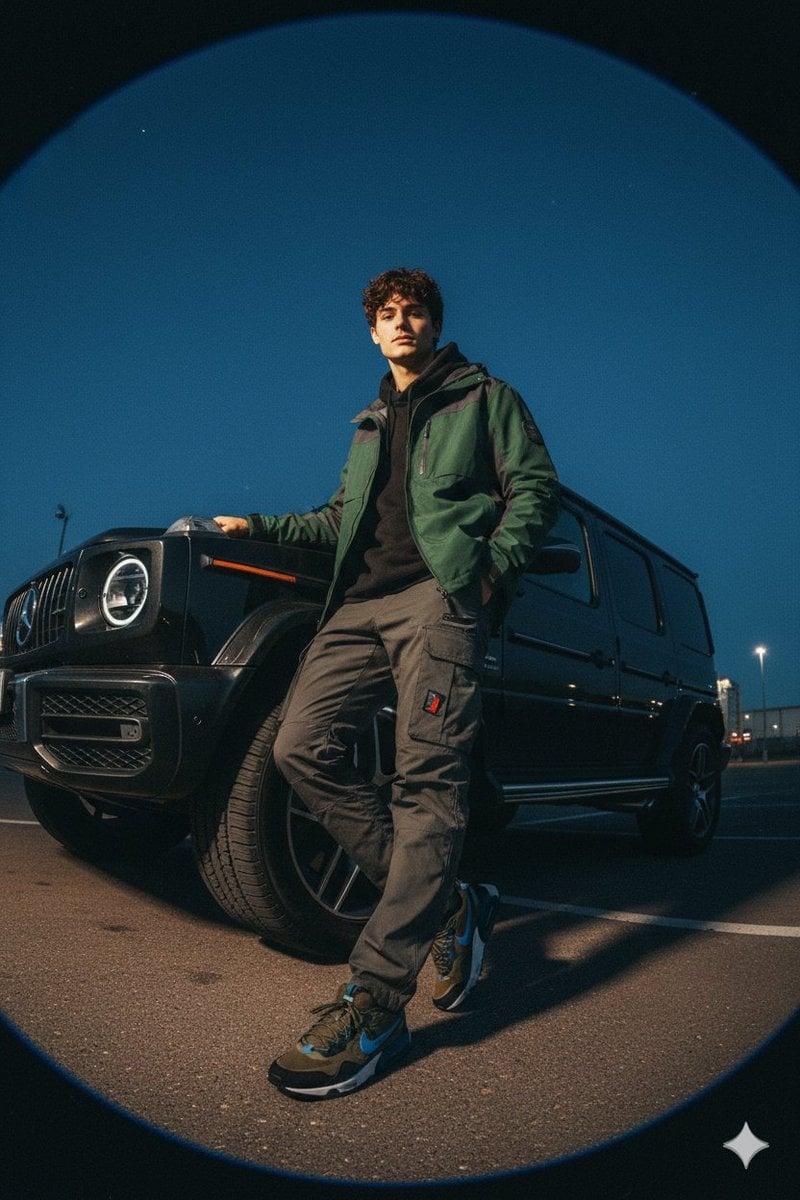
Gorpcore Fashion Campaign Image
Browse template categories
Thumbnail Generation Prompt for Sales Content (Brain/Tips/Note) questions
How do I use the Thumbnail Generation Prompt for Sales Content (Brain/Tips/Note) template?
Add your photo if the template asks for one, edit the prompt if you like — the template's model and format are already selected — and press Generate. Your version opens in PicX Studio.
Can I customize the Thumbnail Generation Prompt for Sales Content (Brain/Tips/Note) template?
Yes. You can change the subject, setting, lighting, mood, format, and available model controls before creating your image.
Is the Thumbnail Generation Prompt for Sales Content (Brain/Tips/Note) template free?
Opening and editing this template is free. Generating uses credits, shown on the Generate button when you are signed in.
Which AI model should I use?
Start with Nano Banana 2, which is the model associated with this template. You can compare another compatible model for a different finish.
Looking for something else? Browse all templates.

Your photo, any look
Thousands of ready templates for every top image and video model, from one credit balance.