
Korean Sleep Tips Thumbnail
A bold Korean lifestyle YouTube thumbnail featuring a blurred-face portrait, pink brush accents, and large sleep-improvement headline text.

- Prompt included
- Model and format preset
- Premium template
The prompt behind this image
Copy the exact prompt behind Korean Sleep Tips Thumbnail, or open it in the studio and make it yours.
Goal: Create a bright Korean YouTube-style thumbnail about improving sleep, combining a lifestyle portrait with bold editorial typography. Canvas: 1200×675 horizontal 16:9 thumbnail, soft warm indoor bedroom/living-room background, thin white rectangular border inset from the edges. Main subject: On the right half, show a young East Asian woman with long dark wavy hair wearing an off-shoulder cream knit sweater, sitting in a cozy room and touching her cheek with one hand. Her face is intentionally covered by a large centered square blur/mosaic block in muted skin-tone colors, obscuring all facial features. Keep the portrait softly lit, feminine, and clean. Layout: Left half is dominated by oversized stacked Korean headline typography with thick white outline and subtle black drop shadow. Use three main headline lines: line 1 black text, line 2 pink text, line 3 pink text. The woman overlaps slightly behind the typography, creating a magazine thumbnail composition. Text content: Include exactly 4 text blocks: 1) a pink brush-stroke banner at upper left reading {argument name="top banner text" default="요즘 제가 빠진!"}; 2) the main headline reading {argument name="headline text" default="삶의 질을 높여준 8가지"}; 3) a pink oval brush label near the lower center reading {argument name="callout text" default="꼭 해보세요!"}; 4) a small handwritten note on the right reading {argument name="side note text" default="일상이 달라져요!"}, with the second phrase in pink and underlined. Decorative elements: Include exactly 2 pink outline hearts, one near the top banner and one near the right handwritten note. Include exactly 4 star/sparkle doodles: two white sparkle marks above the headline near the center, one pink star outline on the left edge, and one small white star near the lower callout label. Add hand-drawn underline strokes under the callout and side note. Visual style: Korean lifestyle content thumbnail, cute and polished, high contrast, bold rounded sans-serif Korean lettering, black and hot-pink palette with white outlines, soft beige background, playful brush strokes, clean social-media design. Constraints: Do not add extra text blocks, extra people, logos, or watermarks. Keep the face fully obscured by the square blur block while preserving the hair, sweater, hand, and shoulders.
How to use Korean Sleep Tips Thumbnail in 3 steps
- 1Upload ImagePNG, JPG or paste
Add your photo
Upload the photo the template builds on. The prompt, model and format are already set.
- 2…a portrait of your subject in softgolden-hour light, 85mm…
Personalize
Edit the subject and creative details for your destination.
- 3Generate
Generate
Press Generate — your image is created in PicX Studio, so you can compare it with the original and refine one variable at a time.
More like this
Templates with the same subject, style or setup. Open one to see its prompt.

Trendy Cafe Drink Promo Poster

Retro Pop-Art K-Fashion Ultraluxury Campaign Poster

Urban Fashion Editorial Collage Streetwear Poster

Korean Luxury Fashion Editorial 2x2 Grid Series

Korean Streetwear Minimalist Campaign Portrait

Cinematic Korean Streetwear Street Portrait

Korean Model Floating Magazine Pages Campaign

Blue Backdrop Luxury Fashion Portrait Campaign

Thumbnail Generation Prompt for Sales Content (Brain/Tips/Note)

Gpt Image 2 Fashion Portrait

Sleepy Pink-Haired Chibi Girl
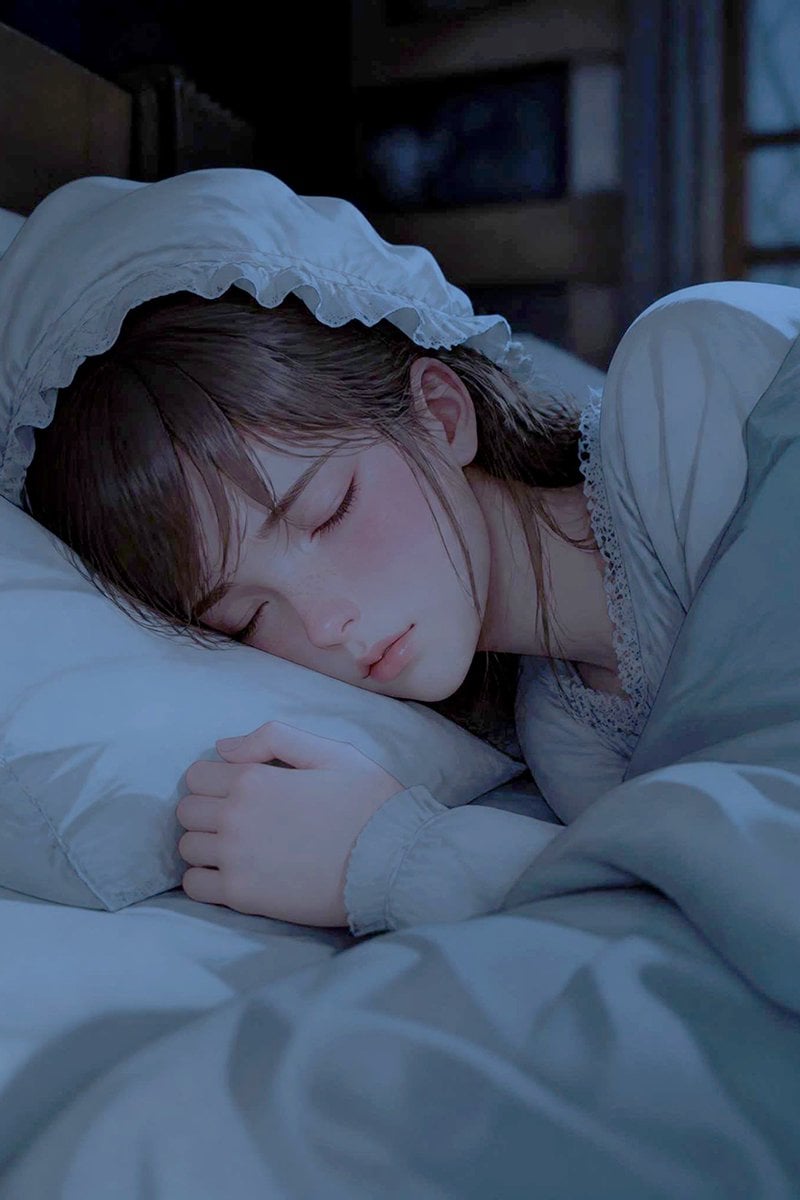
Sleeping Woman in Nightcap
Make it yours
Korean Sleep Tips Thumbnail works as-is. These are the safest ways to change it without losing the look.
Change one field
Copy a single group, rewrite it, and generate again so you can see what that field is doing.
Keep the frame, change the subject
Hold the composition and light of Korean Sleep Tips Thumbnail, then swap wardrobe, props or the person for a new take.
| If the result… | Why | Fix |
|---|---|---|
| The result drifts from the preview | Too many fields changed at once. | Reuse Korean Sleep Tips Thumbnail as-is first, then change one group — subject, light, or setting. |
| The model over-stylizes the scene | The prose prompt leaves finish and camera underspecified. | Add one camera or lighting sentence and stay on GPT Image 2. |
More GPT Image 2 templates
Other prompts made for GPT Image 2.

Six VTuber Japanese Logo Sheet

Realistic Portrait of Woman and Deer

The Vista Modular Condo Poster

AI Model Routing Comparison Infographic

2.5D Anime Art Board

Isometric Productivity Desk Scene

New York Double Exposure Poster

Four-Panel AI Landscape Comparison

Japanese Tatami Lifestyle Magazine Cover

NESCAFÉ Coffee Map Poster
More image prompts
Fresh picks from across the catalog.

Print-Ready Tech Stack Sticker Sheet Prompt
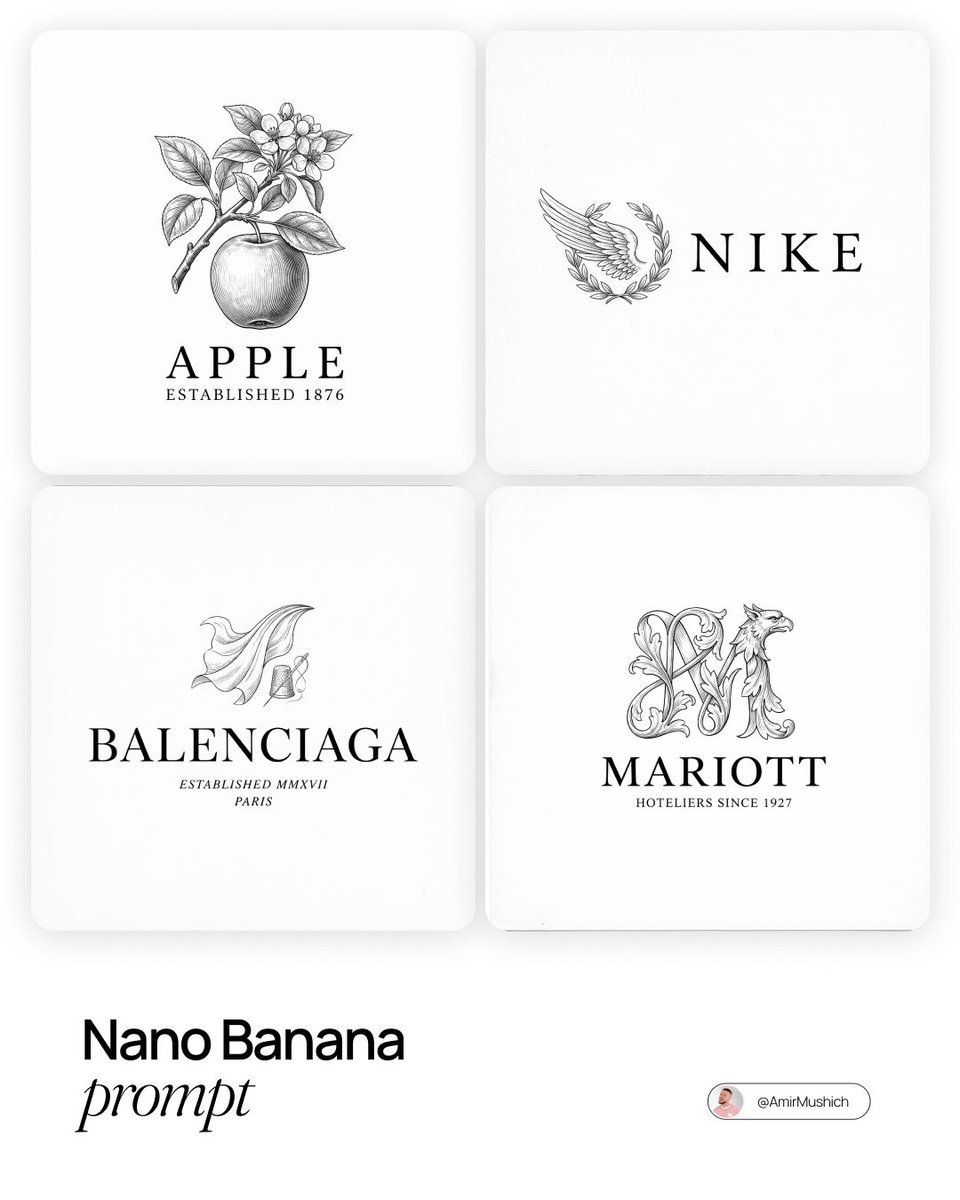
Modern Brands in 19th Century Prompt
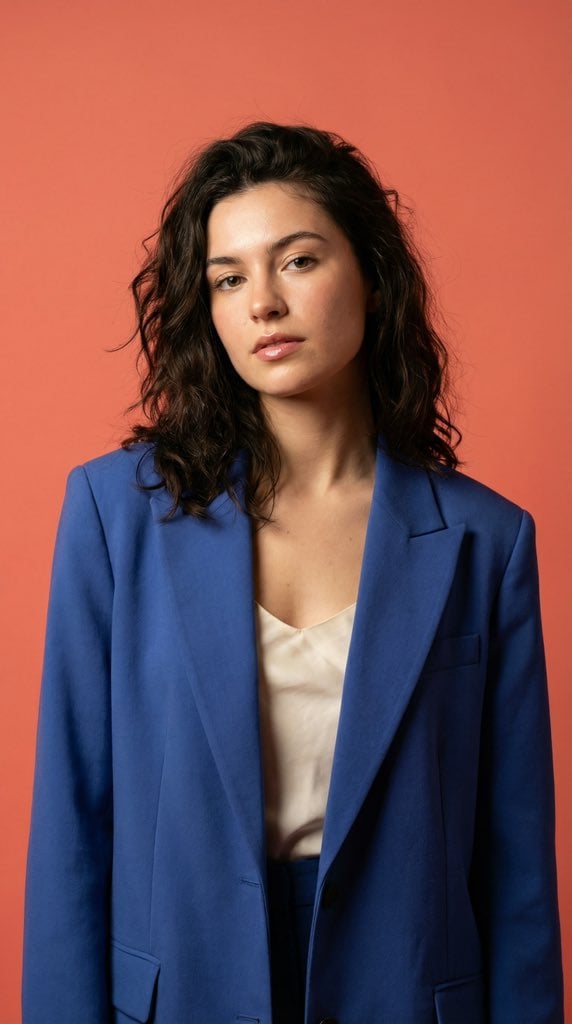
Ultra-Realistic Fashion Model Studio Photoshoot
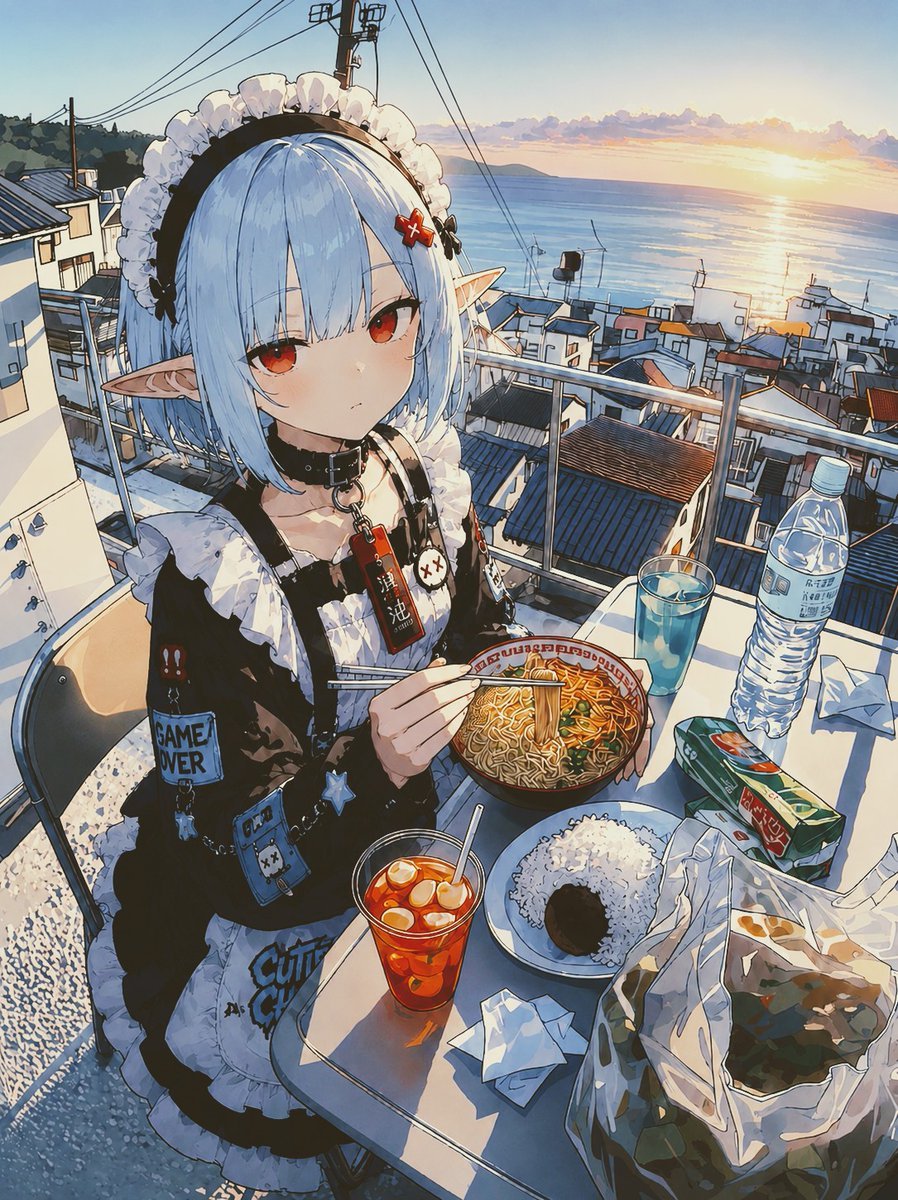
POV Seaside Elf Maid Dinner
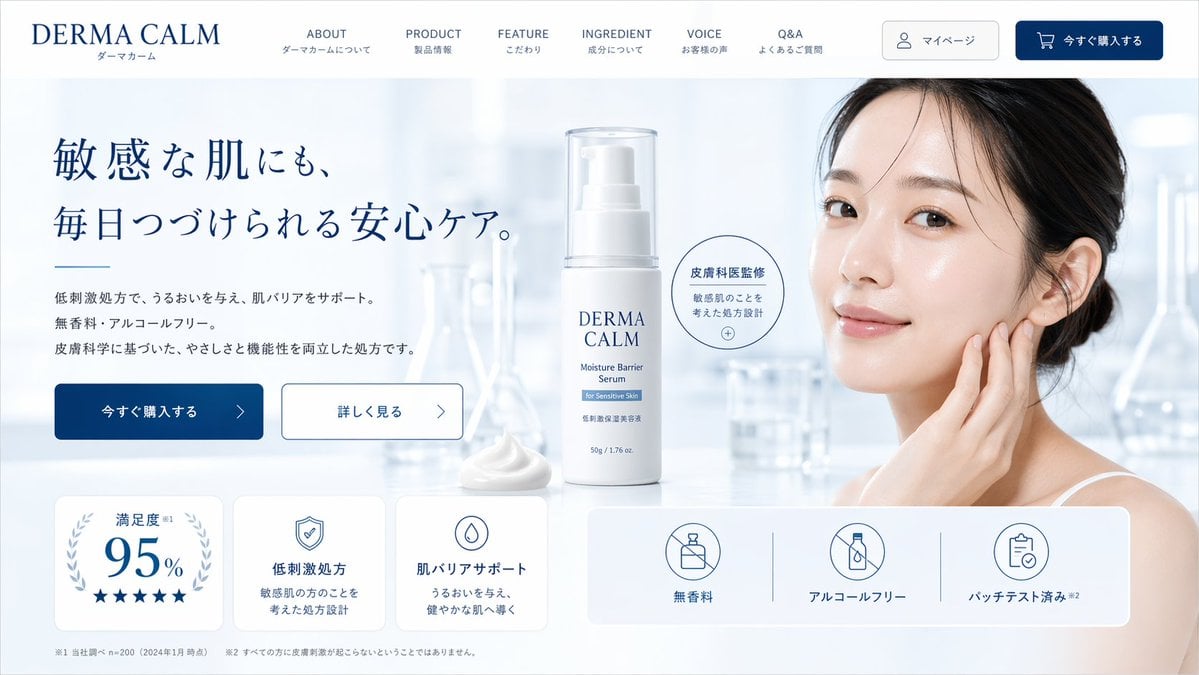
Skincare Landing Page Mockup
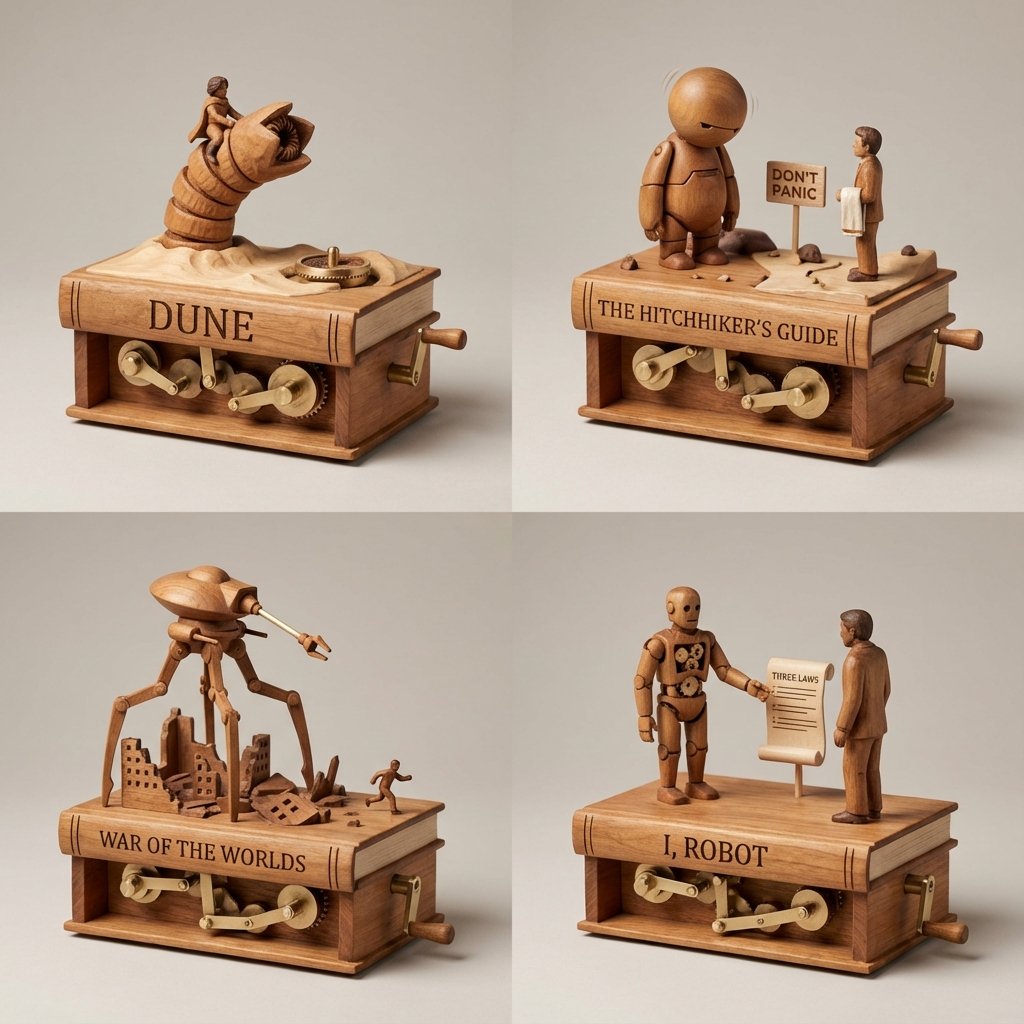
Sci-Fi Book Automaton Macro Product Photography Prompt

Surreal Cinematic Scene: Man Emerging from Phone with Tiny Cartoon Boy
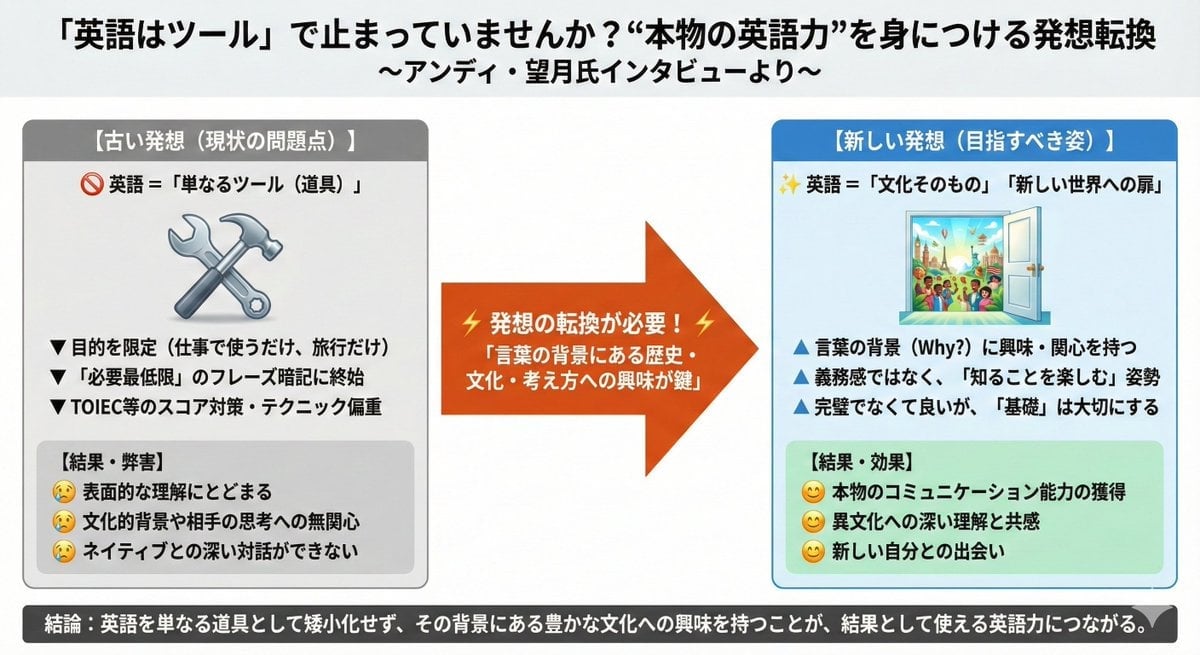
News Article Diagram Generation
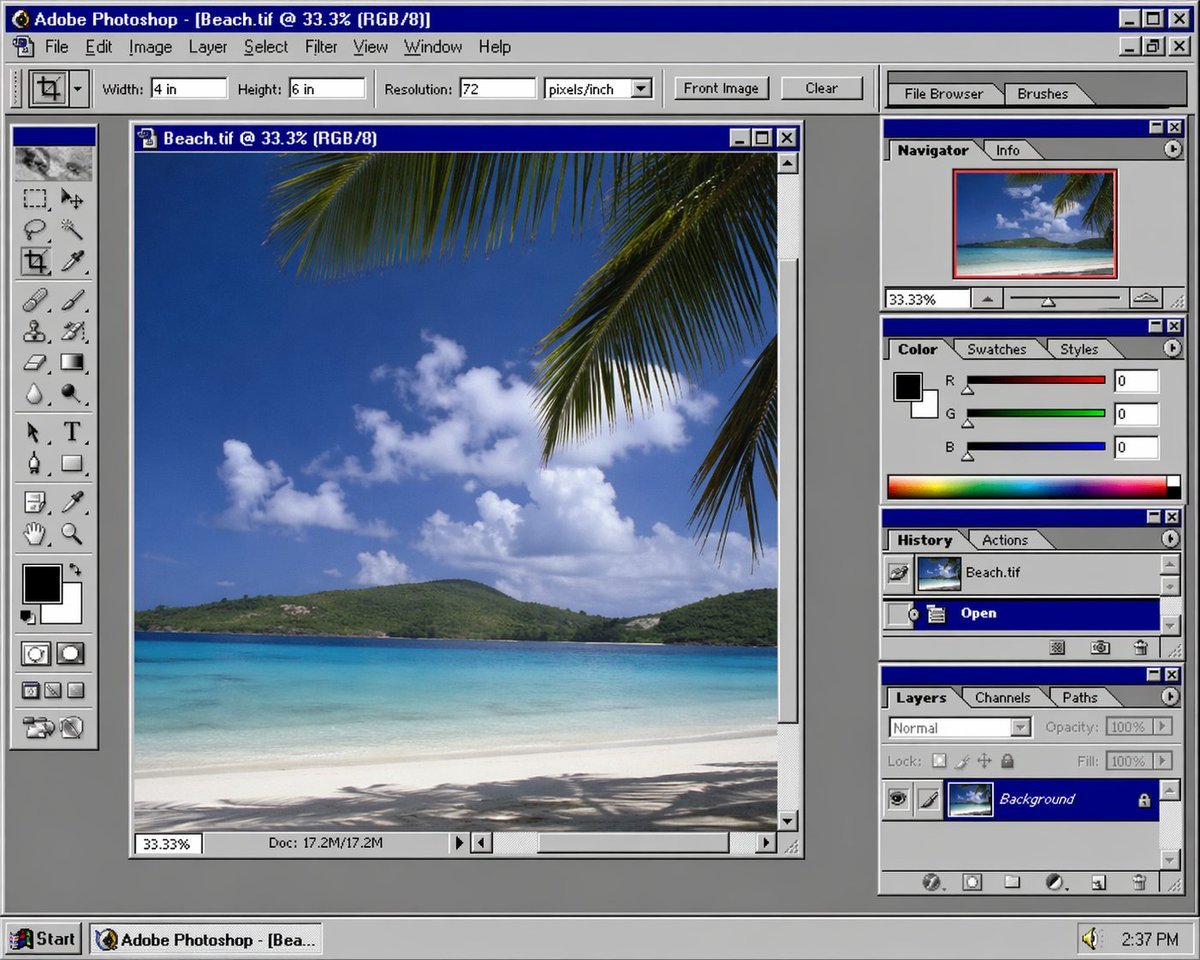
Nostalgic Software Interface
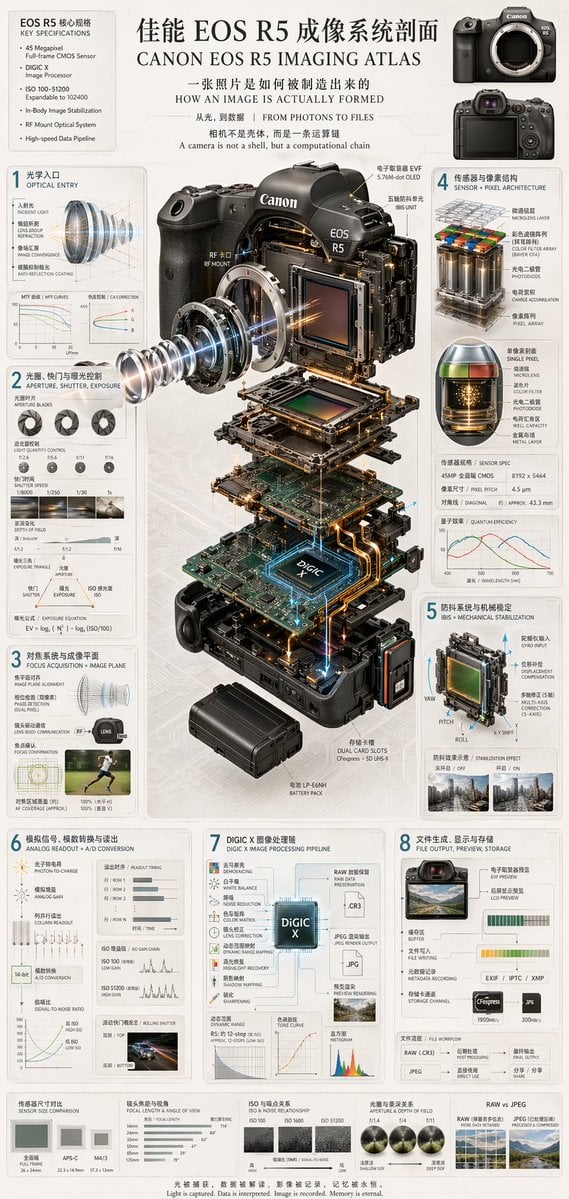
Camera Exploded View Infographic
Browse template categories
Korean Sleep Tips Thumbnail questions
How do I use the Korean Sleep Tips Thumbnail template?
Add your photo if the template asks for one, edit the prompt if you like — the template's model and format are already selected — and press Generate. Your version opens in PicX Studio.
Can I customize the Korean Sleep Tips Thumbnail template?
Yes. You can change the subject, setting, lighting, mood, format, and available model controls before creating your image.
Is the Korean Sleep Tips Thumbnail template free?
Opening and editing this template is free. Generating uses credits, shown on the Generate button when you are signed in.
Which AI model should I use?
Start with GPT Image 2, which is the model associated with this template. You can compare another compatible model for a different finish.
Looking for something else? Browse all templates.

Your photo, any look
Thousands of ready templates for every top image and video model, from one credit balance.