
Sleepy Pink-Haired Chibi Girl
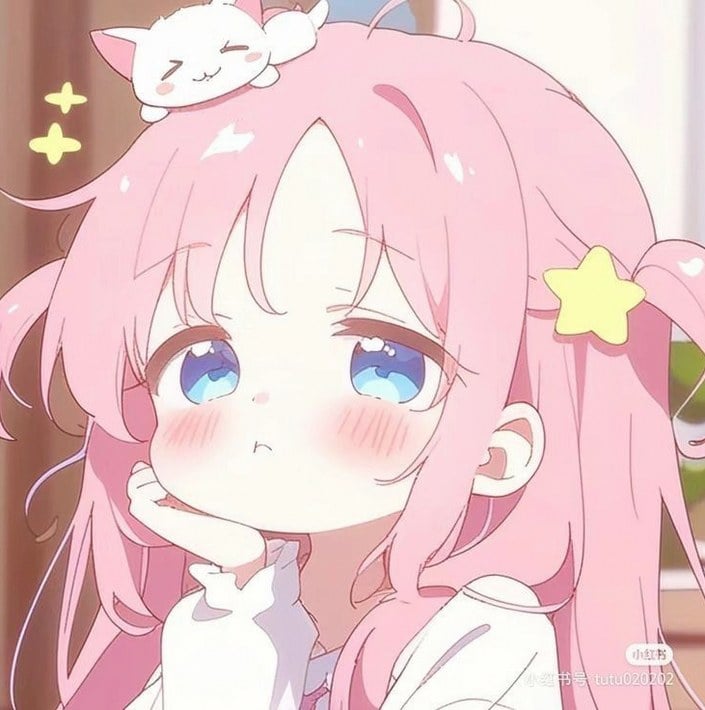
A soft kawaii anime portrait prompt for creating a pastel chibi girl with pink twin tails, a sleeping kitten, and star accents.
- Prompt included
- Model and format preset
- Free template
The prompt behind this image
Copy the exact prompt behind Sleepy Pink-Haired Chibi Girl, or open it in the studio and make it yours.
Create a soft pastel anime close-up portrait of a cute chibi-style girl with {argument name="hair color" default="bubblegum pink"} hair in fluffy twin tails, large sleepy blue eyes, a tiny pouting mouth, and heavy rosy blush across both cheeks. She rests her chin on one hand with a shy, dreamy expression, wearing a loose white long-sleeve top with a frilled cuff and a visible shoulder cutout. Add exactly 1 pale yellow star hair clip on the right side of her hair, exactly 1 small white kitten with pink ears sleeping on top of her head, and exactly 2 glowing yellow sparkle stars floating to the left of her head. Use a warm indoor background with soft brown and cream tones, shallow depth of field, gentle bloom, glossy highlights on the hair and eyes, delicate line art, rounded proportions, kawaii Japanese MV-thumbnail aesthetic, square 1:1 composition, cropped close around the face and upper shoulders. Keep the mood sweet, sleepy, innocent, and pastel; no hard shadows, no realistic rendering, no extra characters, no readable text or watermark.
How to use Sleepy Pink-Haired Chibi Girl in 3 steps
- 1Upload ImagePNG, JPG or paste
Add your photo
Upload the photo the template builds on. The prompt, model and format are already set.
- 2…a portrait of your subject in softgolden-hour light, 85mm…
Personalize
Edit the subject and creative details for your destination.
- 3Generate
Generate
Press Generate — your image is created in PicX Studio, so you can compare it with the original and refine one variable at a time.
More like this
Templates with the same subject, style or setup. Open one to see its prompt.

Cute Layered Paper Cut Chibi Girl
Sleepy Chibi Angel Girl

Nano Banana Pro Pink Office Chibi
Silver-Haired Girl in Sunny Café

Teen Girl Alpine Lake Mountain View
Rainbow-Haired Cat Girl Art
Sleepy Blonde Cartoon Girl
Pink-Haired Nymph in Bouguereau Style
Chibi Girls Hugging Air Conditioner Comic

Pixar-Style Chibi Café Morning Scene
Pink Magical Girl in Antique Magic Shop
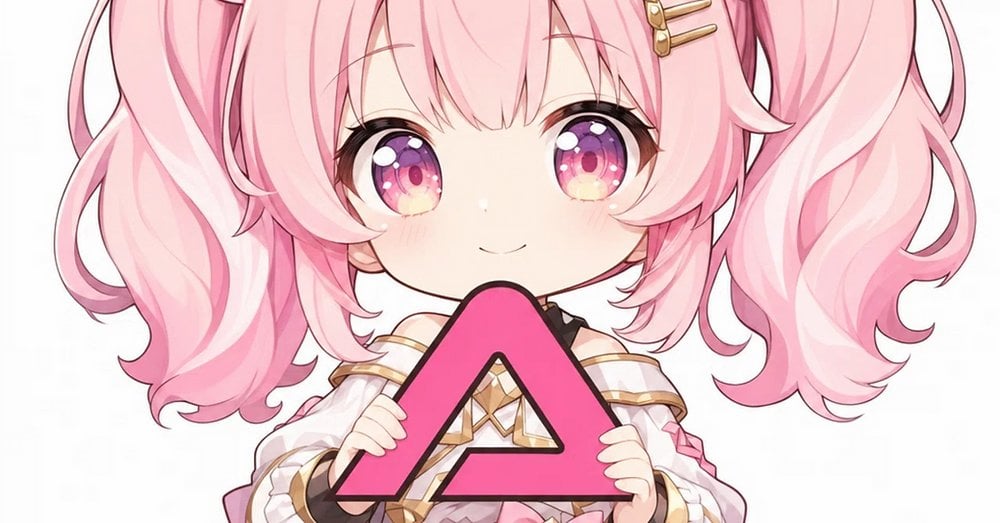
Pink Chibi Mascot Holding Triangle Logo
Make it yours
Sleepy Pink-Haired Chibi Girl works as-is. These are the safest ways to change it without losing the look.
Change one field
Copy a single group, rewrite it, and generate again so you can see what that field is doing.
Keep the frame, change the subject
Hold the composition and light of Sleepy Pink-Haired Chibi Girl, then swap wardrobe, props or the person for a new take.
| If the result… | Why | Fix |
|---|---|---|
| The result drifts from the preview | Too many fields changed at once. | Reuse Sleepy Pink-Haired Chibi Girl as-is first, then change one group — subject, light, or setting. |
| The model over-stylizes the scene | The prose prompt leaves finish and camera underspecified. | Add one camera or lighting sentence and stay on GPT Image 2. |
More GPT Image 2 templates
Other prompts made for GPT Image 2.

Six VTuber Japanese Logo Sheet

Realistic Portrait of Woman and Deer

The Vista Modular Condo Poster

AI Model Routing Comparison Infographic

2.5D Anime Art Board

Isometric Productivity Desk Scene

New York Double Exposure Poster

Four-Panel AI Landscape Comparison

Japanese Tatami Lifestyle Magazine Cover

NESCAFÉ Coffee Map Poster
More image prompts
Fresh picks from across the catalog.
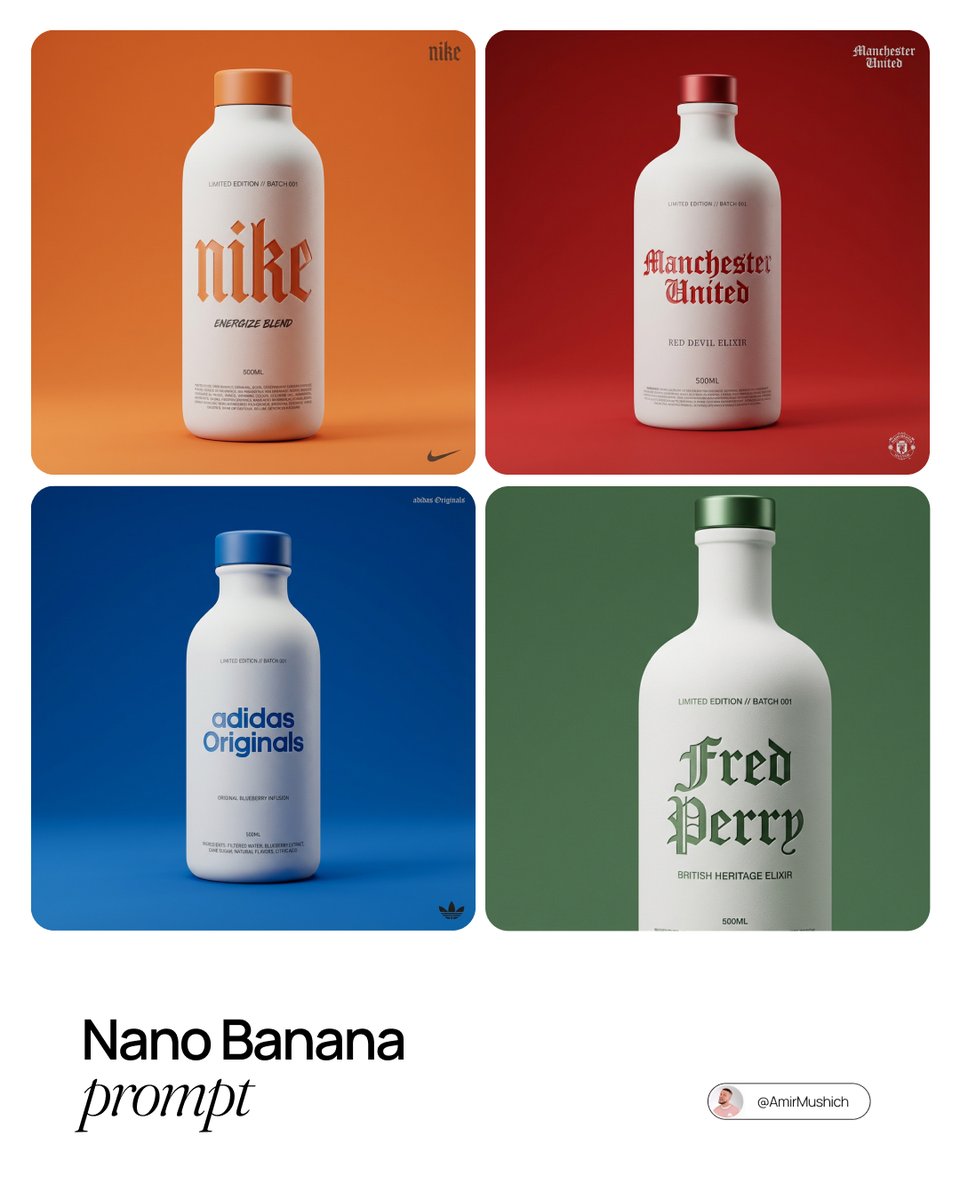
Premium Beverage Package Design Prompt
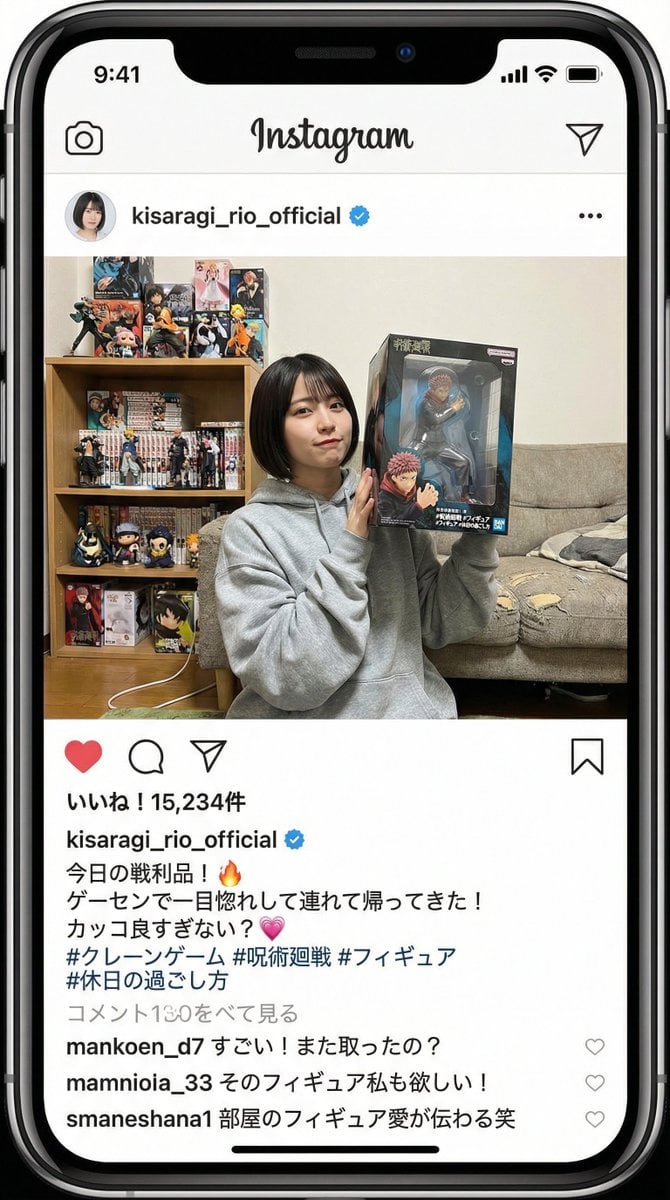
Generating an Instagram Post based on Persona
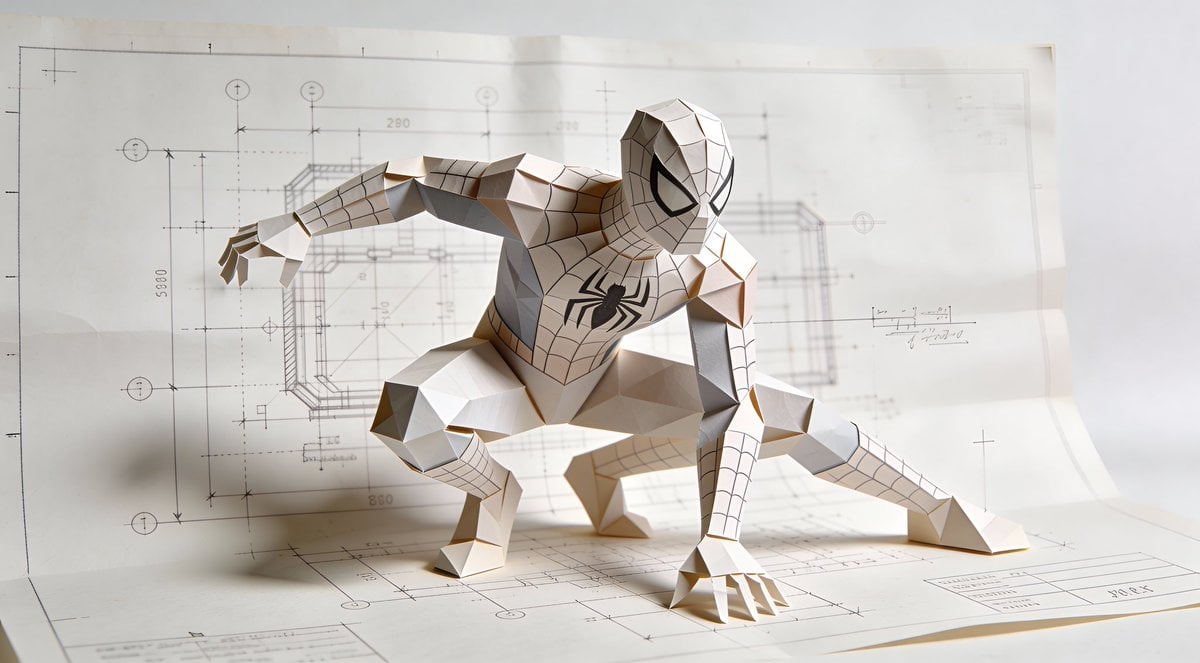
Natural Language Prompt for Spider-Man Folded-Paper Blueprint
Goddess-Inspired Platinum Blonde Portrait Prompt
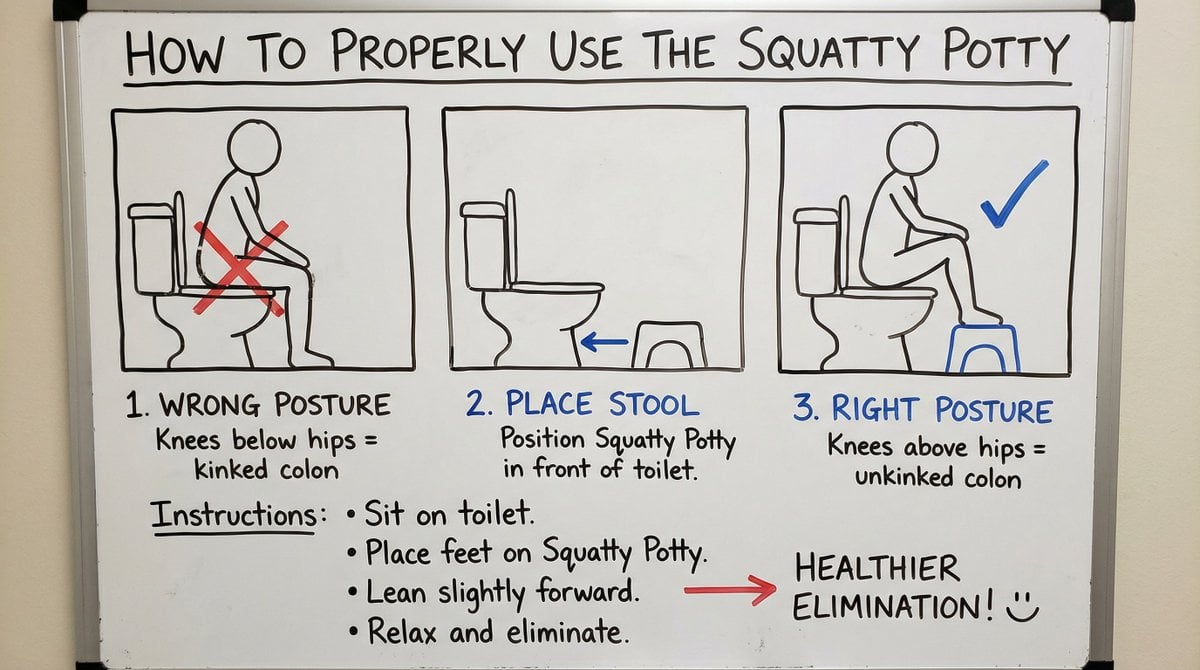
Squatty Potty whiteboard instructions
Seedance Prompt: Create a 2.5D animation, cinemat
Manga Surf Wipeout Comic Poster
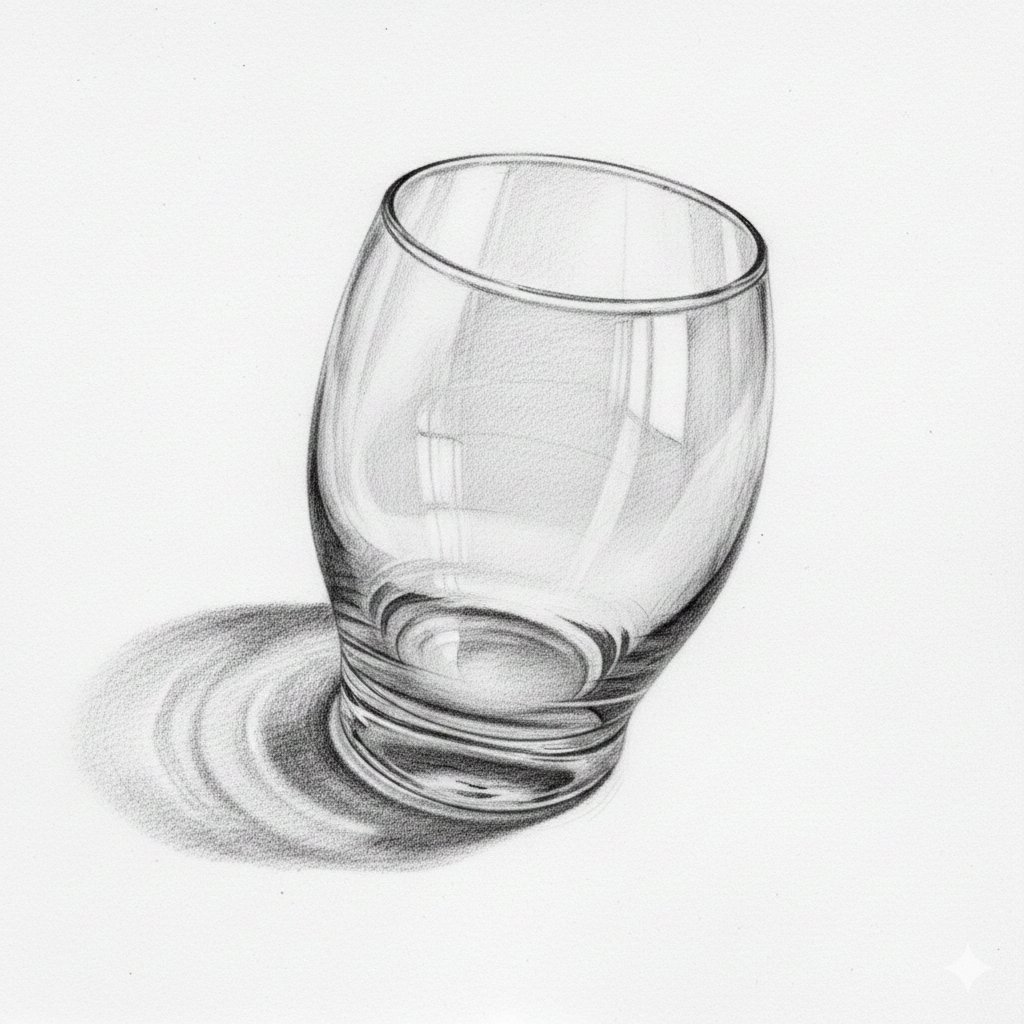
Nano Banana prompt for 3D pencil sketch
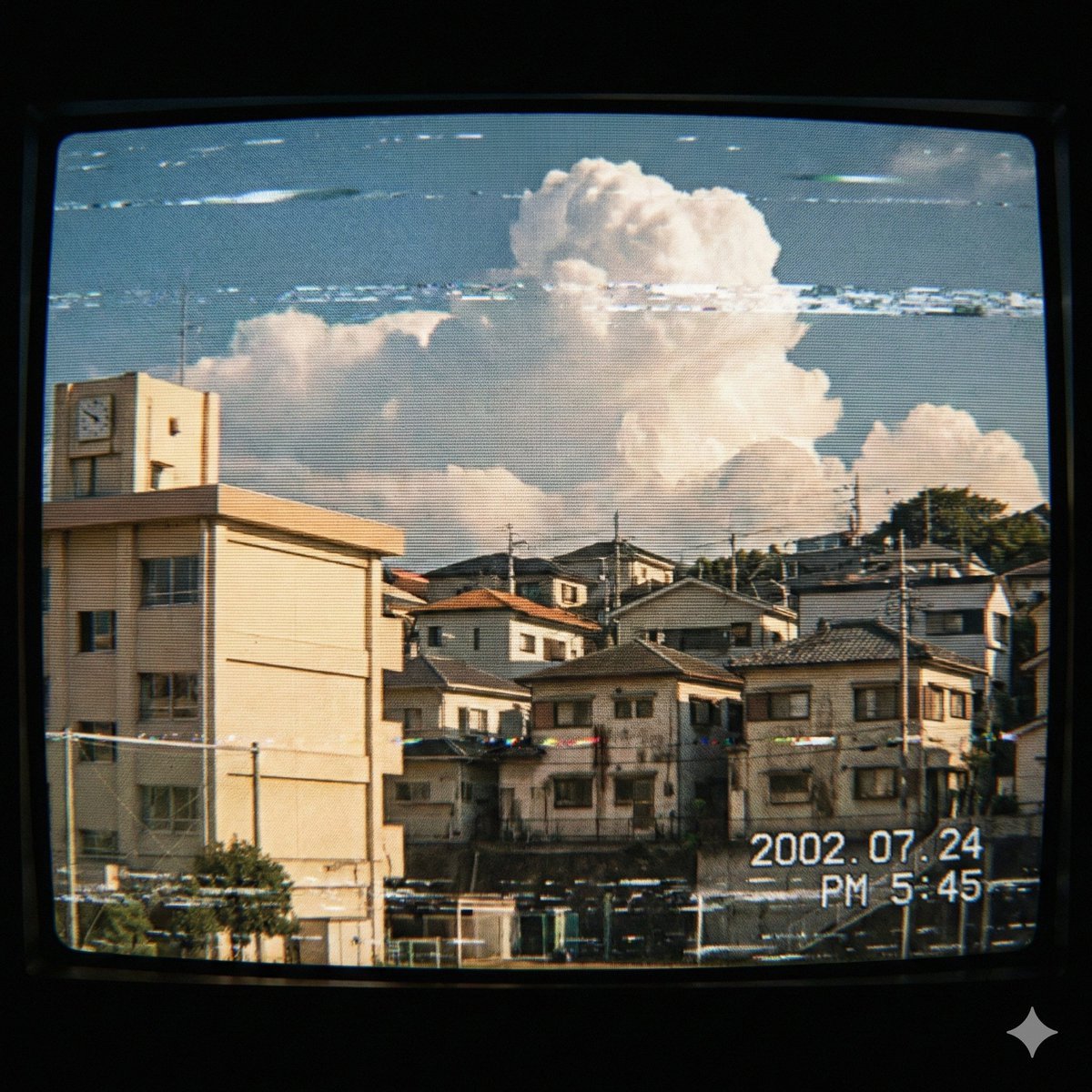
Japanese Suburb in 2000s Atmosphere
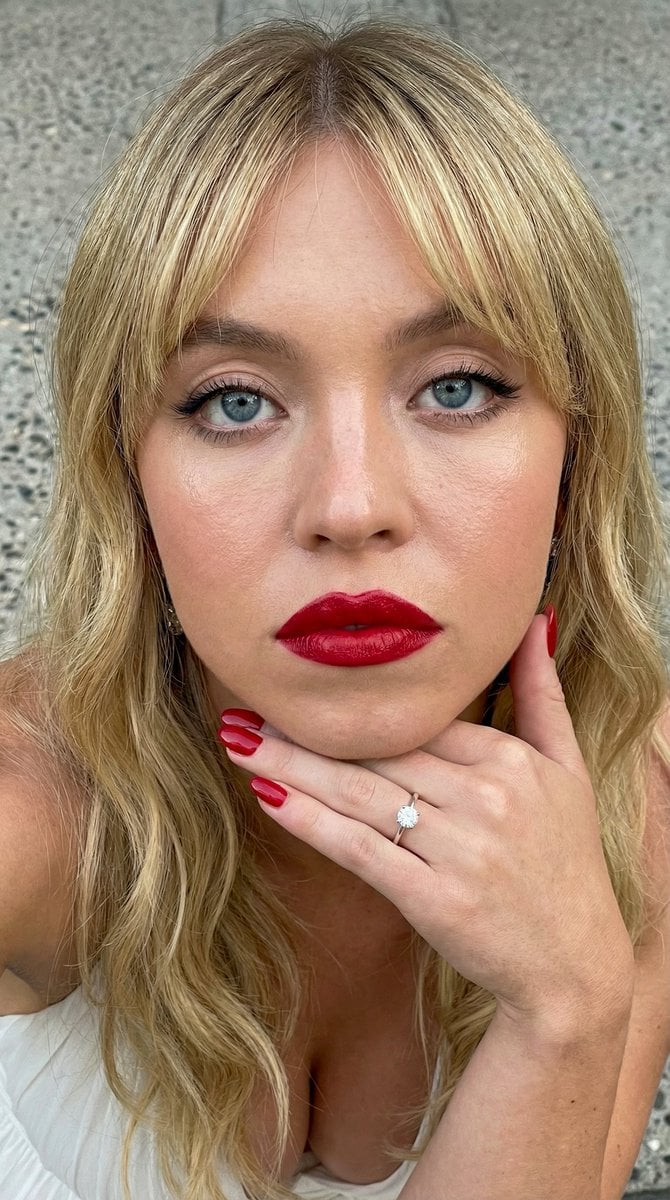
Close-up Portrait Prompt with Downward Gaze
Browse template categories
Sleepy Pink-Haired Chibi Girl questions
How do I use the Sleepy Pink-Haired Chibi Girl template?
Add your photo if the template asks for one, edit the prompt if you like — the template's model and format are already selected — and press Generate. Your version opens in PicX Studio.
Can I customize the Sleepy Pink-Haired Chibi Girl template?
Yes. You can change the subject, setting, lighting, mood, format, and available model controls before creating your image.
Is the Sleepy Pink-Haired Chibi Girl template free?
Opening and editing this template is free. Generating uses credits, shown on the Generate button when you are signed in.
Which AI model should I use?
Start with GPT Image 2, which is the model associated with this template. You can compare another compatible model for a different finish.
Looking for something else? Browse all templates.

Your photo, any look
Thousands of ready templates for every top image and video model, from one credit balance.