
Pink Magical Girl in Antique Magic Shop
Generates a detailed anime magical-girl portrait in a warm fantasy antique shop, useful for original character art or social media illustration.
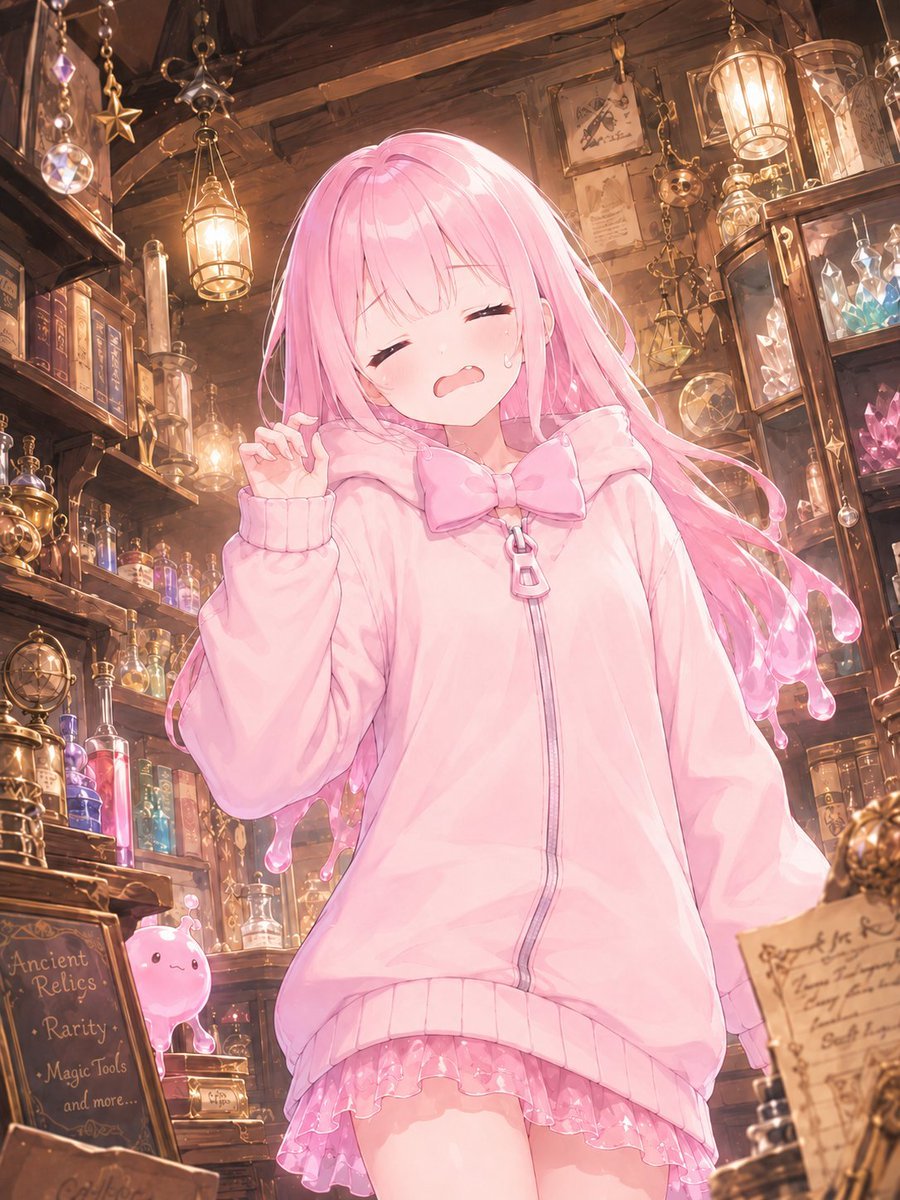
- Prompt included
- Model and format preset
- Free template
The prompt behind this image
Copy the exact prompt behind Pink Magical Girl in Antique Magic Shop, or open it in the studio and make it yours.
Create a vertical anime-style illustration of a cute young magical girl standing inside a cozy, cluttered antique magic shop. The character has very long flowing {argument name="hair color" default="pastel pink"} hair with glossy strands and soft rim lighting, and her face is intentionally covered by a centered solid pastel pink square censor block. She wears an oversized {argument name="hoodie color" default="pale pink"} zip-up hoodie with ribbed cuffs and hem, a large bow at the collar, a zipper pull shaped like a small charm, and a frilly translucent pink skirt peeking out underneath. Her pose is gentle and shy, one hand lifted near her cheek with delicate fingers, body angled slightly forward, soft moe proportions, dreamy magical-girl atmosphere. The setting is a warm wooden apothecary and relic shop packed with shelves of old books, glass potion bottles, glowing crystals, brass instruments, hanging lanterns, star charms, prisms, hourglasses, framed papers, and mystical trinkets. Include a small cute pink slime mascot on a lower shelf at the left. Add a chalkboard sign in the foreground reading {argument name="chalkboard text" default="Ancient Relics / Rarity / Magic Tools / and more..."}. Use warm golden lantern light mixed with pink highlights, detailed painterly anime rendering, high detail background, whimsical fantasy ambience, soft depth of field, sparkling glass reflections, vertical composition, polished gpt-image-2 aesthetic.
How to use Pink Magical Girl in Antique Magic Shop in 3 steps
- 1Upload ImagePNG, JPG or paste
Add your photo
Upload the photo the template builds on. The prompt, model and format are already set.
- 2…a portrait of your subject in softgolden-hour light, 85mm…
Personalize
Edit the subject and creative details for your destination.
- 3Generate
Generate
Press Generate — your image is created in PicX Studio, so you can compare it with the original and refine one variable at a time.
More like this
Templates with the same subject, style or setup. Open one to see its prompt.
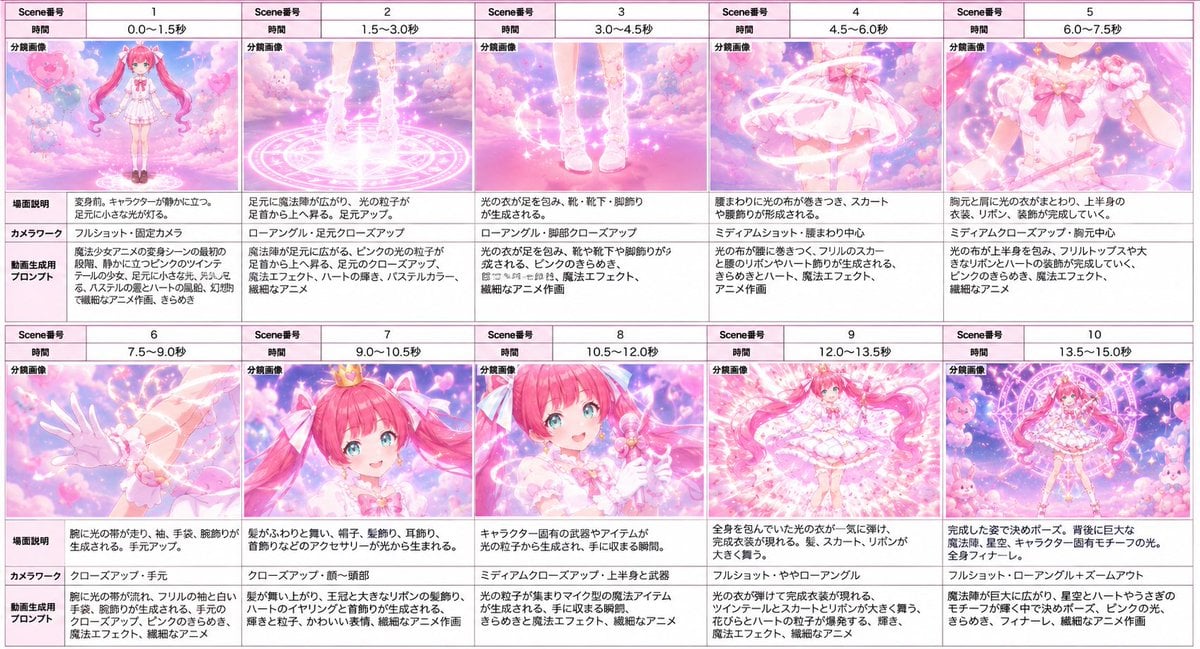
Magical Girl Transformation Storyboard
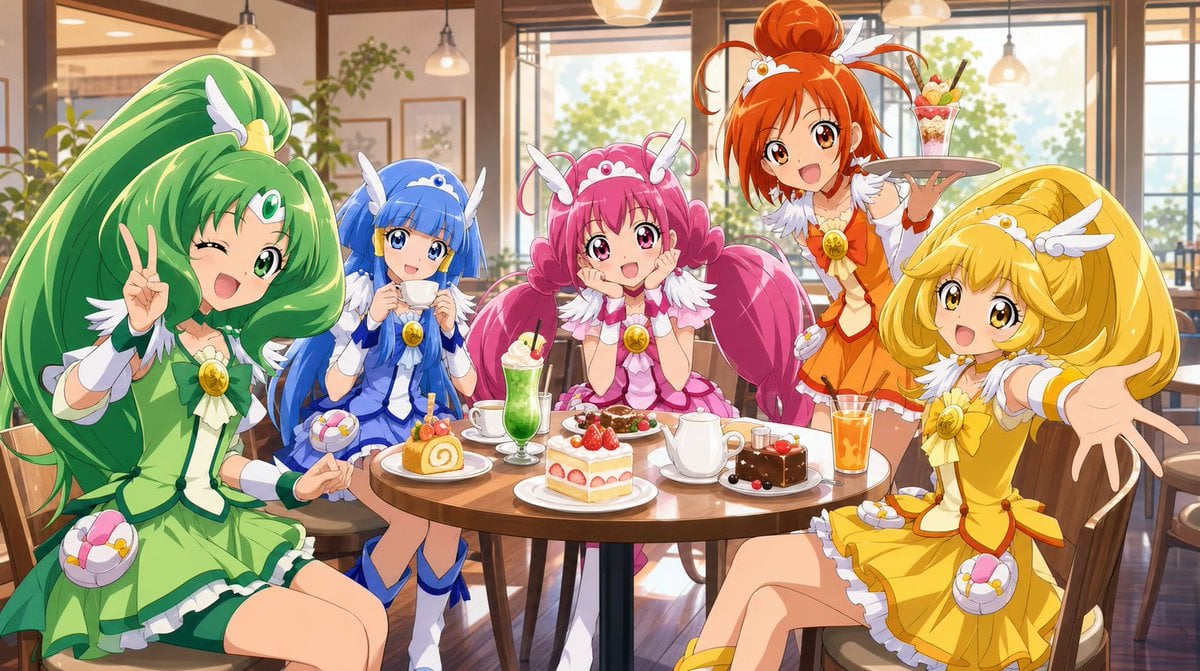
Magical Girls Dessert Café Scene
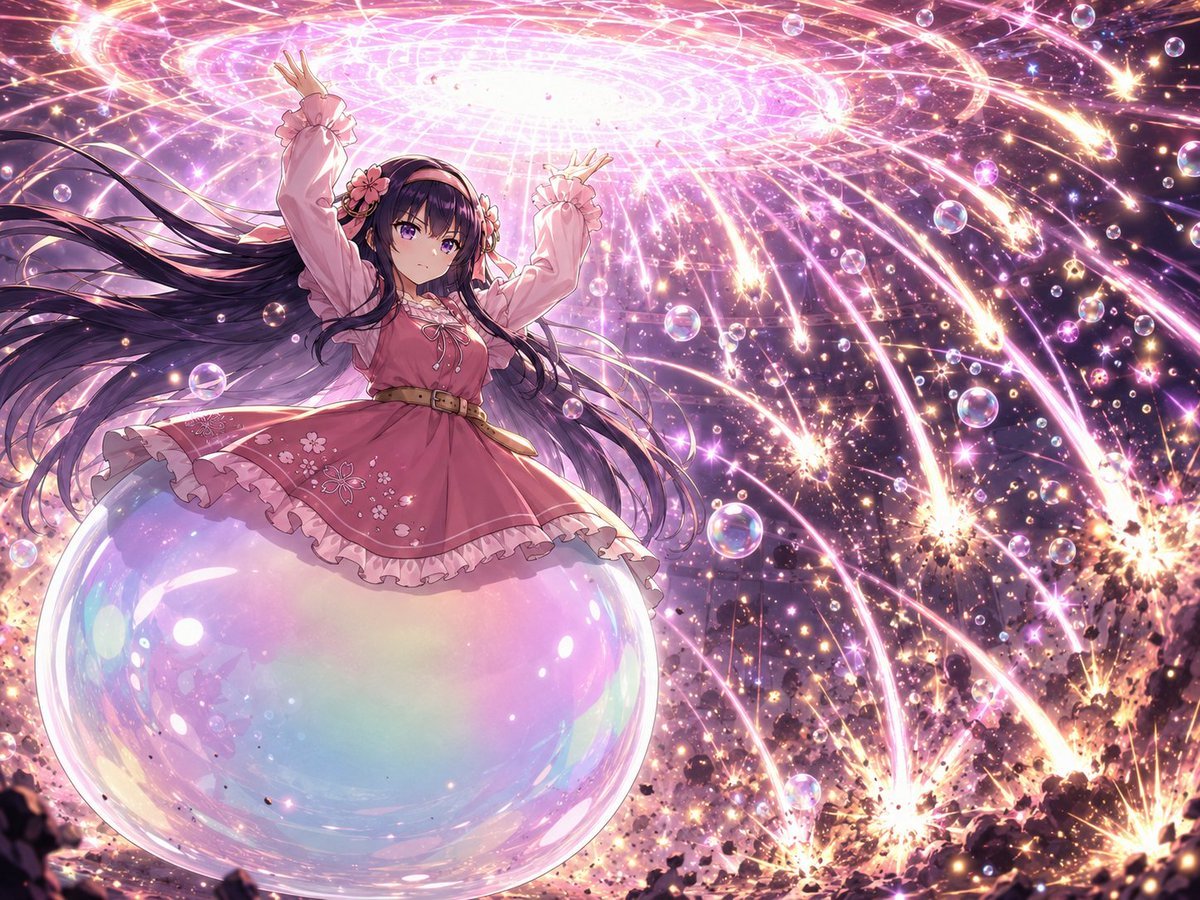
Magical Girl Starstorm on Bubble
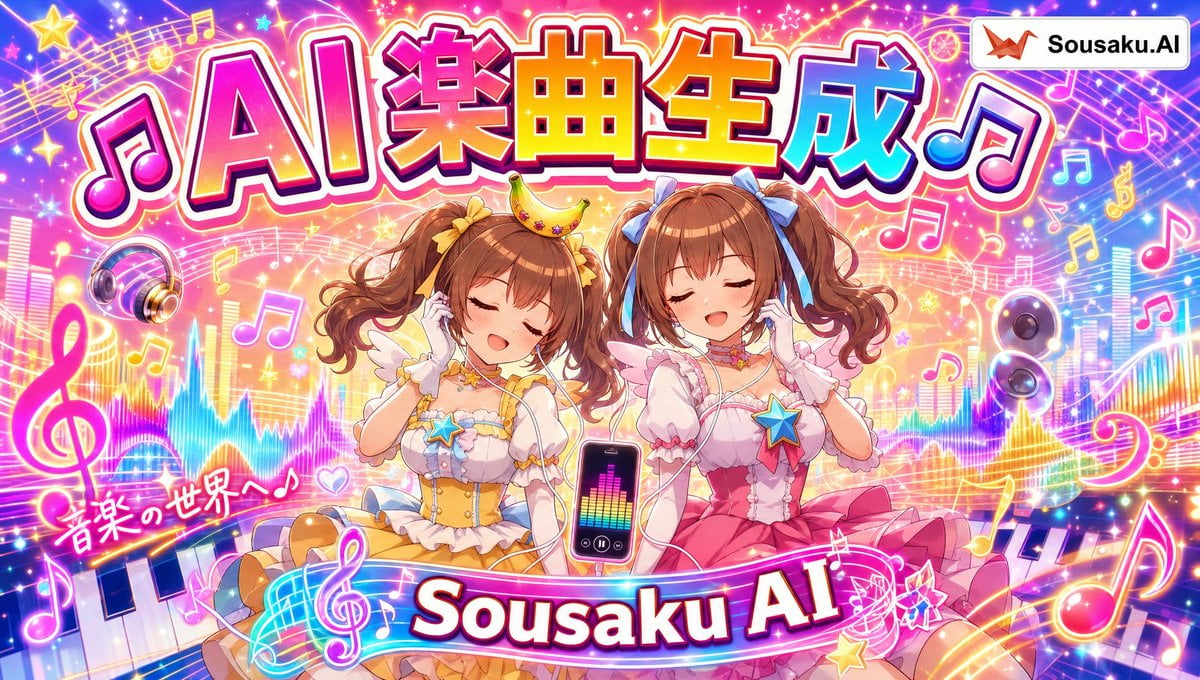
Magical Girl AI Music Thumbnail
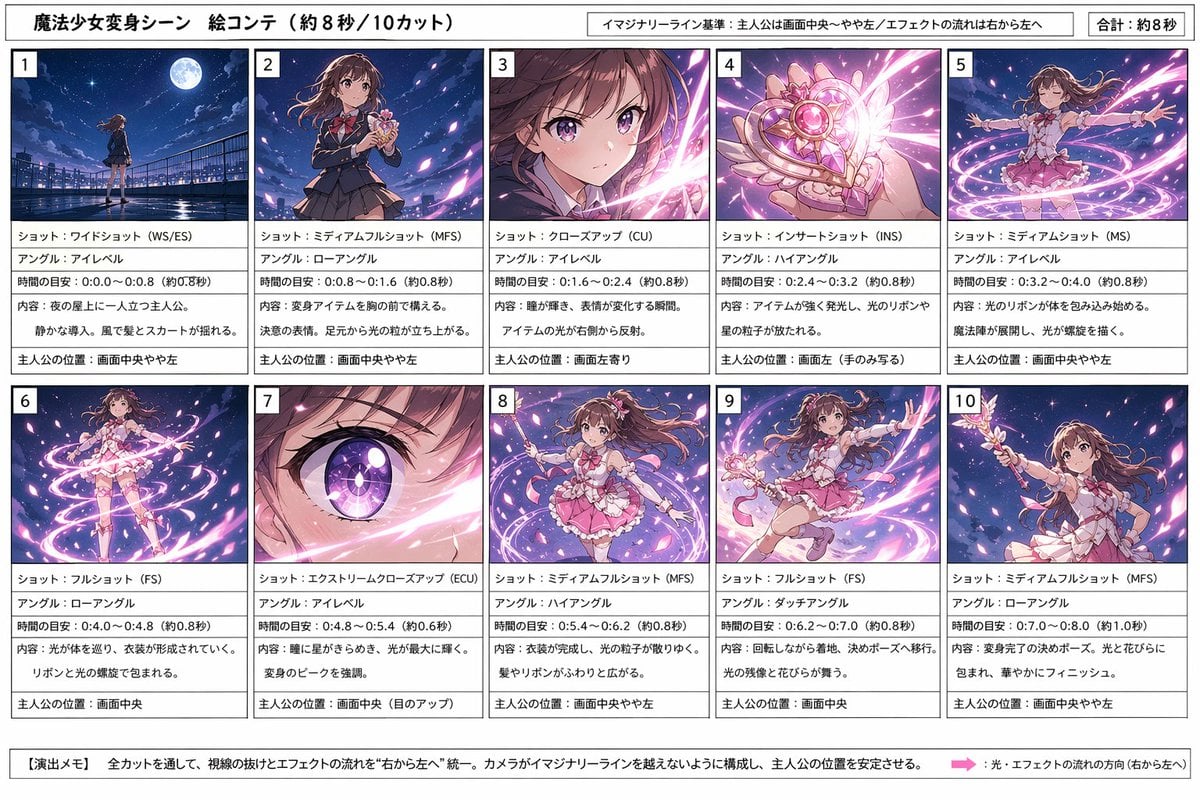
Magical Girl Transformation Storyboard
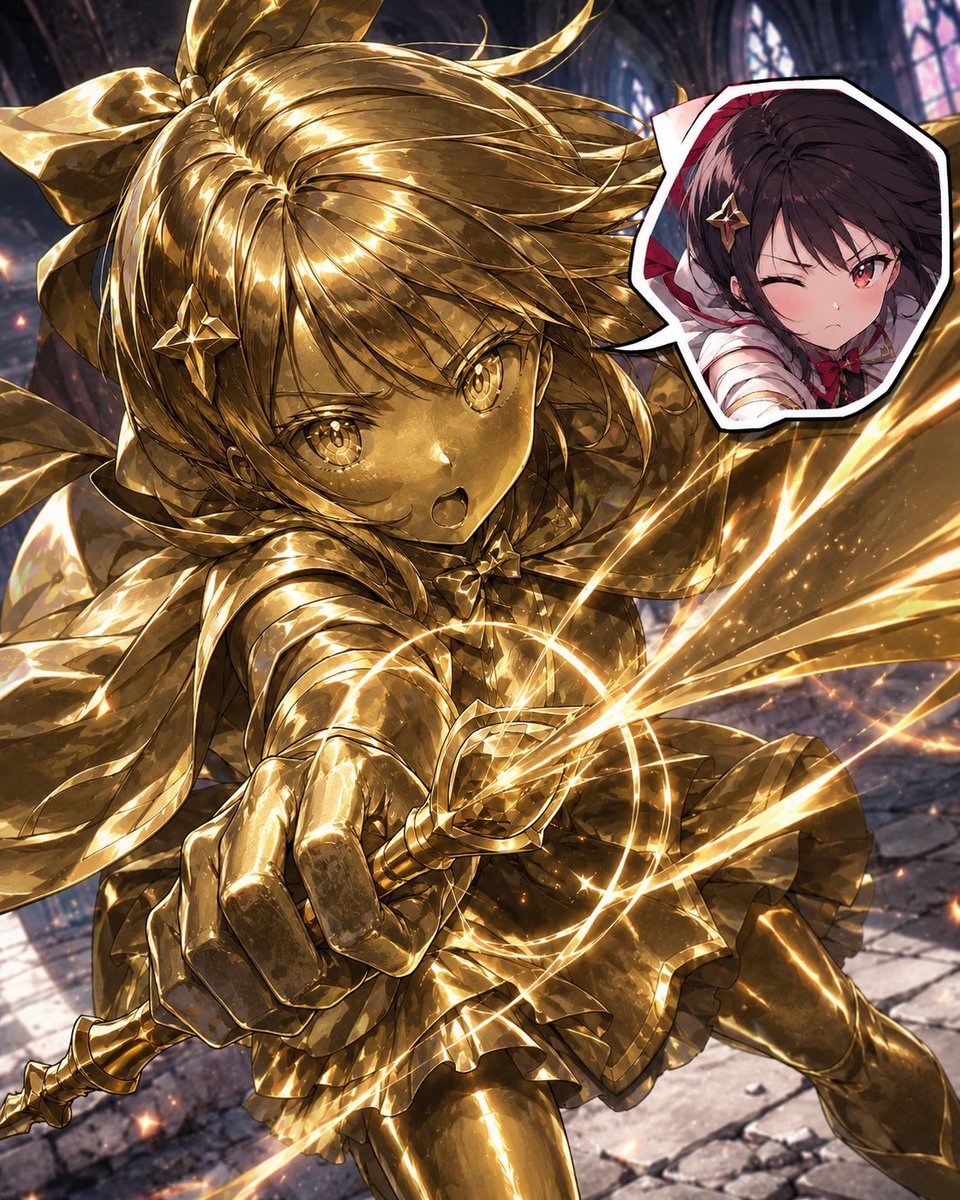
Golden Magical Girl Action Key Visual
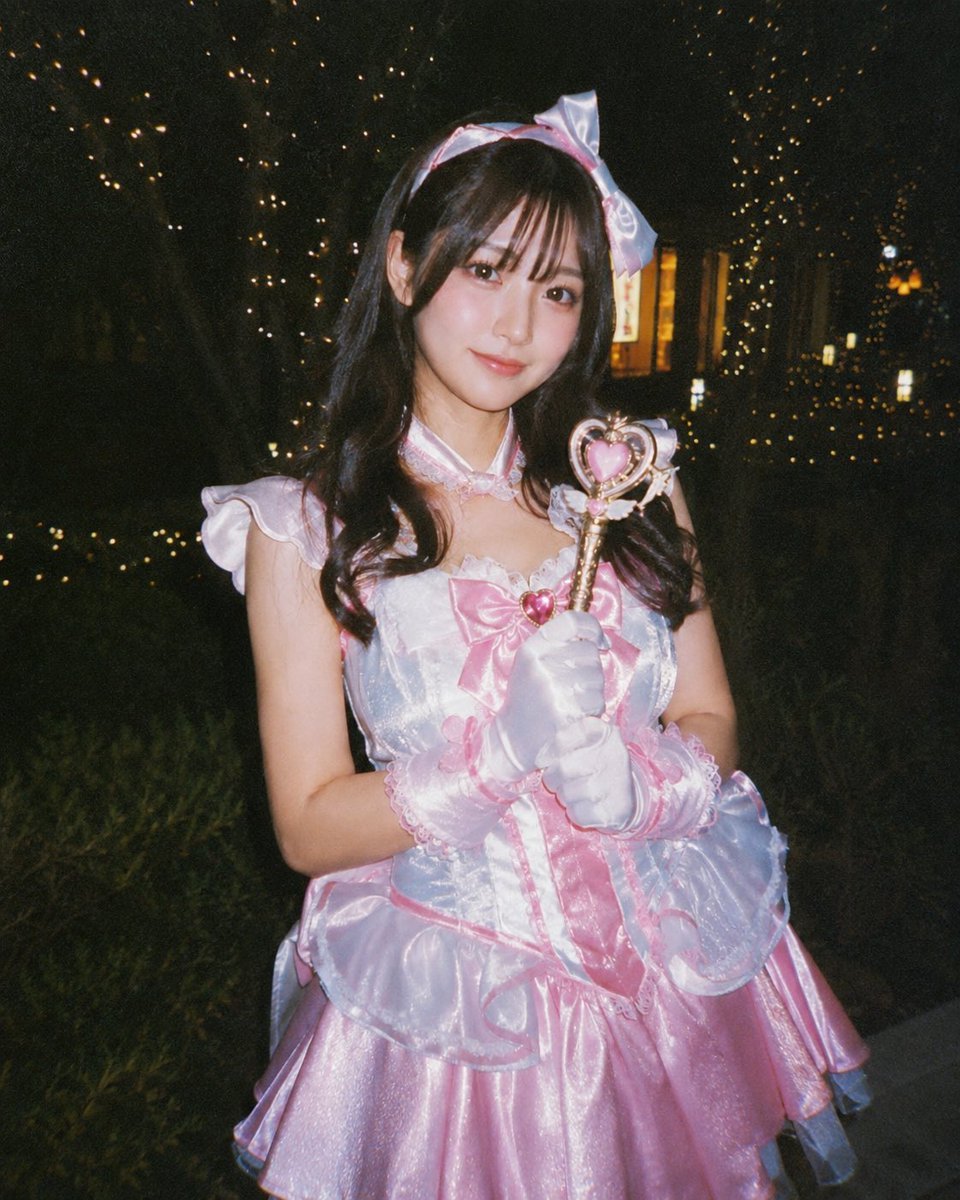
Disposable Camera Magical Girl Cosplay
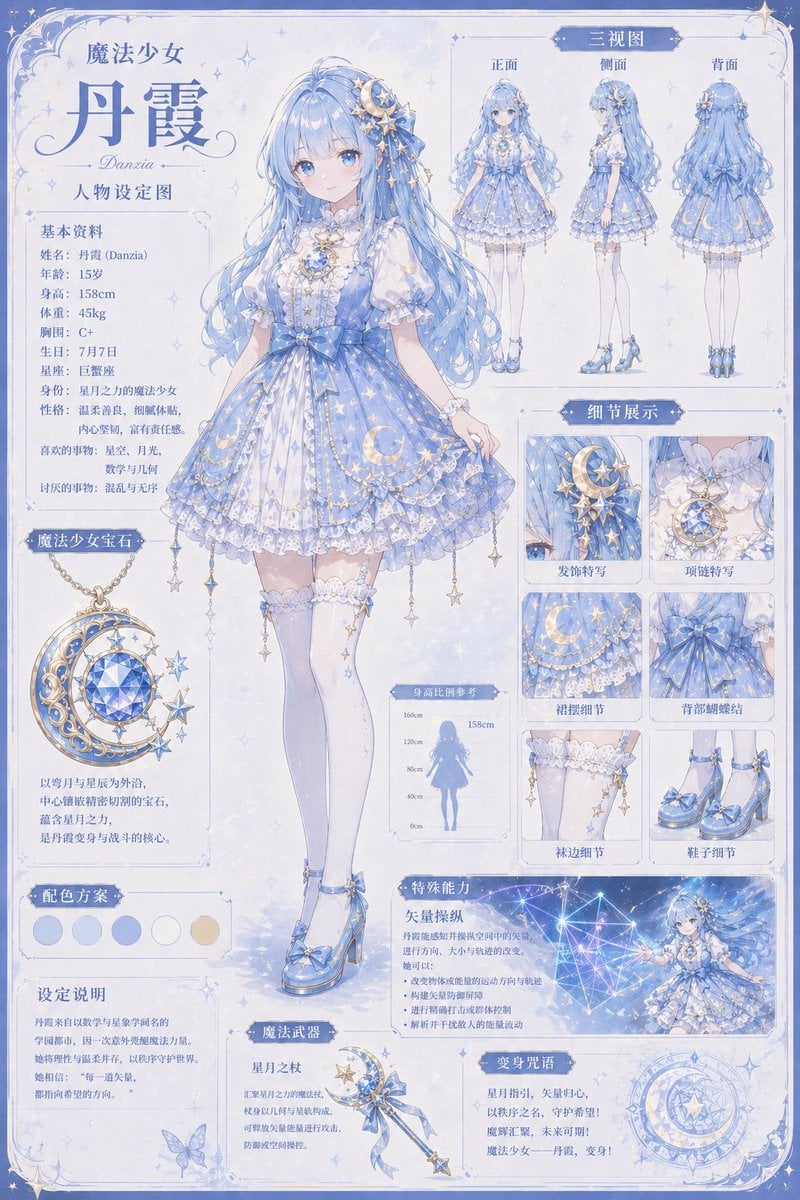
Celestial Magical Girl Reference Sheet
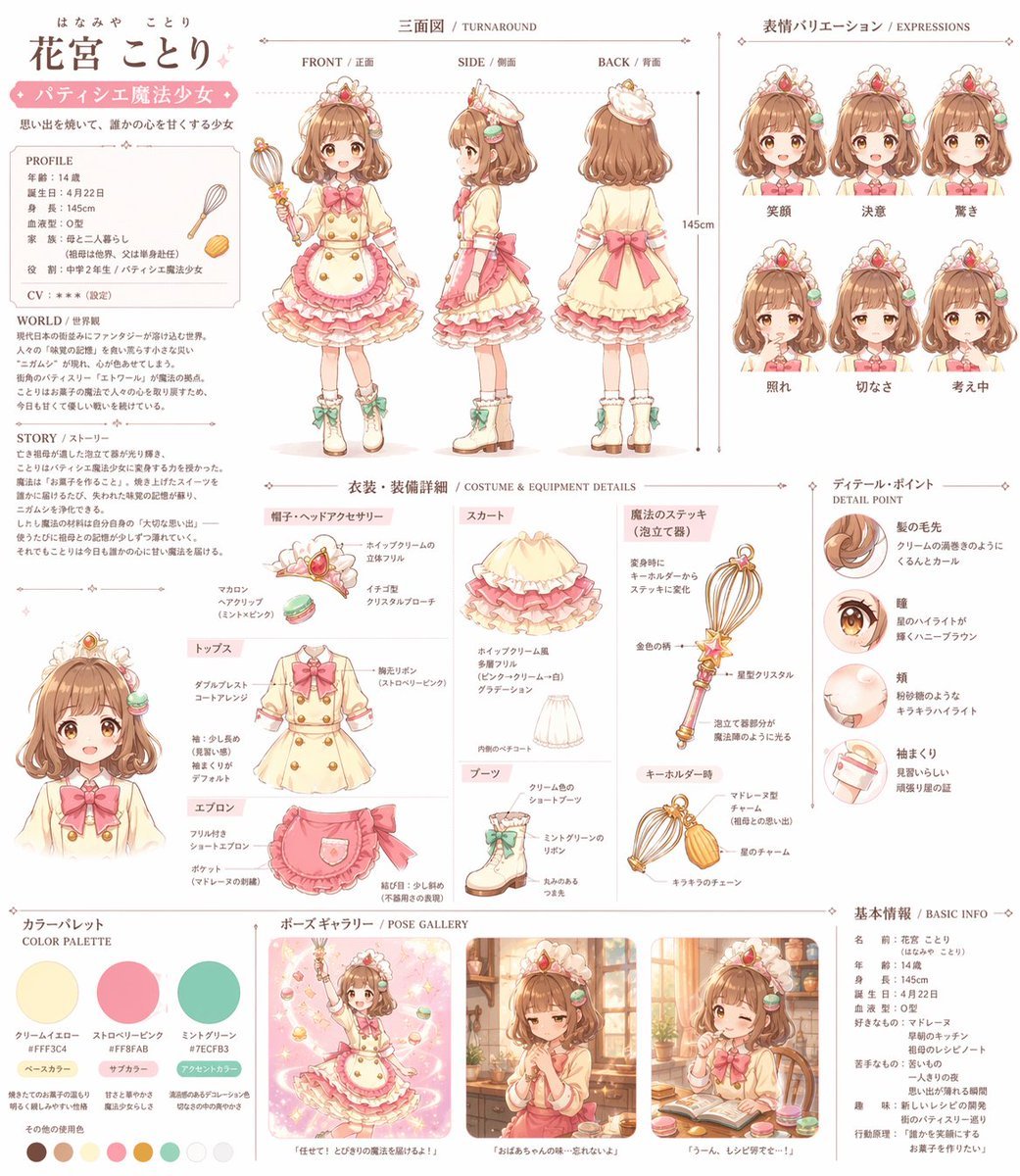
Anime Magical Girl Character Reference Sheet

Miniature Travel Diorama Postcard

Teen Girl Alpine Lake Mountain View
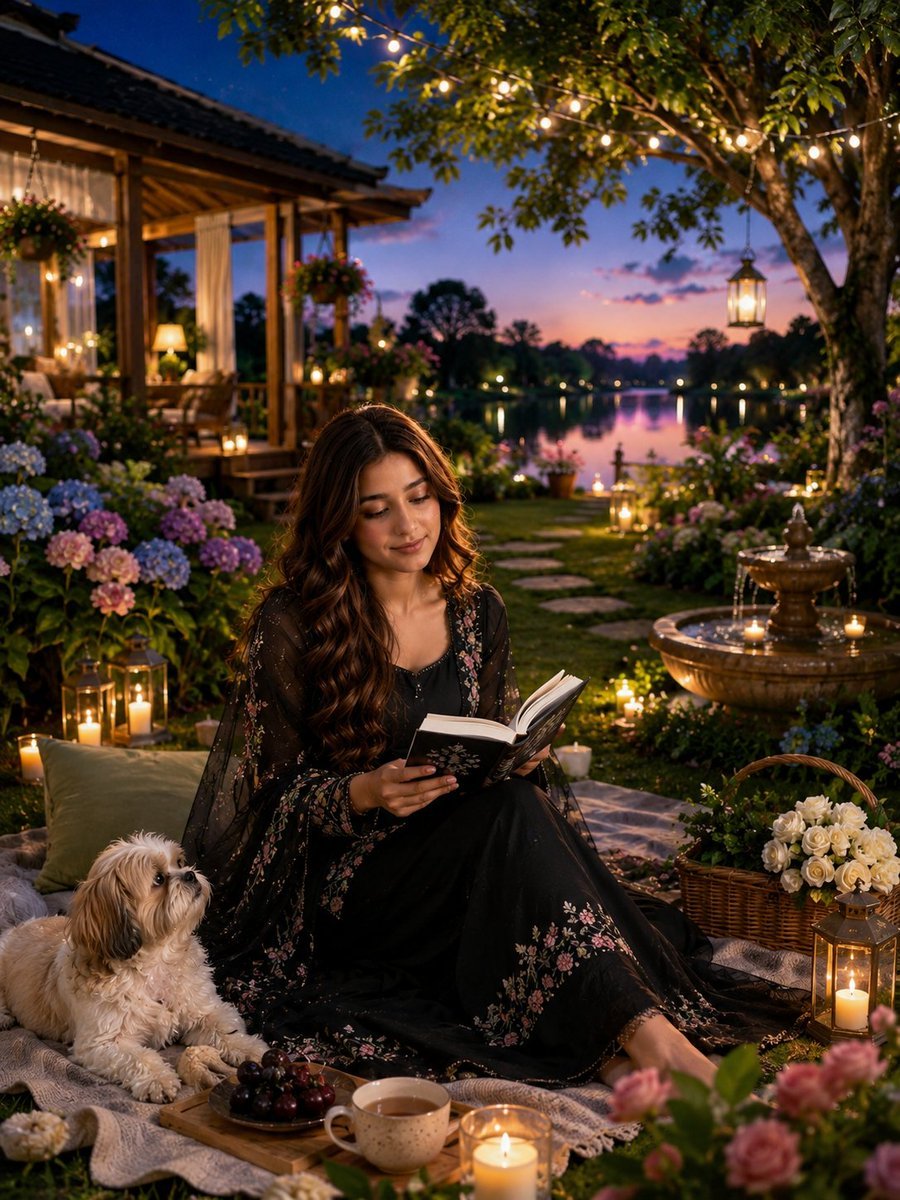
Magical Cottagecore Lakeside Portrait
Make it yours
Pink Magical Girl in Antique Magic Shop works as-is. These are the safest ways to change it without losing the look.
Change one field
Copy a single group, rewrite it, and generate again so you can see what that field is doing.
Keep the frame, change the subject
Hold the composition and light of Pink Magical Girl in Antique Magic Shop, then swap wardrobe, props or the person for a new take.
| If the result… | Why | Fix |
|---|---|---|
| The result drifts from the preview | Too many fields changed at once. | Reuse Pink Magical Girl in Antique Magic Shop as-is first, then change one group — subject, light, or setting. |
| The model over-stylizes the scene | The prose prompt leaves finish and camera underspecified. | Add one camera or lighting sentence and stay on GPT Image 2. |
More GPT Image 2 templates
Other prompts made for GPT Image 2.

Six VTuber Japanese Logo Sheet

Realistic Portrait of Woman and Deer

The Vista Modular Condo Poster

AI Model Routing Comparison Infographic

2.5D Anime Art Board

Isometric Productivity Desk Scene

New York Double Exposure Poster

Four-Panel AI Landscape Comparison

Japanese Tatami Lifestyle Magazine Cover

NESCAFÉ Coffee Map Poster
More image prompts
Fresh picks from across the catalog.
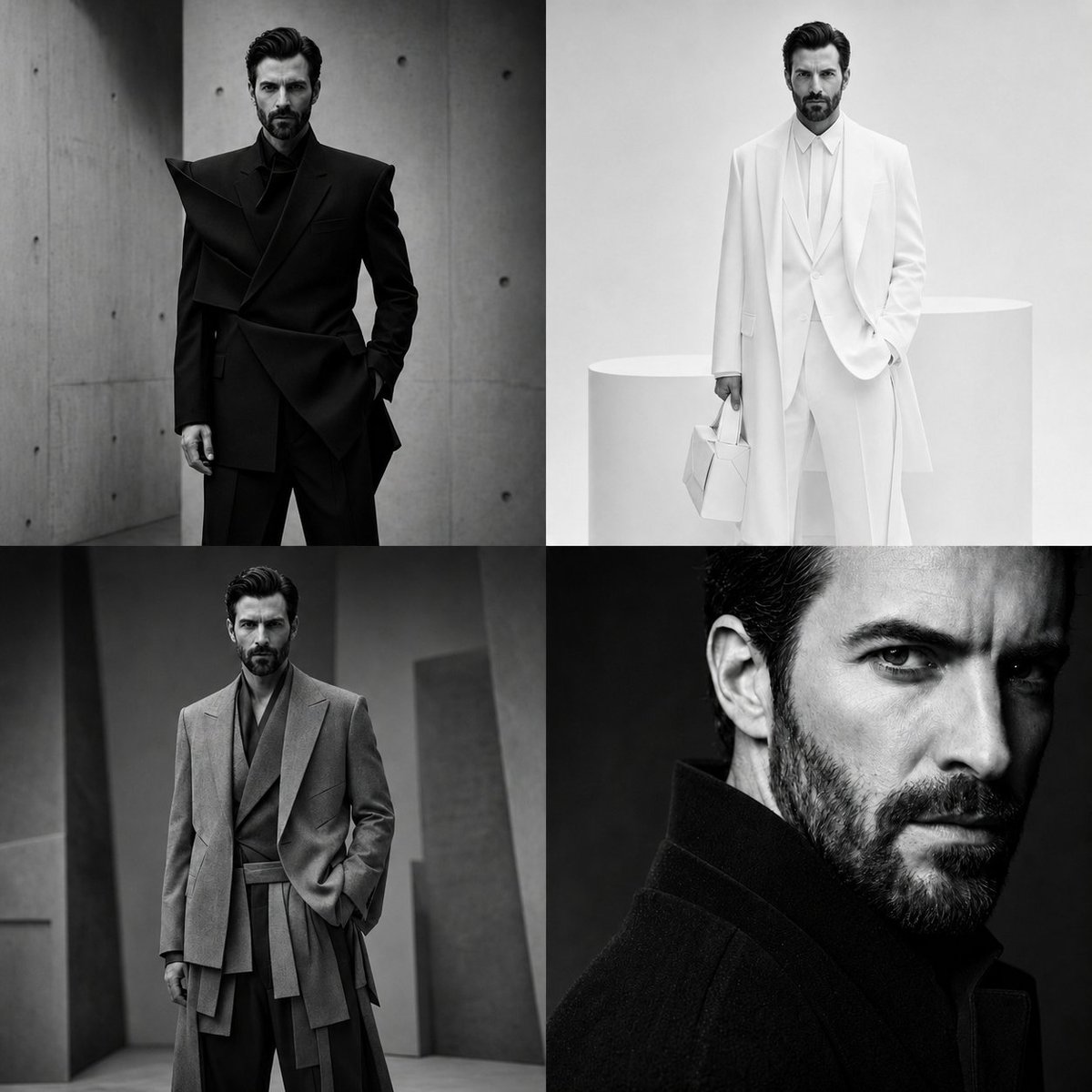
Panel Monochrome Fashion Grid
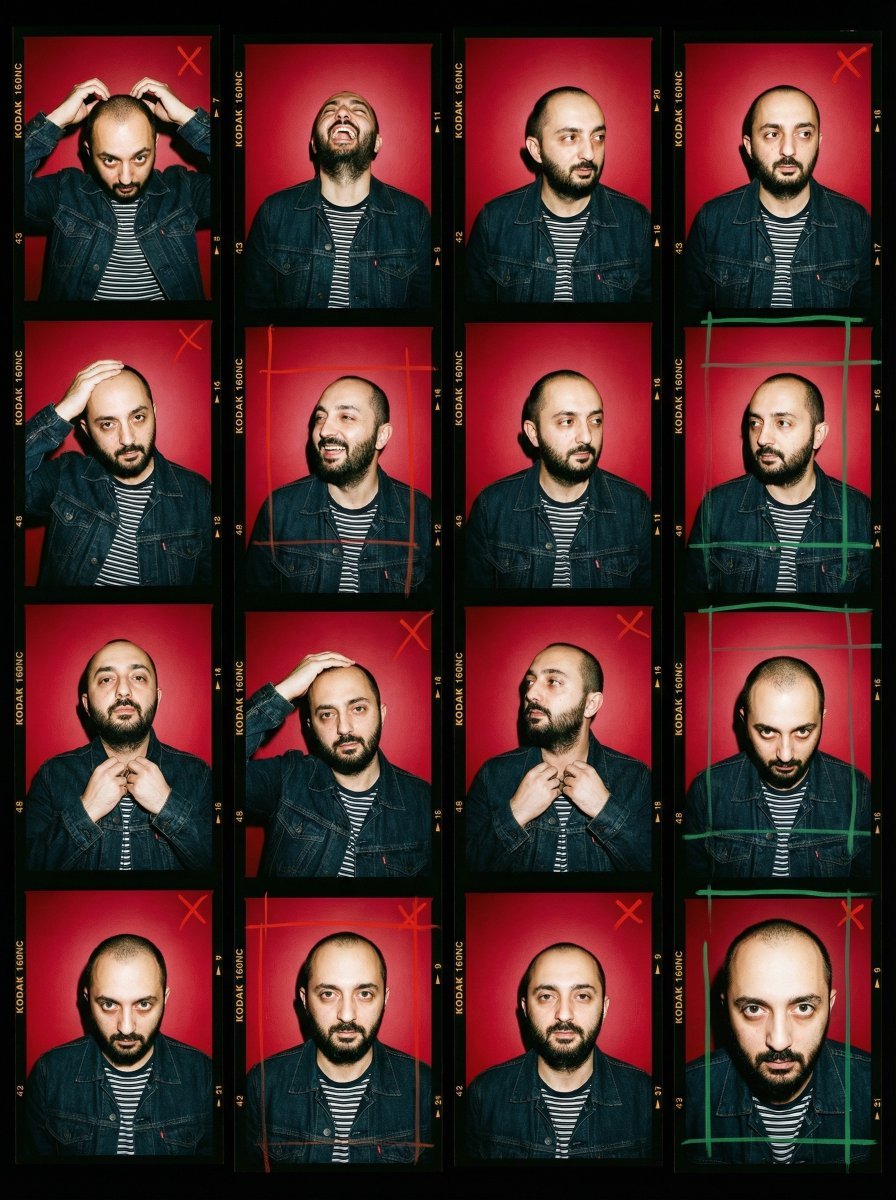
2000s Analog Film Contact Sheet Portrait Prompt
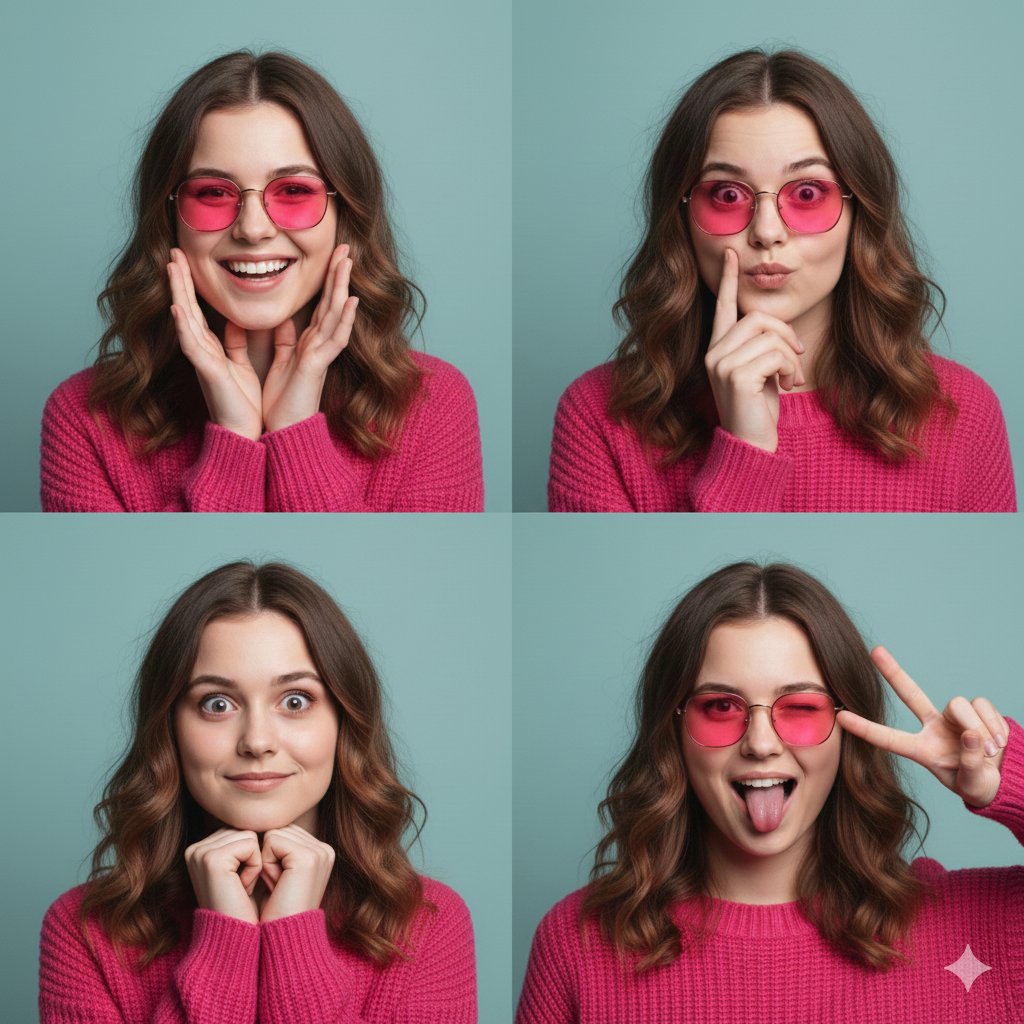
Hot Pink Photo Collage Prompt for Nano Banana Pro
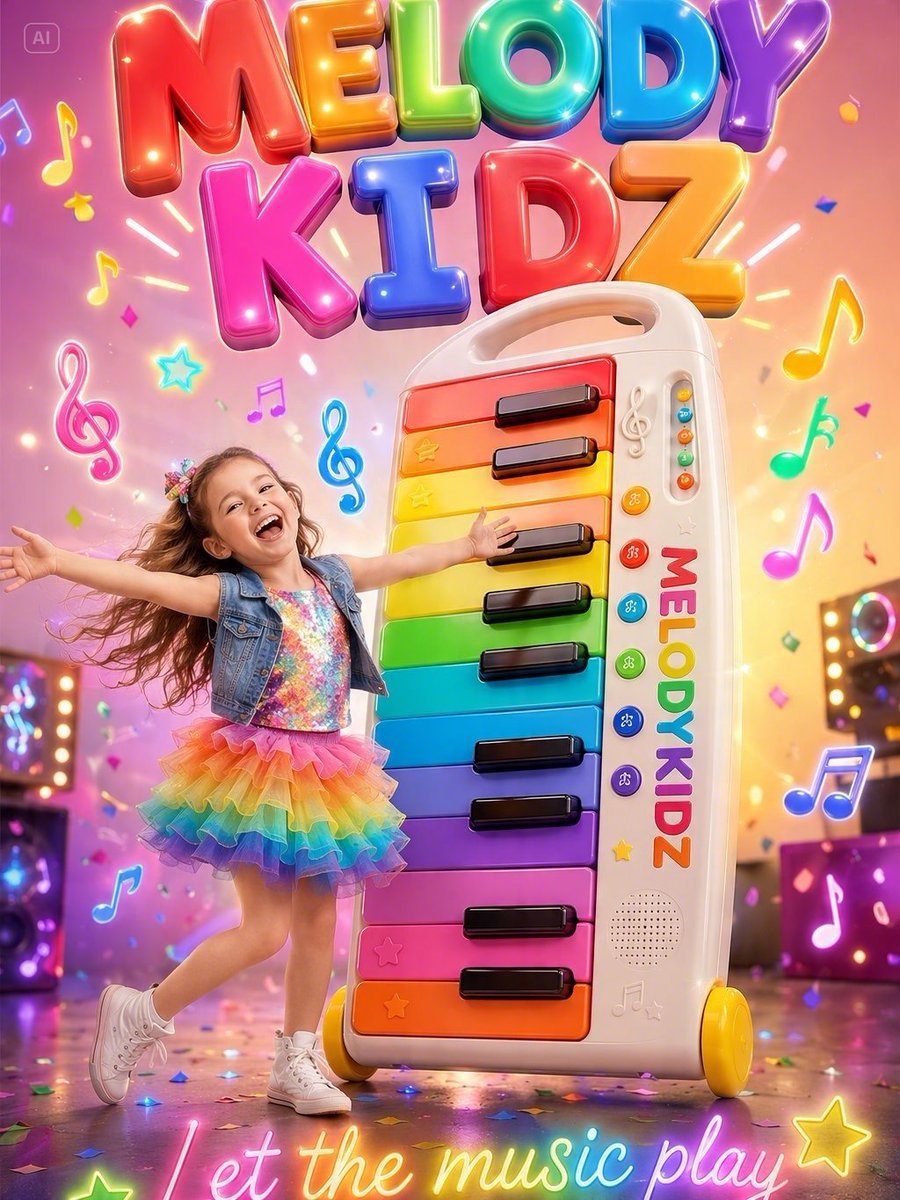
Musical Kids Toy Ad Poster
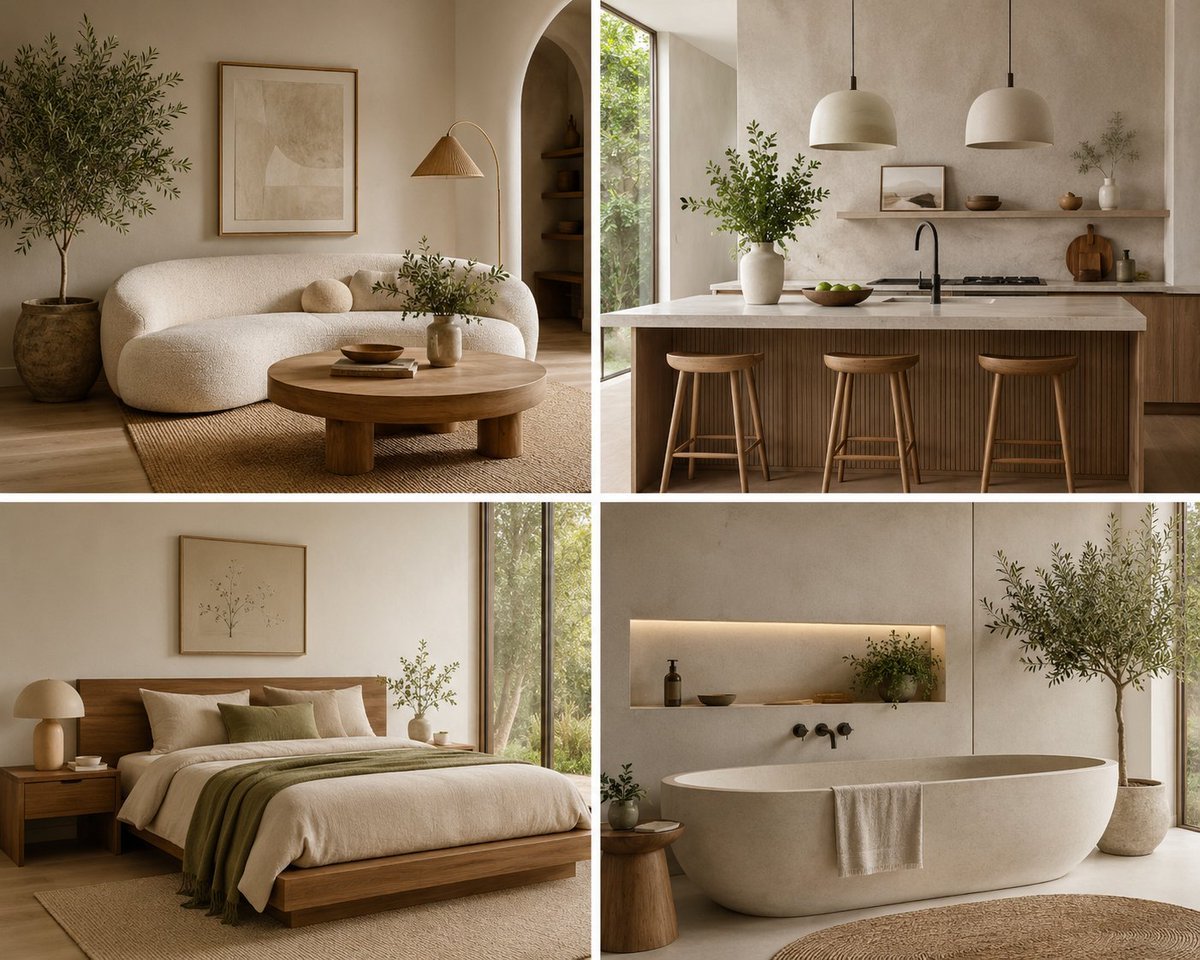
Organic Modern Interior Collage

Cinematic Portrait in Kashmir Mustard Field

Photo to Soft Anime Wedding Illustration
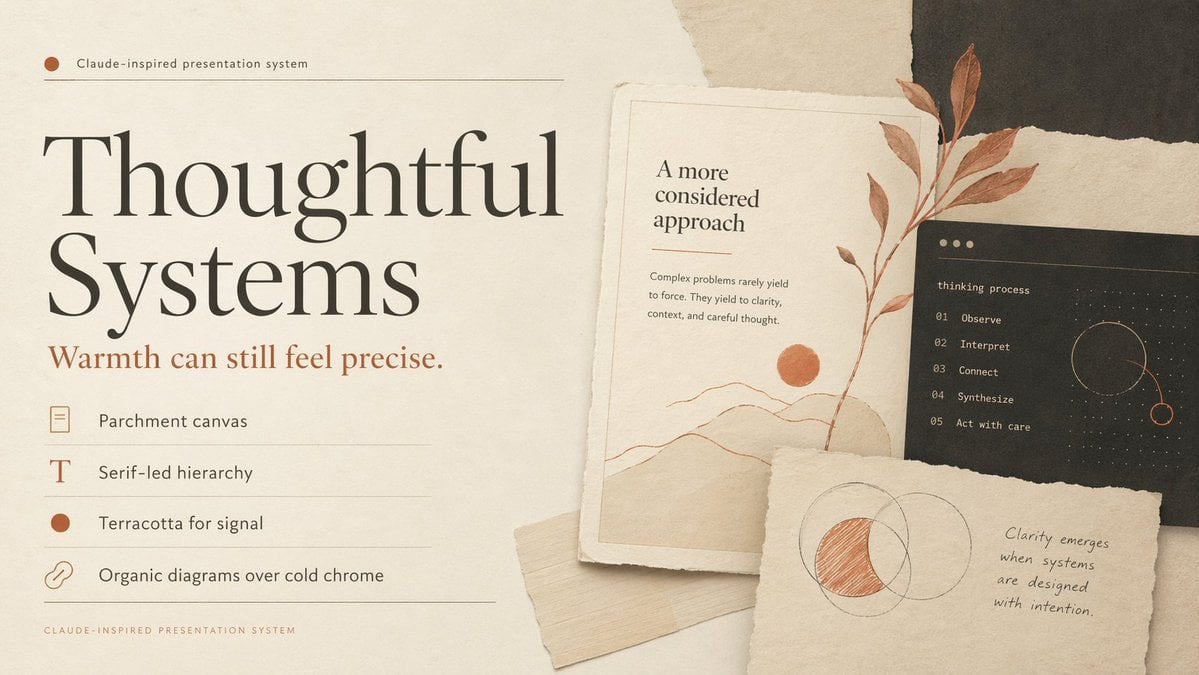
Thoughtful Systems Presentation Cover
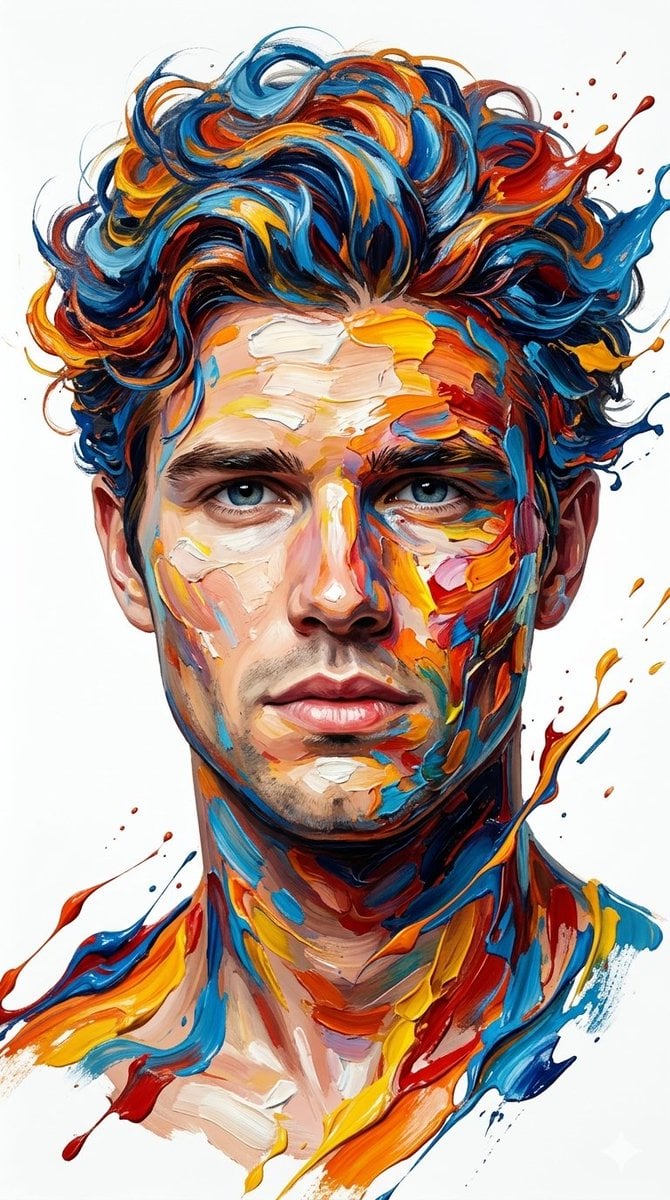
Hyper-Realistic Abstract Oil Portrait

Cozy Work-From-Home Portrait Prompt
Browse template categories
Pink Magical Girl in Antique Magic Shop questions
How do I use the Pink Magical Girl in Antique Magic Shop template?
Add your photo if the template asks for one, edit the prompt if you like — the template's model and format are already selected — and press Generate. Your version opens in PicX Studio.
Can I customize the Pink Magical Girl in Antique Magic Shop template?
Yes. You can change the subject, setting, lighting, mood, format, and available model controls before creating your image.
Is the Pink Magical Girl in Antique Magic Shop template free?
Opening and editing this template is free. Generating uses credits, shown on the Generate button when you are signed in.
Which AI model should I use?
Start with GPT Image 2, which is the model associated with this template. You can compare another compatible model for a different finish.
Looking for something else? Browse all templates.

Your photo, any look
Thousands of ready templates for every top image and video model, from one credit balance.