
Magical Girl Starstorm on Bubble
A cinematic anime fantasy scene of a magical girl riding an iridescent bubble beneath a radiant star gate and meteor shower.
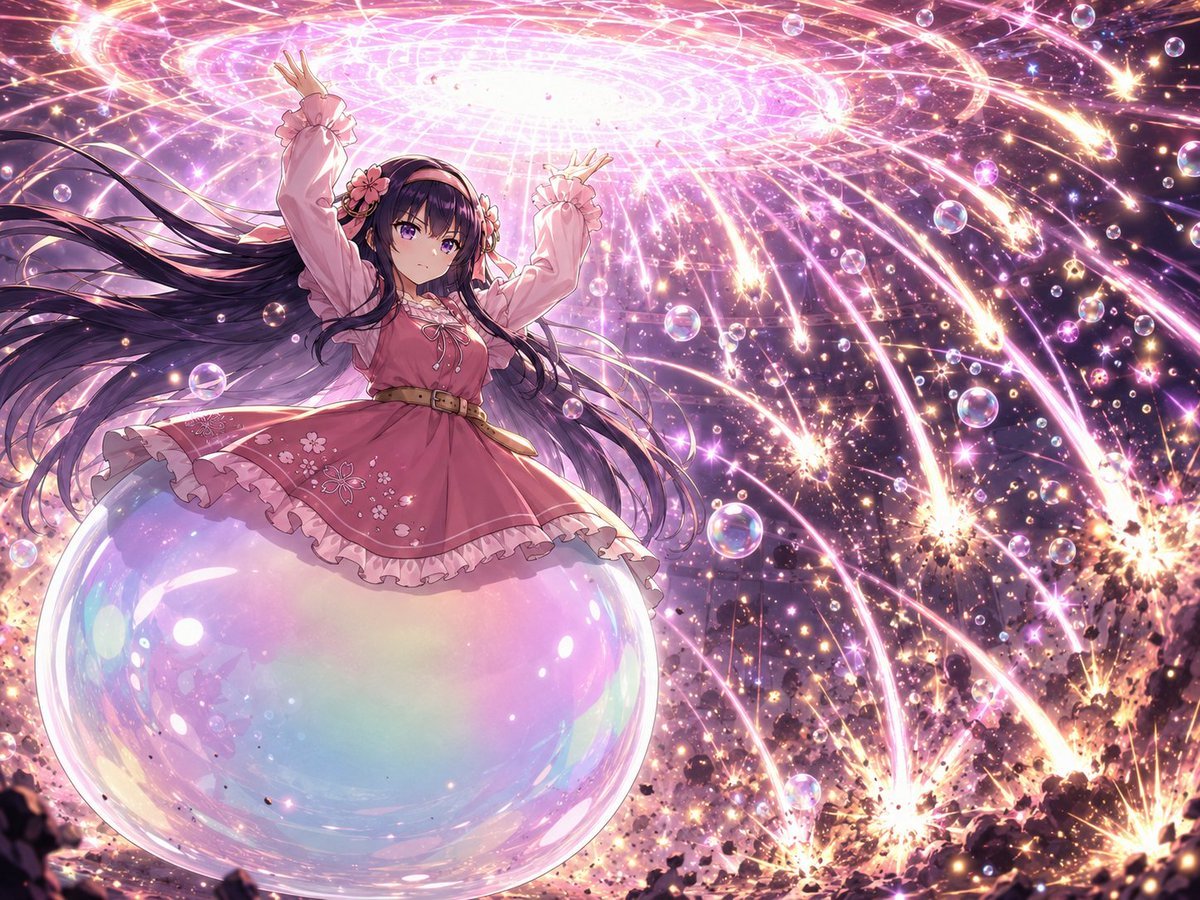
- Prompt included
- Model and format preset
- Premium template
The prompt behind this image
Copy the exact prompt behind Magical Girl Starstorm on Bubble, or open it in the studio and make it yours.
Create a highly detailed anime fantasy illustration of {argument name="character name" default="a young magical girl"} riding on one enormous iridescent soap bubble in the lower-left foreground, seen from a low back/three-quarter angle as she raises both arms toward a blazing circular star gate overhead. She has extremely long flowing {argument name="hair color" default="black hair"} streaming dramatically leftward in the wind, with pink flower hair ornaments and ribbons. Her face is intentionally obscured by a soft square blur/mosaic, while the rest of the illustration remains crisp. She wears a frilly {argument name="dress color" default="pink"} lolita-style dress with puffed sleeves, ruffled cuffs, a short flared skirt embroidered with small white cherry blossoms, a tan waist belt, lace trim, and layered petticoat edges. The scene is a cosmic storm: one giant translucent rainbow soap bubble supports her, with exactly 23 smaller visible soap bubbles scattered through the sky, reflecting pink, blue, and violet highlights. Above her is one huge luminous circular magic portal/star gate, white-hot in the center with concentric pink rings, geometric grid lines, and radiant spiraling energy. From the portal, countless golden-pink star meteors and comet trails arc downward across a deep purple space-like background, exploding into sparkling showers near the rocky ground at the bottom edge. Use intense magical lighting, glittering particles, lens-like bloom, high contrast, dynamic diagonal motion, pastel iridescence, cinematic composition, ultra-polished anime key visual style, 4:3 horizontal canvas. No text, no watermark, no extra characters.
How to use Magical Girl Starstorm on Bubble in 3 steps
- 1Upload ImagePNG, JPG or paste
Add your photo
Upload the photo the template builds on. The prompt, model and format are already set.
- 2…a portrait of your subject in softgolden-hour light, 85mm…
Personalize
Edit the subject and creative details for your destination.
- 3Generate
Generate
Press Generate — your image is created in PicX Studio, so you can compare it with the original and refine one variable at a time.
More like this
Templates with the same subject, style or setup. Open one to see its prompt.

Teen Girl Alpine Lake Mountain View
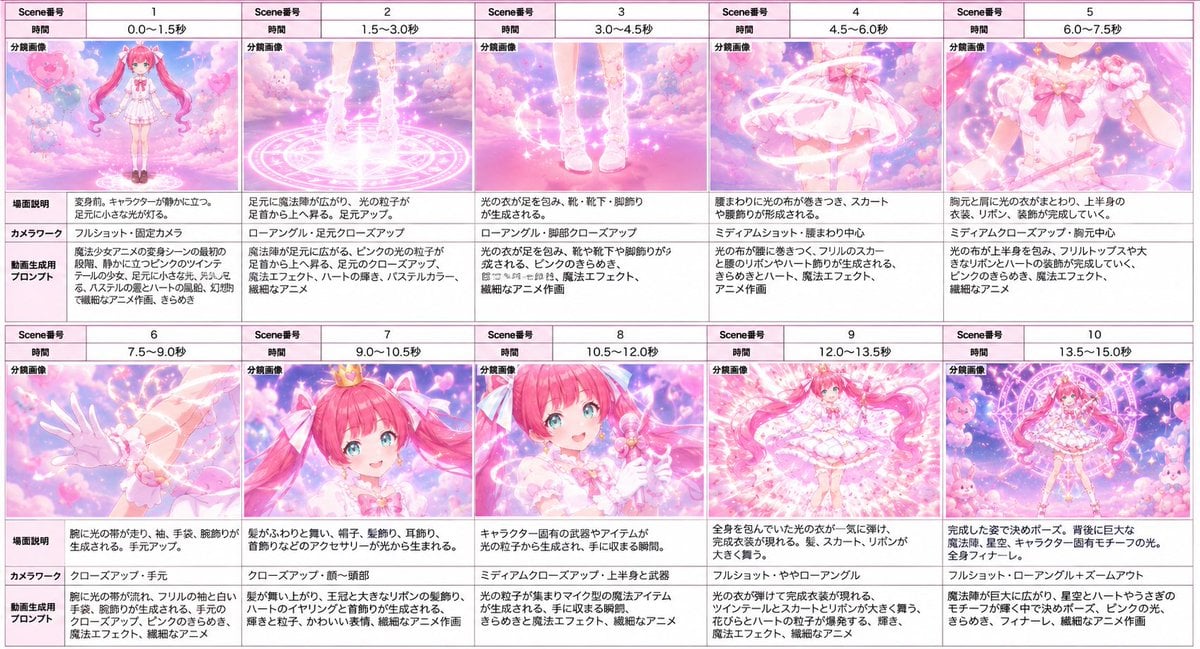
Magical Girl Transformation Storyboard
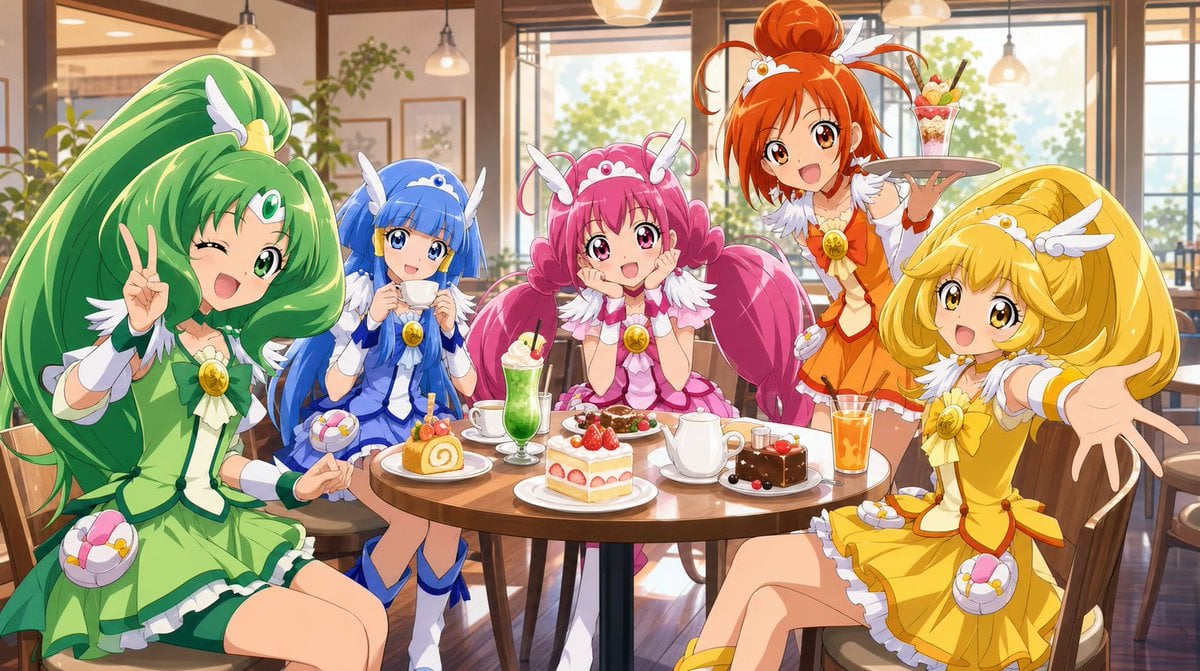
Magical Girls Dessert Café Scene

Pixar-Style Chibi Café Morning Scene

Pastel Fantasy Pagoda Mountain Landscape
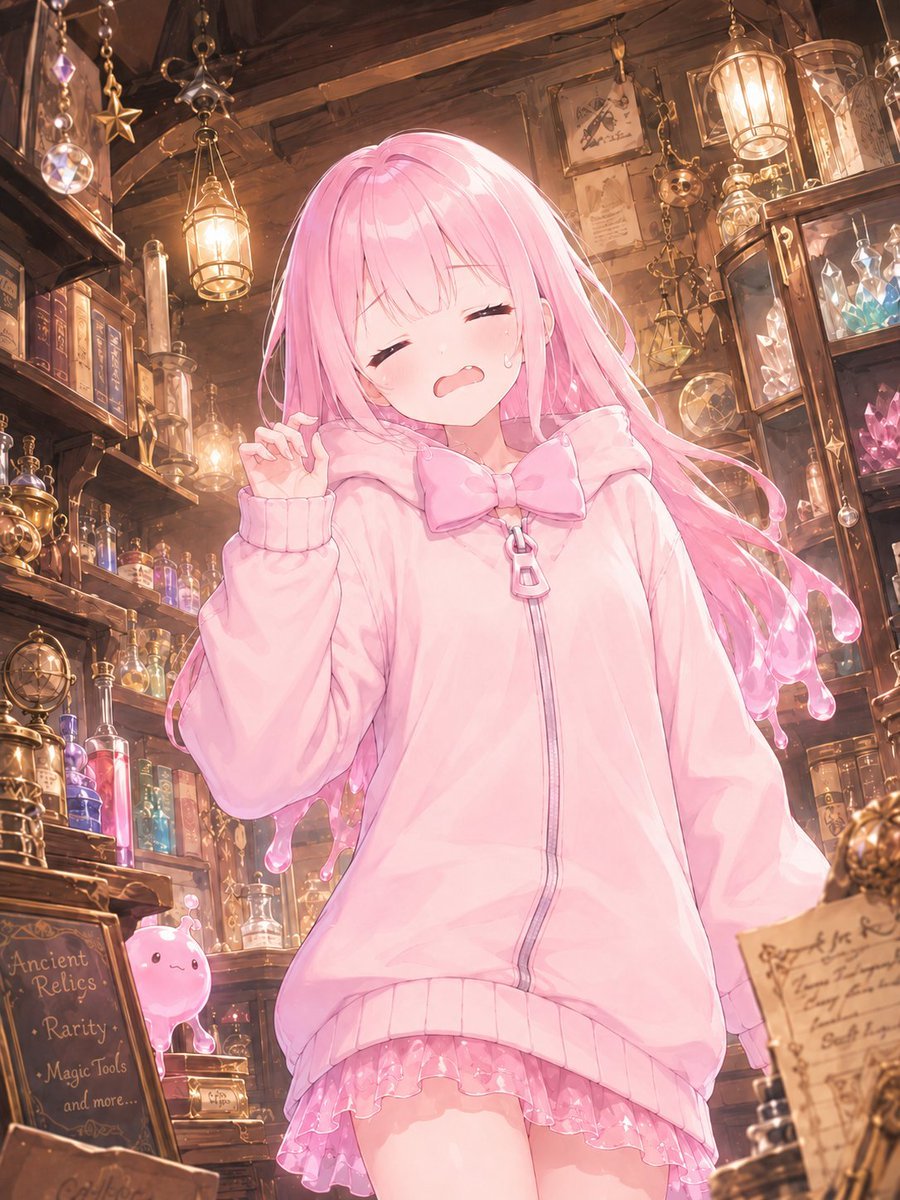
Pink Magical Girl in Antique Magic Shop
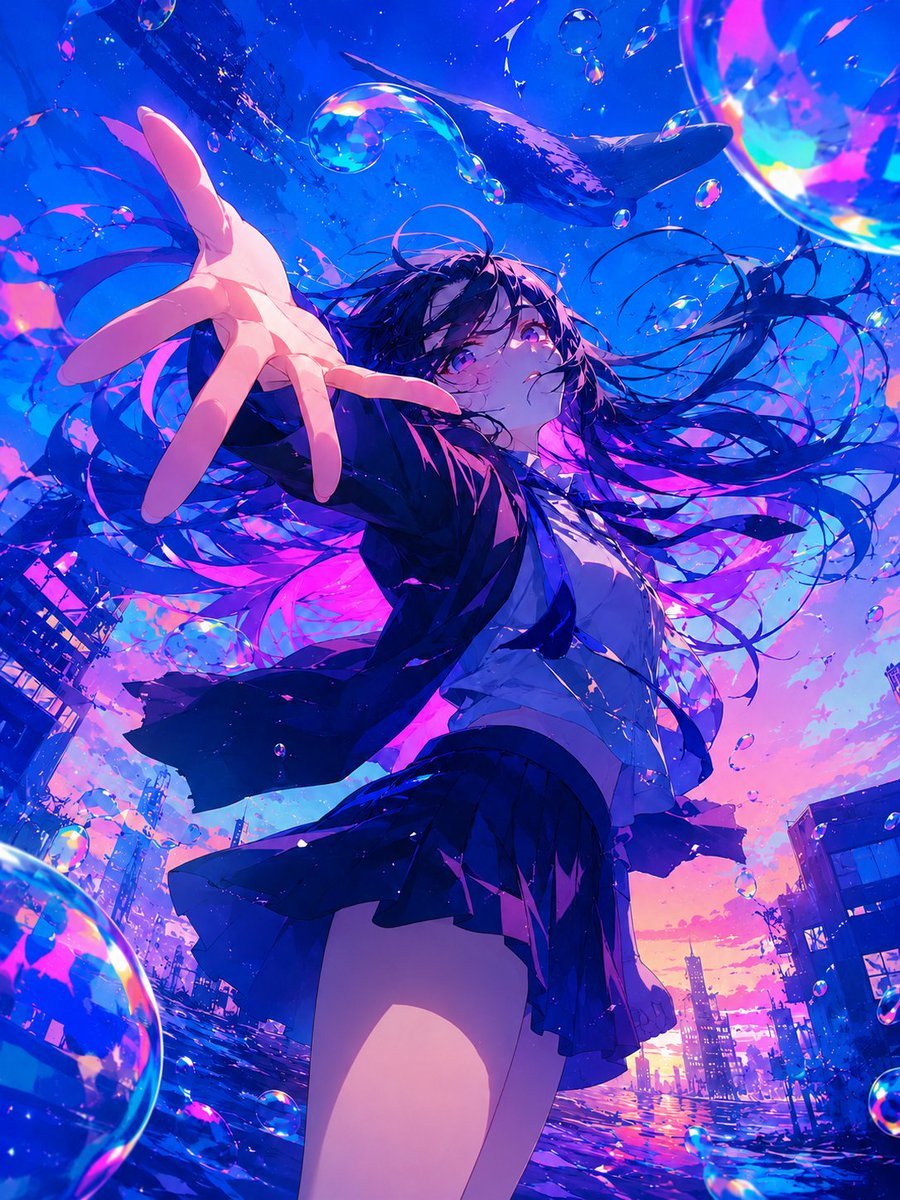
Surreal Anime Schoolgirl in Bubble Sky
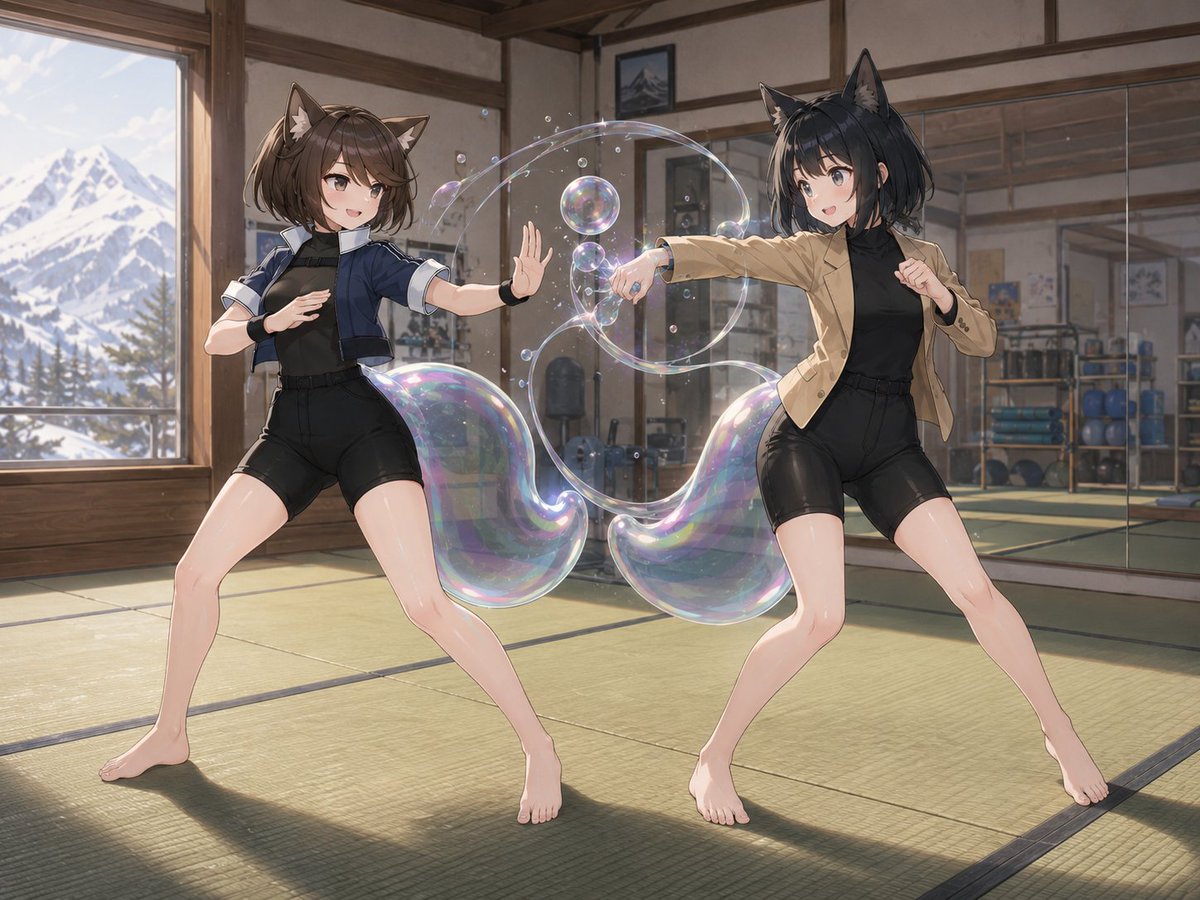
Catgirl Dojo Bubble Sparring
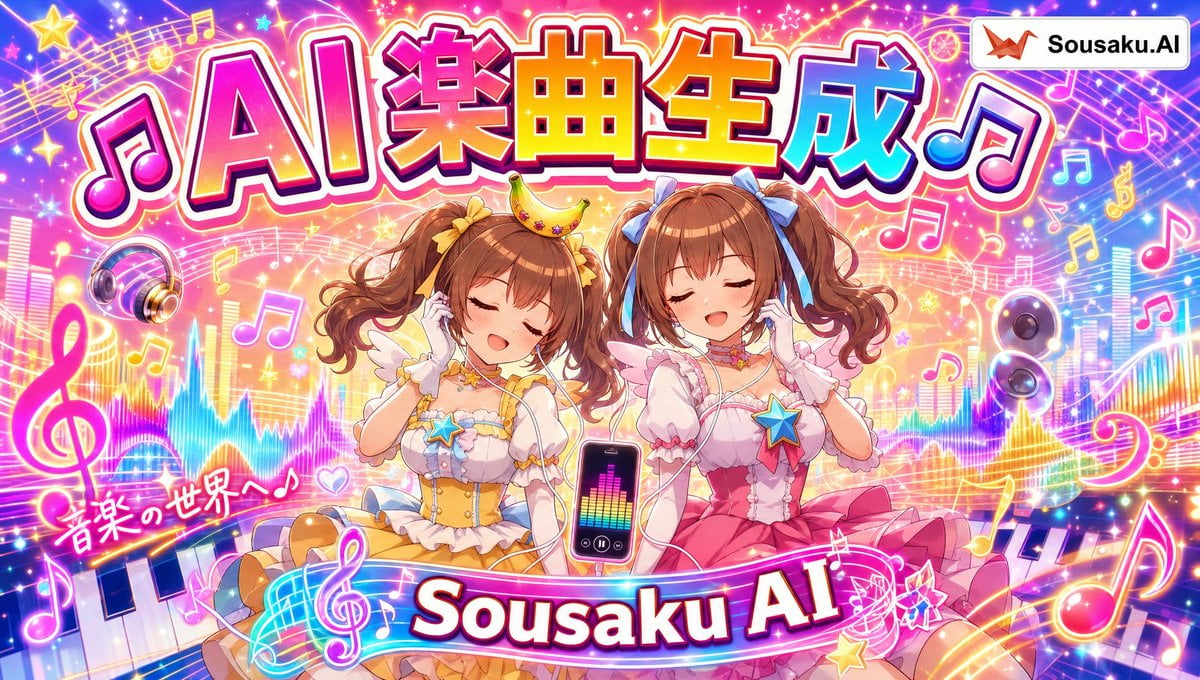
Magical Girl AI Music Thumbnail
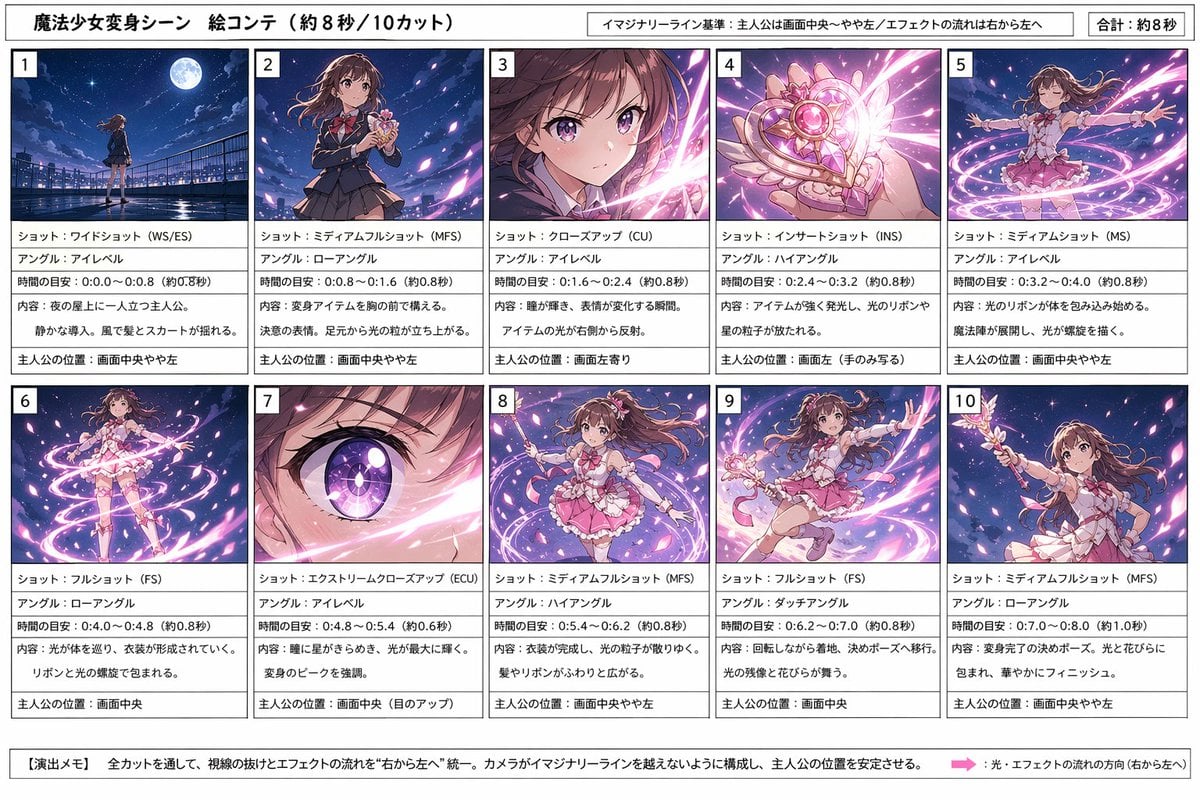
Magical Girl Transformation Storyboard
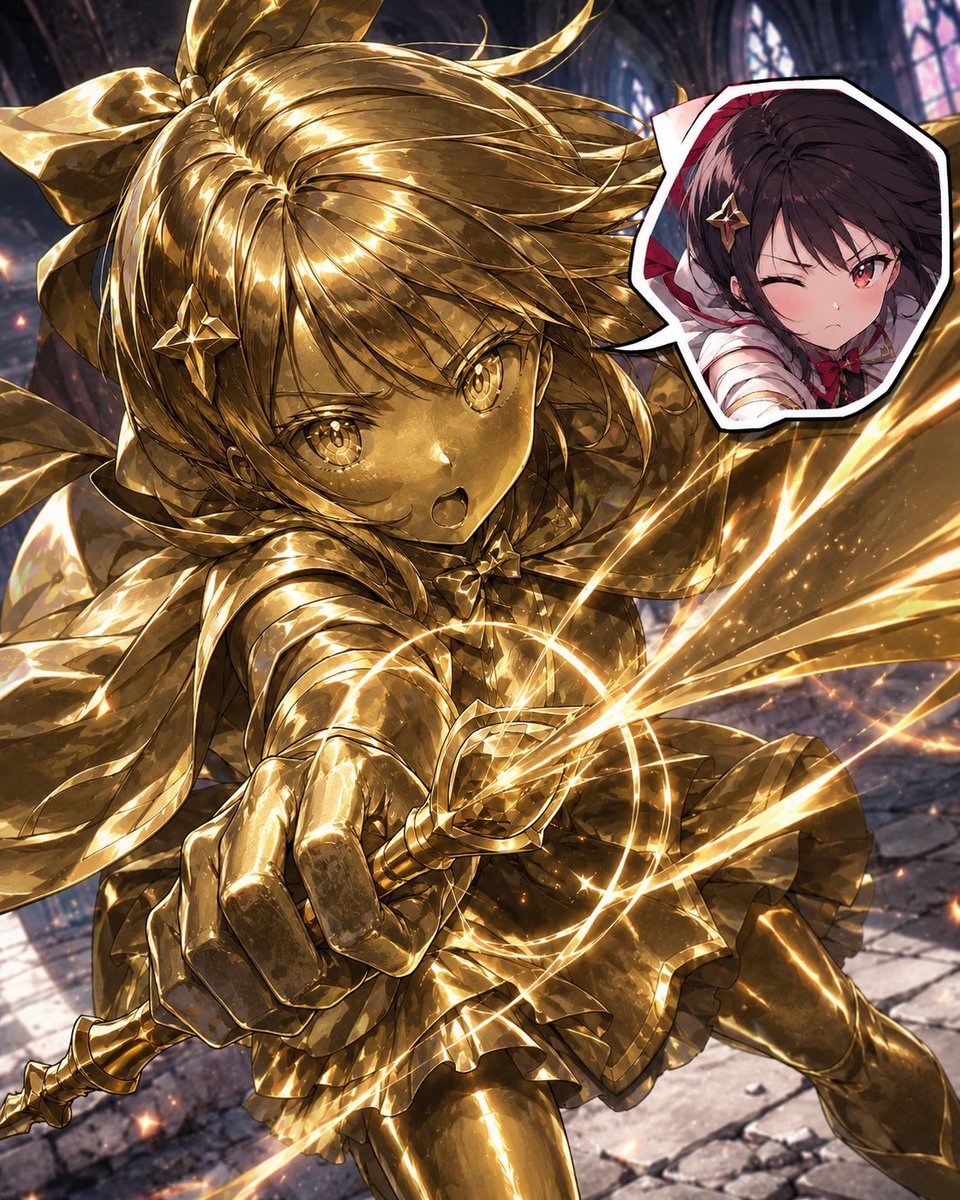
Golden Magical Girl Action Key Visual
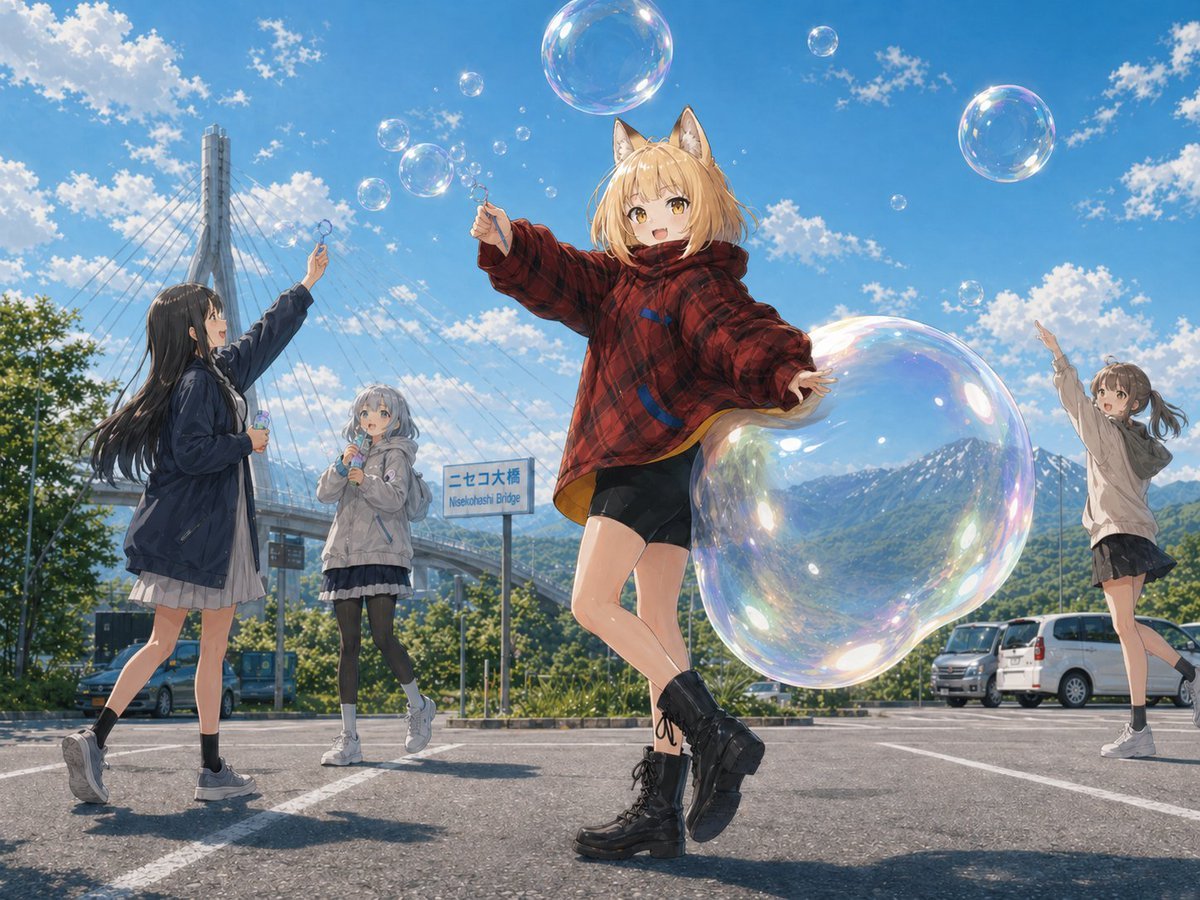
Fox Girl Bubble Dream
Make it yours
Magical Girl Starstorm on Bubble works as-is. These are the safest ways to change it without losing the look.
Change one field
Copy a single group, rewrite it, and generate again so you can see what that field is doing.
Keep the frame, change the subject
Hold the composition and light of Magical Girl Starstorm on Bubble, then swap wardrobe, props or the person for a new take.
| If the result… | Why | Fix |
|---|---|---|
| The result drifts from the preview | Too many fields changed at once. | Reuse Magical Girl Starstorm on Bubble as-is first, then change one group — subject, light, or setting. |
| The model over-stylizes the scene | The prose prompt leaves finish and camera underspecified. | Add one camera or lighting sentence and stay on GPT Image 2. |
More GPT Image 2 templates
Other prompts made for GPT Image 2.

Six VTuber Japanese Logo Sheet

Realistic Portrait of Woman and Deer

The Vista Modular Condo Poster

AI Model Routing Comparison Infographic

2.5D Anime Art Board

Isometric Productivity Desk Scene

New York Double Exposure Poster

Four-Panel AI Landscape Comparison

Japanese Tatami Lifestyle Magazine Cover

NESCAFÉ Coffee Map Poster
More image prompts
Fresh picks from across the catalog.
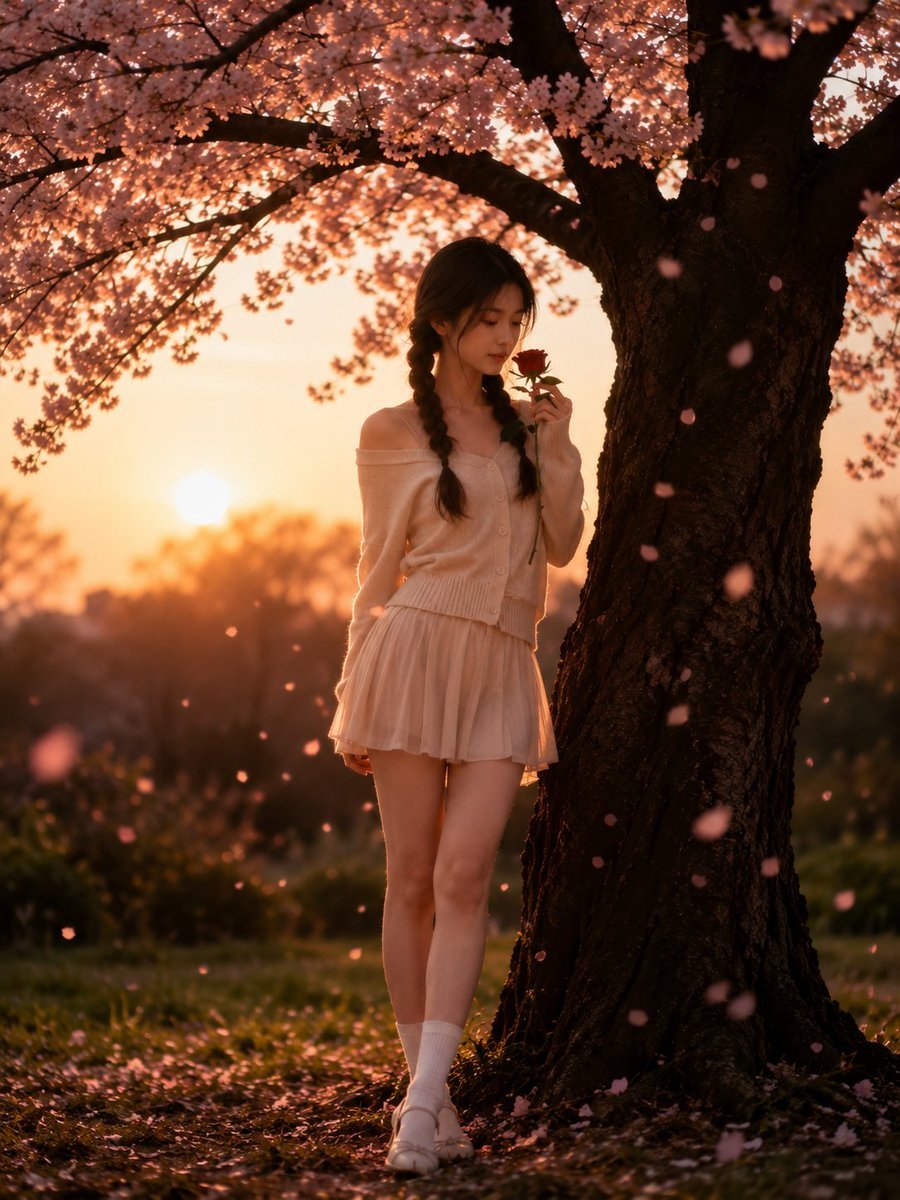
Cinematic Cherry Blossom Portrait
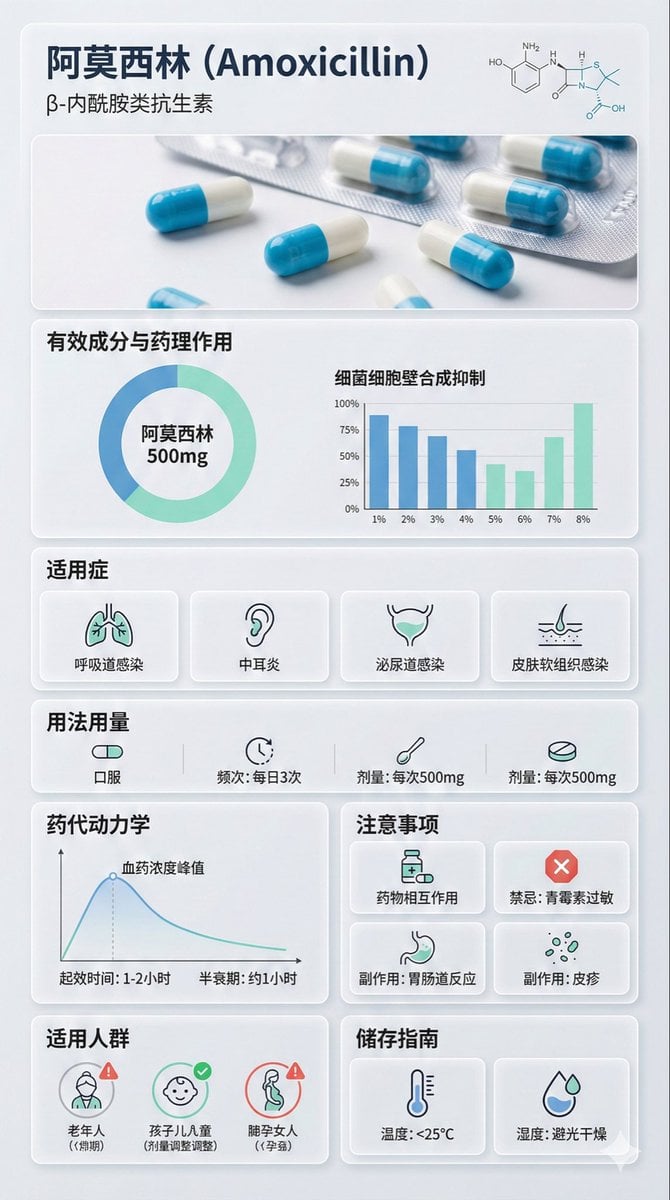
Medical Infographic Poster Prompt using Bento Grid Layout

Ultra Realistic Cinematic Urban Portrait
Creative Design Mood Board Portrait
Wildlife Photographer Adventure Storyboard
Minimalist Futuristic Concept Art
Rainy Kamakura Hydrangea Garden
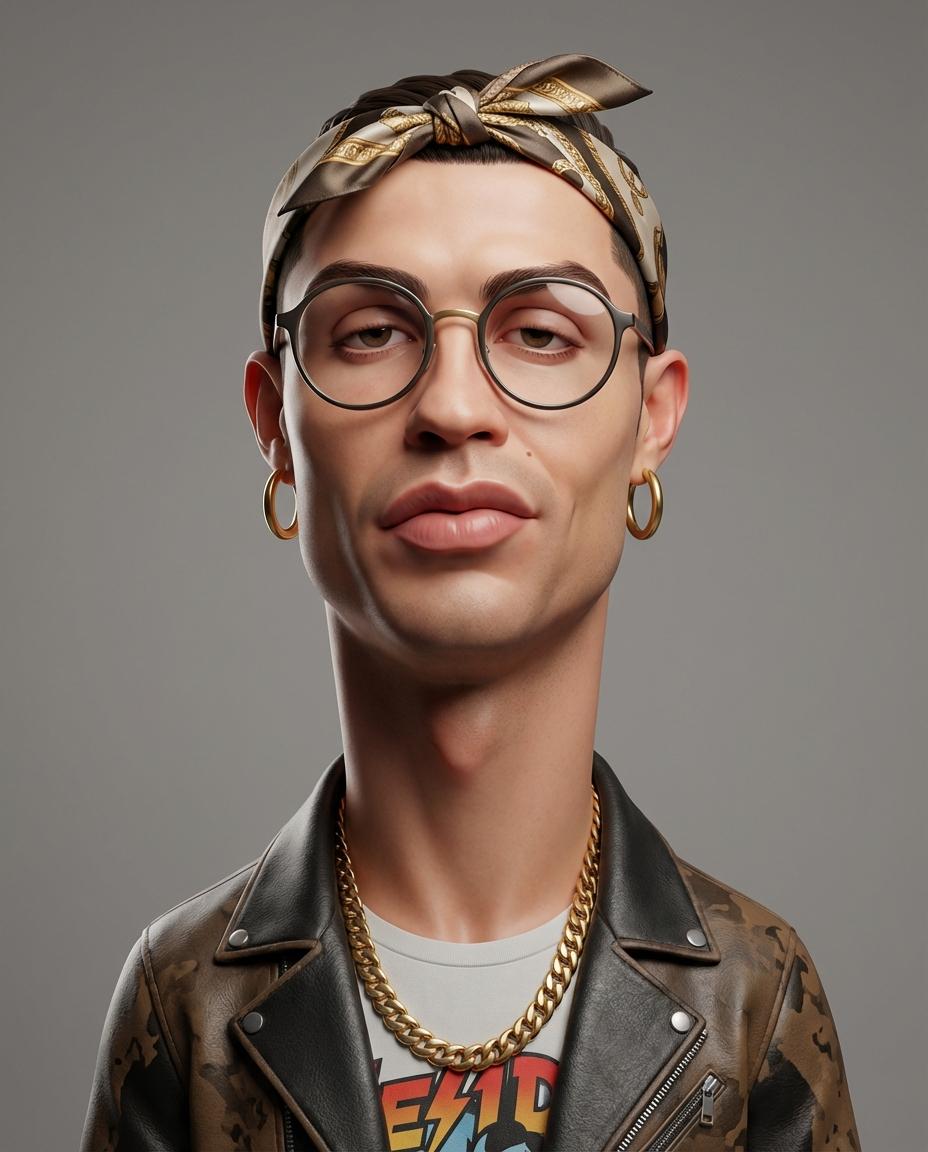
Stylized 3D Caricature Portrait Prompt
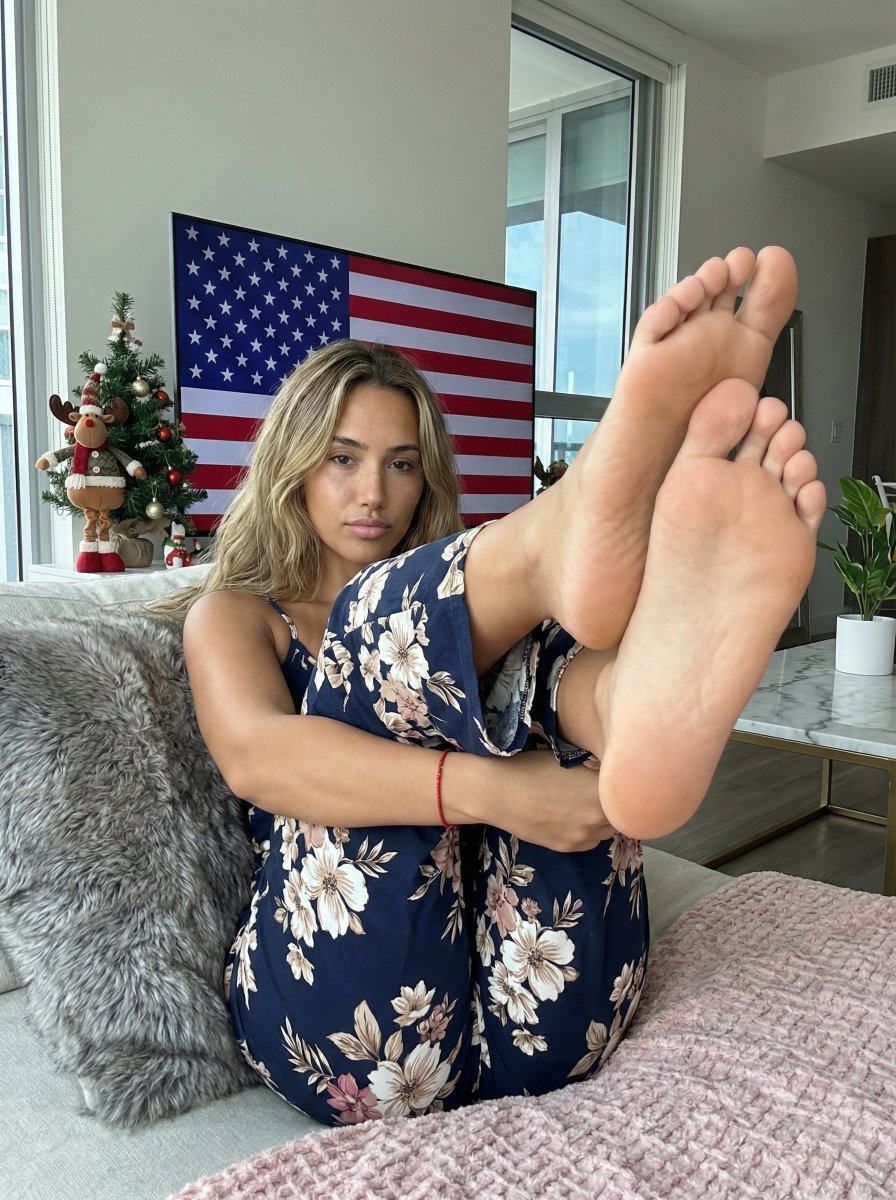
Extreme Foreshortening Portrait with Feet in Foreground
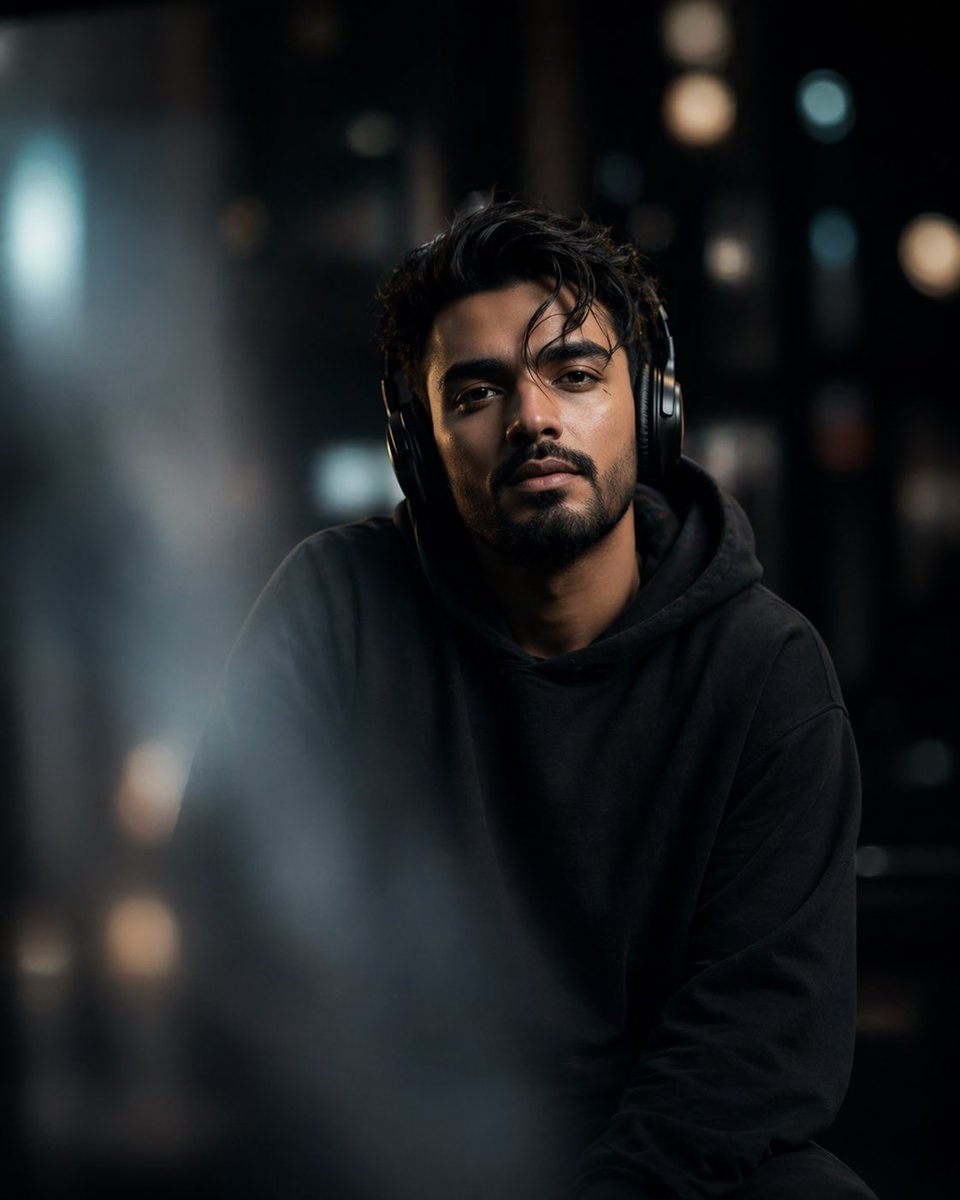
Cinematic Moody Portrait
Browse template categories
Magical Girl Starstorm on Bubble questions
How do I use the Magical Girl Starstorm on Bubble template?
Add your photo if the template asks for one, edit the prompt if you like — the template's model and format are already selected — and press Generate. Your version opens in PicX Studio.
Can I customize the Magical Girl Starstorm on Bubble template?
Yes. You can change the subject, setting, lighting, mood, format, and available model controls before creating your image.
Is the Magical Girl Starstorm on Bubble template free?
Opening and editing this template is free. Generating uses credits, shown on the Generate button when you are signed in.
Which AI model should I use?
Start with GPT Image 2, which is the model associated with this template. You can compare another compatible model for a different finish.
Looking for something else? Browse all templates.

Your photo, any look
Thousands of ready templates for every top image and video model, from one credit balance.