
Surreal Anime Schoolgirl in Bubble Sky
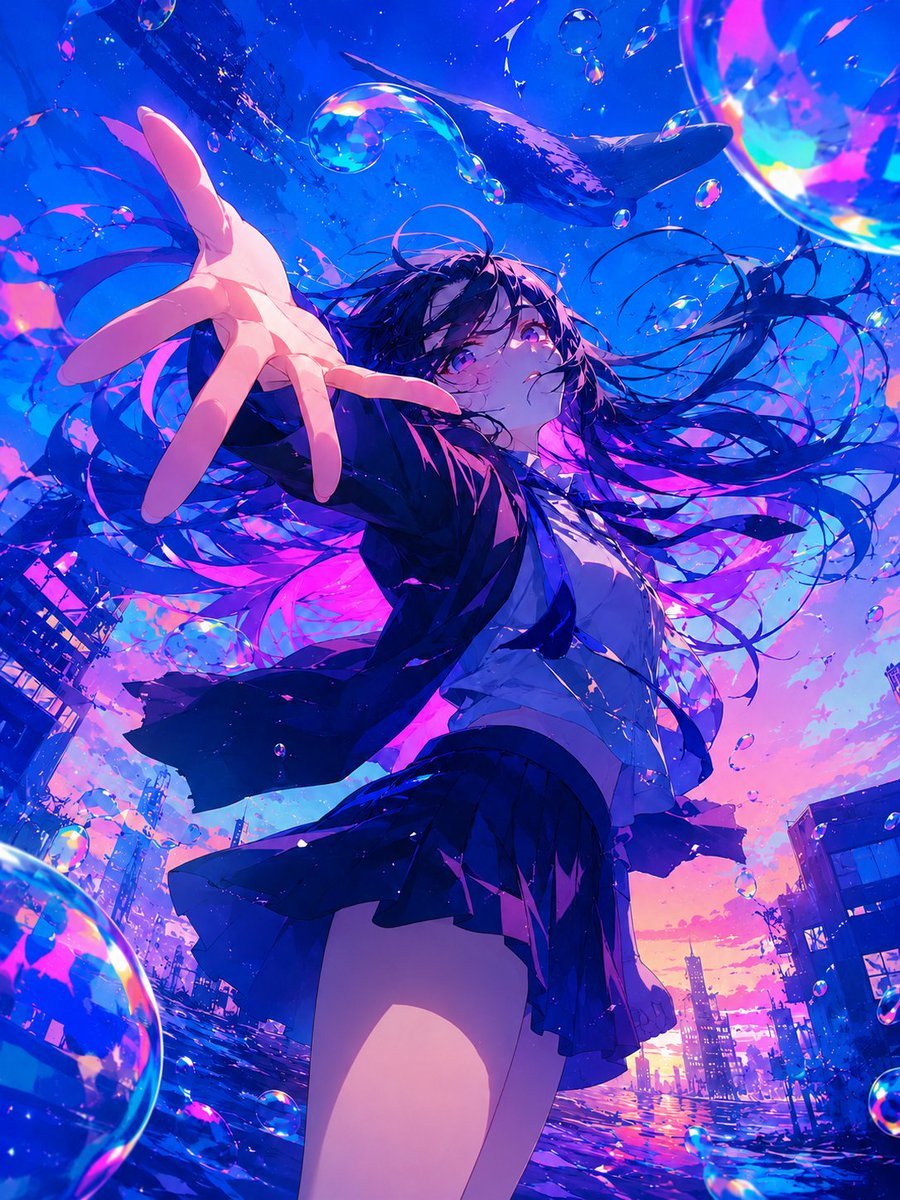
Generates a vivid cinematic anime key visual of a windblown schoolgirl reaching toward the viewer in a flooded, bubble-filled city beneath a whale-like sky.
- Prompt included
- Model and format preset
- Premium template
The prompt behind this image
Copy the exact prompt behind Surreal Anime Schoolgirl in Bubble Sky, or open it in the studio and make it yours.
Create a dramatic vertical anime illustration of {argument name="character description" default="a teenage schoolgirl with very long flowing black hair and violet eyes"} reaching her left hand toward the viewer in an extreme low-angle perspective, fingers foreshortened large in the foreground, her expression quiet, yearning, and slightly melancholic as she looks upward past the camera. She wears {argument name="outfit" default="a dark navy Japanese school uniform blazer, white shirt, loose tie, and pleated skirt"}, all caught in strong wind so the jacket, tie, skirt, and hair stream outward in sweeping ribbons. Set the scene in {argument name="setting" default="a surreal flooded city street at sunset"}, with distant buildings and utility poles tilted around the frame, the reflective water surface below shimmering like glass. Fill the air with many iridescent transparent bubbles of different sizes, including one huge cropped bubble in the upper right, one large cropped bubble in the lower left, and numerous small floating droplets around the character. Above her, include a dark whale-like silhouette gliding through the luminous blue sky as if underwater, adding dreamlike scale. Use a hyper-saturated color palette of electric cobalt blue, cyan, violet, hot magenta, and warm peach-orange sunset light, with high contrast rim lighting, glossy reflections, prismatic highlights on every bubble, painterly brush textures, dynamic diagonal composition, cinematic depth of field, intricate hair strands, and highly polished modern anime key visual quality. The mood should feel like {argument name="mood" default="beautiful apocalyptic wonder, weightless longing, and underwater-sky surrealism"}.
How to use Surreal Anime Schoolgirl in Bubble Sky in 3 steps
- 1Upload ImagePNG, JPG or paste
Add your photo
Upload the photo the template builds on. The prompt, model and format are already set.
- 2…a portrait of your subject in softgolden-hour light, 85mm…
Personalize
Edit the subject and creative details for your destination.
- 3Generate
Generate
Press Generate — your image is created in PicX Studio, so you can compare it with the original and refine one variable at a time.
More like this
Templates with the same subject, style or setup. Open one to see its prompt.

Pixar Anime Sky Race
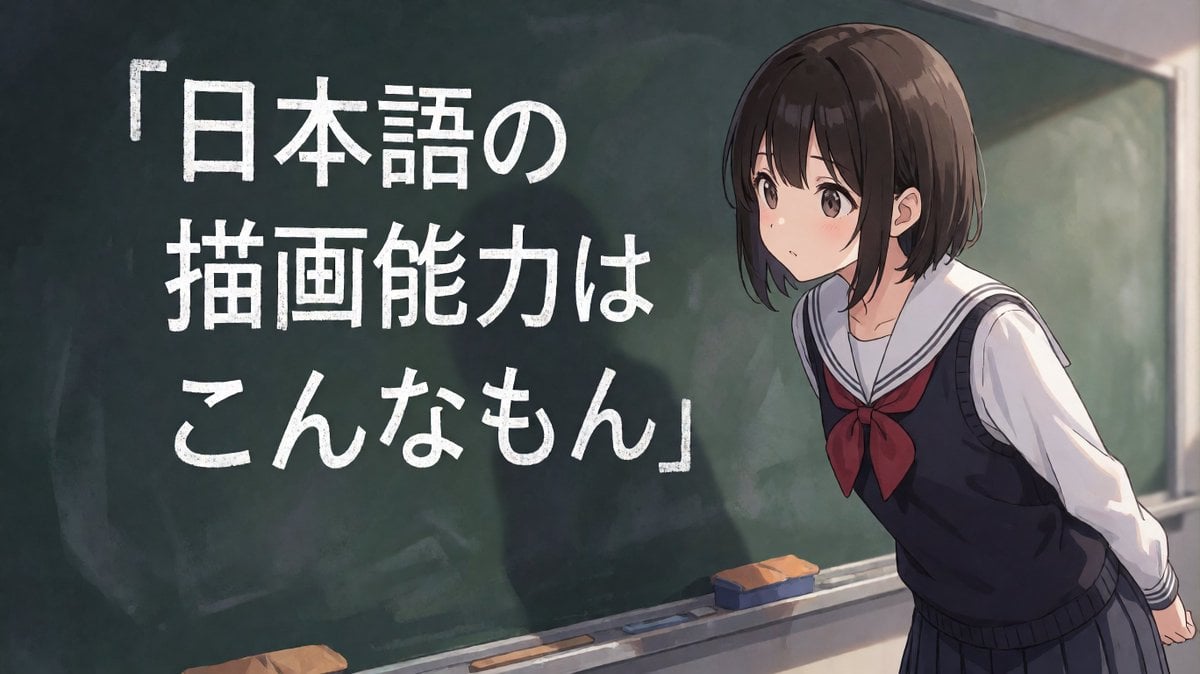
Anime Schoolgirl Chalkboard Quote
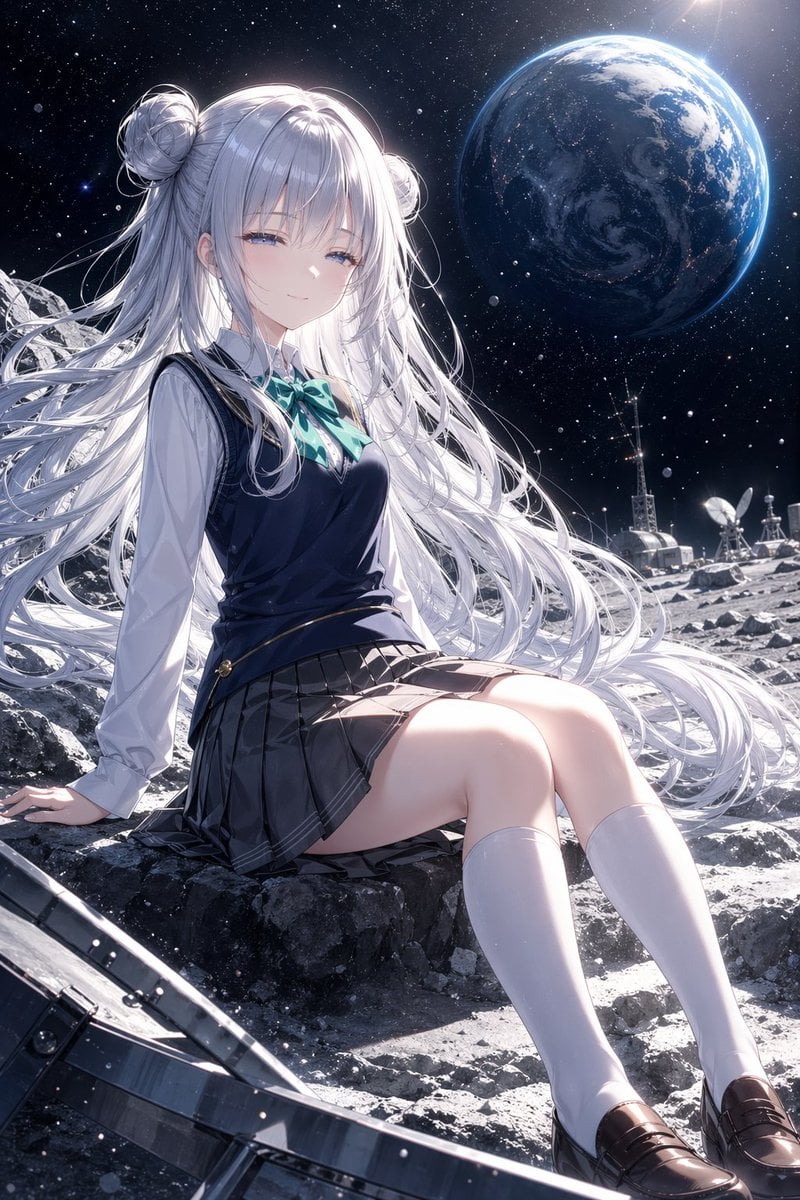
Anime Schoolgirl on the Moon
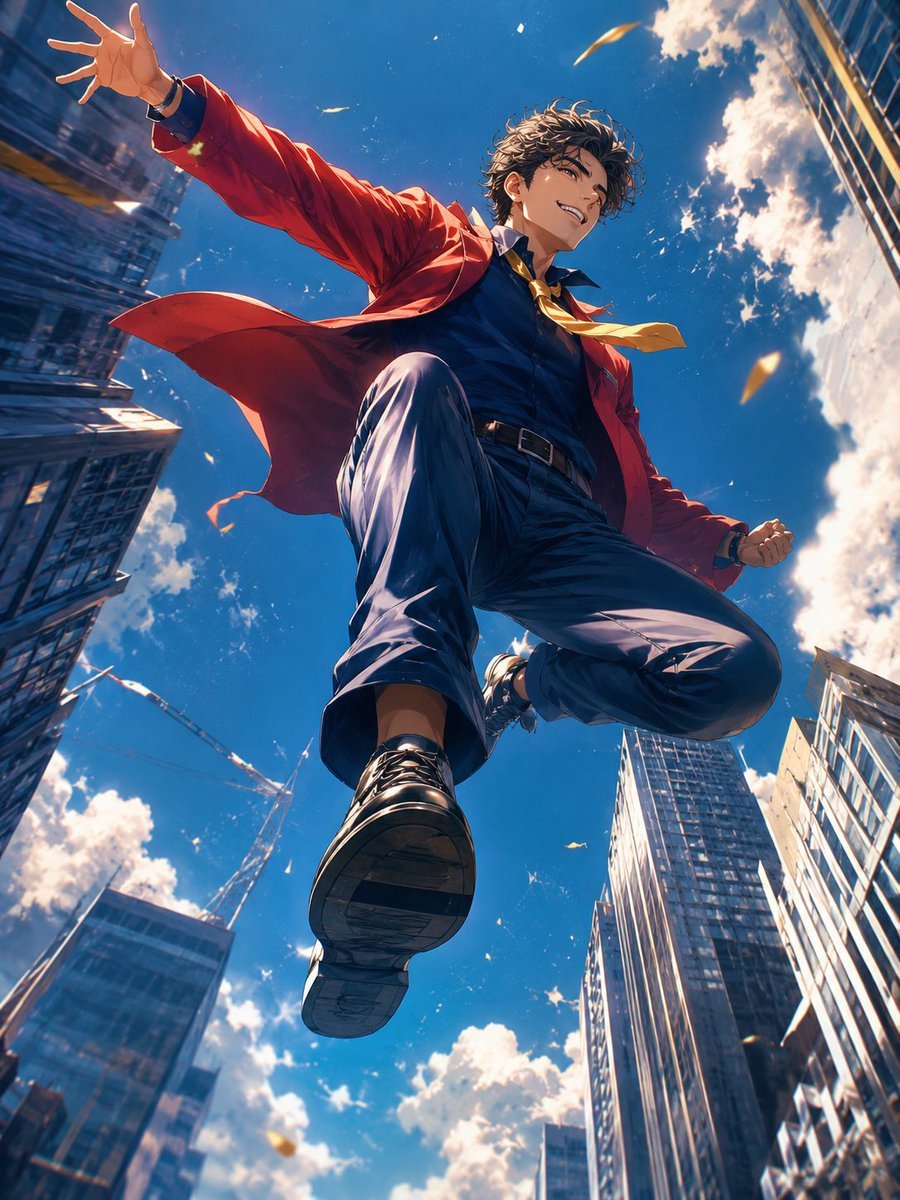
Anime Hero Leaping Through City Sky
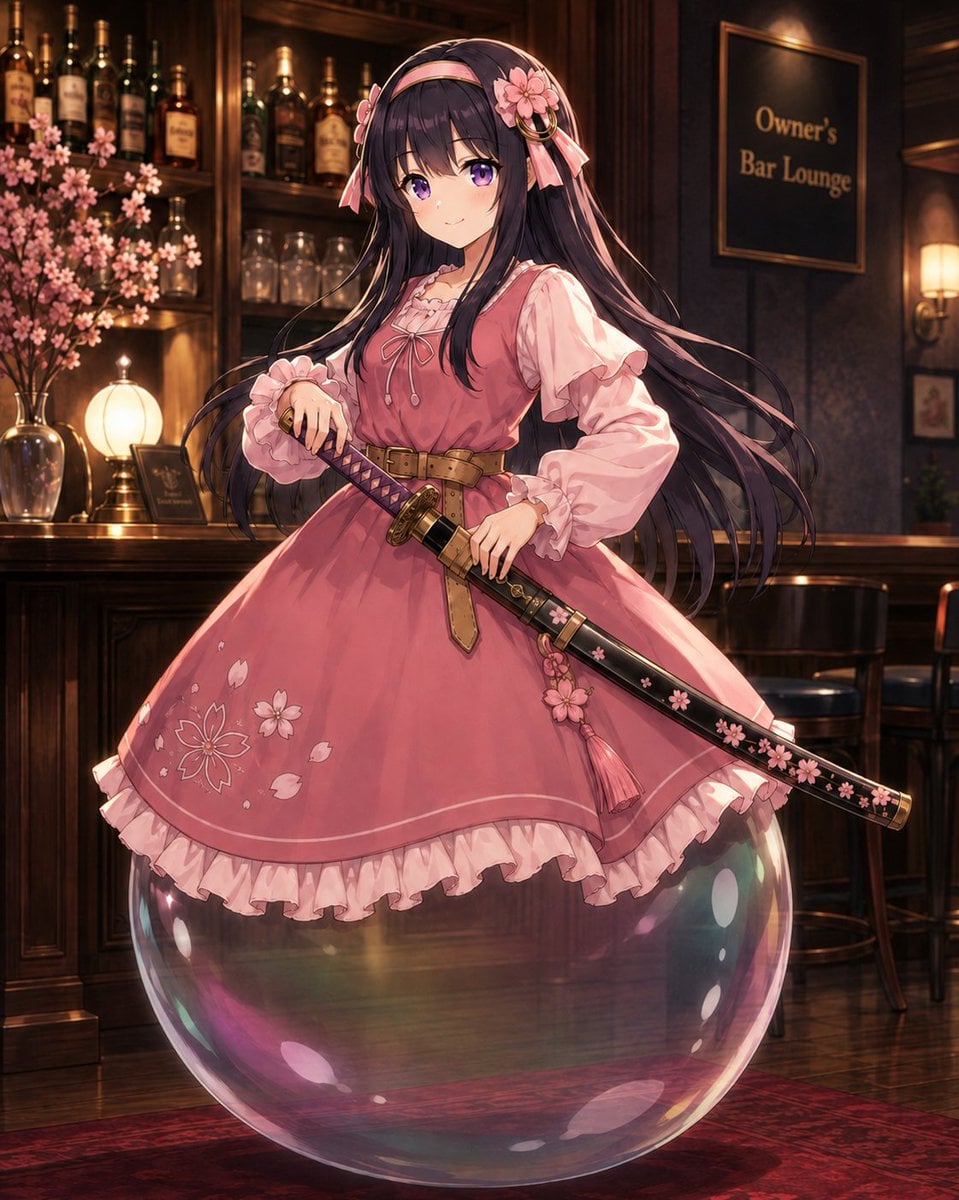
Anime Bubble Samurai in Bar Lounge
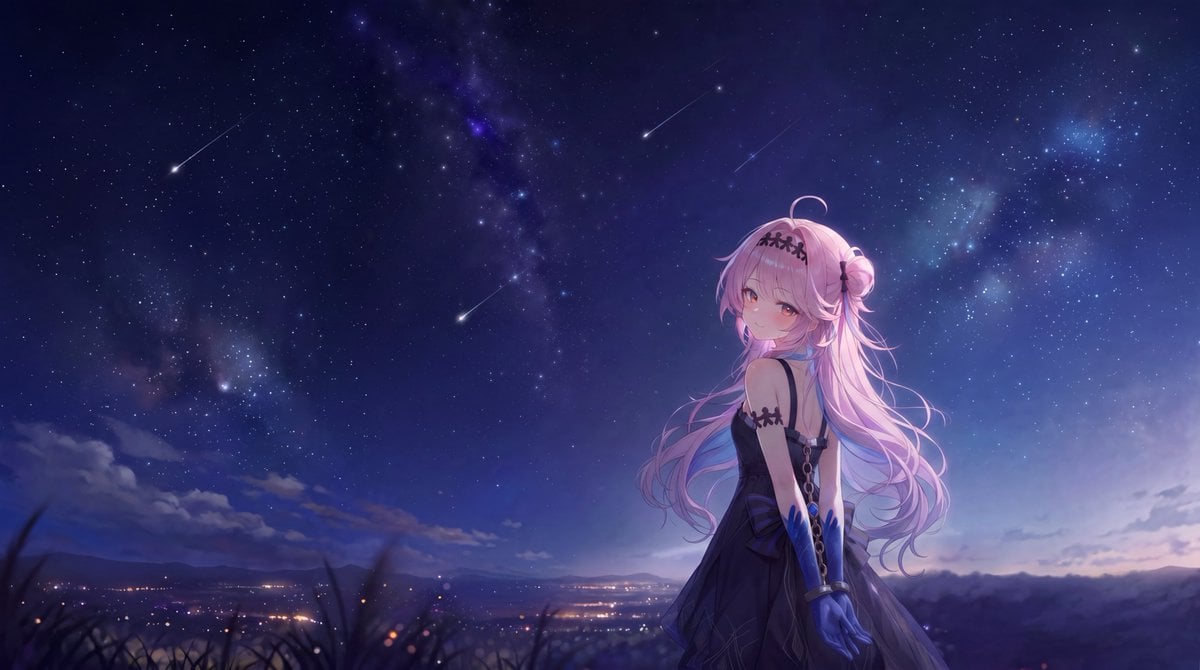
Anime Girl Under Meteor Starry Sky

Chaotic Anime Schoolgirl Fan Collage

Surreal Cat Astronaut — Humanoid Face Freefall

Surreal Miniature Universe Bubble Portrait

Cel 2D Finale Fireworks

Cel 2D Garden Maze

Cel 2D Rooftop Concert
Make it yours
Surreal Anime Schoolgirl in Bubble Sky works as-is. These are the safest ways to change it without losing the look.
Change one field
Copy a single group, rewrite it, and generate again so you can see what that field is doing.
Keep the frame, change the subject
Hold the composition and light of Surreal Anime Schoolgirl in Bubble Sky, then swap wardrobe, props or the person for a new take.
| If the result… | Why | Fix |
|---|---|---|
| The result drifts from the preview | Too many fields changed at once. | Reuse Surreal Anime Schoolgirl in Bubble Sky as-is first, then change one group — subject, light, or setting. |
| The model over-stylizes the scene | The prose prompt leaves finish and camera underspecified. | Add one camera or lighting sentence and stay on GPT Image 2. |
More GPT Image 2 templates
Other prompts made for GPT Image 2.

Six VTuber Japanese Logo Sheet

Realistic Portrait of Woman and Deer

The Vista Modular Condo Poster

AI Model Routing Comparison Infographic

2.5D Anime Art Board

Isometric Productivity Desk Scene

New York Double Exposure Poster

Four-Panel AI Landscape Comparison

Japanese Tatami Lifestyle Magazine Cover

NESCAFÉ Coffee Map Poster
More image prompts
Fresh picks from across the catalog.
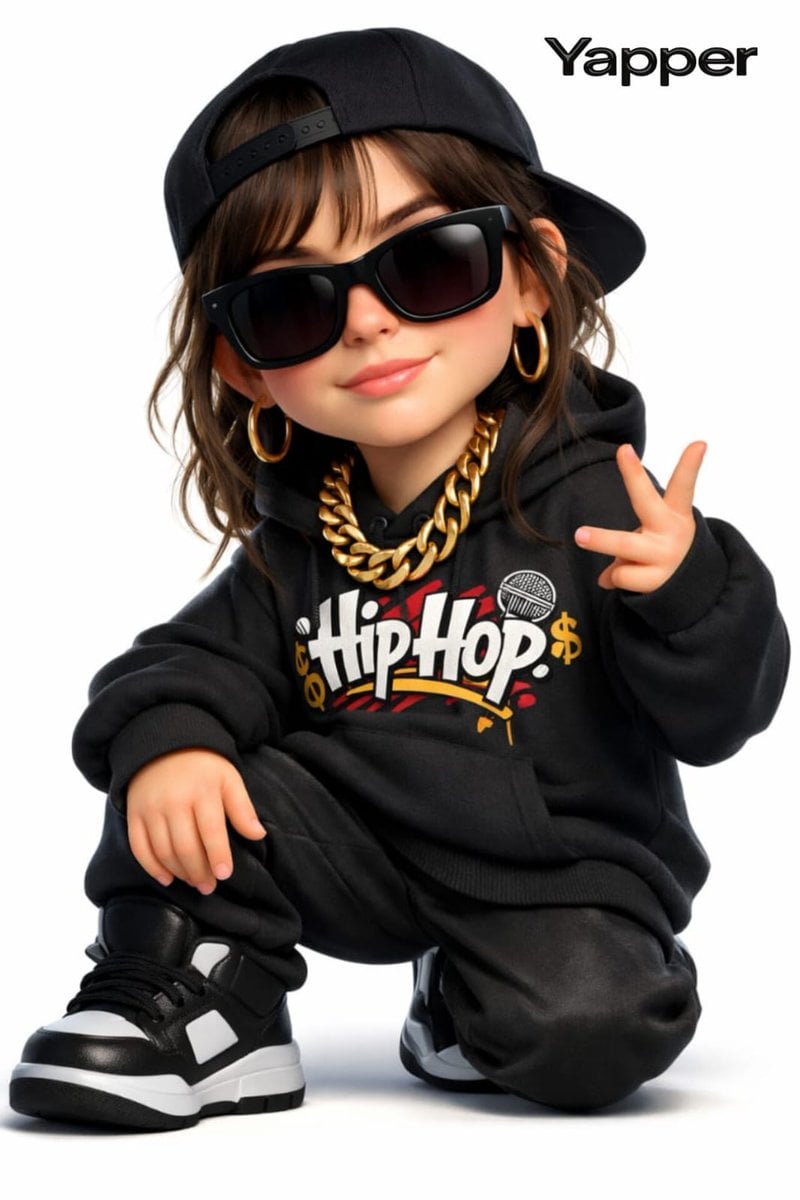
3D Cartoon Rap Style Woman Prompt
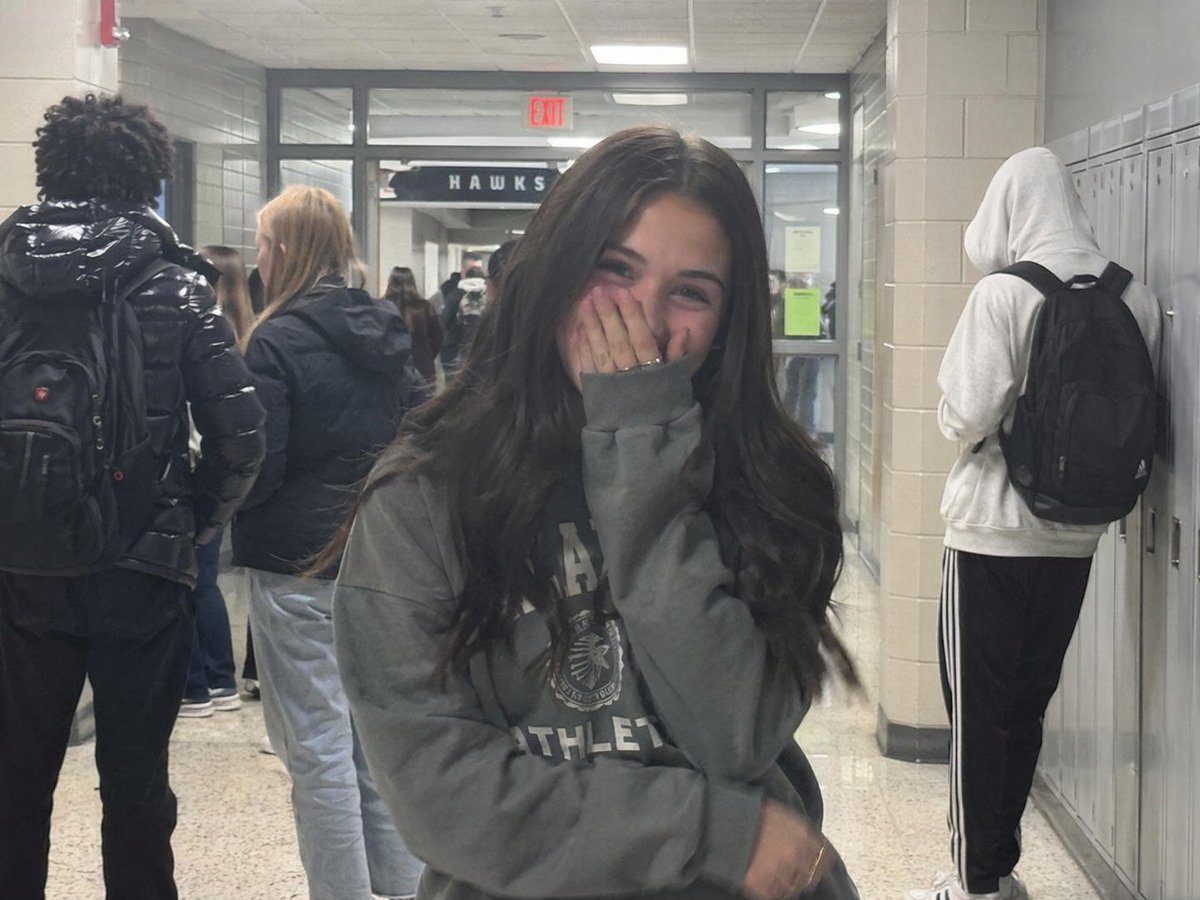
Early 2020s High School Photo
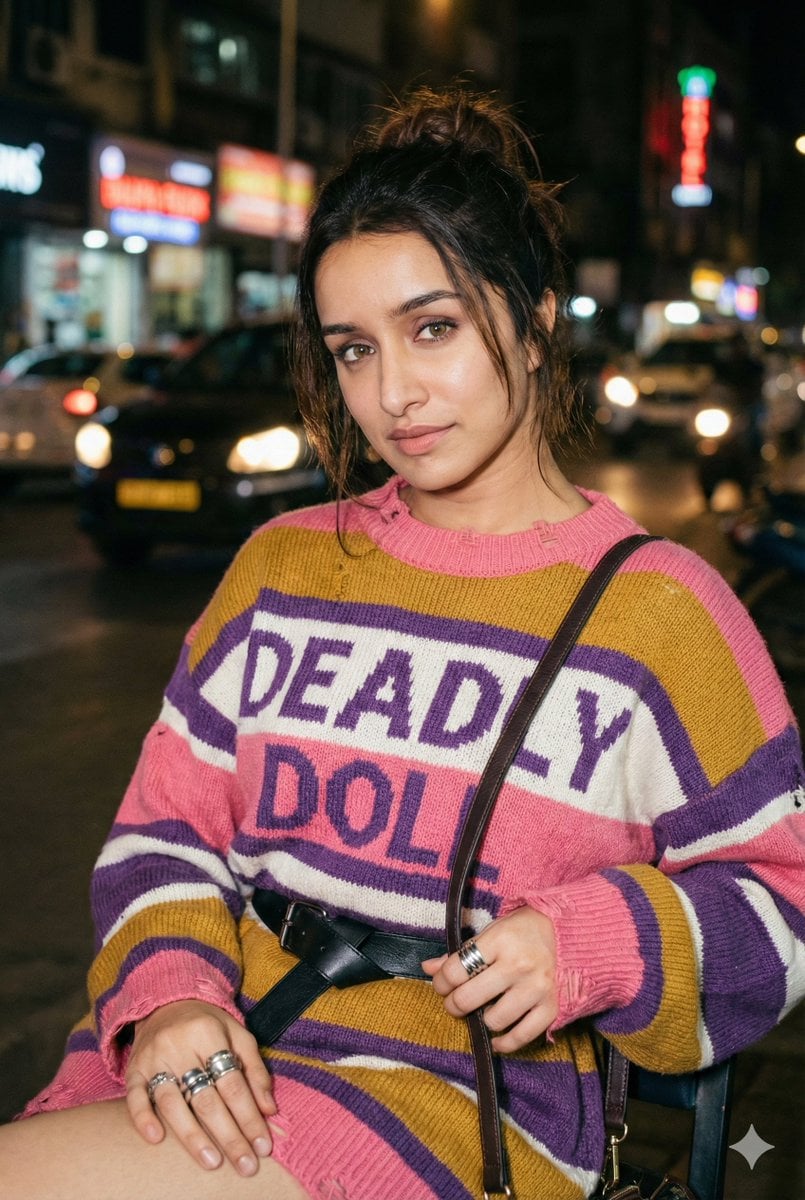
Editorial Nighttime Urban Portrait with Identity Preservation
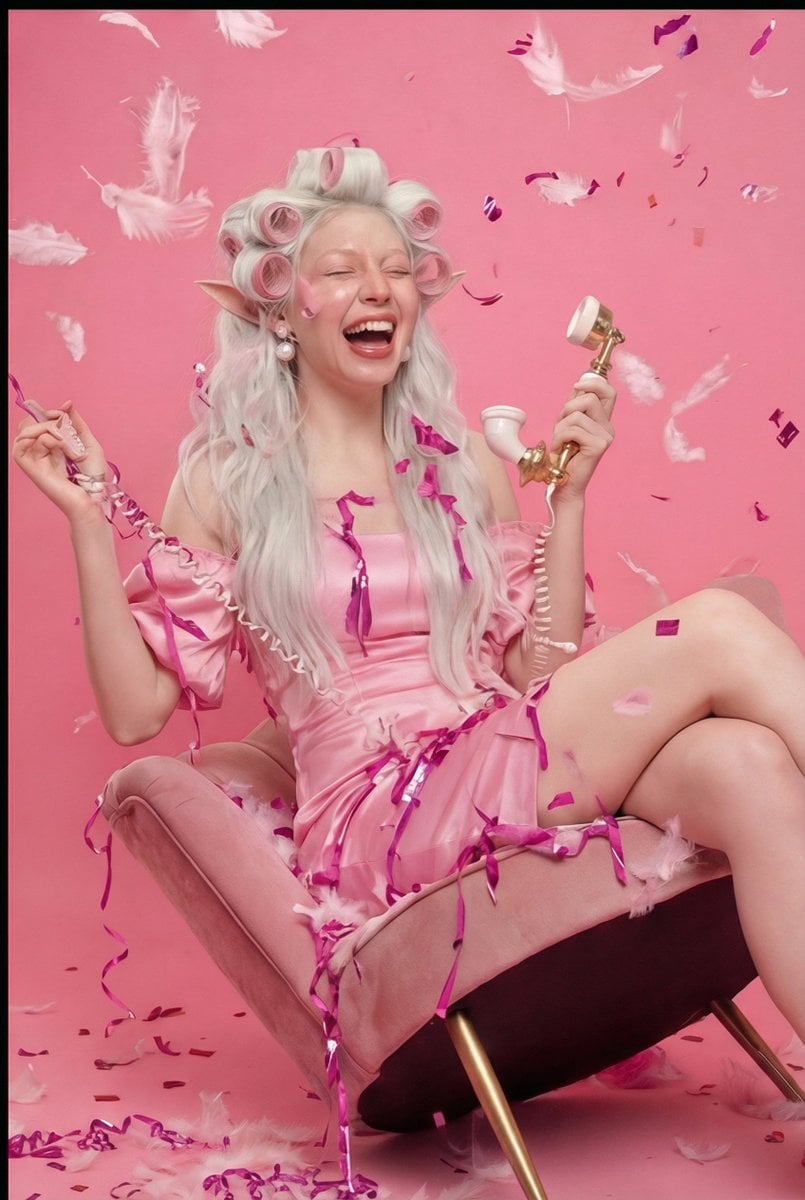
Retro 1960s Barbiecore Cinematic Portrait

Moutai Brand 3x3 Visual Storyboard
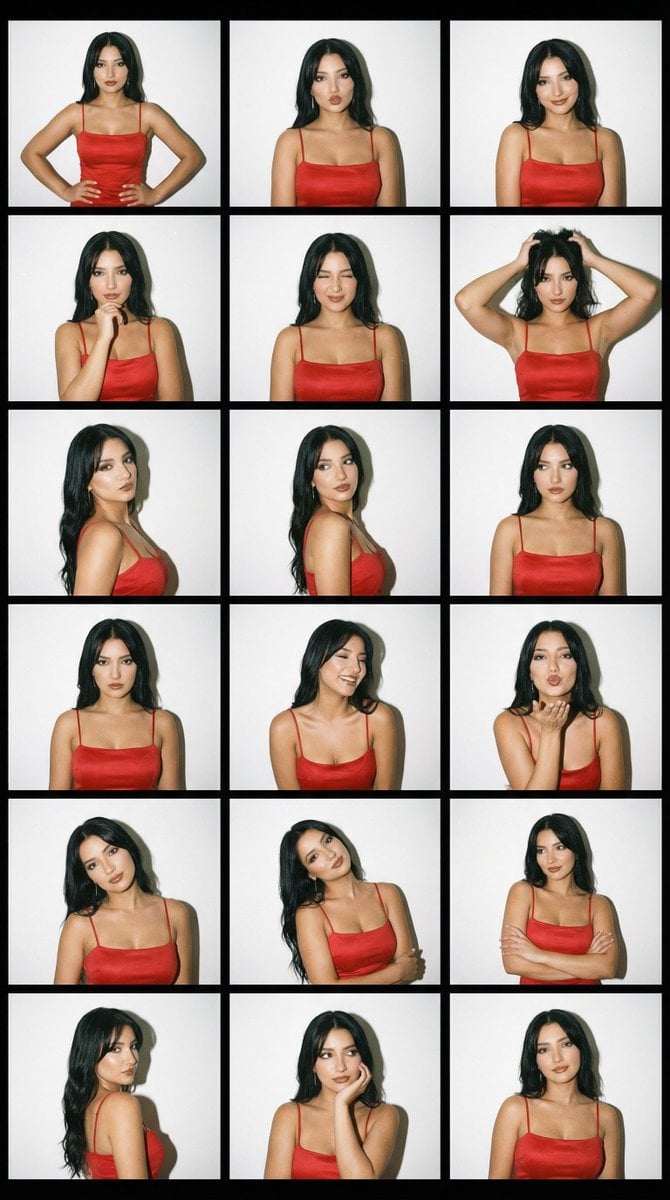
2000s Photobooth Contact Sheet Grid Prompt
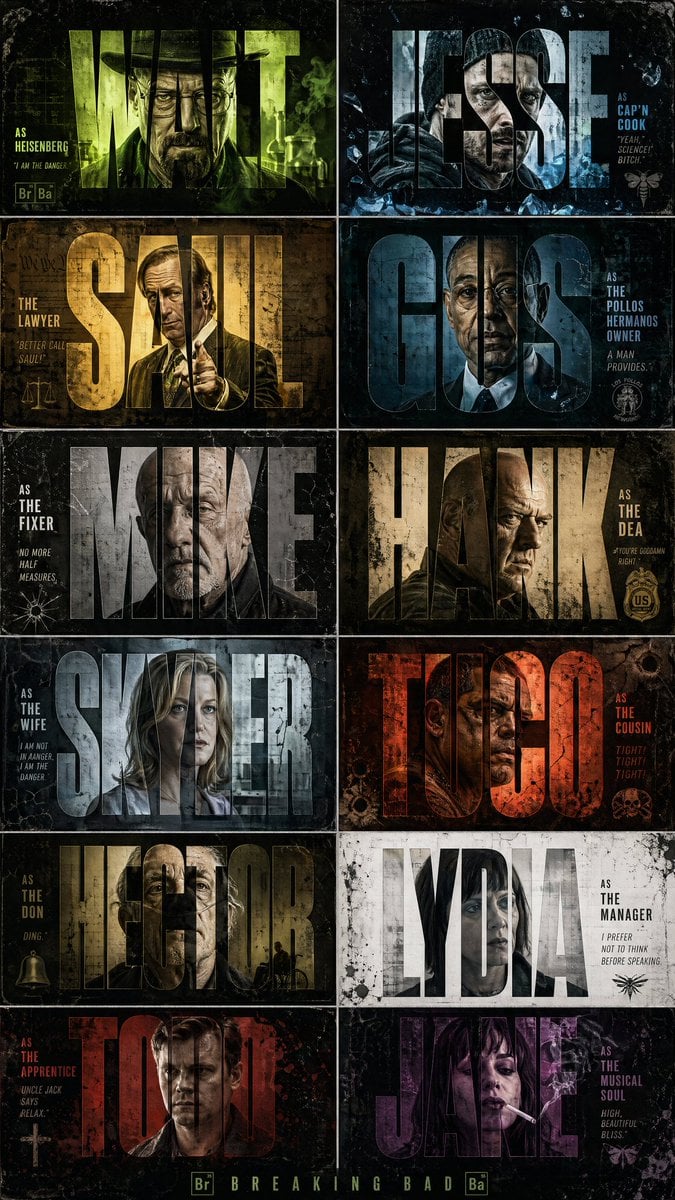
Breaking Bad Stylized Poster Design

Juicy Mango Explosion Product Shot
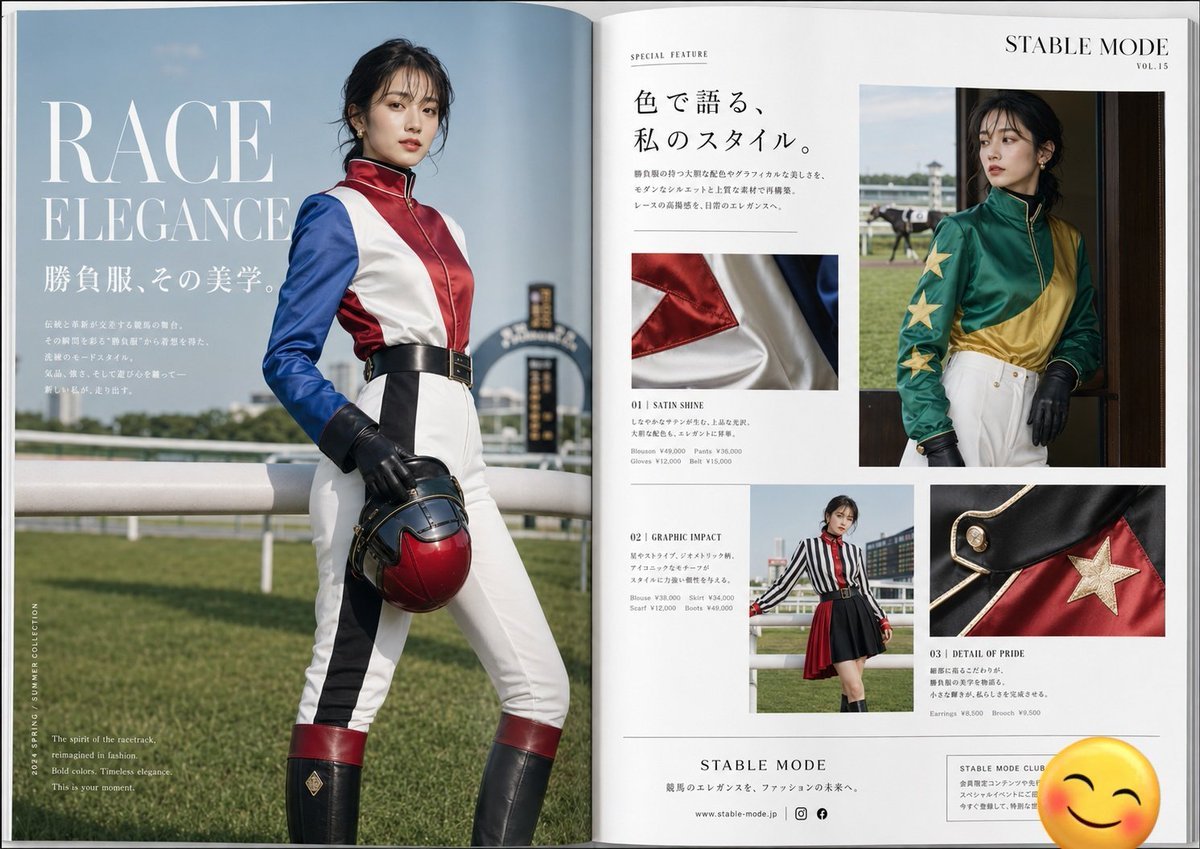
Jockey Fashion Magazine Spread
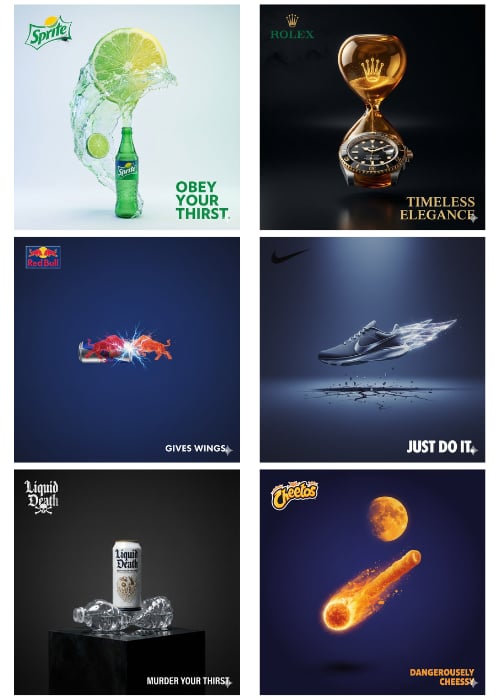
1Wrd Ad Generator
Browse template categories
Surreal Anime Schoolgirl in Bubble Sky questions
How do I use the Surreal Anime Schoolgirl in Bubble Sky template?
Add your photo if the template asks for one, edit the prompt if you like — the template's model and format are already selected — and press Generate. Your version opens in PicX Studio.
Can I customize the Surreal Anime Schoolgirl in Bubble Sky template?
Yes. You can change the subject, setting, lighting, mood, format, and available model controls before creating your image.
Is the Surreal Anime Schoolgirl in Bubble Sky template free?
Opening and editing this template is free. Generating uses credits, shown on the Generate button when you are signed in.
Which AI model should I use?
Start with GPT Image 2, which is the model associated with this template. You can compare another compatible model for a different finish.
Looking for something else? Browse all templates.

Your photo, any look
Thousands of ready templates for every top image and video model, from one credit balance.