
Editorial Nighttime Urban Portrait with Identity Preservation
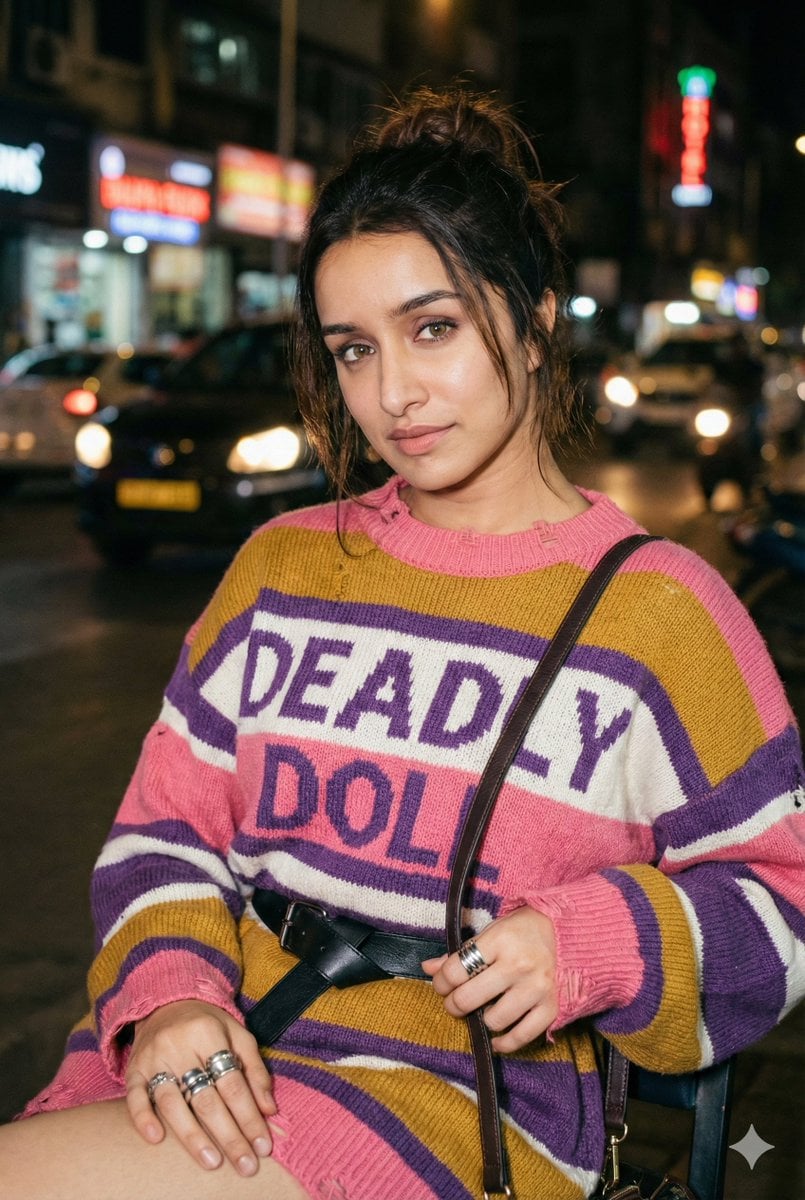
A highly detailed prompt for generating an editorial, photorealistic portrait of a young woman in an urban nighttime setting, focusing on strict facial identity preservation from a reference photo.
- Prompt included
- Model and format preset
- Free template
The prompt behind this image
Copy the exact prompt behind Editorial Nighttime Urban Portrait with Identity Preservation, or open it in the studio and make it yours.
"Young woman (make the face 100% identical to the photo I provided), fair skin, with a messy, loosely tied dark-brown hair bun a few strands falling naturally around the face for a soft, effortless look. Pose (Updated): She is seated, waist-up framing. Body slightly turned to the left; posture relaxed and natural. Right hand resting casually on her lap or lightly touching the side of the chair. Left hand holding the strap of the shoulder bag, which rests against her torso. Head facing the camera; eyes looking softly into the lens. Expression calm, slightly aloof, with a subtle closed-mouth smile - editorial, understated mood. Clothing & Accessories: Thick horizontal striped knit sweater ({argument name="sweater color 1" default="pink"}, {argument name="sweater color 2" default="mustard yellow"}, {argument name="sweater color 3" default="purple"}, {argument name="sweater color 4" default="white"}), slightly oversized with distressed collar and hem edges. Large chest typography: "{argument name="typography text" default="DEADLY DOLL"}" Black leather belt with simple buckle. Dark leather shoulder bag (strap visible). Chunky silver rings on right hand; smaller rings on left hand. Minimal natural makeup (matte skin, soft lip sheen). Background & Atmosphere: Nighttime urban street scene viewed behind her: blurred vehicle lights, traffic signals, neon accents. Motion blur + bokeh, giving a lively city feel while she remains isolated by light. Warm highlights on her face, cooler-toned shadows around her seat. Lighting: Main warm flash (around 3200K) slightly above eye level. Soft fill light from the right to keep sweater texture clear. Subtle rim/backlight to separate her messy bun and shoulders from the dark background. Fine 35mm film grain for analog realism. Composition: Portrait orientation, medium close-up (waist-up). Face placed slightly left of center (rule of thirds). Shallow depth of field (f/2.2-f/3.5): sharp on face and sweater, background softly blurred. Camera angle: eye-level or slightly high for a refined editorial feel. Technical Notes: 35mm or 50mm prime (f/1.8-f/2.8). Shutter: 1/125-1/200. ISO 400-1600 for film grain or ISO 100 for flash-sharp clarity. Output: 4K/6000x4000 px, 300 dpi. Keep natural skin texture, sweater knit details, and metallic ring reflections. Color & Post-Processing: Warm midtones, teal-leaning shadows, medium-high contrast. Slightly boosted sweater saturation; natural skin tones. Soft vignette around edges to keep focus on face. Fine analog-style grain applied evenly. Negative Prompt: avoid cartoon, anime, extra limbs, distorted hands, unnatural skin smoothing, HDR look, blown highlights, watermark, low resolution, oversaturation, excessive lens flare."
How to use Editorial Nighttime Urban Portrait with Identity Preservation in 3 steps
- 1Upload ImagePNG, JPG or paste
Add your photo
Upload the photo the template builds on. The prompt, model and format are already set.
- 2…a portrait of your subject in softgolden-hour light, 85mm…
Personalize
Edit the subject and creative details for your destination.
- 3Generate
Generate
Press Generate — your image is created in PicX Studio, so you can compare it with the original and refine one variable at a time.
More like this
Templates with the same subject, style or setup. Open one to see its prompt.

untitled

Gpt Image 2 Fashion Portrait

Caution Tape Fashion — Industrial Editorial
Photorealistic Lifestyle/Editorial Photo Shoot Prompt with Identity Preservation

Couture Fashion Editorial Woman and Drag

Nano Banana 2 Editorial Fashion Portrait
Nighttime Urban Street Portrait
Luxury Editorial Identity Portrait
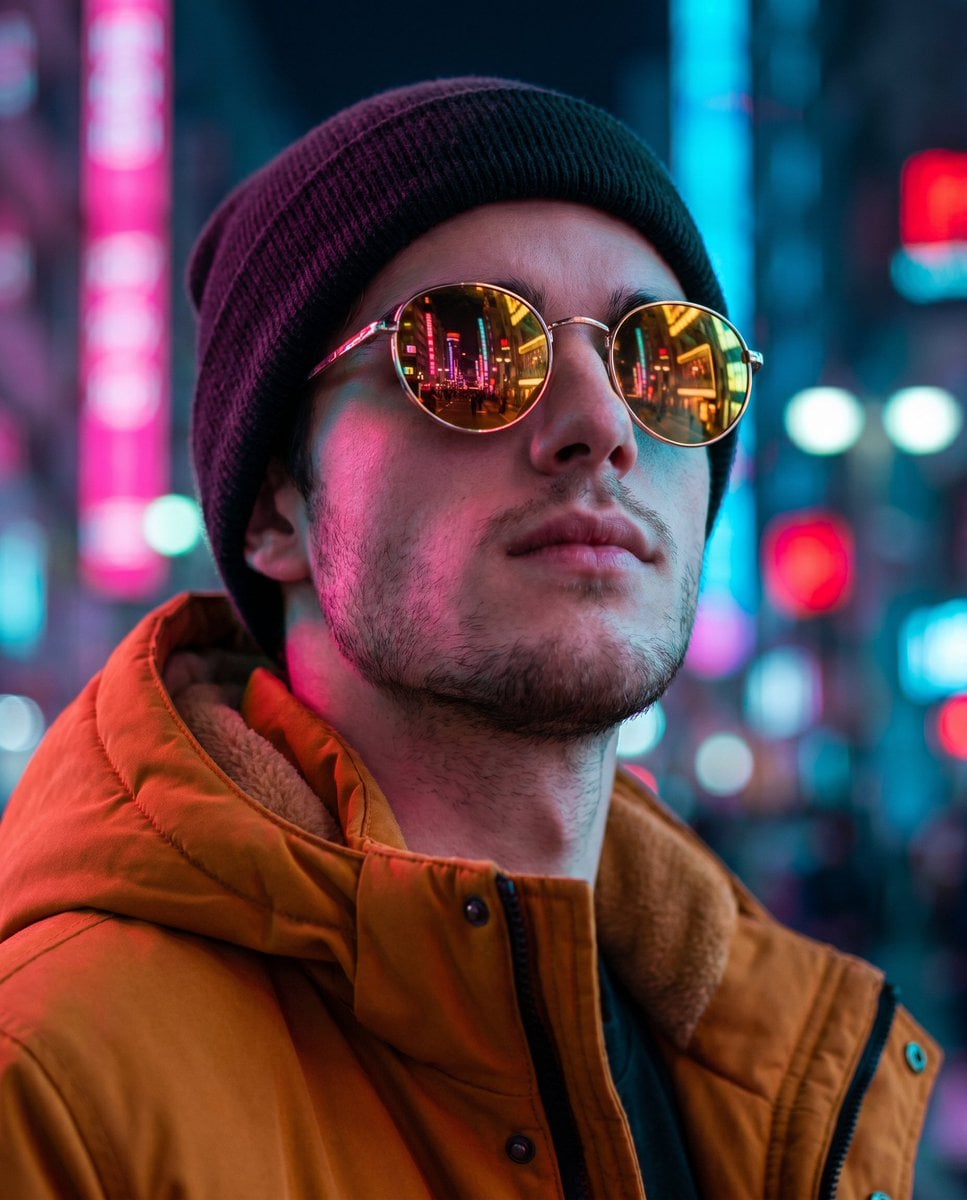
Cyberpunk Identity Preservation Portrait
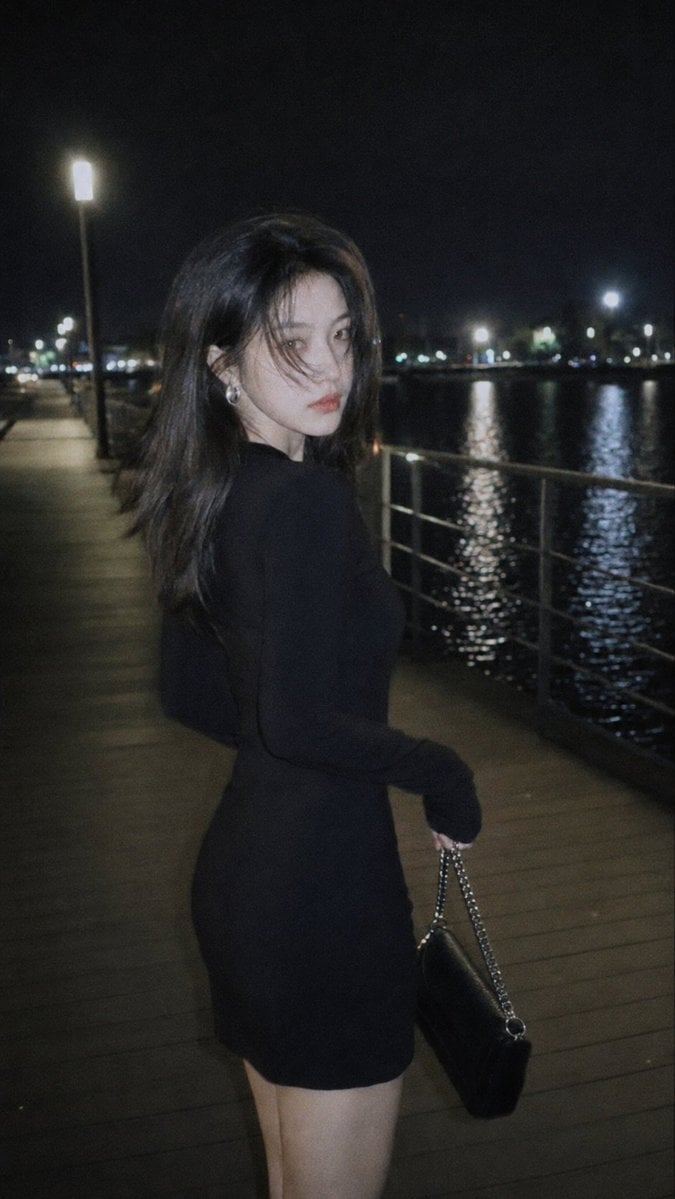
Nighttime Urban Film Portrait
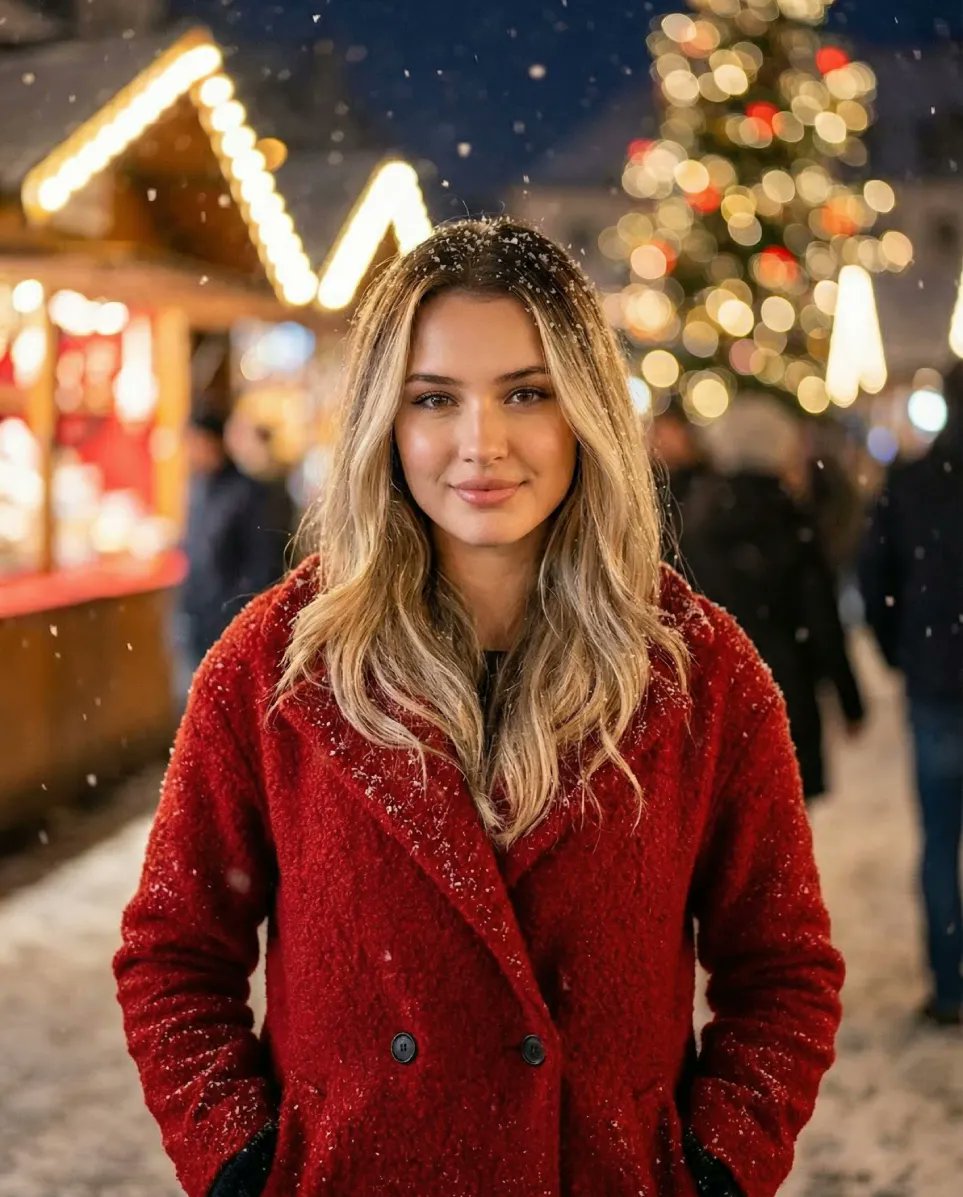
Cozy Christmas Market Portrait with Identity Preservation
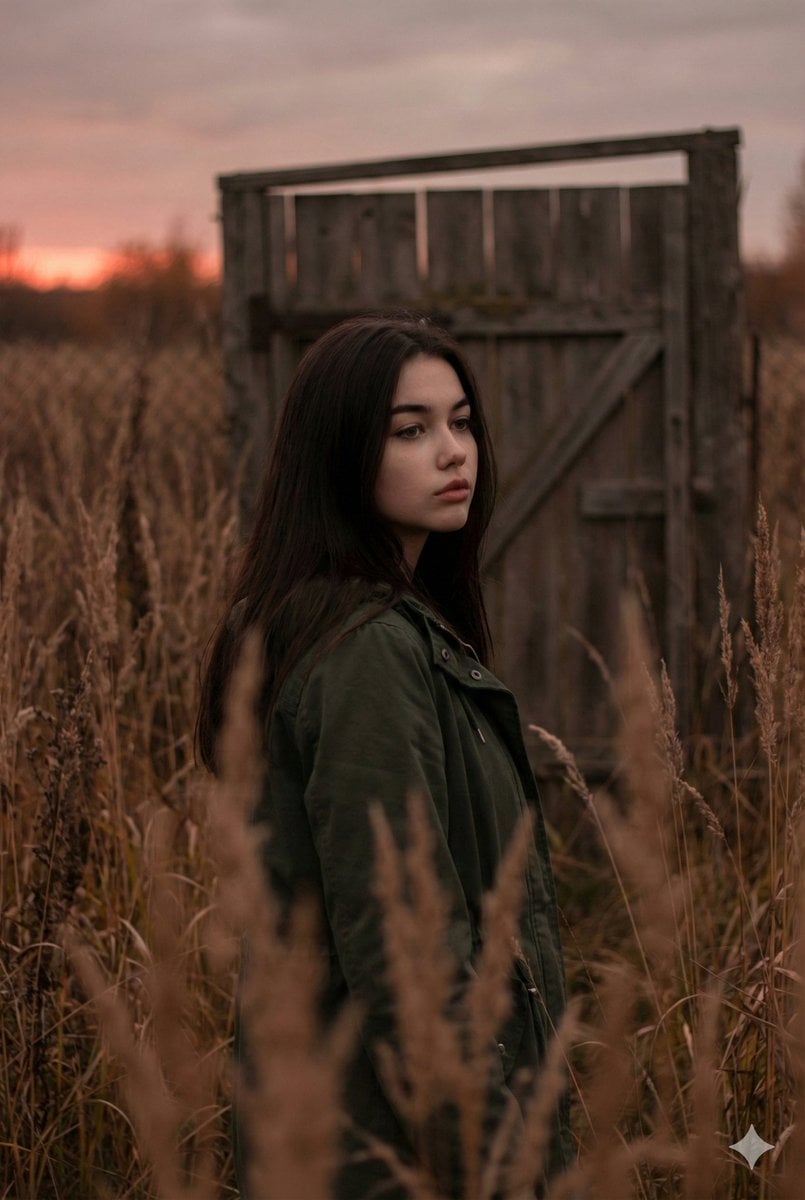
Atmospheric Sunset Portrait Edit Prompt with Identity Preservation
Make it yours
Editorial Nighttime Urban Portrait with Identity Preservation works as-is. These are the safest ways to change it without losing the look.
Change one field
Copy a single group, rewrite it, and generate again so you can see what that field is doing.
Keep the frame, change the subject
Hold the composition and light of Editorial Nighttime Urban Portrait with Identity Preservation, then swap wardrobe, props or the person for a new take.
| If the result… | Why | Fix |
|---|---|---|
| The result drifts from the preview | Too many fields changed at once. | Reuse Editorial Nighttime Urban Portrait with Identity Preservation as-is first, then change one group — subject, light, or setting. |
| The model over-stylizes the scene | The prose prompt leaves finish and camera underspecified. | Add one camera or lighting sentence and stay on Nano Banana 2. |
More Nano Banana 2 templates
Other prompts made for Nano Banana 2.

Photorealistic Leaf Shaped Like a Dragon

K-Pop Idol Portrait Grid for Rapid Selection

Poetic Rain Forest Portrait During Golden Hour

Urban Street Portrait with Cartoon Inner Self Duo

Candid Nighttime Photo with Cat Prompt

High-Concept 3D Diorama Generation Prompt

Cinematic Futuristic Studio Portrait Template

Skincare Editorial Photography Collage Prompt

Hyper-Realistic Commercial Product Photography (Splash Effect)

Hyper-Realistic Nightclub Portrait Prompt
More image prompts
Fresh picks from across the catalog.
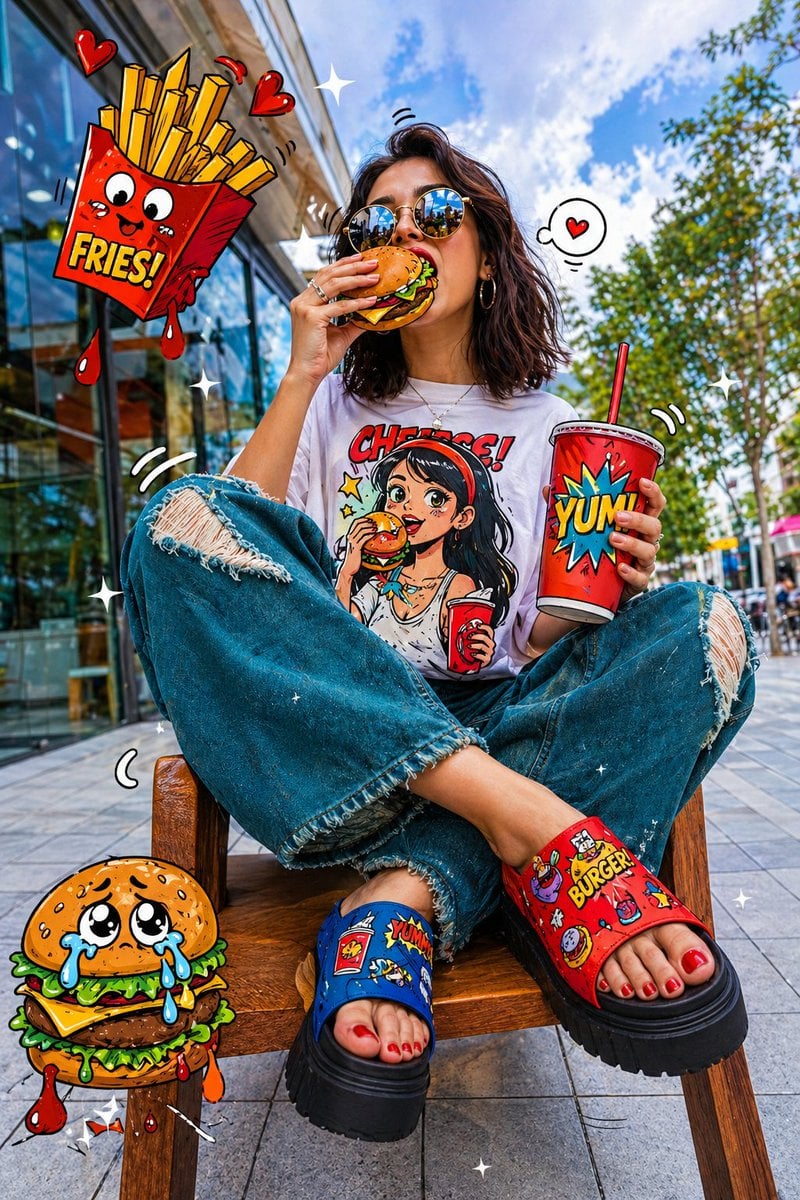
Pop-Art Urban Photography Fusion

Tokaido Anime Travel Poster
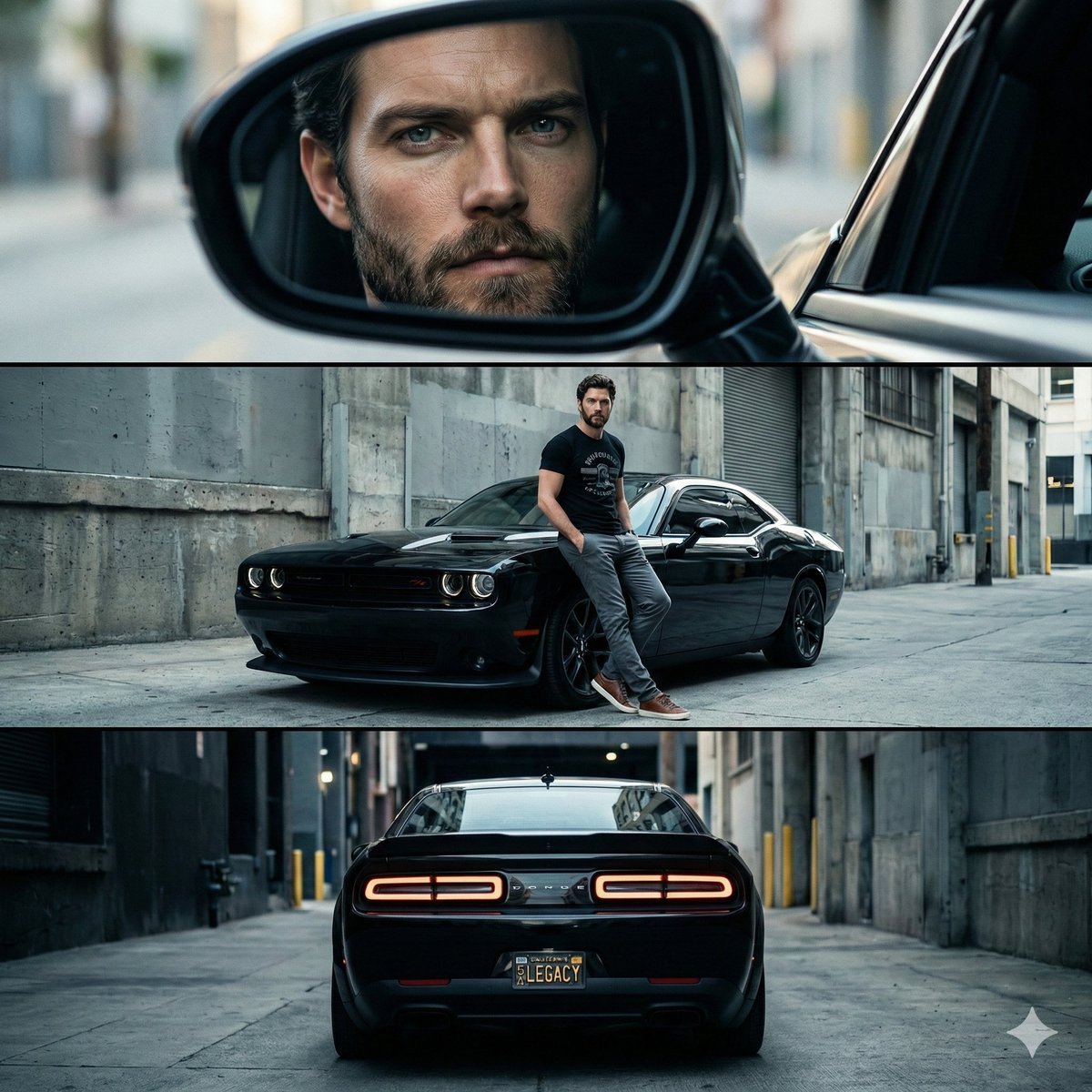
Cinematic Automotive Triptych Portrait Prompt
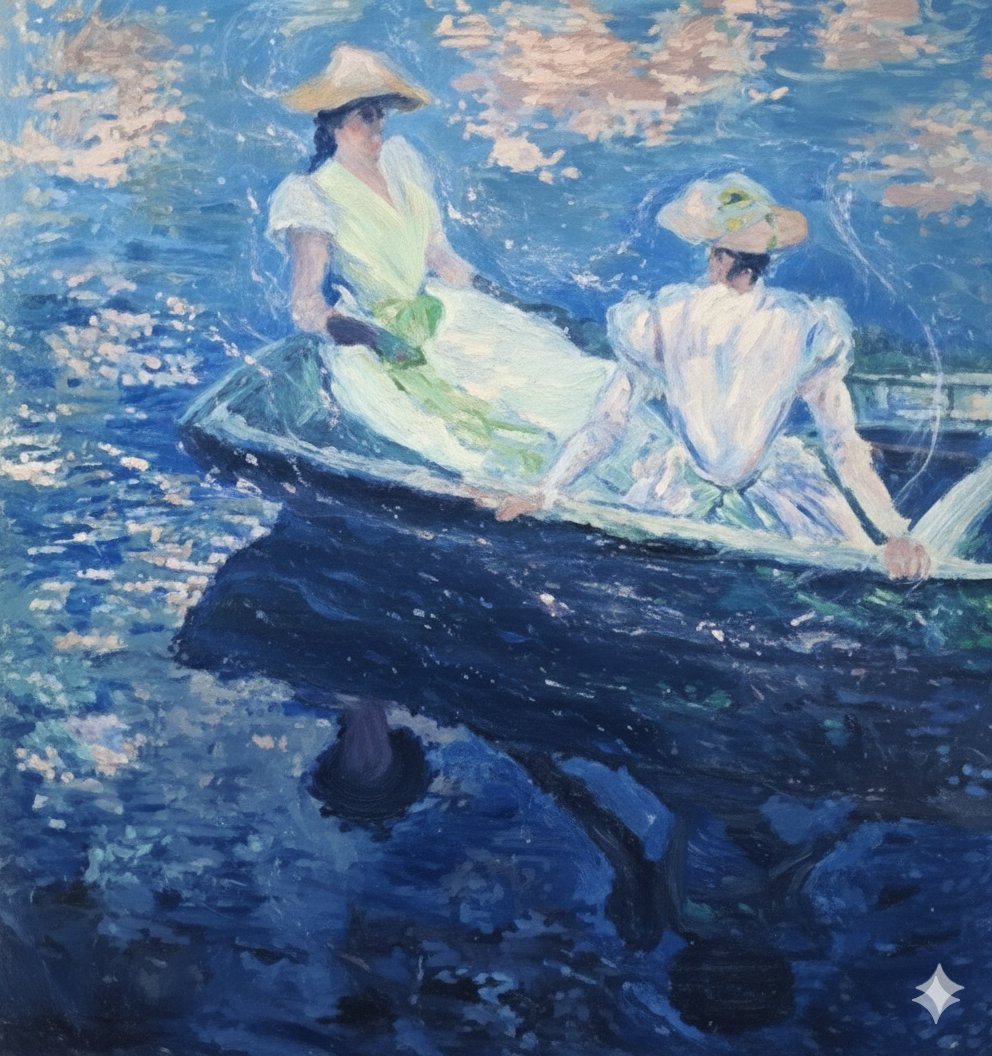
Image generation prompt for Nano Banana Pro: Monet's 'Boating' in an ethereal style
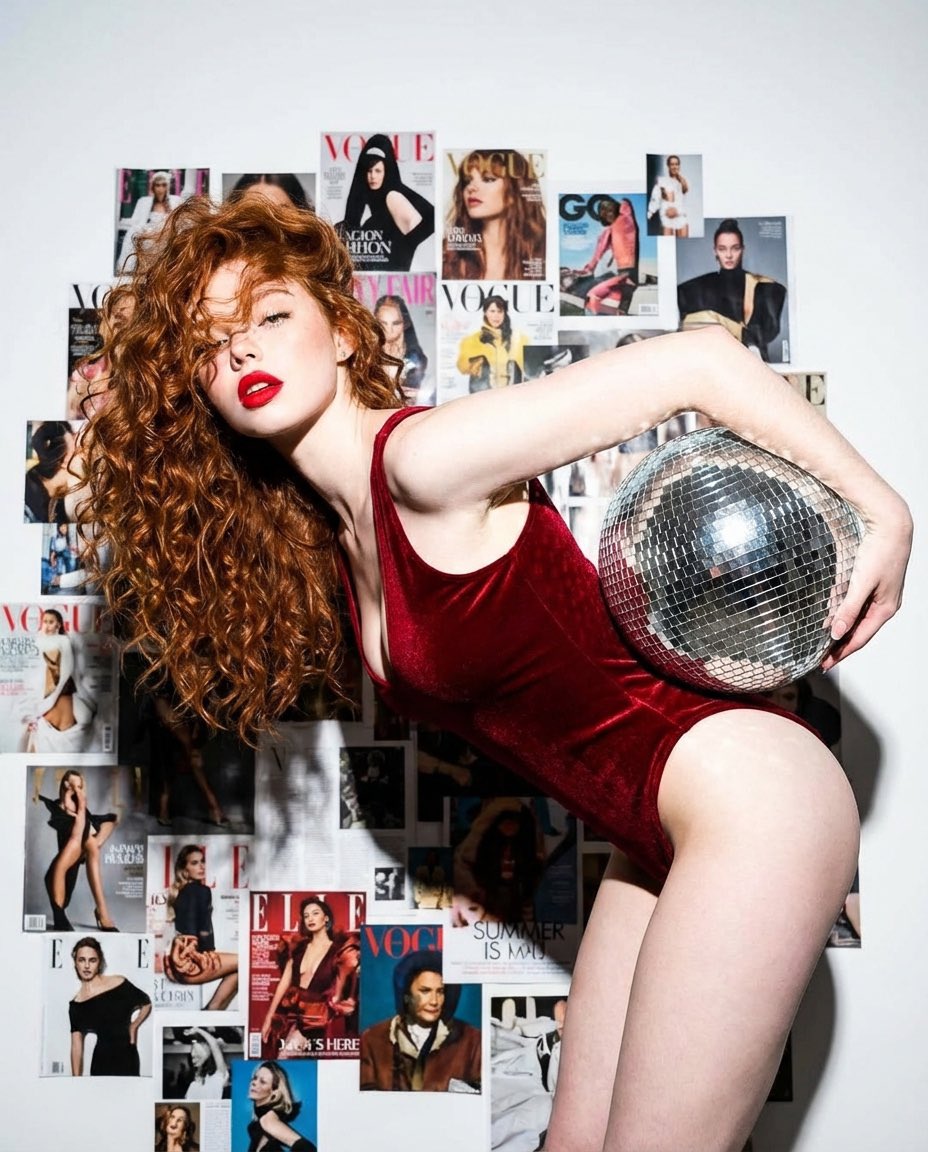
Disco Dreams Fashion Editorial Portrait
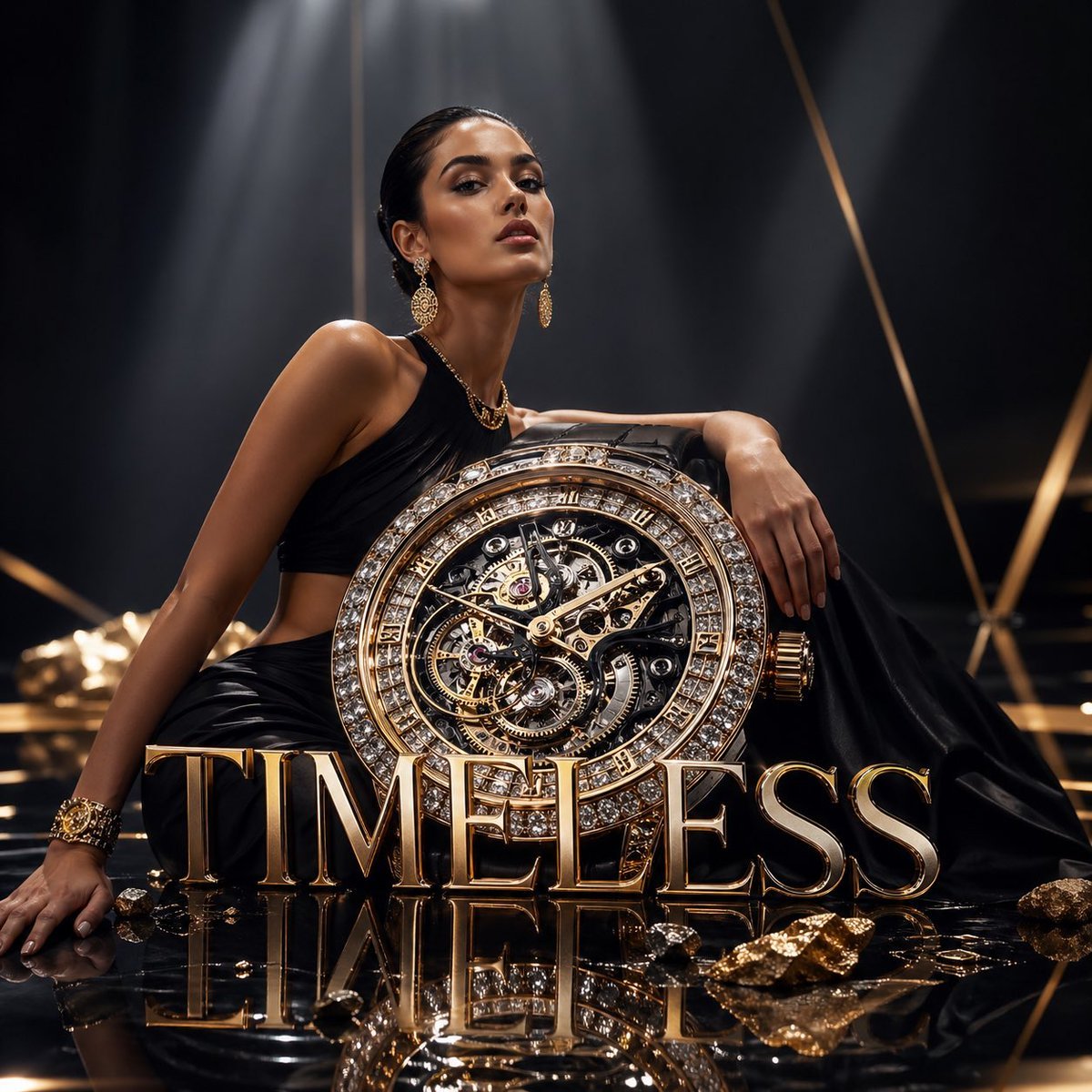
Luxury Watch Fashion Ad
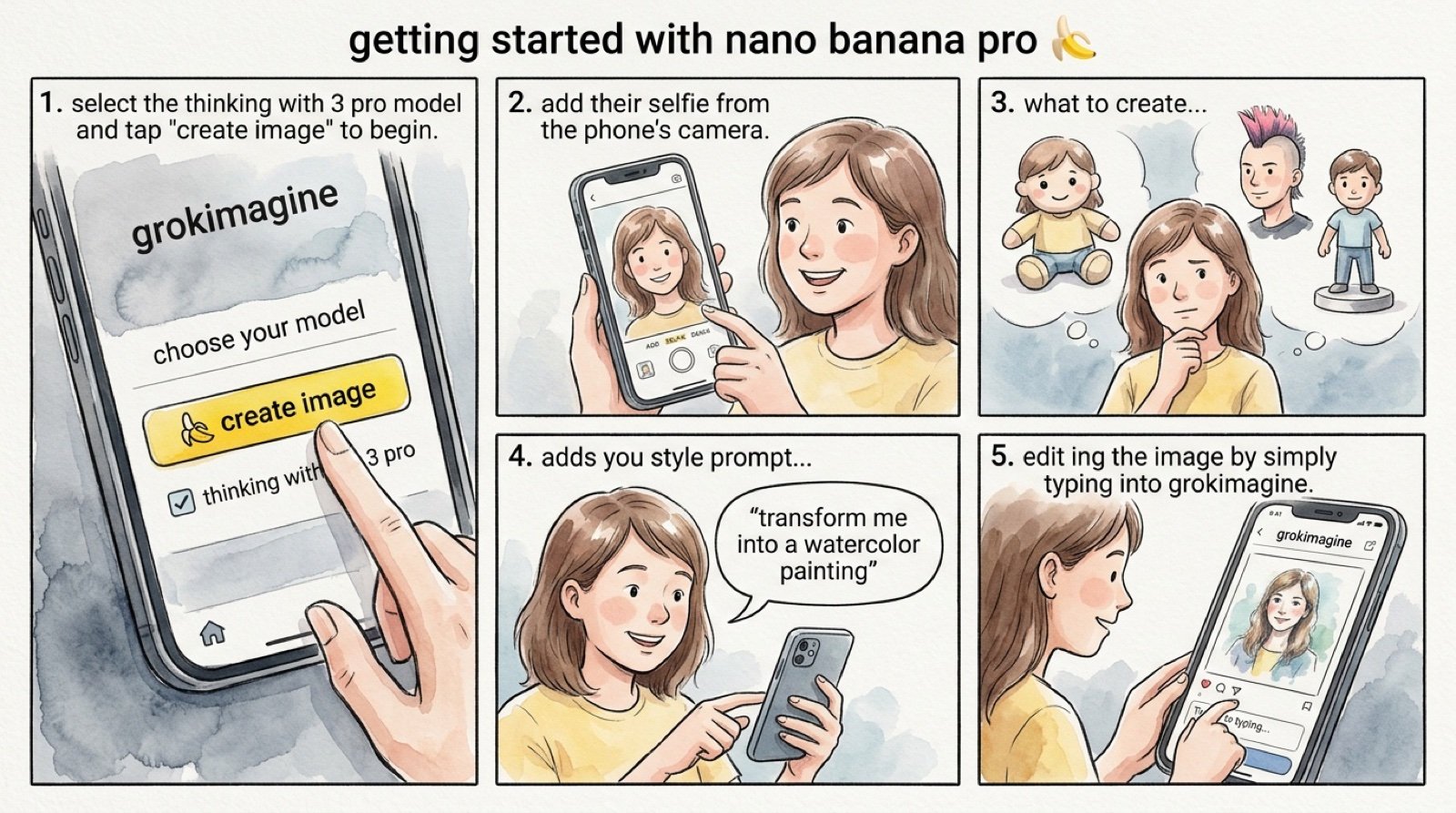
Grok 4 Comic Tutorial Prompt
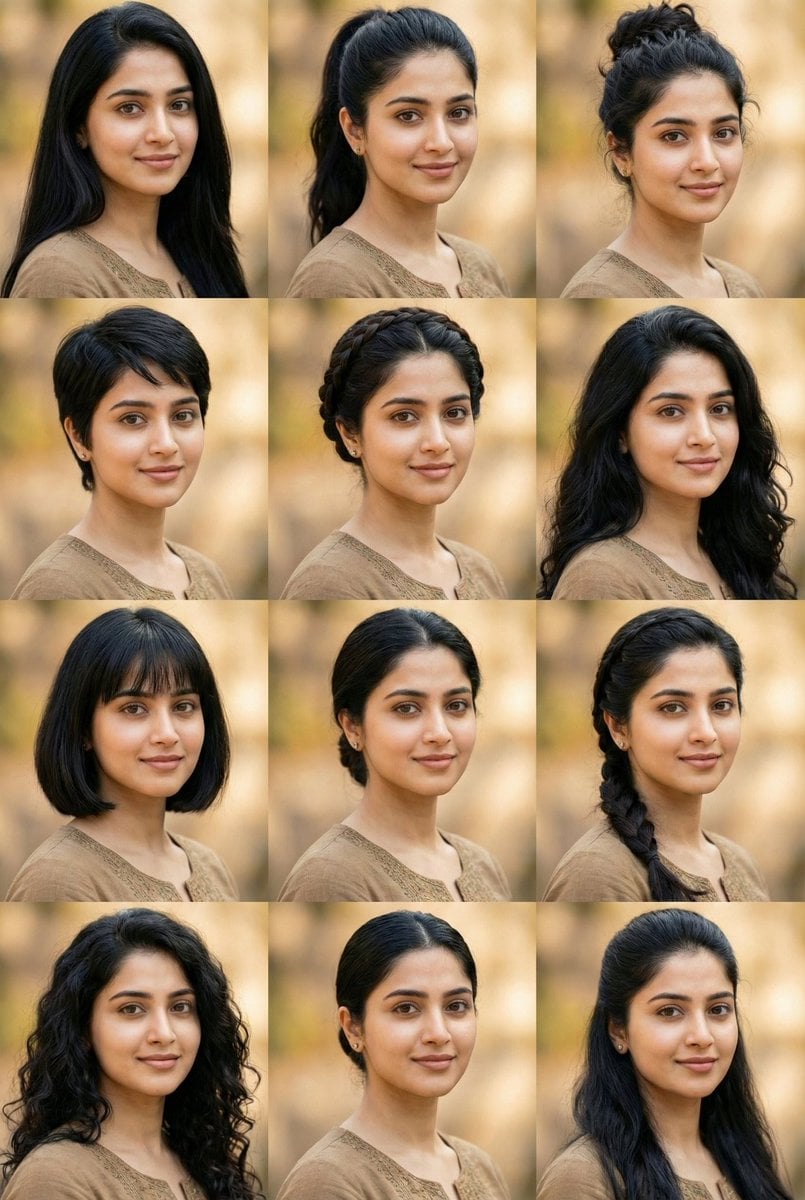
10 Hairstyles Photo Collage Prompt
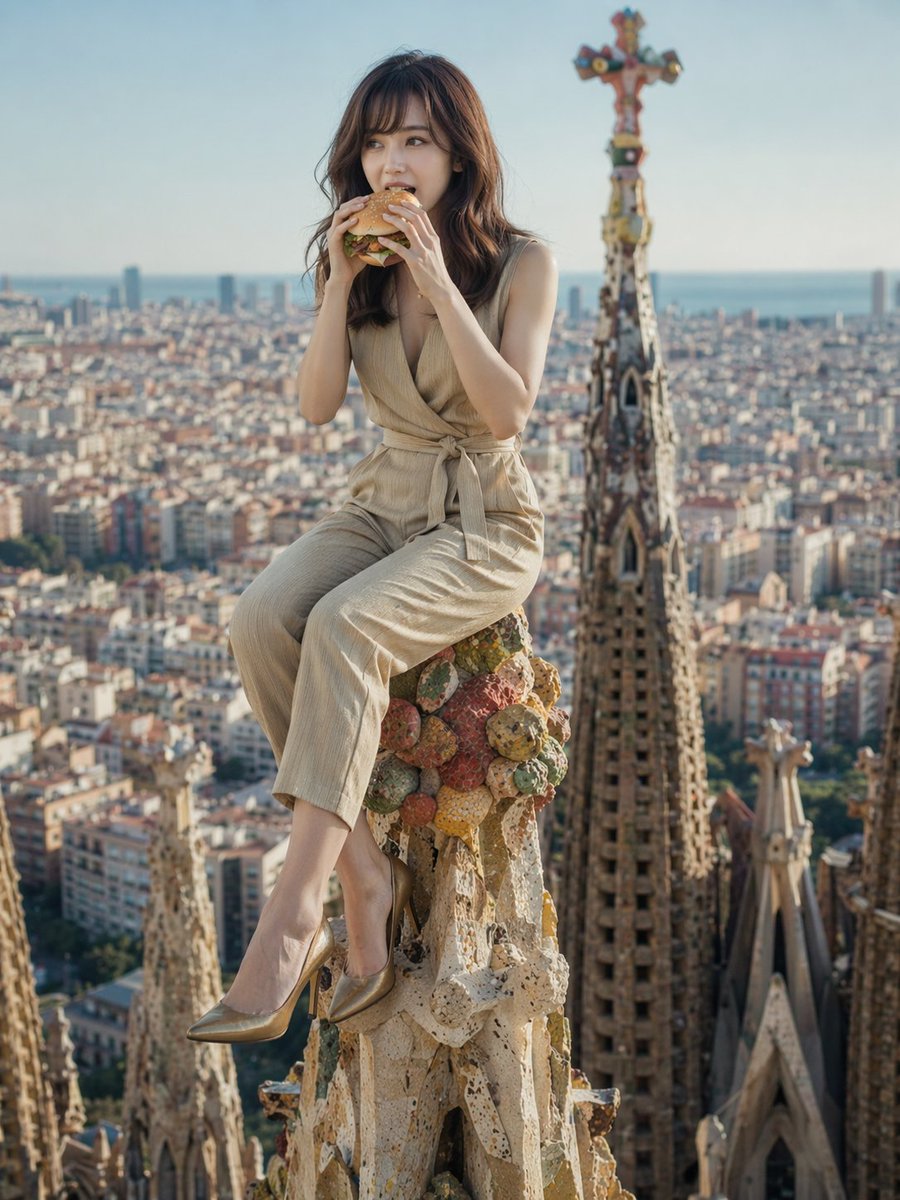
Surreal Landmark Dining Portrait
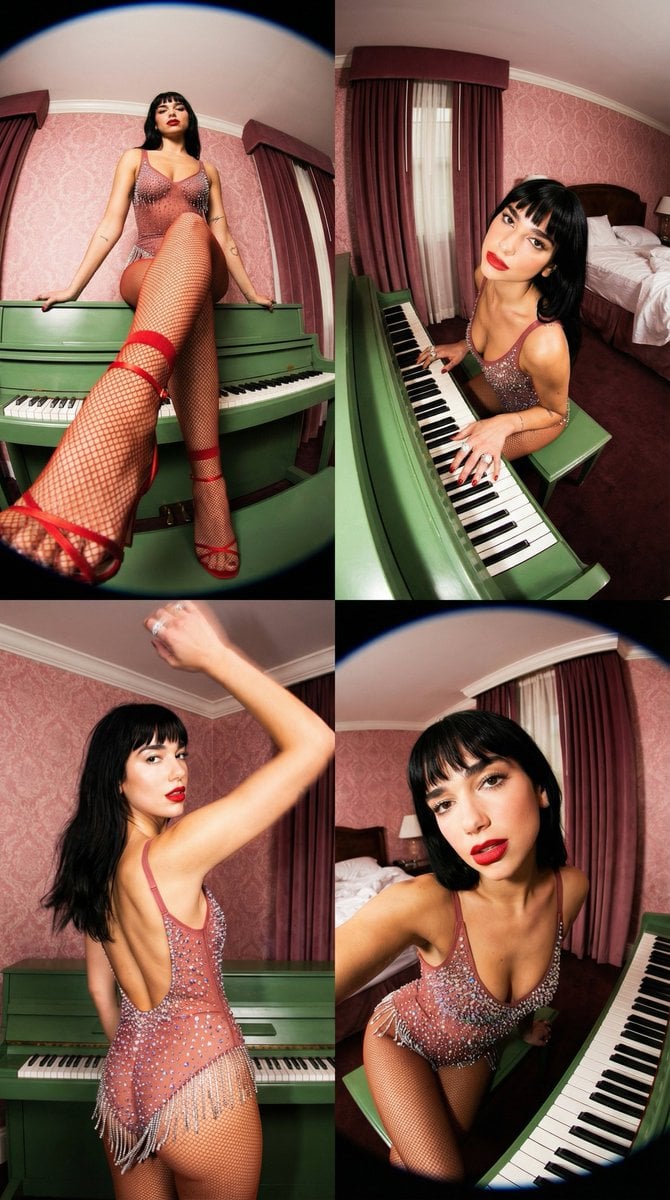
Vintage Glamour Piano Series Prompt
Browse template categories
Editorial Nighttime Urban Portrait with Identity Preservation questions
How do I use the Editorial Nighttime Urban Portrait with Identity Preservation template?
Add your photo if the template asks for one, edit the prompt if you like — the template's model and format are already selected — and press Generate. Your version opens in PicX Studio.
Can I customize the Editorial Nighttime Urban Portrait with Identity Preservation template?
Yes. You can change the subject, setting, lighting, mood, format, and available model controls before creating your image.
Is the Editorial Nighttime Urban Portrait with Identity Preservation template free?
Opening and editing this template is free. Generating uses credits, shown on the Generate button when you are signed in.
Which AI model should I use?
Start with Nano Banana 2, which is the model associated with this template. You can compare another compatible model for a different finish.
Looking for something else? Browse all templates.

Your photo, any look
Thousands of ready templates for every top image and video model, from one credit balance.