
Grok 4 Comic Tutorial Prompt
A detailed prompt generated by Grok 4 Expert Thinking, designed for GrokImagine, to create a five-panel comic strip tutorial about getting started with Nano Banana Pro, rendered in a poetic watercolor-ink style.
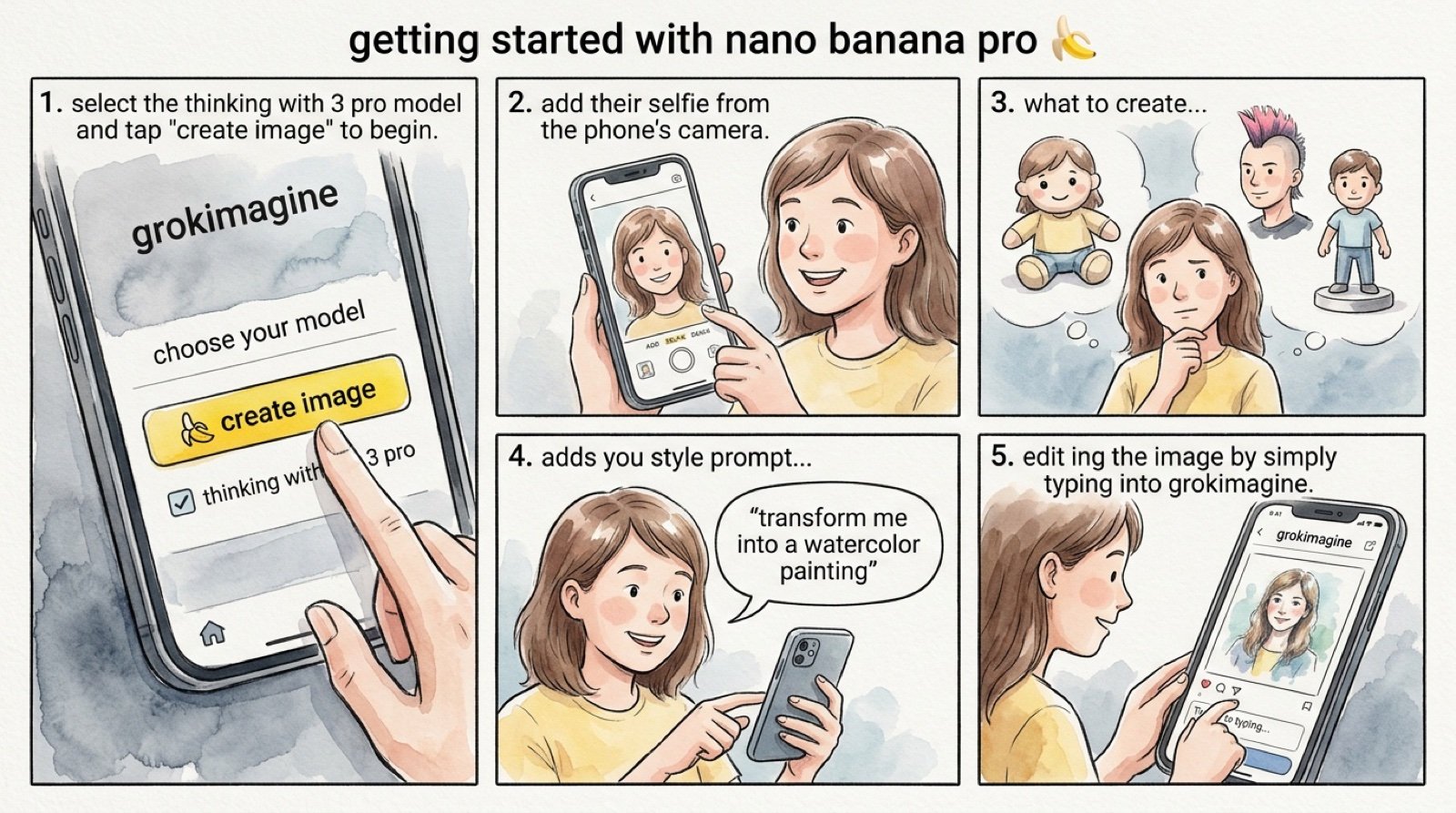
- Prompt included
- Model and format preset
- Free template
The prompt behind this image
Copy the exact prompt behind Grok 4 Comic Tutorial Prompt, or open it in the studio and make it yours.
create a comic with the title: getting started with nano banana pro 🍌. panel 1: a mobile interface on grokimagine, rendered in a poetic watercolor-ink style with fine ink outlines and soft, bleeding washes. the interface is friendly and a hand painted with expressive brushwork taps a prominent button labeled “🍌 create image”. above the button it should say “choose your model” then below there should be a checkbox that says “thinking with 3 pro” muted greys and blues dominate the background. the button has a vivid yellow accent. “ select the thinking with 3 pro model” and tap "create image" to begin. panel 2: a cheerful person is depicted adding their selfie from the phone’s camera. the user's face is drawn with soft outlines and warm pastel colors, while the phone and ui maintain the delicate water-ink aesthetic. visible paper grain adds to the texture. panel 3: the person thinks about what to create. in the background, different options are visualized to show what they’re thinking, including — them as a plushie, them with a mohawk hairstyle, and a figurine. these options are clearly rendered behind the person in the same style as the rest of the comic. panel 4: the person is shown adding a style prompt, with a speech bubble saying “transform me into a watercolor painting”. the text is integrated into the panel's watercolor-ink look, and the interaction feels natural and intuitive. panel 5: the person is seen editing the image by simply typing into grokimagine. the scene captures the ease of this interaction, with the final edited image, now in a watercolor style, appearing on the screen. the overall tone is friendly, instructional, and inspiring. it feels like a mini tutorial comic, all conveyed through the specified delicate water-ink illustration style. make the aspect ratio 16:9.
How to use Grok 4 Comic Tutorial Prompt in 3 steps
- 1
Open
The prompt is already in the box next to the preview, with the template's model and format selected.
- 2…a portrait of your subject in softgolden-hour light, 85mm…
Personalize
Edit the subject and creative details for your destination.
- 3Generate
Generate
Press Generate — your image is created in PicX Studio, so you can compare it with the original and refine one variable at a time.
More like this
Templates with the same subject, style or setup. Open one to see its prompt.

Pop Art Superhero Explosion Poster

Hero Portrait Comic Multi-Panel Poster

Spider-Man Noir Detective Rain Alley

Gpt2 E Commerce Main Image 9 Panel Product Tvc Storyboard
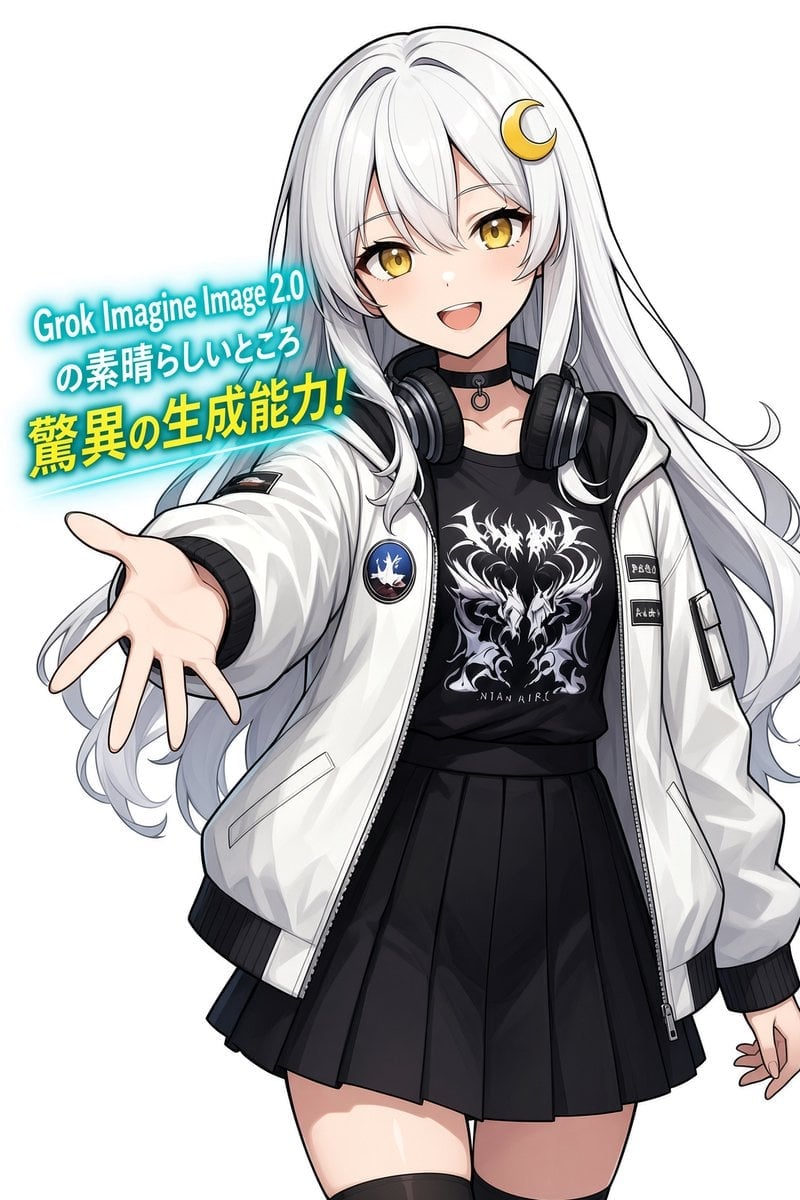
Anime Girl Grok Imagine Promo
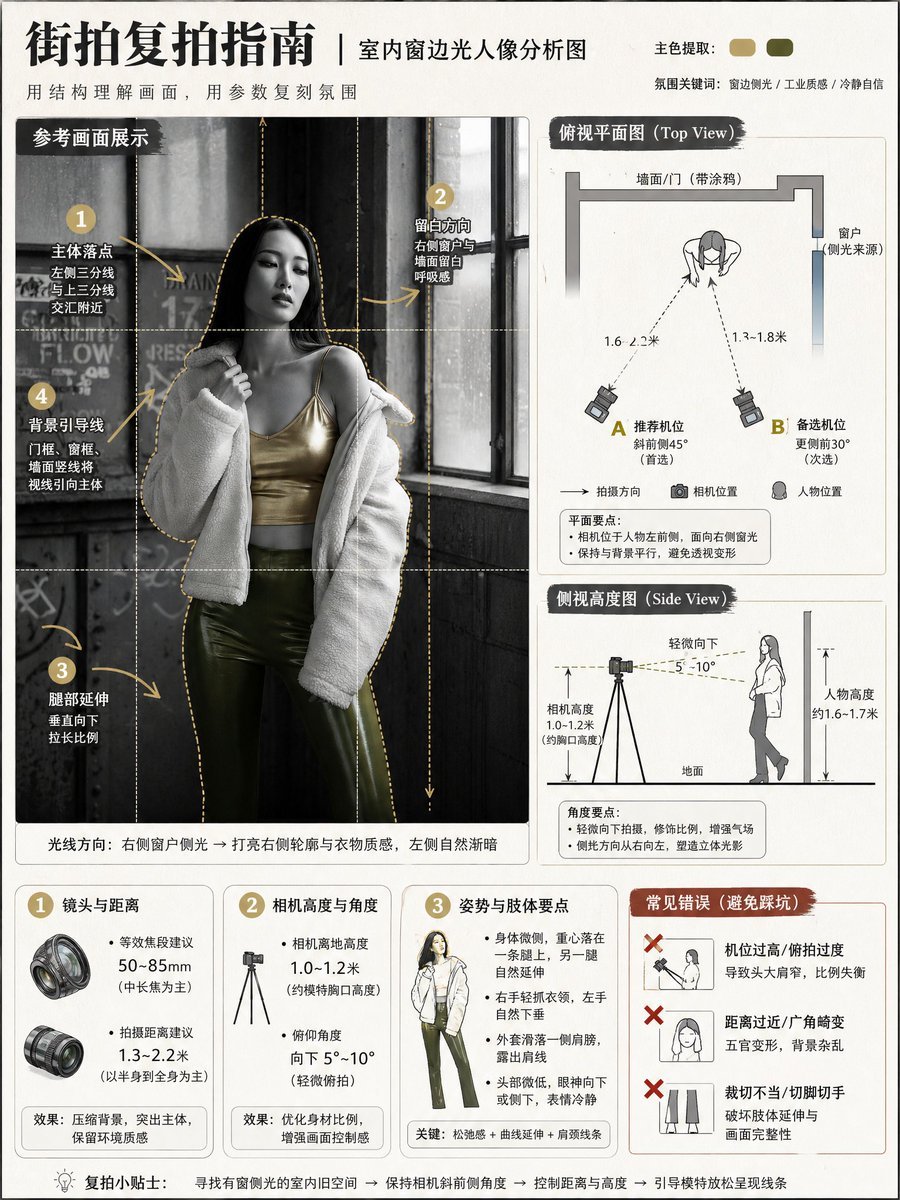
Photography Tutorial and Camera Setup Infographic
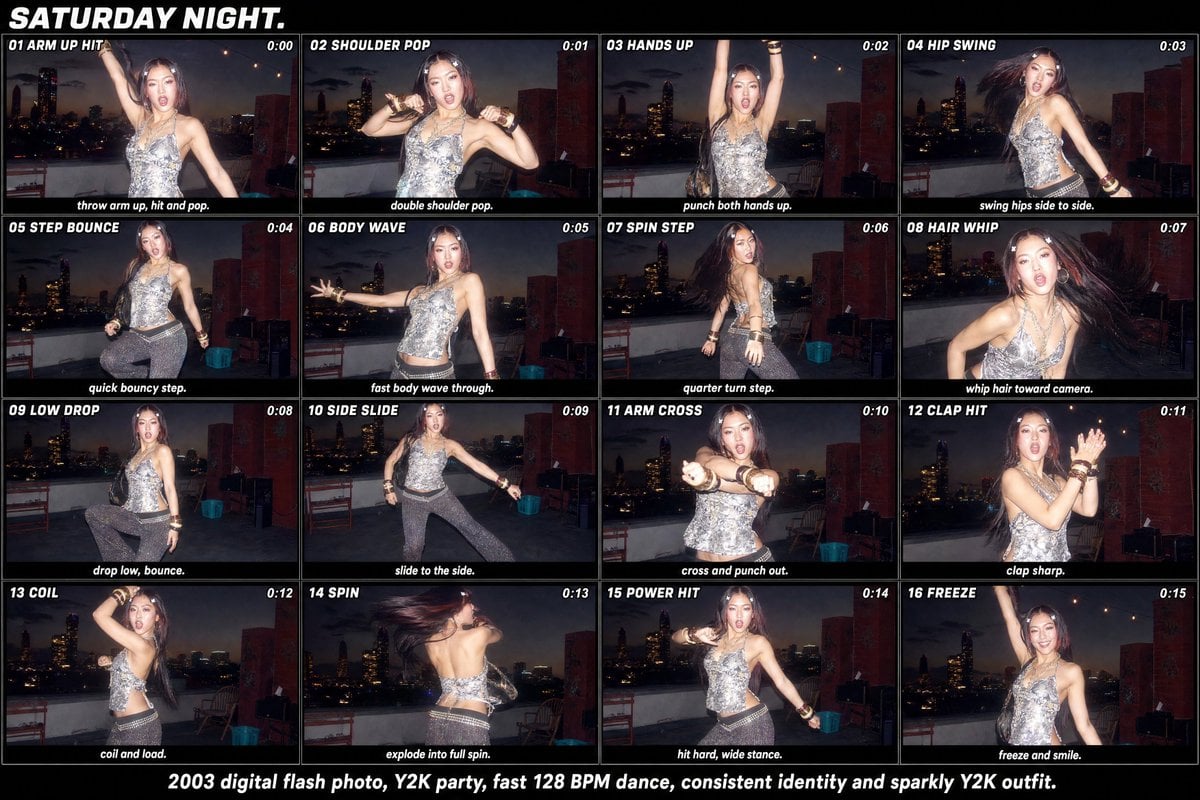
Y2K Rooftop Dance Tutorial Sheet
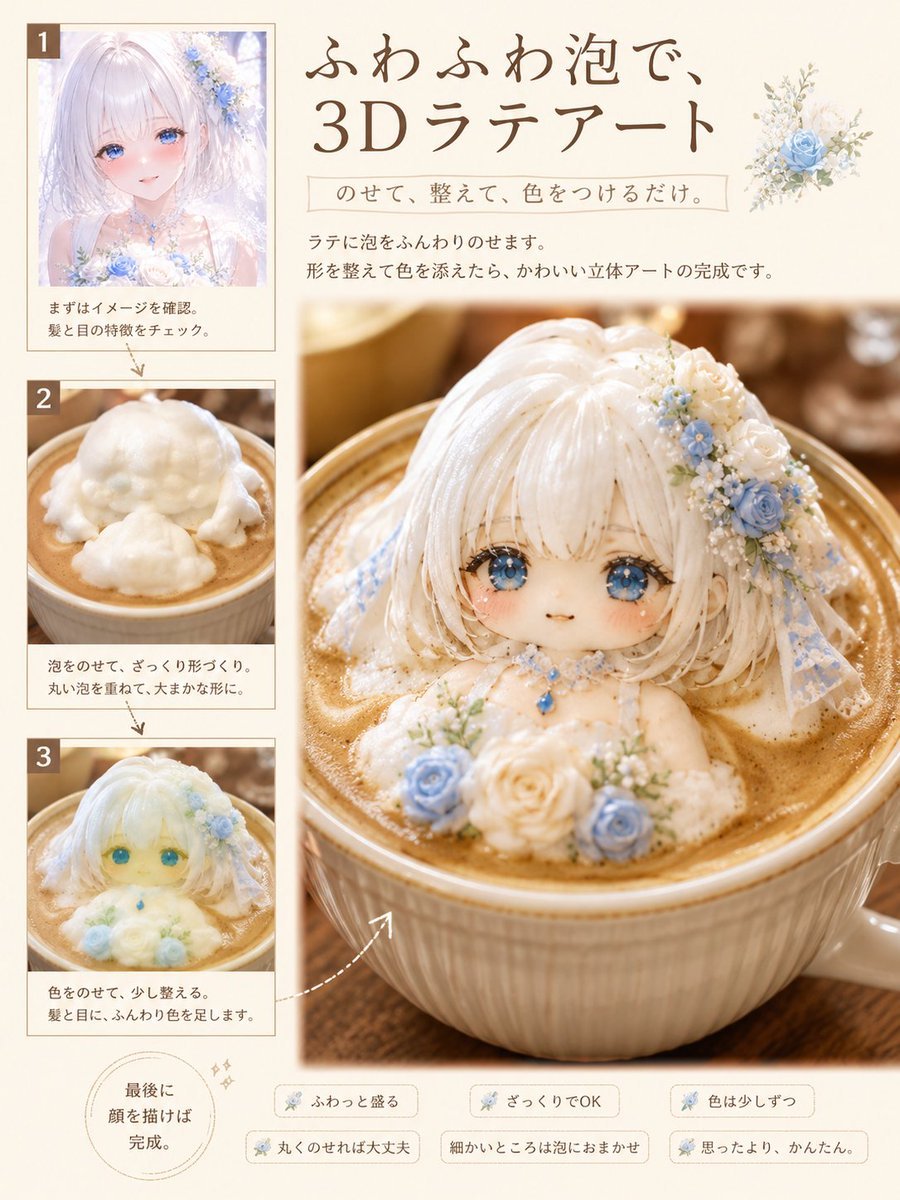
3D Latte Art Magazine Tutorial Layout
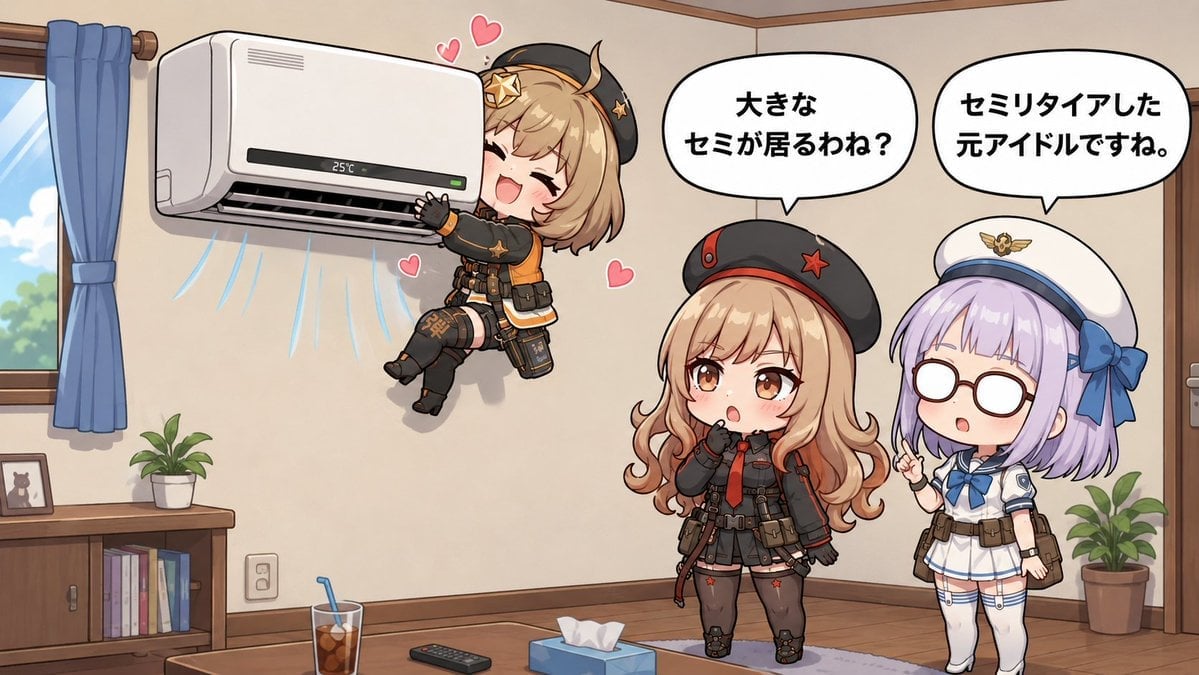
Chibi Girls Hugging Air Conditioner Comic
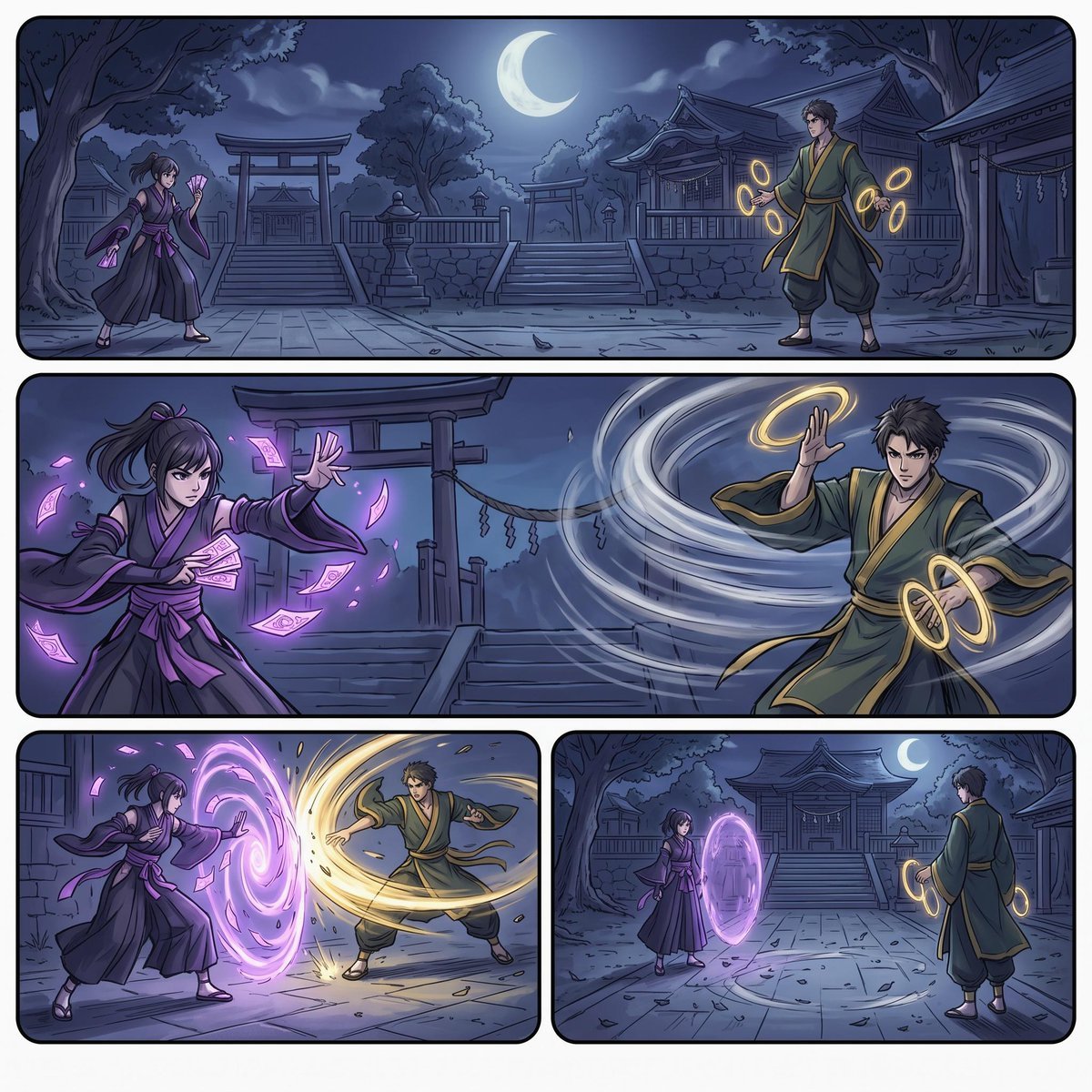
Moonlit Shrine Sorcerer Duel Comic
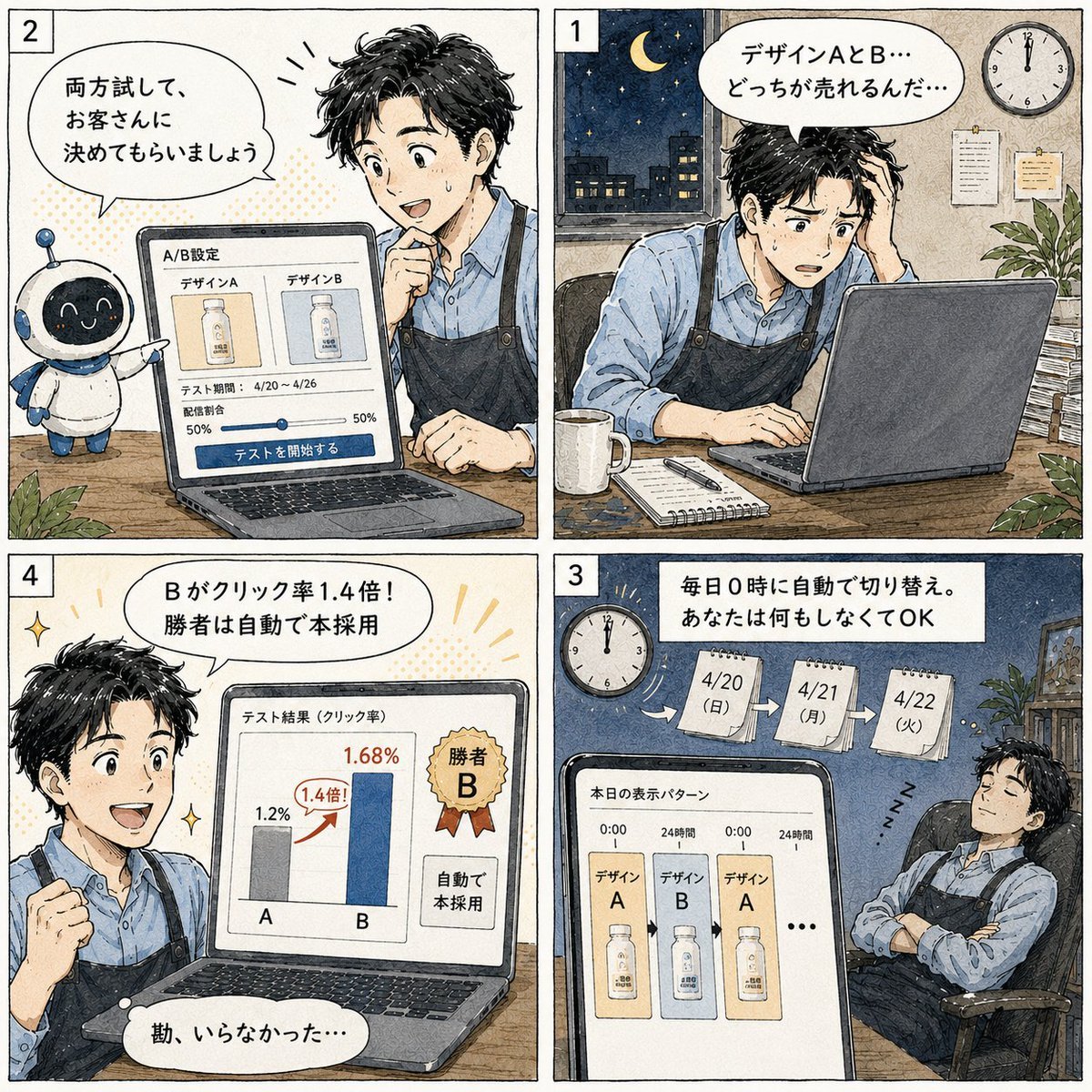
Japanese Manga A/B Testing Comic

Cute AI Manga Lesson Comic Page
Make it yours
Grok 4 Comic Tutorial Prompt works as-is. These are the safest ways to change it without losing the look.
Change one field
Copy a single group, rewrite it, and generate again so you can see what that field is doing.
Keep the frame, change the subject
Hold the composition and light of Grok 4 Comic Tutorial Prompt, then swap wardrobe, props or the person for a new take.
| If the result… | Why | Fix |
|---|---|---|
| The result drifts from the preview | Too many fields changed at once. | Reuse Grok 4 Comic Tutorial Prompt as-is first, then change one group — subject, light, or setting. |
| The model over-stylizes the scene | The prose prompt leaves finish and camera underspecified. | Add one camera or lighting sentence and stay on Nano Banana 2. |
More Nano Banana 2 templates
Other prompts made for Nano Banana 2.

Photorealistic Leaf Shaped Like a Dragon

K-Pop Idol Portrait Grid for Rapid Selection

Poetic Rain Forest Portrait During Golden Hour

Urban Street Portrait with Cartoon Inner Self Duo

Candid Nighttime Photo with Cat Prompt

High-Concept 3D Diorama Generation Prompt

Cinematic Futuristic Studio Portrait Template

Skincare Editorial Photography Collage Prompt

Hyper-Realistic Commercial Product Photography (Splash Effect)

Hyper-Realistic Nightclub Portrait Prompt
More image prompts
Fresh picks from across the catalog.
Isometric Miniature Figurine of a Character in a Japanese Flower Shop
Black Leggings Side Pose Mirror Selfie
Photorealistic Street Photography of Tattooed Woman on Motorcycle
Magical Seed Packet Diorama
Hyper-realistic street-style lifestyle photo
Seaside Anime Sketch Aesthetic
Kana Anime Character Reference Sheet
Film Contact Sheet Couple
Creative Director Claw Machine Editorial
Eastern Ink Fantasy Illustration
Browse template categories
Grok 4 Comic Tutorial Prompt questions
How do I use the Grok 4 Comic Tutorial Prompt template?
Add your photo if the template asks for one, edit the prompt if you like — the template's model and format are already selected — and press Generate. Your version opens in PicX Studio.
Can I customize the Grok 4 Comic Tutorial Prompt template?
Yes. You can change the subject, setting, lighting, mood, format, and available model controls before creating your image.
Is the Grok 4 Comic Tutorial Prompt template free?
Opening and editing this template is free. Generating uses credits, shown on the Generate button when you are signed in.
Which AI model should I use?
Start with Nano Banana 2, which is the model associated with this template. You can compare another compatible model for a different finish.
Looking for something else? Browse all templates.

Your photo, any look
Thousands of ready templates for every top image and video model, from one credit balance.