
Creative Director Claw Machine Editorial
Surreal fashion editorial photography of a creative director inside a claw machine filled with artistic objects.
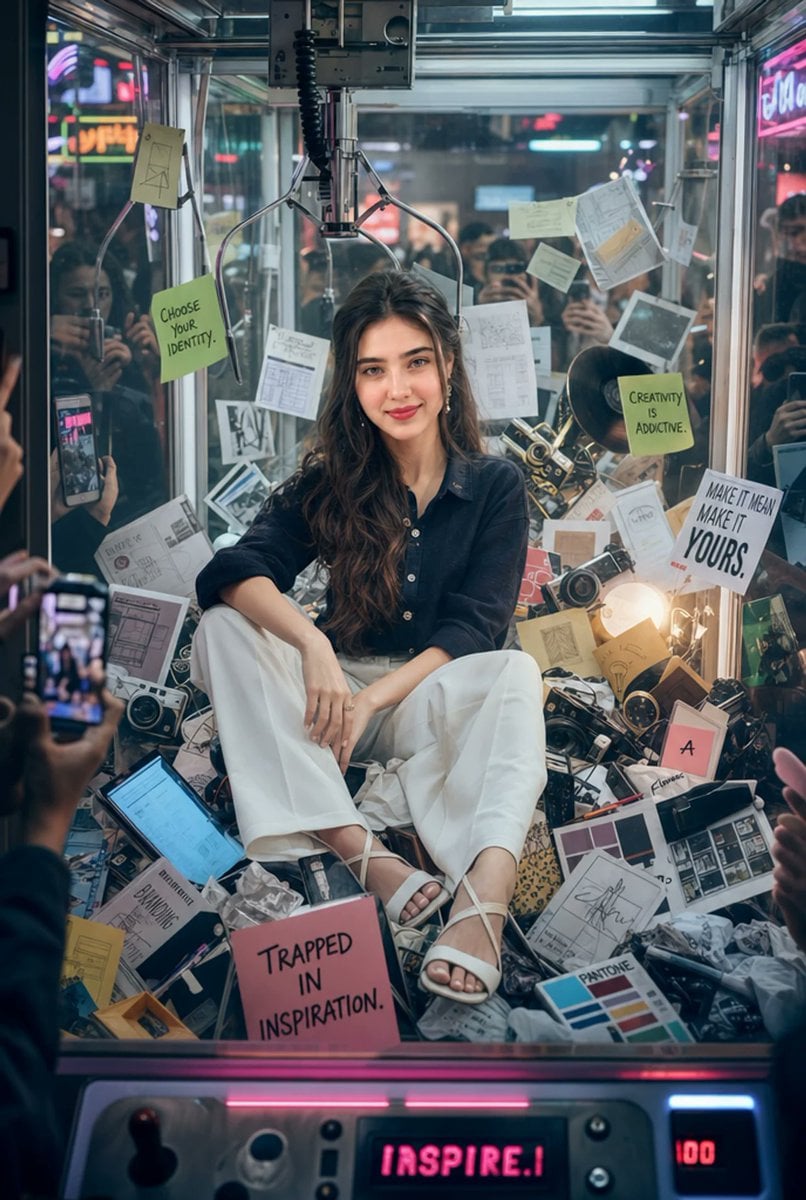
- Prompt included
- Model and format preset
- Free template
The prompt behind this image
Copy the exact prompt behind Creative Director Claw Machine Editorial, or open it in the studio and make it yours.
35mm fashion-editorial photography of a {argument name="subject" default="young creative director woman"} sitting inside a giant claw machine filled entirely with {argument name="machine contents" default="artistic objects"} instead of toys, uploaded face used 100% as reference. She is wearing a {argument name="top" default="dark textured button-up shirt"}, oversized white pants, and elegant white sandals. She has long, silky dark hair, flawless skin, refined feminine features, and a confident, thoughtful expression. Surrounding her inside the transparent machine are floating sketchbooks, vintage film cameras, glowing tablets, typography posters, UI layouts, crumpled mood boards, color swatches, vinyl records, paint brushes, and giant sticky notes displaying phrases like “Choose Your Identity,” “Creativity Is Addictive,” and “Trapped In Inspiration.” Outside the machine, blurred crowds watch and record with smartphones while flashing arcade lights reflect dramatically across the glass surfaces. Oversized mechanical claws hover above her, creating tension, surreal scale, and a symbolic sense of being surrounded by endless creative possibilities. The color palette combines muted whites, cool silvers, faded blues, and subtle neon pink and lime-green accents from the arcade lighting. The atmosphere feels symbolic, playful, and emotionally intense, like a luxury fashion advertisement fused with a viral conceptual art installation. Highly cinematic lighting, ultra-realistic skin texture, realistic glass reflections, shallow depth of field, premium editorial storytelling, soft film grain, fashion-magazine quality, immersive environmental detail, luxury campaign aesthetic, masterpiece composition, ultra-sharp focus, professional color grading, visually rich and emotionally engaging scene.
How to use Creative Director Claw Machine Editorial in 3 steps
- 1Upload ImagePNG, JPG or paste
Add your photo
Upload the photo the template builds on. The prompt, model and format are already set.
- 2…a portrait of your subject in softgolden-hour light, 85mm…
Personalize
Edit the subject and creative details for your destination.
- 3Generate
Generate
Press Generate — your image is created in PicX Studio, so you can compare it with the original and refine one variable at a time.
More like this
Templates with the same subject, style or setup. Open one to see its prompt.
Candid Arcade Claw Machine Portrait
You are a world class creative director, brand strategist, editorial art
You are a world class creative director, brand strategist, editorial art

You are a world class creative director, brand strategist, editorial art
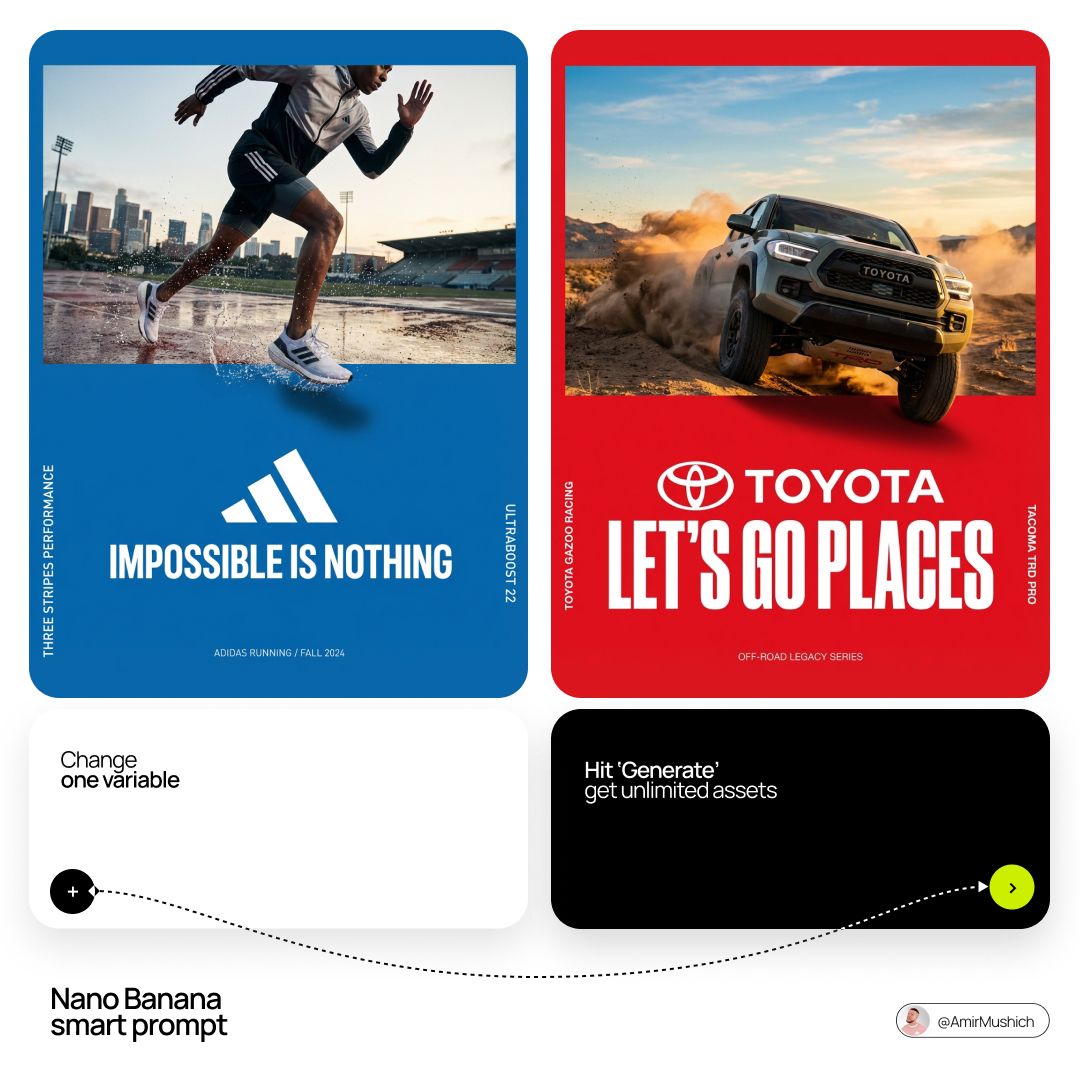
Act as a Senior Editorial Art Director and Campaign Photographer
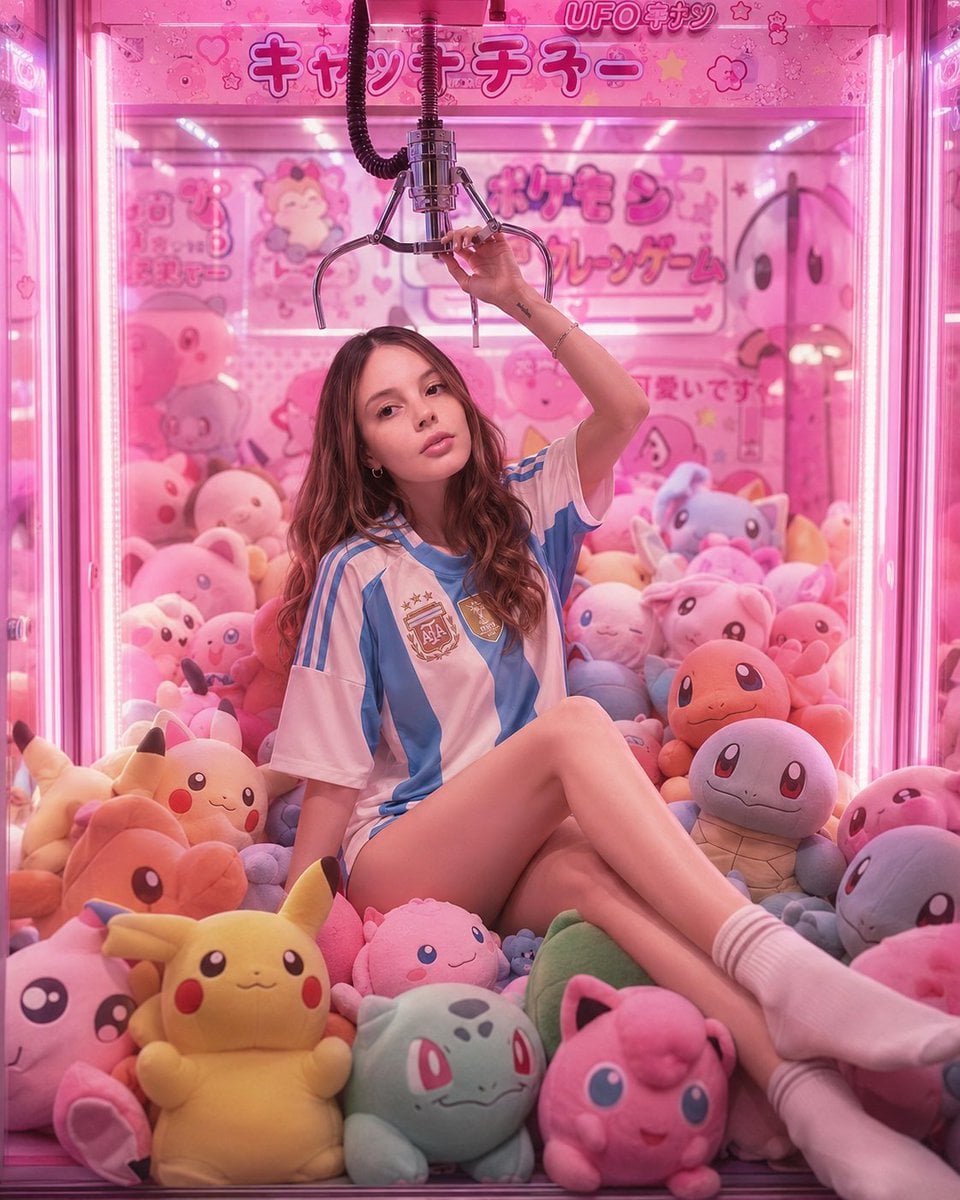
Kawaii Arcade Claw Machine Portrait
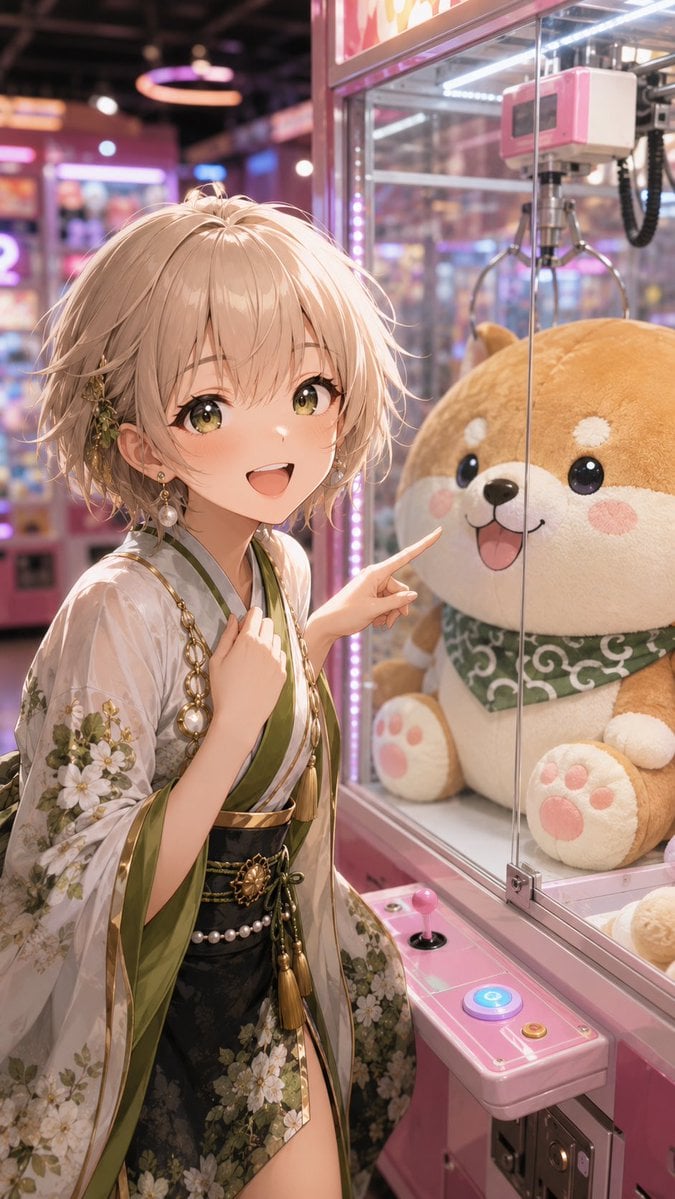
Anime Girl at Claw Machine

Urban Fashion Editorial Collage Streetwear Poster

Monochrome Hypebeast Street Fashion Editorial Motion

Elegant Green Evening Gown Studio Fashion Portrait

Artistic Patchwork Fashion Portrait Spring Festival

Japanese Architectural Concrete Studio Fashion Campaign
Make it yours
Creative Director Claw Machine Editorial works as-is. These are the safest ways to change it without losing the look.
Change one field
Copy a single group, rewrite it, and generate again so you can see what that field is doing.
Keep the frame, change the subject
Hold the composition and light of Creative Director Claw Machine Editorial, then swap wardrobe, props or the person for a new take.
| If the result… | Why | Fix |
|---|---|---|
| The result drifts from the preview | Too many fields changed at once. | Reuse Creative Director Claw Machine Editorial as-is first, then change one group — subject, light, or setting. |
| The model over-stylizes the scene | The prose prompt leaves finish and camera underspecified. | Add one camera or lighting sentence and stay on GPT Image 2. |
More GPT Image 2 templates
Other prompts made for GPT Image 2.

Six VTuber Japanese Logo Sheet

Realistic Portrait of Woman and Deer

The Vista Modular Condo Poster

AI Model Routing Comparison Infographic

2.5D Anime Art Board

Isometric Productivity Desk Scene

New York Double Exposure Poster

Four-Panel AI Landscape Comparison

Japanese Tatami Lifestyle Magazine Cover

NESCAFÉ Coffee Map Poster
More image prompts
Fresh picks from across the catalog.
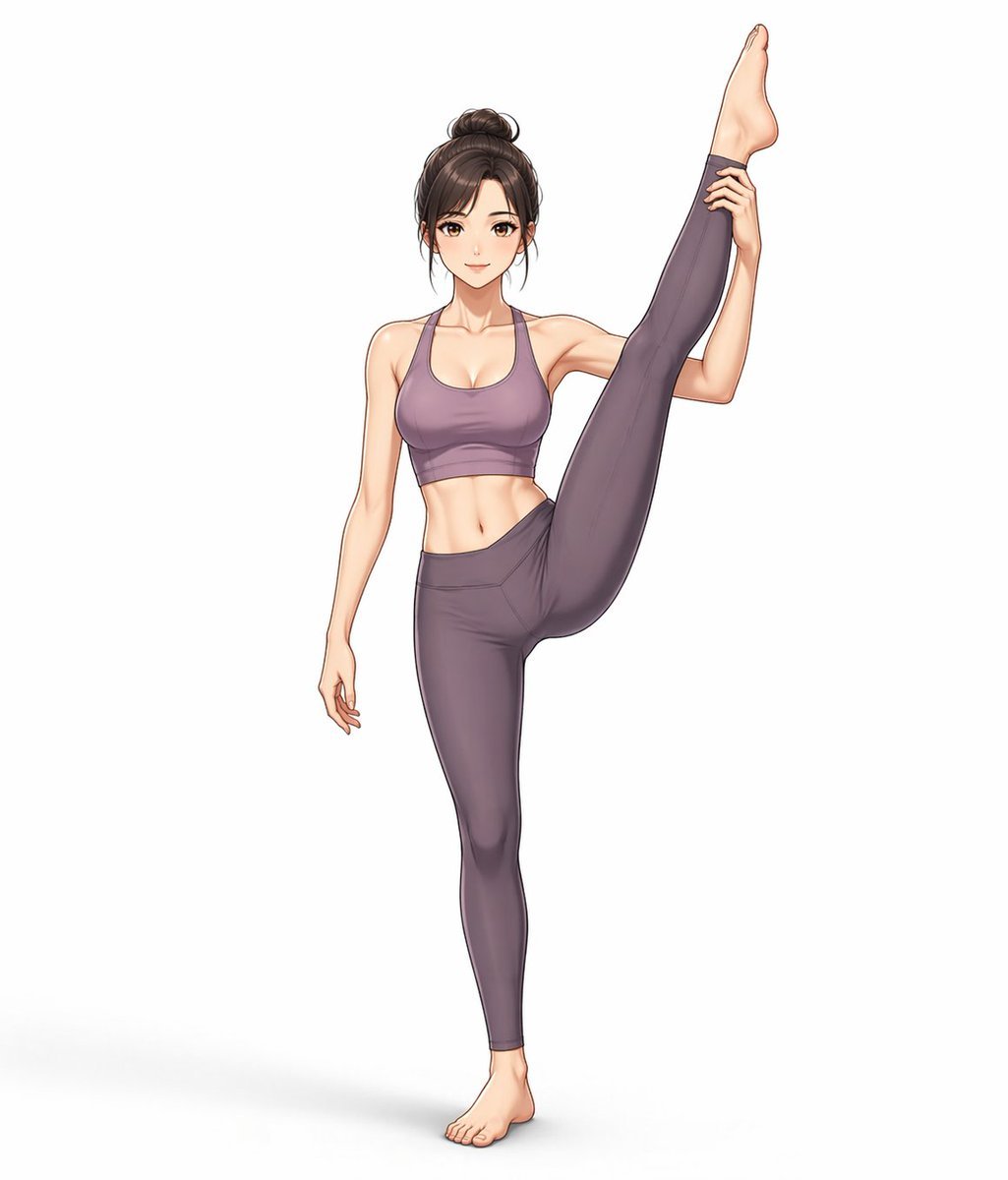
Yoga Wear Anime Illustration
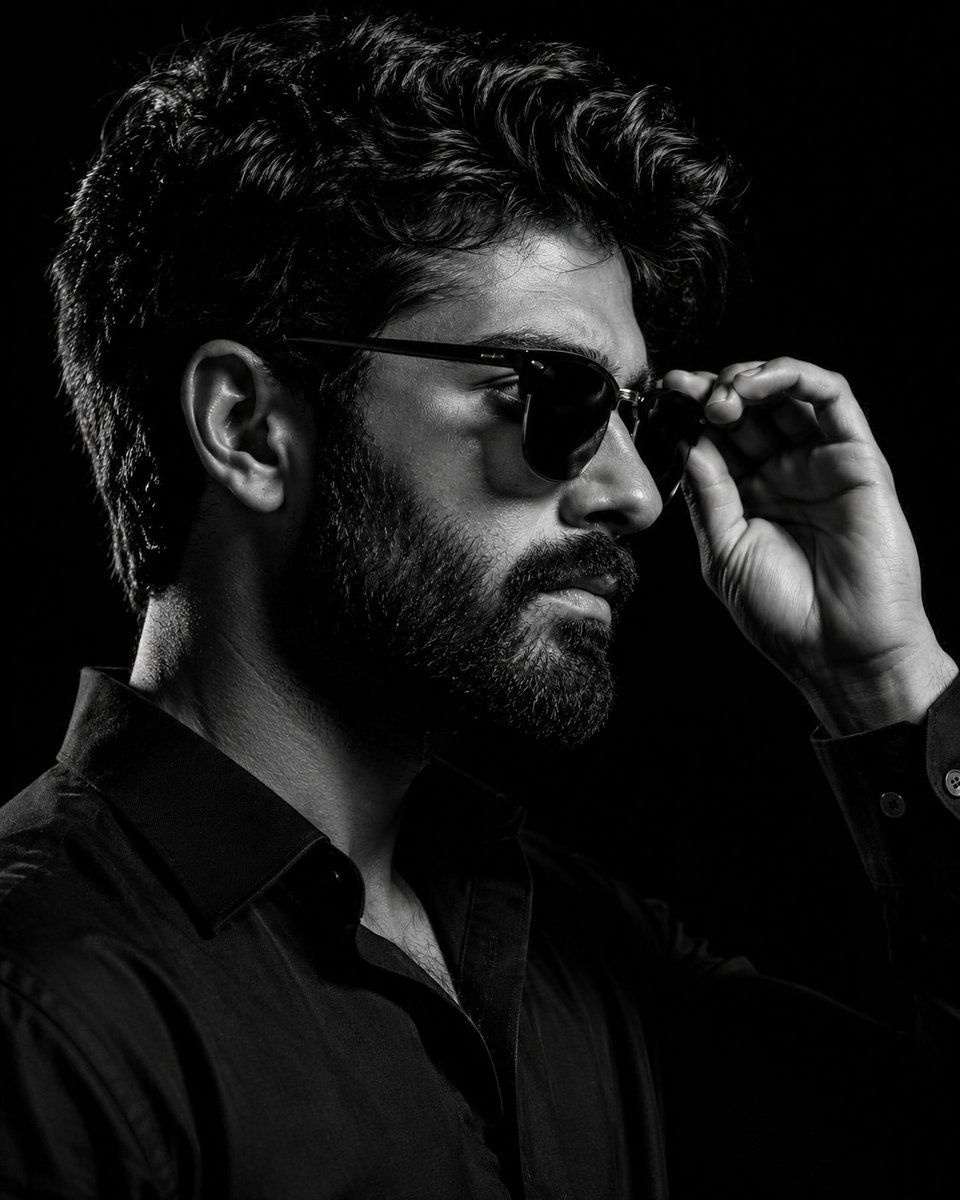
Monochrome Eyewear Campaign Silhouette

Autonomous AI 4-Panel Manga Generation System Prompt
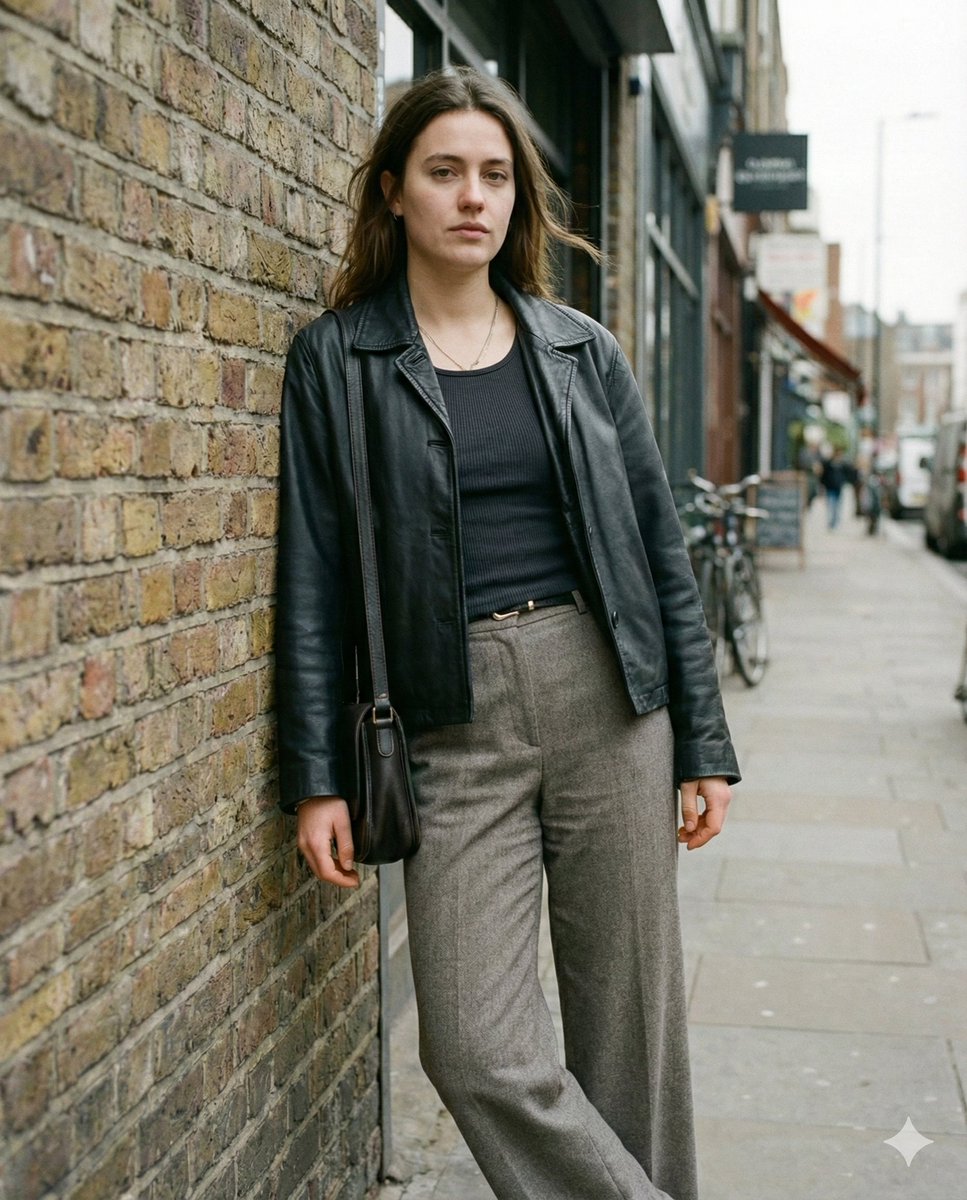
Grounded Realism Street Portrait Prompt
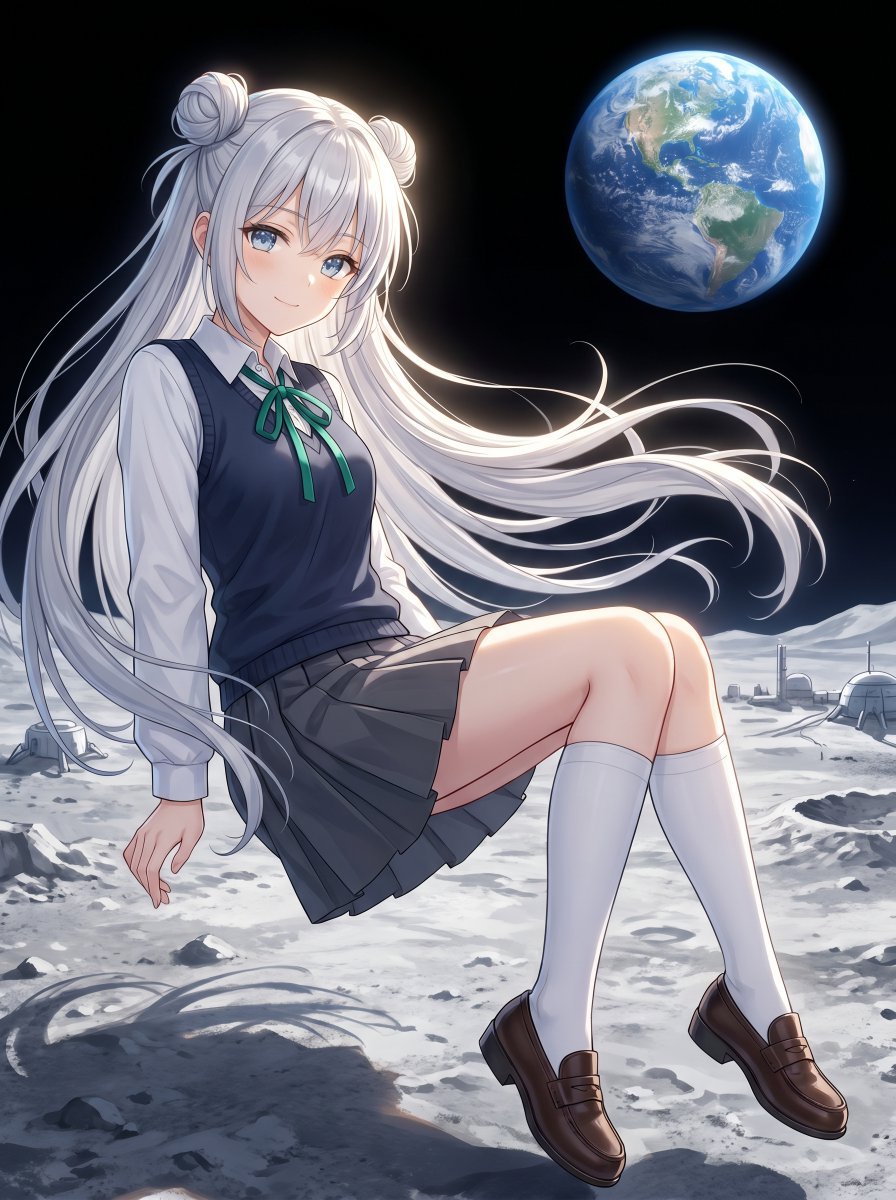
Anime Schoolgirl Floating on the Moon
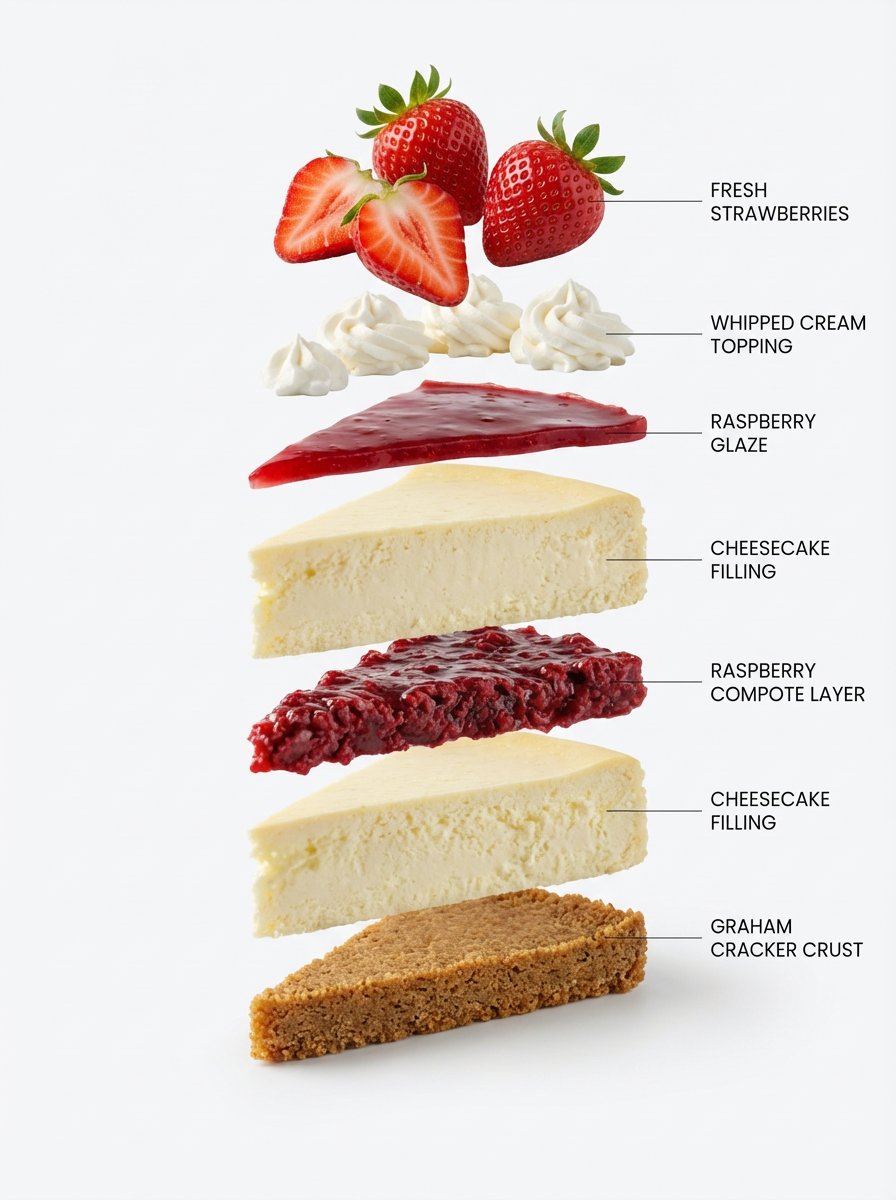
Exploded-View Structural Cutaway for Food Photography
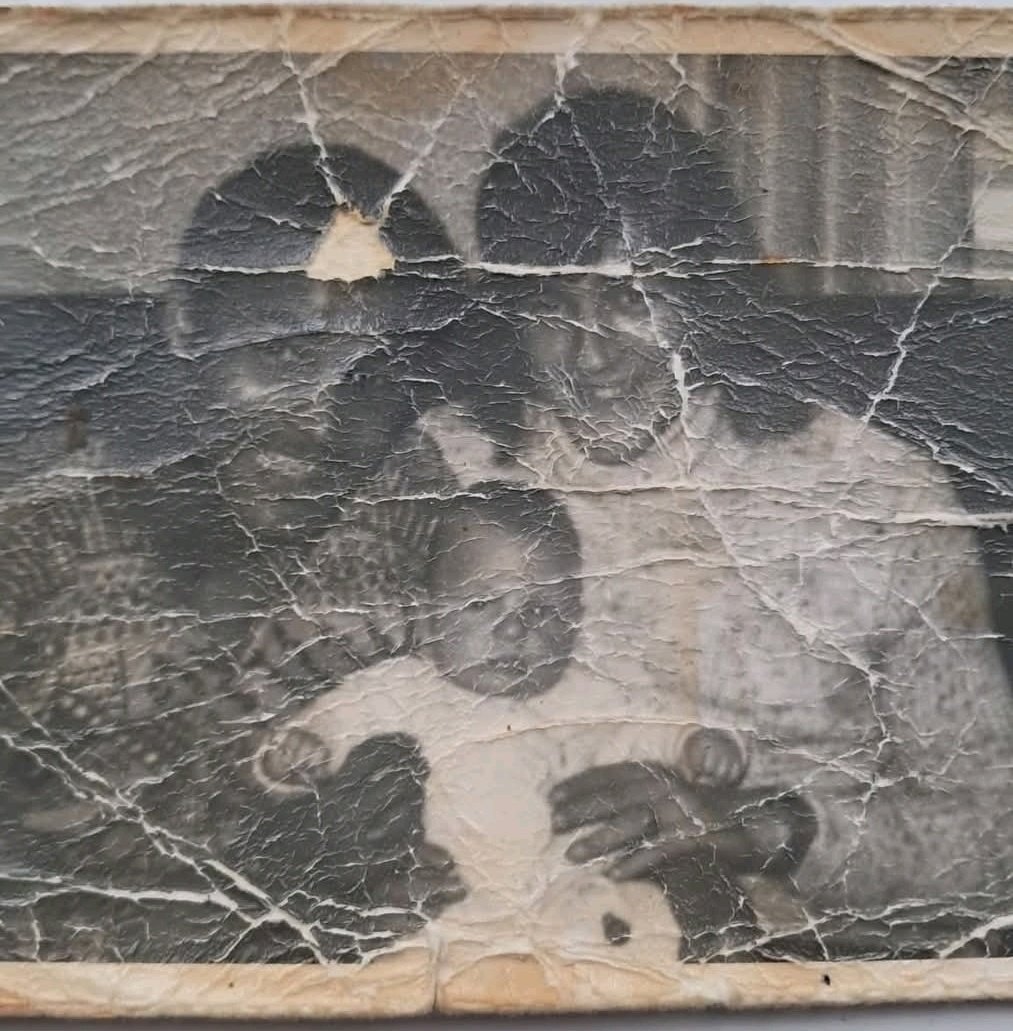
Old Photo Restoration Prompt
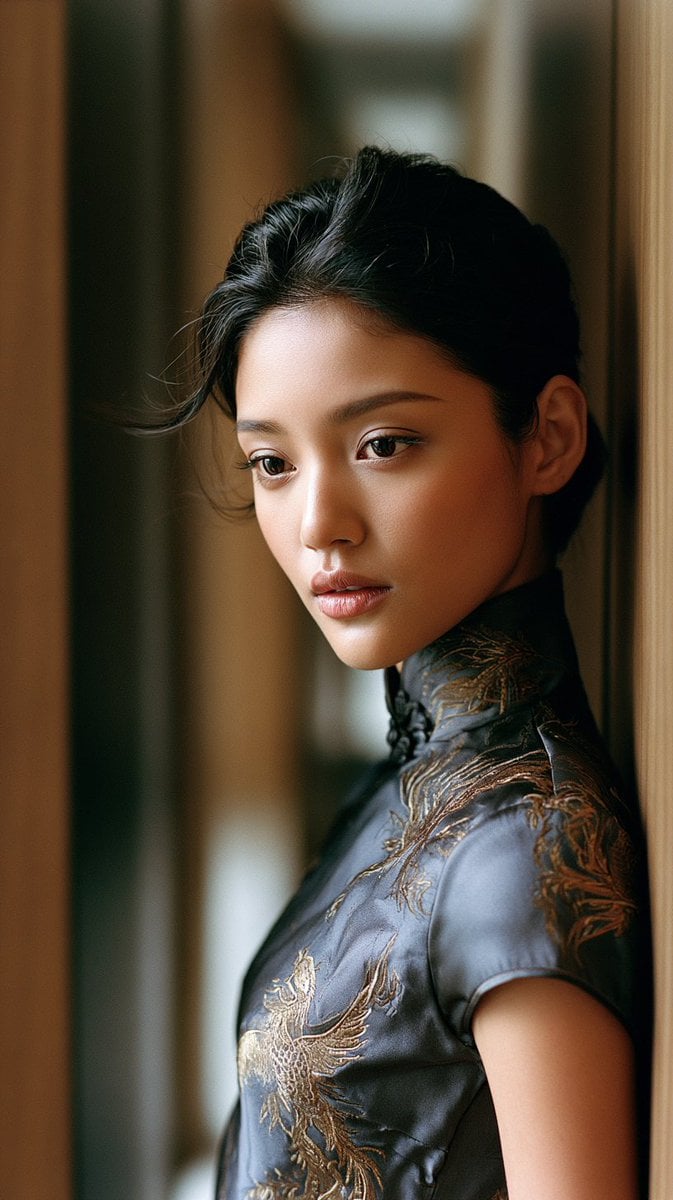
East Asian Woman in Silk Qipao
Image Overlay for 'Roast Scribble' Effect (Variant)
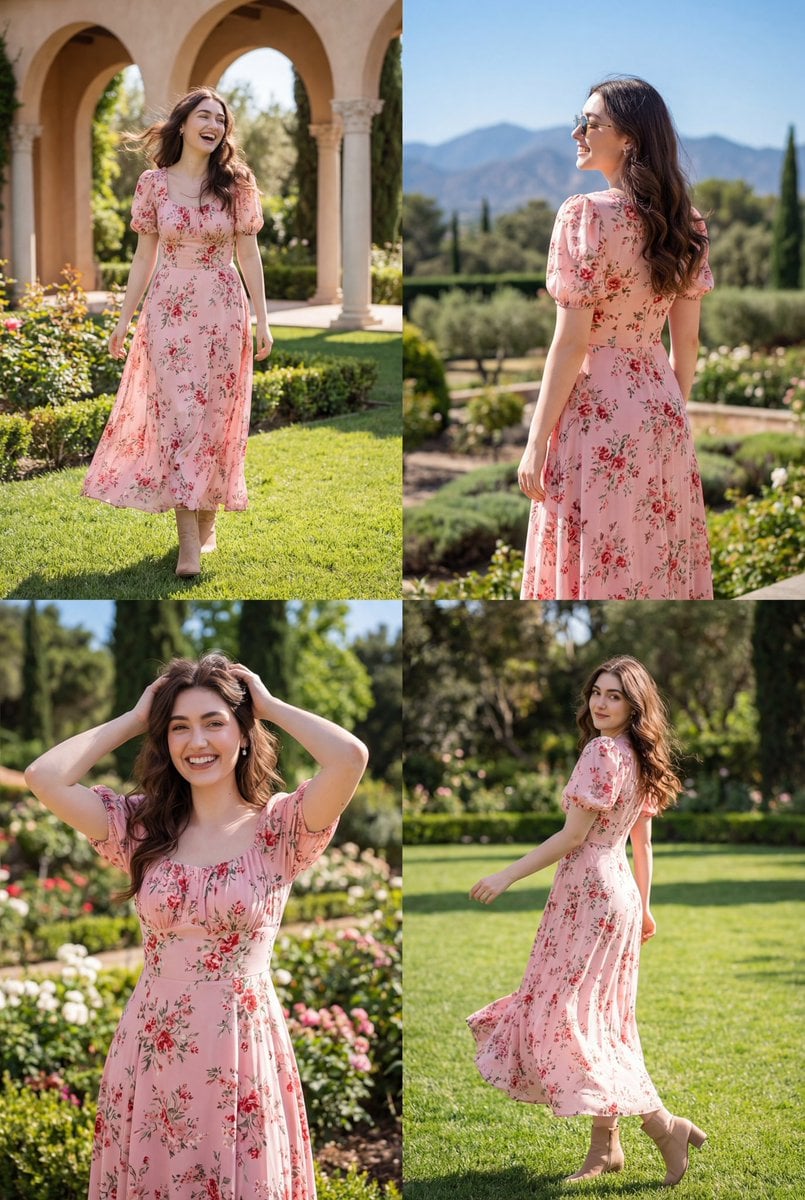
Photorealistic Lifestyle Fashion Collage
Browse template categories
Creative Director Claw Machine Editorial questions
How do I use the Creative Director Claw Machine Editorial template?
Add your photo if the template asks for one, edit the prompt if you like — the template's model and format are already selected — and press Generate. Your version opens in PicX Studio.
Can I customize the Creative Director Claw Machine Editorial template?
Yes. You can change the subject, setting, lighting, mood, format, and available model controls before creating your image.
Is the Creative Director Claw Machine Editorial template free?
Opening and editing this template is free. Generating uses credits, shown on the Generate button when you are signed in.
Which AI model should I use?
Start with GPT Image 2, which is the model associated with this template. You can compare another compatible model for a different finish.
Looking for something else? Browse all templates.

Your photo, any look
Thousands of ready templates for every top image and video model, from one credit balance.