
Anime Schoolgirl Floating on the Moon
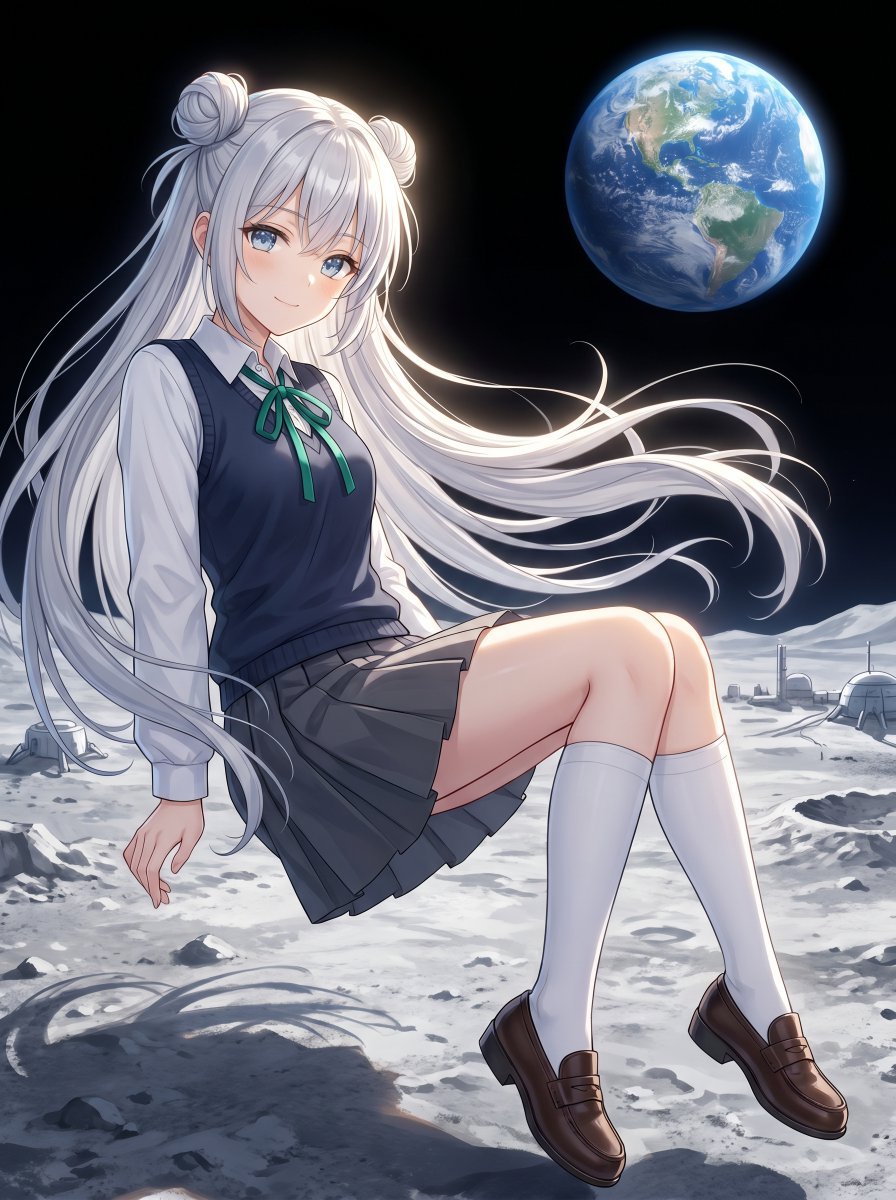
This prompt generates a single-panel anime sci-fi illustration of a long-haired schoolgirl in uniform floating above the lunar surface with Earth in the background, ideal for character art or atmospheric key visuals.
- Prompt included
- Model and format preset
- Free template
The prompt behind this image
Copy the exact prompt behind Anime Schoolgirl Floating on the Moon, or open it in the studio and make it yours.
A polished anime illustration of a slender teenage schoolgirl with {argument name="hair color" default="silver white"} hair, floating weightlessly above the Moon’s surface in a calm seated pose. She has extremely long flowing hair that streams dramatically to the right, with two round twin buns on top of her head and long loose strands cascading past her legs. She wears a Japanese-style school uniform: a white button-up blouse, a dark navy sweater vest, a green ribbon bow at the collar, a charcoal pleated skirt, white knee-high socks, and brown loafers. Place her slightly left of center, facing slightly left, with her legs bent forward and one hand relaxed downward as if gently drifting in low gravity. The background is deep black outer space with a bright realistic Earth visible in the upper right quadrant, glowing blue and white. The lunar ground below is pale gray, dusty, and cratered, with scattered rocks, soft shadows, and a few small futuristic moon-base domes and antenna-like structures along the distant horizon. Use cool moonlight with subtle rim lighting around the hair and body, high detail in the hair strands and fabric folds, soft luminous anime shading, crisp linework, and a dreamy sci-fi atmosphere combining cute schoolgirl character art with realistic space scenery.
How to use Anime Schoolgirl Floating on the Moon in 3 steps
- 1Upload ImagePNG, JPG or paste
Add your photo
Upload the photo the template builds on. The prompt, model and format are already set.
- 2…a portrait of your subject in softgolden-hour light, 85mm…
Personalize
Edit the subject and creative details for your destination.
- 3Generate
Generate
Press Generate — your image is created in PicX Studio, so you can compare it with the original and refine one variable at a time.
More like this
Templates with the same subject, style or setup. Open one to see its prompt.










Make it yours
Anime Schoolgirl Floating on the Moon works as-is. These are the safest ways to change it without losing the look.
Change one field
Copy a single group, rewrite it, and generate again so you can see what that field is doing.
Keep the frame, change the subject
Hold the composition and light of Anime Schoolgirl Floating on the Moon, then swap wardrobe, props or the person for a new take.
| If the result… | Why | Fix |
|---|---|---|
| The result drifts from the preview | Too many fields changed at once. | Reuse Anime Schoolgirl Floating on the Moon as-is first, then change one group — subject, light, or setting. |
| The model over-stylizes the scene | The prose prompt leaves finish and camera underspecified. | Add one camera or lighting sentence and stay on GPT Image 2. |
More GPT Image 2 templates
Other prompts made for GPT Image 2.

Six VTuber Japanese Logo Sheet

Realistic Portrait of Woman and Deer

The Vista Modular Condo Poster

AI Model Routing Comparison Infographic

2.5D Anime Art Board

Isometric Productivity Desk Scene

New York Double Exposure Poster

Four-Panel AI Landscape Comparison

Japanese Tatami Lifestyle Magazine Cover

NESCAFÉ Coffee Map Poster
More image prompts
Fresh picks from across the catalog.
Surreal Pawprint Photo Manipulation Template
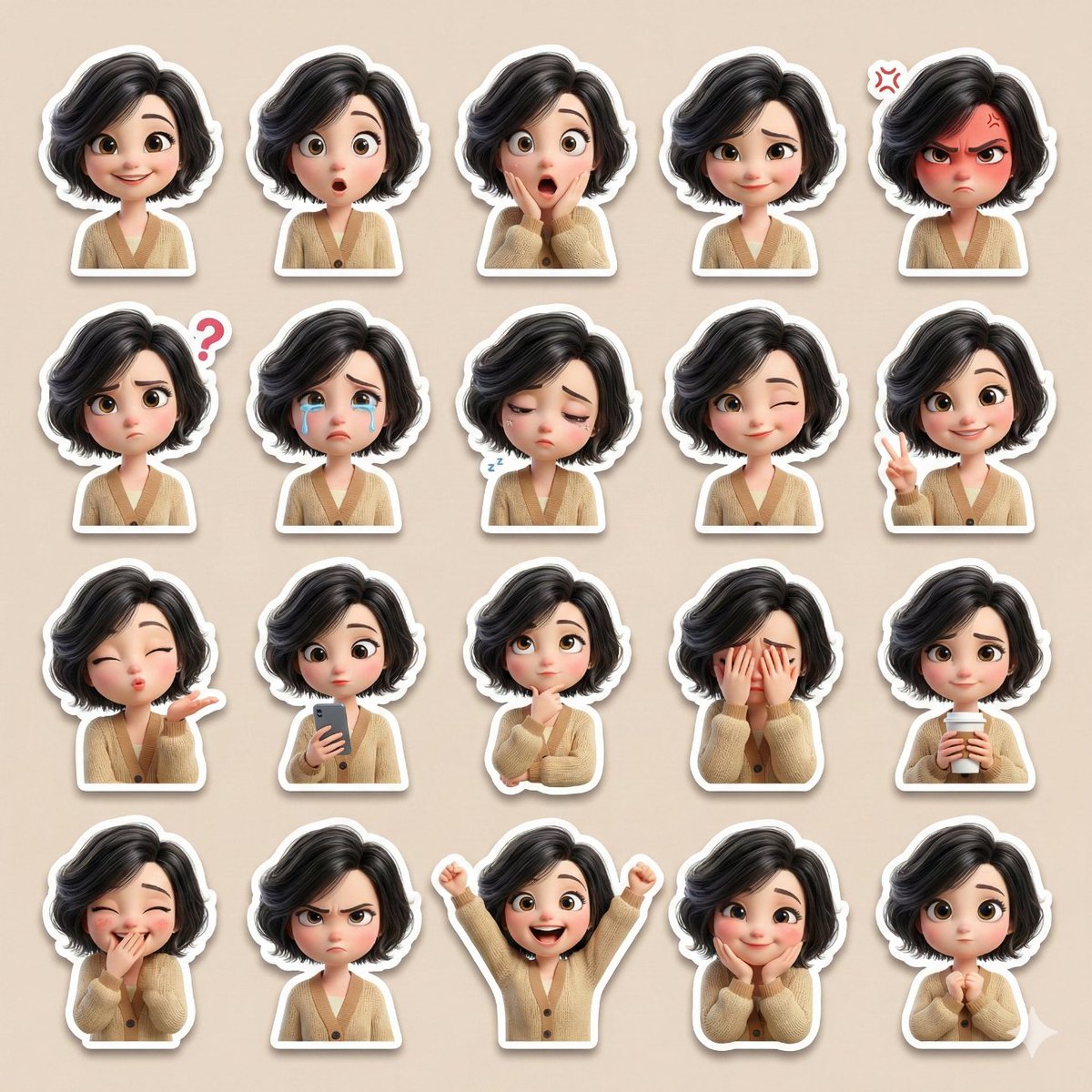
3D Pixar-Style Sticker Pack Generation from Reference Image
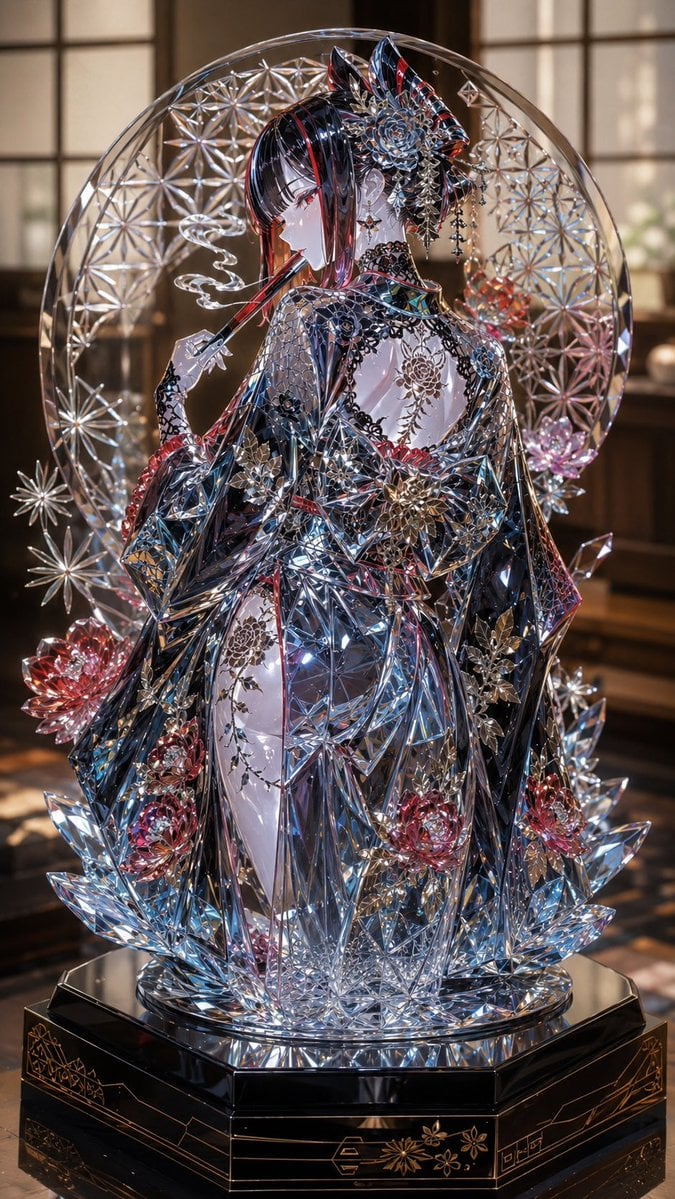
Edo Kiriko Gothic Kimono Glass Maiden
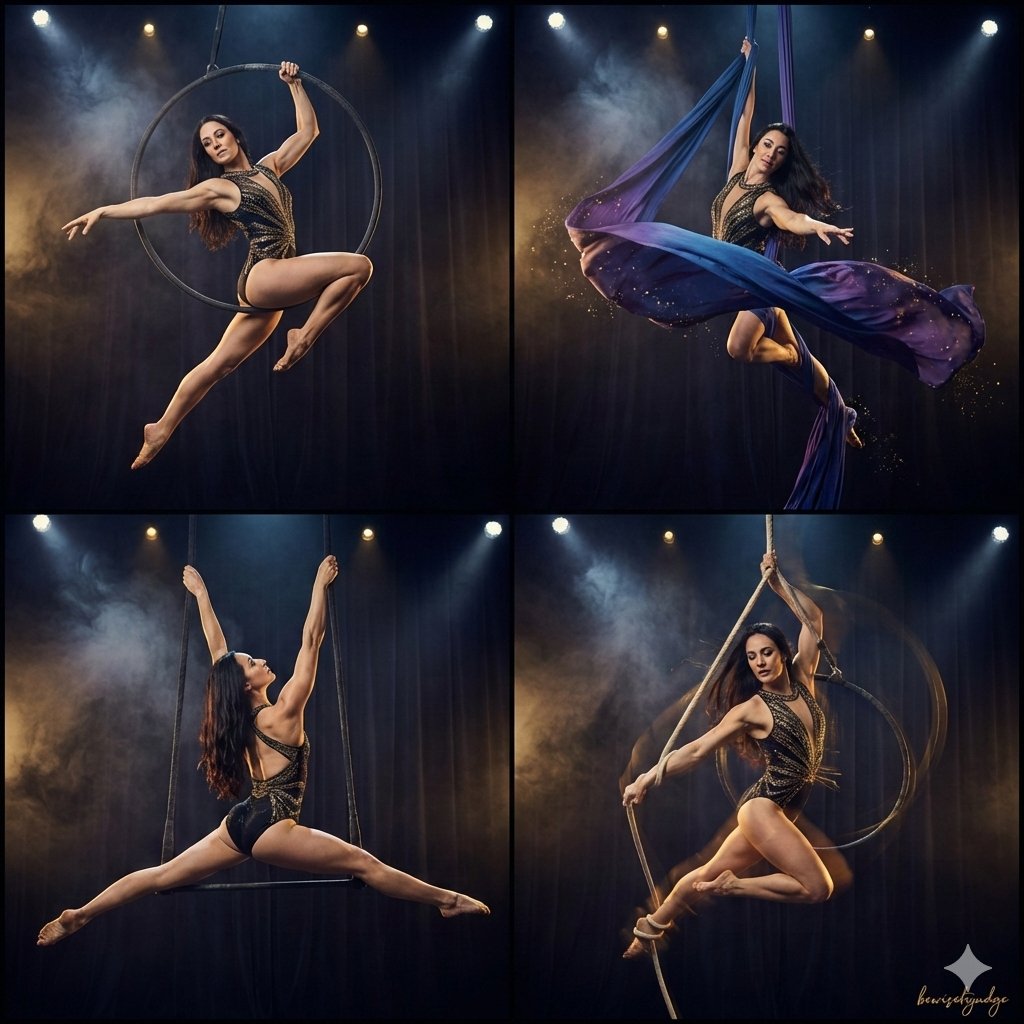
Four-Panel Aerial Circus Composition
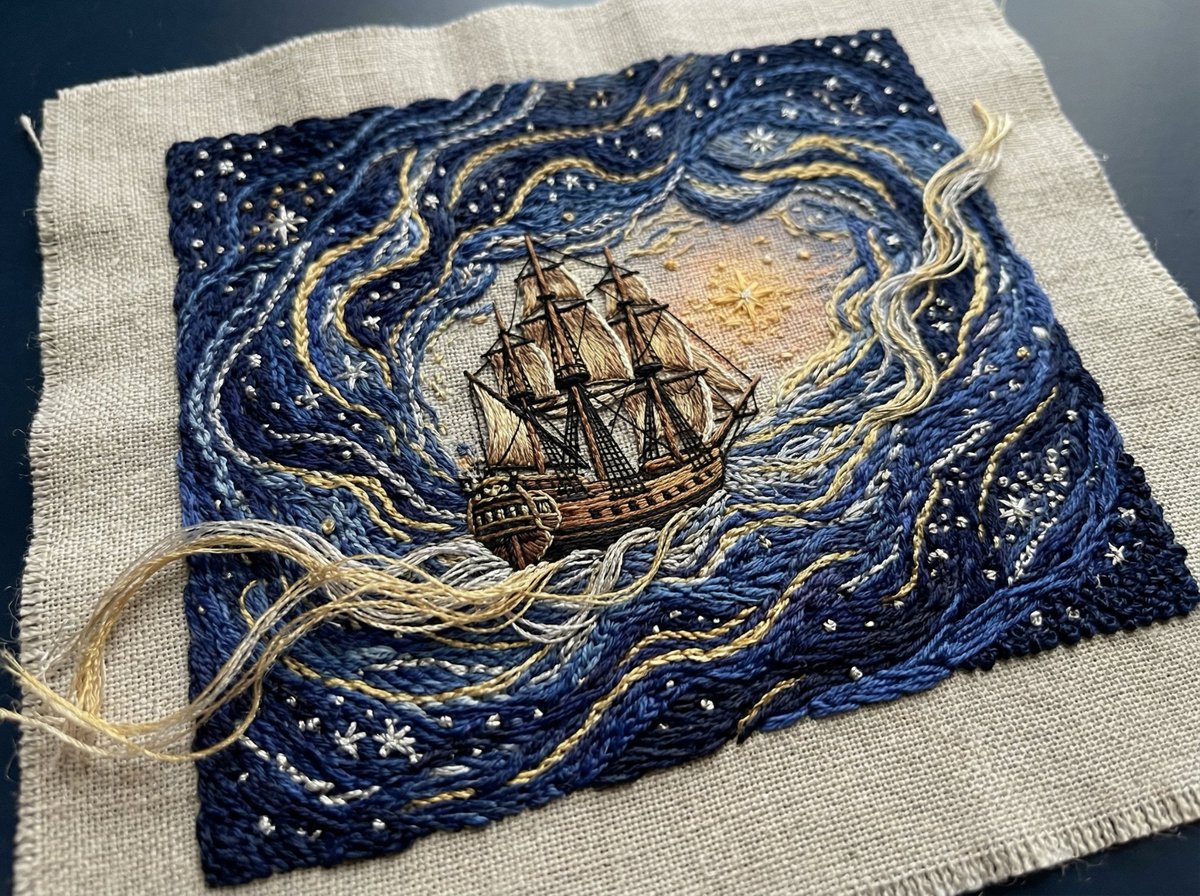
Tactile Embroidered Tapestry of a Ship in Nebulae
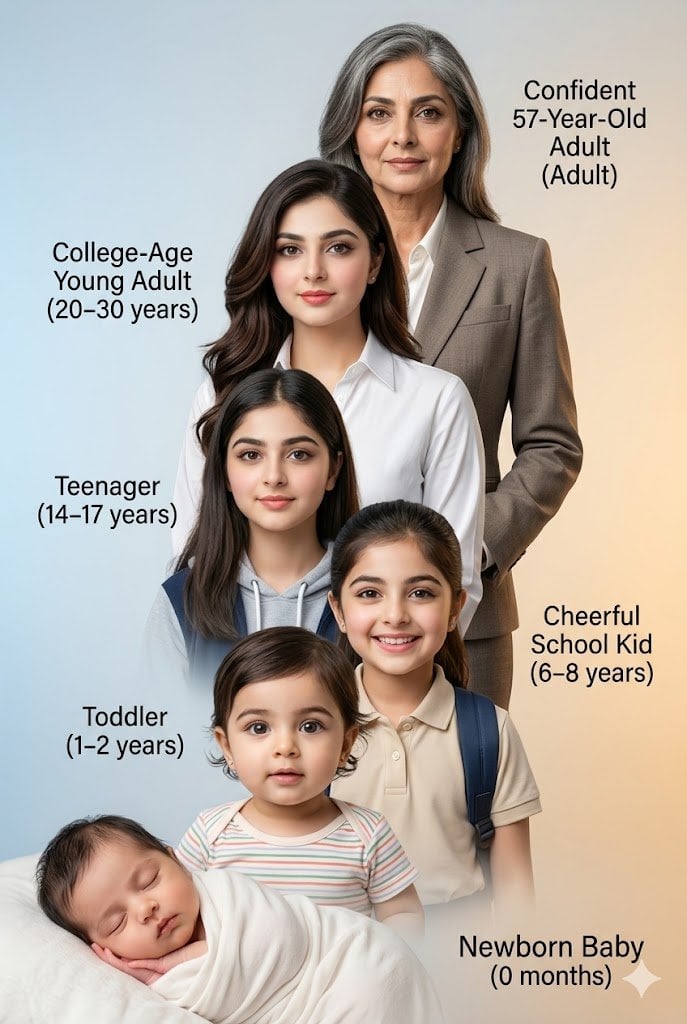
Human Life Progression Composite
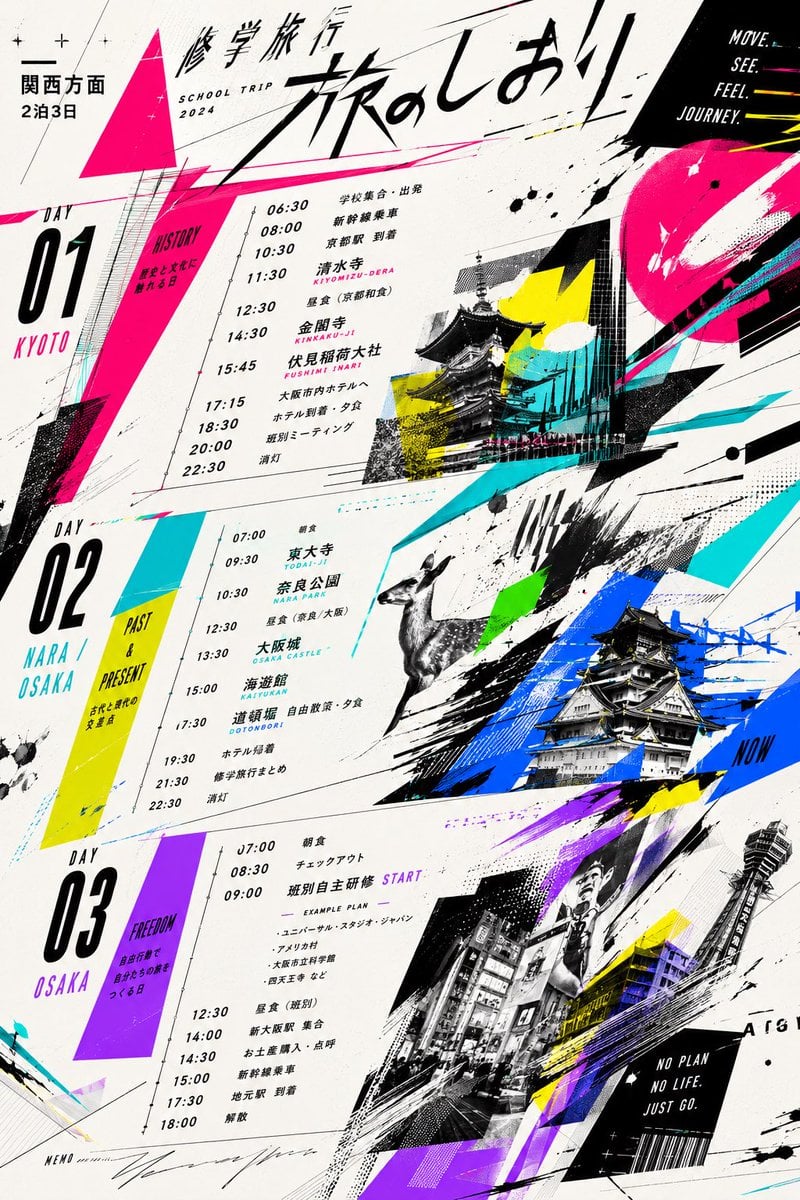
Graphic School Trip Schedule Poster
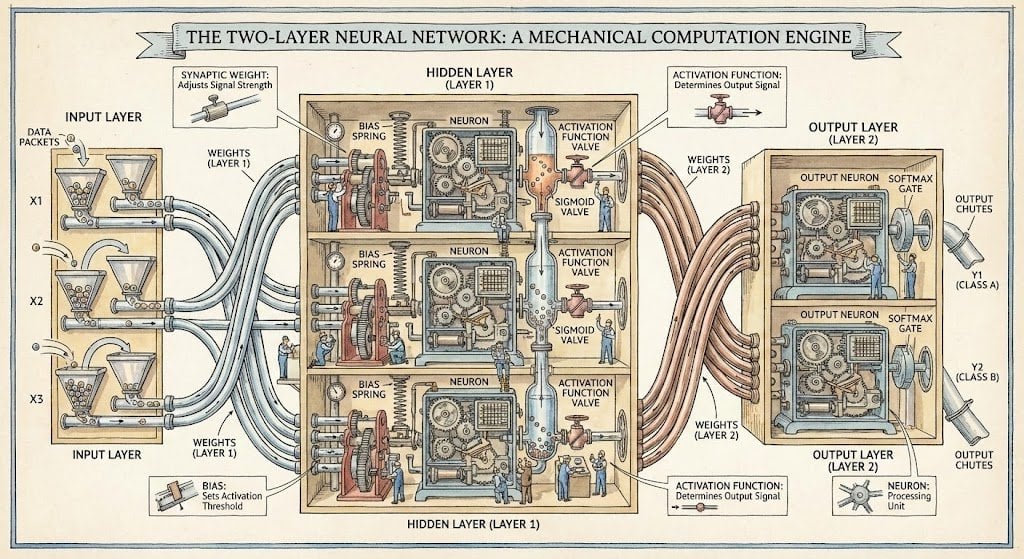
Two-layer neural network diagram in Stephen Biesty style
Convenience Store Selfie Reflection Prompt (Suggestive)
Stunning Photo Prompt for Gemini Nano Banana
Browse template categories
Anime Schoolgirl Floating on the Moon questions
How do I use the Anime Schoolgirl Floating on the Moon template?
Add your photo if the template asks for one, edit the prompt if you like — the template's model and format are already selected — and press Generate. Your version opens in PicX Studio.
Can I customize the Anime Schoolgirl Floating on the Moon template?
Yes. You can change the subject, setting, lighting, mood, format, and available model controls before creating your image.
Is the Anime Schoolgirl Floating on the Moon template free?
Opening and editing this template is free. Generating uses credits, shown on the Generate button when you are signed in.
Which AI model should I use?
Start with GPT Image 2, which is the model associated with this template. You can compare another compatible model for a different finish.
Looking for something else? Browse all templates.

Your photo, any look
Thousands of ready templates for every top image and video model, from one credit balance.