
Four-Panel Aerial Circus Composition
A prompt for generating a single square image divided into four panels, each showing a different aerial circus discipline (hoop, silk, trapeze, roop) performed by the same athletic woman, emphasizing dramatic stage…
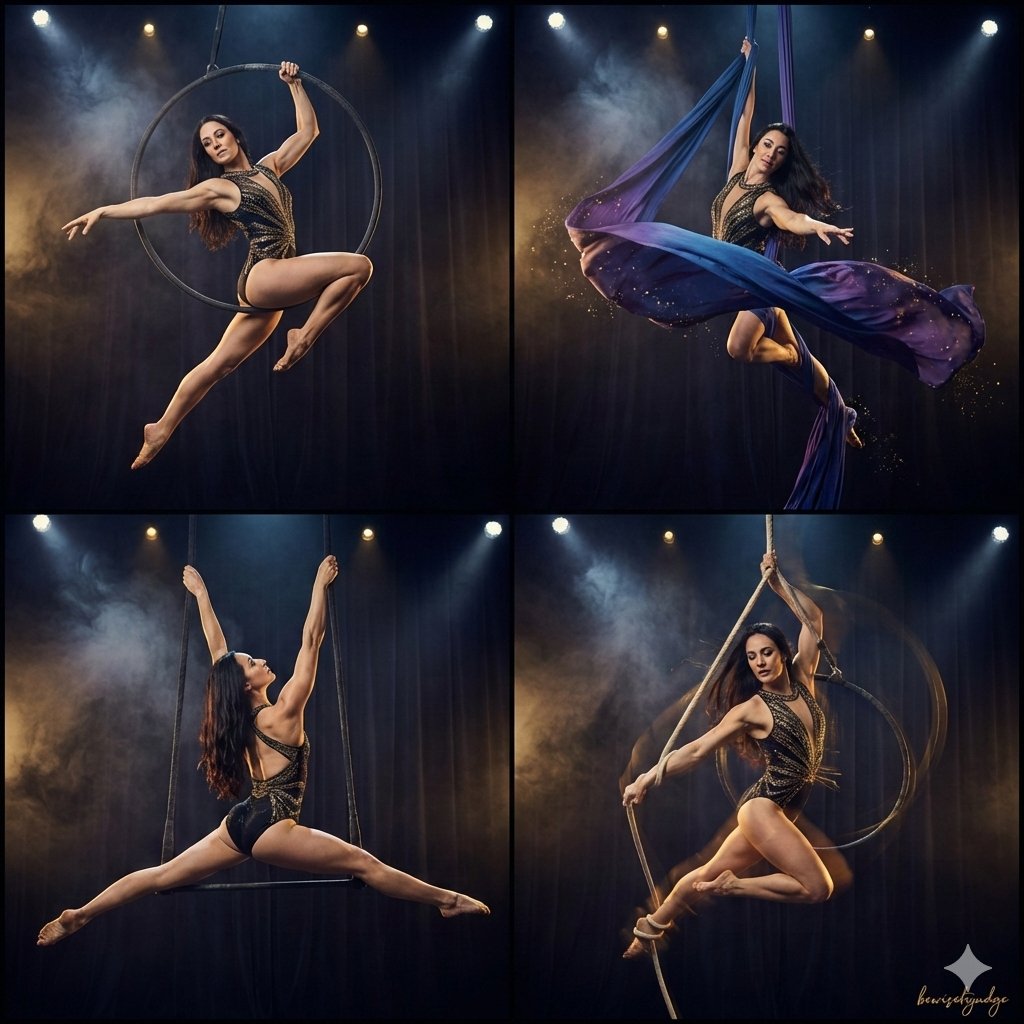
- Prompt included
- Model and format preset
- Premium template
The prompt behind this image
Copy the exact prompt behind Four-Panel Aerial Circus Composition, or open it in the studio and make it yours.
A single square image divided into four equal square panels, perfect 2x2 grid composition, each panel shows one different aerial circus discipline performed by the same elegant athletic woman with long dark hair, wearing a sparkling black-and-gold aerial costume, dramatic stage lighting, dark theatrical background with subtle smoke and spotlights, high detail, cinematic style, vertical 1:1 aspect ratio overall Top-left panel: woman gracefully performing on aerial hoop (lyra), mid-spin with one leg hooked, powerful and elegant pose Top-right panel: woman flowing in aerial silk (tissue), beautiful drops and wraps, fabric elegantly draped around her body Bottom-left panel: woman on static trapeze, holding a strong straddle catch pose high above, muscular lines visible Bottom-right panel: woman doing aerial hoop/rope hybrid (aerial roop), dynamic spinning descent with rope wrapped around one arm and leg, intense expression.All panels perfectly aligned, clean sharp borders between panels, cohesive color palette with gold accents and deep blues/purples, ultra-detailed, professional circus photography aesthetic, masterpiece quality
How to use Four-Panel Aerial Circus Composition in 3 steps
- 1
Open
The prompt is already in the box next to the preview, with the template's model and format selected.
- 2…a portrait of your subject in softgolden-hour light, 85mm…
Personalize
Edit the subject and creative details for your destination.
- 3Generate
Generate
Press Generate — your image is created in PicX Studio, so you can compare it with the original and refine one variable at a time.
More like this
Templates with the same subject, style or setup. Open one to see its prompt.
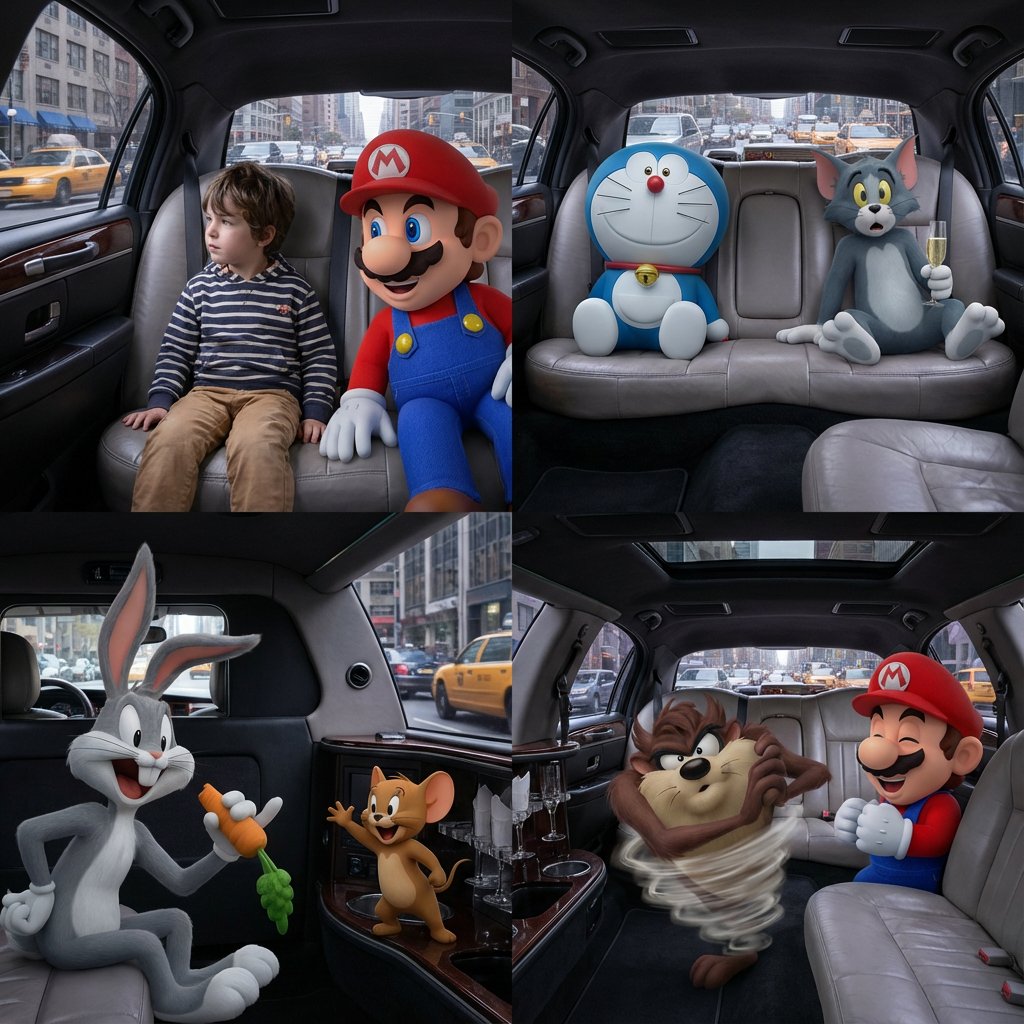
Four-Panel Composition Prompt with Location Context

Four-Panel AI Landscape Comparison

Four-Panel Anime Face Comparison

Four-Panel AI Landscape Comparison
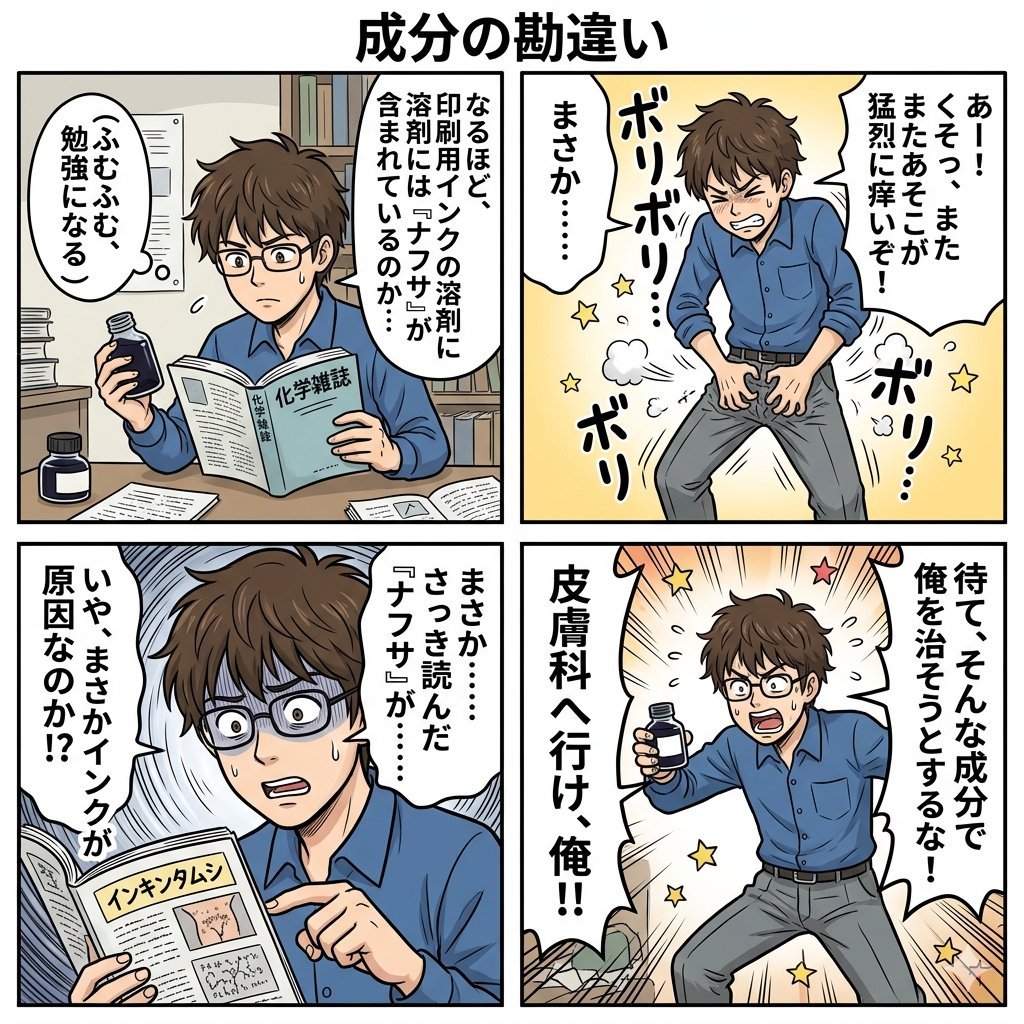
Component Differences Four-Panel Manga
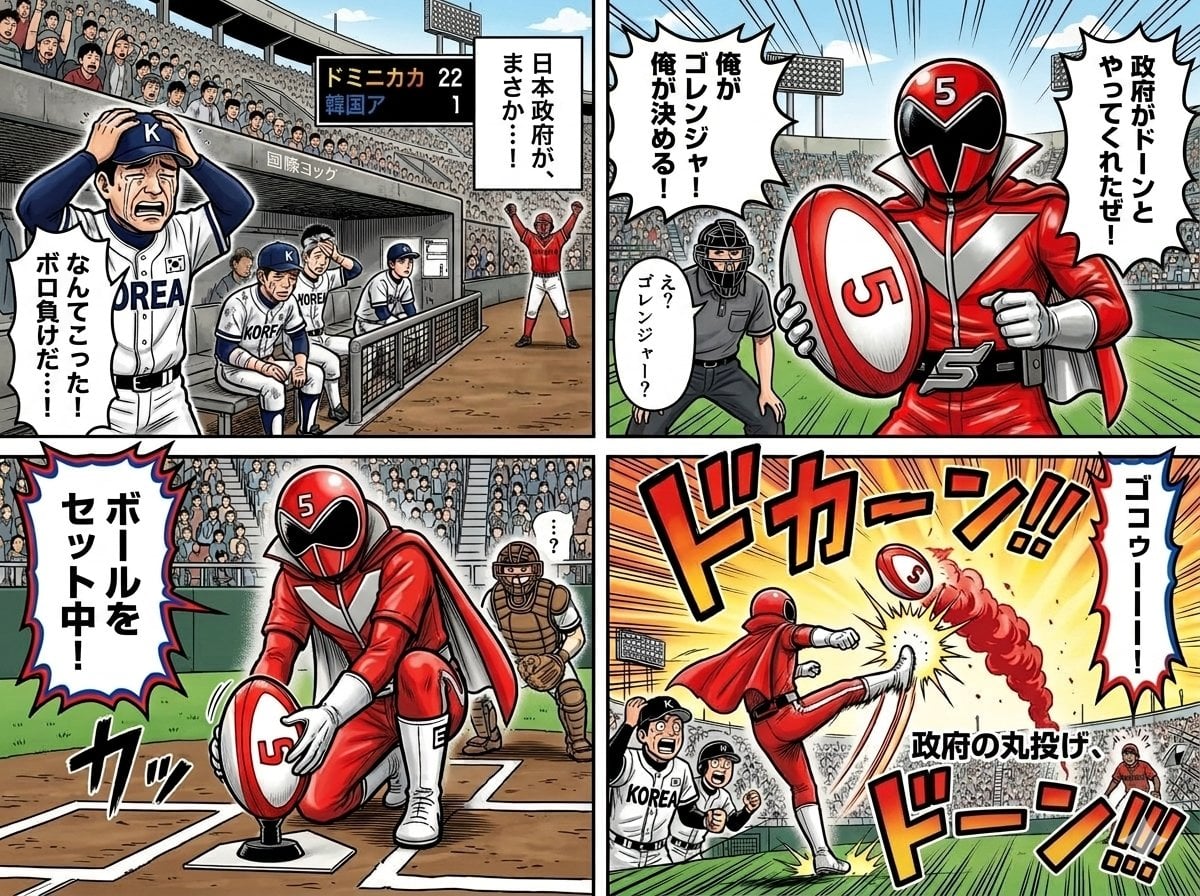
Four-Panel Manga with Sentai and Rugby

Pixar 6-Panel Streethero Expression Grid
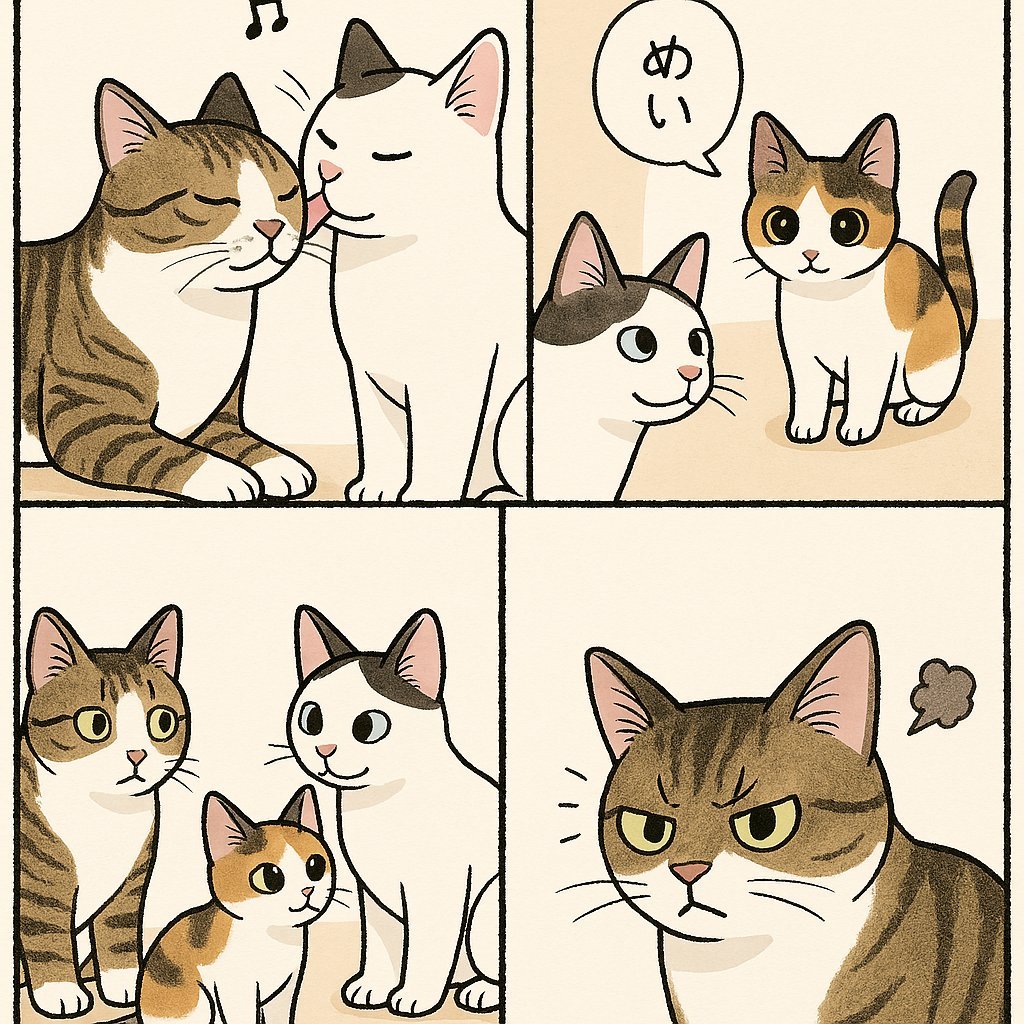
Cute Four-Panel Cat Jealousy Comic
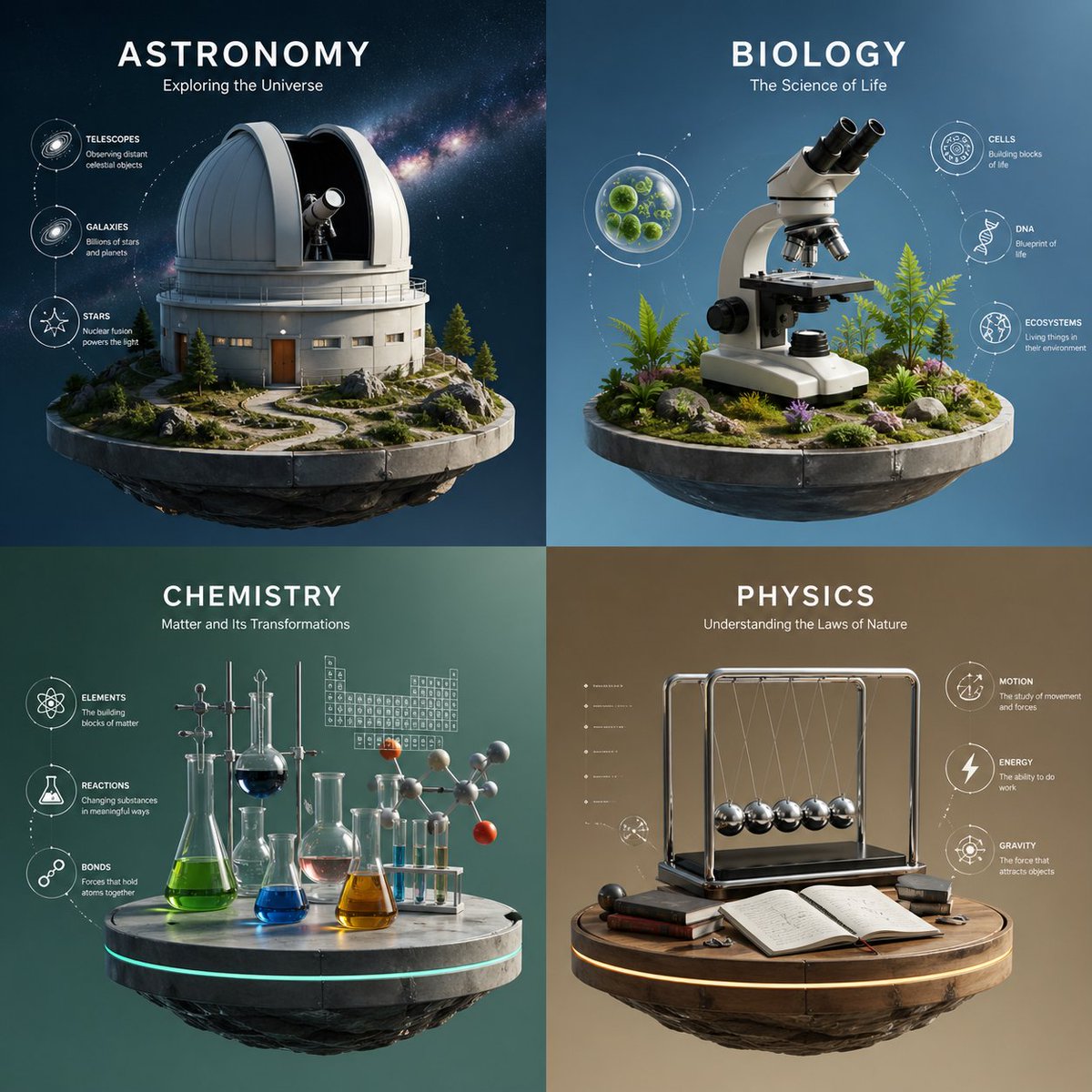
Four-Panel Science Concept Poster
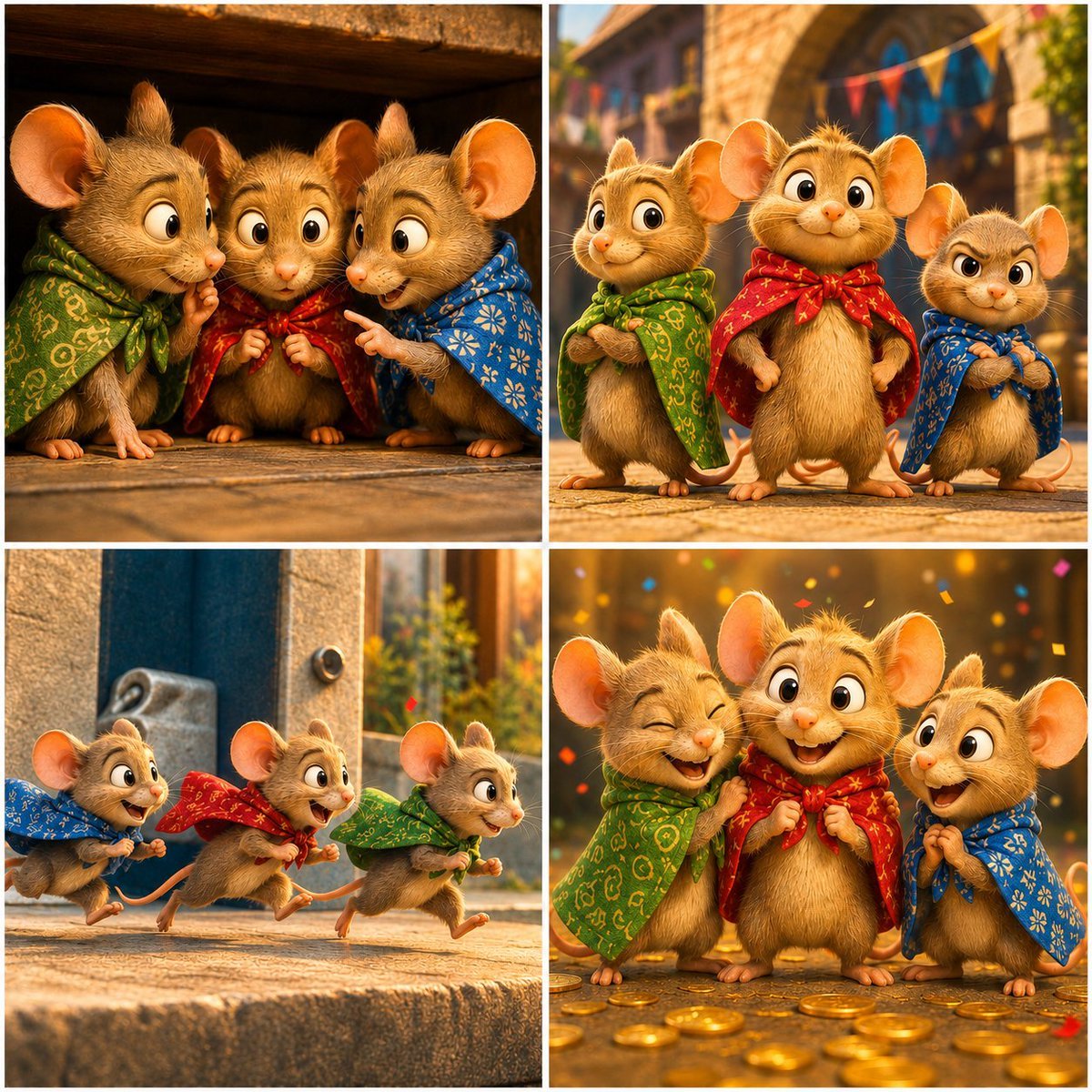
Four-Panel Bankrupt Mouse Storyboard
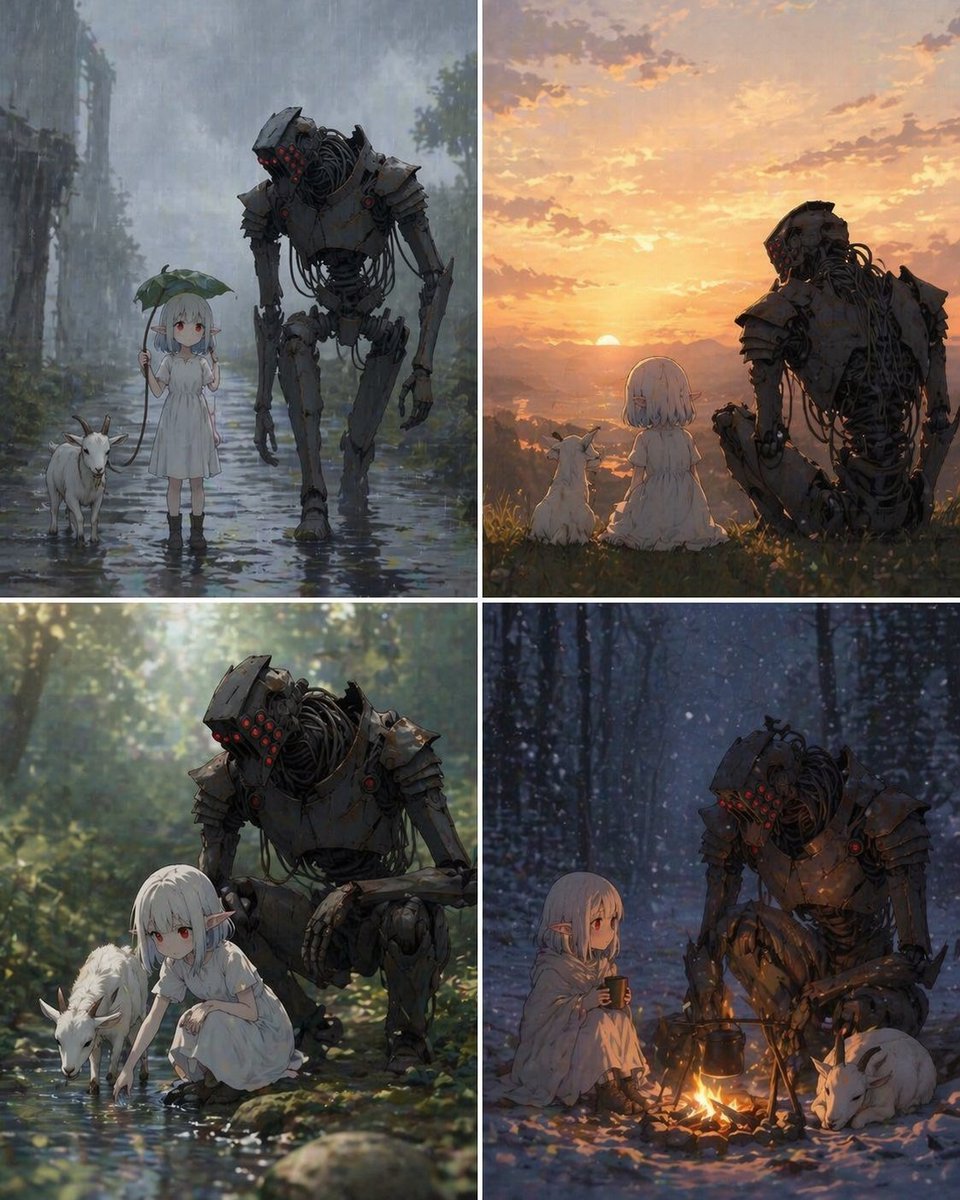
Four-Panel Girl, Robot, and Goat Story

Four-Panel Japanese Ad Prompt Giveaway
Make it yours
Four-Panel Aerial Circus Composition works as-is. These are the safest ways to change it without losing the look.
Change one field
Copy a single group, rewrite it, and generate again so you can see what that field is doing.
Keep the frame, change the subject
Hold the composition and light of Four-Panel Aerial Circus Composition, then swap wardrobe, props or the person for a new take.
| If the result… | Why | Fix |
|---|---|---|
| The result drifts from the preview | Too many fields changed at once. | Reuse Four-Panel Aerial Circus Composition as-is first, then change one group — subject, light, or setting. |
| The model over-stylizes the scene | The prose prompt leaves finish and camera underspecified. | Add one camera or lighting sentence and stay on Nano Banana 2. |
More Nano Banana 2 templates
Other prompts made for Nano Banana 2.

Photorealistic Leaf Shaped Like a Dragon

K-Pop Idol Portrait Grid for Rapid Selection

Poetic Rain Forest Portrait During Golden Hour

Urban Street Portrait with Cartoon Inner Self Duo

Candid Nighttime Photo with Cat Prompt

High-Concept 3D Diorama Generation Prompt

Cinematic Futuristic Studio Portrait Template

Skincare Editorial Photography Collage Prompt

Hyper-Realistic Commercial Product Photography (Splash Effect)

Hyper-Realistic Nightclub Portrait Prompt
More image prompts
Fresh picks from across the catalog.
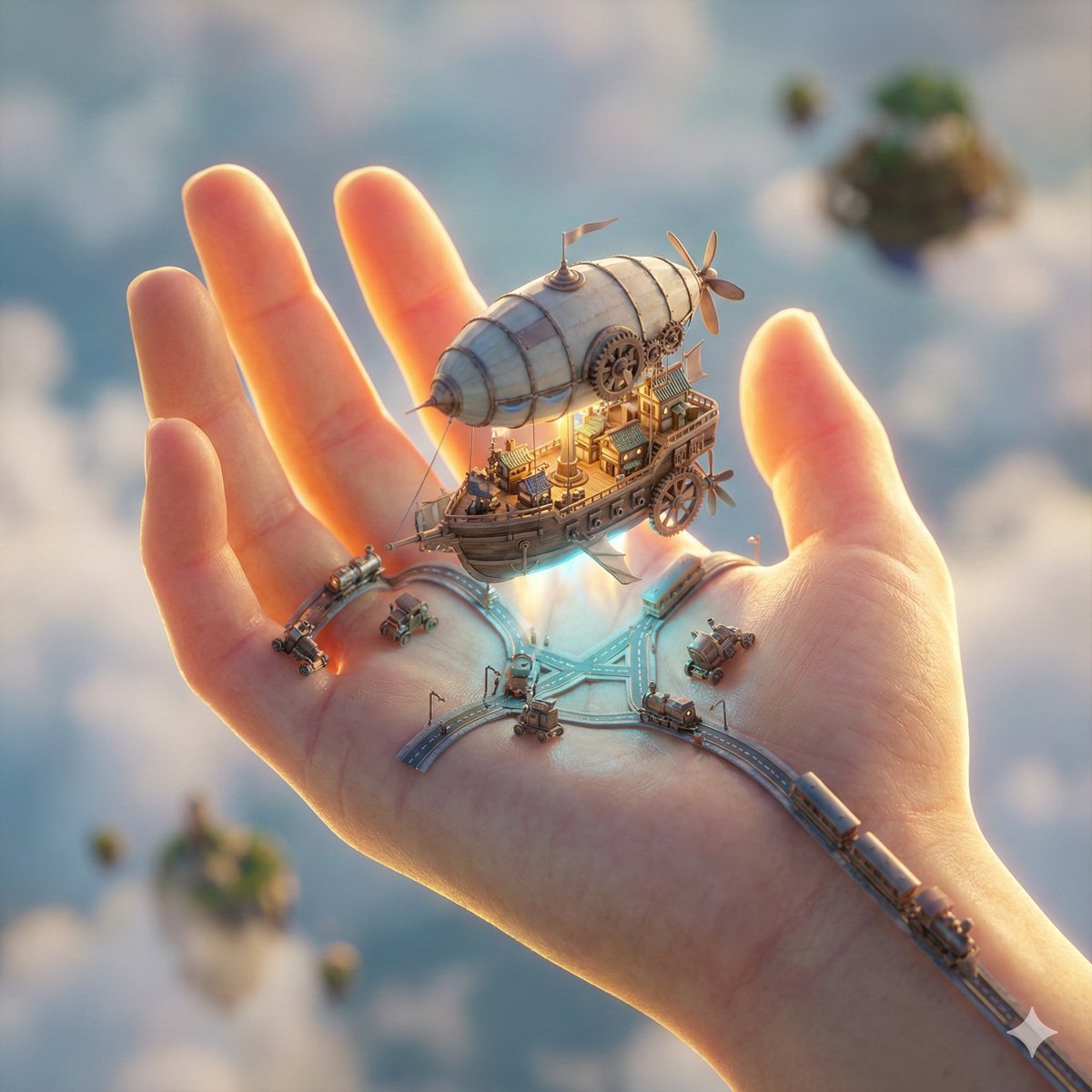
City in Hand Micro-World Prompt
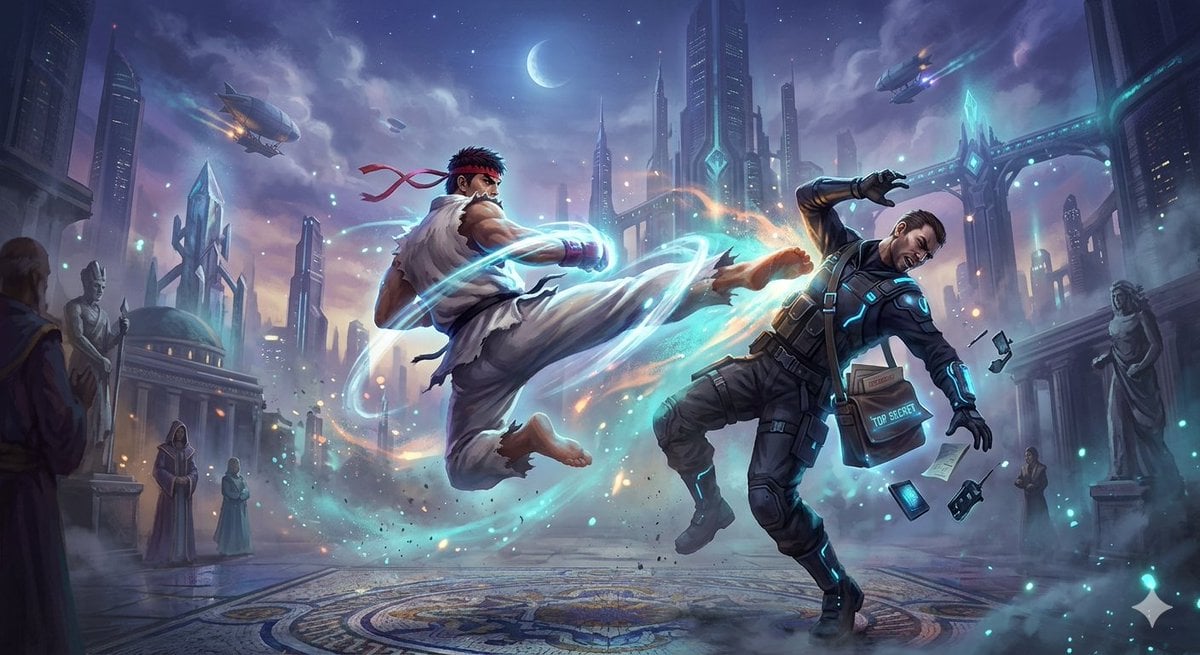
Ryu Performing Tatsumaki Senpukyaku on a Spy in Final Fantasy Style
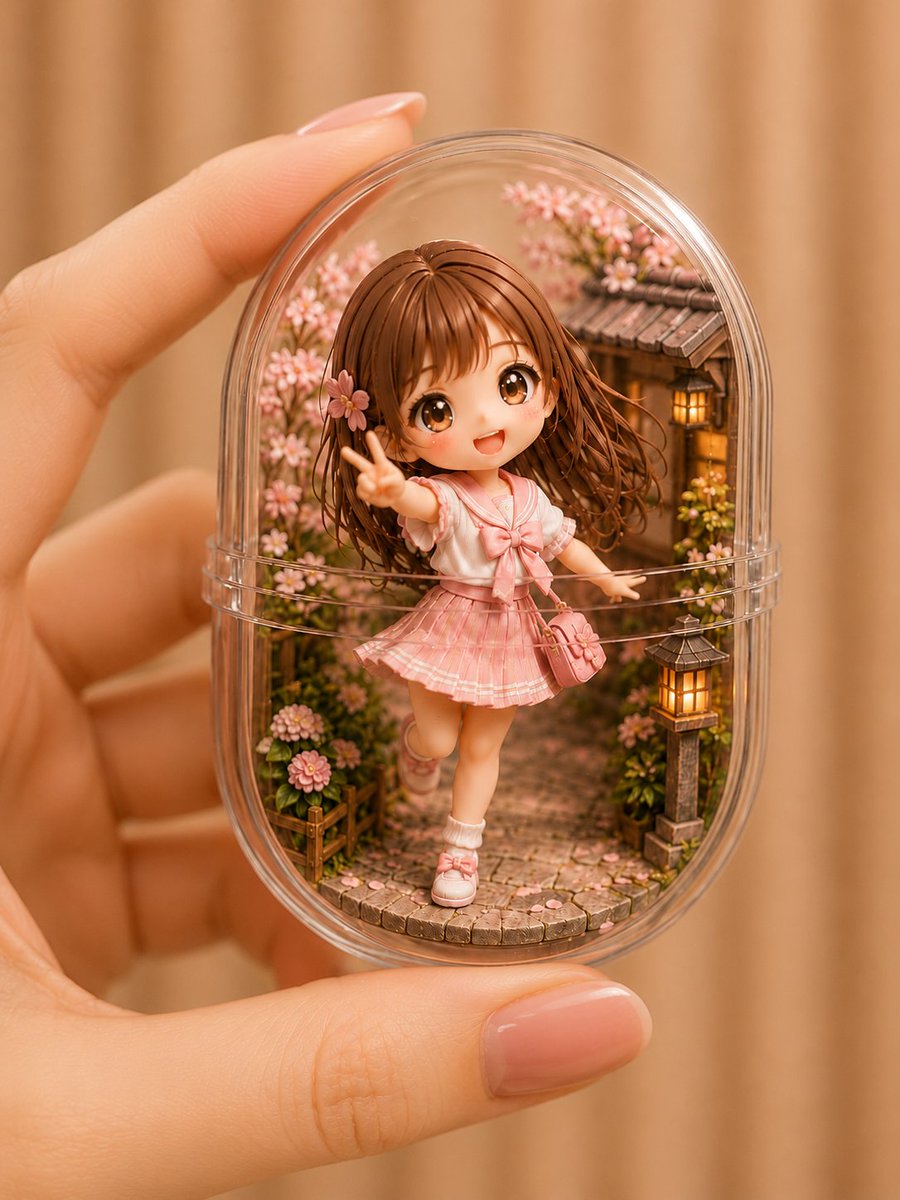
Kawaii Miniature Girl in Capsule
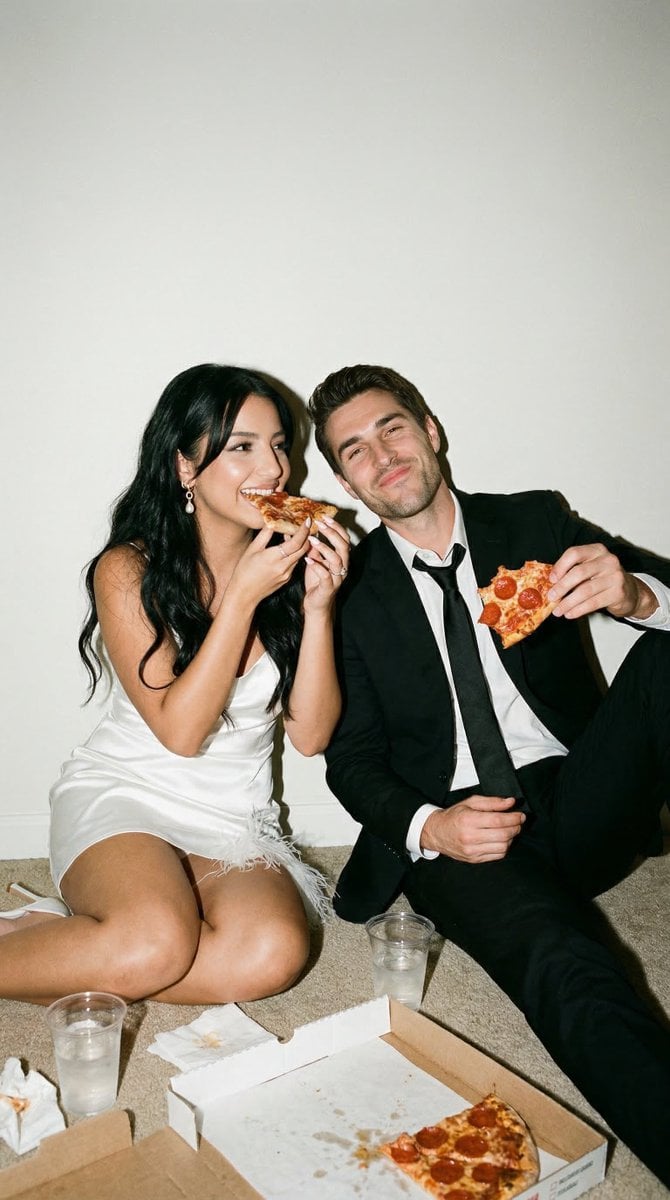
Candid Wedding Afterparty Pizza Flash Editorial Prompt for Nano Banana 2
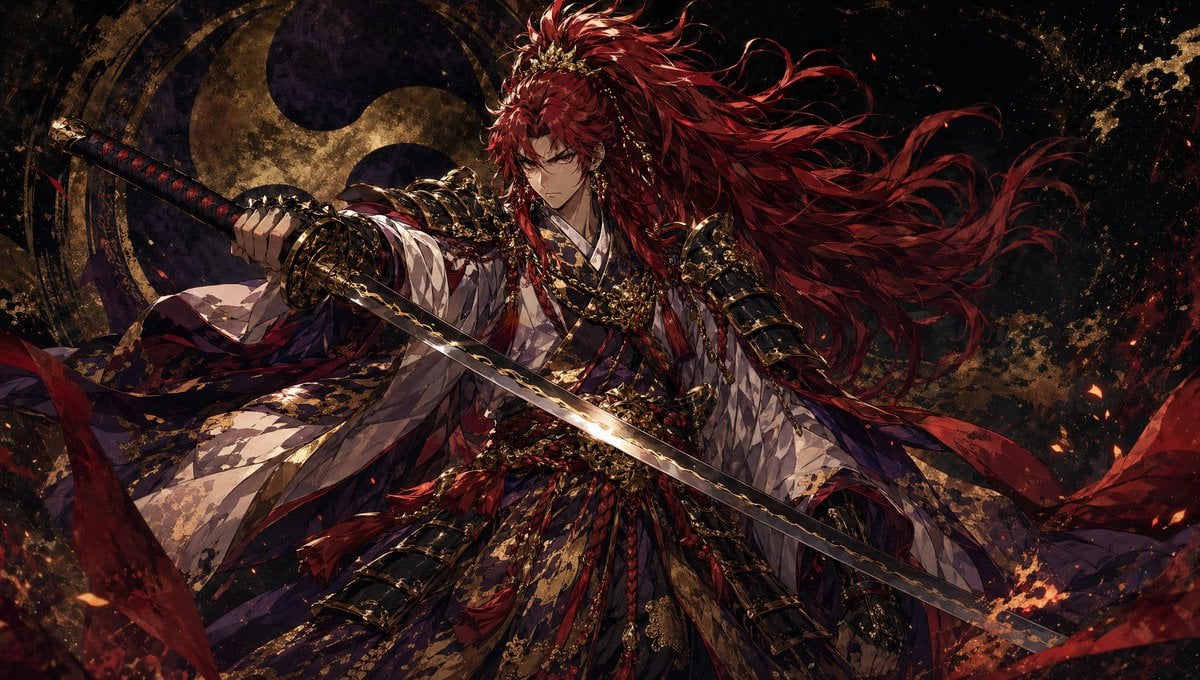
Dark Fantasy Crimson Samurai Warlord

Japanese Izakaya Highball Poster
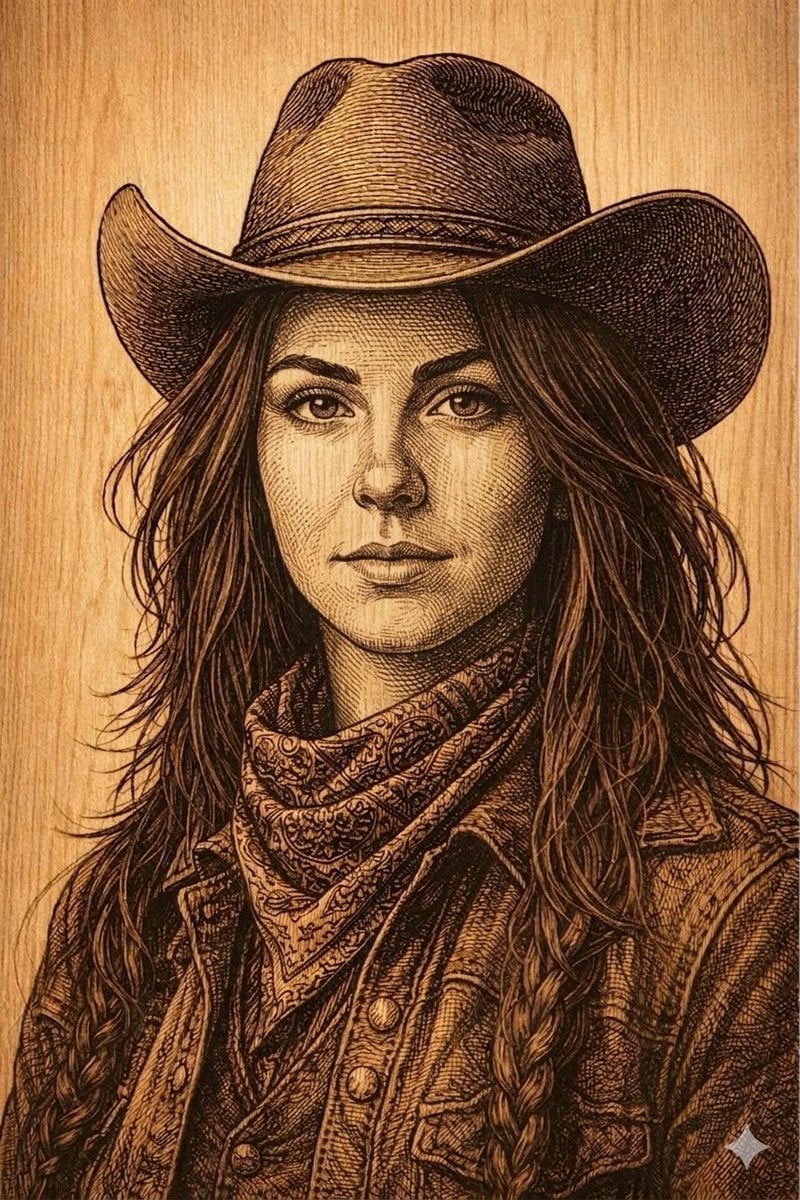
Western Outlaw Woodburning Pyrography Prompt
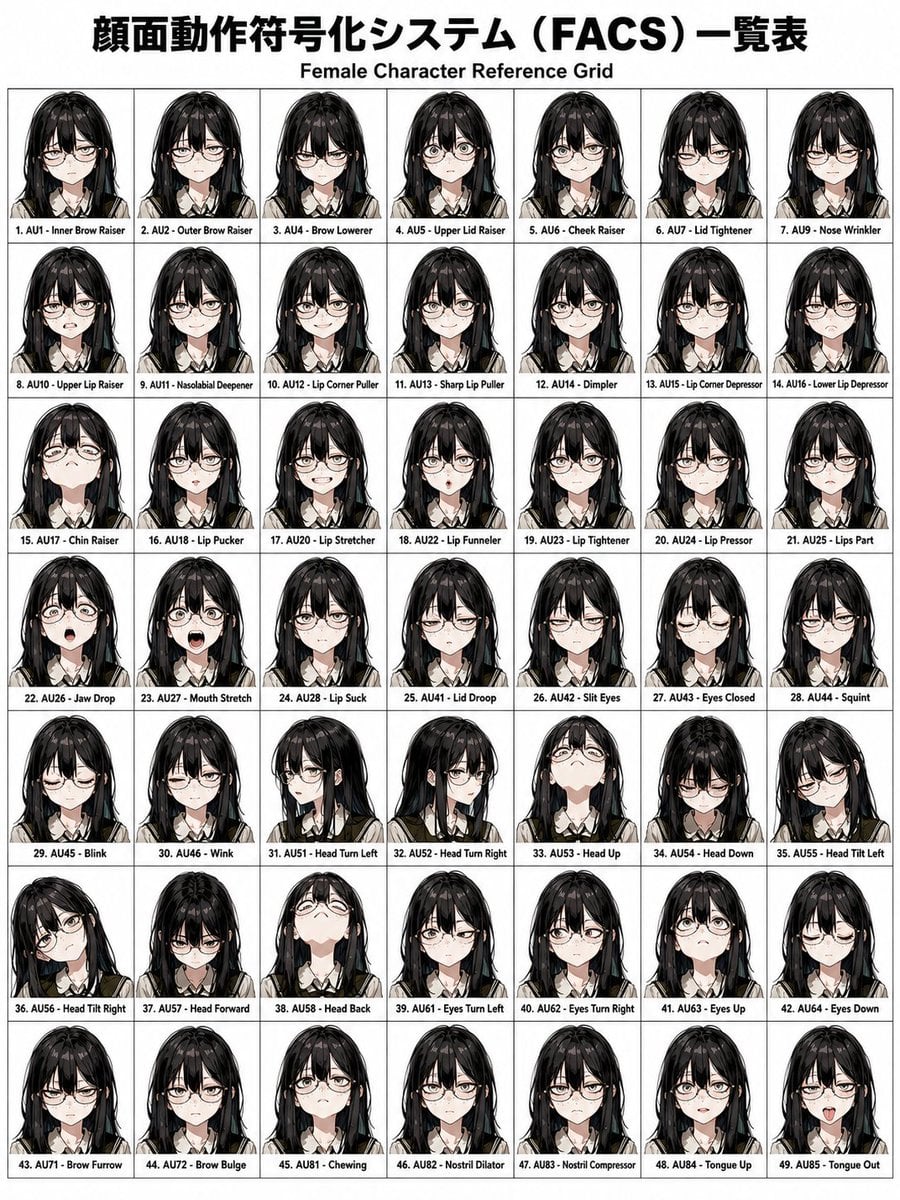
FACS Facial Expression Control
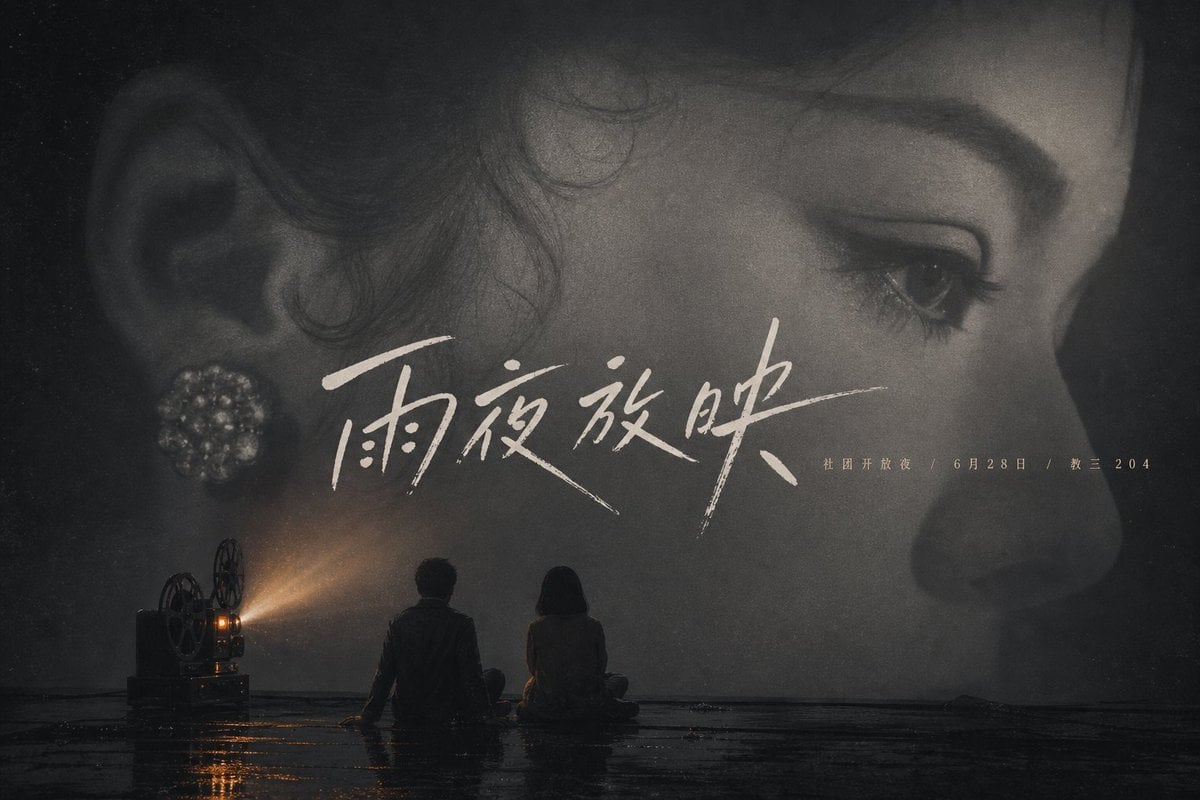
Rainy Night Cinema Poster
Traditional Christmas Card Design
Browse template categories
Four-Panel Aerial Circus Composition questions
How do I use the Four-Panel Aerial Circus Composition template?
Add your photo if the template asks for one, edit the prompt if you like — the template's model and format are already selected — and press Generate. Your version opens in PicX Studio.
Can I customize the Four-Panel Aerial Circus Composition template?
Yes. You can change the subject, setting, lighting, mood, format, and available model controls before creating your image.
Is the Four-Panel Aerial Circus Composition template free?
Opening and editing this template is free. Generating uses credits, shown on the Generate button when you are signed in.
Which AI model should I use?
Start with Nano Banana 2, which is the model associated with this template. You can compare another compatible model for a different finish.
Looking for something else? Browse all templates.

Your photo, any look
Thousands of ready templates for every top image and video model, from one credit balance.