
Dark Fantasy Crimson Samurai Warlord
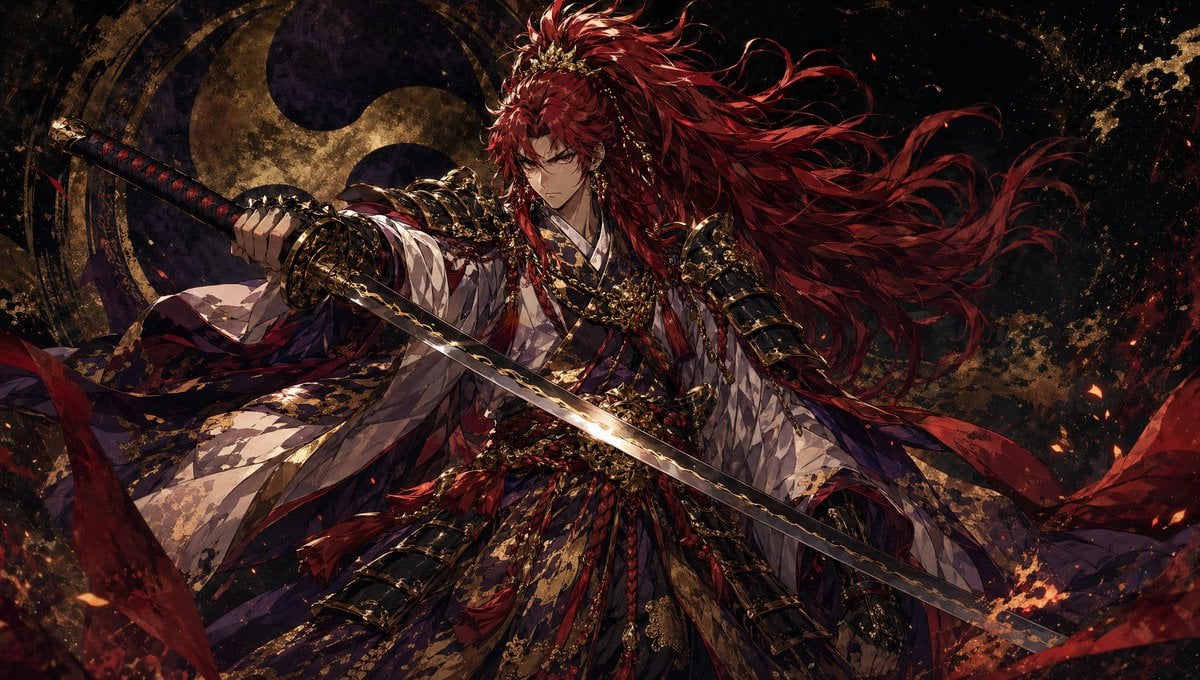
This prompt generates a single-character dark fantasy samurai illustration with ornate armor, flowing red hair, and a cinematic painterly anime look, ideal for key art or character splash images.
- Prompt included
- Model and format preset
- Free template
The prompt behind this image
Copy the exact prompt behind Dark Fantasy Crimson Samurai Warlord, or open it in the studio and make it yours.
A dramatic dark fantasy anime illustration of a single samurai warlord in a powerful three-quarter full-body pose, centered and filling the frame, holding 1 unsheathed katana horizontally across the foreground with the blade angled slightly downward toward the right. The character has extremely long, wild, windblown {argument name="hair color" default="crimson red"} hair streaming across the upper right of the composition, with ornate gold hair ornaments and braided details. Dress the figure in lavish layered Japanese court-and-warrior clothing: 1 voluminous white kimono inner layer with subtle patterned fabric, 1 deep indigo and purple outer robe, 2 black lacquered armored forearm guards, 2 elaborate gold shoulder armor pieces, multiple braided cords, tassels, sashes, chains, and gold filigree ornaments around the chest and waist. The sword should have an ornate dark hilt with red wrapping and gilded fittings, and a polished steel blade catching bright highlights. Use a low-angle, heroic composition with sleeves and ribbons billowing outward, emphasizing motion and dominance. The background is a nearly black textured void with 1 large circular crest or moonlike emblem behind the character, painted in distressed gold and shadowy navy, plus scattered embers, ink splatter, and fiery orange sparks around the edges. The palette is rich and restrained: black, deep navy, burgundy, crimson, antique gold, and ivory. Render in ultra-detailed painterly anime style with intricate textile patterns, metallic reflections, dramatic rim lighting, cinematic contrast, and a serious, regal, intimidating mood. Avoid cute styling, avoid bright pastel colors, avoid glossy plastic textures, avoid oversaturated sparkly effects; keep it mature, gritty, elegant, and highly detailed.
How to use Dark Fantasy Crimson Samurai Warlord in 3 steps
- 1Upload ImagePNG, JPG or paste
Add your photo
Upload the photo the template builds on. The prompt, model and format are already set.
- 2…a portrait of your subject in softgolden-hour light, 85mm…
Personalize
Edit the subject and creative details for your destination.
- 3Generate
Generate
Press Generate — your image is created in PicX Studio, so you can compare it with the original and refine one variable at a time.
More like this
Templates with the same subject, style or setup. Open one to see its prompt.
Dark Fantasy Samurai Warlord
Dark Fantasy Samurai Battlefield

Dark Fantasy Sorceress Storyboard

Dark Fantasy Smoke Monster Transformation

Anime Fantasy Celestial Movie Poster
Anime Fantasy Celestial Movie Poster

Selective Color Monochrome Football Poster

Minecraft Fantasy Kingdom Voxel Landscape

Unfinished Sketch Comes Alive Portrait

Open Travel Journal Overhead Still Life

Tiny Woman Miniature Fantasy Macro Scene
Dark Chinese Fantasy Desire Poster
Make it yours
Dark Fantasy Crimson Samurai Warlord works as-is. These are the safest ways to change it without losing the look.
Change one field
Copy a single group, rewrite it, and generate again so you can see what that field is doing.
Keep the frame, change the subject
Hold the composition and light of Dark Fantasy Crimson Samurai Warlord, then swap wardrobe, props or the person for a new take.
| If the result… | Why | Fix |
|---|---|---|
| The result drifts from the preview | Too many fields changed at once. | Reuse Dark Fantasy Crimson Samurai Warlord as-is first, then change one group — subject, light, or setting. |
| The model over-stylizes the scene | The prose prompt leaves finish and camera underspecified. | Add one camera or lighting sentence and stay on GPT Image 2. |
More GPT Image 2 templates
Other prompts made for GPT Image 2.

Six VTuber Japanese Logo Sheet

Realistic Portrait of Woman and Deer

The Vista Modular Condo Poster

AI Model Routing Comparison Infographic

2.5D Anime Art Board

Isometric Productivity Desk Scene

New York Double Exposure Poster

Four-Panel AI Landscape Comparison

Japanese Tatami Lifestyle Magazine Cover

NESCAFÉ Coffee Map Poster
More image prompts
Fresh picks from across the catalog.
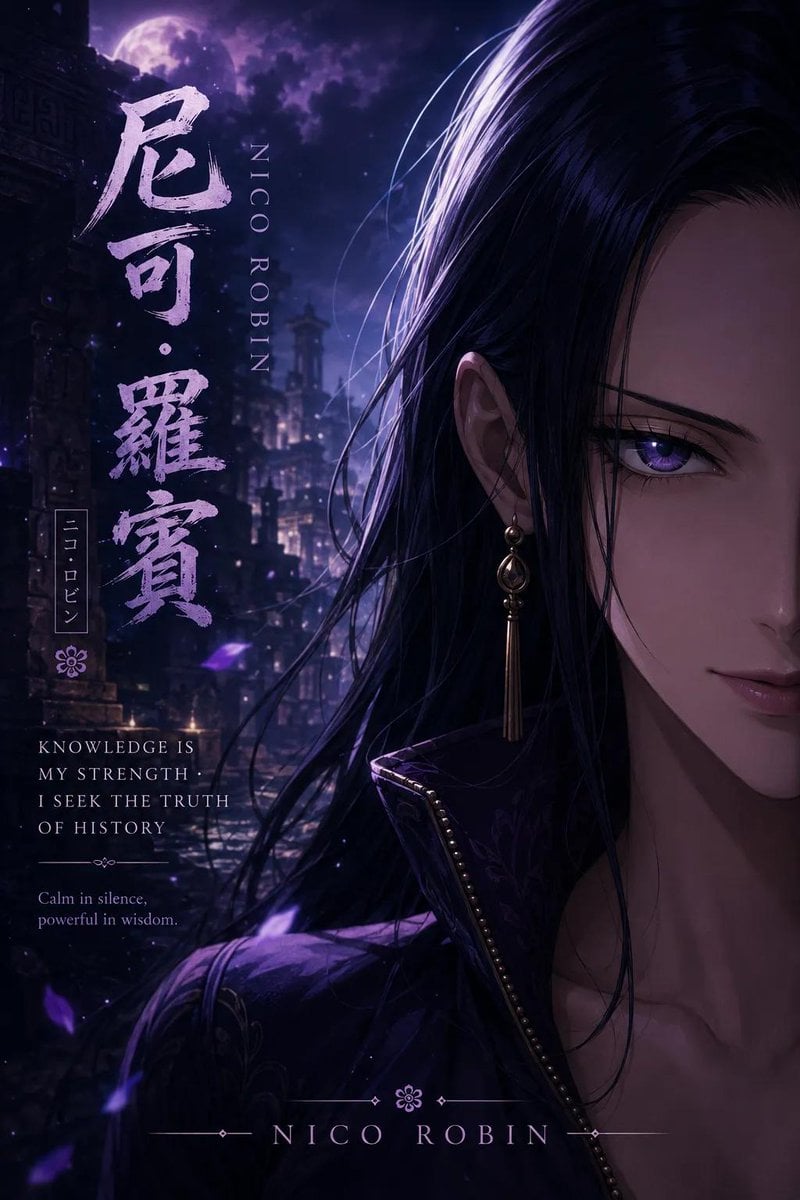
Anime Adventure Character Poster Design
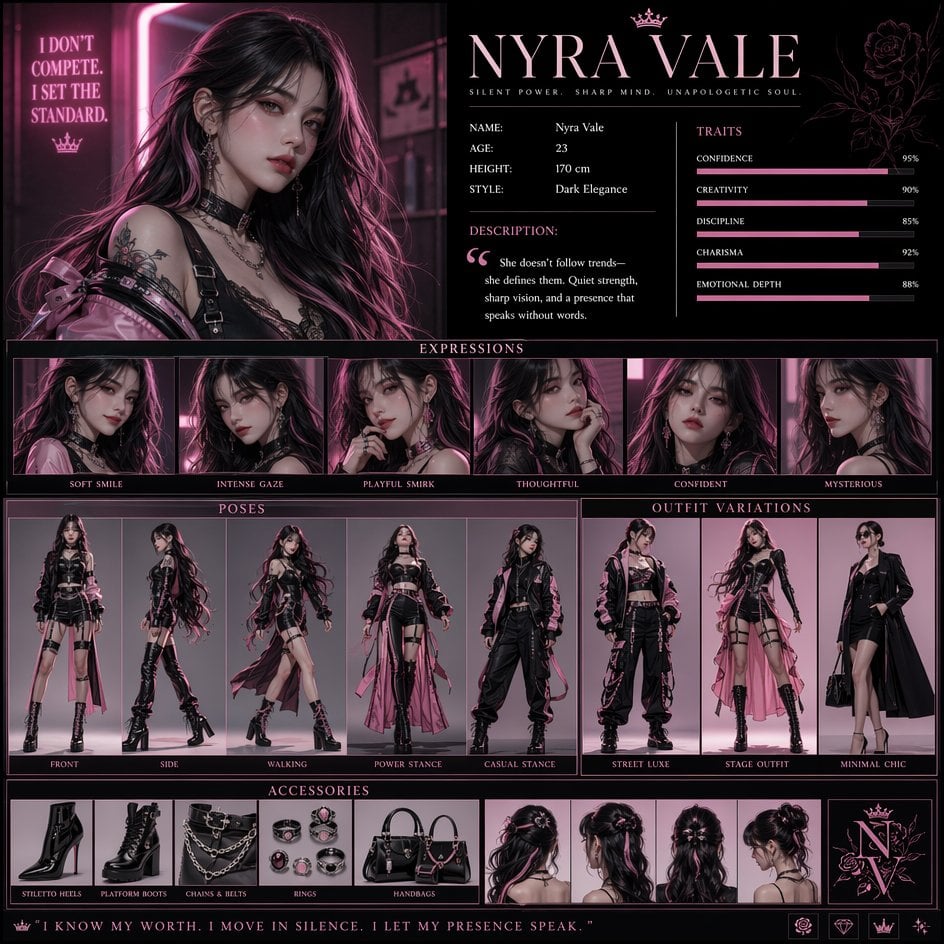
Luxury Fashion Character Concept Poster
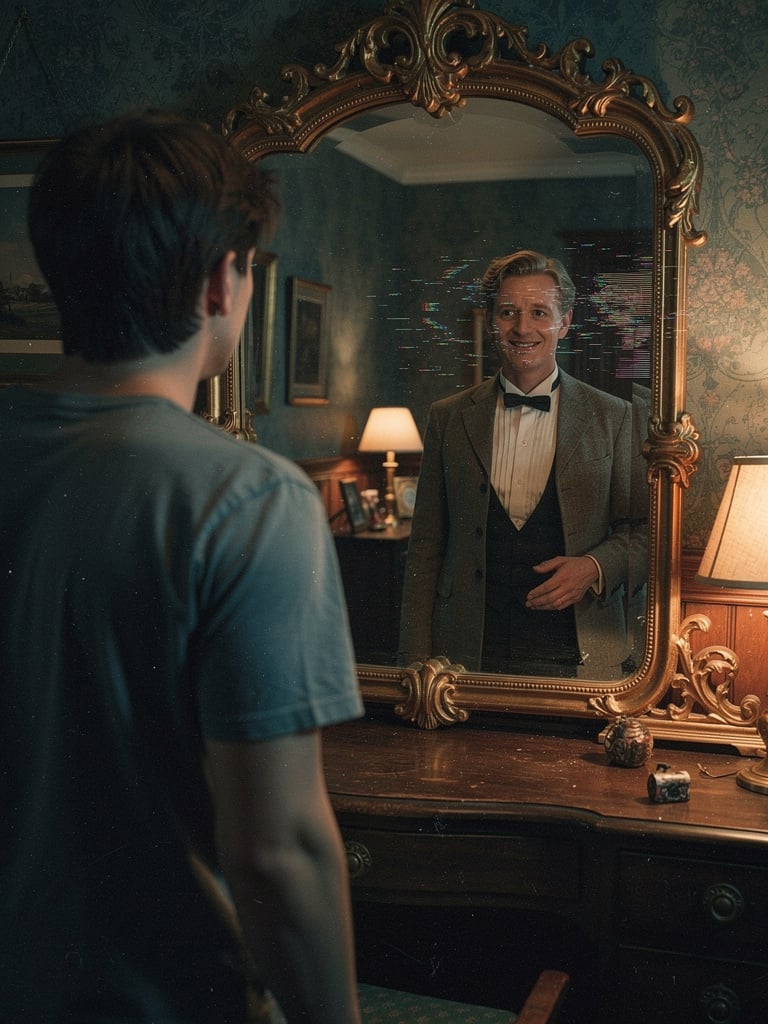
Body Swap Mirror Reflection
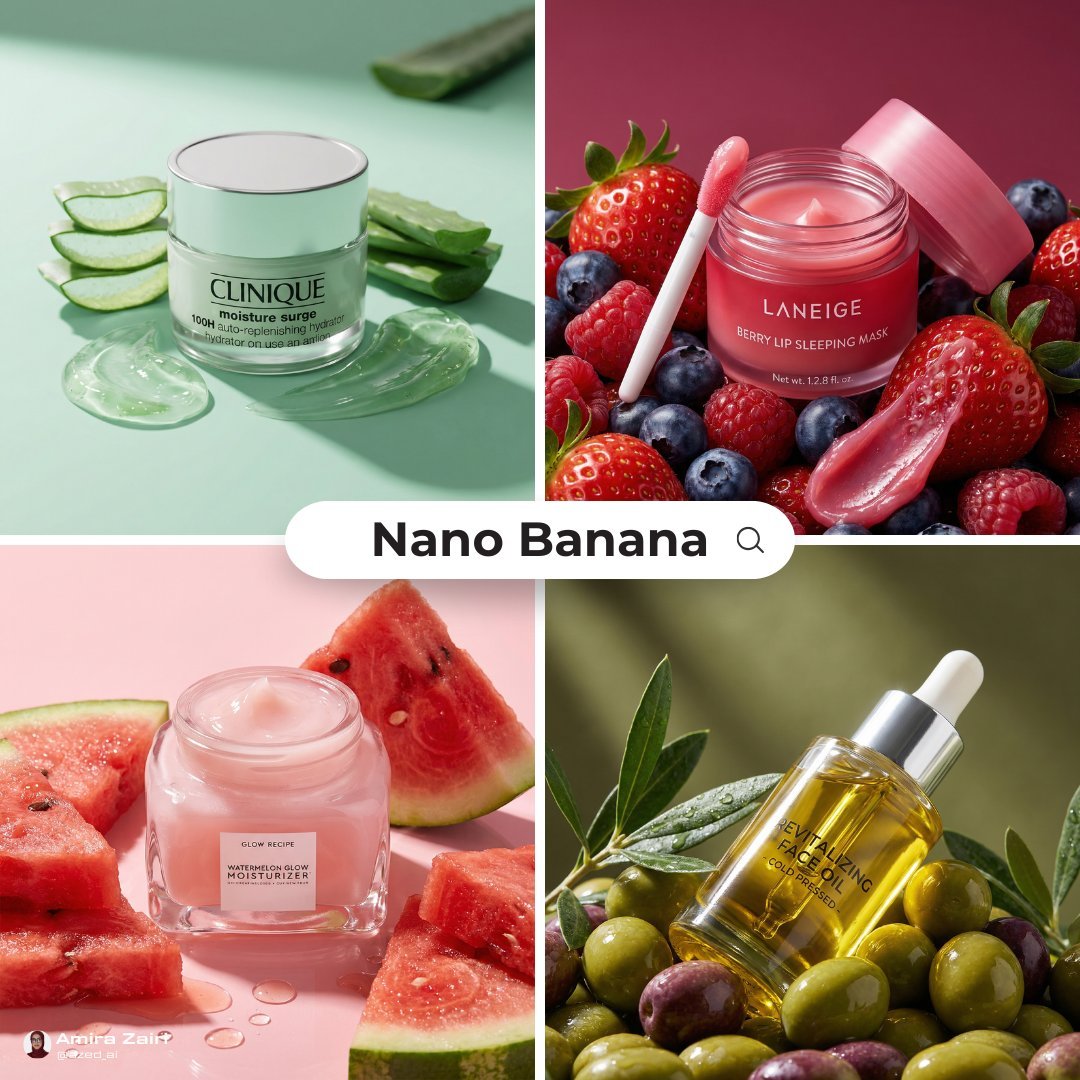
Luxury Ad Style Prompt
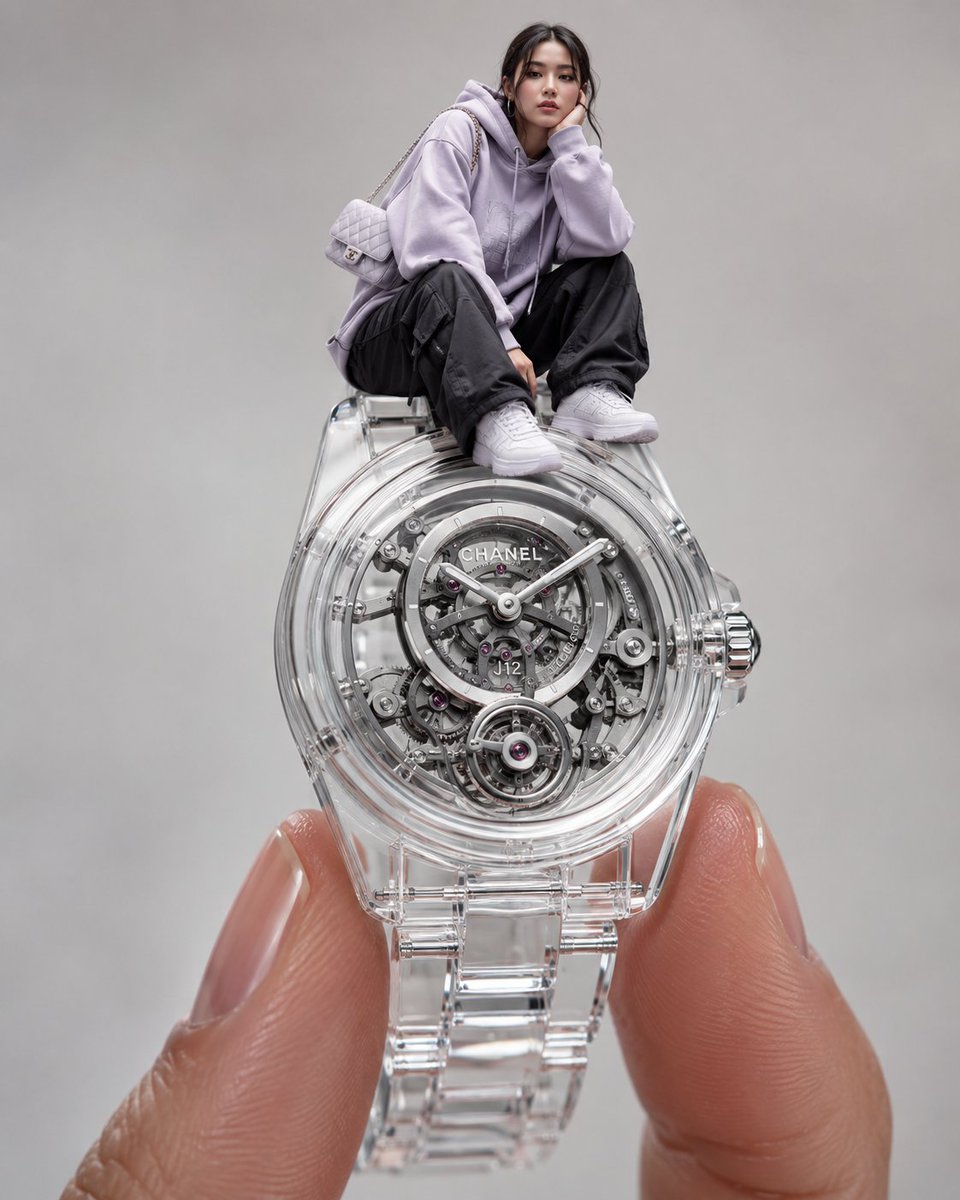
Surreal Luxury Wristwatch Fashion Campaign
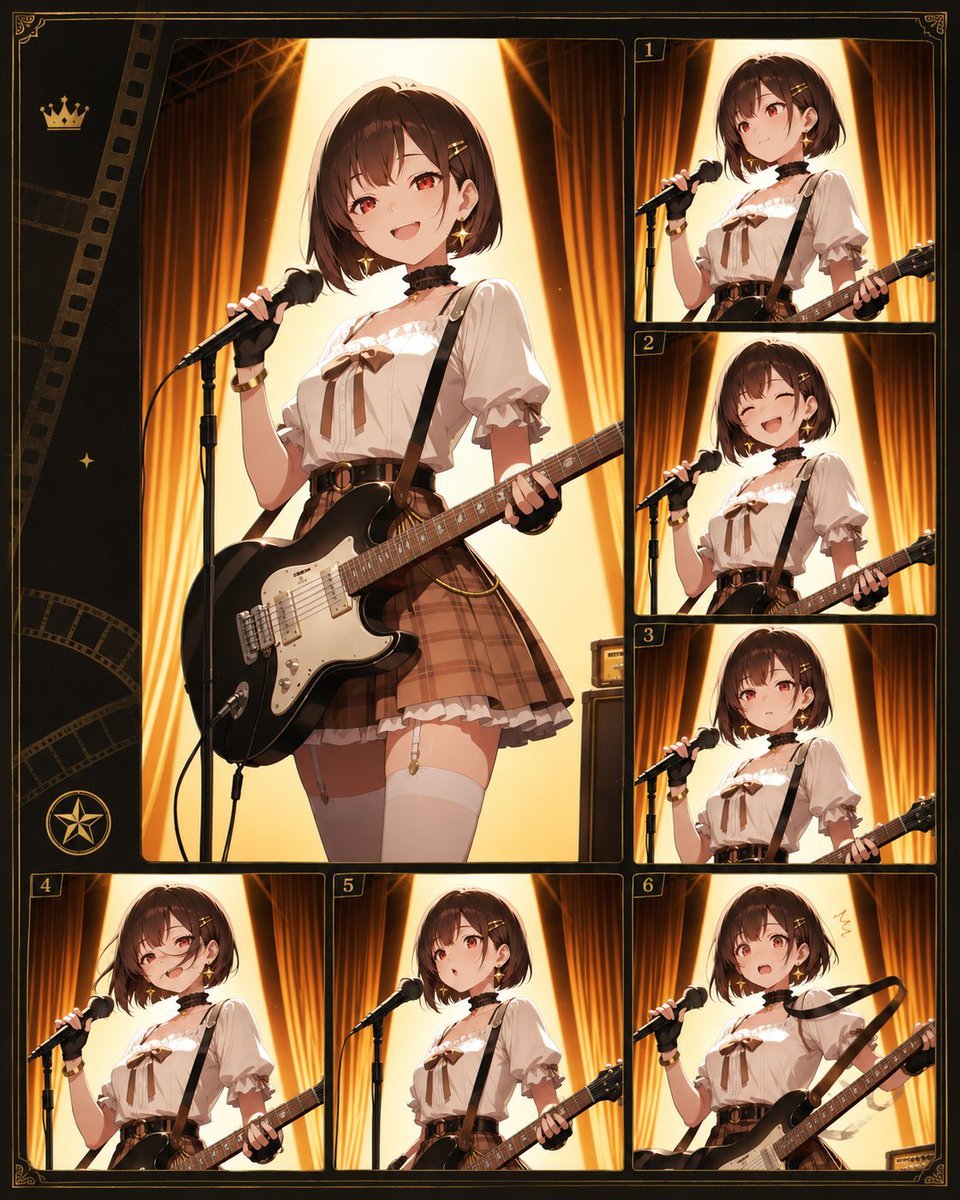
Anime Guitar Idol Contact Sheet
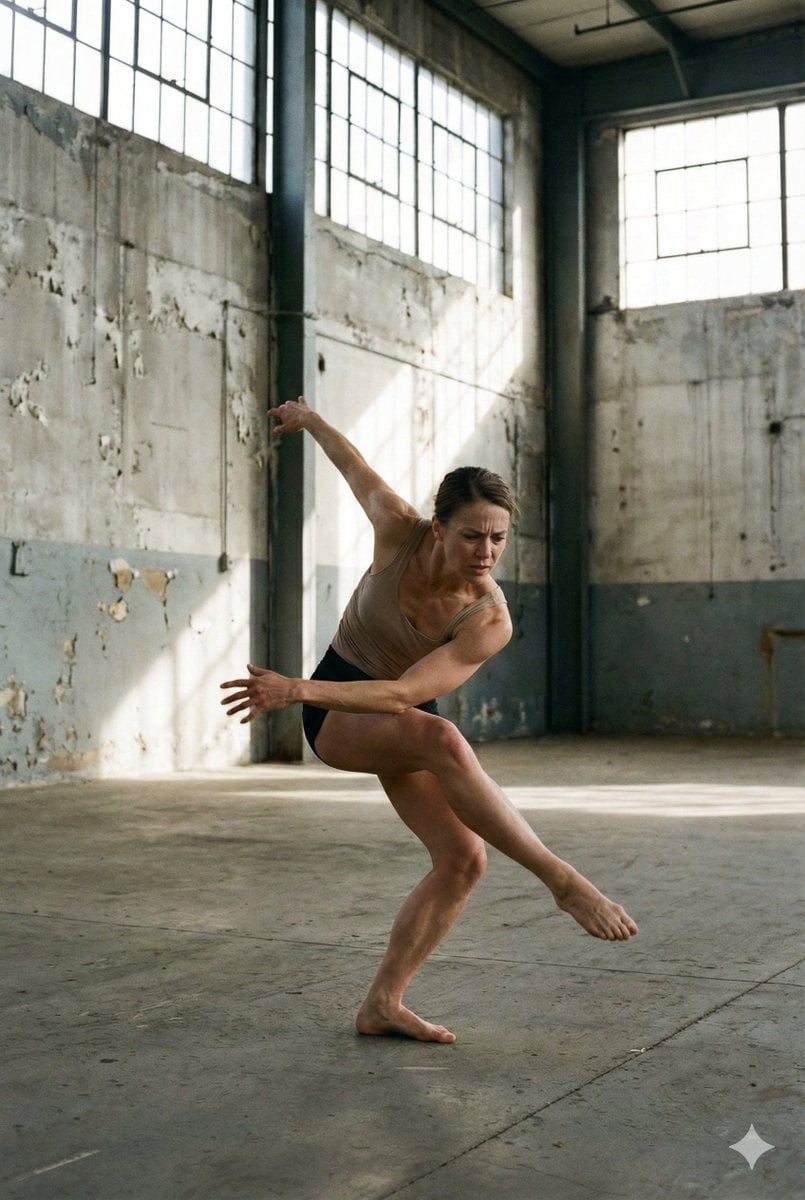
Dancer Frozen Before Losing Balance
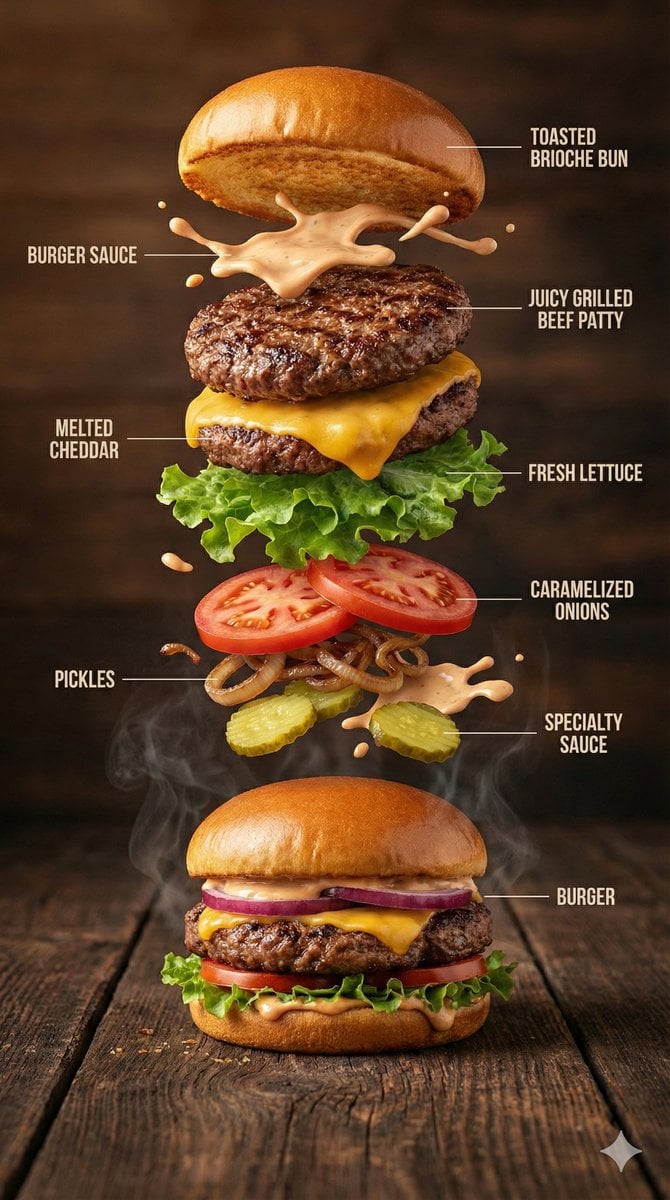
Hyper-Realistic Gourmet Burger Infographic
Anime RPG Dialogue Screenshot

High-Fidelity Mirror Selfie with Valentine's Roses and Identity Lock
Browse template categories
Dark Fantasy Crimson Samurai Warlord questions
How do I use the Dark Fantasy Crimson Samurai Warlord template?
Add your photo if the template asks for one, edit the prompt if you like — the template's model and format are already selected — and press Generate. Your version opens in PicX Studio.
Can I customize the Dark Fantasy Crimson Samurai Warlord template?
Yes. You can change the subject, setting, lighting, mood, format, and available model controls before creating your image.
Is the Dark Fantasy Crimson Samurai Warlord template free?
Opening and editing this template is free. Generating uses credits, shown on the Generate button when you are signed in.
Which AI model should I use?
Start with GPT Image 2, which is the model associated with this template. You can compare another compatible model for a different finish.
Looking for something else? Browse all templates.

Your photo, any look
Thousands of ready templates for every top image and video model, from one credit balance.