
Hyper-Realistic Gourmet Burger Infographic
A highly structured JSON prompt for creating a hyper-realistic food infographic featuring a gourmet burger.
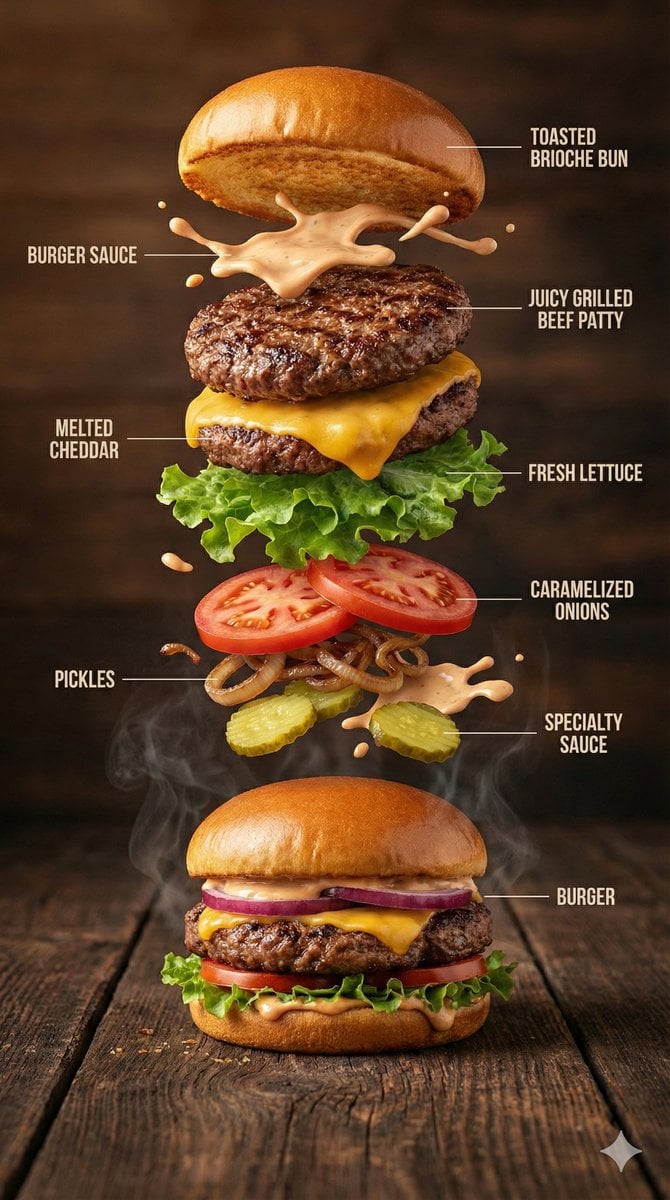
- Prompt included
- Model and format preset
- Premium template
The prompt behind this image
Copy the exact prompt behind Hyper-Realistic Gourmet Burger Infographic, or open it in the studio and make it yours.
- Image Prompt › Type
- Hyper-realistic food infographic
- Image Prompt › Subject › Dish
- Gourmet burger
- Image Prompt › Subject › Base Element
- A freshly assembled burger resting on a rustic surface, gently steaming
- Image Prompt › Subject › Levitating Ingredients
- Toasted brioche bun, Juicy grilled beef patty, Melted cheddar cheese, Fresh lettuce leaves, Ripe tomato slices, Caramelized onions, Crispy pickles, Glossy burger sauce splashes
- Image Prompt › Composition › Layout
- Clean vertical infographic composition
- Image Prompt › Composition › Arrangement
- Ingredients floating upward in a realistic, gravity-defying stack
- Image Prompt › Composition › Background
- Dark rustic wooden tabletop
- Image Prompt › Composition › Visual Hierarchy
- Burger base anchored at the bottom with ingredients rising layer by layer
- Image Prompt › Graphic Design Elements › Labels
- Minimal, clear text labels
- Image Prompt › Graphic Design Elements › Lines
- Thin white guide lines pointing to each ingredient
- Image Prompt › Graphic Design Elements › Style
- Editorial food infographic inspired by premium food magazines
- Image Prompt › Lighting And Mood › Lighting
- Cinematic studio lighting with soft highlights
- Image Prompt › Lighting And Mood › Color Palette
- Warm, rich, appetizing tones
- Image Prompt › Lighting And Mood › Effects
- Subtle steam, frozen motion details, sauce suspended mid-air
- Image Prompt › Technical Specs › Camera Settings
- Shallow depth of field, sharp focus, DSLR-style realism
- Image Prompt › Technical Specs › Details
- Ultra-detailed textures on bun, meat, and vegetables
- Image Prompt › Technical Specs › Resolution
- 8K ultra-realistic quality
Raw JSON
{
  "image_prompt": {
    "type": "Hyper-realistic food infographic",
    "subject": {
      "dish": "Gourmet burger",
      "base_element": "A freshly assembled burger resting on a rustic surface, gently steaming",
      "levitating_ingredients": [
        "Toasted brioche bun",
        "Juicy grilled beef patty",
        "Melted cheddar cheese",
        "Fresh lettuce leaves",
        "Ripe tomato slices",
        "Caramelized onions",
        "Crispy pickles",
        "Glossy burger sauce splashes"
      ]
    },
    "composition": {
      "layout": "Clean vertical infographic composition",
      "arrangement": "Ingredients floating upward in a realistic, gravity-defying stack",
      "background": "Dark rustic wooden tabletop",
      "visual_hierarchy": "Burger base anchored at the bottom with ingredients rising layer by layer"
    },
    "graphic_design_elements": {
      "labels": "Minimal, clear text labels",
      "lines": "Thin white guide lines pointing to each ingredient",
      "style": "Editorial food infographic inspired by premium food magazines"
    },
    "lighting_and_mood": {
      "lighting": "Cinematic studio lighting with soft highlights",
      "color_palette": "Warm, rich, appetizing tones",
      "effects": "Subtle steam, frozen motion details, sauce suspended mid-air"
    },
    "technical_specs": {
      "camera_settings": "Shallow depth of field, sharp focus, DSLR-style realism",
      "details": "Ultra-detailed textures on bun, meat, and vegetables",
      "resolution": "8K ultra-realistic quality"
    }
  }
}How to use Hyper-Realistic Gourmet Burger Infographic in 3 steps
- 1
Open
The prompt is already in the box next to the preview, with the template's model and format selected.
- 2…a portrait of your subject in softgolden-hour light, 85mm…
Personalize
Edit the subject and creative details for your destination.
- 3Generate
Generate
Press Generate — your image is created in PicX Studio, so you can compare it with the original and refine one variable at a time.
More like this
Templates with the same subject, style or setup. Open one to see its prompt.
Analog Clock and Gourmet Burger Benchmark

Japan Travel Brochure Poster

Isometric Process Educational Diorama

Isometric Vehicle Teardown Infographic Template
Gourmet Burger Commercial Photography
Hyper-Realistic Cinematic Food Action Shot of a Gourmet Burger Mid-Bite
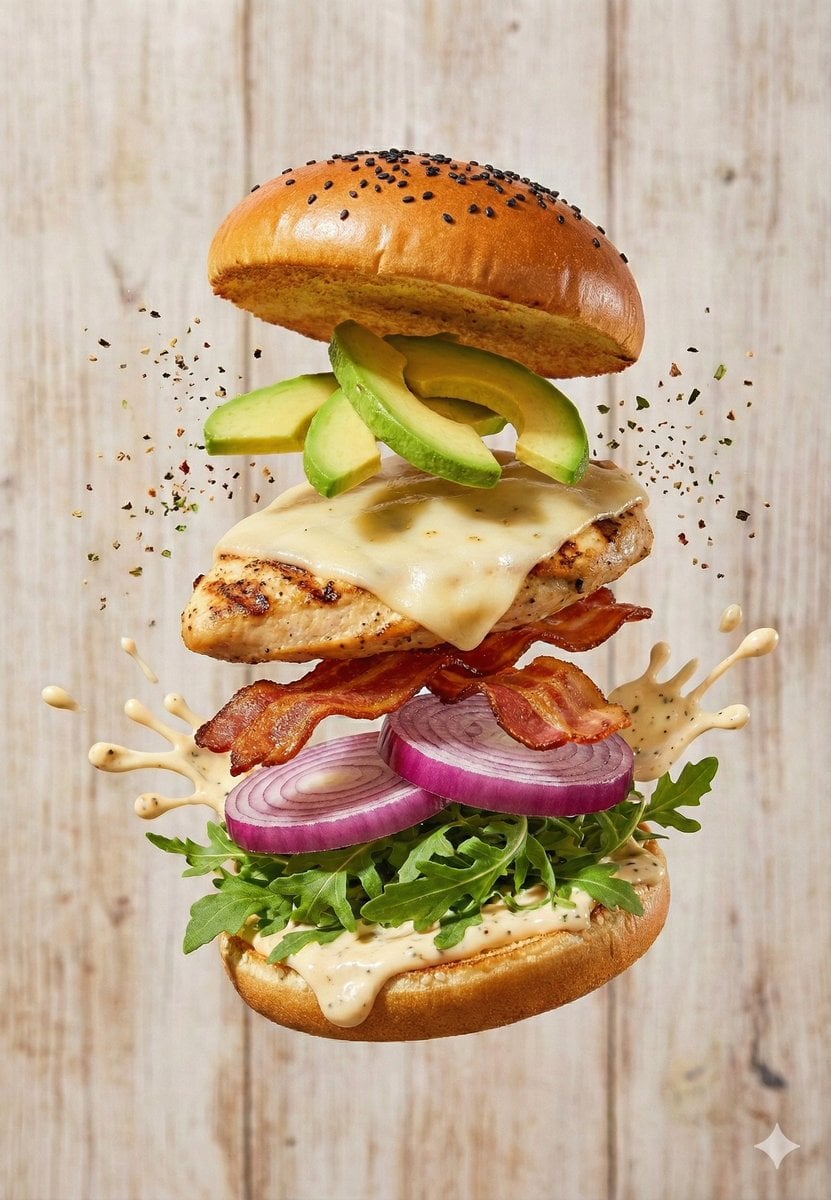
Floating Gourmet Burger Commercial Shot
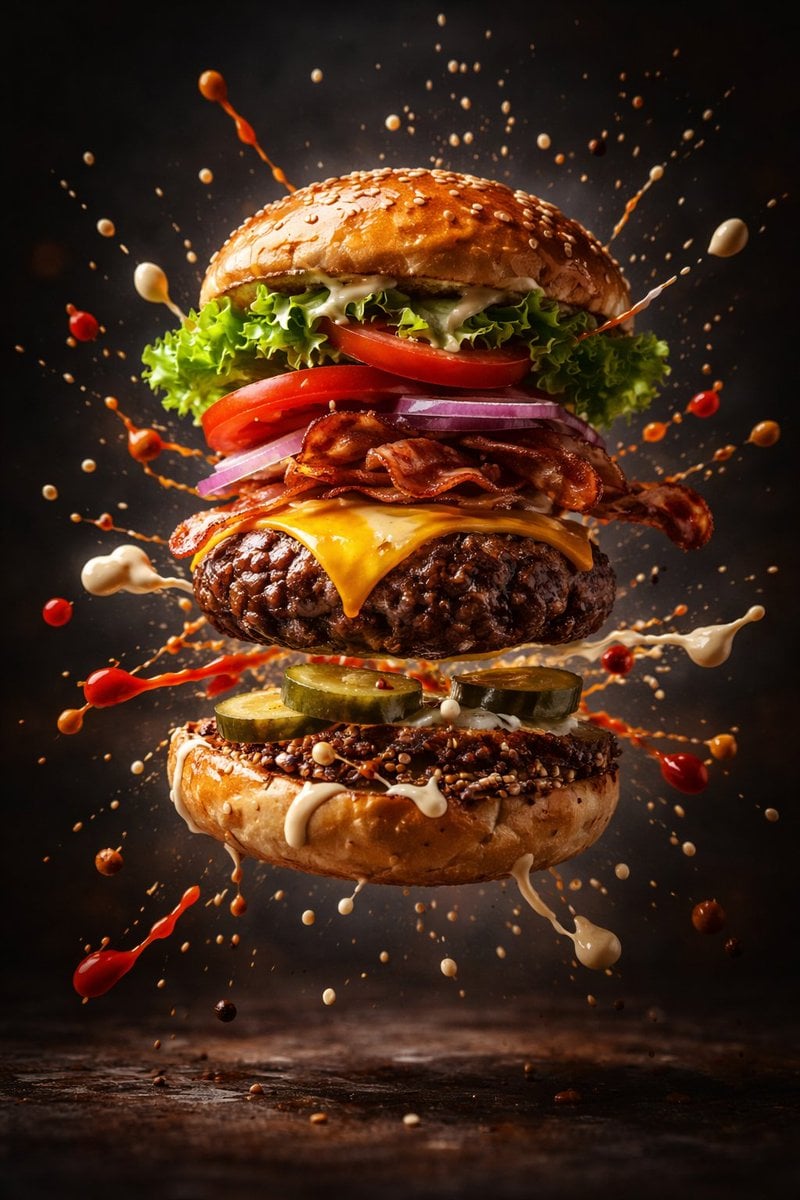
Cinematic Gourmet Burger Explosion Prompt (Code Style)

Gpt2 E Commerce Main Image Earbuds E Commerce Infographic

Gpt2 Infographic Edu Visual Alishan One Day Travel Poster

Gpt2 Infographic Edu Visual Ethnographic Plate for Tibetan Ceremonial Hat

Gpt2 Infographic Edu Visual Earth Signs Zodiac Character Poster
Make it yours
Hyper-Realistic Gourmet Burger Infographic works as-is. These are the safest ways to change it without losing the look.
Swap the setting
Keep the rest of the prompt and replace the location block. The current setting is “Dark rustic wooden tabletop”.
Swap the light
One lighting change is enough to compare takes. Current light: “Cinematic studio lighting with soft highlights”.
Change one field
Copy a single group, rewrite it, and generate again so you can see what that field is doing.
| If the result… | Why | Fix |
|---|---|---|
| The result drifts from the preview | Too many fields changed at once. | Reuse Hyper-Realistic Gourmet Burger Infographic as-is first, then change one group — subject, light, or setting. |
| Nano Banana 2 ignores part of the JSON | Some models flatten or skip nested keys. | Keep the same values and paste them as a short paragraph instead. |
More Nano Banana 2 templates
Other prompts made for Nano Banana 2.

Photorealistic Leaf Shaped Like a Dragon

K-Pop Idol Portrait Grid for Rapid Selection

Poetic Rain Forest Portrait During Golden Hour

Urban Street Portrait with Cartoon Inner Self Duo

Candid Nighttime Photo with Cat Prompt

High-Concept 3D Diorama Generation Prompt

Cinematic Futuristic Studio Portrait Template

Skincare Editorial Photography Collage Prompt

Hyper-Realistic Commercial Product Photography (Splash Effect)

Hyper-Realistic Nightclub Portrait Prompt
More image prompts
Fresh picks from across the catalog.
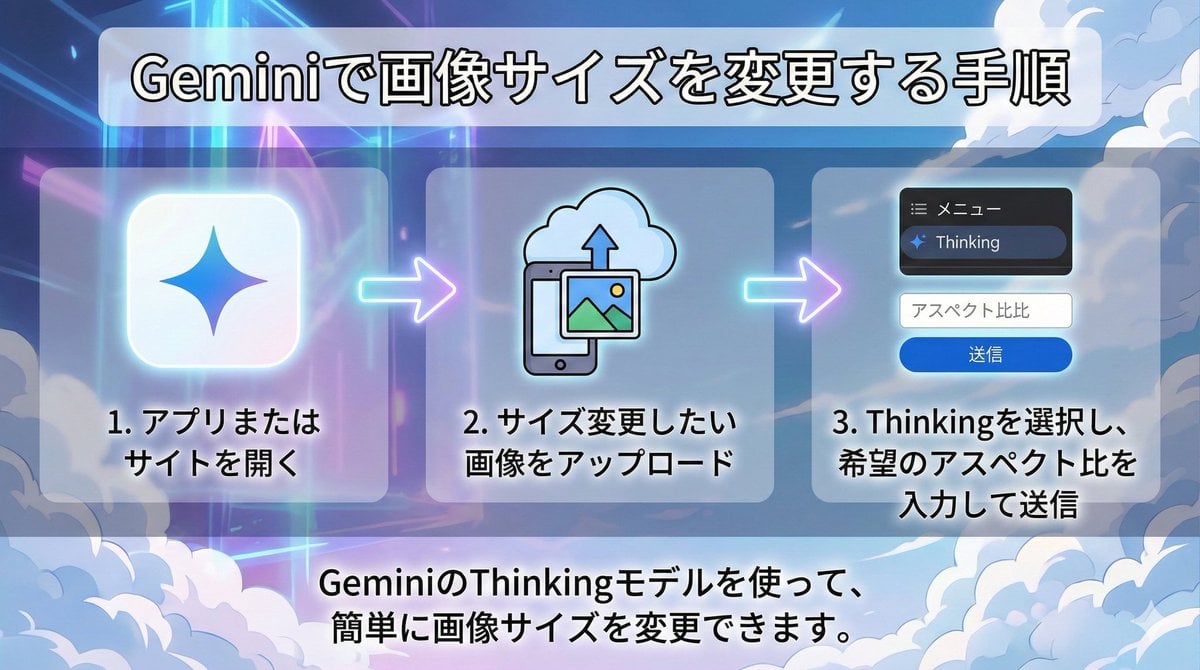
Changing Image Size with Nano Banana Pro
Surreal Conceptual Overthinking Illustration
Indie Cartoon Illustration Template
Editorial Portrait in Extreme Baggy Jeans

Documentary-Style Photo of Man in Robe with Burning Farmhouse
Hyper-Realistic Go-Kart Race Video Prompt (Grok Imagine)

Golden Hour Rooftop Portrait

Character Consistency in Kyoto Setting
Luxury Sportswear Campaign Poster
Photoreal Candid Street Romance Film Still Prompt (Moda Seaside)
Browse template categories
Hyper-Realistic Gourmet Burger Infographic questions
How do I use the Hyper-Realistic Gourmet Burger Infographic template?
Add your photo if the template asks for one, edit the prompt if you like — the template's model and format are already selected — and press Generate. Your version opens in PicX Studio.
Can I customize the Hyper-Realistic Gourmet Burger Infographic template?
Yes. You can change the subject, setting, lighting, mood, format, and available model controls before creating your image.
Is the Hyper-Realistic Gourmet Burger Infographic template free?
Opening and editing this template is free. Generating uses credits, shown on the Generate button when you are signed in.
Which AI model should I use?
Start with Nano Banana 2, which is the model associated with this template. You can compare another compatible model for a different finish.
Looking for something else? Browse all templates.

Your photo, any look
Thousands of ready templates for every top image and video model, from one credit balance.