
Anime RPG Dialogue Screenshot
Generates a polished gacha-style open-world RPG dialogue scene with an NPC, futuristic plaza environment, and full mobile HUD overlay.
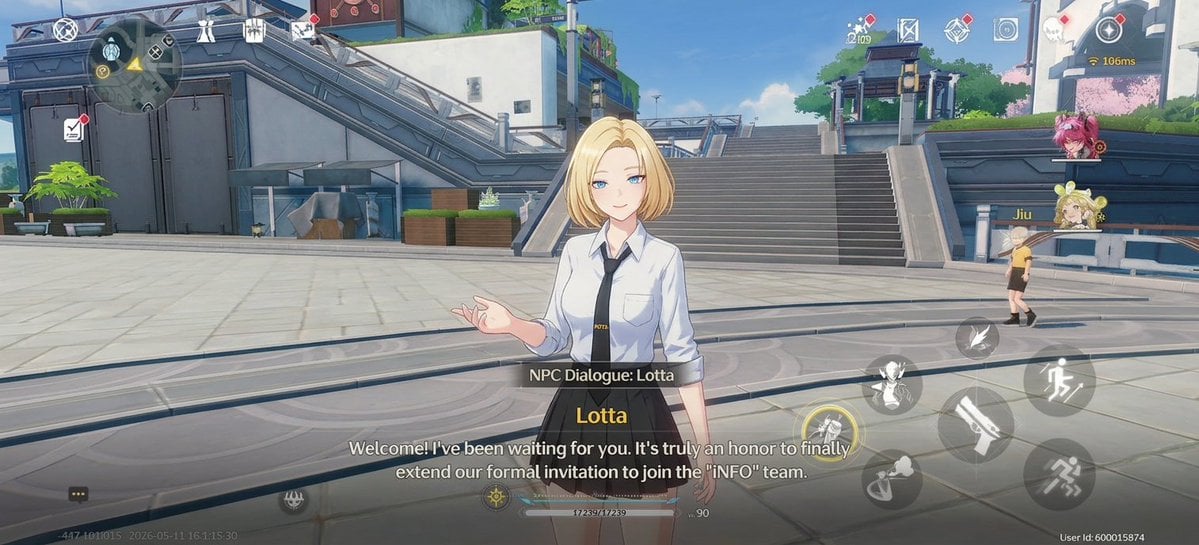
- Prompt included
- Model and format preset
- Free template
The prompt behind this image
Copy the exact prompt behind Anime RPG Dialogue Screenshot, or open it in the studio and make it yours.
- Type
- gacha open-world RPG dialogue screenshot
- Style
- high-end anime 3D game render similar to modern sci-fi urban titles, clean cel-shaded lighting, polished mobile game UI overlay, widescreen 16:9 gameplay capture
- Scene › Setting
- bright futuristic campus plaza with pale stone paving, broad stairs rising in the background, metal railings, elevated walkways, angular concrete-and-steel architecture, planters, rooftop greenery, blue sky, soft daylight, a few pink flowering trees in the distance
- Scene › Camera
- third-person dialogue camera at chest height, centered NPC in foreground, wide environmental view, slight depth of field, cinematic but still clearly a gameplay screenshot
- Scene › Mood
- welcoming, clean, sunny, futuristic academy-city atmosphere
- Main Character › Role
- NPC speaker
- Main Character › Name
- {argument name="character name" default="Lotta"}
- Main Character › Position
- center foreground
- Main Character › Appearance
- young anime woman with short blonde bob haircut, face intentionally obscured by a soft rectangular blur, fair skin, slim build
- Main Character › Outfit
- white button-up shirt with rolled sleeves, black necktie, black high-waisted pleated skirt, subtle school-uniform or office-uniform styling
- Main Character › Pose
- standing relaxed, one hand raised in a conversational open-palmed gesture, facing the viewer/player
- Secondary Characters › Count
- 1
- Secondary Characters › Description
- one small blonde NPC or player avatar visible at mid-right near a railing, walking away in the plaza
- Dialogue UI › Count
- 3
- Dialogue UI › Elements
- semi-transparent black label bar reading "NPC Dialogue: Lotta" above the dialogue text, speaker name in yellow reading "Lotta", two-line white subtitle text reading "Welcome! I've been waiting for you. It's truly an honor to finally extend our formal invitation to join the 'INFO' team."
- Dialogue UI › Dialogue Text
- {argument name="dialogue text" default="Welcome! I've been waiting for you. It's truly an honor to finally extend our formal invitation to join the 'INFO' team."}
- HUD Overlay › Mobile Game Controls
- visible translucent virtual controls and action buttons over the 3D world
- HUD Overlay › Top Left Elements Count
- 5
- HUD Overlay › Top Left Elements
- circular minimap, small compass or navigation marker, quest/document icon with red notification dot, utility icon near the minimap, top bar system icon cluster
- HUD Overlay › Top Center Elements Count
- 5
- HUD Overlay › Top Center Elements
- small currency or resource number, map/mission icon, diamond-shaped menu icon, camera or settings-style icon, additional small menu glyph
- HUD Overlay › Top Right Elements Count
- 4
- HUD Overlay › Top Right Elements
- red notification dot icon, connection indicator showing 166ms, character portrait of a pink-haired teammate, character portrait of a blonde twin-bun teammate labeled Jiu
- HUD Overlay › Right Side Action Buttons Count
- 7
Raw JSON
{
  "type": "gacha open-world RPG dialogue screenshot",
  "style": "high-end anime 3D game render similar to modern sci-fi urban titles, clean cel-shaded lighting, polished mobile game UI overlay, widescreen 16:9 gameplay capture",
  "scene": {
    "setting": "bright futuristic campus plaza with pale stone paving, broad stairs rising in the background, metal railings, elevated walkways, angular concrete-and-steel architecture, planters, rooftop greenery, blue sky, soft daylight, a few pink flowering trees in the distance",
    "camera": "third-person dialogue camera at chest height, centered NPC in foreground, wide environmental view, slight depth of field, cinematic but still clearly a gameplay screenshot",
    "mood": "welcoming, clean, sunny, futuristic academy-city atmosphere"
  },
  "main character": {
    "role": "NPC speaker",
    "name": "{argument name=\"character name\" default=\"Lotta\"}",
    "position": "center foreground",
    "appearance": "young anime woman with short blonde bob haircut, face intentionally obscured by a soft rectangular blur, fair skin, slim build",
    "outfit": "white button-up shirt with rolled sleeves, black necktie, black high-waisted pleated skirt, subtle school-uniform or office-uniform styling",
    "pose": "standing relaxed, one hand raised in a conversational open-palmed gesture, facing the viewer/player"
  },
  "secondary characters": {
    "count": 1,
    "description": "one small blonde NPC or player avatar visible at mid-right near a railing, walking away in the plaza"
  },
  "dialogue UI": {
    "count": 3,
    "elements": [
      "semi-transparent black label bar reading \"NPC Dialogue: Lotta\" above the dialogue text",
      "speaker name in yellow reading \"Lotta\"",
      "two-line white subtitle text reading \"Welcome! I've been waiting for you. It's truly an honor to finally extend our formal invitation to join the 'INFO' team.\""
    ],
    "dialogue text": "{argument name=\"dialogue text\" default=\"Welcome! I've been waiting for you. It's truly an honor to finally extend our formal invitation to join the 'INFO' team.\"}"
  },
  "HUD overlay": {
    "mobile game controls": "visible translucent virtual controls and action buttons over the 3D world",
    "top-left elements count": 5,
    "top-left elements": [
      "circular minimap",
      "small compass or navigation marker",
      "quest/document icon with red notification dot",
      "utility icon near the minimap",
      "top bar system icon cluster"
    ],
    "top-center elements count": 5,
    "top-center elements": [
      "small currency or resource number",
      "map/mission icon",
      "diamond-shaped menu icon",
      "camera or settings-style icon",
      "additional small menu glyph"
    ],
    "top-right elements count": 4,
    "top-right elements": [
      "red notification dot icon",
      "connection indicator showing 166ms",
      "character portrait of a pink-haired teammate",
      "character portrait of a blonde twin-bun teammate labeled Jiu"
    ],
    "right-side action buttons count": 7,
    "right-side action buttons": [
      "large running or dodge button",
      "large weapon attack button shaped like a blade",
      "crouch or slide movement button",
      "jump or movement skill button with wing-like icon",
      "small ability button above the attack cluster",
      "small circular interaction/skill button",
      "lower-right sprint or evade icon"
    ],
    "bottom elements count": 5,
    "bottom elements": [
      "chat bubble button at bottom-left",
      "faint build/version timestamp text",
      "center-bottom HP or stamina bar with numeric value",
      "small level indicator reading Lv. 90",
      "bottom-right user ID text"
    ]
  },
  "composition requirements": {
    "aspect ratio": "{argument name=\"aspect ratio\" default=\"16:9\"}",
    "render quality": "crisp anime game screenshot, detailed futuristic environment, readable UI, realistic sunlight and soft shadows",
    "avoid": "photorealism, medieval fantasy setting, painterly illustration, empty UI, close-up portrait crop, dark night lighting"
  }
}How to use Anime RPG Dialogue Screenshot in 3 steps
- 1Upload ImagePNG, JPG or paste
Add your photo
Upload the photo the template builds on. The prompt, model and format are already set.
- 2…a portrait of your subject in softgolden-hour light, 85mm…
Personalize
Edit the subject and creative details for your destination.
- 3Generate
Generate
Press Generate — your image is created in PicX Studio, so you can compare it with the original and refine one variable at a time.
More like this
Templates with the same subject, style or setup. Open one to see its prompt.
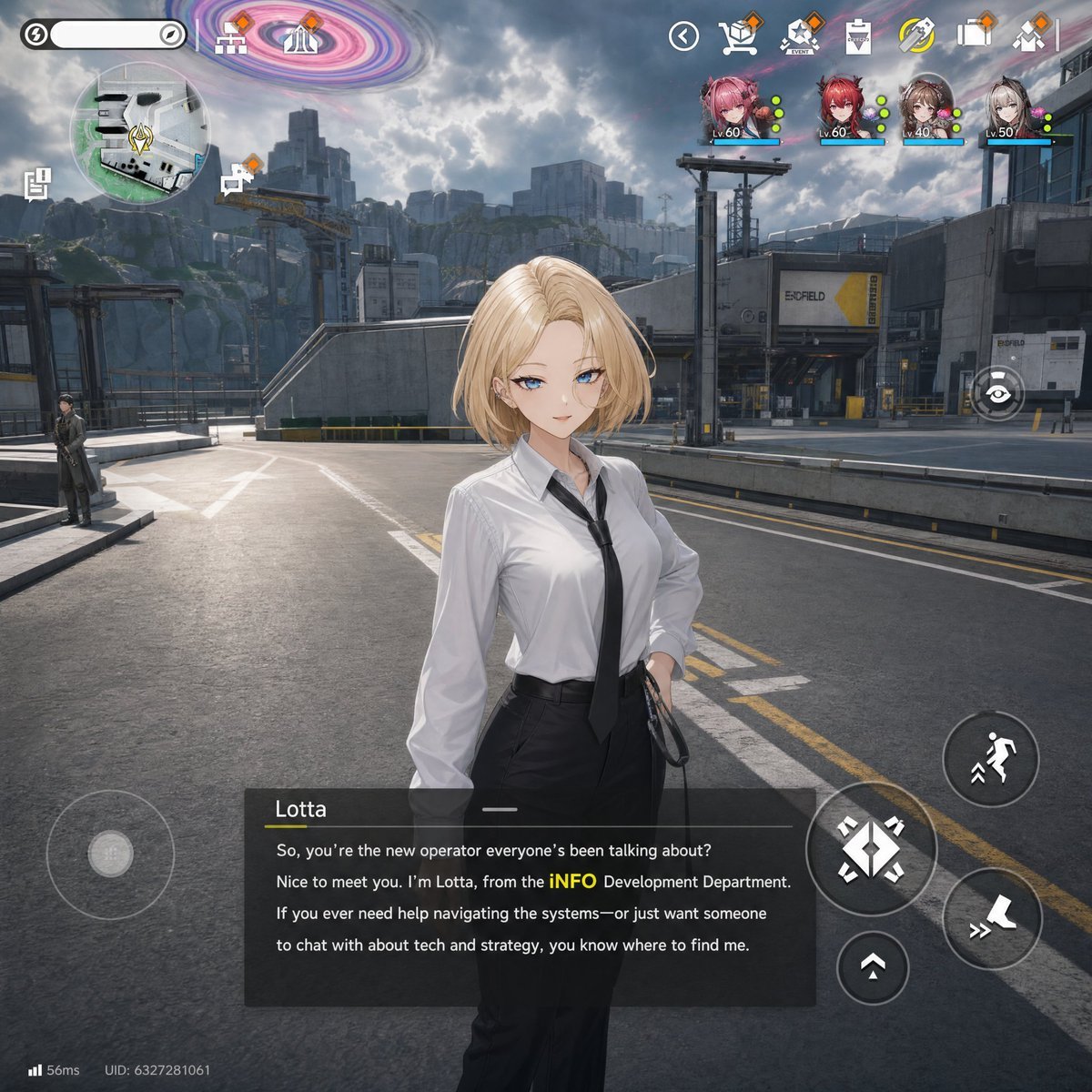











Make it yours
Anime RPG Dialogue Screenshot works as-is. These are the safest ways to change it without losing the look.
Swap the setting
Keep the rest of the prompt and replace the location block. The current setting is “bright futuristic campus plaza with pale stone paving, broad stairs rising in th”.
Change one field
Copy a single group, rewrite it, and generate again so you can see what that field is doing.
Keep the frame, change the subject
Hold the composition and light of Anime RPG Dialogue Screenshot, then swap wardrobe, props or the person for a new take.
| If the result… | Why | Fix |
|---|---|---|
| The result drifts from the preview | Too many fields changed at once. | Reuse Anime RPG Dialogue Screenshot as-is first, then change one group — subject, light, or setting. |
| GPT Image 2 ignores part of the JSON | Some models flatten or skip nested keys. | Keep the same values and paste them as a short paragraph instead. |
More GPT Image 2 templates
Other prompts made for GPT Image 2.

Six VTuber Japanese Logo Sheet

Realistic Portrait of Woman and Deer

The Vista Modular Condo Poster

AI Model Routing Comparison Infographic

2.5D Anime Art Board

Isometric Productivity Desk Scene

New York Double Exposure Poster

Four-Panel AI Landscape Comparison

Japanese Tatami Lifestyle Magazine Cover

NESCAFÉ Coffee Map Poster
More image prompts
Fresh picks from across the catalog.
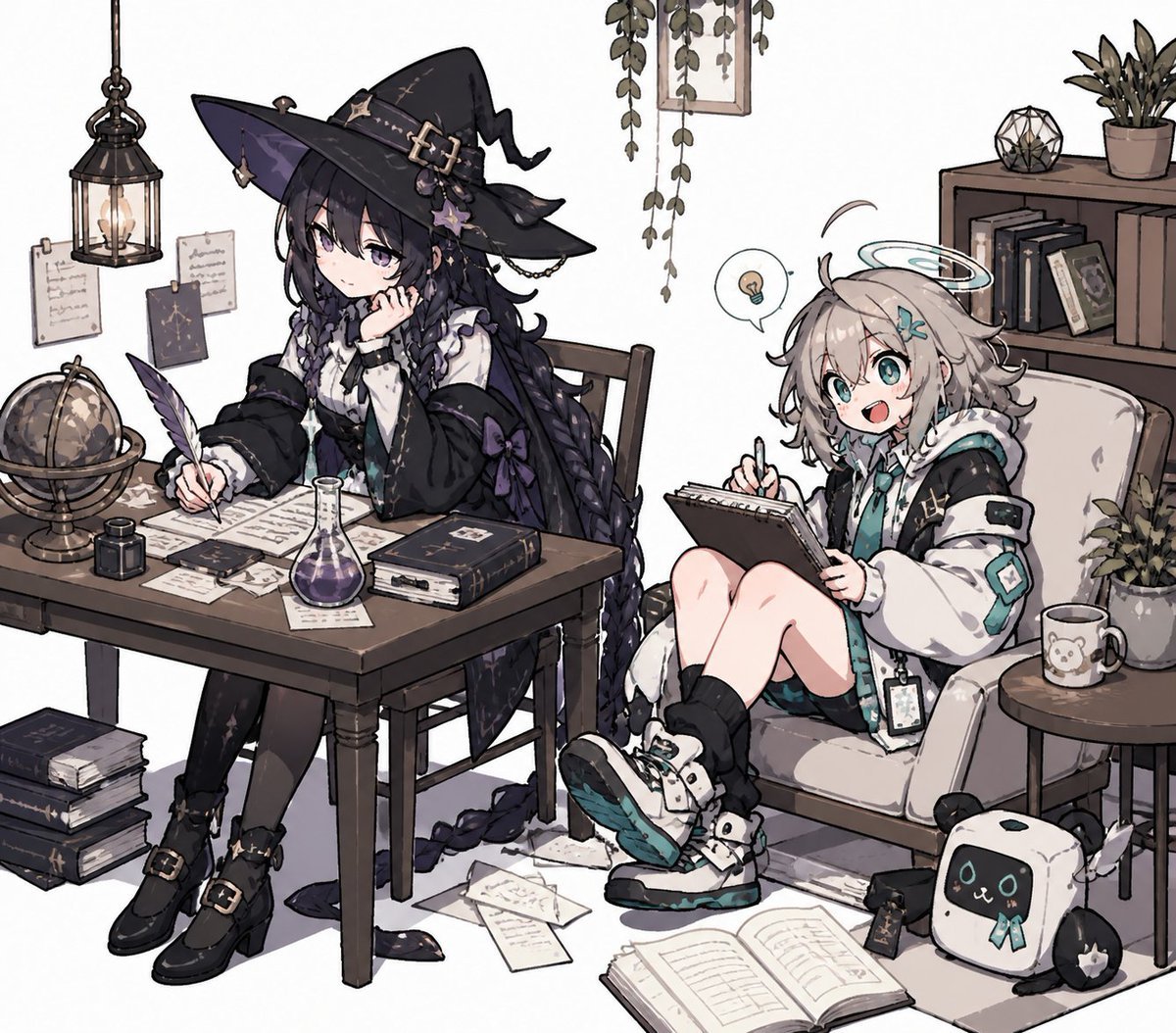
Cozy Witch and Halo Girl Study Scene
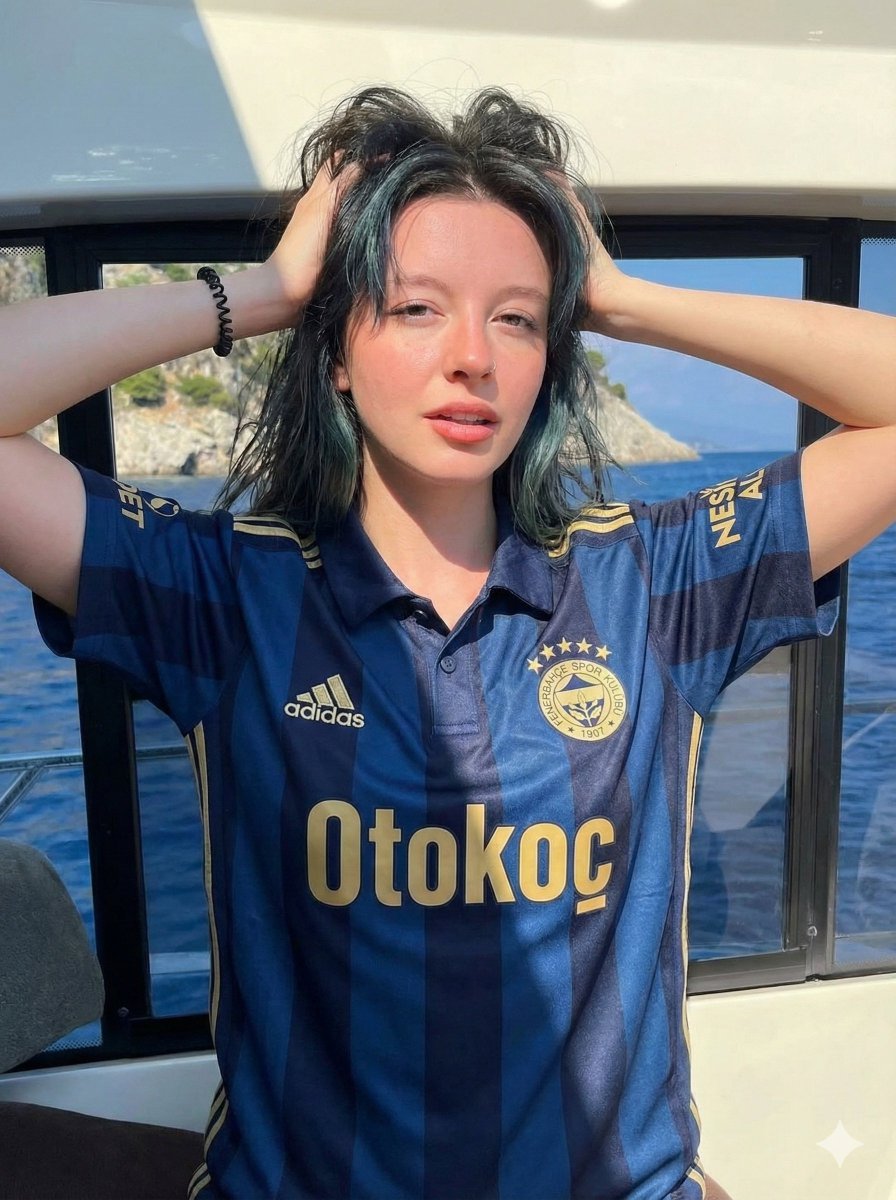
Photorealistic Fenerbahçe Jersey Portrait on a Yacht
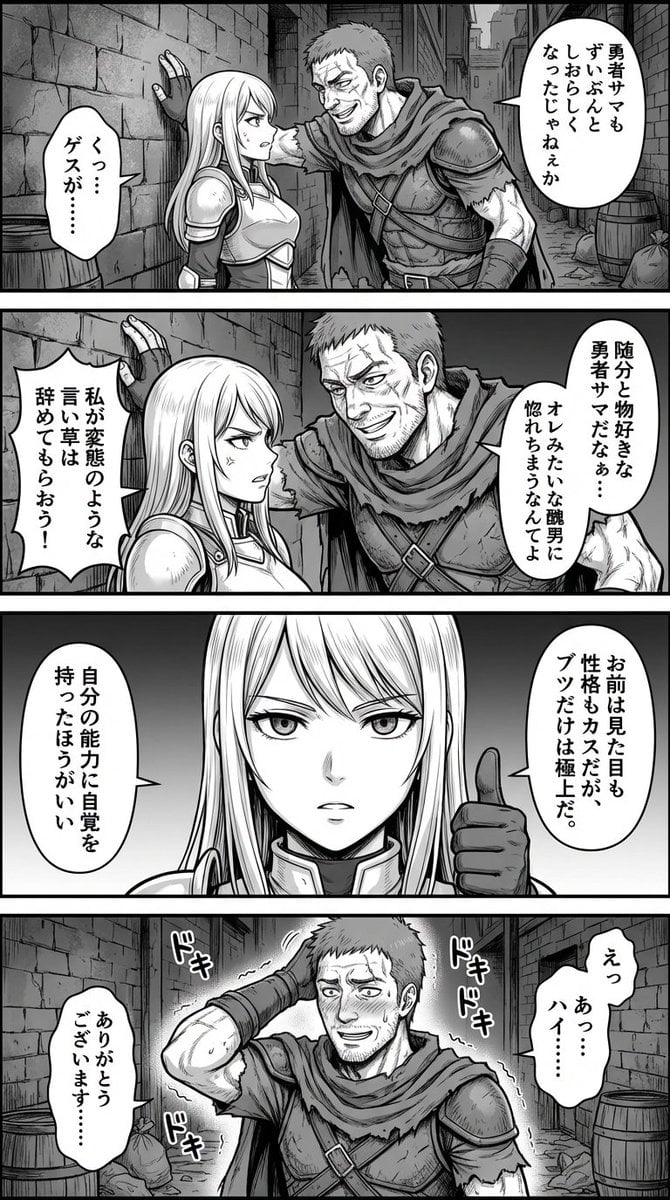
Four-Panel Manga: Fantasy Alleyway Wall-Slam
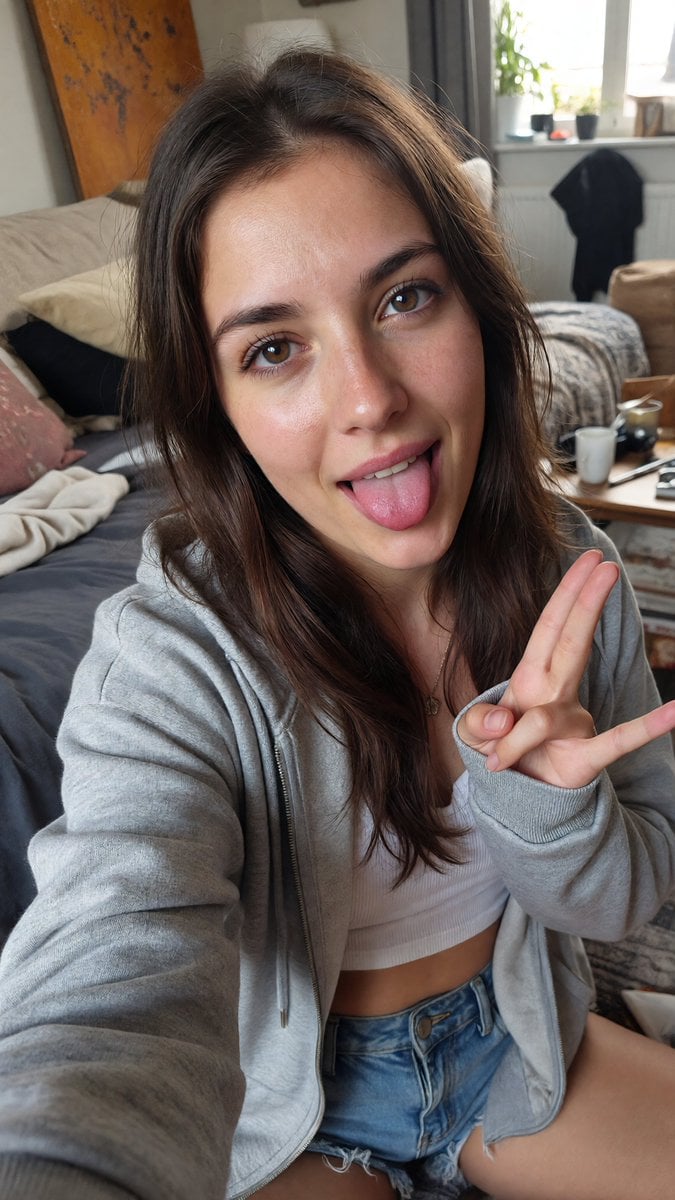
Playful Tongue Out Lifestyle Portrait
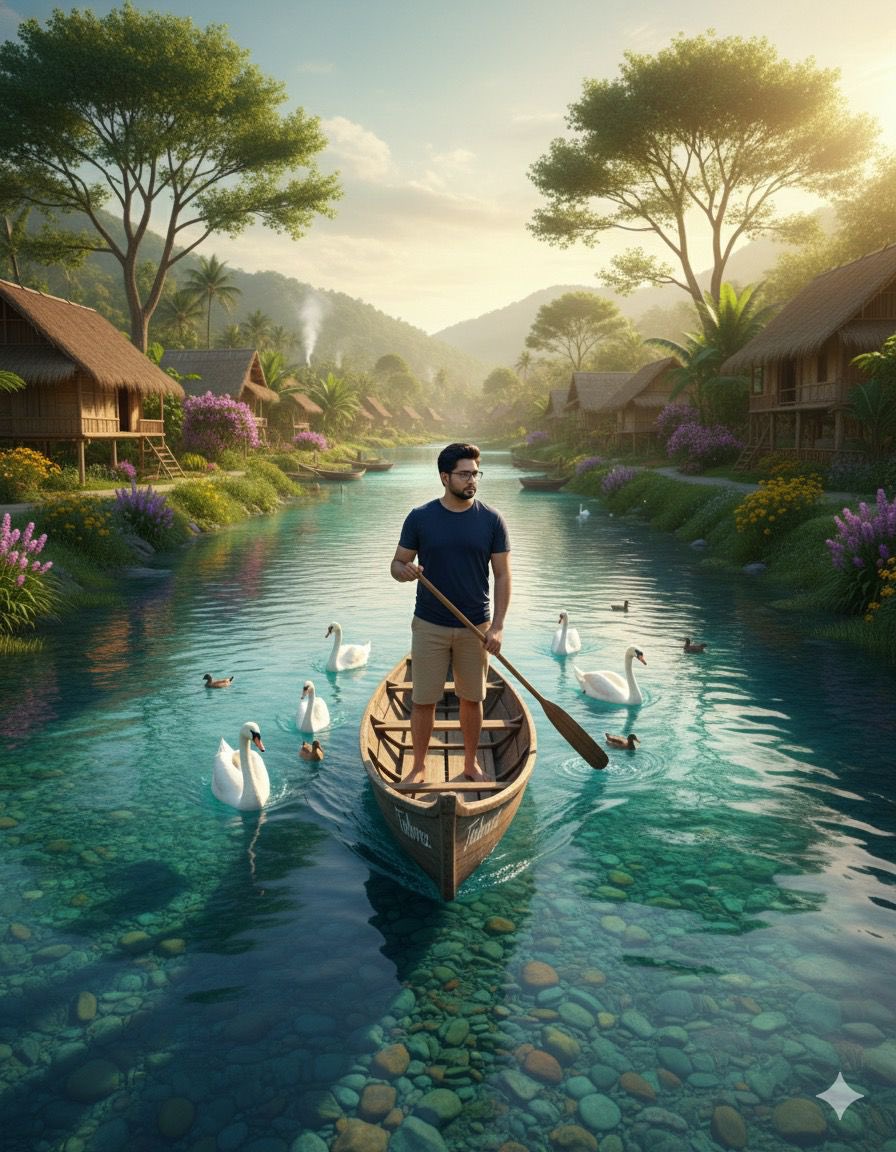
Cinematic Photograph of a Man in a Boat
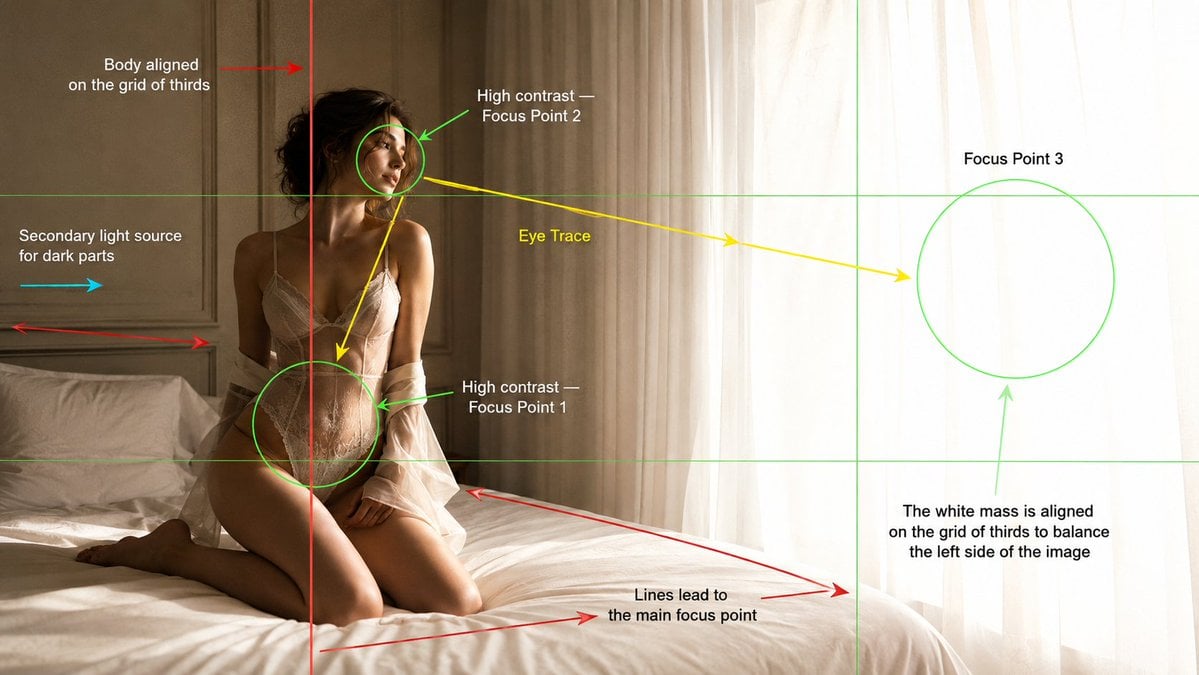
Cinematography Composition Analysis Frame
Seedance - Epic Fight Scene
Pastel Running App UI with Sloth Mascot
Viral 3D Caricature Generation Prompt
Latin American Tech Festival Poster
Browse template categories
Anime RPG Dialogue Screenshot questions
How do I use the Anime RPG Dialogue Screenshot template?
Add your photo if the template asks for one, edit the prompt if you like — the template's model and format are already selected — and press Generate. Your version opens in PicX Studio.
Can I customize the Anime RPG Dialogue Screenshot template?
Yes. You can change the subject, setting, lighting, mood, format, and available model controls before creating your image.
Is the Anime RPG Dialogue Screenshot template free?
Opening and editing this template is free. Generating uses credits, shown on the Generate button when you are signed in.
Which AI model should I use?
Start with GPT Image 2, which is the model associated with this template. You can compare another compatible model for a different finish.
Looking for something else? Browse all templates.

Your photo, any look
Thousands of ready templates for every top image and video model, from one credit balance.