
Cinematography Composition Analysis Frame
A unique prompt that generates a fashion editorial photo overlaid with cinematography guide graphics like rule-of-thirds and focus markers.
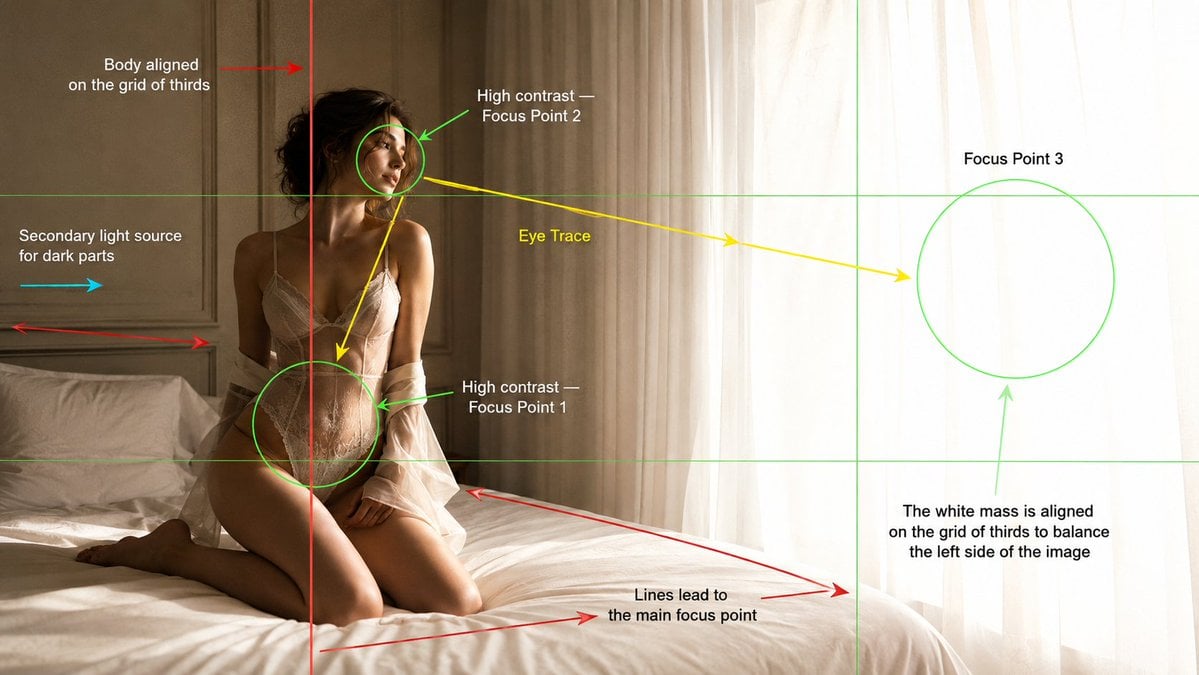
- Prompt included
- Model and format preset
- Free template
The prompt behind this image
Copy the exact prompt behind Cinematography Composition Analysis Frame, or open it in the studio and make it yours.
Create a cinematic fashion editorial photograph in a {argument name="location" default="bright minimal bedroom"}, presented as a cinematography composition analysis frame. Main Image: A {argument name="model" default="young adult female model"} kneeling on a soft white bed beside a large window with sheer white curtains. She is positioned on the left third of the frame, body aligned with the vertical rule-of-thirds grid line. Her body leans slightly backward, facing toward the glowing window light with a calm, distant, introspective expression. The right side of the image is filled with a large bright white luminous mass from overexposed daylight through sheer curtains, balancing the darker subject on the left. Lighting: Strong natural window light from the right side creates high contrast on the model’s face, upper body, waist, and silhouette. Add subtle secondary fill light from the left side to reveal shadow areas without flattening the contrast. Warm hazy morning atmosphere, soft highlights, realistic skin texture, gentle shadows, soft bloom near the curtains. Composition Overlay: Add visible cinematography composition guide graphics over the image, like a film school analysis frame. Include: - Rule of thirds grid lines in thin green. - A red vertical line showing the model’s body aligned on the left rule of thirds grid. - Green circular focus markers around: 1. Waist and hip area as Focus Point 1. 2. Face area as Focus Point 2. 3. Bright curtain/window mass as Focus Point 3. - Yellow eye-trace arrows moving from the face to the waist/hip, then toward the glowing window. - Red leading-line arrows following the bed edge and wall panel lines toward the main focus point. - A cyan arrow showing secondary fill light coming from the left side. - Text labels placed cleanly around the frame: “Body aligned on the grid of thirds” “High contrast Focus Point 2” “Eye Trace” “Focus Point 3” “High contrast Focus Point 1” “Secondary light source for dark parts” “Lines lead to the main focus point” “The white mass is aligned on the grid of thirds to balance the left side of the image” Style: Luxury fashion editorial photography, soft cinematic realism, {argument name="color palette" default="warm beige and white"} color palette, minimal bedroom, cream wall panels, white bedding, sheer curtains, subtle film grain, shallow depth of field, elegant composition, educational cinematography breakdown overlay. Camera: 35mm lens, medium wide framing, eye level camera angle, 16:9 widescreen.
How to use Cinematography Composition Analysis Frame in 3 steps
- 1
Open
The prompt is already in the box next to the preview, with the template's model and format selected.
- 2…a portrait of your subject in softgolden-hour light, 85mm…
Personalize
Edit the subject and creative details for your destination.
- 3Generate
Generate
Press Generate — your image is created in PicX Studio, so you can compare it with the original and refine one variable at a time.
More like this
Templates with the same subject, style or setup. Open one to see its prompt.
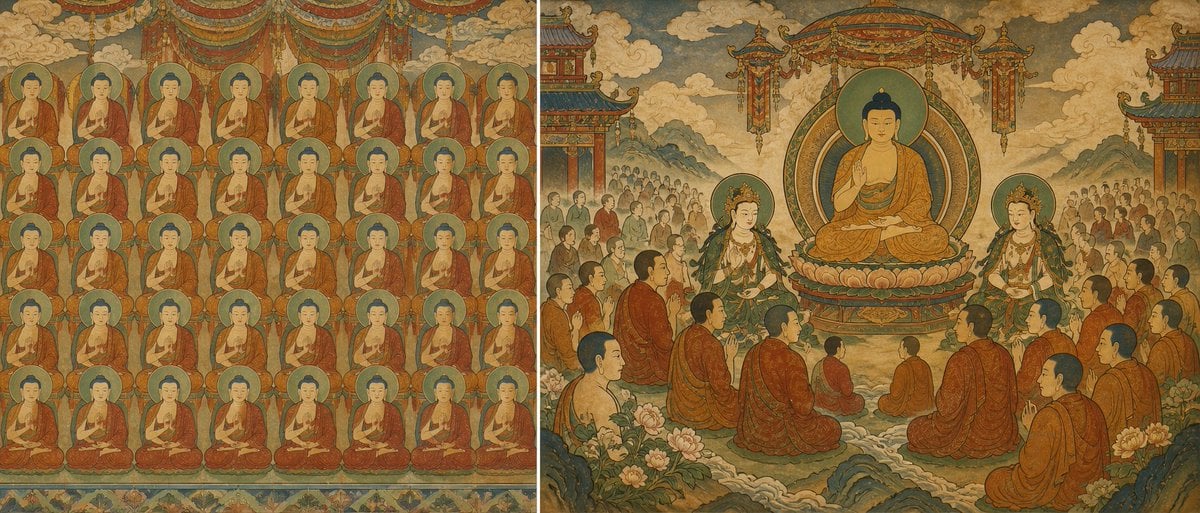
Buddhist Mural Composition Diptych
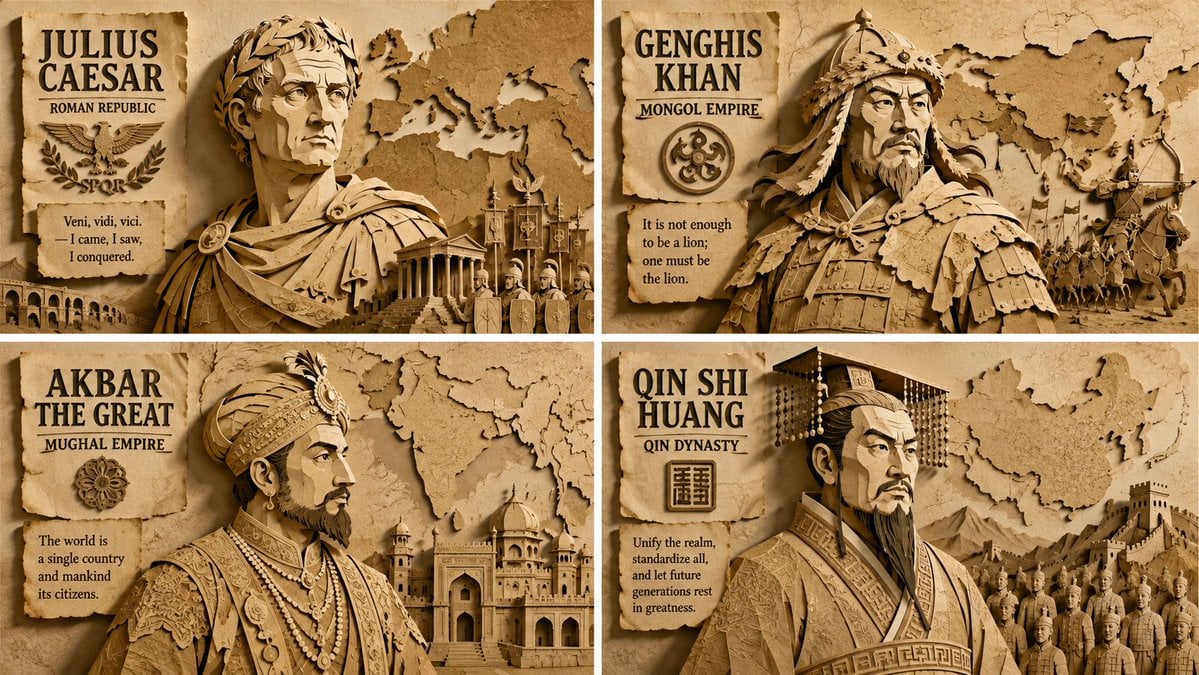
Paper Relief Hierarchical Composition

Tang Dynasty Royal Banquet Cinematography

Mushroom Still Life Composition

Nano Banana Pro Identity Lock — Composition + Face Reference
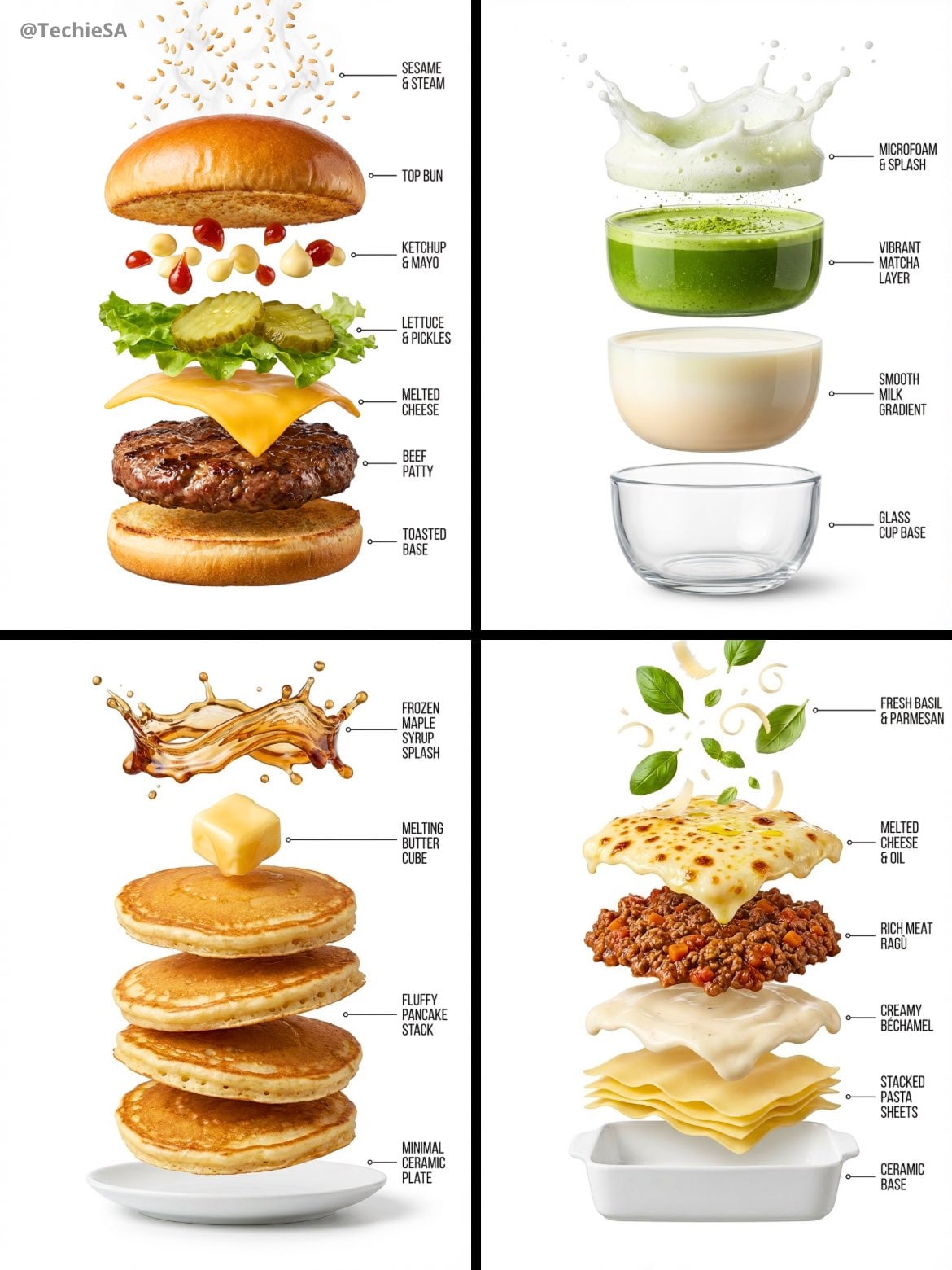
Hyper-realistic exploded vertical infographic composition
Enhanced realism, minimal alteration from original composition
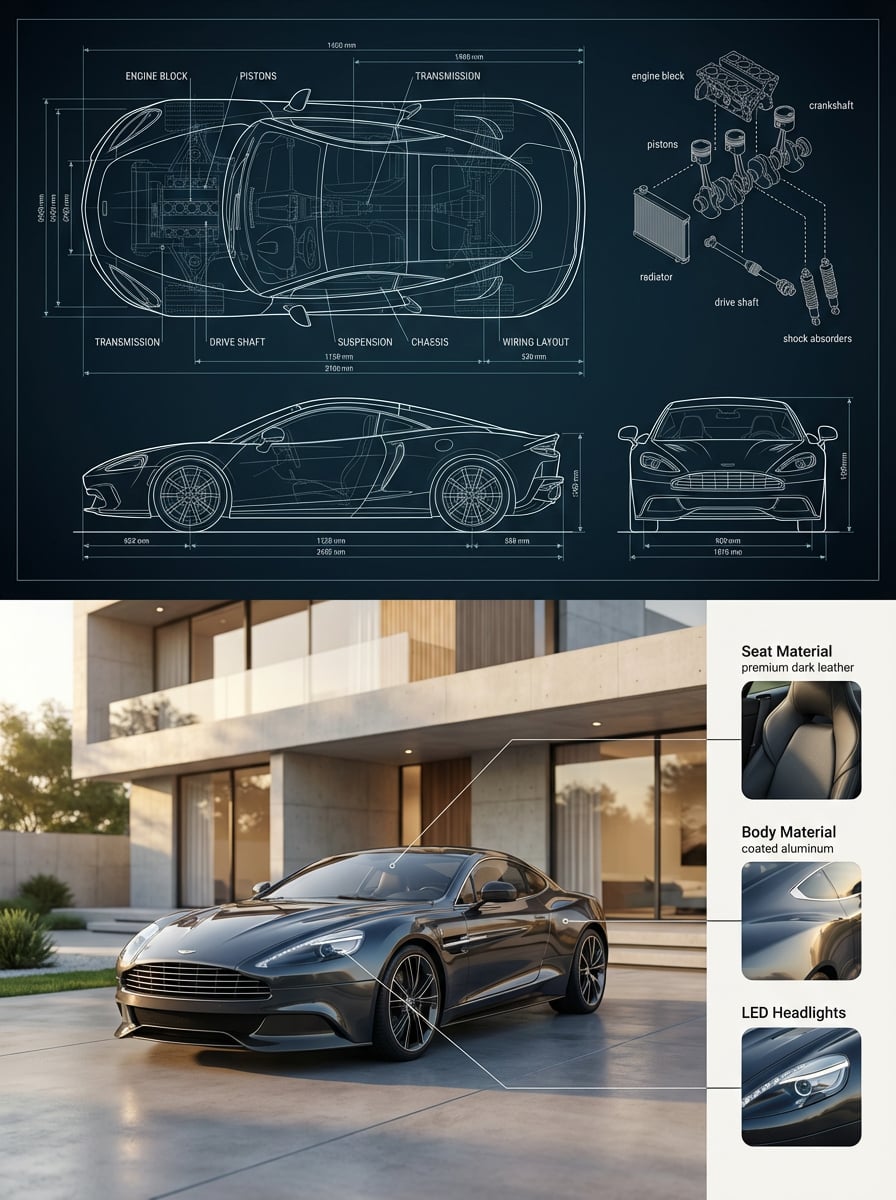
Premium split composition showing a detailed automotive blueprint top
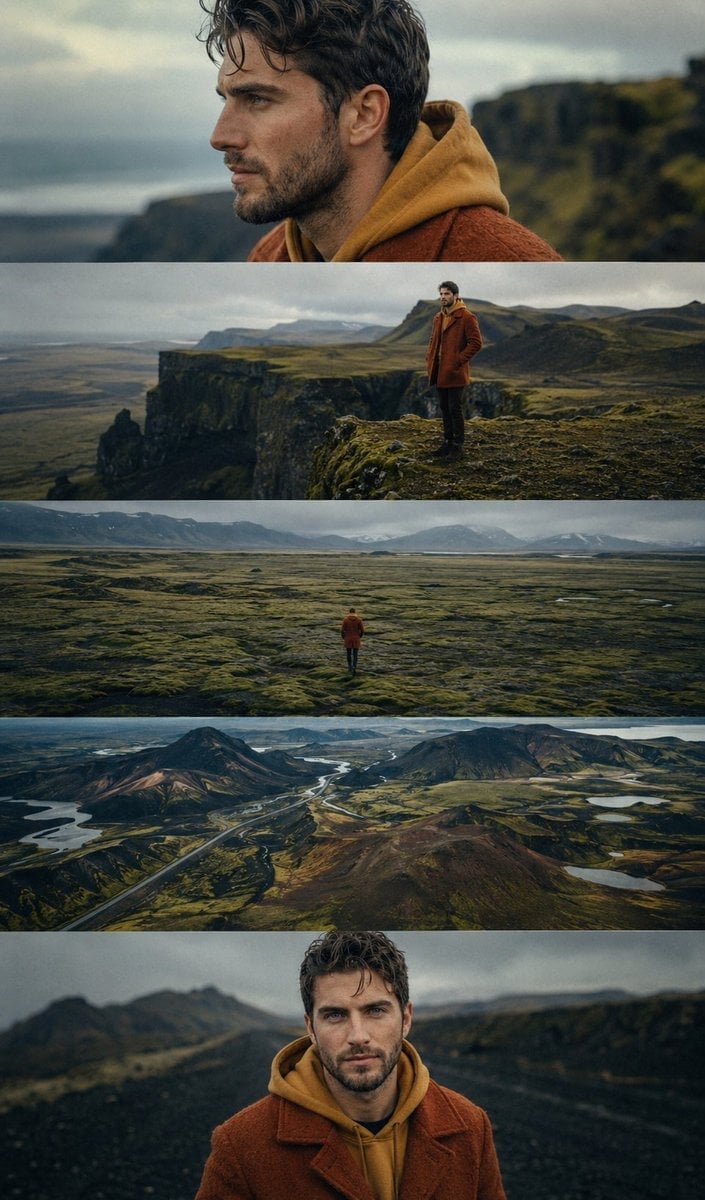
Icelandic Highland Cinematography
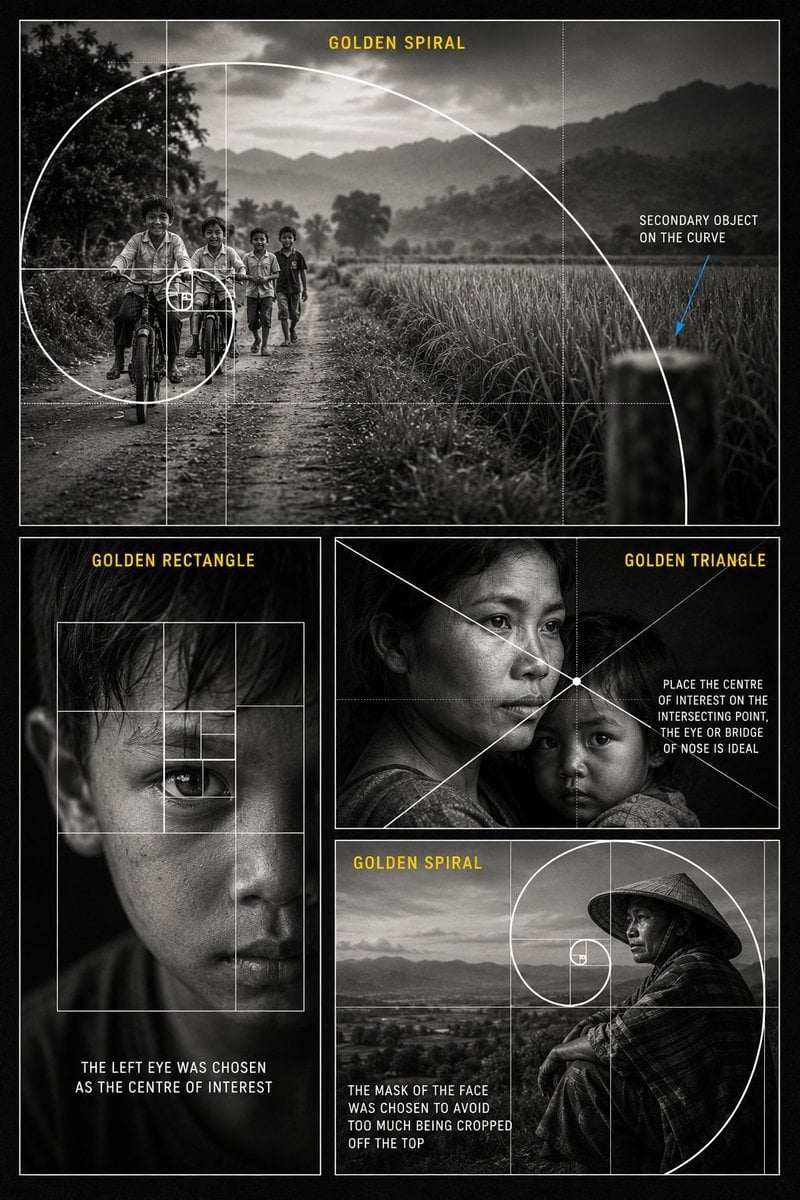
Golden Ratio Photography Composition Poster

Framed Quilling Anime Girl

Sunflower Field Frame Portrait
Make it yours
Cinematography Composition Analysis Frame works as-is. These are the safest ways to change it without losing the look.
Change one field
Copy a single group, rewrite it, and generate again so you can see what that field is doing.
Keep the frame, change the subject
Hold the composition and light of Cinematography Composition Analysis Frame, then swap wardrobe, props or the person for a new take.
| If the result… | Why | Fix |
|---|---|---|
| The result drifts from the preview | Too many fields changed at once. | Reuse Cinematography Composition Analysis Frame as-is first, then change one group — subject, light, or setting. |
| The model over-stylizes the scene | The prose prompt leaves finish and camera underspecified. | Add one camera or lighting sentence and stay on GPT Image 2. |
More GPT Image 2 templates
Other prompts made for GPT Image 2.

Six VTuber Japanese Logo Sheet

Realistic Portrait of Woman and Deer

The Vista Modular Condo Poster

AI Model Routing Comparison Infographic

2.5D Anime Art Board

Isometric Productivity Desk Scene

New York Double Exposure Poster

Four-Panel AI Landscape Comparison

Japanese Tatami Lifestyle Magazine Cover

NESCAFÉ Coffee Map Poster
More image prompts
Fresh picks from across the catalog.

Energetic Pop Art Poster

Anime Fantasy Rock Band Fusion
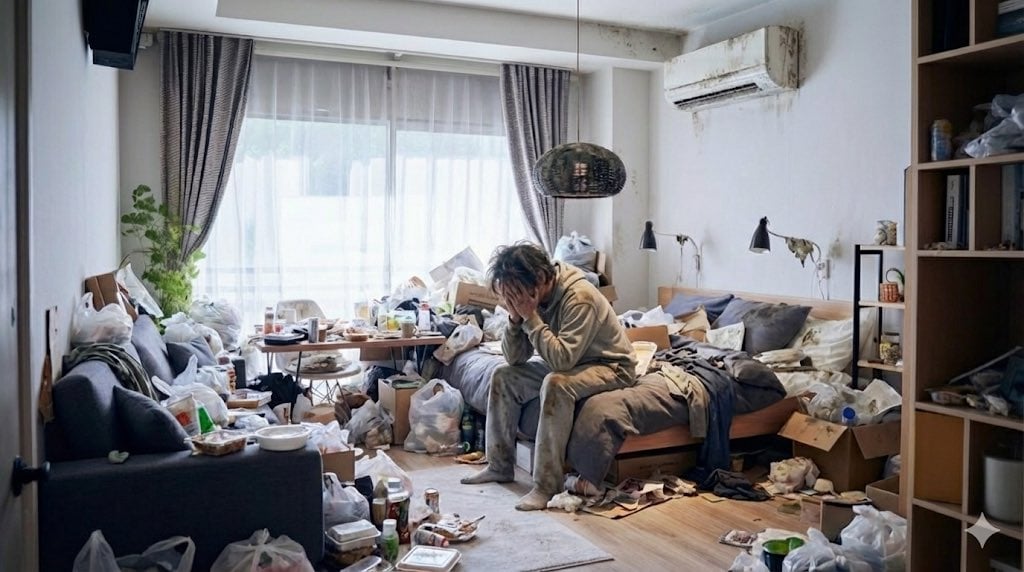
Using 'Despair' and 'Noise' Prompts for Emotional Impact

Infographic about a CEO struggling with hiring
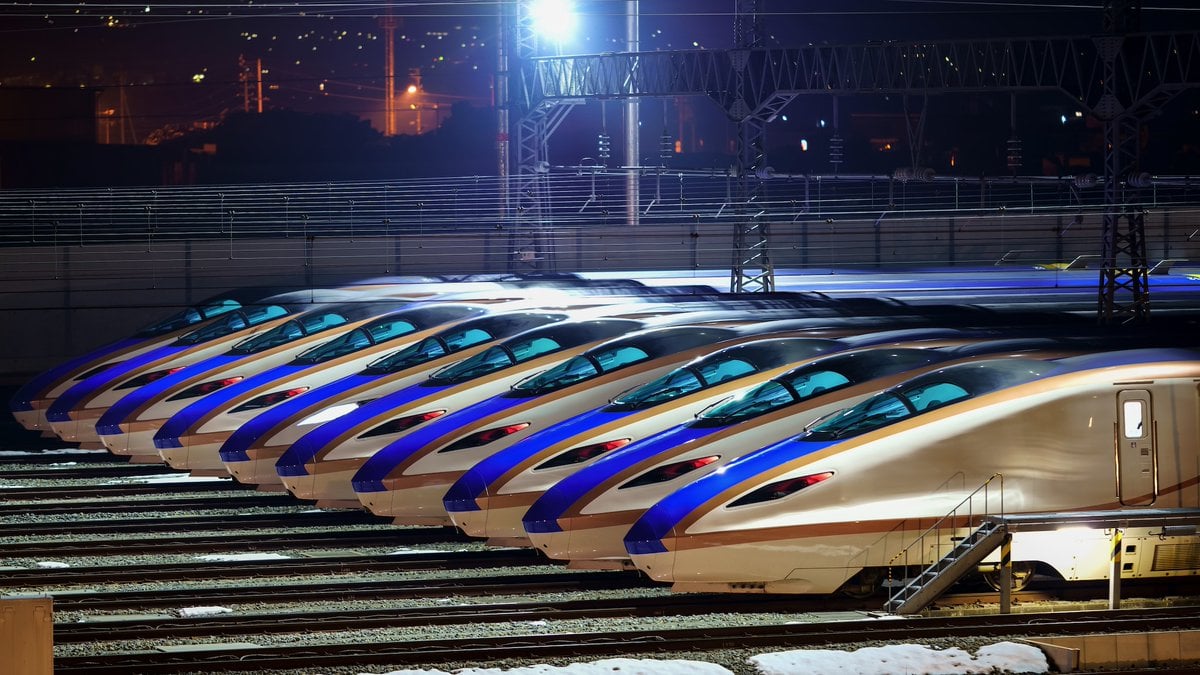
Image Generation from Photo and Short Prompt

JSON Prompt for Lifestyle Portrait in Coffee Shop
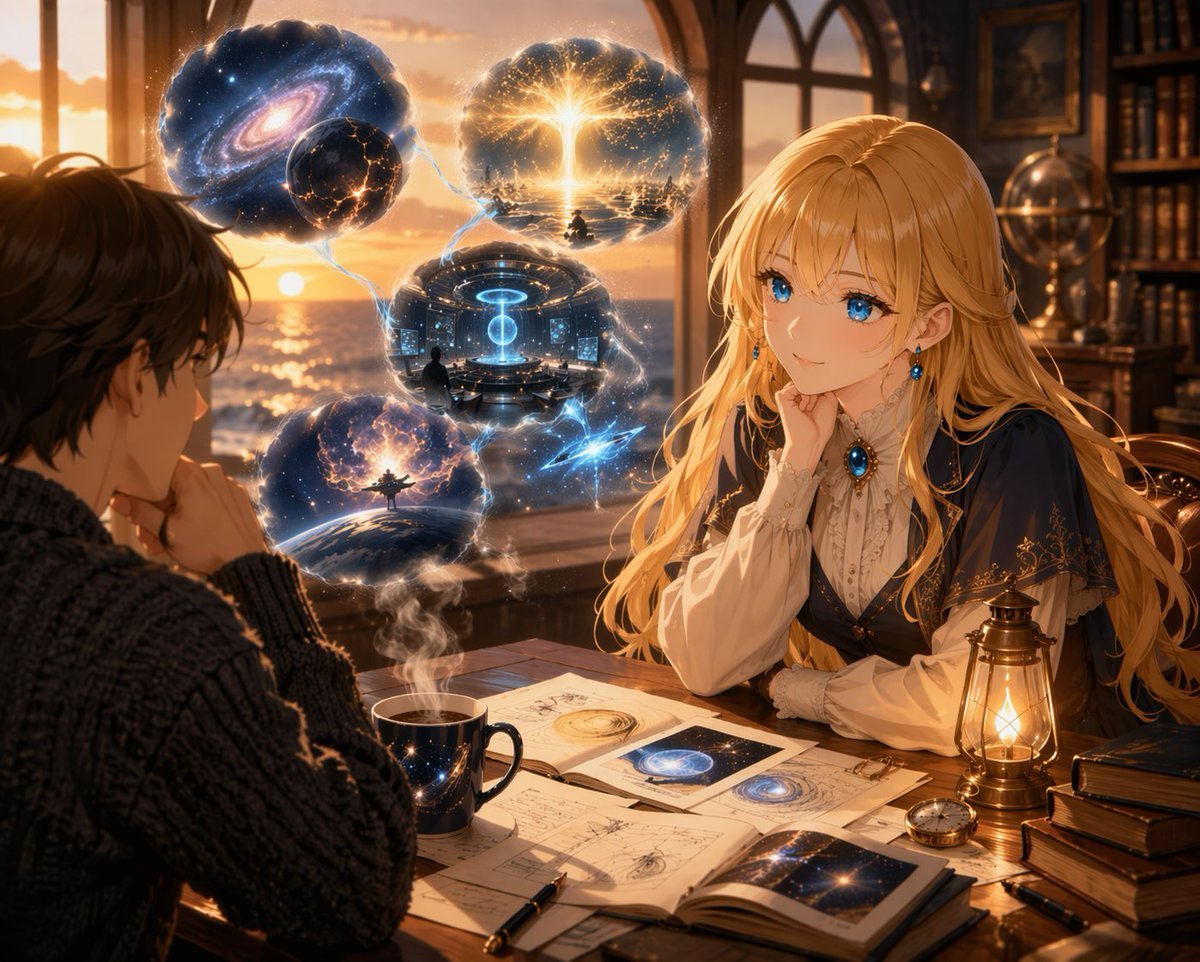
Anime Scholars with Cosmic Holograms
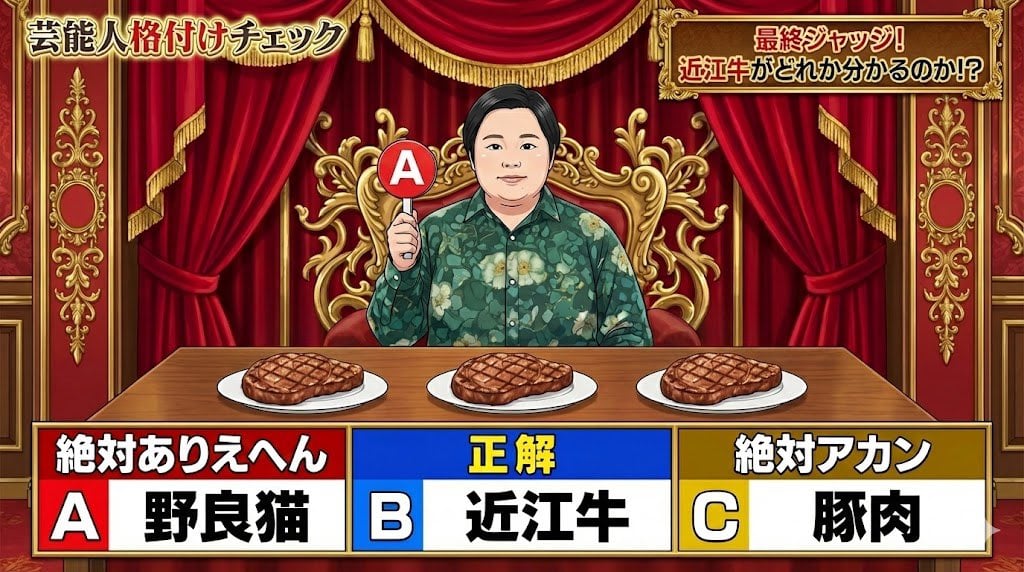
Japanese TV Parody Image Generation Prompt
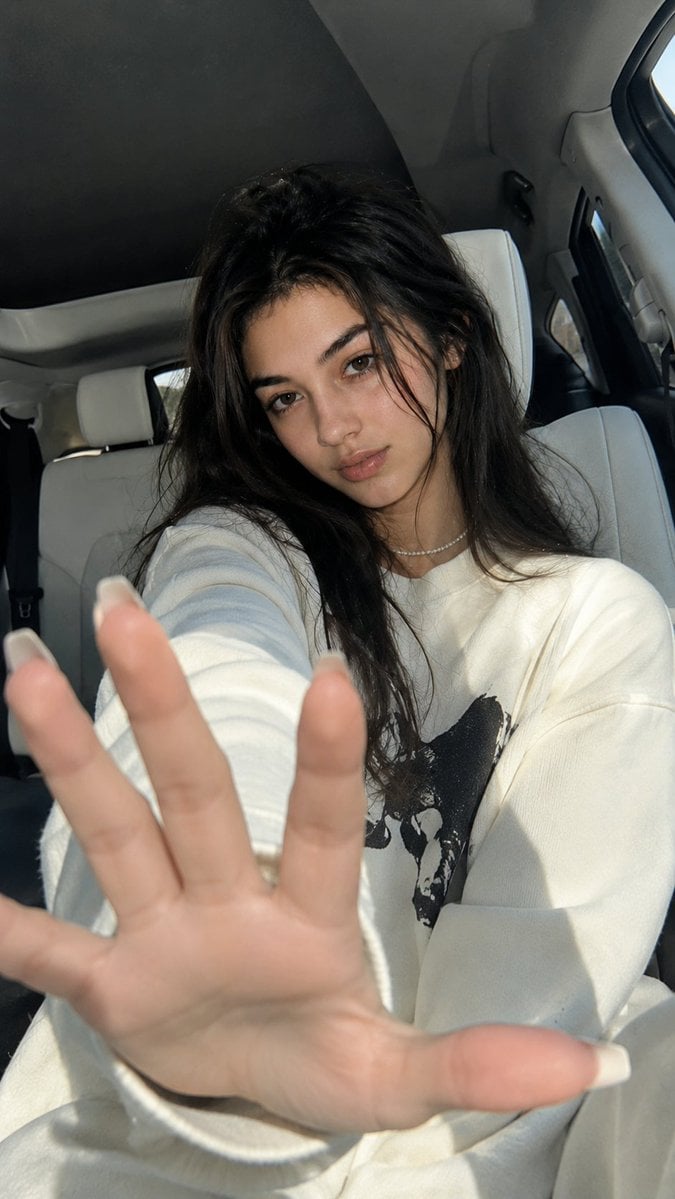
Korean Luxury Car Portrait
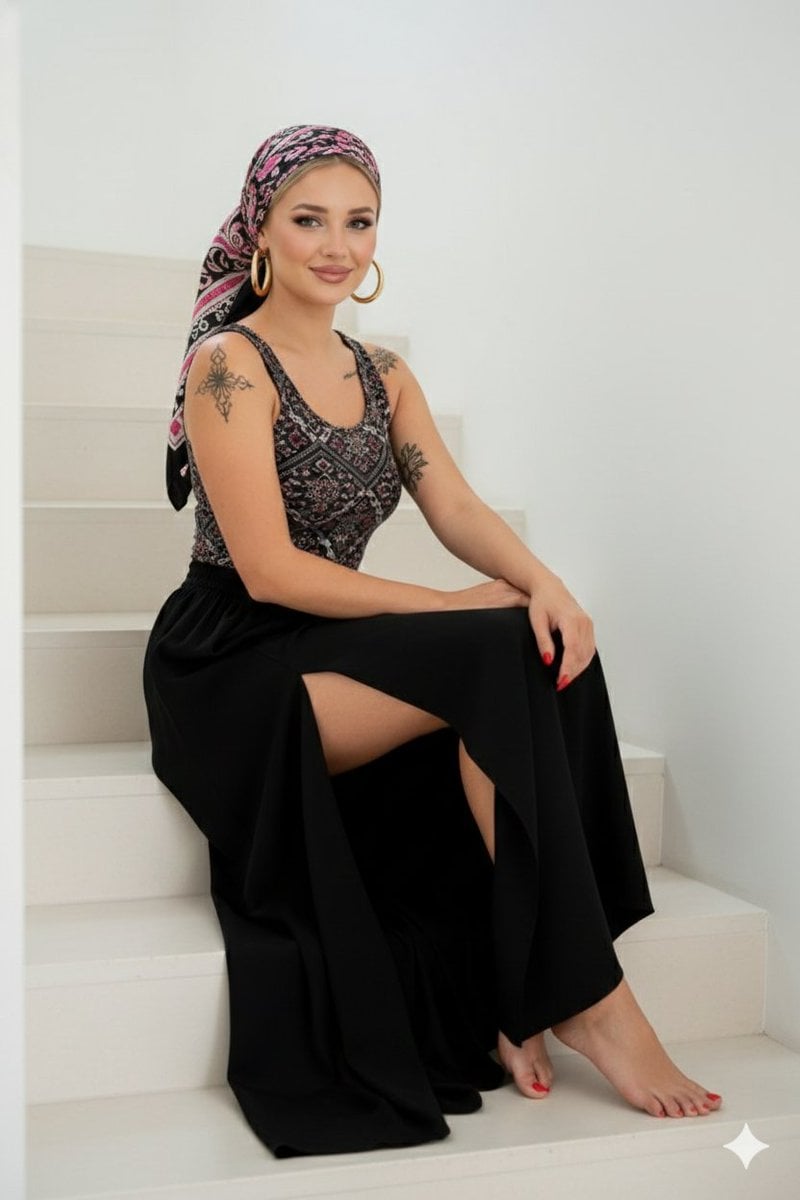
High-Quality Full-Body Fashion Photograph Prompt
Browse template categories
Cinematography Composition Analysis Frame questions
How do I use the Cinematography Composition Analysis Frame template?
Add your photo if the template asks for one, edit the prompt if you like — the template's model and format are already selected — and press Generate. Your version opens in PicX Studio.
Can I customize the Cinematography Composition Analysis Frame template?
Yes. You can change the subject, setting, lighting, mood, format, and available model controls before creating your image.
Is the Cinematography Composition Analysis Frame template free?
Opening and editing this template is free. Generating uses credits, shown on the Generate button when you are signed in.
Which AI model should I use?
Start with GPT Image 2, which is the model associated with this template. You can compare another compatible model for a different finish.
Looking for something else? Browse all templates.

Your photo, any look
Thousands of ready templates for every top image and video model, from one credit balance.