
Icelandic Highland Cinematography
A multi-panel sequence prompt depicting a journey through the Icelandic highlands with cinematic lighting and film grain.
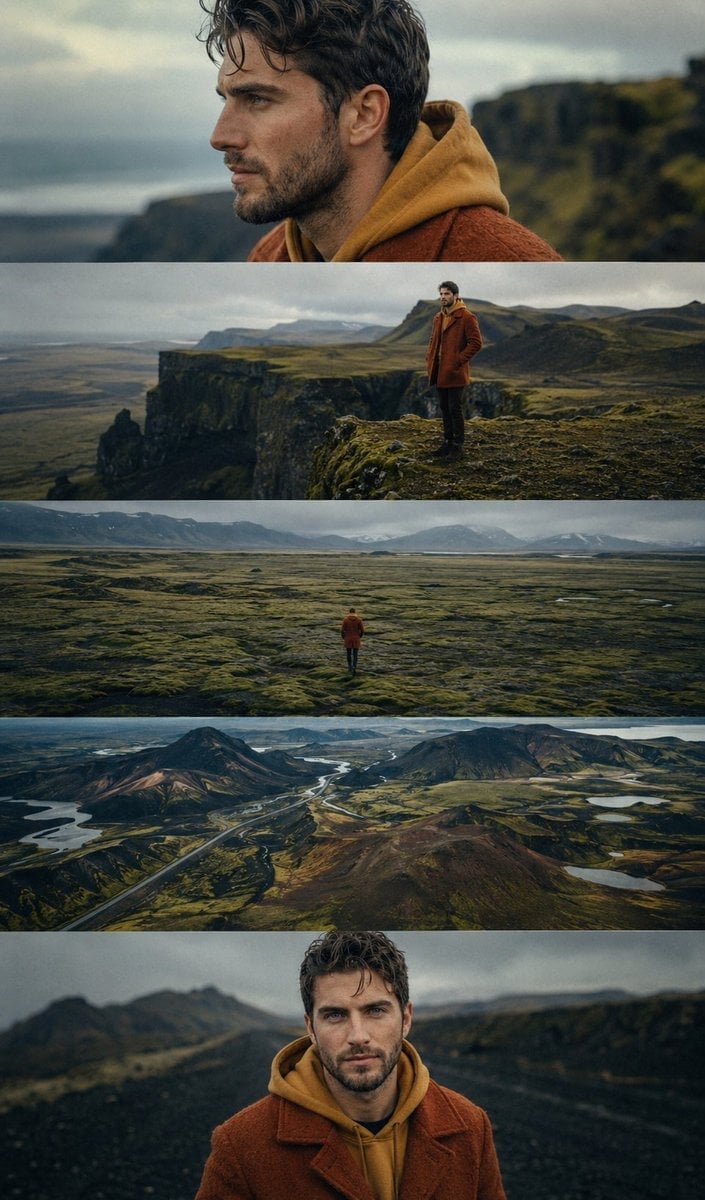
- Prompt included
- Model and format preset
- Free template
The prompt behind this image
Copy the exact prompt behind Icelandic Highland Cinematography, or open it in the studio and make it yours.
Cinematic 9:16 five-panel sequence featuring the same young man from the reference image exploring {argument name="location" default="Icelandic highlands"}. Curly dark hair and beard, wearing a {argument name="outfit" default="rust-orange wool coat over a mustard hoodie"}. Panels include: contemplative side-profile close-up, standing on a dramatic green cliff, tiny lone figure crossing vast moss-covered plains, aerial view of volcanic landscapes and winding roads, and a front-facing portrait on a dark gravel path. Arthouse film stills, 35mm film grain,photorealistic, {argument name="lighting" default="moody overcast skies"}, warm orange tones contrasting cool greens and blues, lonely introspective atmosphere, award-winning cinematography
How to use Icelandic Highland Cinematography in 3 steps
- 1Upload ImagePNG, JPG or paste
Add your photo
Upload the photo the template builds on. The prompt, model and format are already set.
- 2…a portrait of your subject in softgolden-hour light, 85mm…
Personalize
Edit the subject and creative details for your destination.
- 3Generate
Generate
Press Generate — your image is created in PicX Studio, so you can compare it with the original and refine one variable at a time.
More like this
Templates with the same subject, style or setup. Open one to see its prompt.

Tang Dynasty Royal Banquet Cinematography
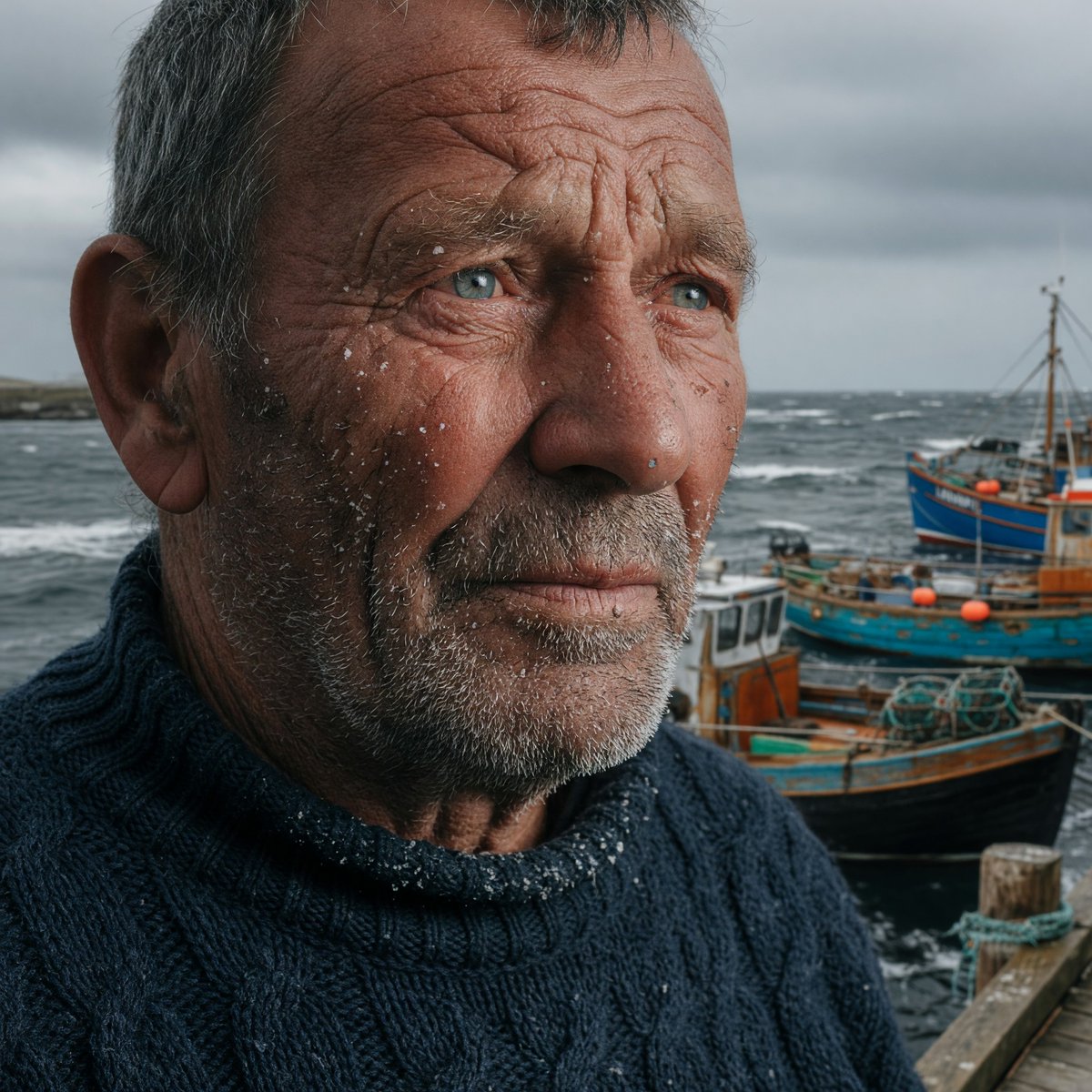
Stormy Icelandic Fisherman Portrait
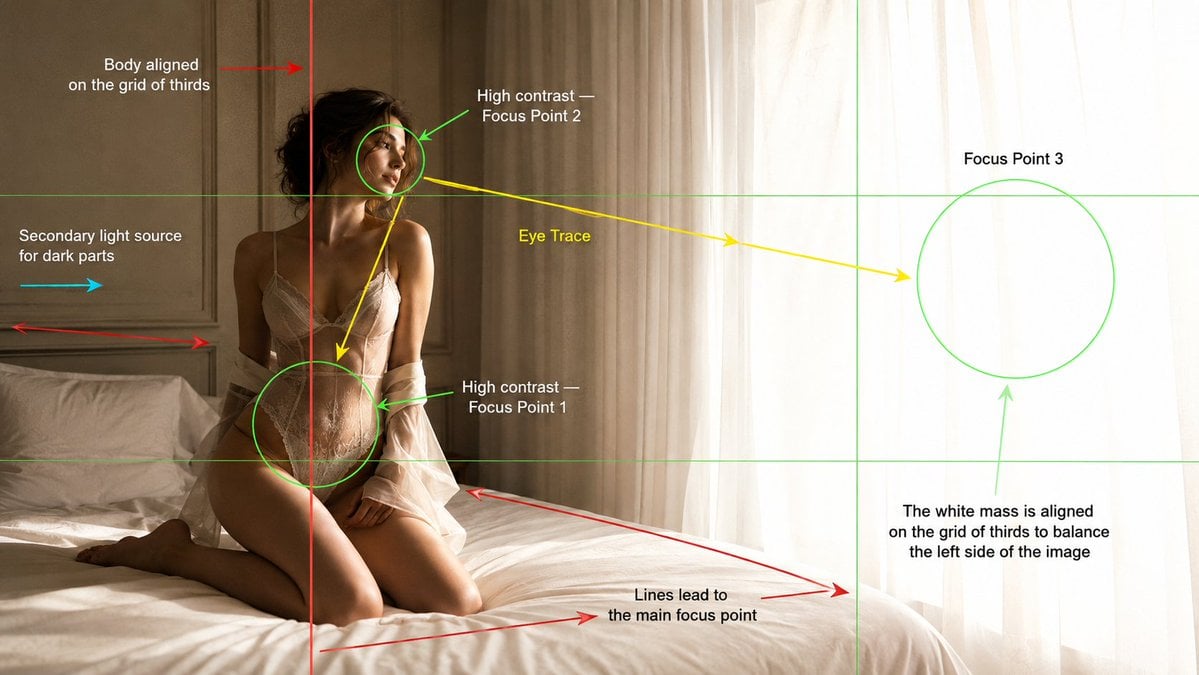
Cinematography Composition Analysis Frame
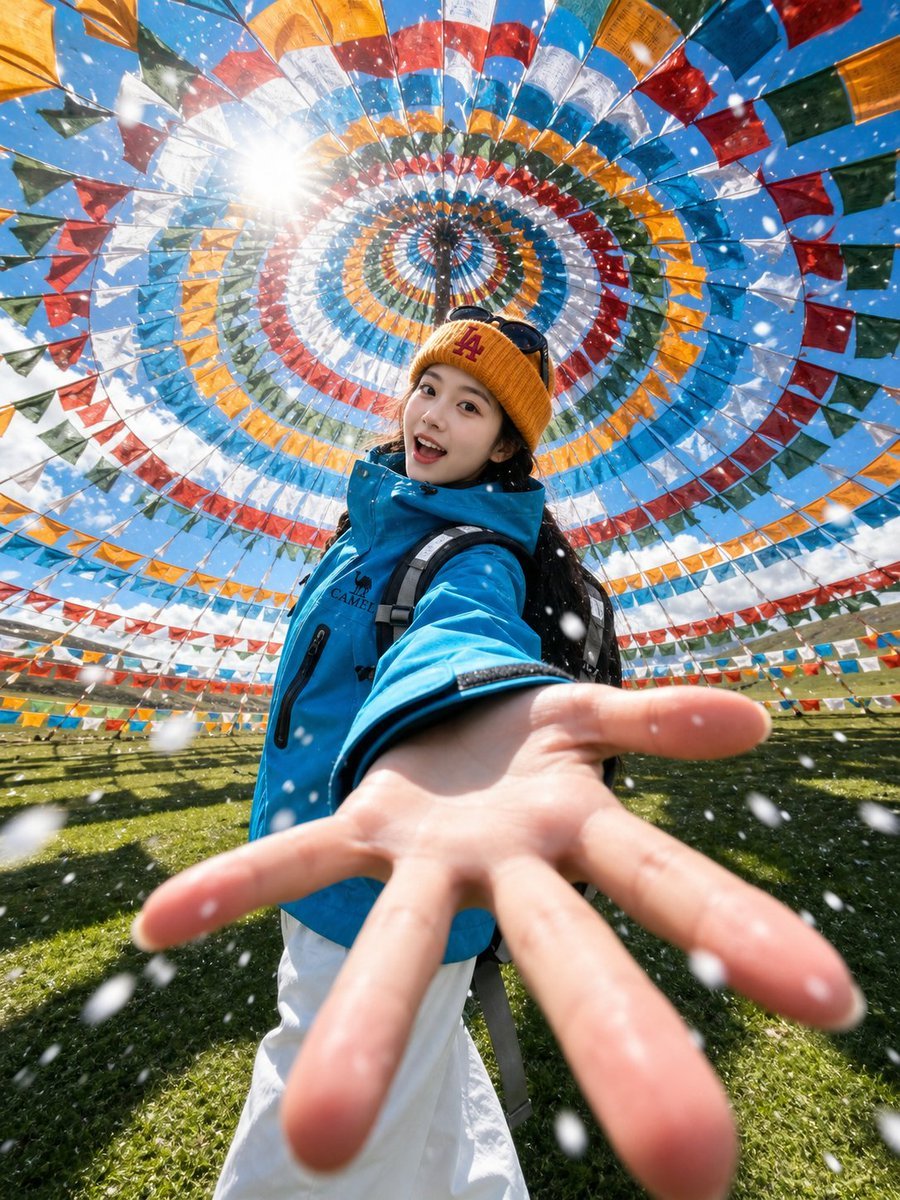
Tibetan Prayer Flag Highland Selfie
Dreamy Cinematic Highland Portrait Prompt
Extreme Macro Cinematography of Food
Photorealistic Highland Lake Selfie
cinematography style warm amber and cool blue colo... (IMAGE-NANO_BANANA)
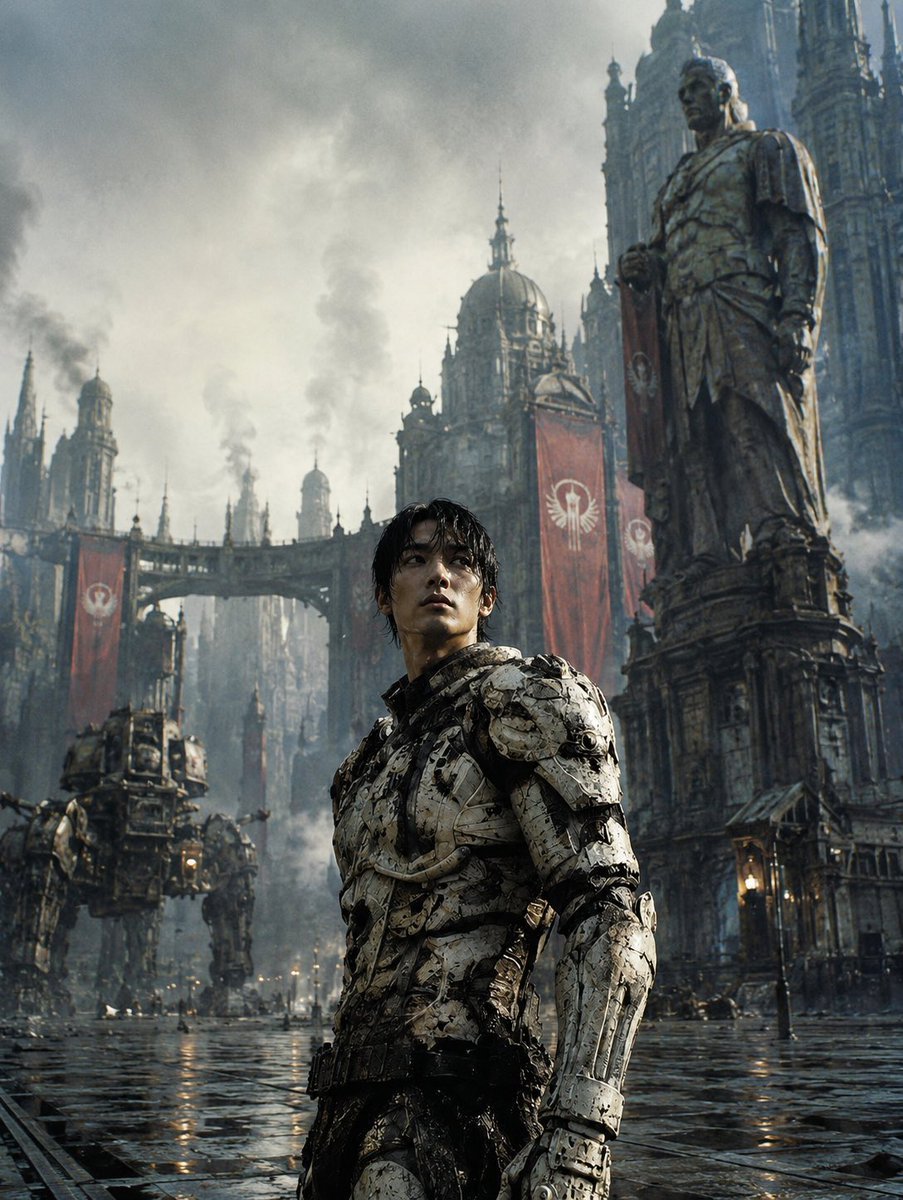
Dystopian Casshern-Style Hero
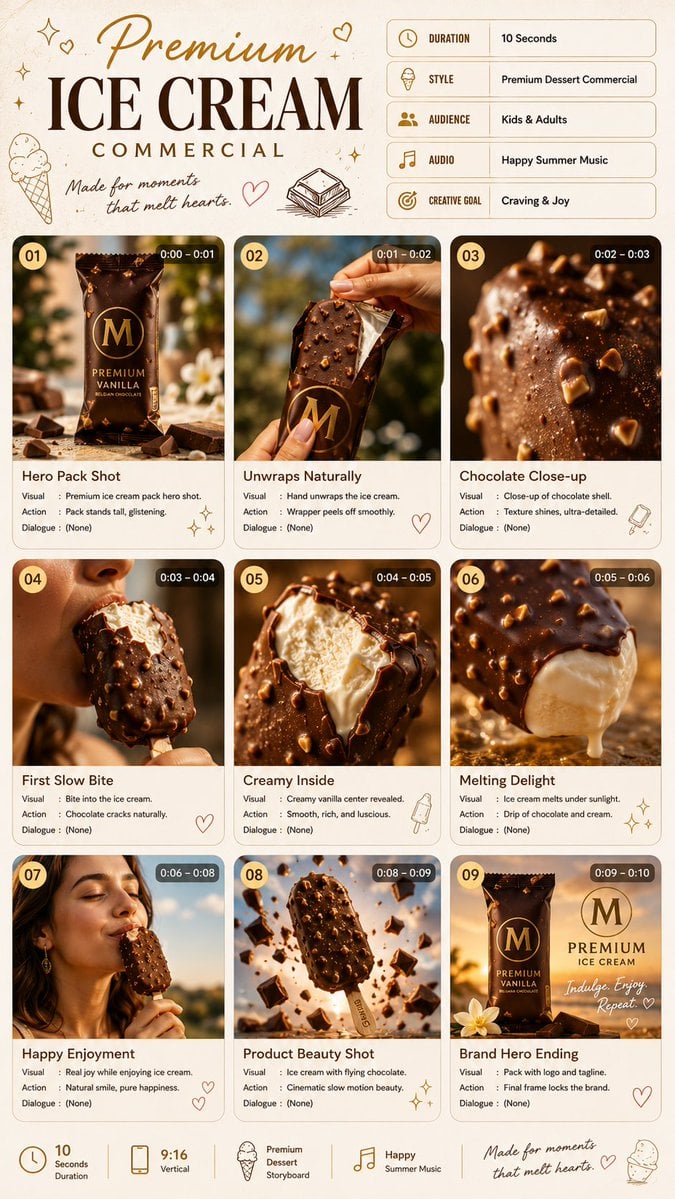
Premium Ice Cream Commercial Storyboard
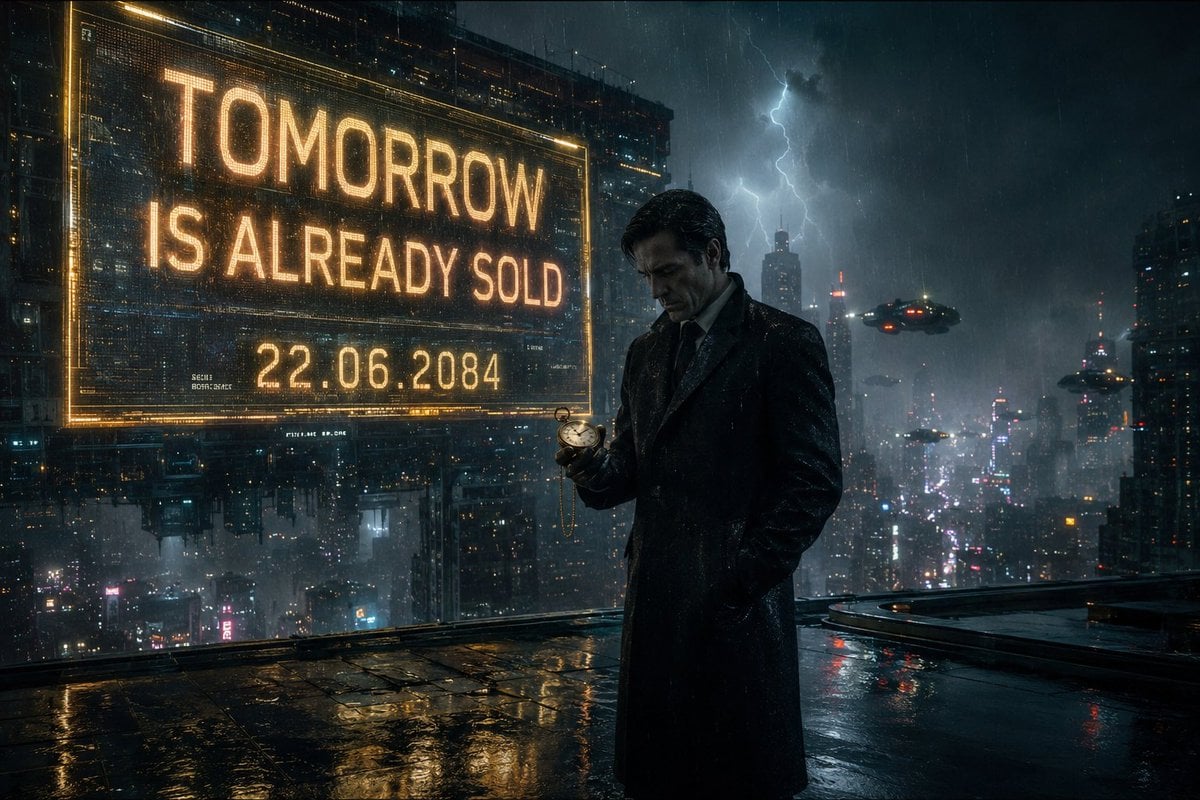
Neo-Noir Futuristic Cityscape
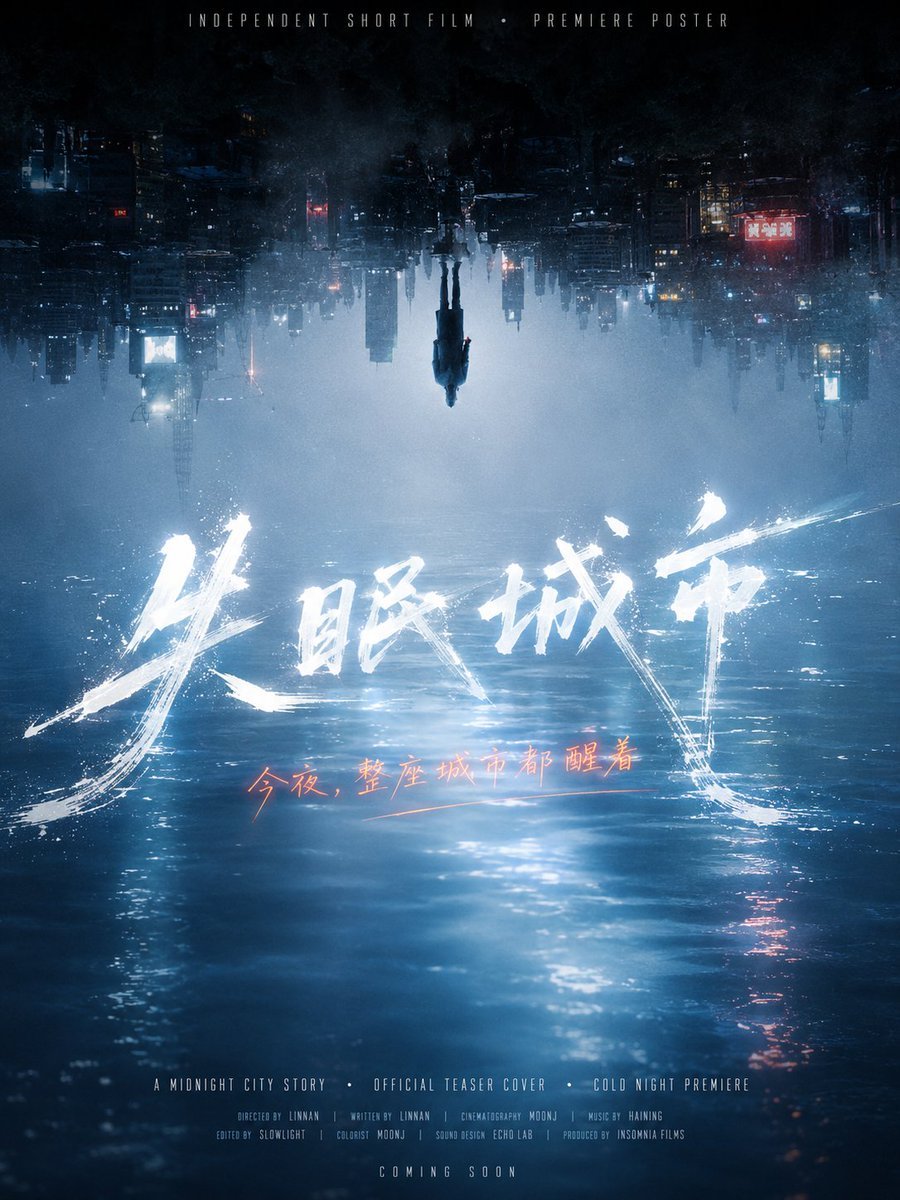
Inverted Midnight City Film Poster
Make it yours
Icelandic Highland Cinematography works as-is. These are the safest ways to change it without losing the look.
Change one field
Copy a single group, rewrite it, and generate again so you can see what that field is doing.
Keep the frame, change the subject
Hold the composition and light of Icelandic Highland Cinematography, then swap wardrobe, props or the person for a new take.
| If the result… | Why | Fix |
|---|---|---|
| The result drifts from the preview | Too many fields changed at once. | Reuse Icelandic Highland Cinematography as-is first, then change one group — subject, light, or setting. |
| The model over-stylizes the scene | The prose prompt leaves finish and camera underspecified. | Add one camera or lighting sentence and stay on GPT Image 2. |
More GPT Image 2 templates
Other prompts made for GPT Image 2.

Six VTuber Japanese Logo Sheet

Realistic Portrait of Woman and Deer

The Vista Modular Condo Poster

AI Model Routing Comparison Infographic

2.5D Anime Art Board

Isometric Productivity Desk Scene

New York Double Exposure Poster

Four-Panel AI Landscape Comparison

Japanese Tatami Lifestyle Magazine Cover

NESCAFÉ Coffee Map Poster
More image prompts
Fresh picks from across the catalog.

Hyper-Photorealistic Peach Beverage Ad

Manga Cover With Bass Girl and Designer Boy
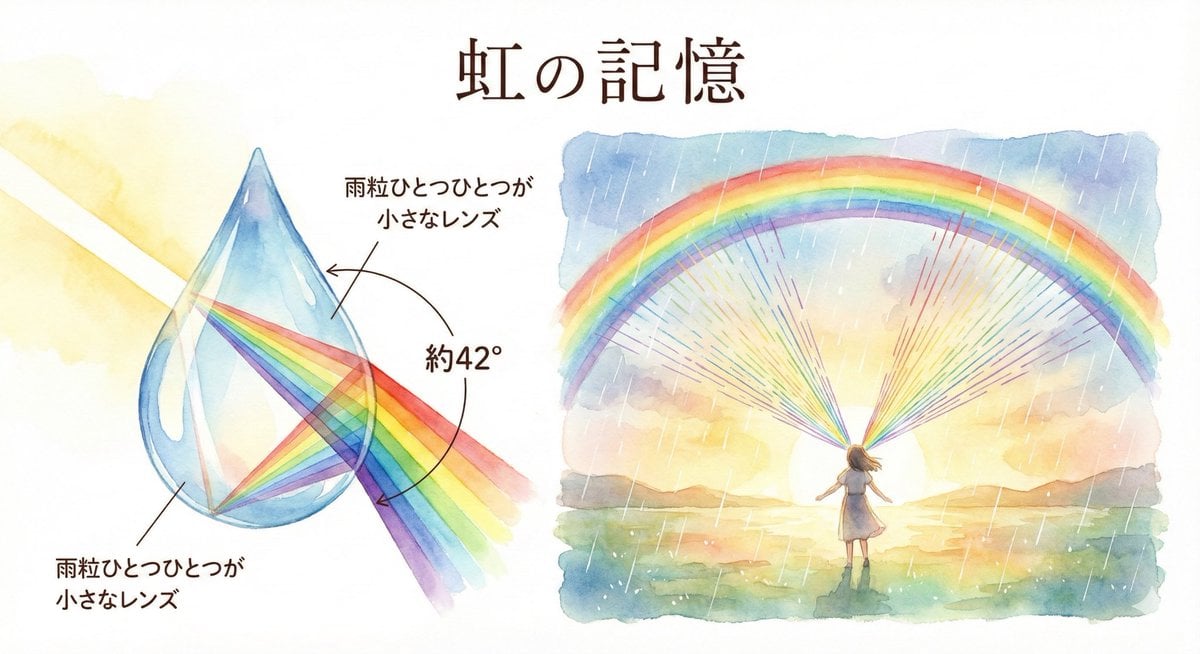
Rainbow Illustration Description
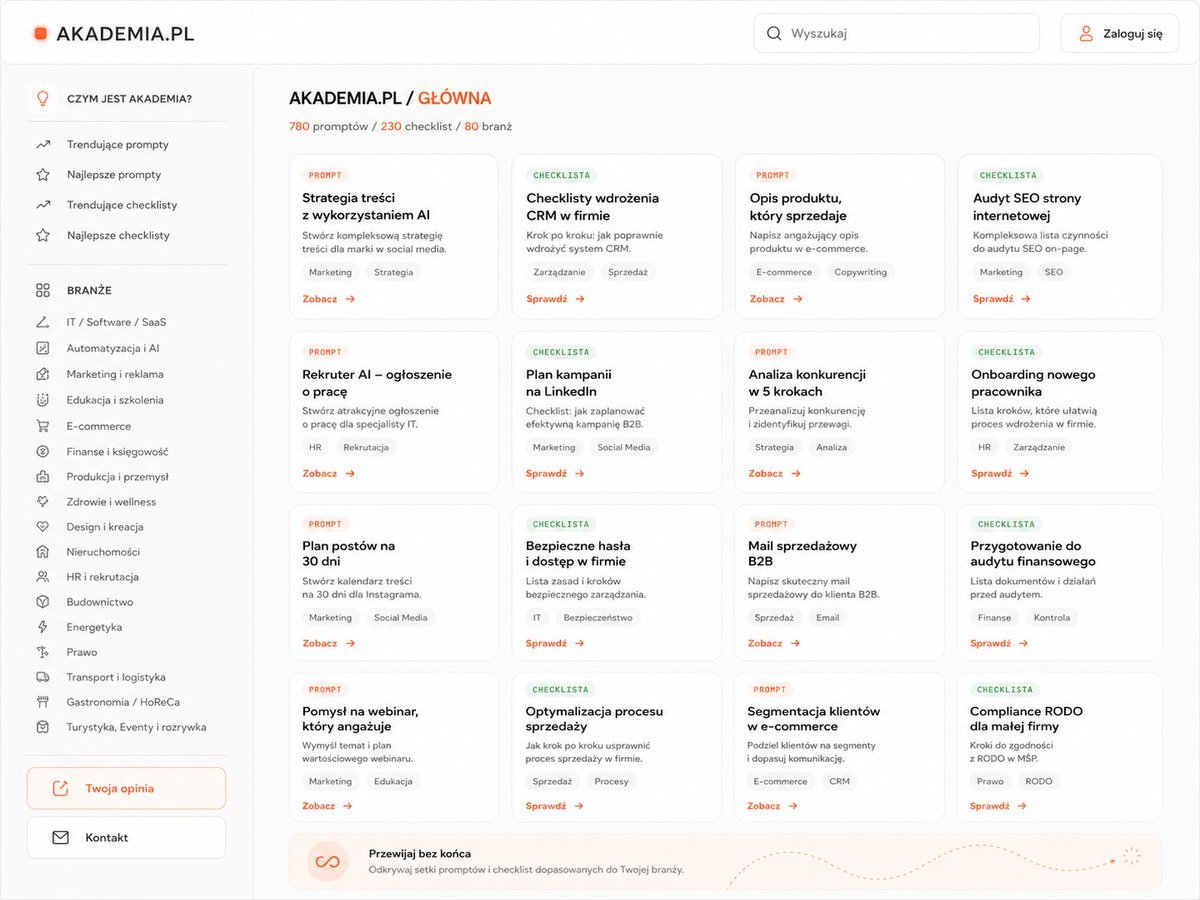
Sketch to Professional UI Design
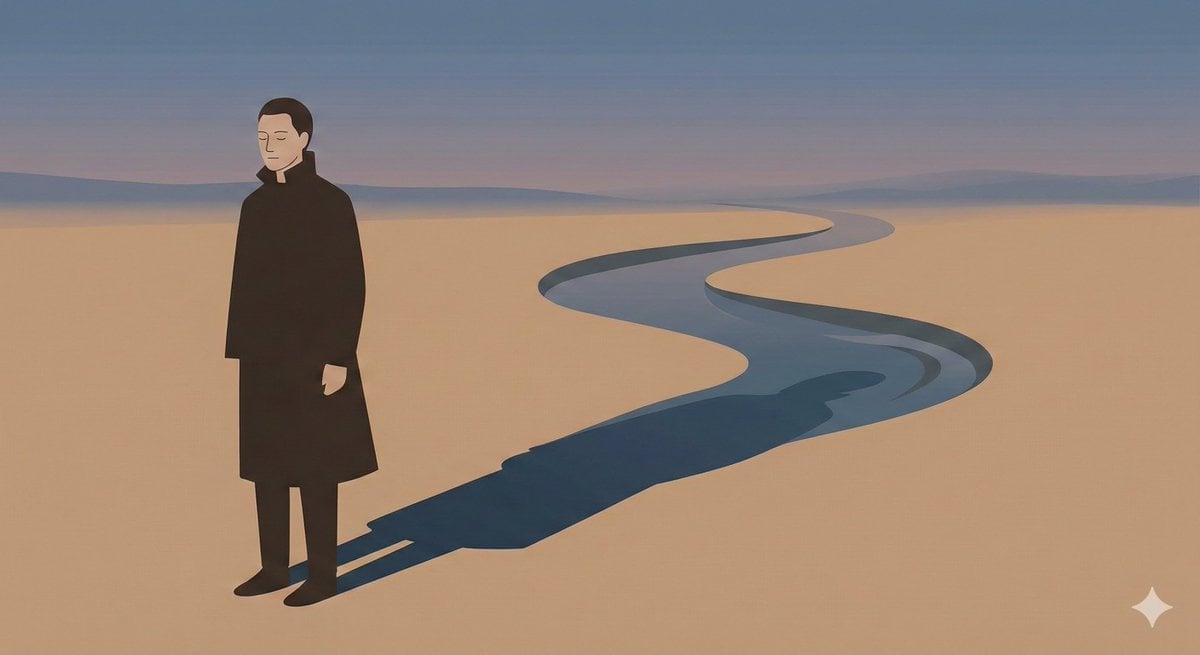
Poetic Minimal Illustration Template
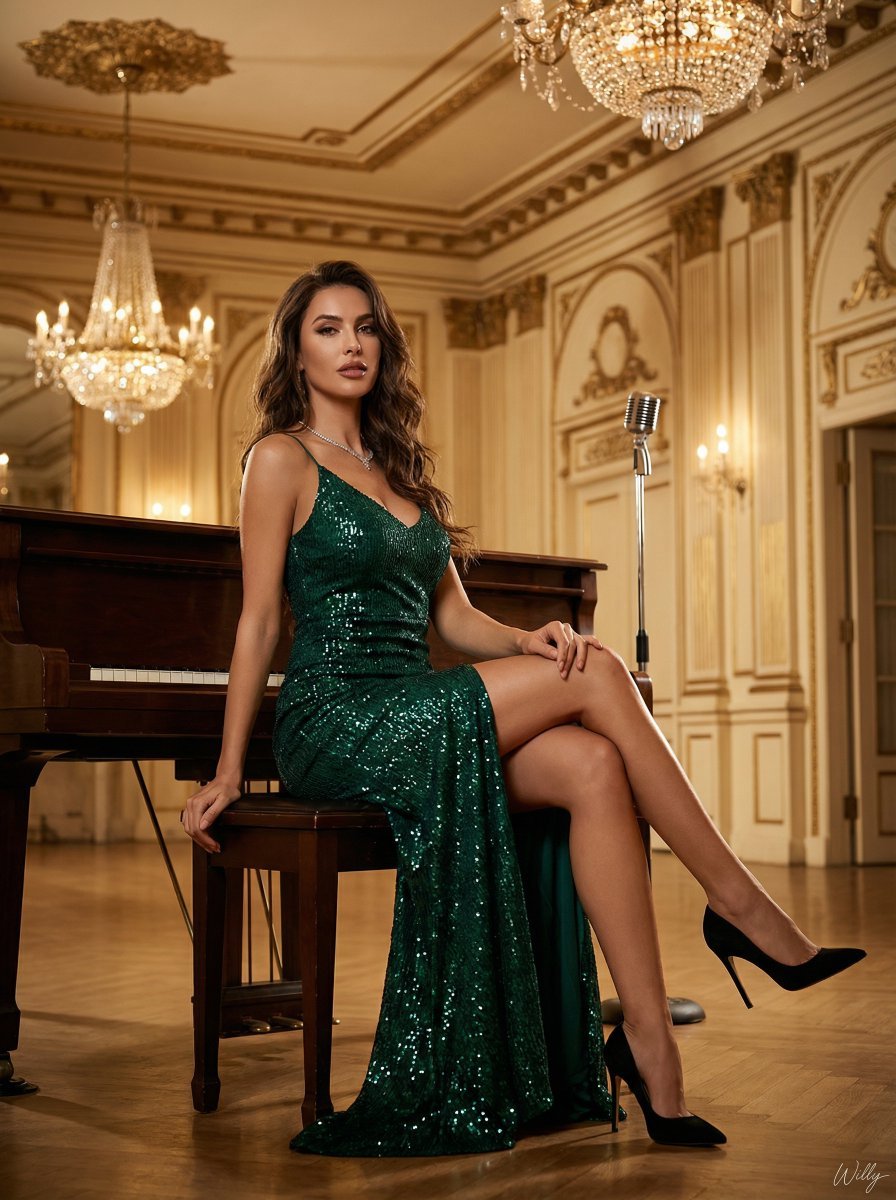
Ultra-Luxury Art Deco Fashion Editorial Prompt
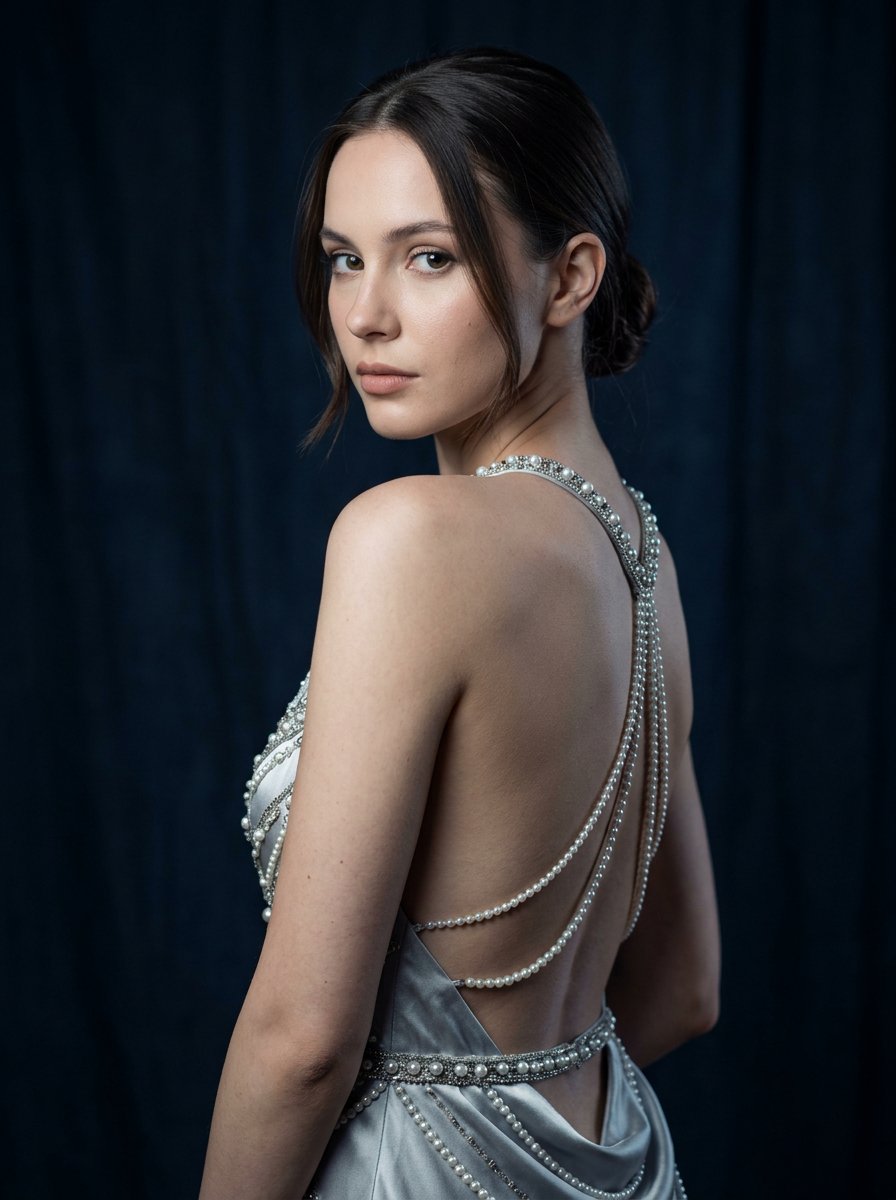
Silver Pearl Couture Portrait
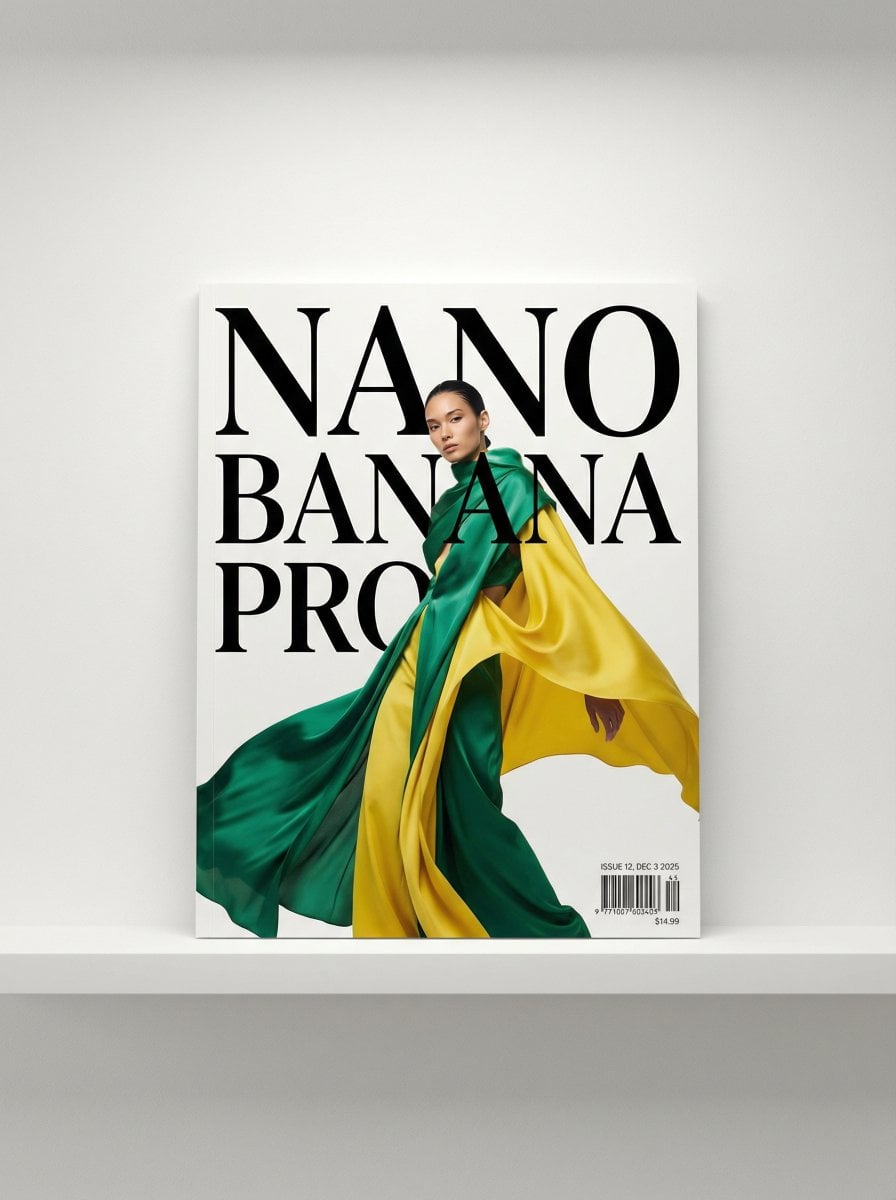
Magazine Cover Generation Prompt
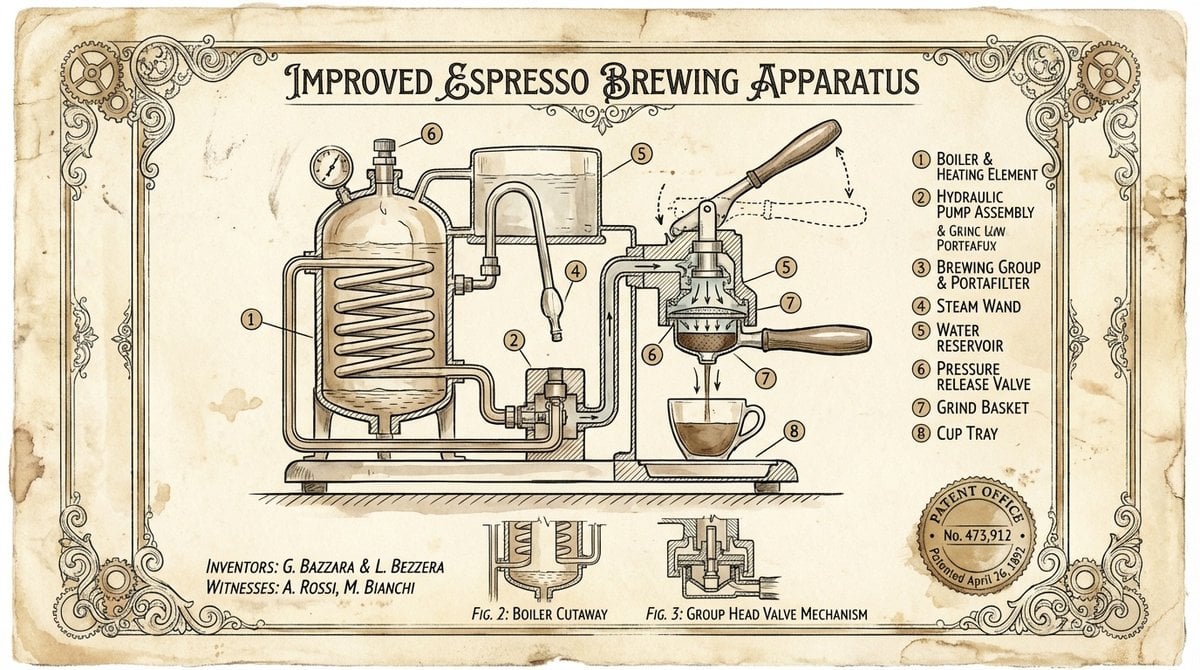
Vintage Patent Drawing Technical Illustration
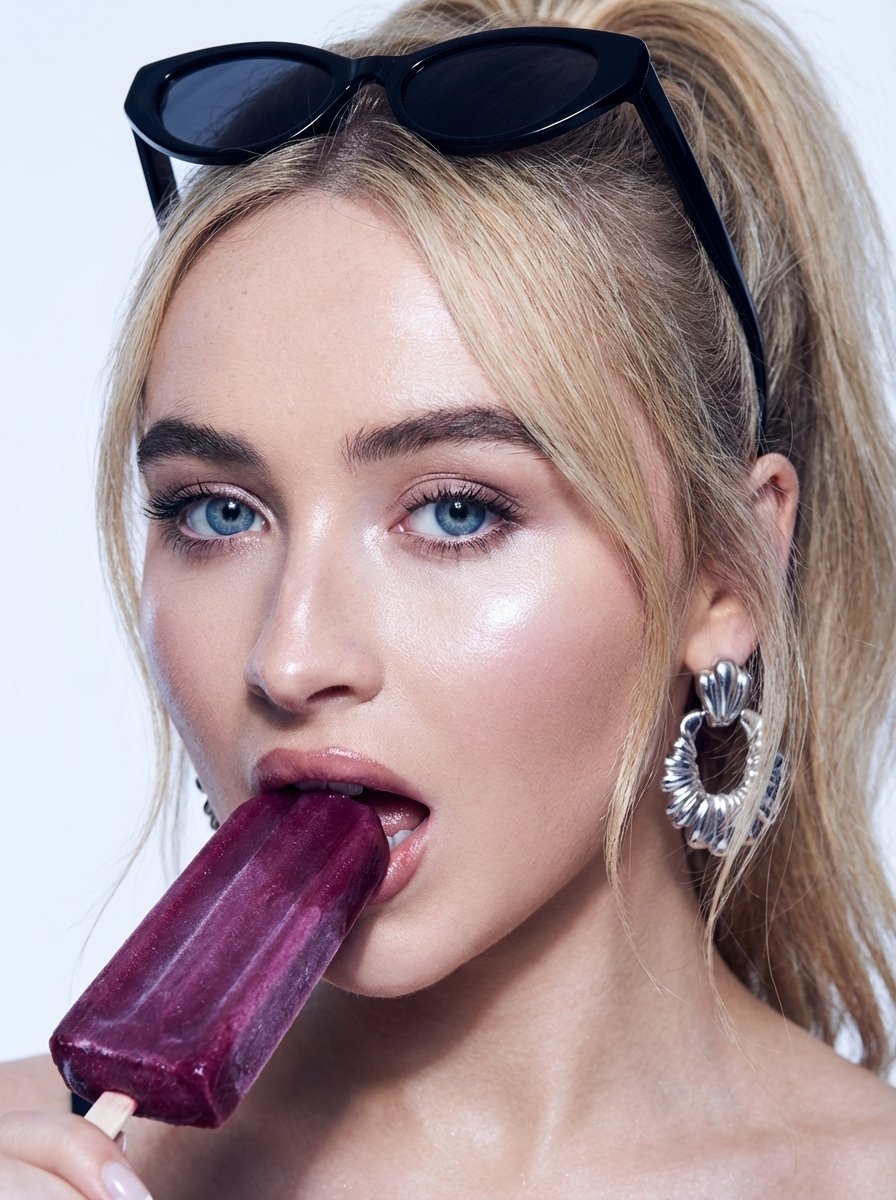
High-Fashion Beauty Close-Up Portrait Prompt for Nano Banana Pro
Browse template categories
Icelandic Highland Cinematography questions
How do I use the Icelandic Highland Cinematography template?
Add your photo if the template asks for one, edit the prompt if you like — the template's model and format are already selected — and press Generate. Your version opens in PicX Studio.
Can I customize the Icelandic Highland Cinematography template?
Yes. You can change the subject, setting, lighting, mood, format, and available model controls before creating your image.
Is the Icelandic Highland Cinematography template free?
Opening and editing this template is free. Generating uses credits, shown on the Generate button when you are signed in.
Which AI model should I use?
Start with GPT Image 2, which is the model associated with this template. You can compare another compatible model for a different finish.
Looking for something else? Browse all templates.

Your photo, any look
Thousands of ready templates for every top image and video model, from one credit balance.