
Tibetan Prayer Flag Highland Selfie
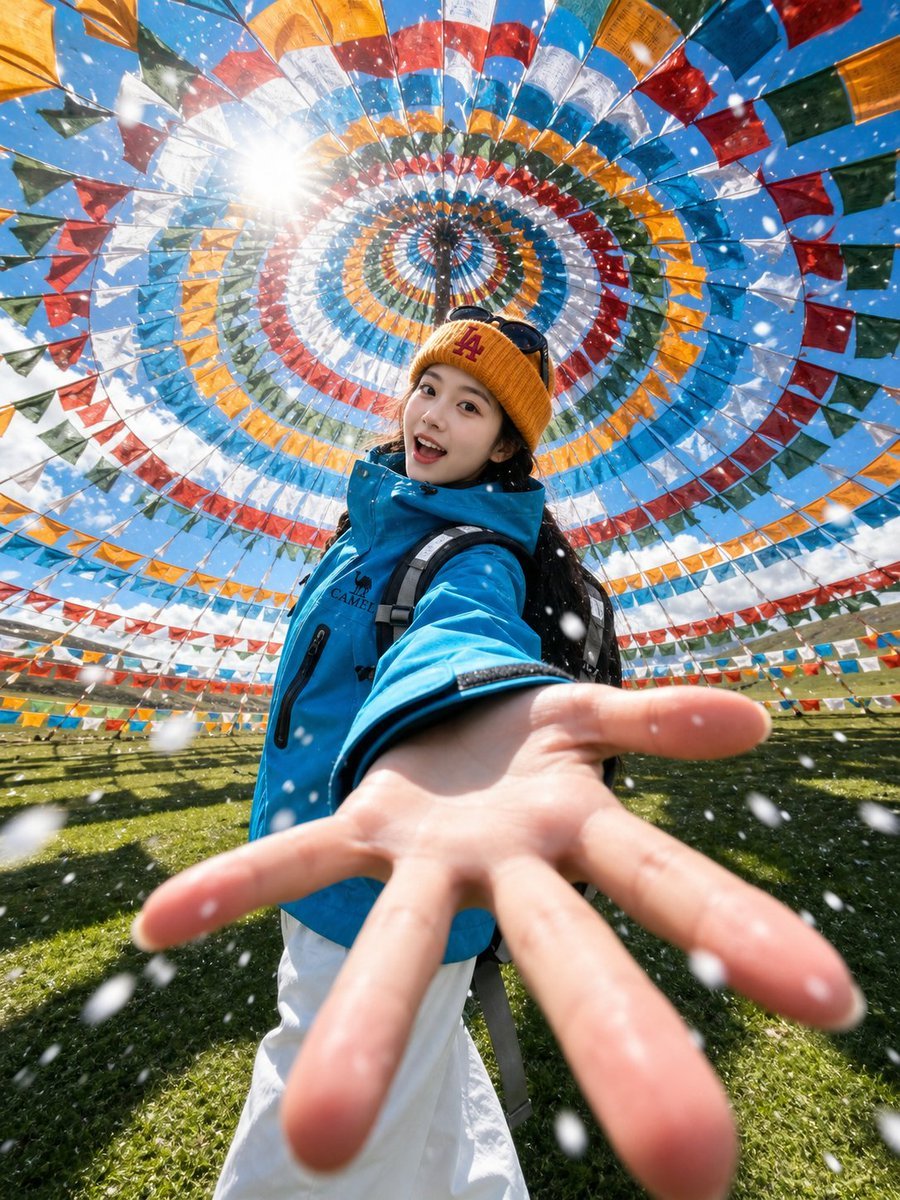
Generates a dramatic wide-angle alpine travel selfie beneath a colorful Tibetan prayer flag canopy, useful for personalized adventure portrait edits.
- Prompt included
- Model and format preset
- Free template
The prompt behind this image
Copy the exact prompt behind Tibetan Prayer Flag Highland Selfie, or open it in the studio and make it yours.
Create an ultra-wide-angle highland travel selfie in a Chinese Tibetan cultural aesthetic, shot from a dramatic low front perspective with the subject reaching one open hand toward the camera so the palm and fingers are very large in the foreground with strong depth distortion. The traveler is centered under a vast circular canopy of Tibetan prayer flags arranged in concentric rings and radial lines, with bright red, blue, yellow, green, and white fabric squares forming a mandala-like spiral overhead against a vivid blue sky. The sun flares through the flags at the upper left, creating sparkling highlights and high-contrast daylight. The subject wears a {argument name="jacket color" default="bright turquoise blue"} outdoor shell jacket, white pants, a black backpack strap, and a {argument name="hat color" default="mustard yellow"} knit beanie with sunglasses resting on top; long dark hair is visible. Place the scene on a grassy highland meadow with distant low hills and rows of prayer flags stretching across the background. Add falling white snowflakes or windblown ice particles throughout the frame, some large and blurred close to the lens, giving an adventurous alpine travel feeling. Use realistic photography, action-camera perspective, 14mm fisheye lens look, dynamic foreshortening, crisp saturated colors, natural skin tones, cinematic sunlight, sharp center details, shallow foreground blur, and an energetic social-media travel selfie composition. The subject’s face should appear as a soft anonymized blur or replaceable portrait area for {argument name="traveler identity" default="the uploaded person"}.
How to use Tibetan Prayer Flag Highland Selfie in 3 steps
- 1Upload ImagePNG, JPG or paste
Add your photo
Upload the photo the template builds on. The prompt, model and format are already set.
- 2…a portrait of your subject in softgolden-hour light, 85mm…
Personalize
Edit the subject and creative details for your destination.
- 3Generate
Generate
Press Generate — your image is created in PicX Studio, so you can compare it with the original and refine one variable at a time.
More like this
Templates with the same subject, style or setup. Open one to see its prompt.
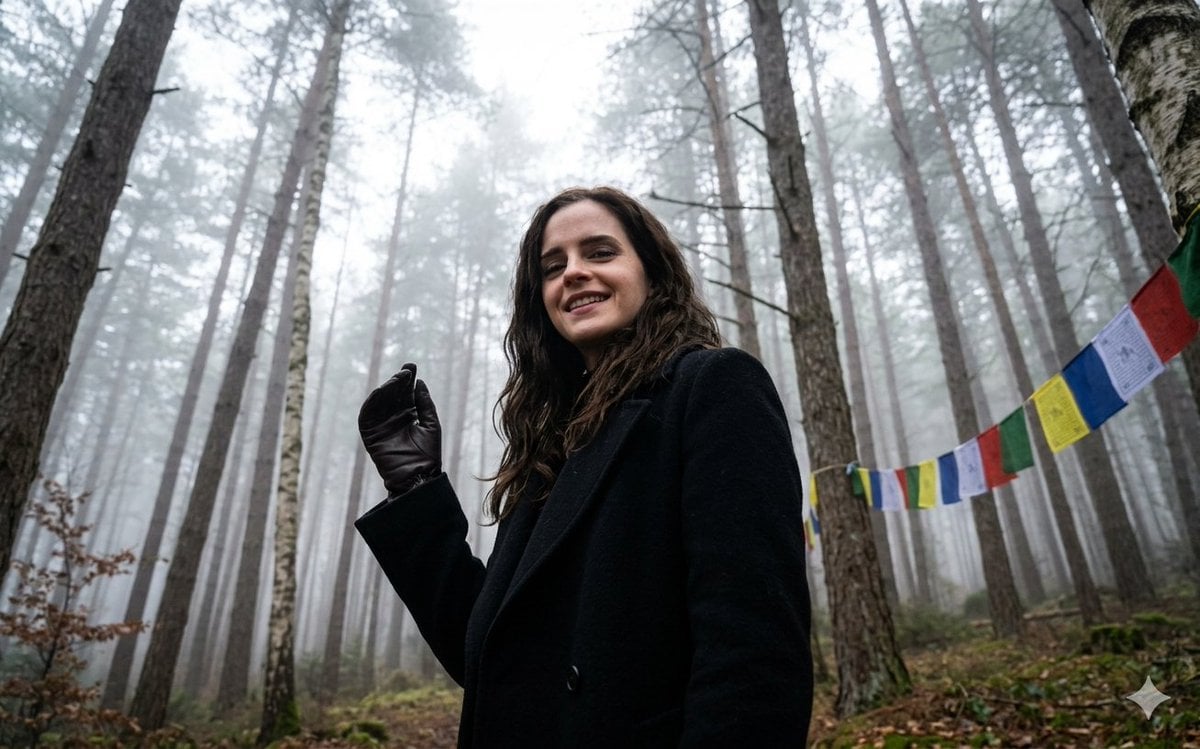
Misty Forest Tibetan Prayer Flags

Rooftop Fisheye — Cat-Ear Balaclava at Golden Hour

Felt & Knit 3D Character — Photo-Exact Face, Pixar-Quality Plush Figurine

Eid al-Adha Cute Chaos — Fisheye Selfie with Farm Selfie, Mosque & Animals

Cat Photobomb Selfie — 0.5x Wide Angle Café Chaos

Gen Z Triple Selfie Collage — Y2K Flash Photography

Surreal Cat Astronaut — Humanoid Face Freefall

Photoreal Village Lanterns Minecraft Scene

Photoreal Snow Biome Name Tag UI

Photoreal Selfie Minecraft Block World

Photoreal Selfie Minecraft Village Ghast UI

Low Angle Floor Selfie With Upside Down Cat
Make it yours
Tibetan Prayer Flag Highland Selfie works as-is. These are the safest ways to change it without losing the look.
Change one field
Copy a single group, rewrite it, and generate again so you can see what that field is doing.
Keep the frame, change the subject
Hold the composition and light of Tibetan Prayer Flag Highland Selfie, then swap wardrobe, props or the person for a new take.
| If the result… | Why | Fix |
|---|---|---|
| The result drifts from the preview | Too many fields changed at once. | Reuse Tibetan Prayer Flag Highland Selfie as-is first, then change one group — subject, light, or setting. |
| The model over-stylizes the scene | The prose prompt leaves finish and camera underspecified. | Add one camera or lighting sentence and stay on GPT Image 2. |
More GPT Image 2 templates
Other prompts made for GPT Image 2.

Six VTuber Japanese Logo Sheet

Realistic Portrait of Woman and Deer

The Vista Modular Condo Poster

AI Model Routing Comparison Infographic

2.5D Anime Art Board

Isometric Productivity Desk Scene

New York Double Exposure Poster

Four-Panel AI Landscape Comparison

Japanese Tatami Lifestyle Magazine Cover

NESCAFÉ Coffee Map Poster
More image prompts
Fresh picks from across the catalog.
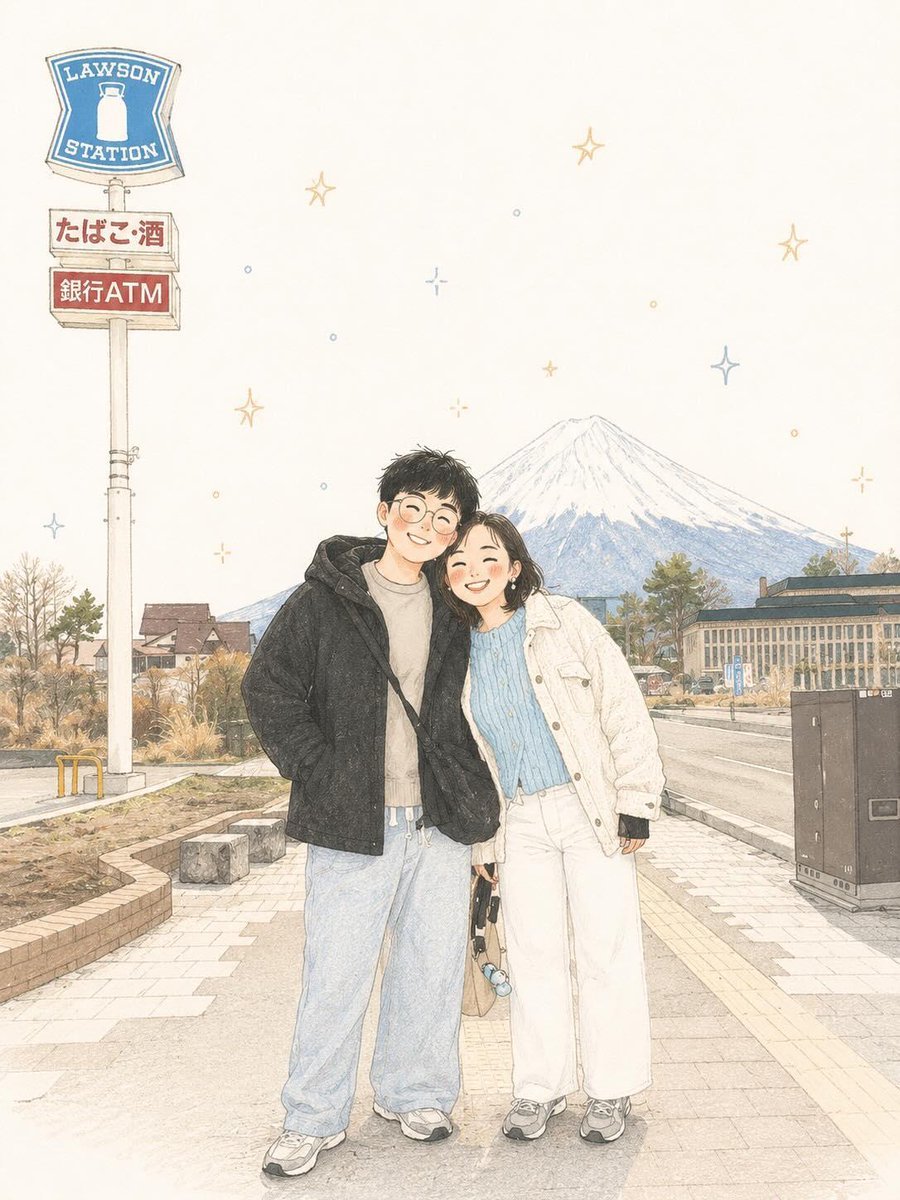
Minimalist Scandinavian Children's Illustration

The Collector of Time Fantasy Scene
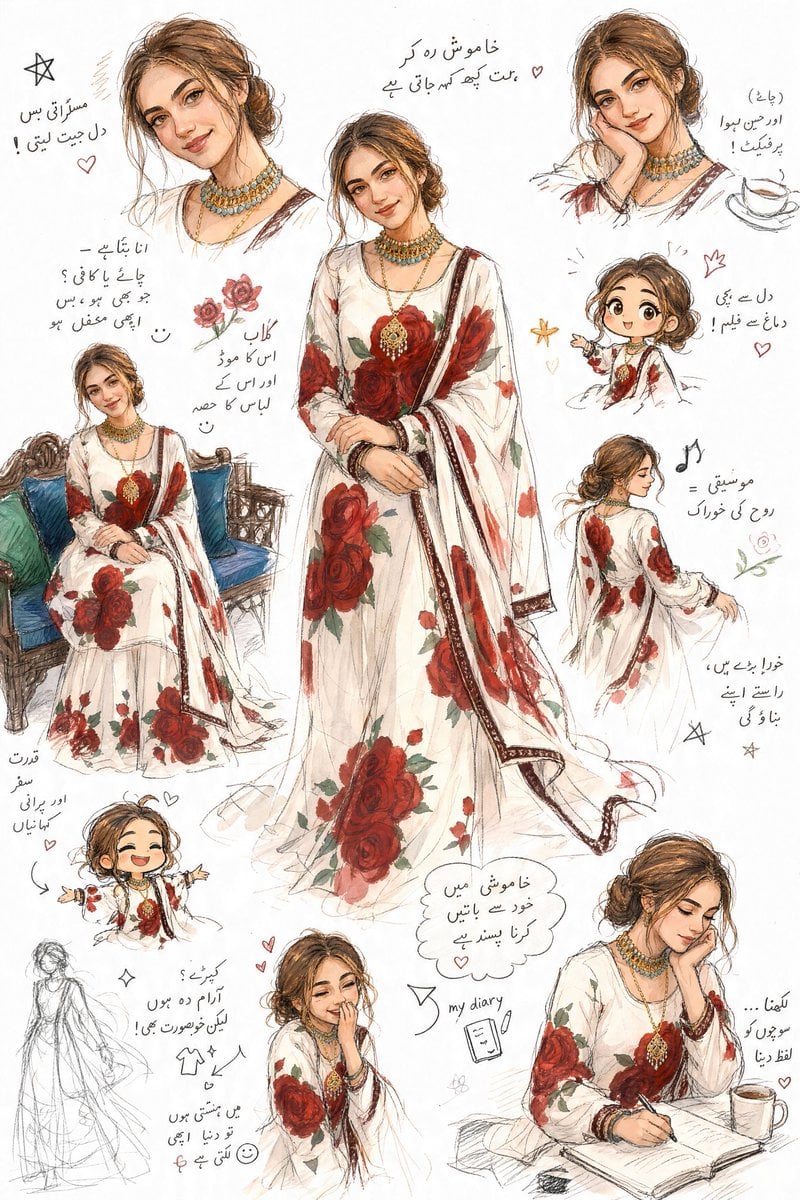
Artistic Sketchbook Character Study in Urdu

Anime Boxing Match Poster
Seaside Travel Lifestyle Portrait
Ultimate Designer Stress Test: Minimal Abstract Visual
Professional Food Poster Prompt for NanoBananaPro

Anime Light Novel Cover with Typography
Cityscape Morphology from Material Concepts

Futuristic Audi Tron Concept Coupe
Browse template categories
Tibetan Prayer Flag Highland Selfie questions
How do I use the Tibetan Prayer Flag Highland Selfie template?
Add your photo if the template asks for one, edit the prompt if you like — the template's model and format are already selected — and press Generate. Your version opens in PicX Studio.
Can I customize the Tibetan Prayer Flag Highland Selfie template?
Yes. You can change the subject, setting, lighting, mood, format, and available model controls before creating your image.
Is the Tibetan Prayer Flag Highland Selfie template free?
Opening and editing this template is free. Generating uses credits, shown on the Generate button when you are signed in.
Which AI model should I use?
Start with GPT Image 2, which is the model associated with this template. You can compare another compatible model for a different finish.
Looking for something else? Browse all templates.

Your photo, any look
Thousands of ready templates for every top image and video model, from one credit balance.