
Anime Light Novel Cover with Typography
Generates a detailed anime-style light novel cover featuring a protagonist, a harem of heroines, magical effects, and integrated Japanese and English typography.
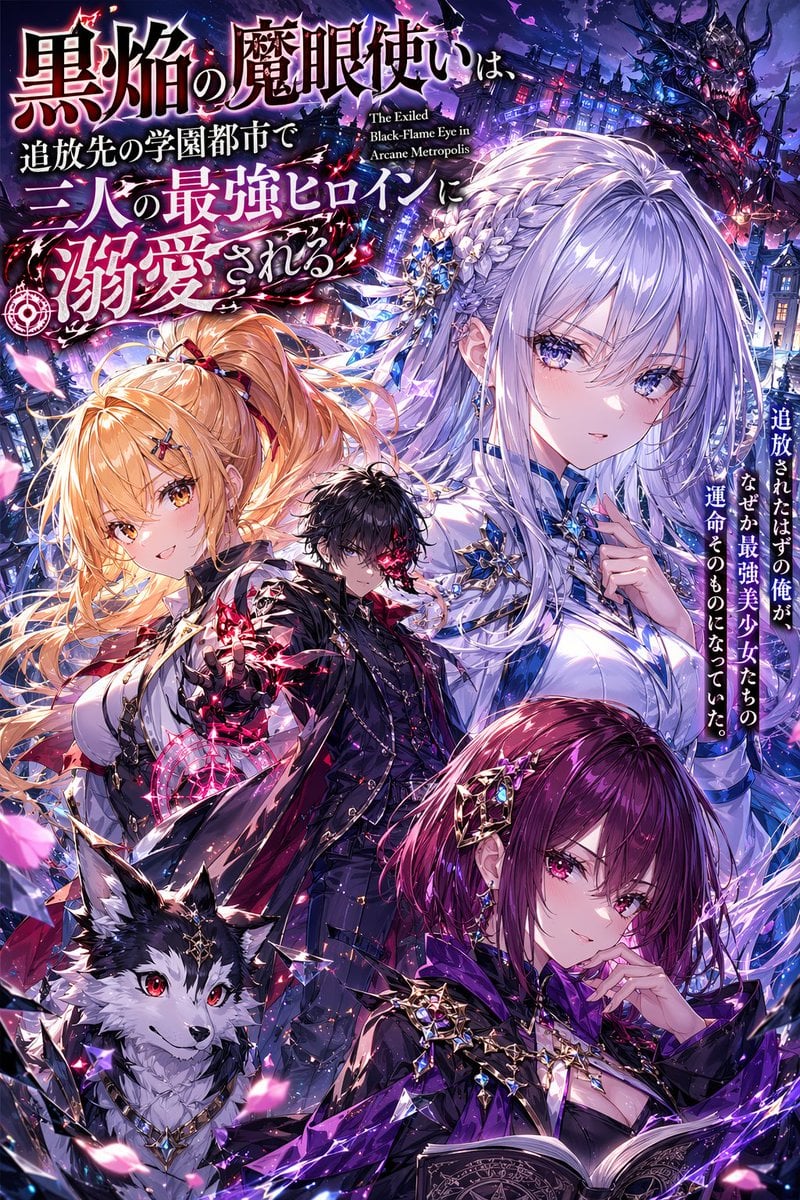
- Prompt included
- Model and format preset
- Free template
The prompt behind this image
Copy the exact prompt behind Anime Light Novel Cover with Typography, or open it in the studio and make it yours.
An anime light novel cover. Top left features a stylized Japanese title {argument name="main title" default="黒焔の魔眼使いは、追放先の学園都市で三人の最強ヒロインに溺愛される"} and English subtitle {argument name="english subtitle" default="The Exiled Black-Flame Eye in Arcane Metropolis"}. A vertical Japanese blurb on the right reads {argument name="vertical blurb" default="追放されたはずの俺が、なぜか最強美少女たちの運命そのものになっていた。"}. The scene includes 4 characters and 1 creature. Centered is a male protagonist with {argument name="protagonist hair color" default="black"} hair, a glowing red eye, and a dark coat. He is surrounded by 3 heroines: a top-right girl with long {argument name="heroine hair color" default="silver"} hair and a white-blue crystal dress; a mid-left blonde girl with a side ponytail casting a pink magic circle; and a bottom-right girl with short magenta hair holding a grimoire. A black-and-white wolf familiar sits bottom-left. The background is a dark gothic academy at night, filled with floating pink petals, glowing magic particles, shattered glass, and a faint demonic figure top-right.
How to use Anime Light Novel Cover with Typography in 3 steps
- 1Upload ImagePNG, JPG or paste
Add your photo
Upload the photo the template builds on. The prompt, model and format are already set.
- 2…a portrait of your subject in softgolden-hour light, 85mm…
Personalize
Edit the subject and creative details for your destination.
- 3Generate
Generate
Press Generate — your image is created in PicX Studio, so you can compare it with the original and refine one variable at a time.
More like this
Templates with the same subject, style or setup. Open one to see its prompt.
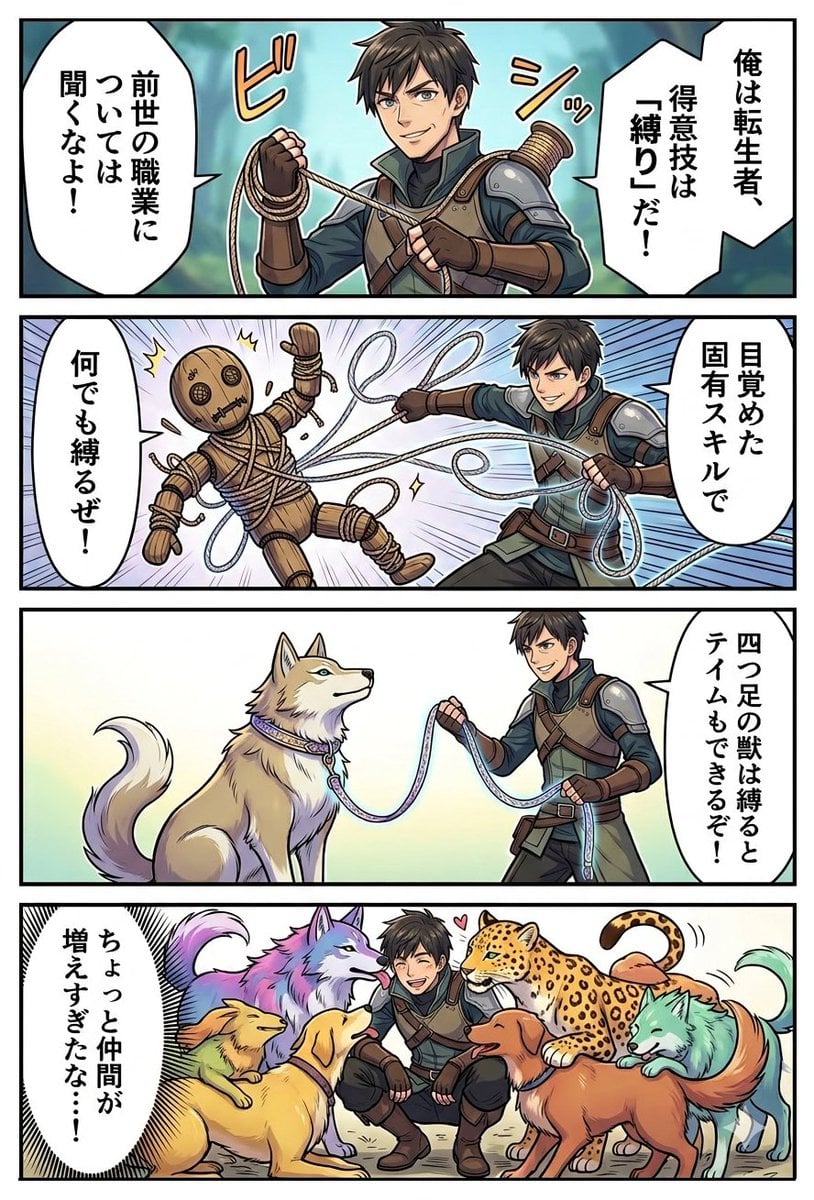
Light Novel Style Comic Cover

Pixar Anime Storm Lighthouse
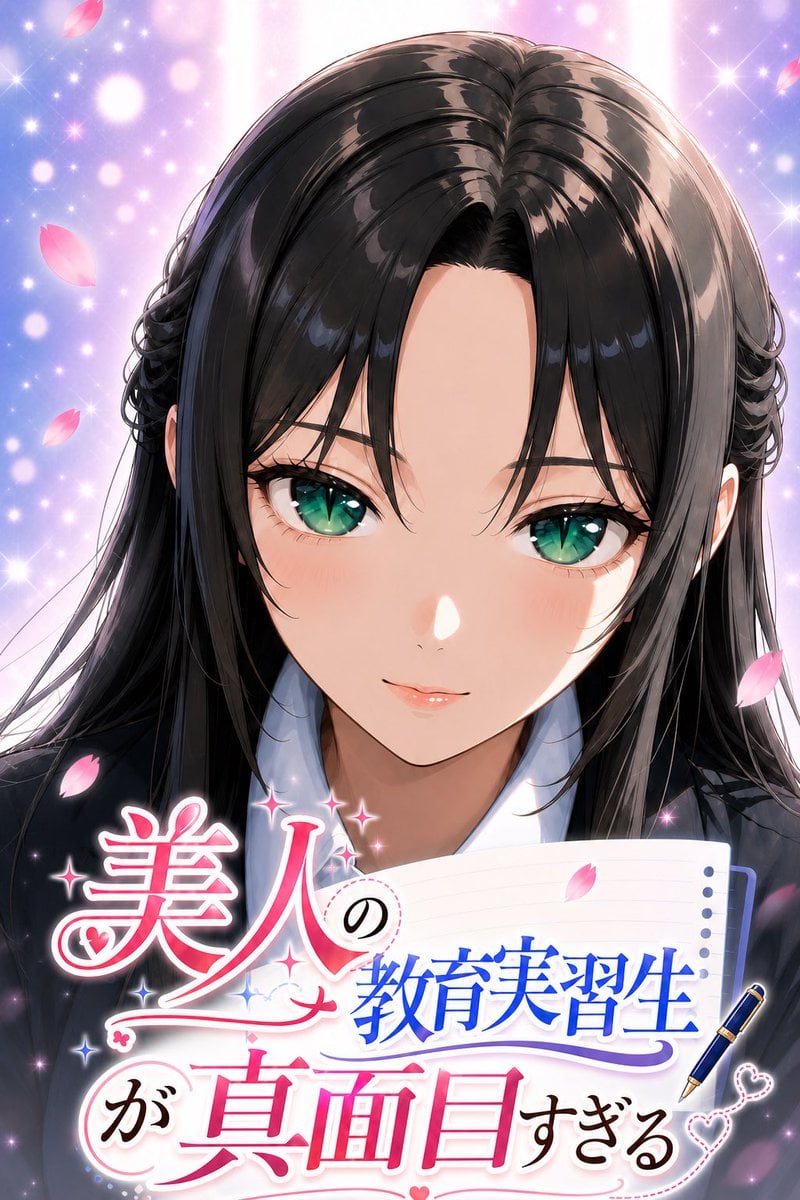
Anime Teaching Intern Novel Cover
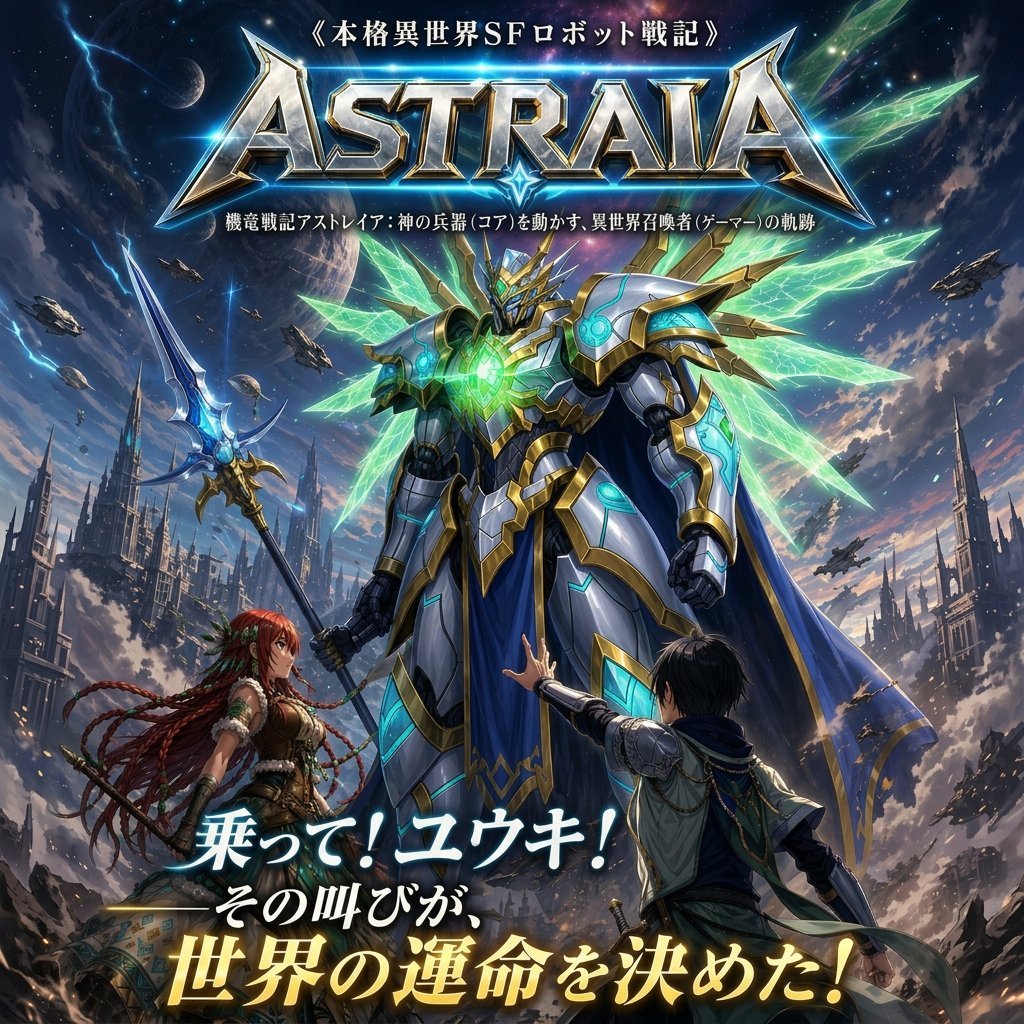
Epic Fantasy Mecha Light Novel Cover
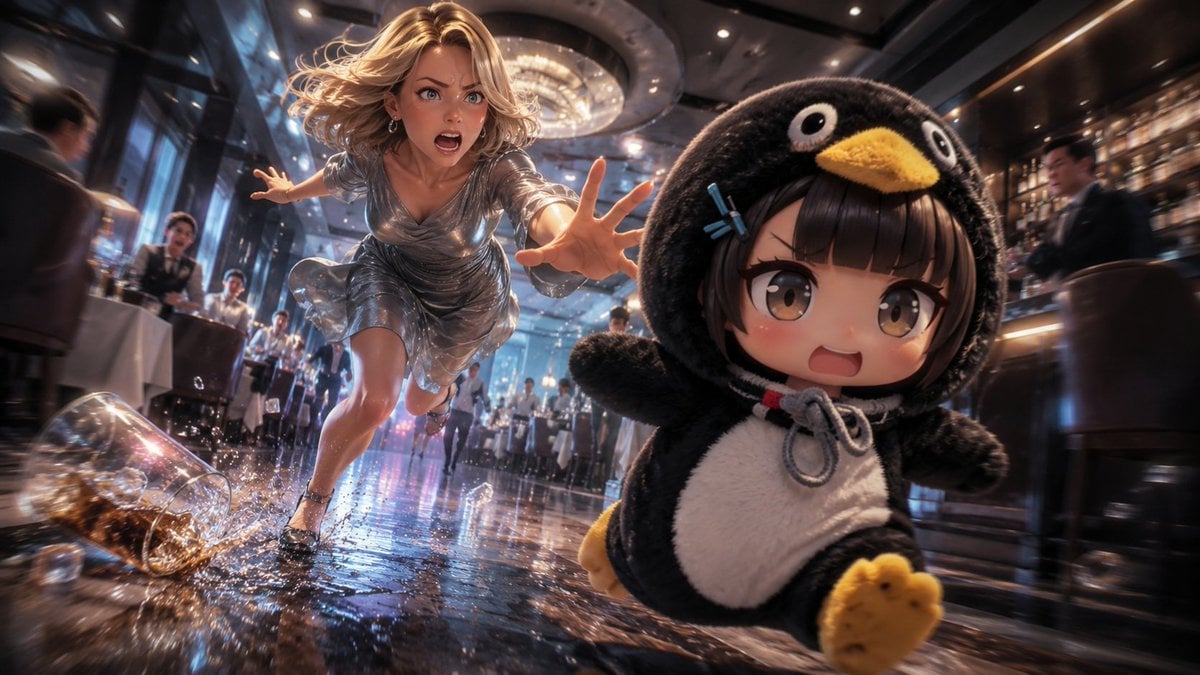
Anime Light Novel Restaurant Chase
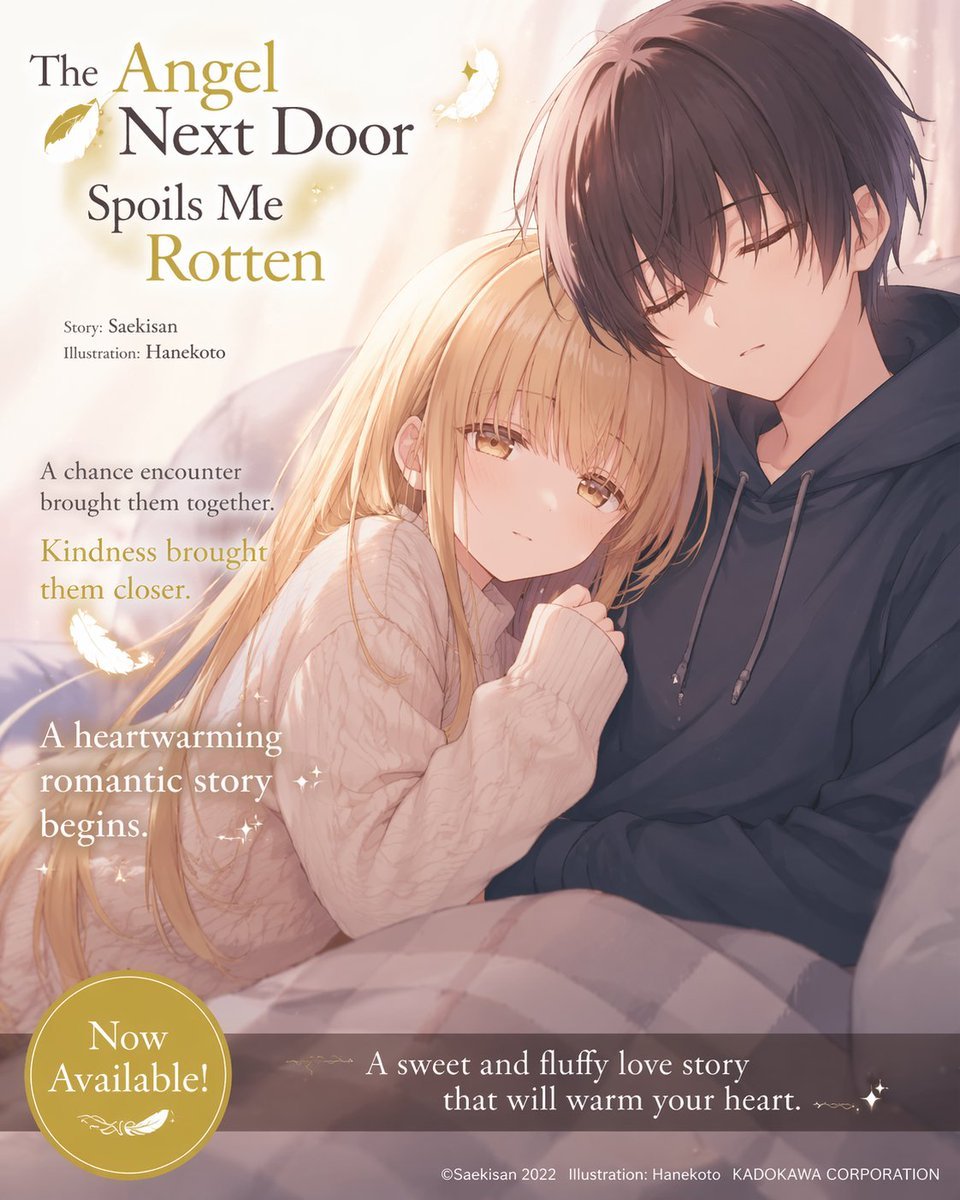
Anime Light Novel Promotional Poster
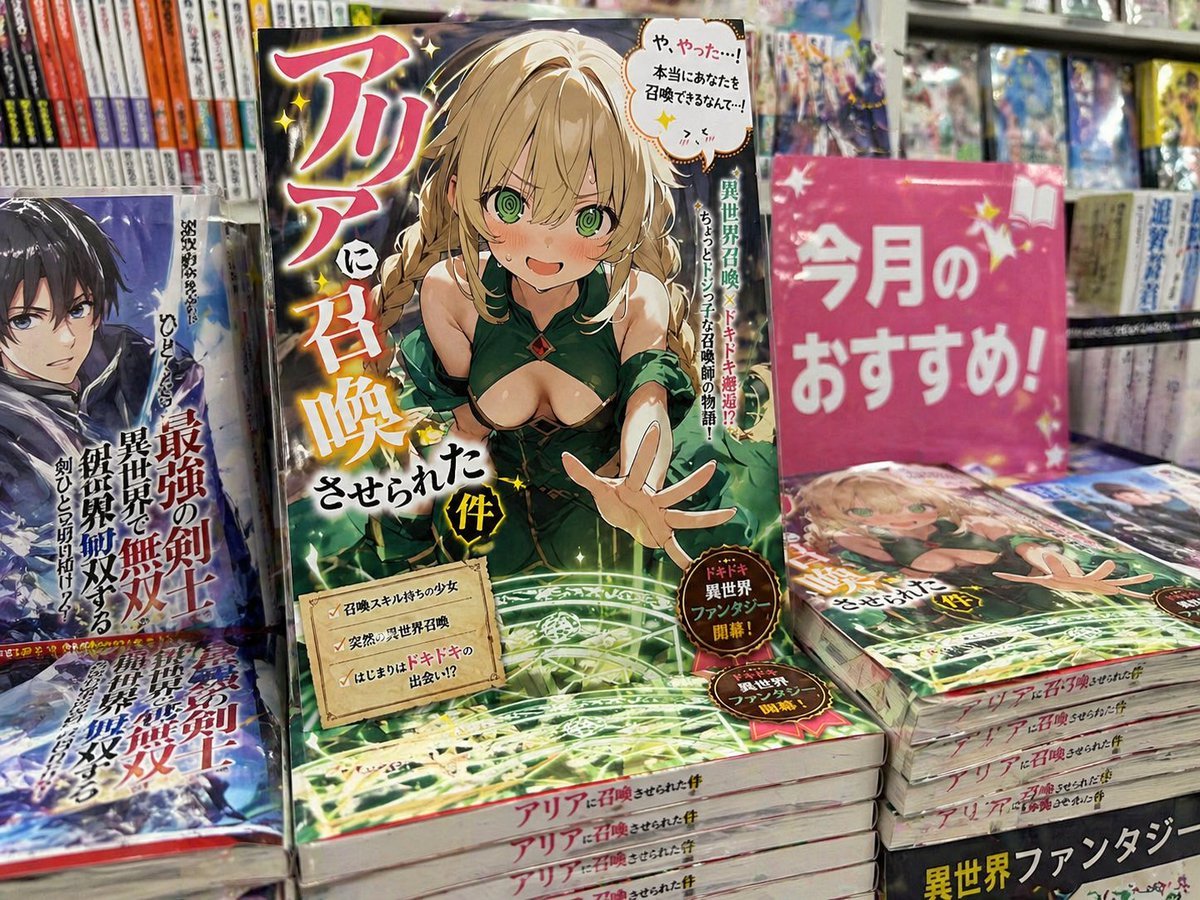
Light novel cover and bookstore display
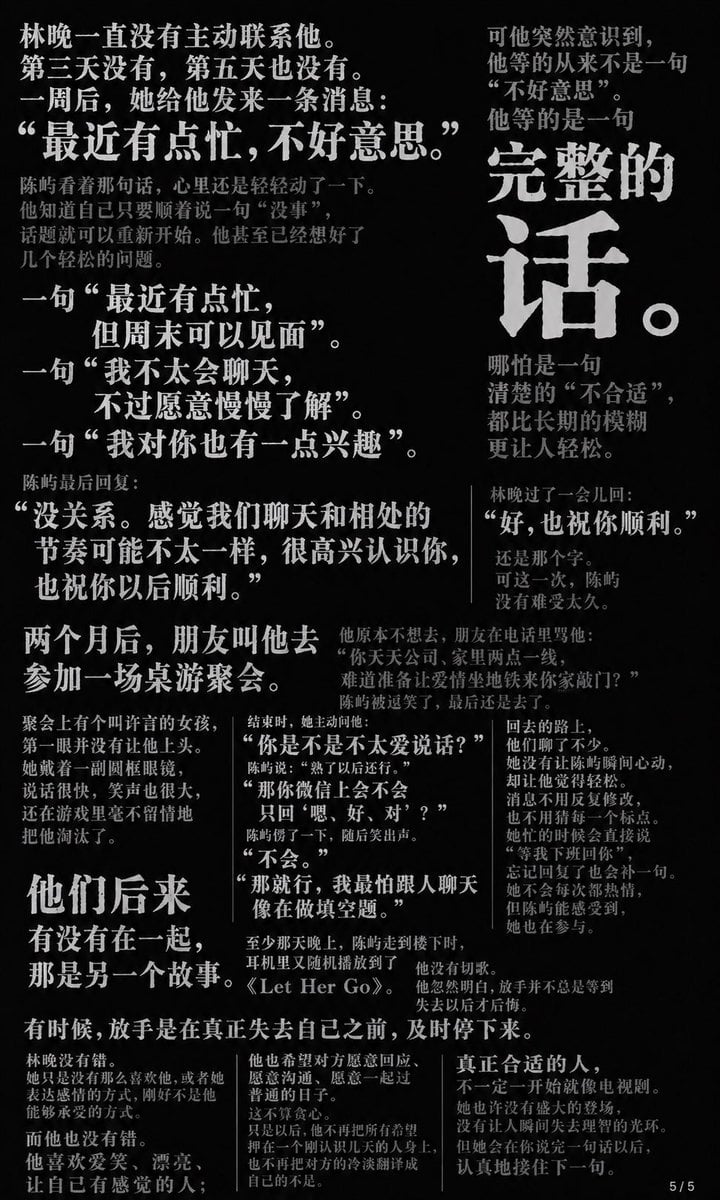
Chinese Novel Quote Typography Poster

Anime Mahjong Magazine Cover

Neon Anime Fireworks Magazine Cover

Motion Graphics Finale Fireworks

Motion Graphics Garden Maze
Make it yours
Anime Light Novel Cover with Typography works as-is. These are the safest ways to change it without losing the look.
Change one field
Copy a single group, rewrite it, and generate again so you can see what that field is doing.
Keep the frame, change the subject
Hold the composition and light of Anime Light Novel Cover with Typography, then swap wardrobe, props or the person for a new take.
| If the result… | Why | Fix |
|---|---|---|
| The result drifts from the preview | Too many fields changed at once. | Reuse Anime Light Novel Cover with Typography as-is first, then change one group — subject, light, or setting. |
| The model over-stylizes the scene | The prose prompt leaves finish and camera underspecified. | Add one camera or lighting sentence and stay on GPT Image 2. |
More GPT Image 2 templates
Other prompts made for GPT Image 2.

Six VTuber Japanese Logo Sheet

Realistic Portrait of Woman and Deer

The Vista Modular Condo Poster

AI Model Routing Comparison Infographic

2.5D Anime Art Board

Isometric Productivity Desk Scene

New York Double Exposure Poster

Four-Panel AI Landscape Comparison

Japanese Tatami Lifestyle Magazine Cover

NESCAFÉ Coffee Map Poster
More image prompts
Fresh picks from across the catalog.
Detailed Cityscape Pencil Sketch
Analog Film Enoshima Portrait

Minimalist Product Photo with Doodle
Cinematic Neon Rain Portrait Prompt
Fashion Editorial Outfit Breakdown
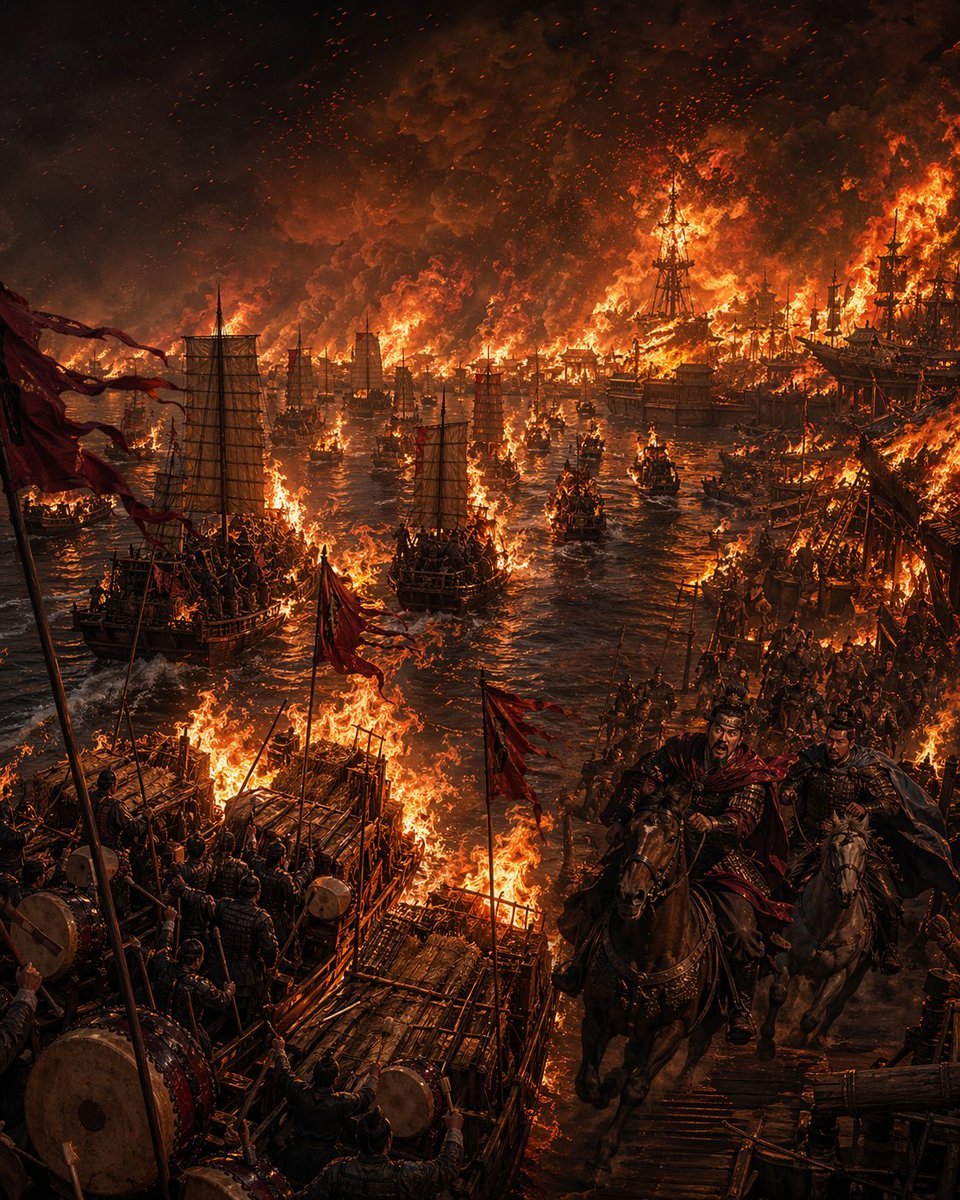
Burning Red Cliffs Night Battle
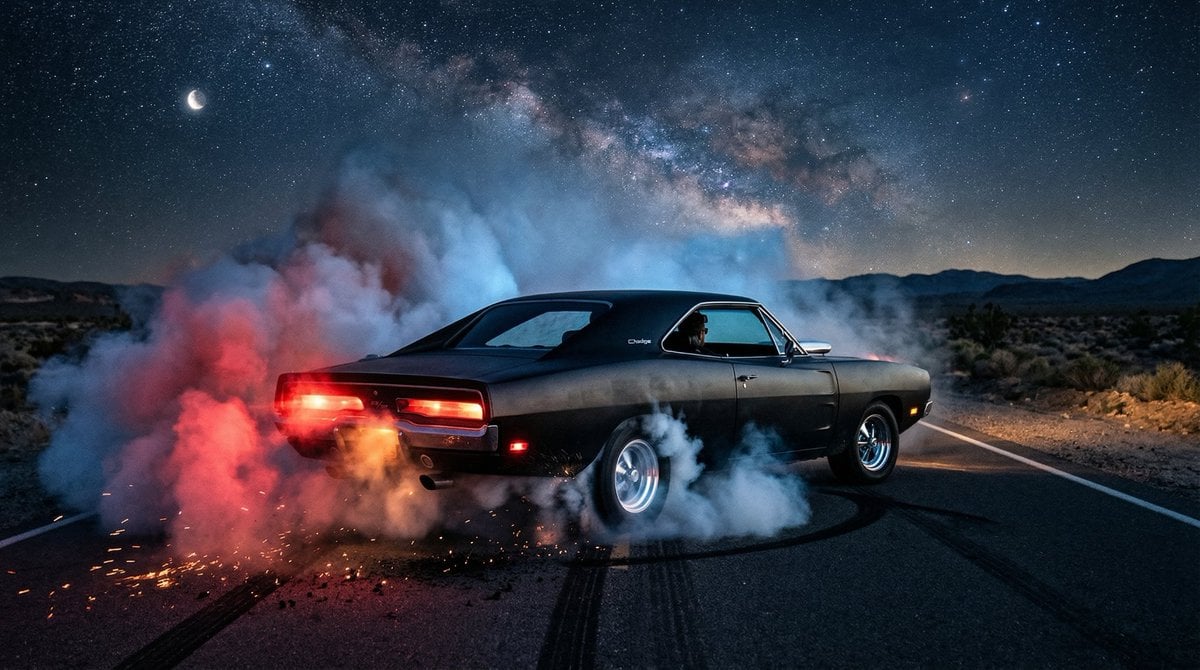
1970 Dodge Charger Burnout Prompt for Nano Banana 2
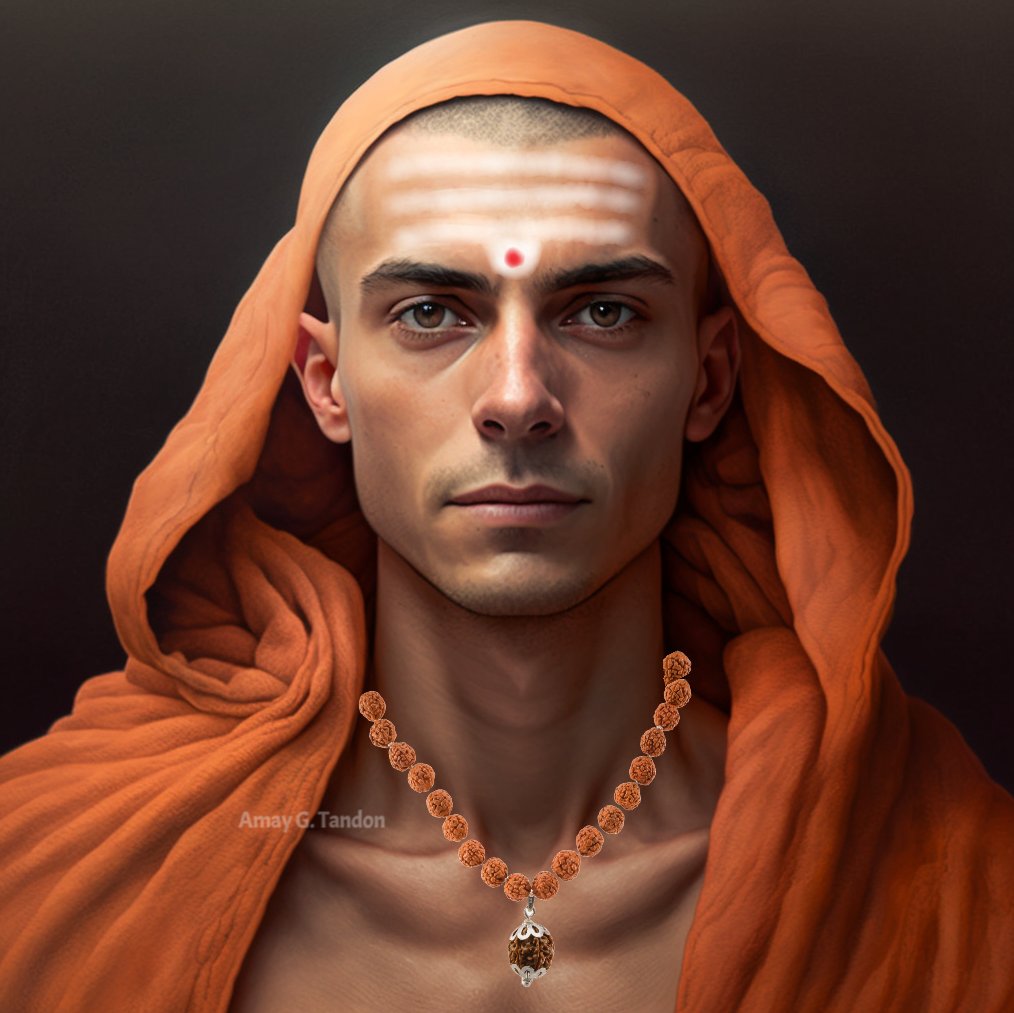
Hyper Realistic Portrait of Adi Shankara

Vibrant K-drama Promotional Poster
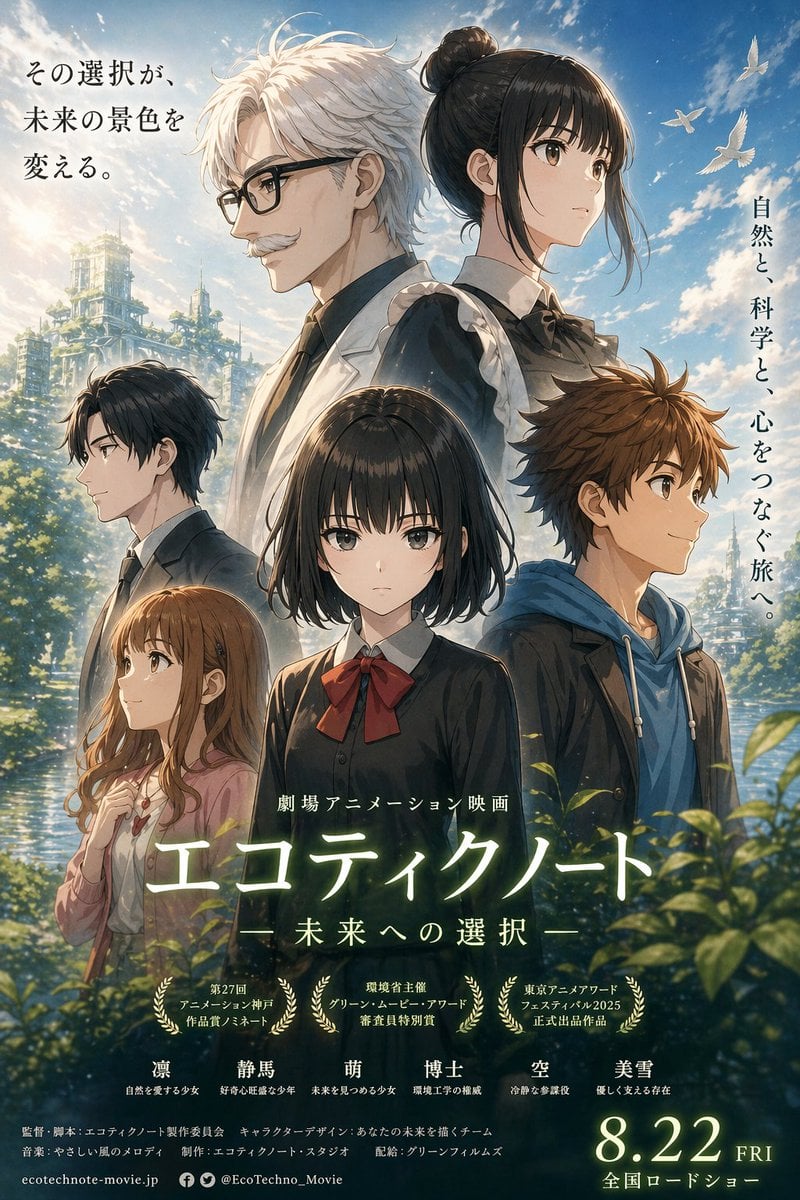
Anime Ensemble Movie Poster
Browse template categories
Anime Light Novel Cover with Typography questions
How do I use the Anime Light Novel Cover with Typography template?
Add your photo if the template asks for one, edit the prompt if you like — the template's model and format are already selected — and press Generate. Your version opens in PicX Studio.
Can I customize the Anime Light Novel Cover with Typography template?
Yes. You can change the subject, setting, lighting, mood, format, and available model controls before creating your image.
Is the Anime Light Novel Cover with Typography template free?
Opening and editing this template is free. Generating uses credits, shown on the Generate button when you are signed in.
Which AI model should I use?
Start with GPT Image 2, which is the model associated with this template. You can compare another compatible model for a different finish.
Looking for something else? Browse all templates.

Your photo, any look
Thousands of ready templates for every top image and video model, from one credit balance.