How do I use the Detailed Cityscape Pencil Sketch template?
Choose the primary action to open PicX Studio with the available template settings. Review the model and format, personalize the creative direction, and generate when ready.
Hand-drawn style pencil and charcoal sketches of iconic cityscapes like Tokyo and Beijing, featuring neon-lit streets and traditional architecture.
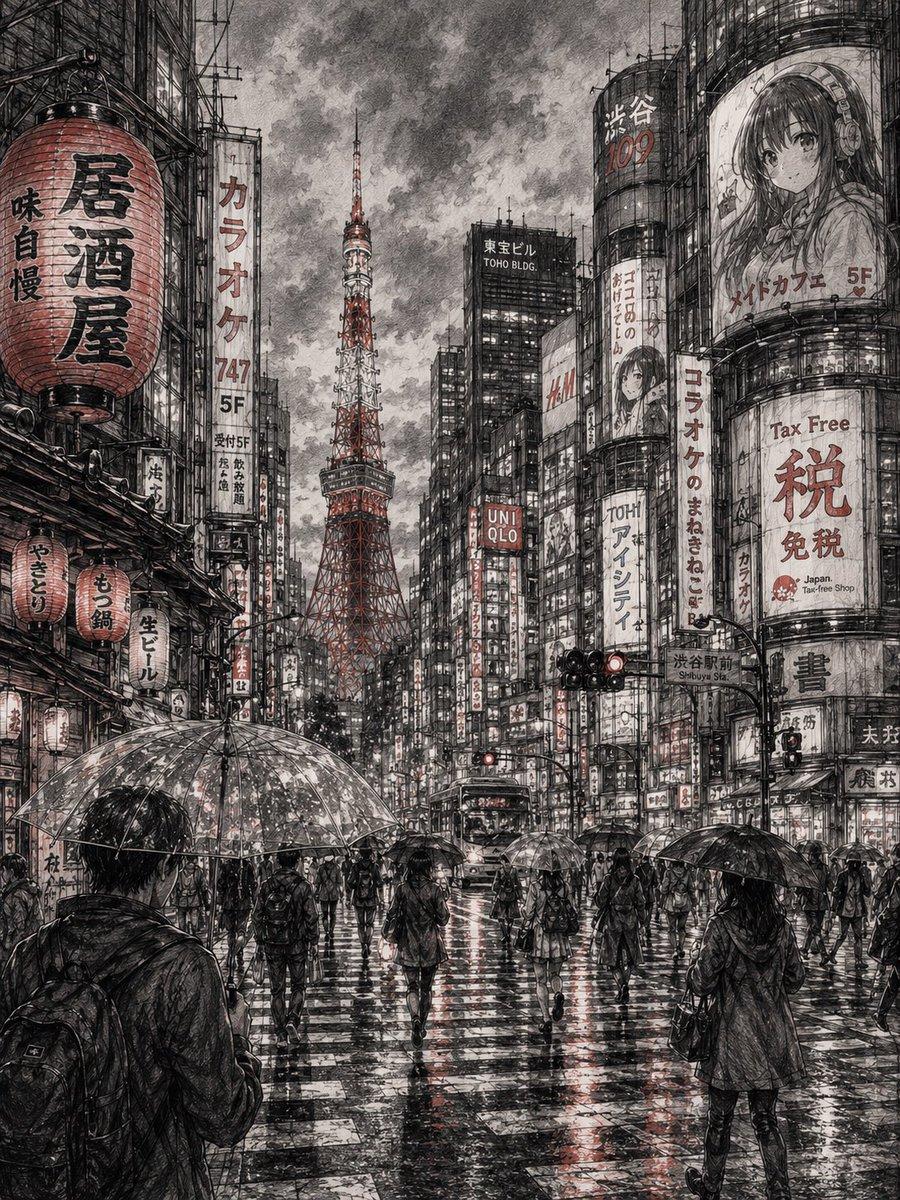
A highly detailed pencil sketch of Tokyo cityscape at dusk, featuring Tokyo Tower, narrow neon-lit streets, traditional Japanese lanterns, crowded crosswalks, anime style urban atmosphere, rain soaked roads reflecting lights, people with umbrellas walking through the streets, realistic graphite shading, architectural depth, cinematic perspective, hand-drawn texture, intricate line art, soft smoke and fog in the background, minimalist monochrome aesthetic with subtle red accent details, ultra realistic sketchbook drawing style. A detailed charcoal and pencil sketch of Beijing featuring the Forbidden City and traditional Chinese architecture, ancient palace rooftops, red lanterns hanging across narrow streets, misty mountains in the background, people in traditional clothing walking through historic alleys, dramatic shadows, realistic graphite textures, fine ink detailing, atmospheric fog, cinematic composition, hand-drawn sketchbook style, ultra detailed line work, monochrome black and white aesthetic with soft red highlights, timeless historical mood.
Choose the primary action to open PicX Studio with the available template settings. Review the model and format, personalize the creative direction, and generate when ready.
Yes. You can change the subject, setting, lighting, mood, format, and available model controls before creating your image.
This template is free to open and customize. Generation usage is shown in PicX Studio before you create.
Start with GPT Image 2, which is the model associated with this template. You can compare another compatible model for a different finish.
© 2026 PicX Studio. All rights reserved.

Follow a topic to a crawlable collection of related PicX Studio templates.