How do I use the Double Exposure Pencil Sketch Portrait template?
Choose the primary action to open PicX Studio with the available template settings. Review the model and format, personalize the creative direction, and generate when ready.
A detailed pencil sketch prompt using a double exposure technique.
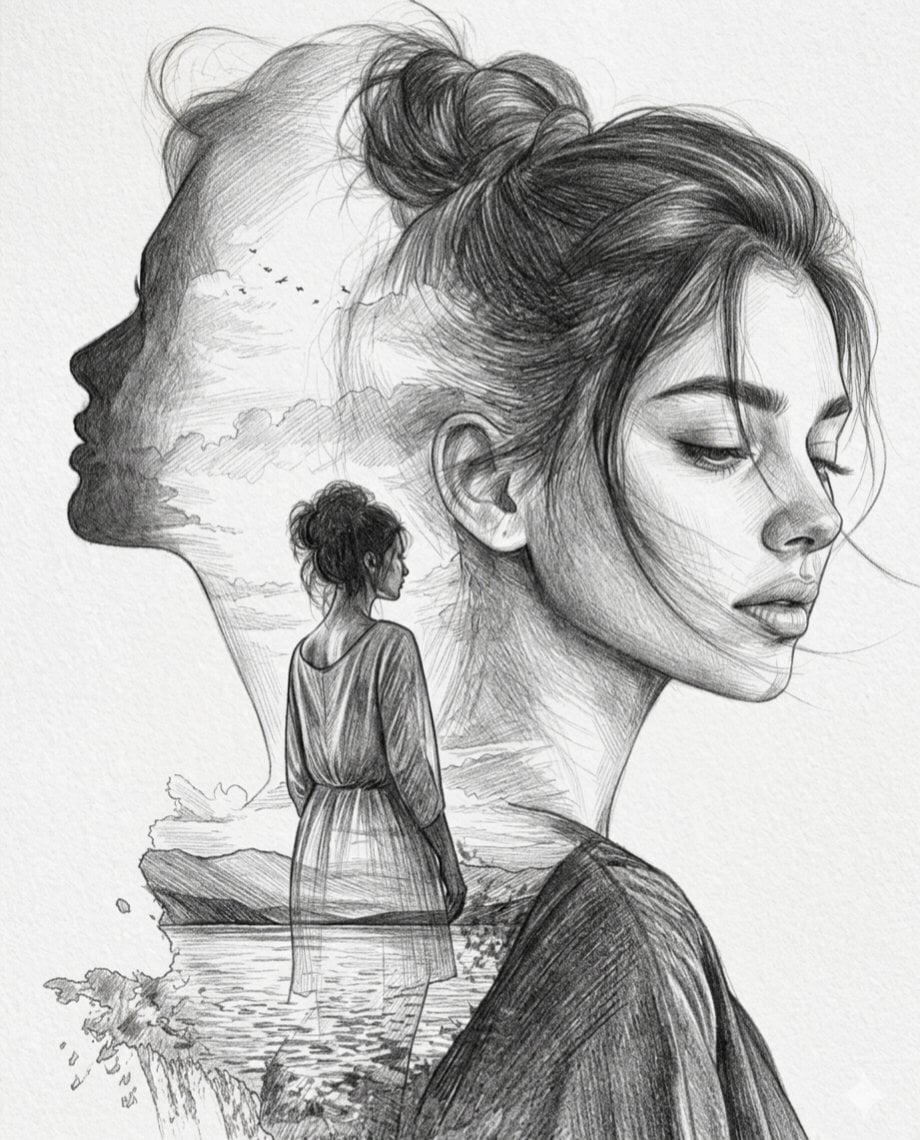
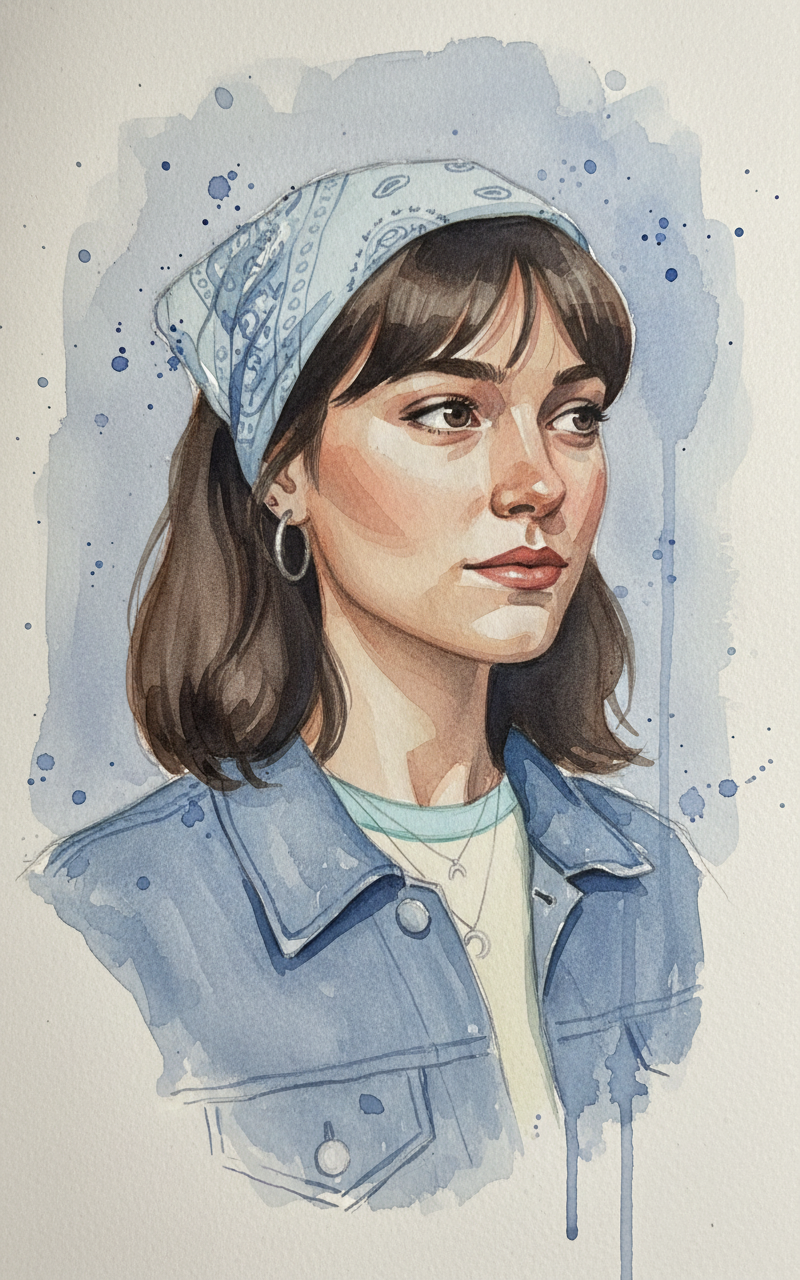
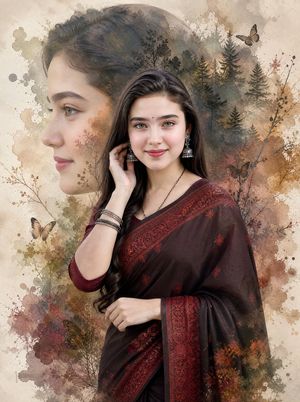
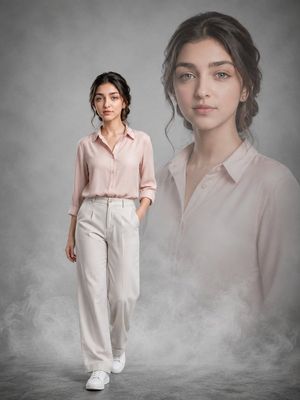
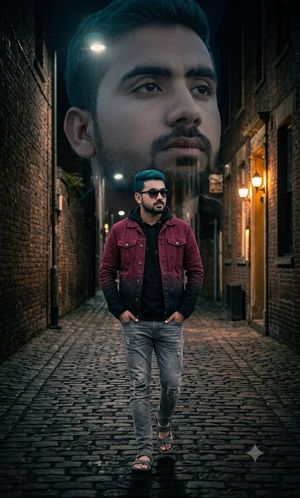
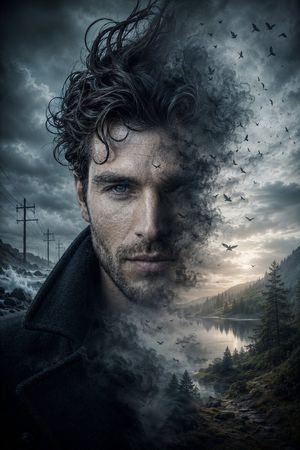
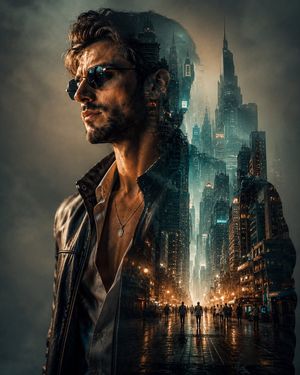
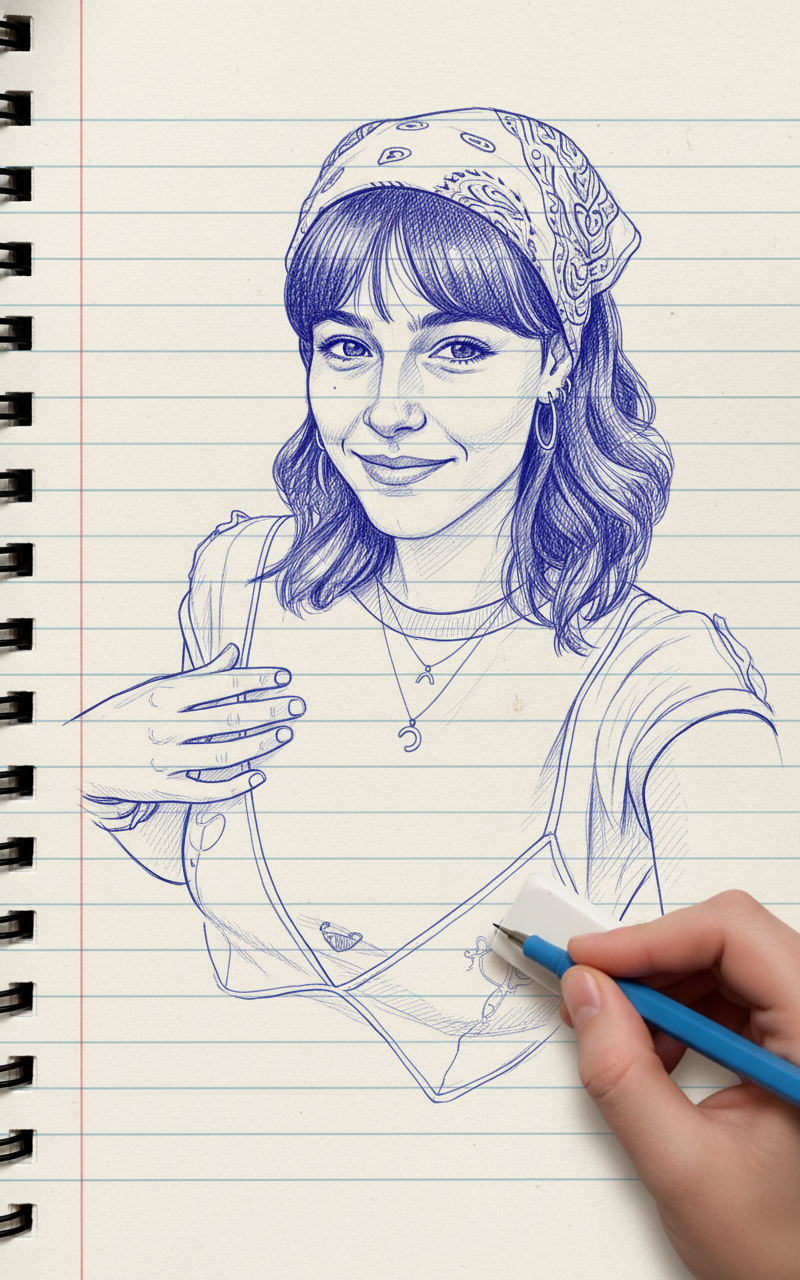
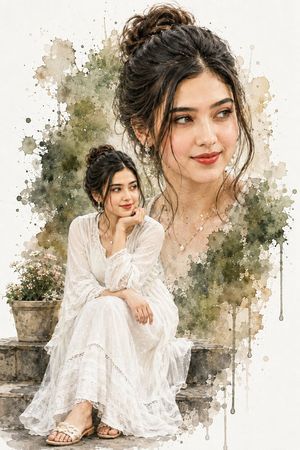
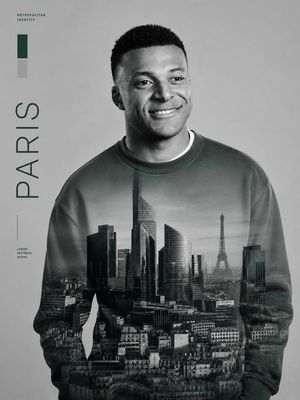
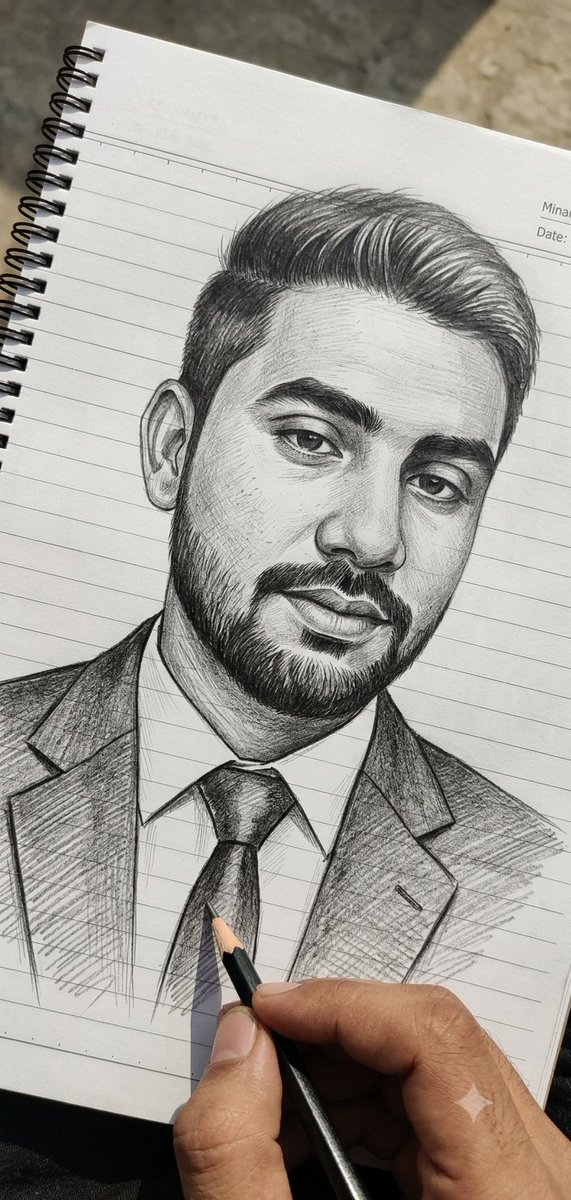
A vertical double exposure artwork rendered as a detailed pencil sketch on textured paper. The primary subject is a close-up, serene portrait of a {argument name="subject" default="young woman with her eyes closed and hair in a messy bun"}. Within her silhouette, a second profile of her face looks toward the horizon. The composition is layered with a landscape featuring a {argument name="landscape scene" default="woman standing by a calm lake at sunset"}, fluffy clouds, and a flock of birds. The style uses fine cross-hatching, soft shading, and delicate graphite strokes to create depth and a hand-drawn feel.
Choose the primary action to open PicX Studio with the available template settings. Review the model and format, personalize the creative direction, and generate when ready.
Yes. You can change the subject, setting, lighting, mood, format, and available model controls before creating your image.
This template is free to open and customize. Generation usage is shown in PicX Studio before you create.
Start with Nano Banana 2, which is the model associated with this template. You can compare another compatible model for a different finish.
Follow a topic to a crawlable collection of related PicX Studio templates.