How do I use the Double Exposure Pencil Sketch template?
Choose the primary action to open PicX Studio with the available template settings. Review the model and format, personalize the creative direction, and generate when ready.
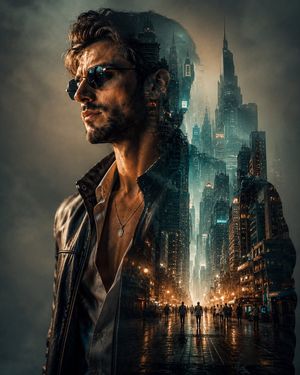
A unique prompt for a double exposure pencil sketch merging male profiles with a serene nature landscape.
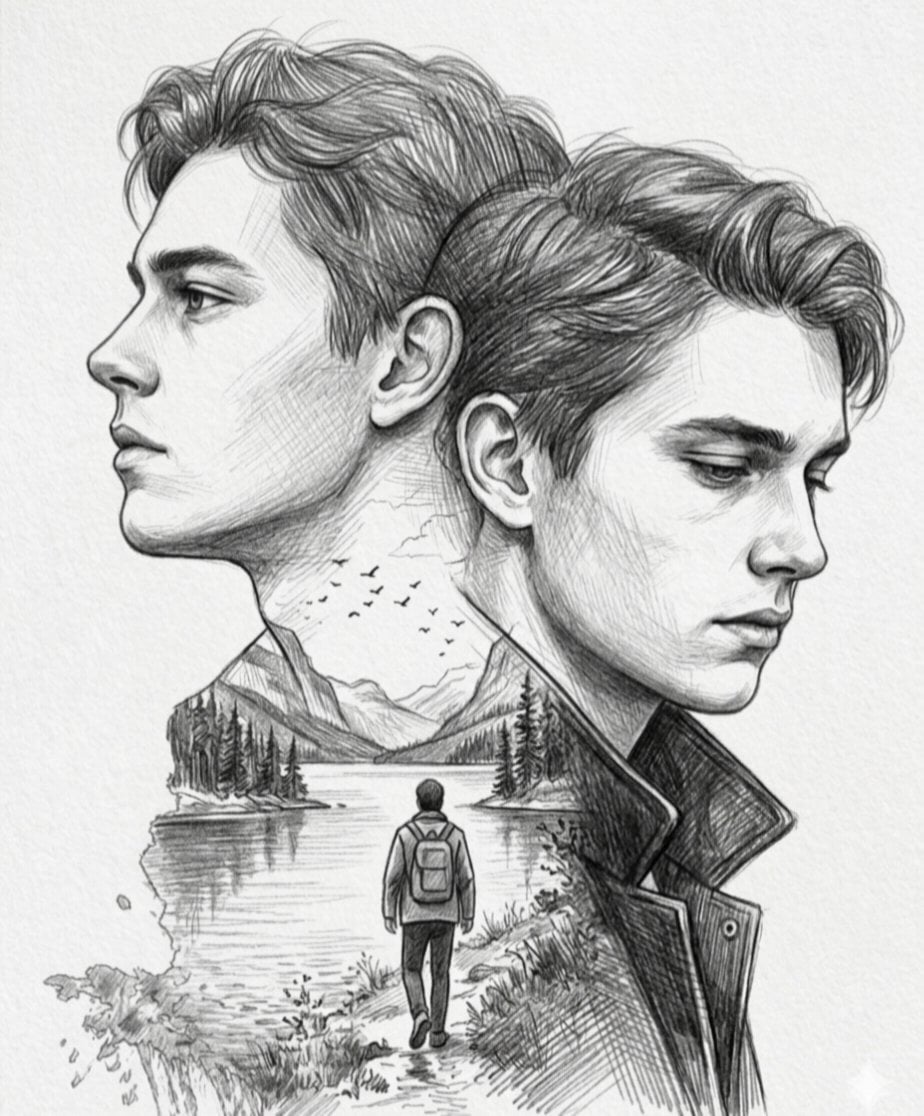
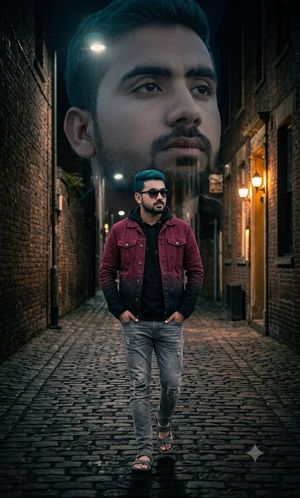
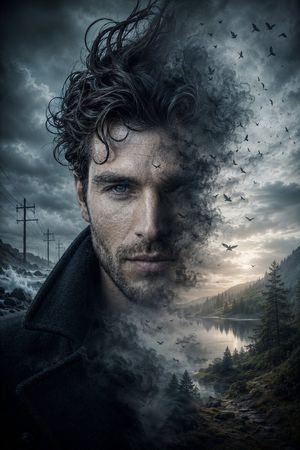
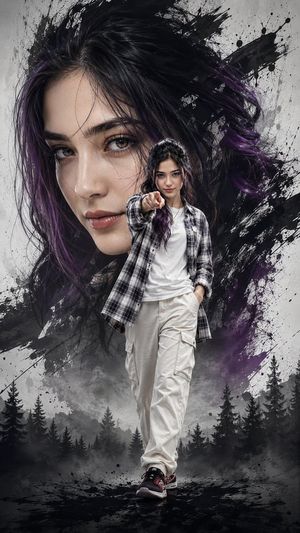
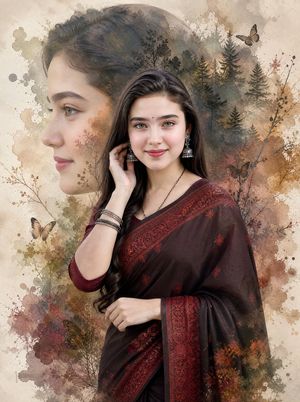
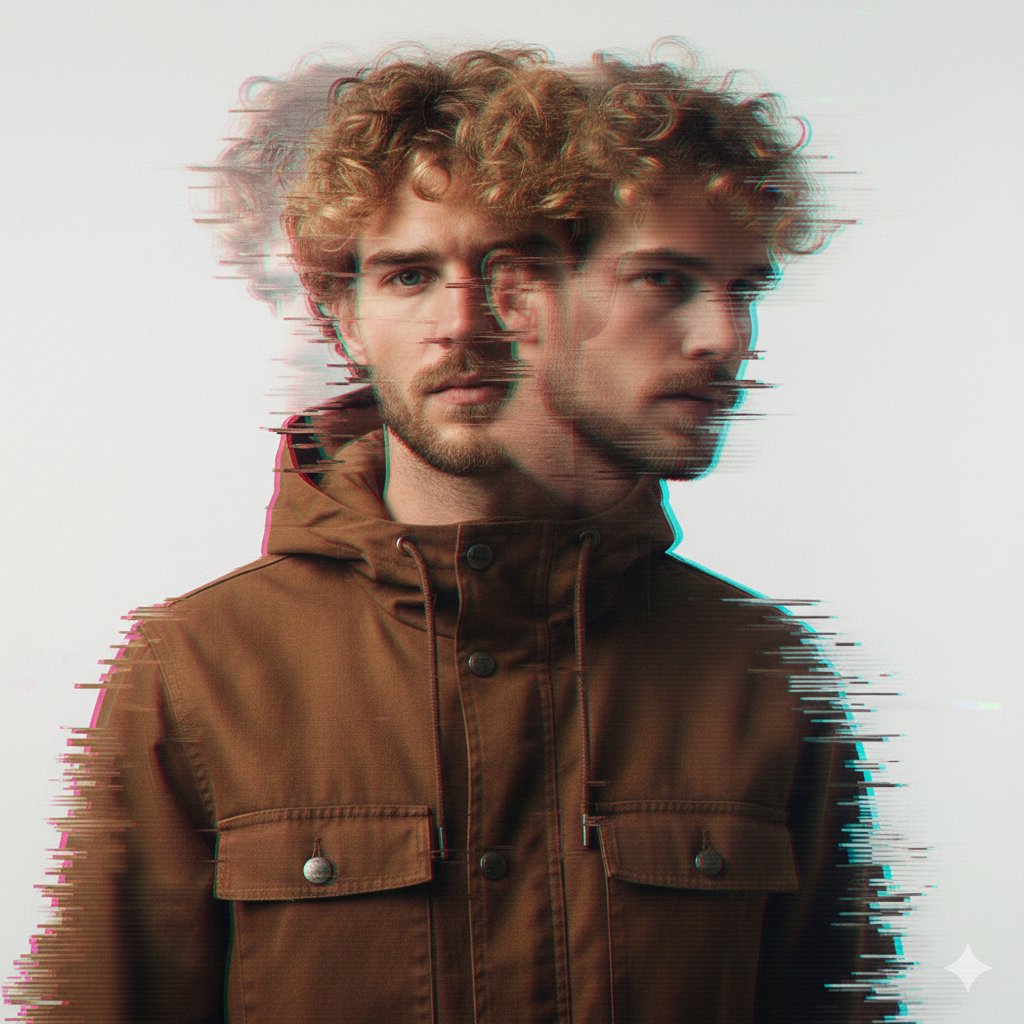
A pencil sketch utilizing a {argument name=\"effect\" default=\"double exposure effect\"} to merge two facial profiles of the same {argument name=\"subject\" default=\"young man\"} with a serene landscape. The left profile looks upward and into the distance with a hopeful or contemplative expression, while the right profile is cast downward in a look of introspection or melancholy. Within the silhouette of their necks and shoulders, a {argument name=\"landscape\" default=\"detailed nature scene\"} unfolds, featuring a lone traveler with a backpack walking along a path next to a calm lake, surrounded by pine trees, distant mountains, and a flock of birds flying across a textured sky.
Choose the primary action to open PicX Studio with the available template settings. Review the model and format, personalize the creative direction, and generate when ready.
Yes. You can change the subject, setting, lighting, mood, format, and available model controls before creating your image.
This template is free to open and customize. Generation usage is shown in PicX Studio before you create.
Start with Nano Banana 2, which is the model associated with this template. You can compare another compatible model for a different finish.
Follow a topic to a crawlable collection of related PicX Studio templates.