
Encyclopedic 3D Infographic Evolution Chart
A detailed, multi-section prompt for Nano Banana Pro designed to generate a massive, encyclopedic 3D infographic poster illustrating the evolution of a product, combining high-end product photography with complex…
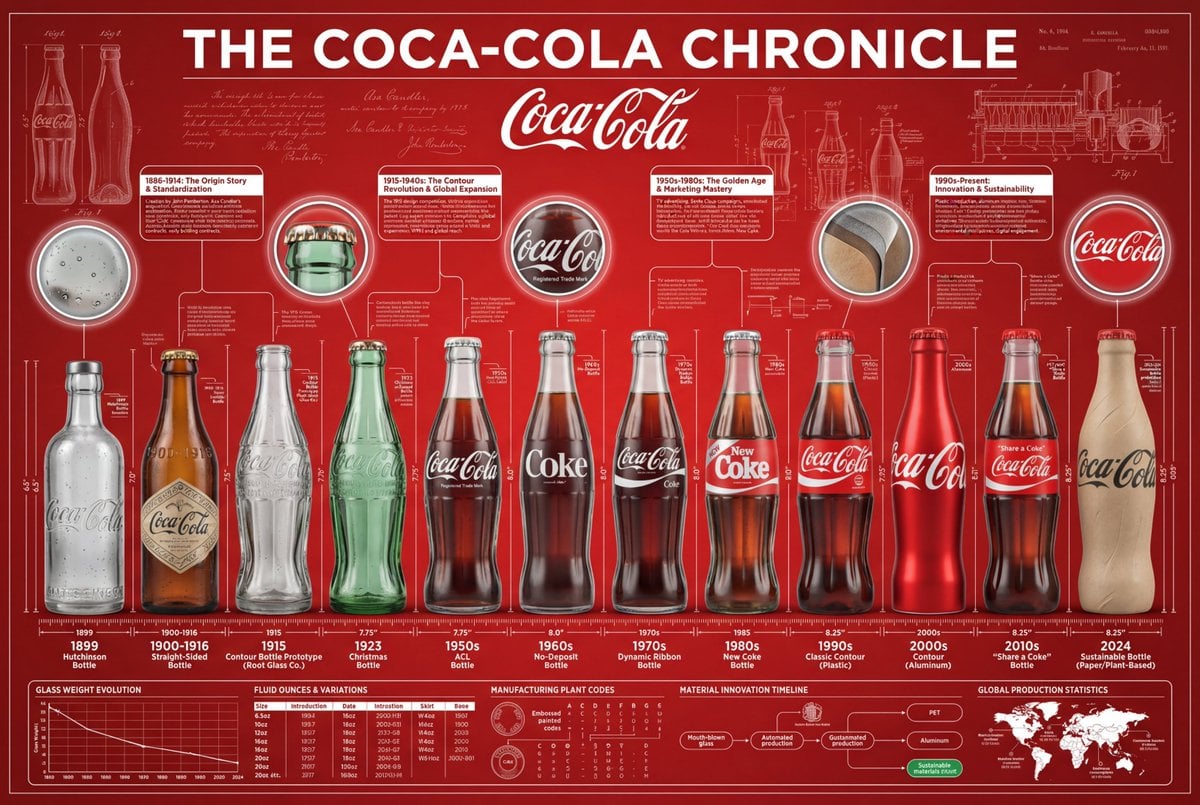
- Prompt included
- Model and format preset
- Free template
The prompt behind this image
Copy the exact prompt behind Encyclopedic 3D Infographic Evolution Chart, or open it in the studio and make it yours.
役割と主題: 16:9 比率の巨大で百科事典的な 3D インフォグラフィックポスター。タイトル:「THE EVOLUTION OF {argument name="製品名" default="[製品名]"}」。ビジュアルスタイルは、ミュージアム級の製品写真と複雑な技術設計図のハイエンドな融合。 コアラインナップ (年代記): 最初のプロトタイプから最新の未来モデルまで、8〜12の歴史的な {argument name="製品名 2" default="[製品名]"} のバージョンを、完全かつ線形で配置する。それらは、中央を水平に走る測定スケール/定規ベース上に正確に配置される。レンダリング:超リアルな 3D、8K解像度。テクスチャの進化を強調:初期の {argument name="素材の雰囲気" default="[素材の雰囲気]"} の経年劣化と、モダンバージョンの清潔でハイテクな仕上げとの対比を示す。 ブランドの雰囲気 (キャンバス): 背景:深みのある、豊かな [ブランドカラー] のテクスチャード背景。その上に、低不透明度のビンテージ特許図面、手書きのエンジニアリングノート、およびブランドの歴史に関連する新聞の切り抜きの透かしが重層的に配置される。ヘッダー:中央上部に際立った、高コントラストのブランドロゴを配置し、太字のタイポグラフィでタイトルを表示する。 「超高密度」情報レイヤー (パンチスタイル): レイアウトは体系化された情報で圧倒される(「データ美学」の外観を作成する): 高密度アノテーションネットワーク: 特定の [キーコンポーネント](例:カーブ、ボタン、エンジン)を、空間に浮かぶコンパクトなテキストブロックやデータテーブルに接続する、数百本の極細の白いヘアライン。 コンテクスチュアルゾーン: 製品の上に浮かぶ「時代モジュール」。図像的なマーカーで異なる歴史的な数十年間を表現する。 拡大インサート: 空きスペースに散在する円形の「ズームイン」レンズ。テクスチャのディテールや内部機構の極端なマクロクローズアップを示す。 技術仕様ストリップ: 最下部に配置された構造化データバー。正確な仕様(重量、寸法、年式、材料コード)をリストアップする。 技術仕様: Octaneレンダー, Unreal Engine 5 の美学, エディトリアルレイアウト, インフォメーションデザインの傑作, ボリュメトリックライティング, シャープフォーカス, プロフェッショナルなカラーグレーディング。--ar 16:9 --v 6.0 --stylize 300 (参考スタイル: コカ・コーラの発展の歴史)
How to use Encyclopedic 3D Infographic Evolution Chart in 3 steps
- 1
Open
The prompt is already in the box next to the preview, with the template's model and format selected.
- 2…a portrait of your subject in softgolden-hour light, 85mm…
Personalize
Edit the subject and creative details for your destination.
- 3Generate
Generate
Press Generate — your image is created in PicX Studio, so you can compare it with the original and refine one variable at a time.
More like this
Templates with the same subject, style or setup. Open one to see its prompt.
Gpt2 3d Stone Staircase Evolution Infographic

Japan Travel Brochure Poster

Isometric Process Educational Diorama

Isometric Vehicle Teardown Infographic Template

Gpt2 E Commerce Main Image Earbuds E Commerce Infographic

Gpt2 Infographic Edu Visual Alishan One Day Travel Poster

Gpt2 Infographic Edu Visual Ethnographic Plate for Tibetan Ceremonial Hat

Gpt2 Infographic Edu Visual Earth Signs Zodiac Character Poster

Gpt2 Infographic Edu Visual Water Signs Zodiac Character Poster

Gpt2 Infographic Edu Visual Ink Wash Tribute Poster for Chen Uen

Gpt2 Infographic Edu Visual Vintage Claude Shannon Infographic Poster

Gpt2 Infographic Edu Visual Taoist Three Souls Seven Po Poster
Make it yours
Encyclopedic 3D Infographic Evolution Chart works as-is. These are the safest ways to change it without losing the look.
Change one field
Copy a single group, rewrite it, and generate again so you can see what that field is doing.
Keep the frame, change the subject
Hold the composition and light of Encyclopedic 3D Infographic Evolution Chart, then swap wardrobe, props or the person for a new take.
| If the result… | Why | Fix |
|---|---|---|
| The result drifts from the preview | Too many fields changed at once. | Reuse Encyclopedic 3D Infographic Evolution Chart as-is first, then change one group — subject, light, or setting. |
| The model over-stylizes the scene | The prose prompt leaves finish and camera underspecified. | Add one camera or lighting sentence and stay on Nano Banana 2. |
More Nano Banana 2 templates
Other prompts made for Nano Banana 2.

Photorealistic Leaf Shaped Like a Dragon

K-Pop Idol Portrait Grid for Rapid Selection

Poetic Rain Forest Portrait During Golden Hour

Urban Street Portrait with Cartoon Inner Self Duo

Candid Nighttime Photo with Cat Prompt

High-Concept 3D Diorama Generation Prompt

Cinematic Futuristic Studio Portrait Template

Skincare Editorial Photography Collage Prompt

Hyper-Realistic Commercial Product Photography (Splash Effect)

Hyper-Realistic Nightclub Portrait Prompt
More image prompts
Fresh picks from across the catalog.
Taisho Romantic Cafe Trio

Anime Football Legend Poster

Cinematic Dual-Tone Studio Portrait
Bathroom Mirror Selfie Prompt (Image-to-Image)
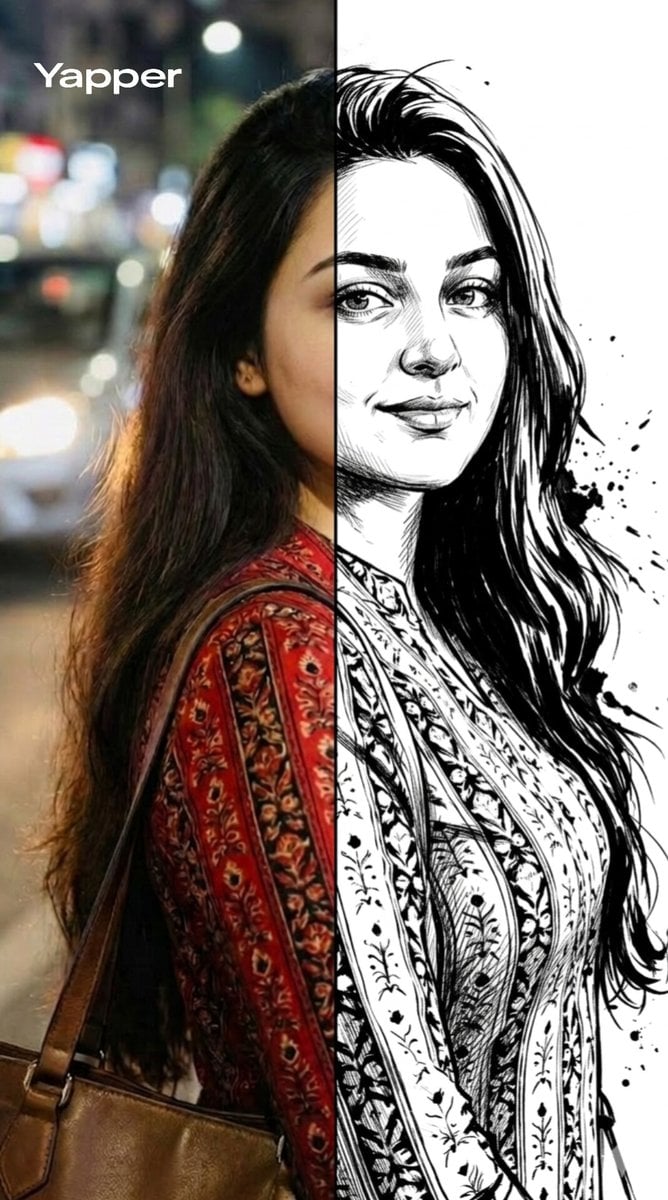
Split-Style Portrait Transformation Prompt for Nano Banana

Ultra-realistic fashion photography interior photoshoot

Magical Girl in Cozy Kitchen

Music-Themed Tokusatsu Kaijin
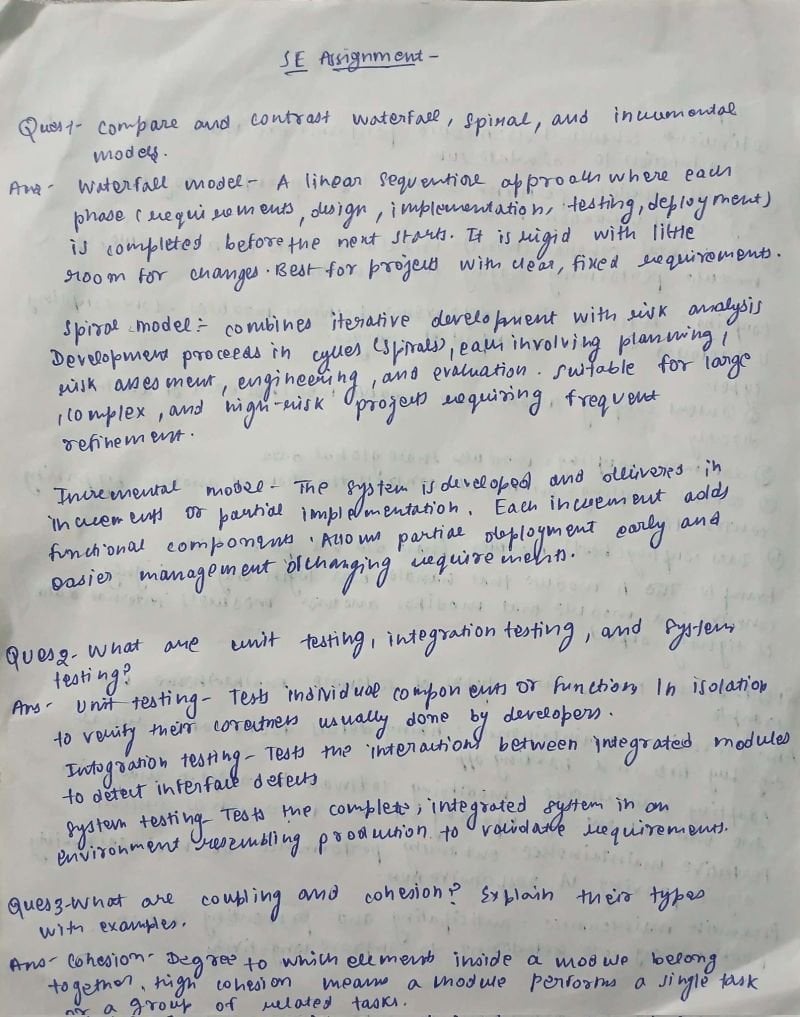
AI Solves Assignment from Handwriting and Blank Paper

Semi-3D Editorial Illustration
Browse template categories
Encyclopedic 3D Infographic Evolution Chart questions
How do I use the Encyclopedic 3D Infographic Evolution Chart template?
Add your photo if the template asks for one, edit the prompt if you like — the template's model and format are already selected — and press Generate. Your version opens in PicX Studio.
Can I customize the Encyclopedic 3D Infographic Evolution Chart template?
Yes. You can change the subject, setting, lighting, mood, format, and available model controls before creating your image.
Is the Encyclopedic 3D Infographic Evolution Chart template free?
Opening and editing this template is free. Generating uses credits, shown on the Generate button when you are signed in.
Which AI model should I use?
Start with Nano Banana 2, which is the model associated with this template. You can compare another compatible model for a different finish.
Looking for something else? Browse all templates.

Your photo, any look
Thousands of ready templates for every top image and video model, from one credit balance.