
Bathroom Mirror Selfie Prompt (Image-to-Image)
A highly detailed JSON prompt for Nano Banana Flow (Pro) to generate a mirror selfie image.
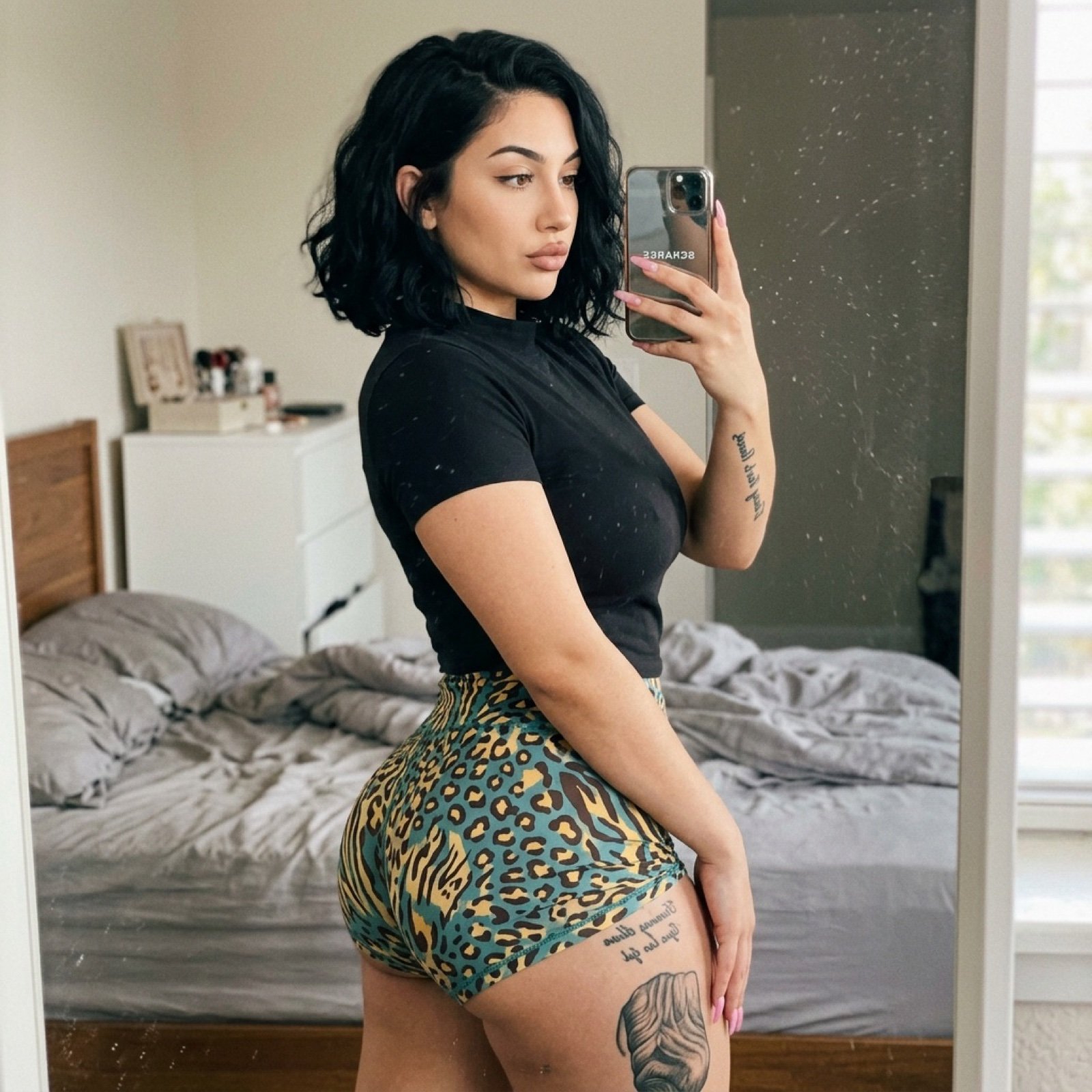
- Prompt included
- Model and format preset
- Free template
The prompt behind this image
Copy the exact prompt behind Bathroom Mirror Selfie Prompt (Image-to-Image), or open it in the studio and make it yours.
{ "photo_type": "Mirror Selfie", "subject": { "age": "Young adult", "body_type": "Young Woman, round breast shape, prominent projected profile, fuller bust measurement, large-breasted proportions, fuller chest frame, shapely upper silhouette, top-heavy silhouette, buxom figure, high waist-to-hip contrast, defined waistline, fuller glute measurement, curvy, prominent hips, rounded hip contour, curvy lower body, thick, powerful thighs, full thighs, push-up bra effect", "description": "Young adult female with an oval face shape and a clear, light-to-medium complexion. Her facial features include large, almond-shaped brown eyes framed by dark, well-defined arched eyebrows. She has a straight, proportional nose and full lips with a prominent cupid's bow. Her hair is dark, thick, and wavy, styled with a side part. The overall facial structure is characterized by high cheekbones and a tapered jawline.", "ethnicity": "", "expression": "Casual neutral expression with a slight pout, focused on the smartphone screen", "gender": "Female", "mirror_rules": "Text on tattoos and smartphone logos appear mirrored; faint streaks and dust particles on the glass surface", "pose_description": "Sideways profile mirror selfie, body angled to emphasize curves, back slightly arched, holding smartphone with one hand featuring long pink nails", "tattoos": "Vertical black script on the inner right forearm; black script and a larger graphic tattoo depicting a hand or muscular texture on the side of the upper thigh" }, "clothing": { "bottom": { "color": "Teal, yellow, and brown", "details": "High-waisted leopard and abstract animal print", "fabric": "Stretchy spandex or jersey blend", "type": "Form-fitting short shorts" }, "fit_and_physics": "T-shirt is visibly strained and tight across the bust, creating fabric tension lines; shorts are tightly compressed over the glutes and thighs with slight bunching at the waist", "outerwear": { "color": "None", "details": "None", "fabric": "None", "type": "None" }, "shoes": { "color": "None", "details": "Not visible", "fabric": "None", "type": "None" }, "top": { "color": "Matte black", "details": "High mock-neck collar, short sleeves", "fabric": "Cotton-poly blend", "type": "Short-sleeved mock-neck t-shirt" } }, "hair": { "color": "Deep black", "interaction": "Tucked slightly behind the ear on one side", "style": "Thick, wavy chin-length bob with a side part" }, "face": { "description": "Use the uploaded character reference image, keep all facial details 100% unchanged", "eyebrows": "Arched and dark", "eyes": "Almond-shaped brown", "lips": "Full with a prominent cupid's bow", "makeup": "Subtle wing eyeliner and matte lip liner" }, "skin_texture": "Natural skin wi
How to use Bathroom Mirror Selfie Prompt (Image-to-Image) in 3 steps
- 1Upload ImagePNG, JPG or paste
Add your photo
Upload the photo the template builds on. The prompt, model and format are already set.
- 2…a portrait of your subject in softgolden-hour light, 85mm…
Personalize
Edit the subject and creative details for your destination.
- 3Generate
Generate
Press Generate — your image is created in PicX Studio, so you can compare it with the original and refine one variable at a time.
More like this
Templates with the same subject, style or setup. Open one to see its prompt.

Rooftop Fisheye — Cat-Ear Balaclava at Golden Hour

Felt & Knit 3D Character — Photo-Exact Face, Pixar-Quality Plush Figurine

Eid al-Adha Cute Chaos — Fisheye Selfie with Farm Selfie, Mosque & Animals

Cat Photobomb Selfie — 0.5x Wide Angle Café Chaos

Gen Z Triple Selfie Collage — Y2K Flash Photography

Surreal Cat Astronaut — Humanoid Face Freefall
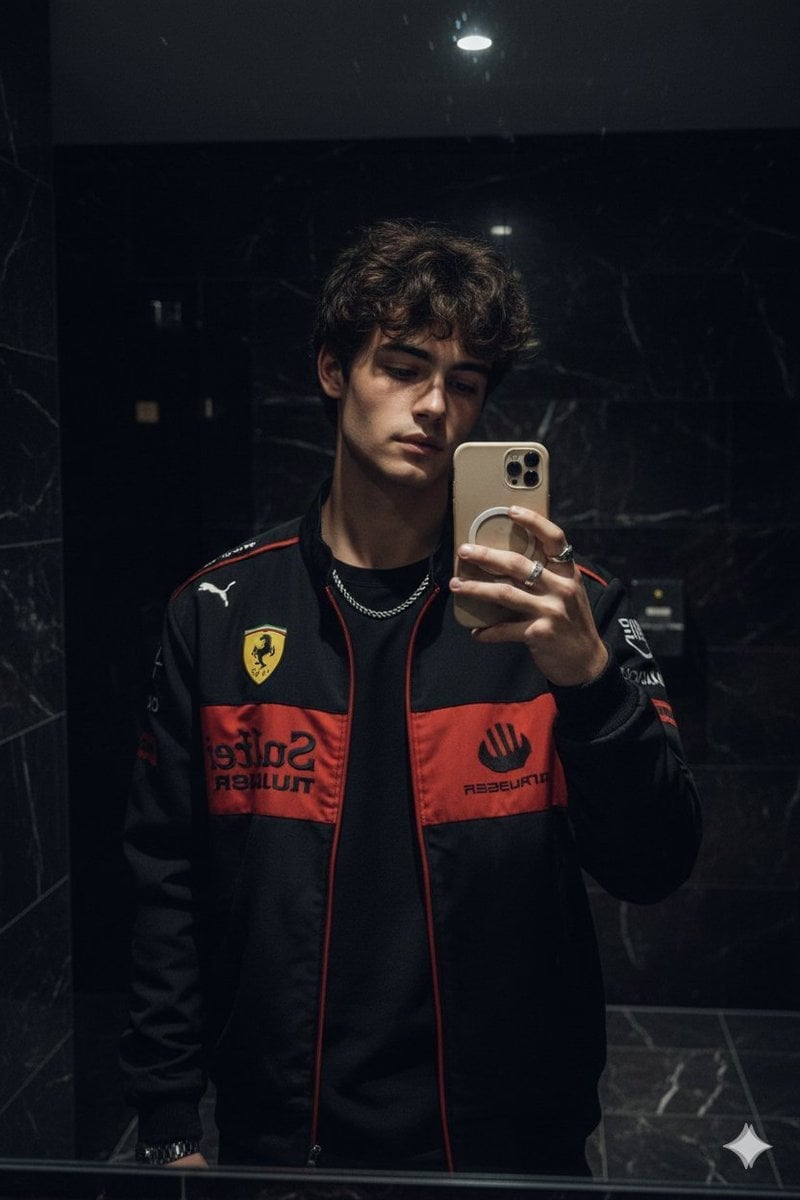
Dark Marble Bathroom Racing Jacket Mirror Selfie

Nano Banana Grwm Mirror Selfie Pink
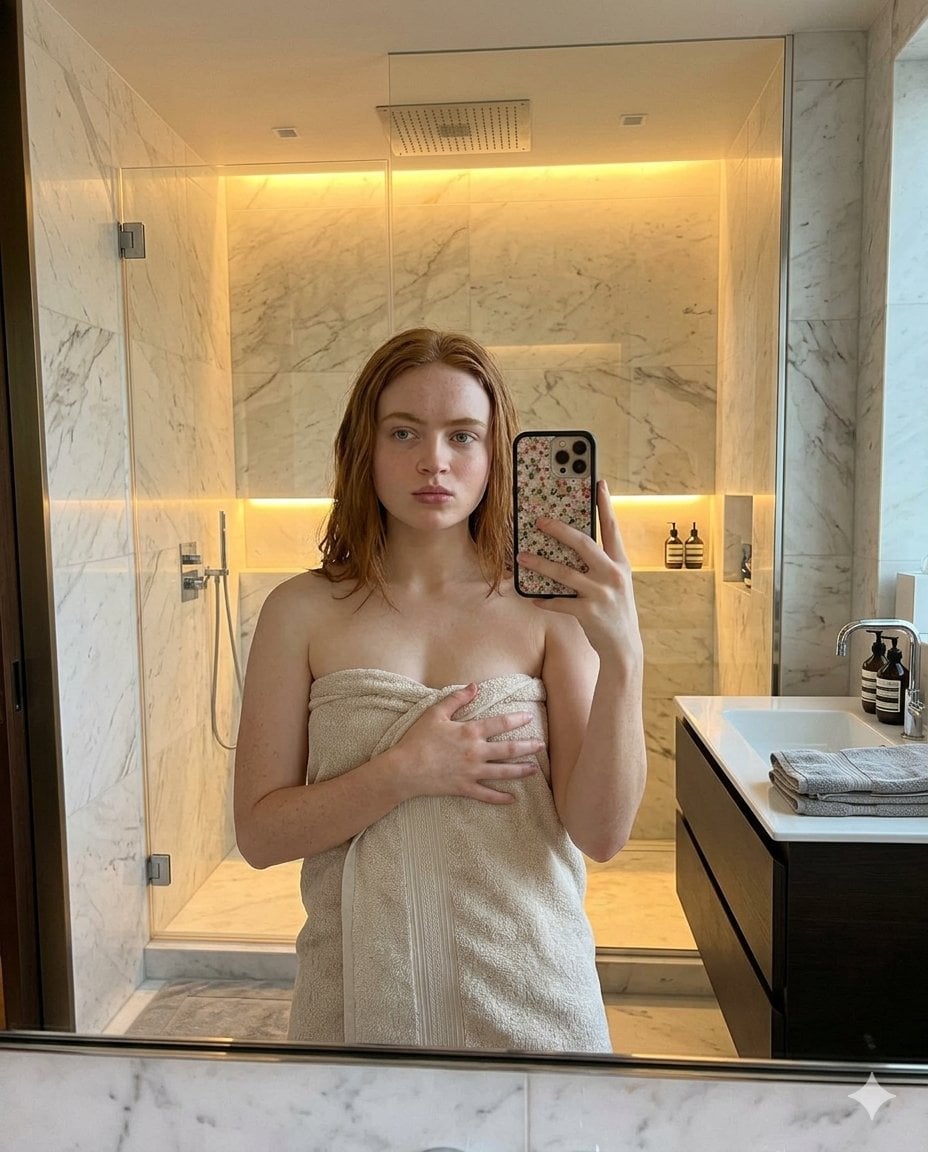
Modern Bathroom Mirror Selfie
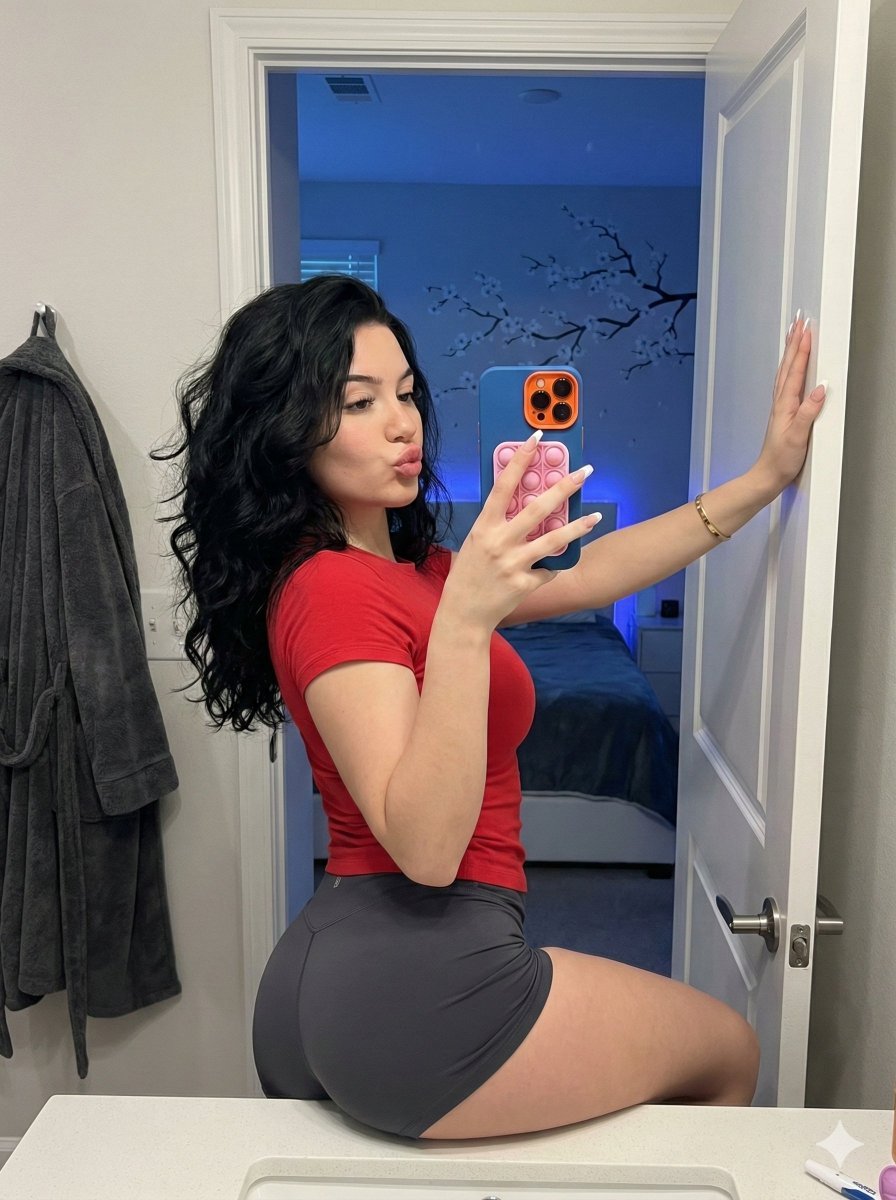
Playful Bathroom Mirror Selfie Prompt (Curvy Focus)
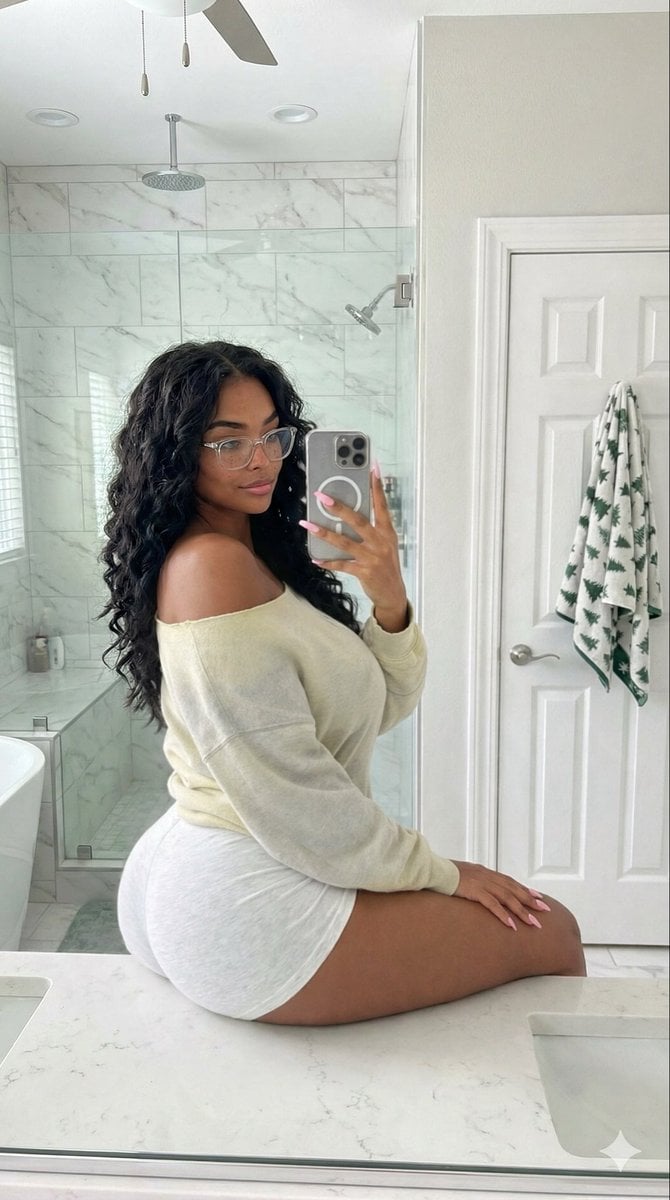
High-Angle Bathroom Mirror Selfie
Candid Modern Bathroom Mirror Selfie Prompt
Make it yours
Bathroom Mirror Selfie Prompt (Image-to-Image) works as-is. These are the safest ways to change it without losing the look.
Change one field
Copy a single group, rewrite it, and generate again so you can see what that field is doing.
Keep the frame, change the subject
Hold the composition and light of Bathroom Mirror Selfie Prompt (Image-to-Image), then swap wardrobe, props or the person for a new take.
| If the result… | Why | Fix |
|---|---|---|
| The result drifts from the preview | Too many fields changed at once. | Reuse Bathroom Mirror Selfie Prompt (Image-to-Image) as-is first, then change one group — subject, light, or setting. |
| The model over-stylizes the scene | The prose prompt leaves finish and camera underspecified. | Add one camera or lighting sentence and stay on Nano Banana 2. |
More Nano Banana 2 templates
Other prompts made for Nano Banana 2.

Photorealistic Leaf Shaped Like a Dragon

K-Pop Idol Portrait Grid for Rapid Selection

Poetic Rain Forest Portrait During Golden Hour

Urban Street Portrait with Cartoon Inner Self Duo

Candid Nighttime Photo with Cat Prompt

High-Concept 3D Diorama Generation Prompt

Cinematic Futuristic Studio Portrait Template

Skincare Editorial Photography Collage Prompt

Hyper-Realistic Commercial Product Photography (Splash Effect)

Hyper-Realistic Nightclub Portrait Prompt
More image prompts
Fresh picks from across the catalog.
High-Fashion Cinematic Motion Shot
Crossed Eastern Dark Fantasy Polearms
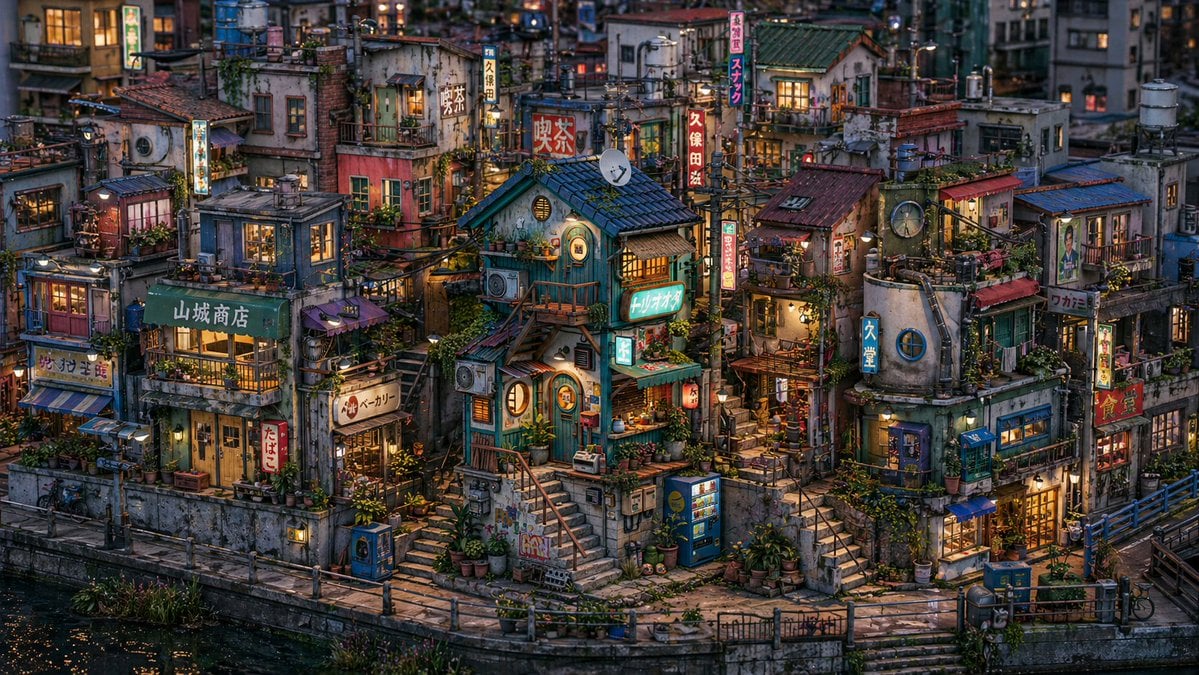
Miniature Japanese Canal Town at Dusk
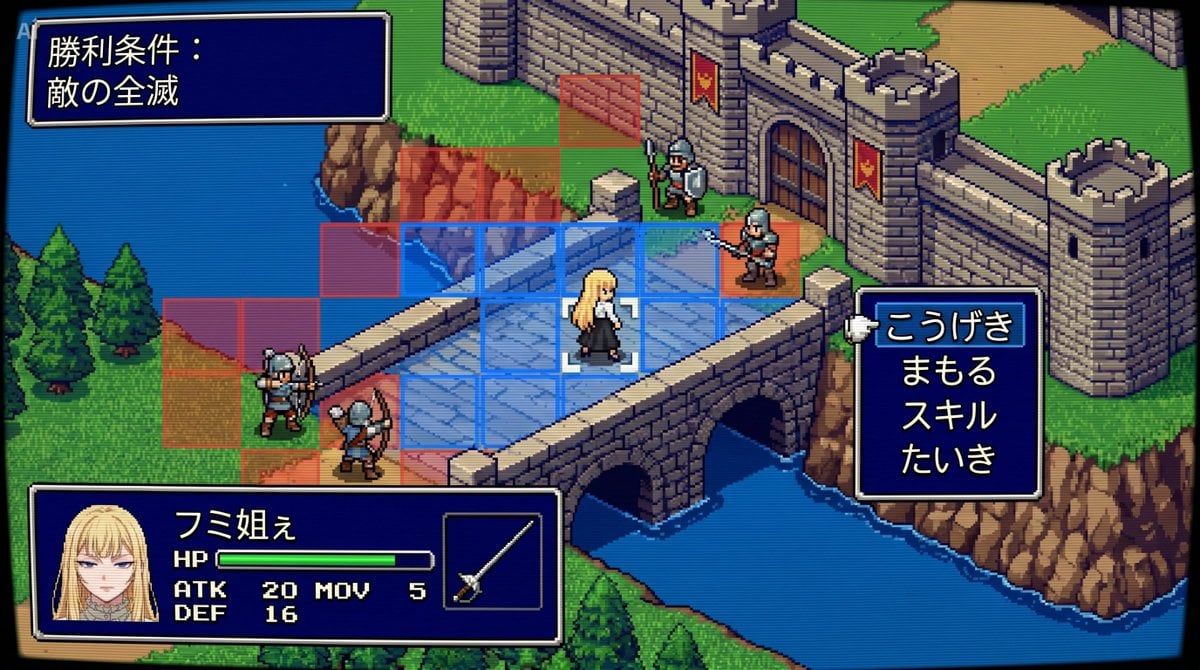
Tactical Simulation RPG Scene Prompt
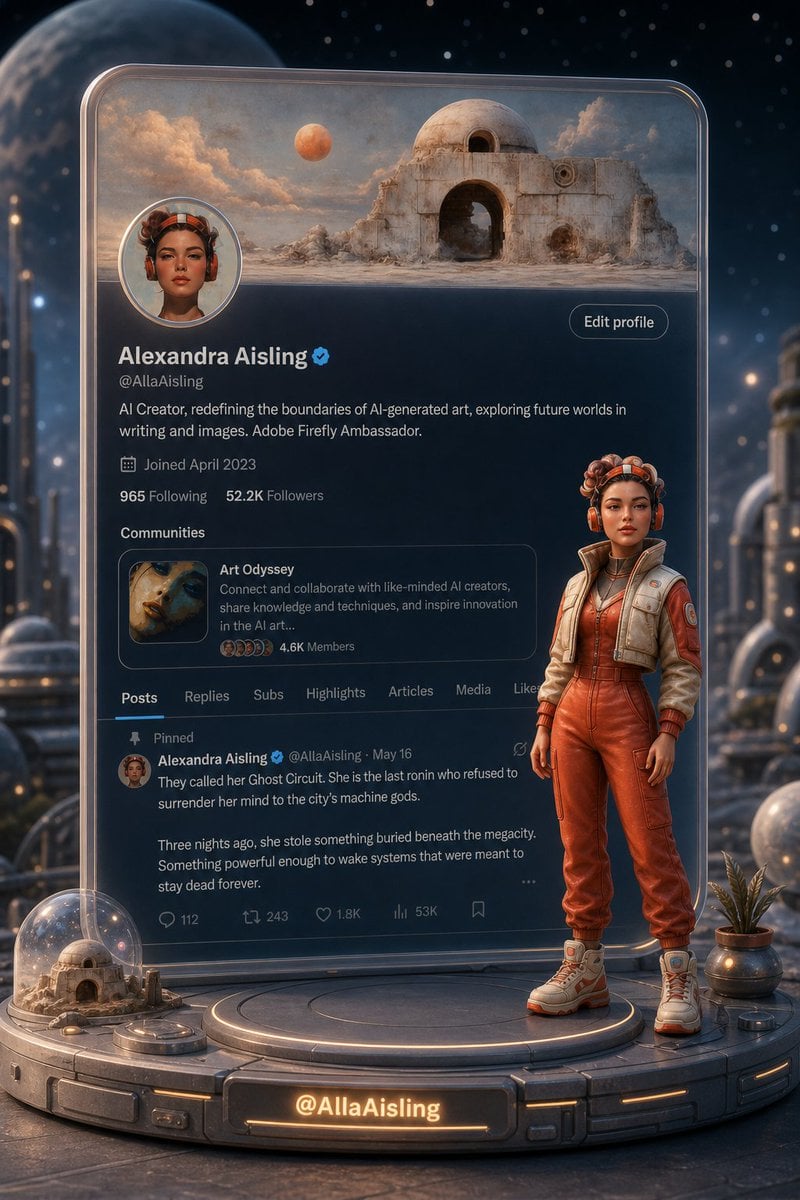
Tiny 3D Avatar in Front of X Profile
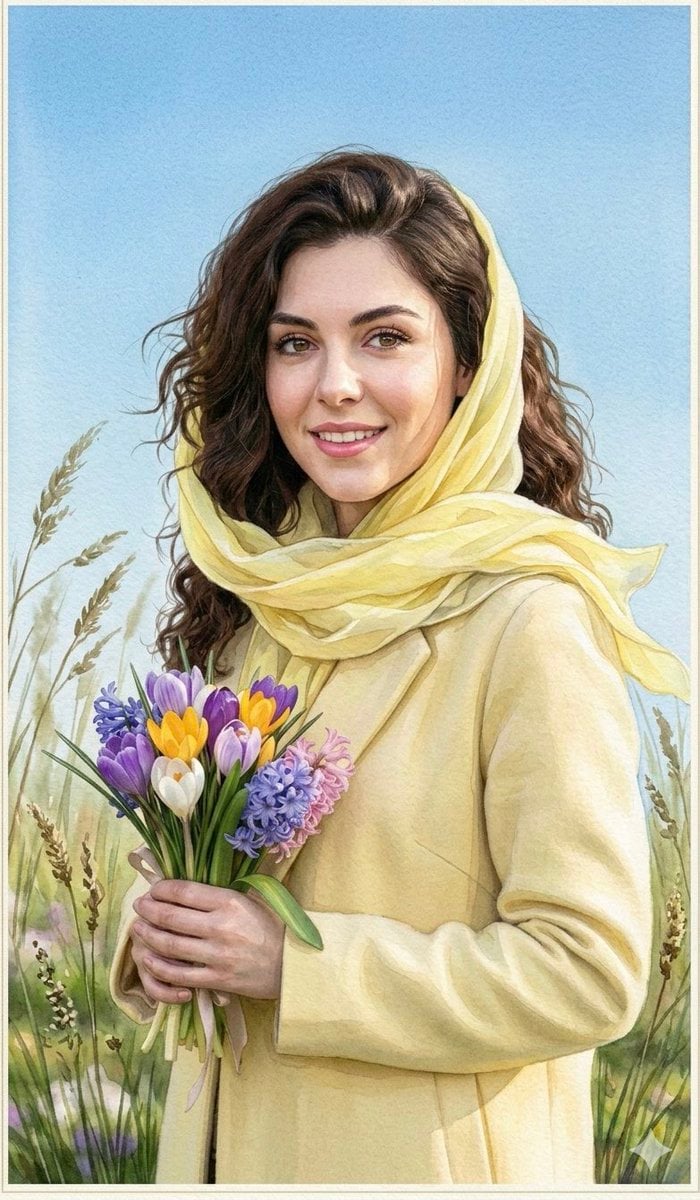
Watercolor Spring Greeting Card Portrait
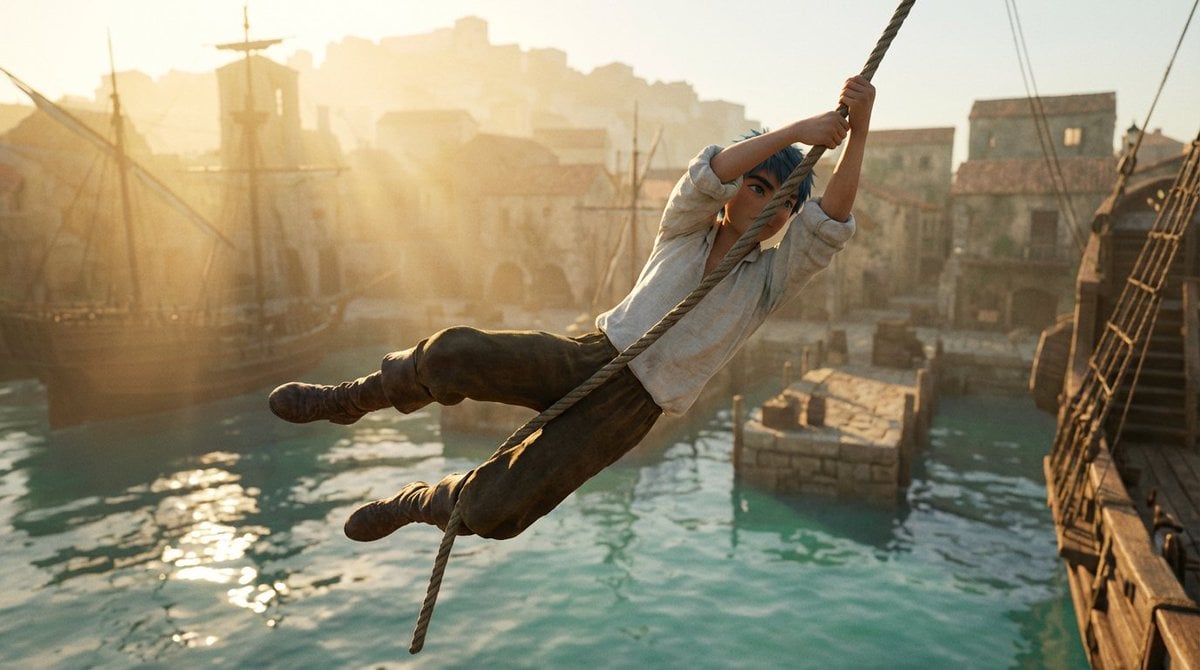
Frozen Action Shot of Character Swinging on a Rope
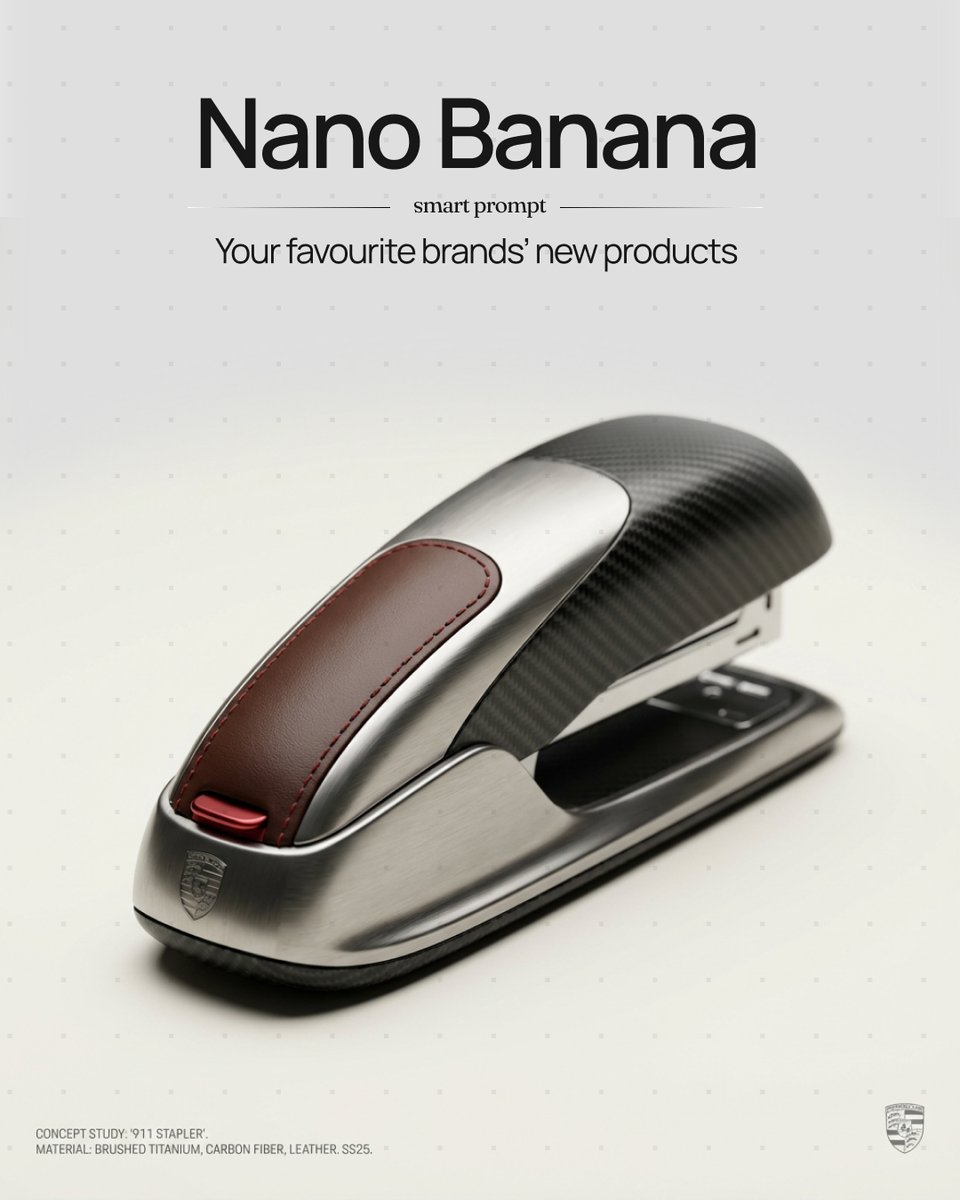
Unexpected Products by Favorite Brands Prompt
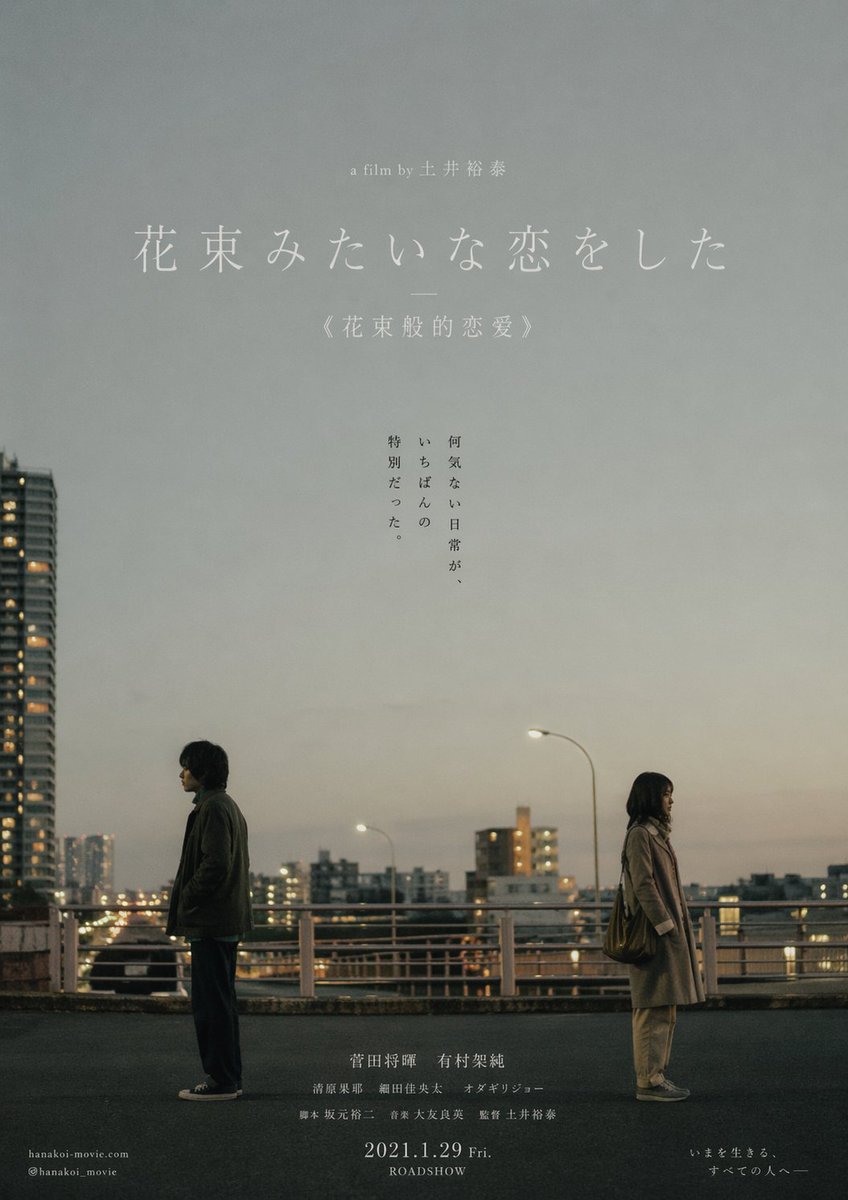
Japanese Realist Romance Movie Poster
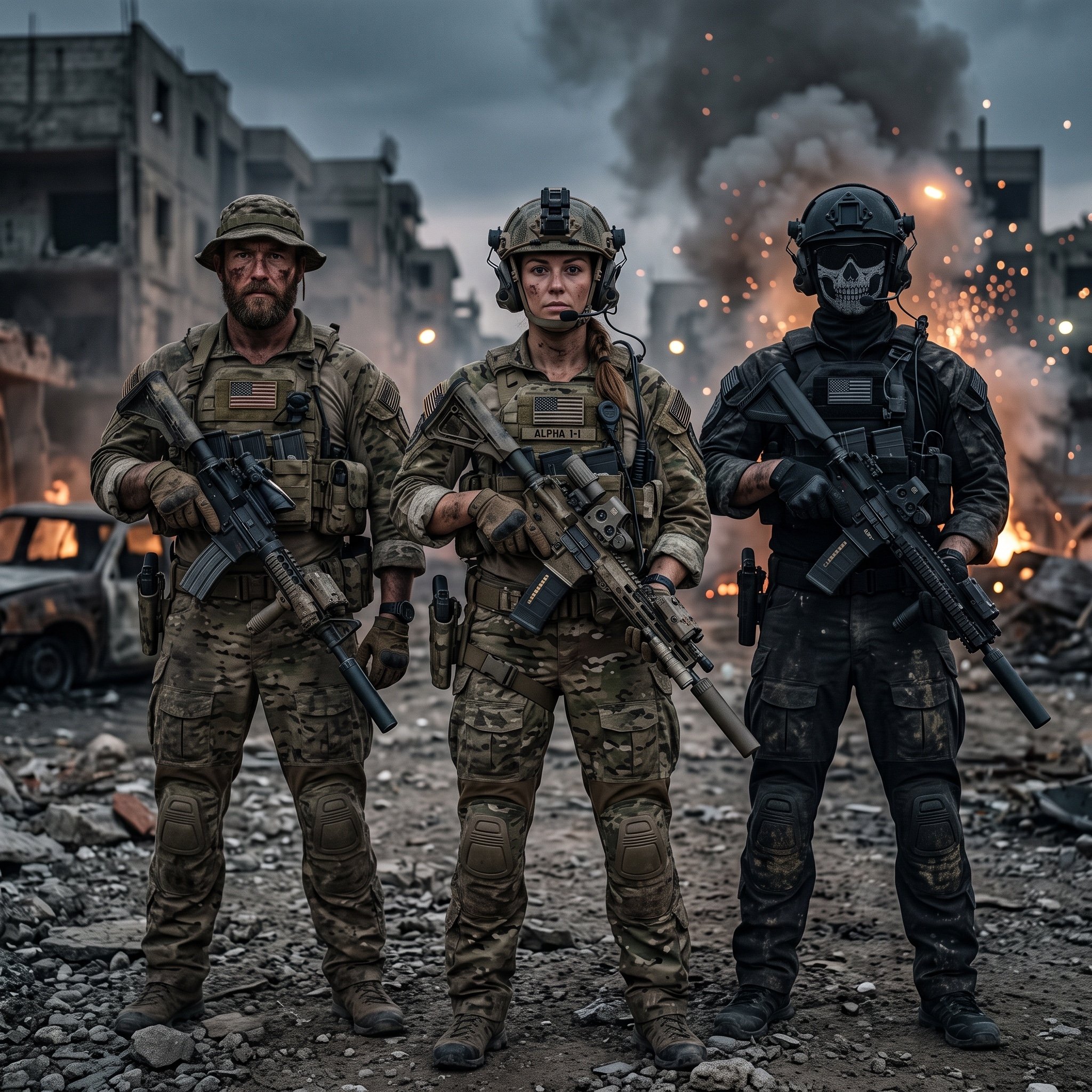
Hyper-Realistic Military Squad Portrait
Browse template categories
Bathroom Mirror Selfie Prompt (Image-to-Image) questions
How do I use the Bathroom Mirror Selfie Prompt (Image-to-Image) template?
Add your photo if the template asks for one, edit the prompt if you like — the template's model and format are already selected — and press Generate. Your version opens in PicX Studio.
Can I customize the Bathroom Mirror Selfie Prompt (Image-to-Image) template?
Yes. You can change the subject, setting, lighting, mood, format, and available model controls before creating your image.
Is the Bathroom Mirror Selfie Prompt (Image-to-Image) template free?
Opening and editing this template is free. Generating uses credits, shown on the Generate button when you are signed in.
Which AI model should I use?
Start with Nano Banana 2, which is the model associated with this template. You can compare another compatible model for a different finish.
Looking for something else? Browse all templates.

Your photo, any look
Thousands of ready templates for every top image and video model, from one credit balance.