
Miniature Japanese Canal Town at Dusk
This generates a highly detailed cozy retro Japanese canal-side city diorama, ideal for cinematic background art, concept illustration, or miniature-style urban scenes.
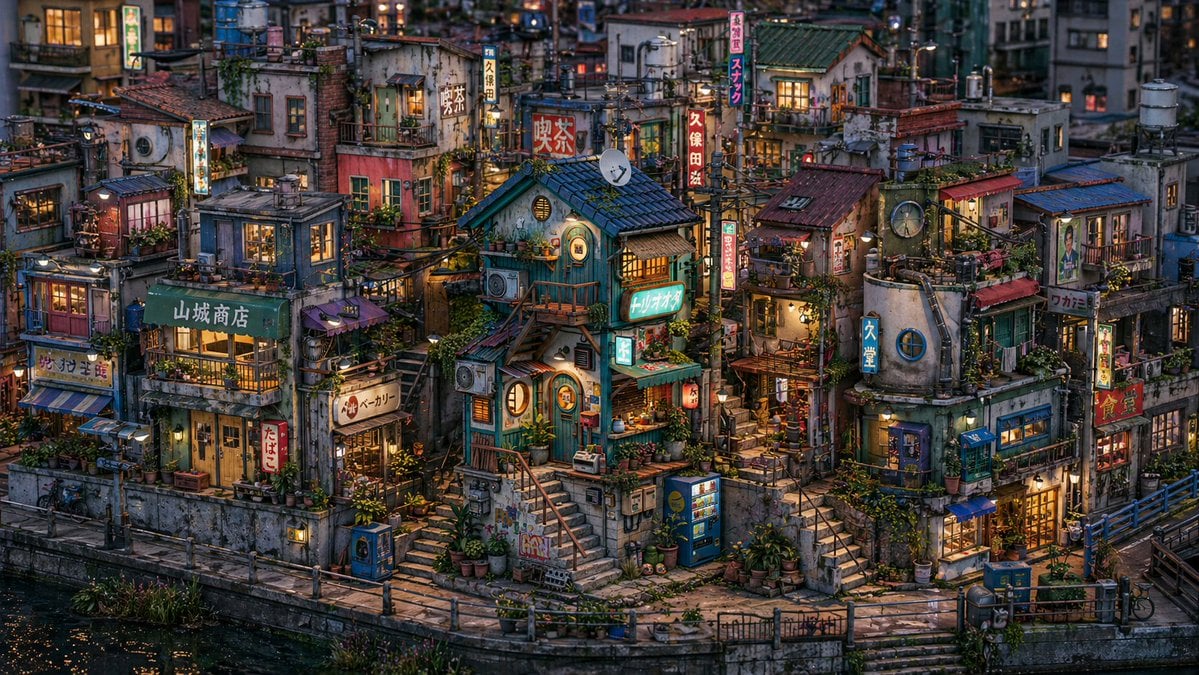
- Prompt included
- Model and format preset
- Free template
The prompt behind this image
Copy the exact prompt behind Miniature Japanese Canal Town at Dusk, or open it in the studio and make it yours.
An ultra-detailed cinematic isometric street-level view of a dense nostalgic Japanese canal-side neighborhood at blue hour, designed like a miniature lived-in urban diorama. The scene is packed with tightly clustered multi-story buildings of varied shapes and ages, with weathered concrete, faded painted walls, patched metal roofs, tiled roofs, small balconies, rooftop tanks, antennas, pipes, exposed wiring, hanging laundry, window air conditioners, satellite dishes, potted plants, vines, and warm glowing interior lights in nearly every window. At the center, place a charming teal-blue shop house with a dark blue tiled roof, rounded windows, exterior stairs, a tiny awning, and a bright retro sign reading {argument name="shop sign text" default="トリナオ"}. Surround it with many neighboring storefronts and residences stacked irregularly at different heights, creating a layered maze of alleys, staircases, landings, bridges, and utility poles. Include exactly 2 vending machines near the lower center-right area, exactly 2 bicycles along the canal-side walkway, exactly 1 satellite dish on an upper roof near the center, exactly 1 large round wall clock mounted on a cylindrical corner building on the right, and exactly 1 canal in the foreground with dark reflective water and a curved concrete embankment. Add numerous vertical Japanese shop signs and lit billboards throughout the composition, including signs resembling {argument name="main vertical sign" default="久保田"}, {argument name="green shop sign" default="山城商店"}, and other retro neighborhood business signage. The architecture should feel hand-crafted, eclectic, slightly whimsical, and deeply lived in, with dense environmental storytelling and no empty space. Lighting is soft dusk light mixed with warm amber practical lights from windows, lanterns, and signs, creating a cozy yet bustling mood. Color palette: teal, muted red, worn cream, mossy green, rust, indigo, and warm tungsten yellow. Style: hyper-detailed photoreal miniature cityscape, cinematic depth, crisp textures, subtle atmospheric haze, high dynamic range, Japanese Showa-era inspired urban nostalgia, richly layered composition, no visible people, wide landscape framing.
How to use Miniature Japanese Canal Town at Dusk in 3 steps
- 1Upload ImagePNG, JPG or paste
Add your photo
Upload the photo the template builds on. The prompt, model and format are already set.
- 2…a portrait of your subject in softgolden-hour light, 85mm…
Personalize
Edit the subject and creative details for your destination.
- 3Generate
Generate
Press Generate — your image is created in PicX Studio, so you can compare it with the original and refine one variable at a time.
More like this
Templates with the same subject, style or setup. Open one to see its prompt.

Minecraft Japanese Research Lab Exploration
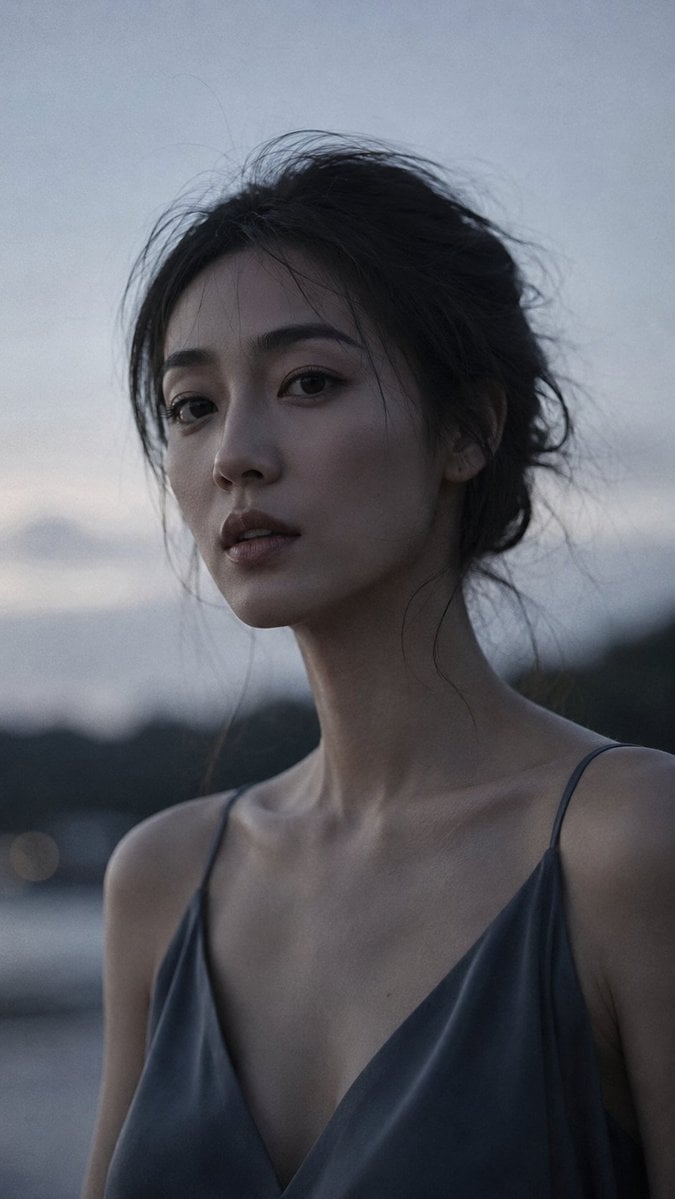
Japanese Dusk Portrait
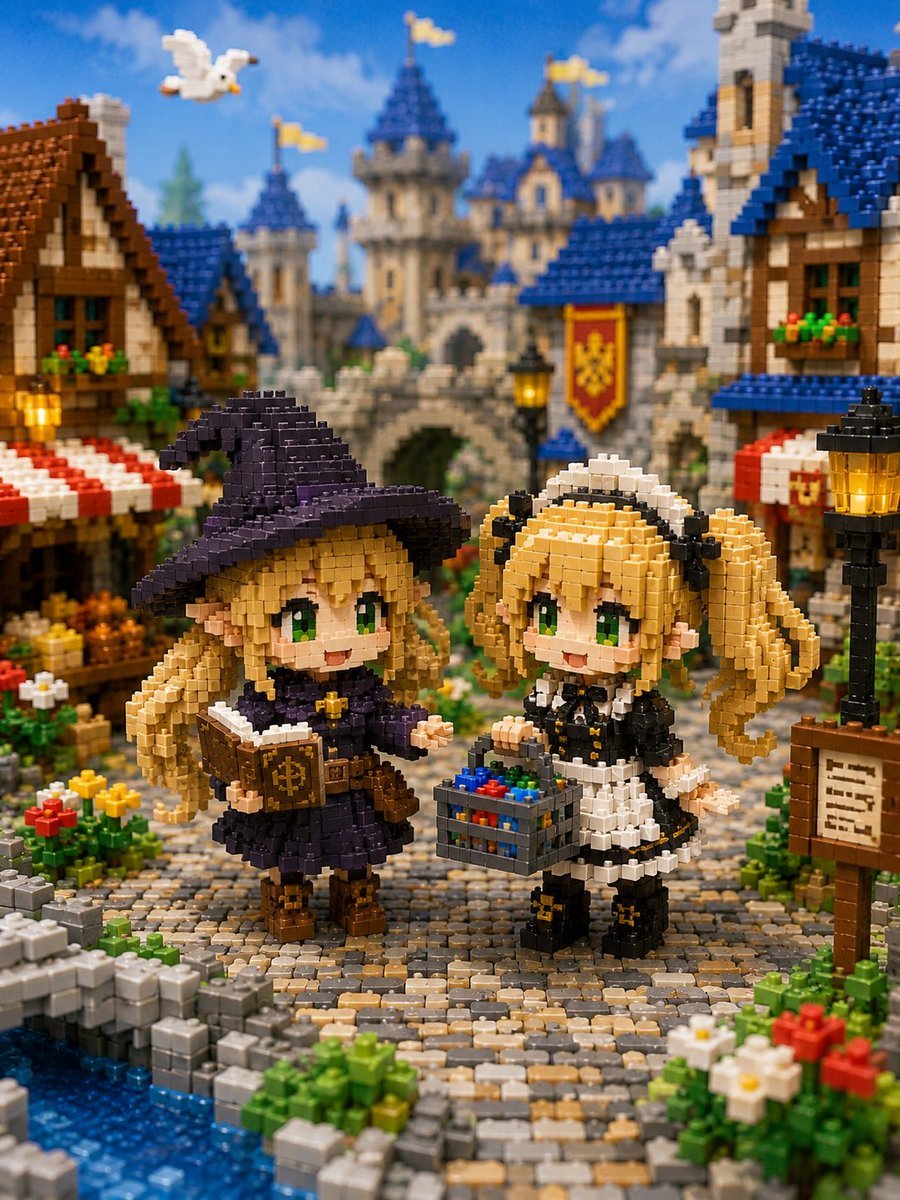
Miniature Brick Fantasy Town Diorama

Paper Tunnel Book Architecture

Japanese Architectural Concrete Studio Fashion Campaign

Japanese Minimalist Concrete Studio Fashion Editorial

Blue Backdrop Luxury Fashion Portrait Campaign

Isometric Brand Store Diorama
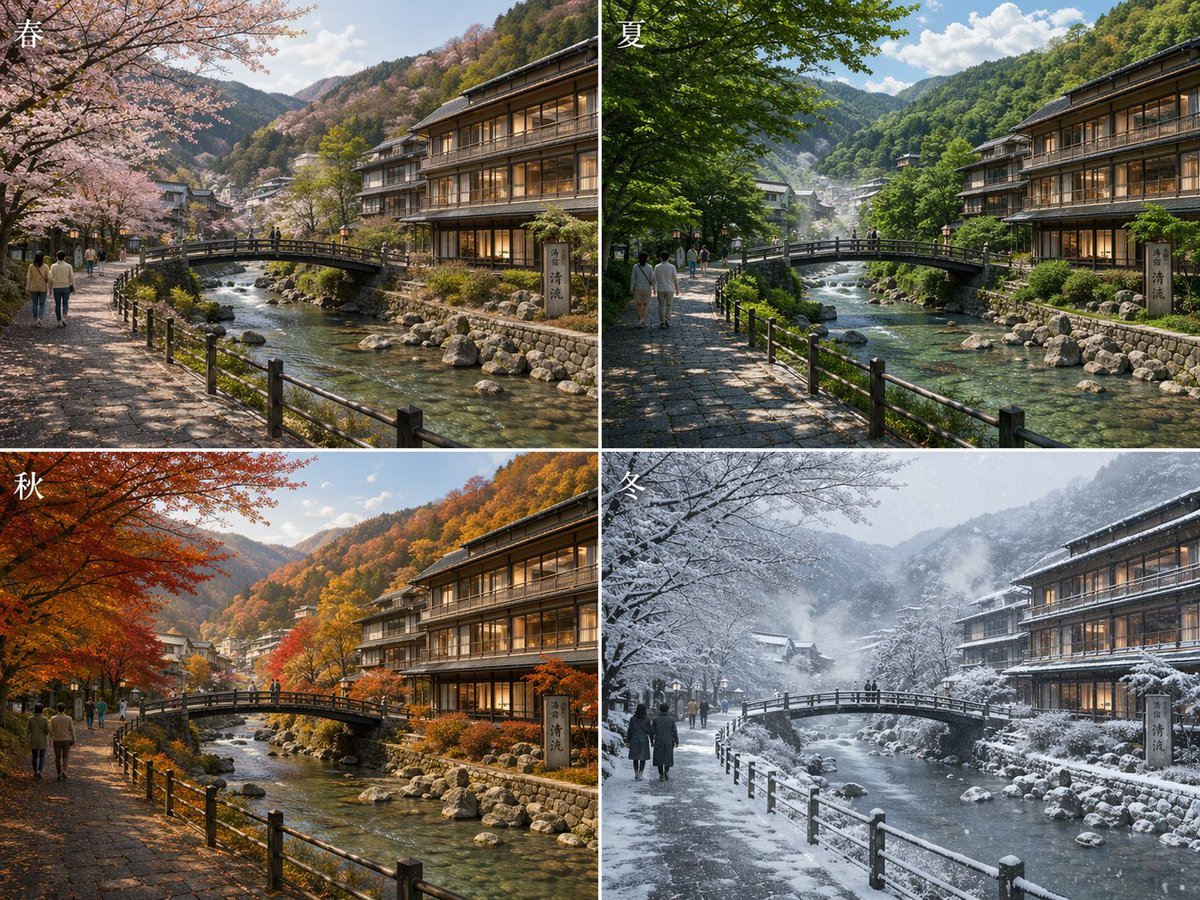
Japanese Onsen Town in Four Seasons
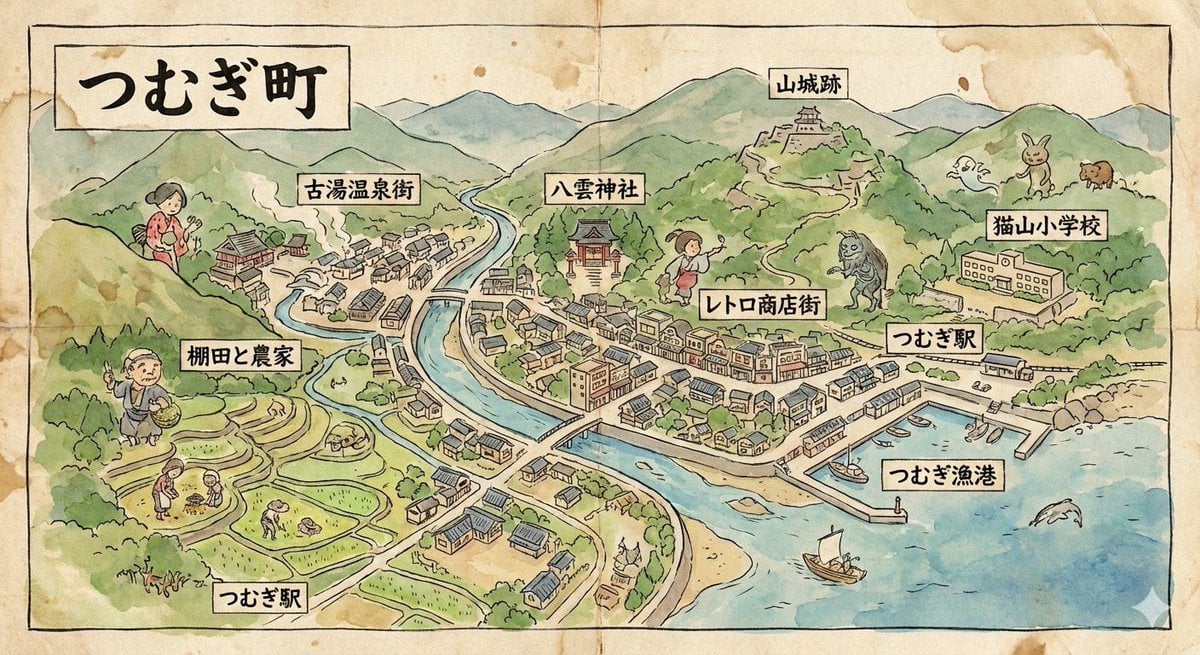
Hand-drawn map of a fictional Japanese town
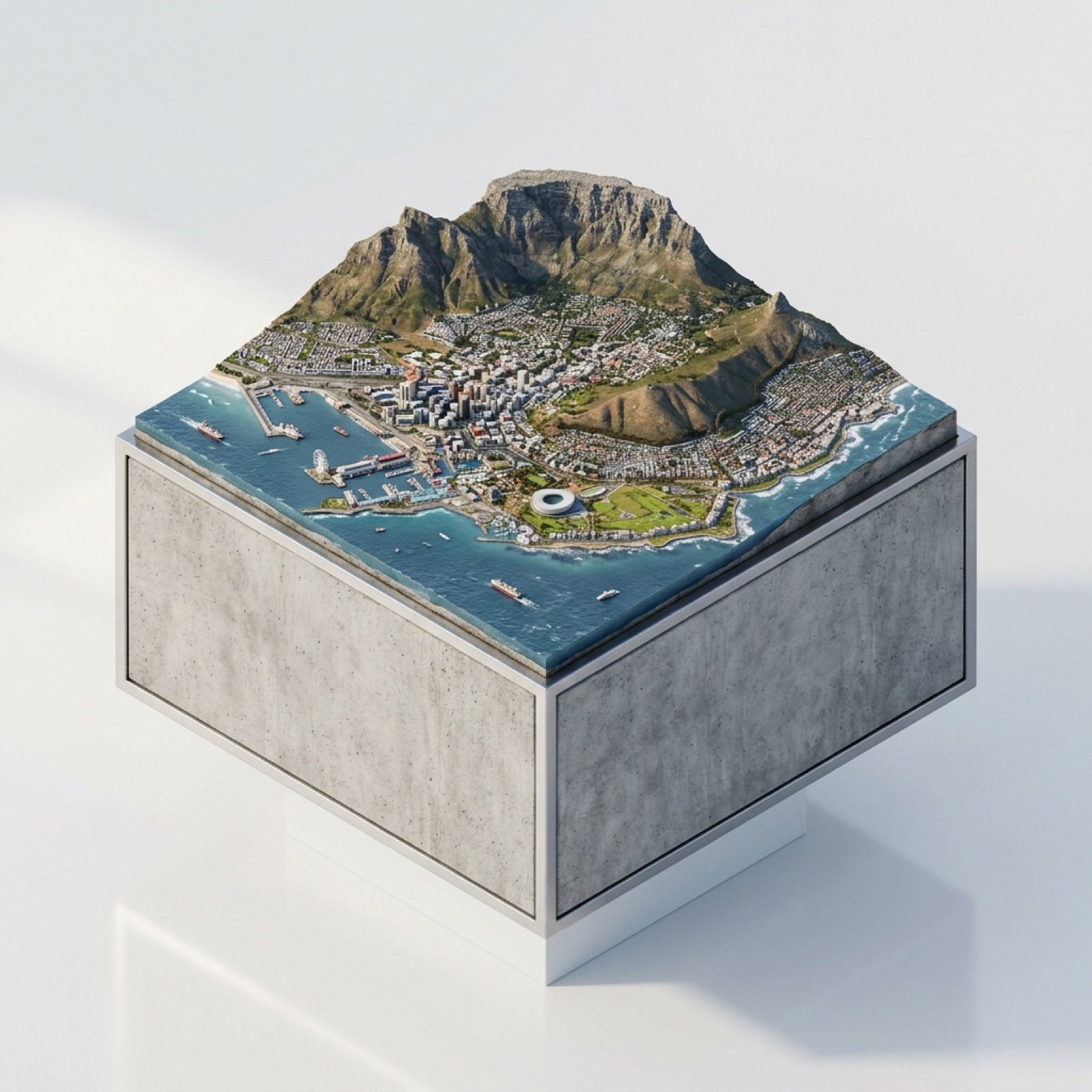
3D Miniature Cape Town Diorama on Floating Cube

Japanese Film Reflection Idol
Make it yours
Miniature Japanese Canal Town at Dusk works as-is. These are the safest ways to change it without losing the look.
Change one field
Copy a single group, rewrite it, and generate again so you can see what that field is doing.
Keep the frame, change the subject
Hold the composition and light of Miniature Japanese Canal Town at Dusk, then swap wardrobe, props or the person for a new take.
| If the result… | Why | Fix |
|---|---|---|
| The result drifts from the preview | Too many fields changed at once. | Reuse Miniature Japanese Canal Town at Dusk as-is first, then change one group — subject, light, or setting. |
| The model over-stylizes the scene | The prose prompt leaves finish and camera underspecified. | Add one camera or lighting sentence and stay on GPT Image 2. |
More GPT Image 2 templates
Other prompts made for GPT Image 2.

Realistic Portrait of Woman and Deer

The Vista Modular Condo Poster

AI Model Routing Comparison Infographic

2.5D Anime Art Board

Isometric Productivity Desk Scene

New York Double Exposure Poster

Four-Panel AI Landscape Comparison

Japanese Tatami Lifestyle Magazine Cover

NESCAFÉ Coffee Map Poster

Brutalist Cogito Chinese Typography Poster
More image prompts
Fresh picks from across the catalog.
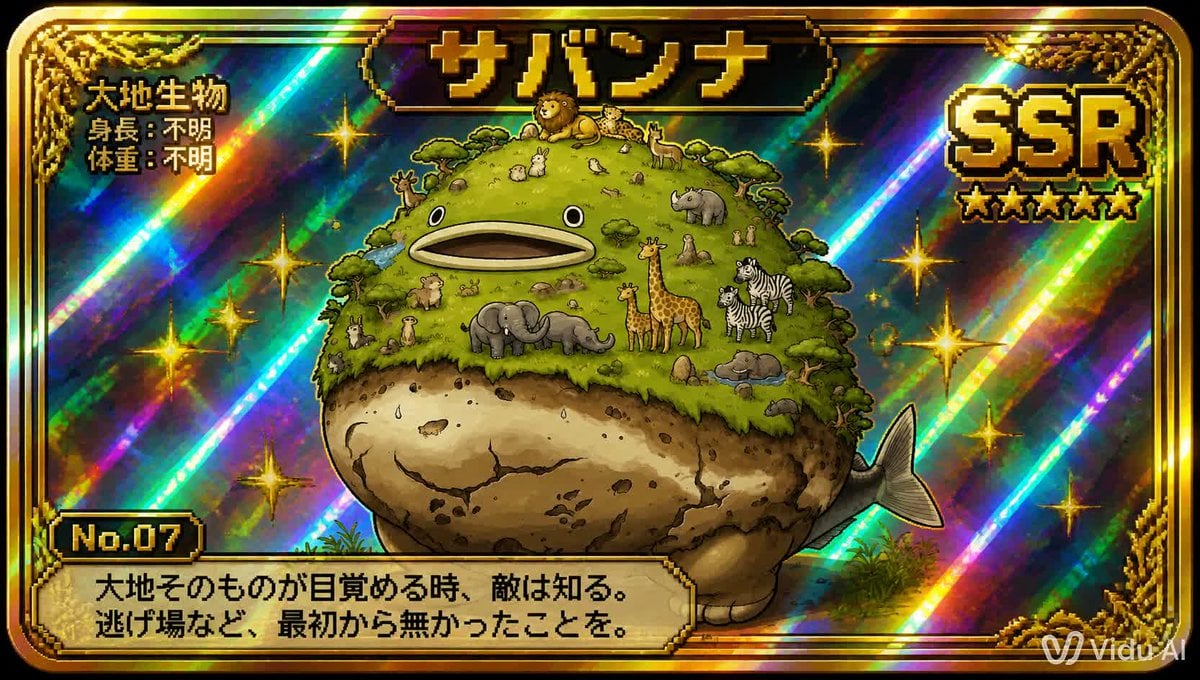
SSR Savanna Creature Card

Realistic Golden-Hour Indoor Selfie
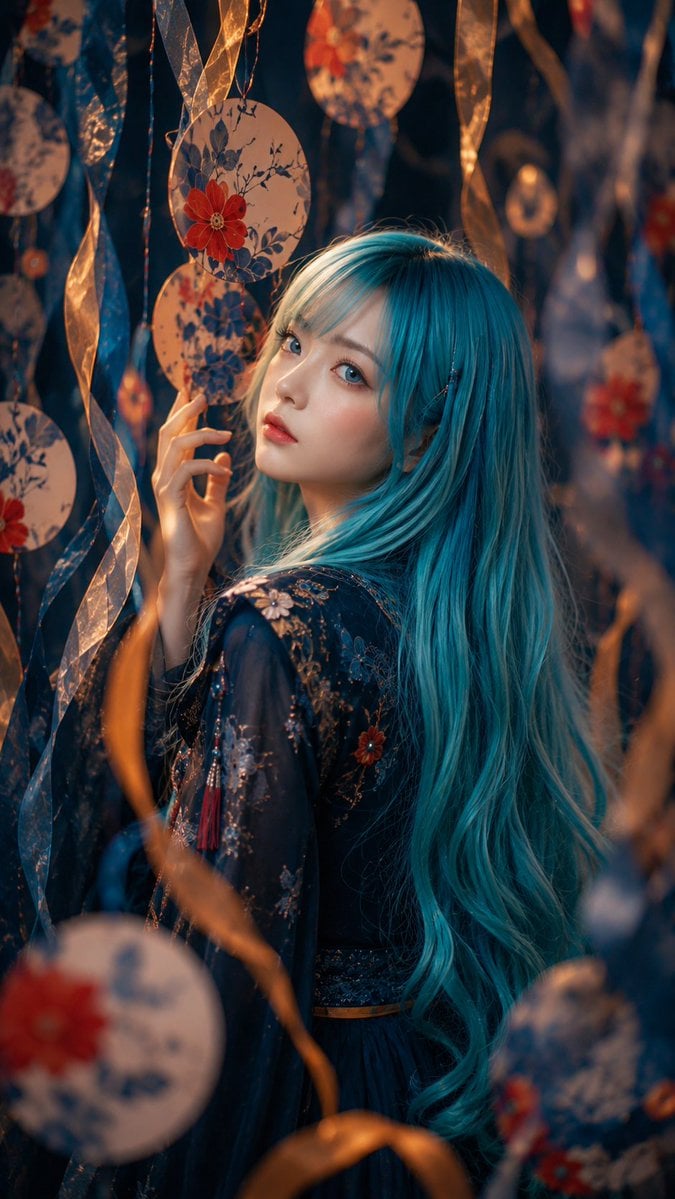
Blue-Haired Festival Portrait
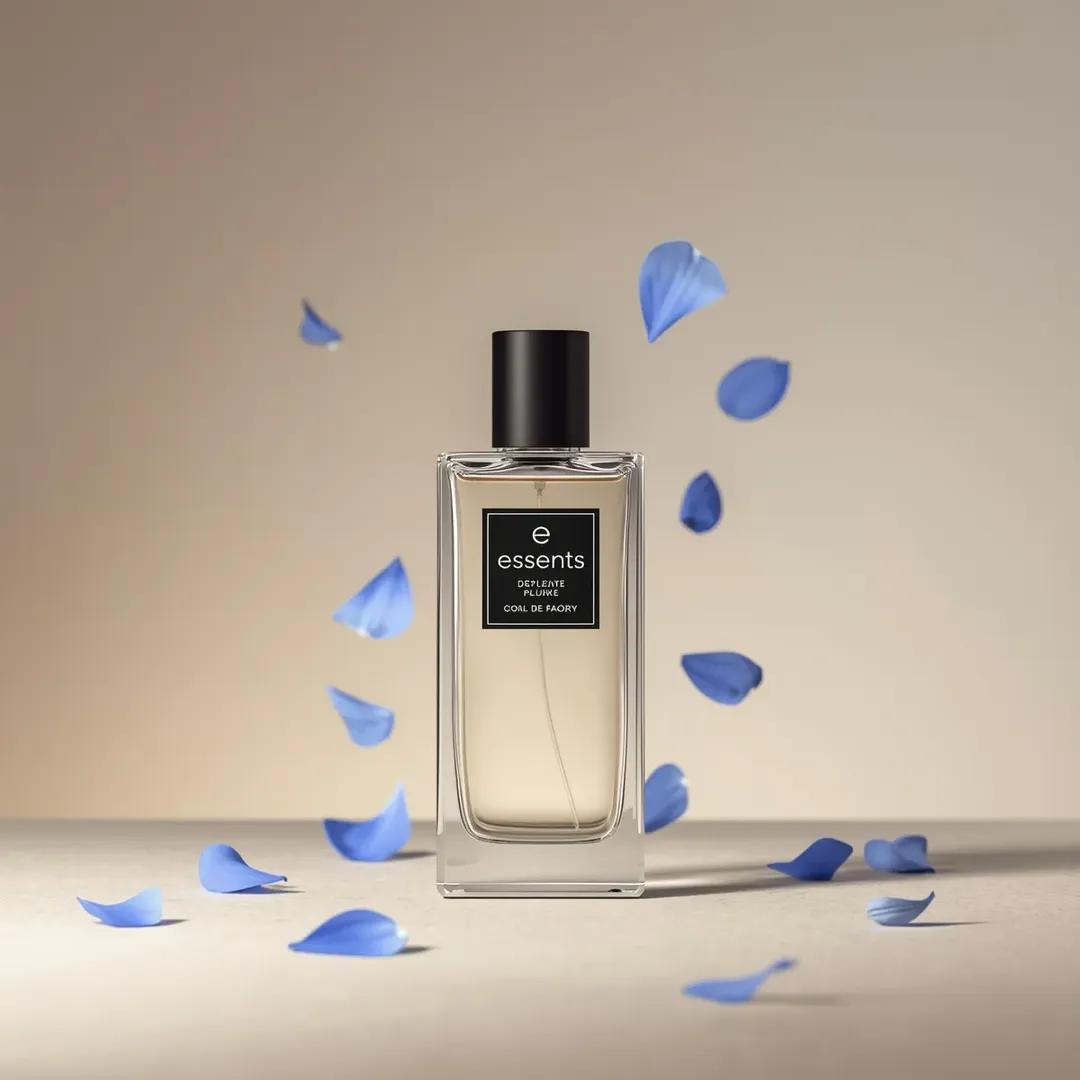
Luxury Perfume Bottle Product Shot Prompt

MacBook Mockup with User from Behind
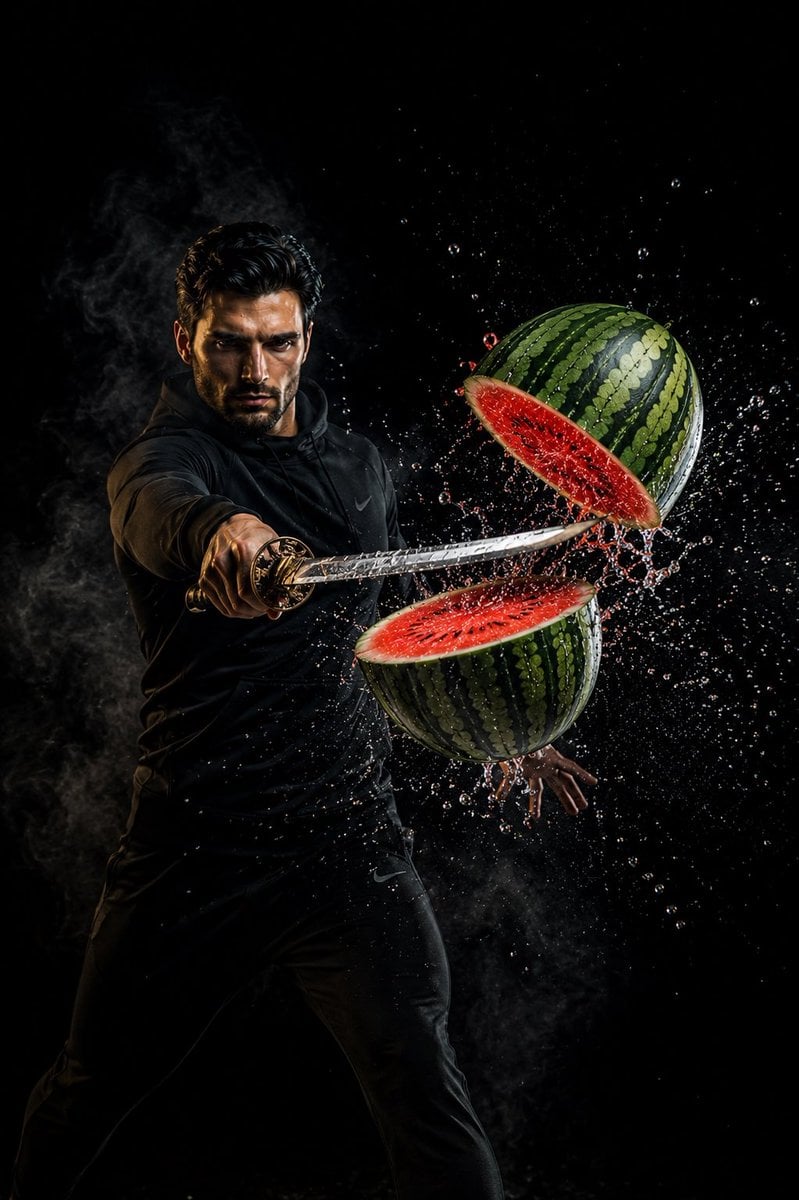
Action Samurai Fruit Slicing
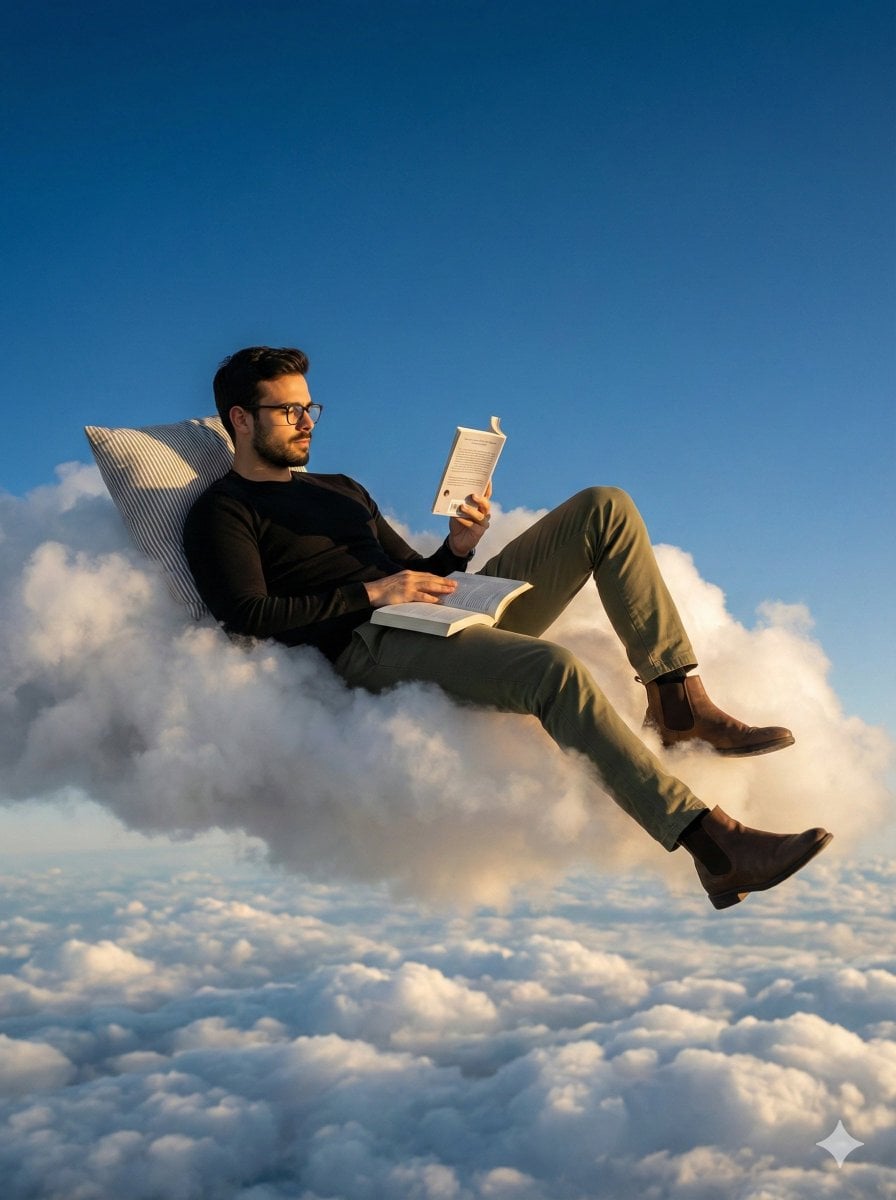
Photorealistic Surreal Scene of a Man Reclining on a Floating Cloud
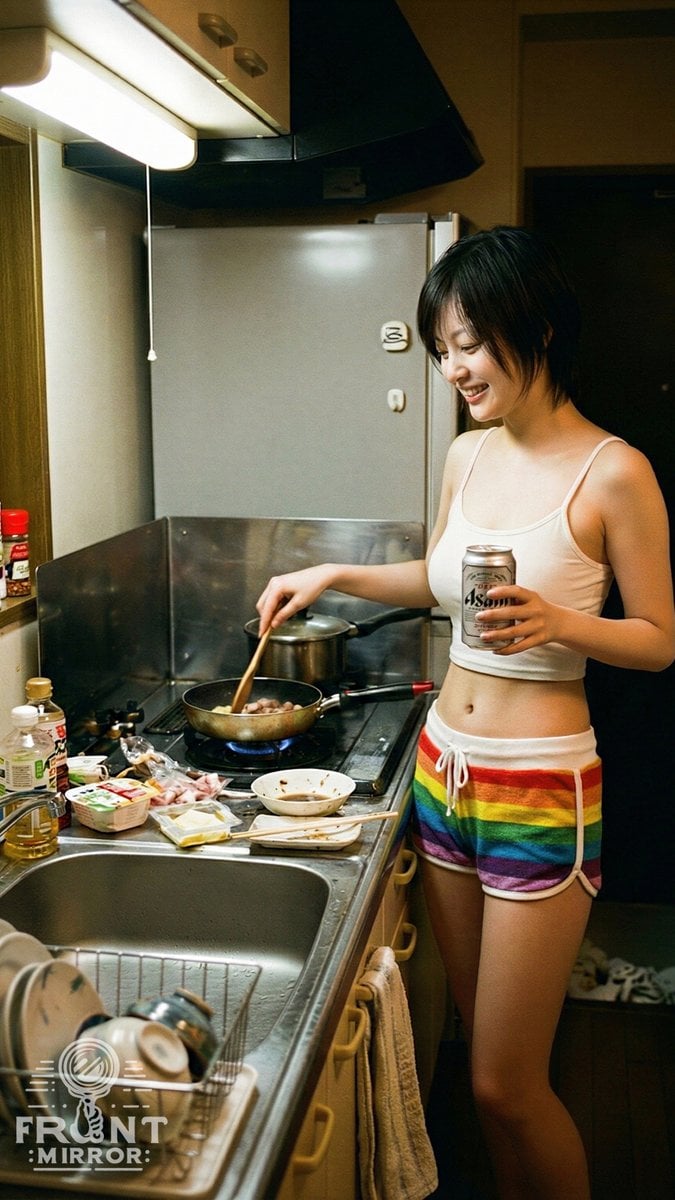
Overhead View of Late Night Activity Prompt (NanoBananaPro)
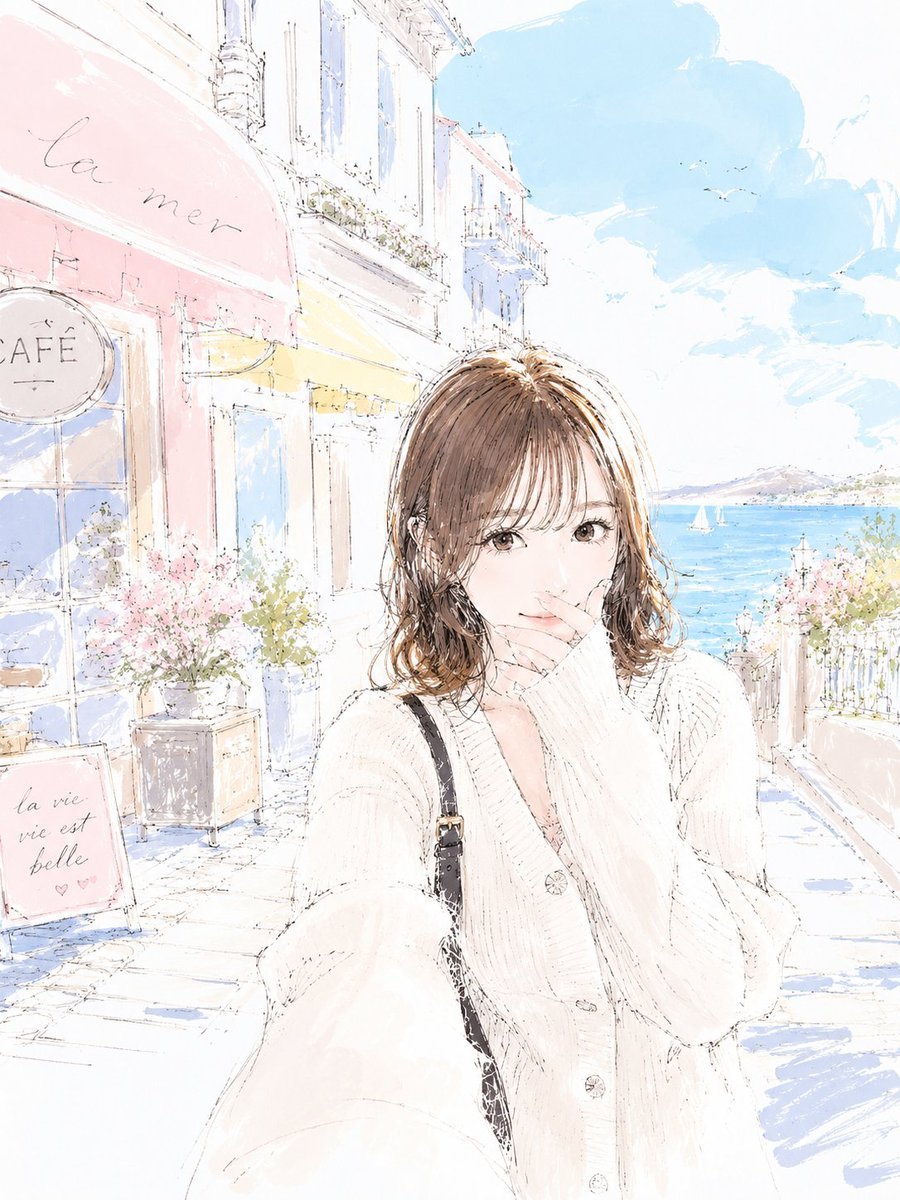
Pastel Sketch Animation Illustration

Dragon Ball Art Style Transformation
Browse template categories
Miniature Japanese Canal Town at Dusk questions
How do I use the Miniature Japanese Canal Town at Dusk template?
Add your photo if the template asks for one, edit the prompt if you like — the template's model and format are already selected — and press Generate. Your version opens in PicX Studio.
Can I customize the Miniature Japanese Canal Town at Dusk template?
Yes. You can change the subject, setting, lighting, mood, format, and available model controls before creating your image.
Is the Miniature Japanese Canal Town at Dusk template free?
Opening and editing this template is free. Generating uses credits, shown on the Generate button when you are signed in.
Which AI model should I use?
Start with GPT Image 2, which is the model associated with this template. You can compare another compatible model for a different finish.
Looking for something else? Browse all templates.

Your photo, any look
Thousands of ready templates for every top image and video model, from one credit balance.