
Miniature Brick Fantasy Town Diorama
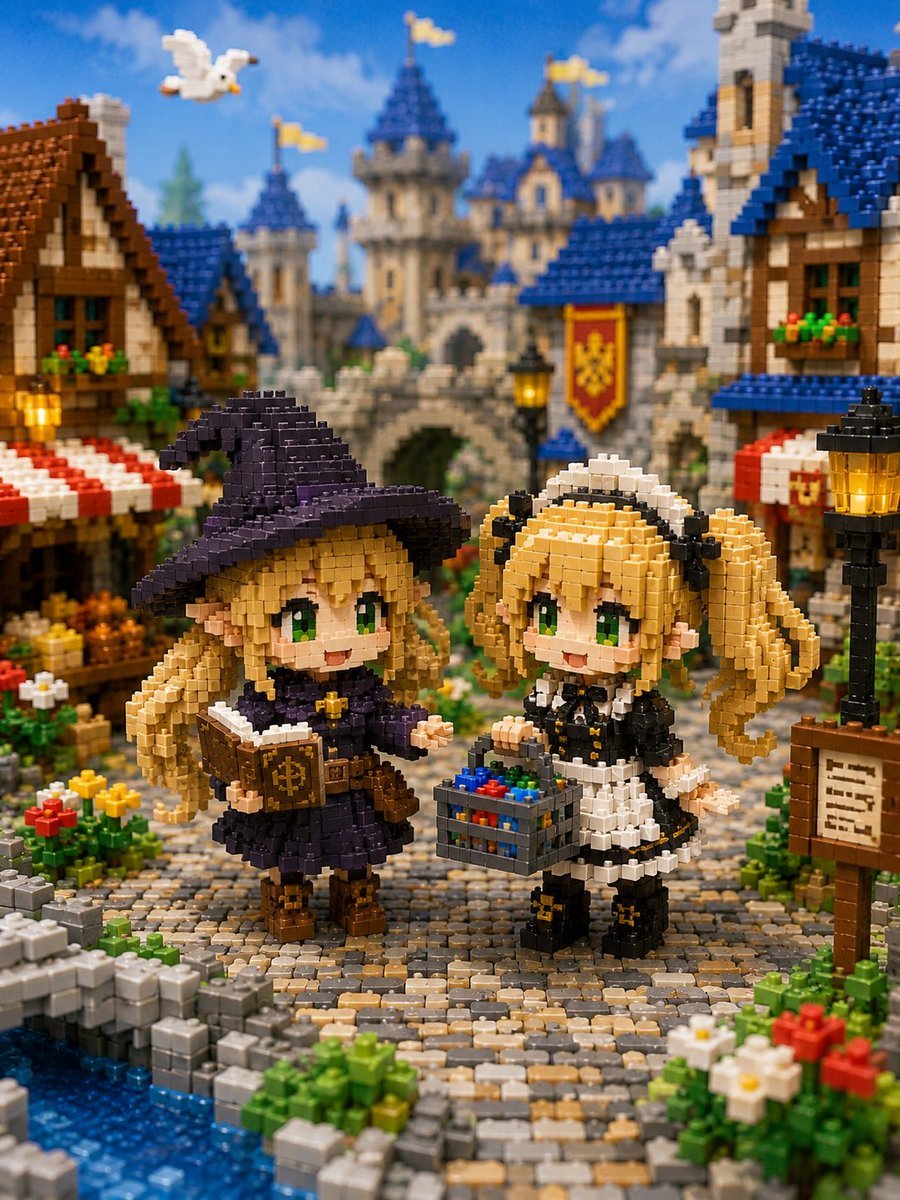
A detailed text prompt for generating a cute miniature brick-block fantasy town scene with two chibi characters in front of a castle.
- Prompt included
- Model and format preset
- Free template
The prompt behind this image
Copy the exact prompt behind Miniature Brick Fantasy Town Diorama, or open it in the studio and make it yours.
Create a whimsical miniature block diorama in the style of tiny interlocking plastic bricks, showing a fantasy medieval town square in front of a grand fairytale castle. The scene features exactly two chibi anime-style girl figures made entirely of small bricks, standing on a curved cobblestone path by a blue canal. The left character is a cheerful little witch named {argument name="left character name" default="the blonde witch"}: long blonde hair, big green eyes, pointed ears, oversized dark purple witch hat, dark purple dress with white trim, brown boots, and a brown spellbook held open with a gold emblem on the cover. The right character is a cheerful maid named {argument name="right character name" default="the blonde maid"}: blonde twin-tail hair with curled ends, big green eyes, pointed ears, black-and-white maid outfit, white headband, black shoes with small gold bows, and a gray basket filled with colorful red, blue, green, and yellow blocks. Surround them with a richly detailed medieval marketplace: timber-frame houses with blue and brown roofs, red-and-white striped awnings, flower boxes, glowing black-and-gold street lamps, a wooden signboard with tiny unreadable writing, colorful flower beds, stone walls, and a small canal at the lower left. In the background, place a large stone castle with blue conical roofs, multiple towers, yellow flags, an arched bridge or gate, and a red-and-gold heraldic banner. Add exactly one white bird flying in the upper-left sky. Use bright daylight, blue sky with soft clouds, warm saturated colors, shallow depth of field, macro photography perspective, highly detailed brick texture, toy-like realism, cute fantasy atmosphere, and a vertical 3:4 composition. Keep every object visibly constructed from miniature blocks, with no smooth non-brick surfaces, no real humans, no text overlays, and no watermark.
How to use Miniature Brick Fantasy Town Diorama in 3 steps
- 1Upload ImagePNG, JPG or paste
Add your photo
Upload the photo the template builds on. The prompt, model and format are already set.
- 2…a portrait of your subject in softgolden-hour light, 85mm…
Personalize
Edit the subject and creative details for your destination.
- 3Generate
Generate
Press Generate — your image is created in PicX Studio, so you can compare it with the original and refine one variable at a time.
More like this
Templates with the same subject, style or setup. Open one to see its prompt.

Isometric Brand Store Diorama

Tiny Woman Miniature Fantasy Macro Scene
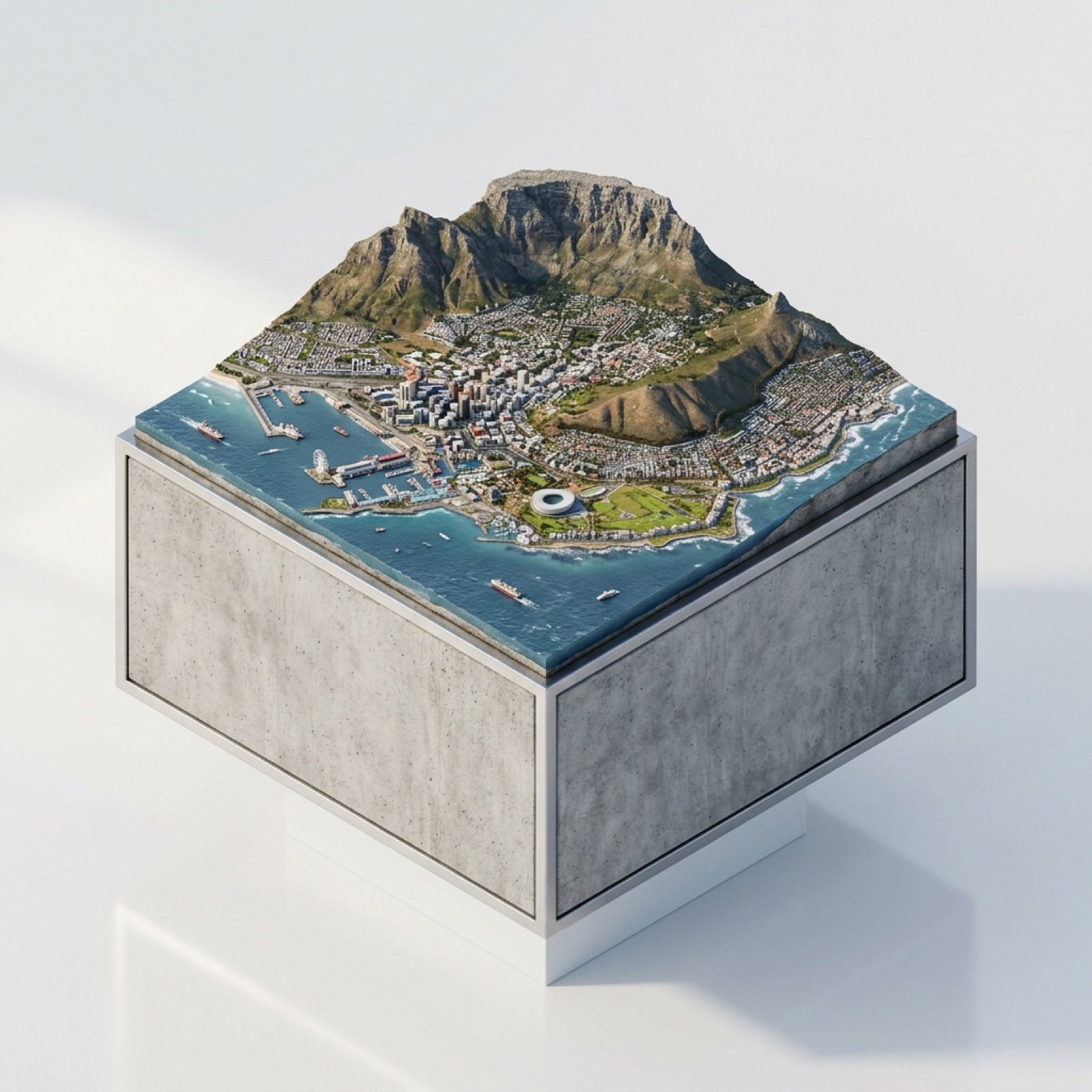
3D Miniature Cape Town Diorama on Floating Cube

Miniature Sick Day Diorama

Stylized Miniature 3D Diorama Craft

Cozy Isometric Bathroom Miniature Diorama
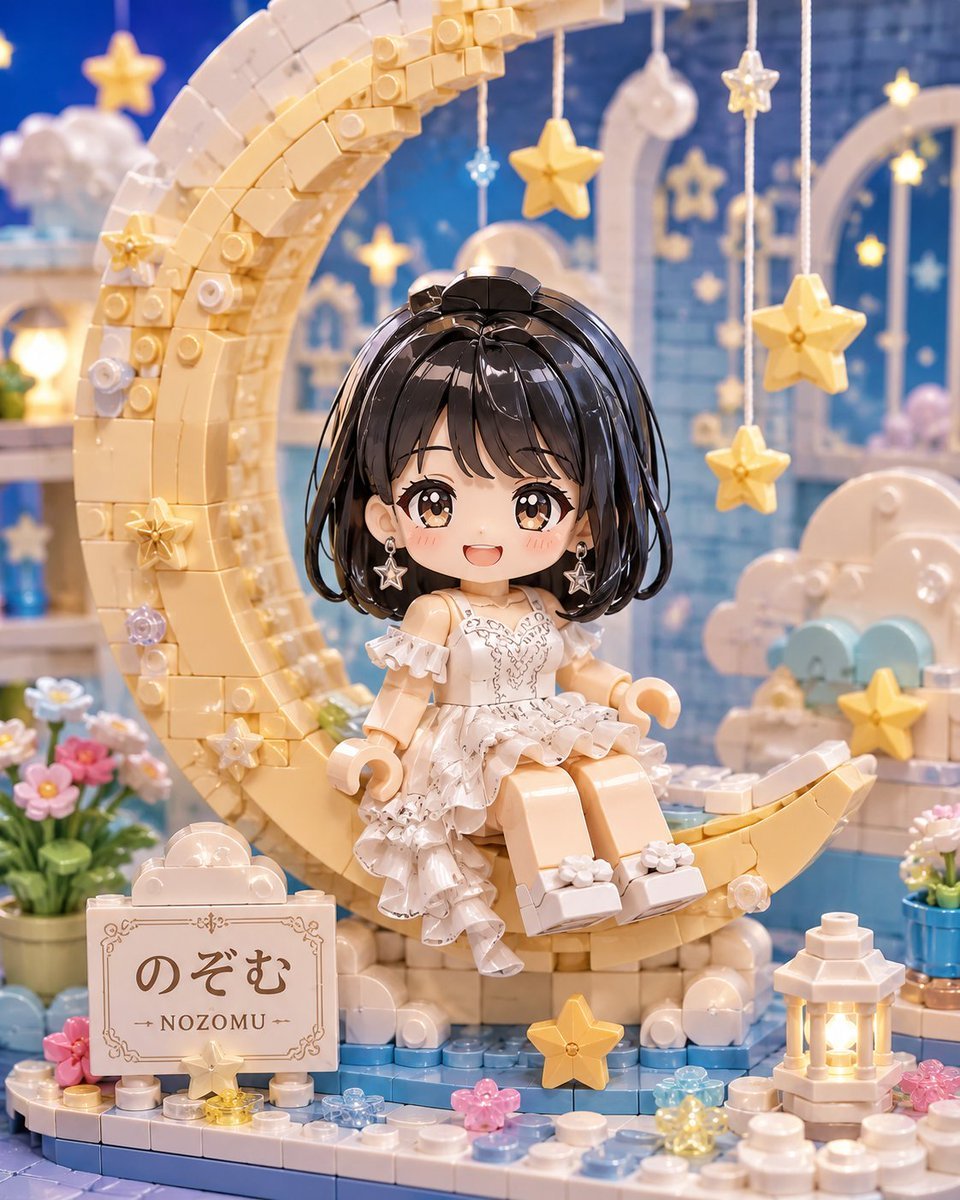
Kawaii Brick Moon Chibi Diorama
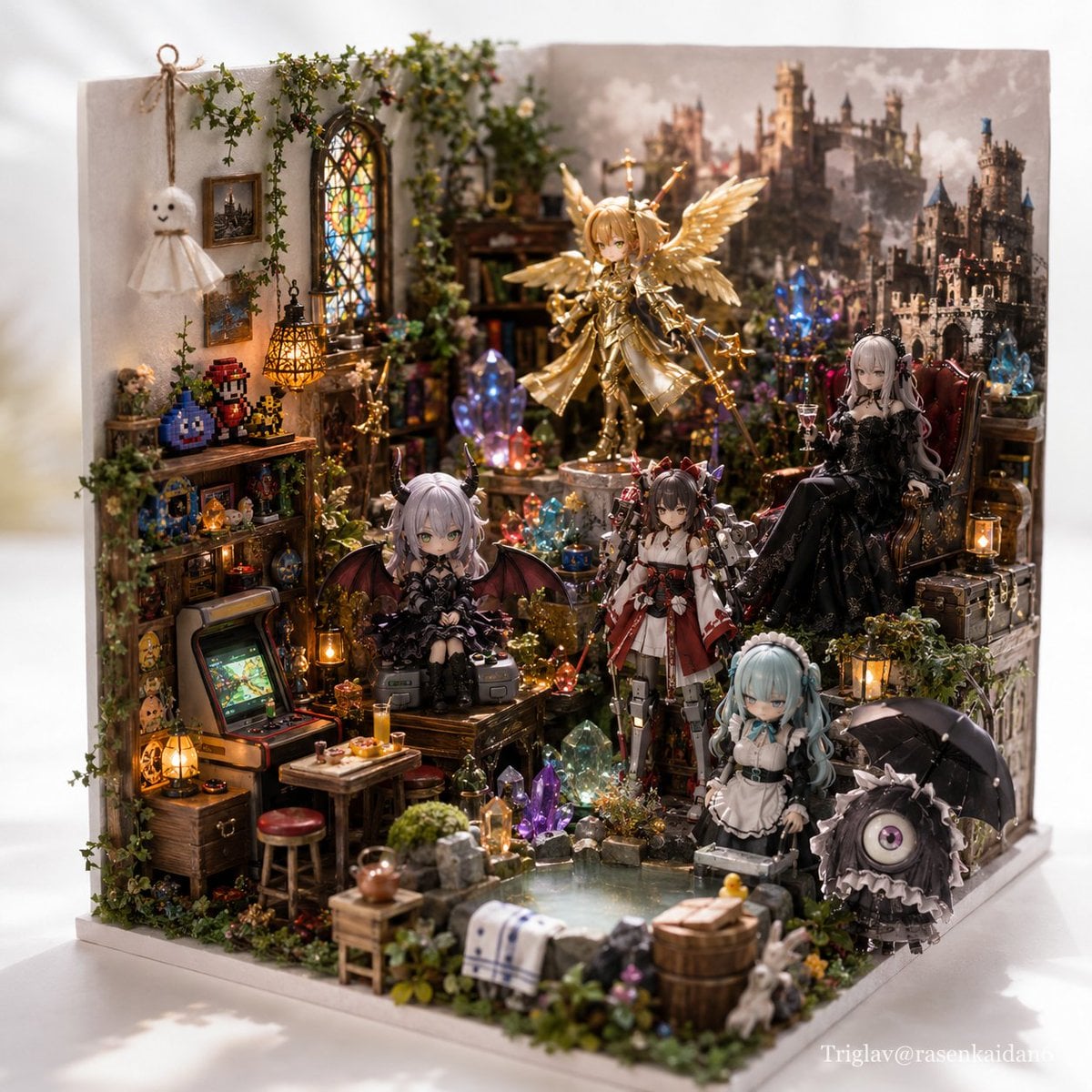
Gothic Fantasy Diorama Room

Paper Tunnel Book Architecture

Layered Paper Cut Forest Diorama

Soft Handcrafted Paper-Cut Layered Illustration
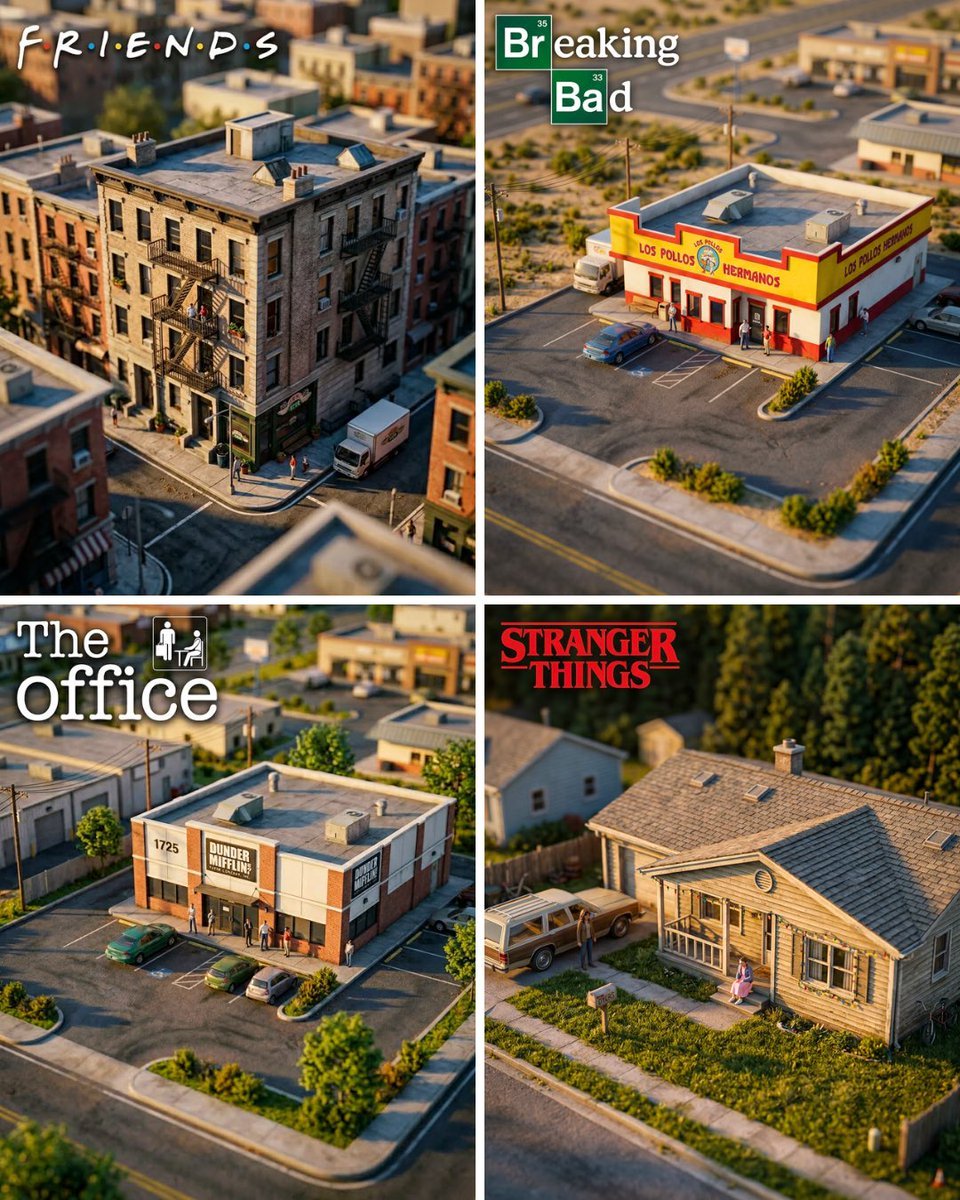
Hyper-Realistic Miniature Diorama Creator
Make it yours
Miniature Brick Fantasy Town Diorama works as-is. These are the safest ways to change it without losing the look.
Change one field
Copy a single group, rewrite it, and generate again so you can see what that field is doing.
Keep the frame, change the subject
Hold the composition and light of Miniature Brick Fantasy Town Diorama, then swap wardrobe, props or the person for a new take.
| If the result… | Why | Fix |
|---|---|---|
| The result drifts from the preview | Too many fields changed at once. | Reuse Miniature Brick Fantasy Town Diorama as-is first, then change one group — subject, light, or setting. |
| The model over-stylizes the scene | The prose prompt leaves finish and camera underspecified. | Add one camera or lighting sentence and stay on GPT Image 2. |
More GPT Image 2 templates
Other prompts made for GPT Image 2.

Six VTuber Japanese Logo Sheet

Realistic Portrait of Woman and Deer

The Vista Modular Condo Poster

AI Model Routing Comparison Infographic

2.5D Anime Art Board

Isometric Productivity Desk Scene

New York Double Exposure Poster

Four-Panel AI Landscape Comparison

Japanese Tatami Lifestyle Magazine Cover

NESCAFÉ Coffee Map Poster
More image prompts
Fresh picks from across the catalog.
Art Street Market Caricature Portrait
Vintage Glamour Piano Series Collage Prompt
Moonlit Gothic Lolita Balcony
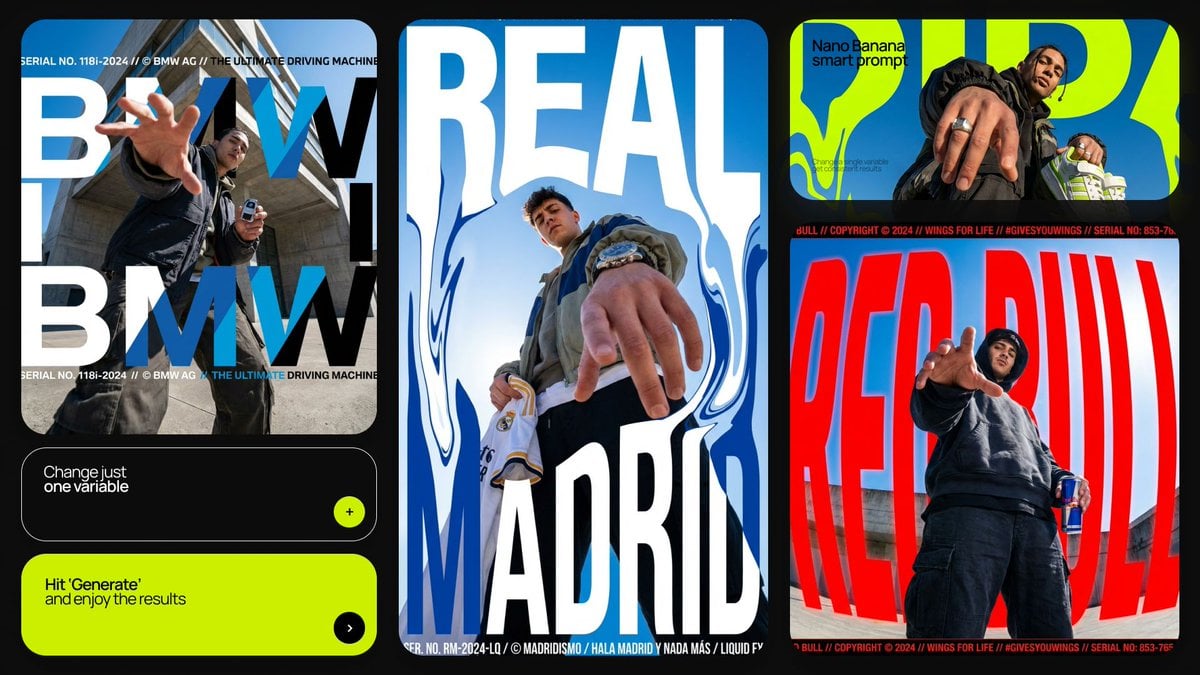
Dramatic Low Angle Brand Poster
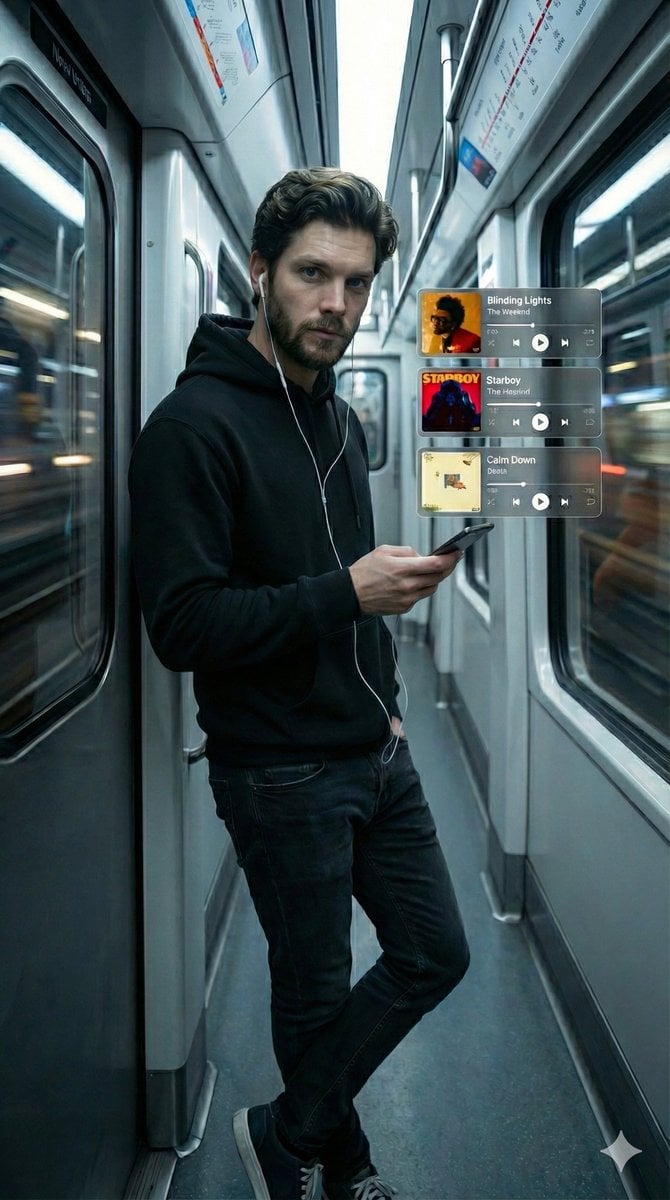
Cinematic Subway Portrait with Holographic Music UI
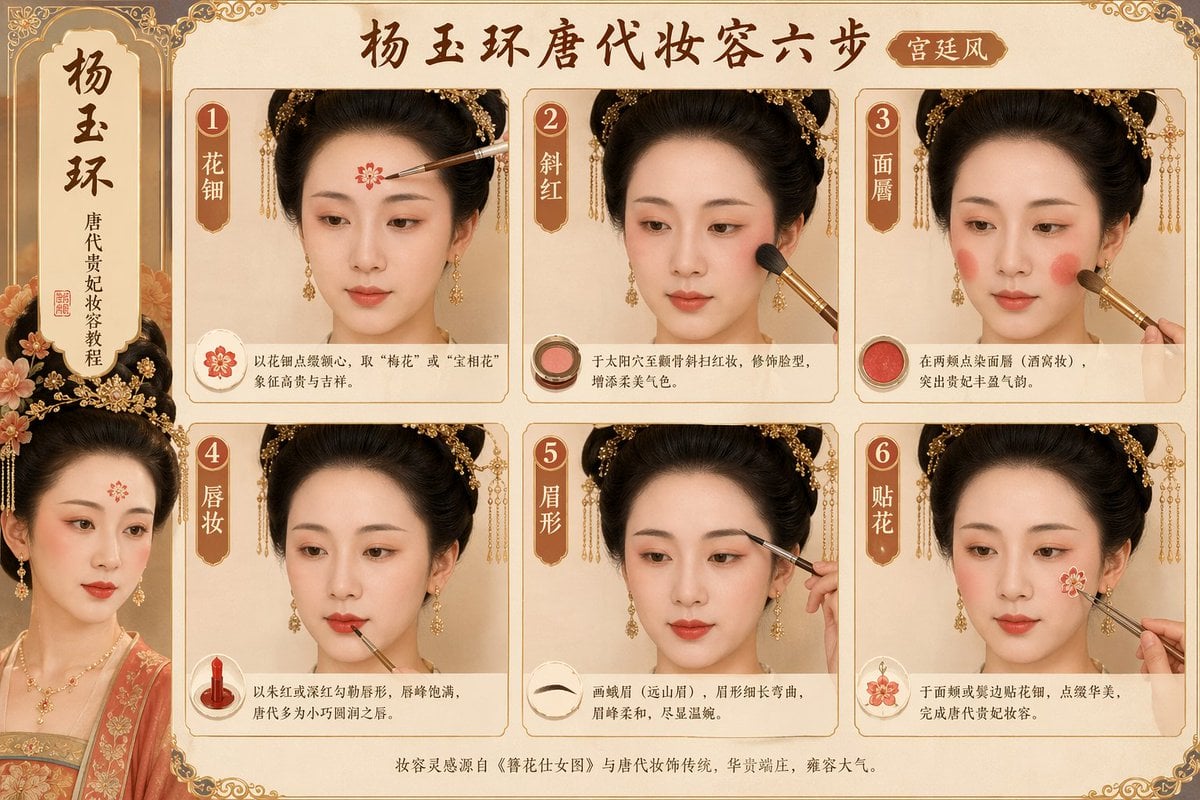
Tang Dynasty makeup steps prompt
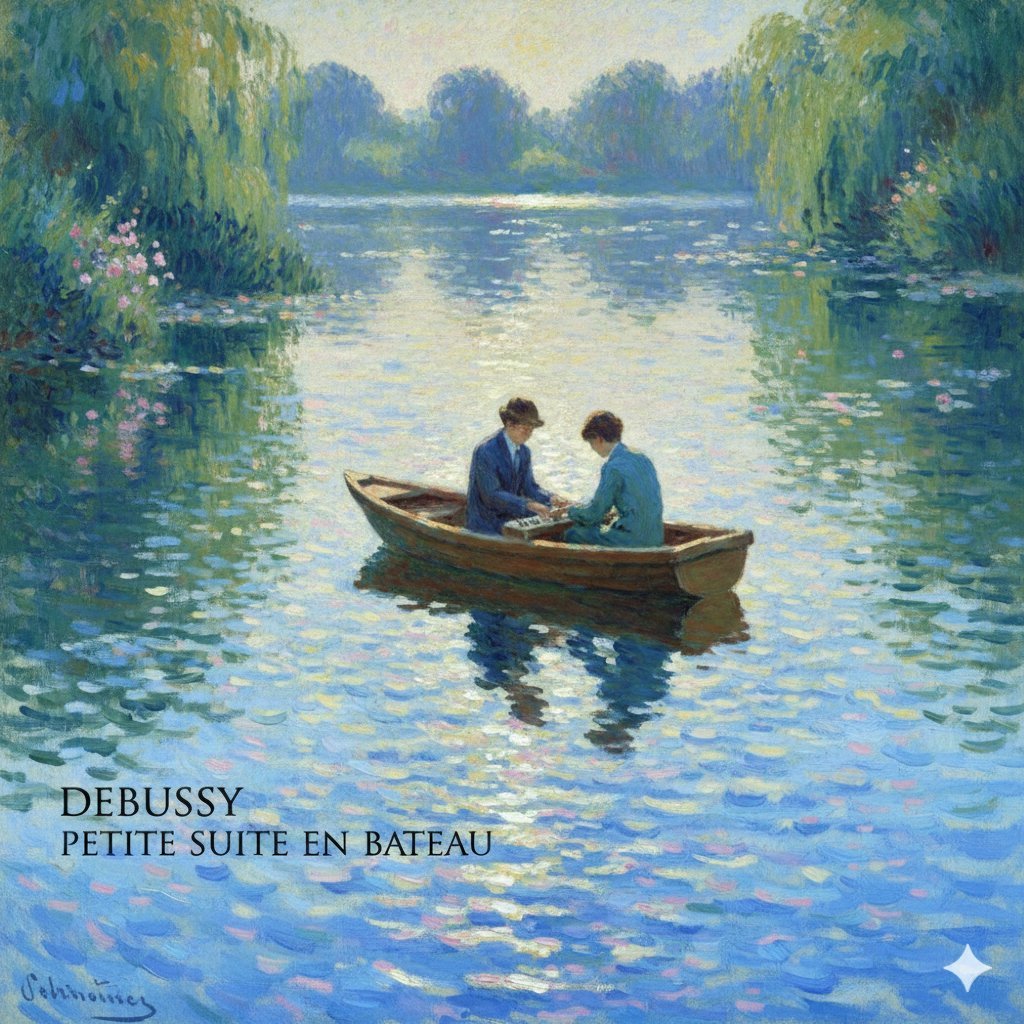
Debussy's 'En Bateau' in Monet Style Prompt

Luxury 3D Carved Football Poster
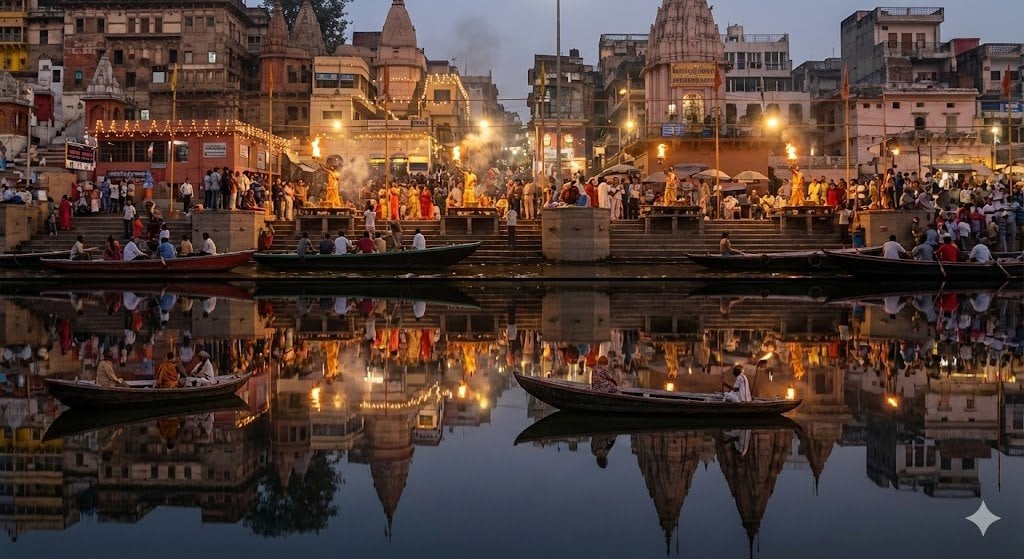
Varanasi ghats dual-timeline reflection scene
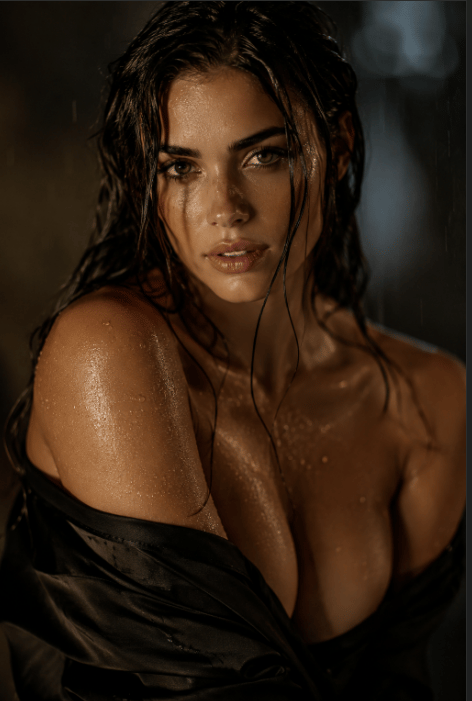
Censored Rain Portrait
Browse template categories
Miniature Brick Fantasy Town Diorama questions
How do I use the Miniature Brick Fantasy Town Diorama template?
Add your photo if the template asks for one, edit the prompt if you like — the template's model and format are already selected — and press Generate. Your version opens in PicX Studio.
Can I customize the Miniature Brick Fantasy Town Diorama template?
Yes. You can change the subject, setting, lighting, mood, format, and available model controls before creating your image.
Is the Miniature Brick Fantasy Town Diorama template free?
Opening and editing this template is free. Generating uses credits, shown on the Generate button when you are signed in.
Which AI model should I use?
Start with GPT Image 2, which is the model associated with this template. You can compare another compatible model for a different finish.
Looking for something else? Browse all templates.

Your photo, any look
Thousands of ready templates for every top image and video model, from one credit balance.