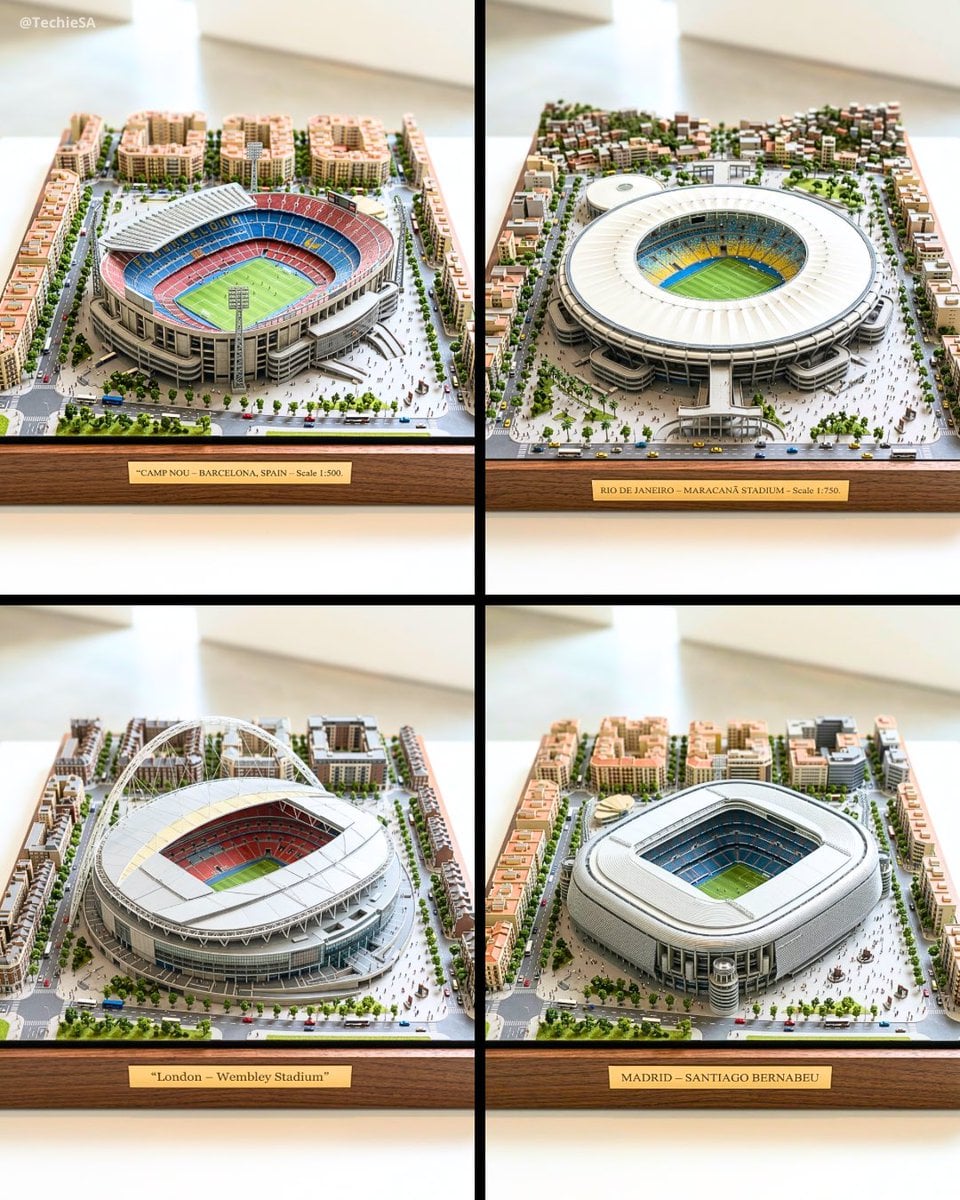
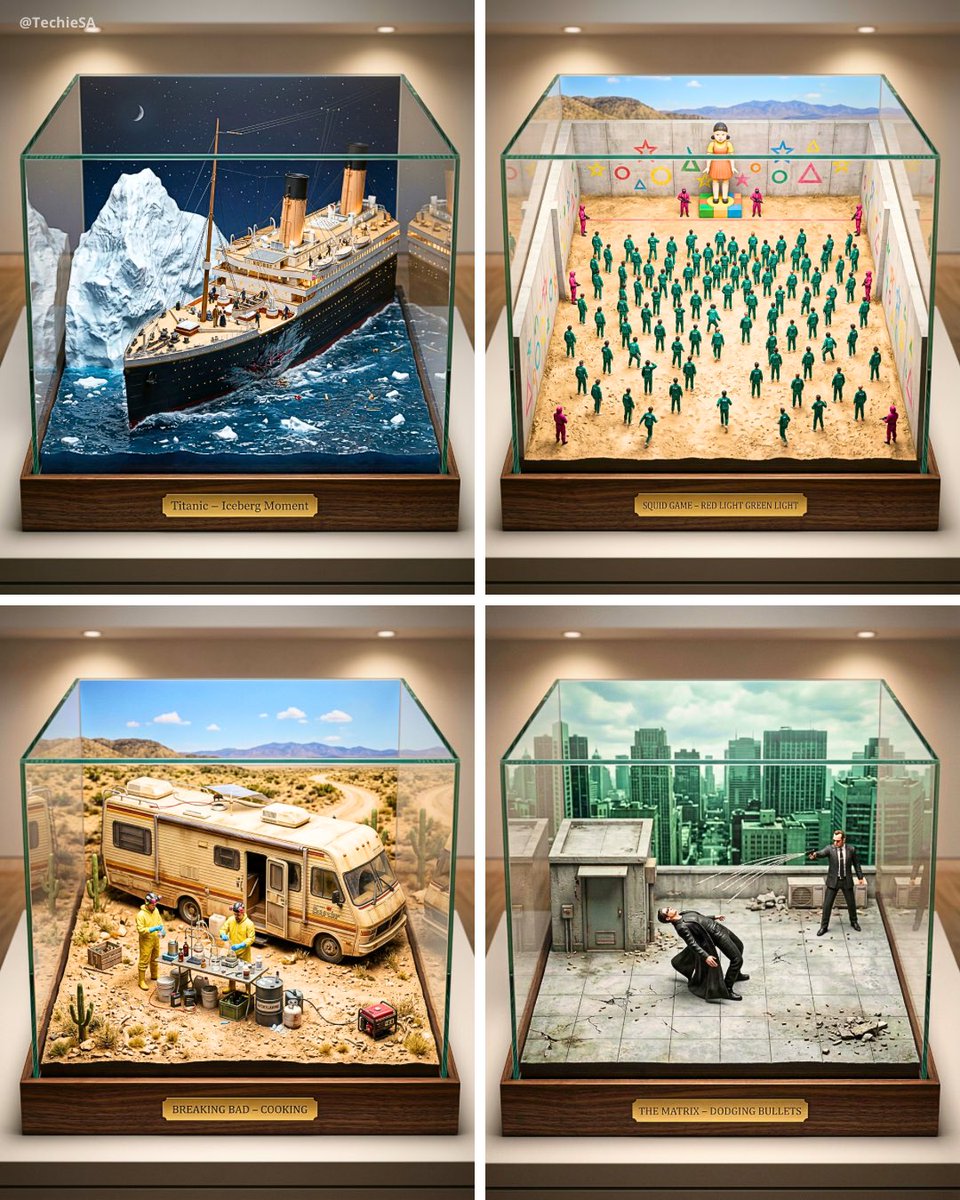
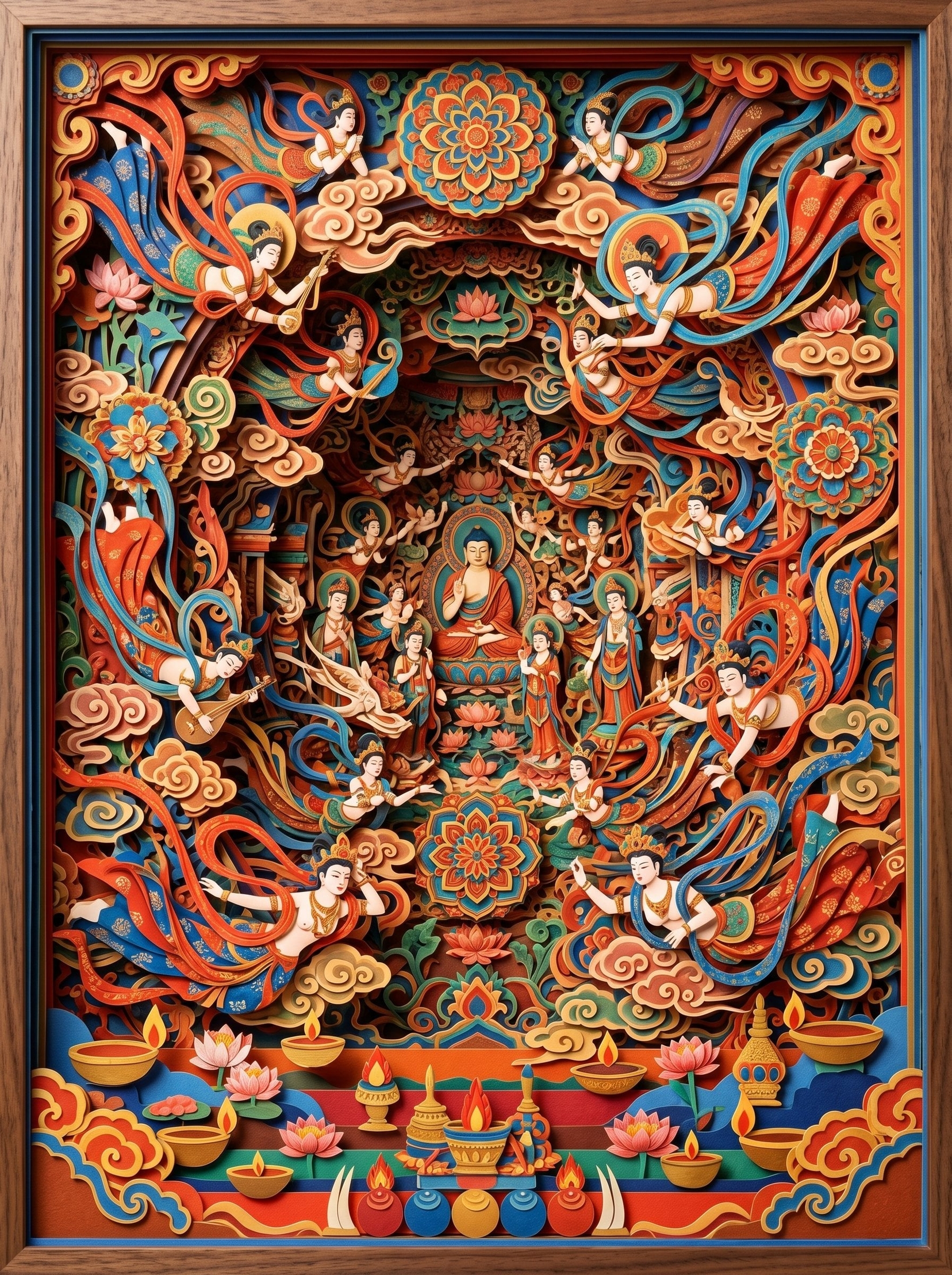
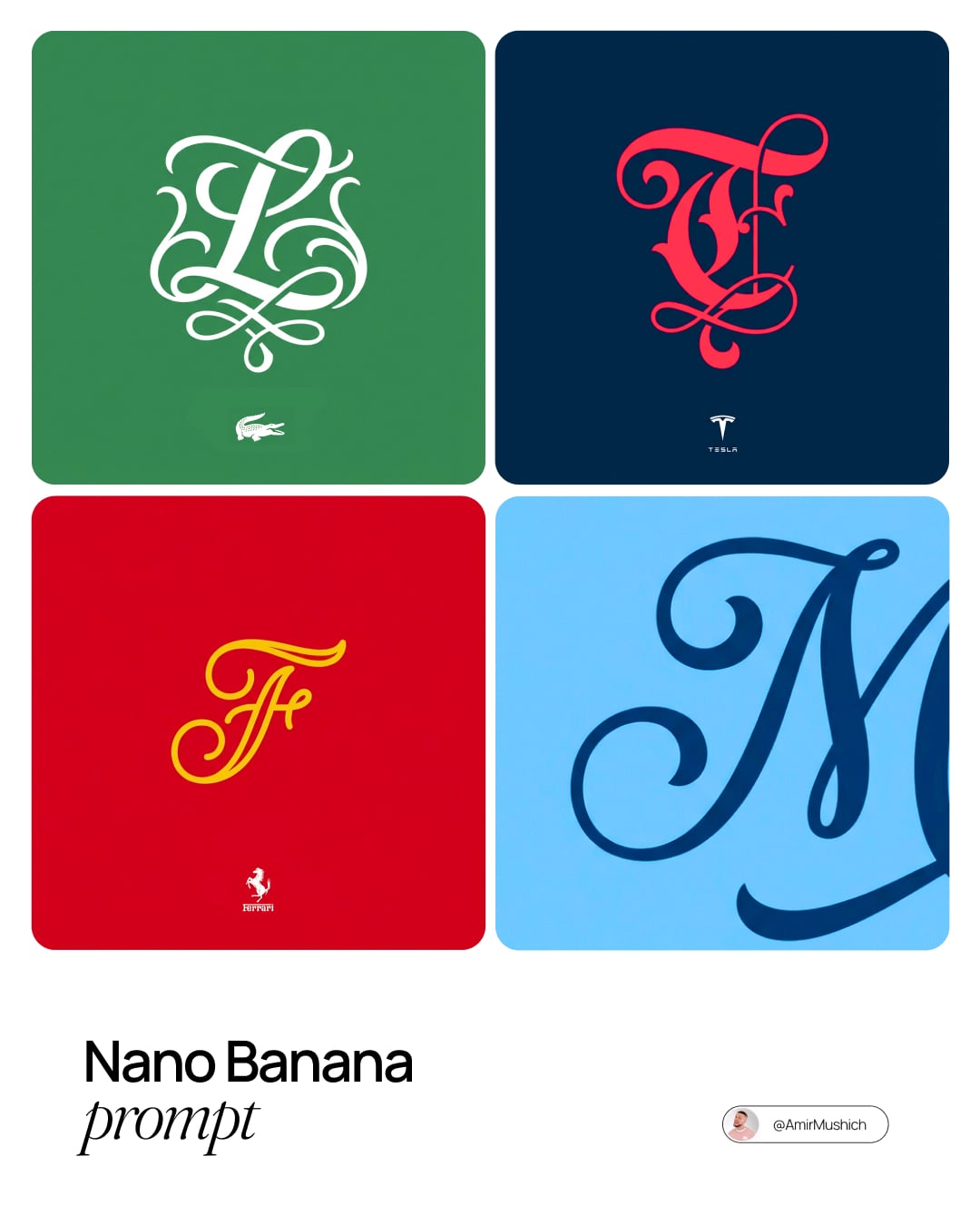
How do I use the Hyper-Realistic Miniature Diorama Creator template?
Choose the primary action to open PicX Studio with the available template settings. Review the model and format, personalize the creative direction, and generate when ready.
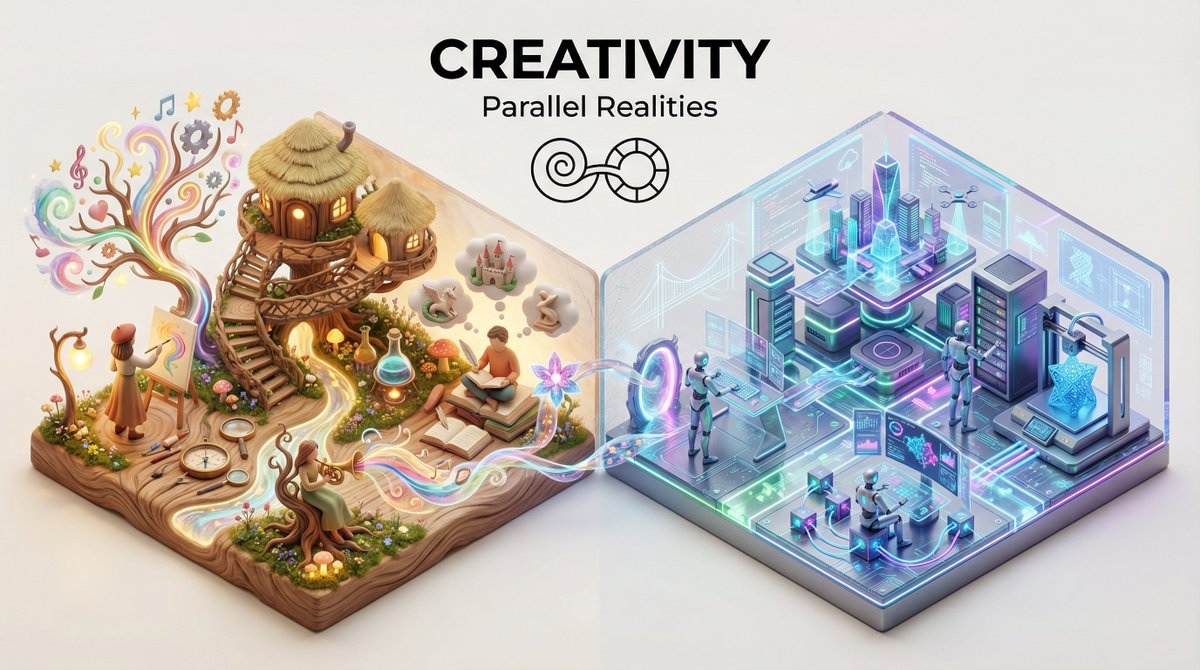
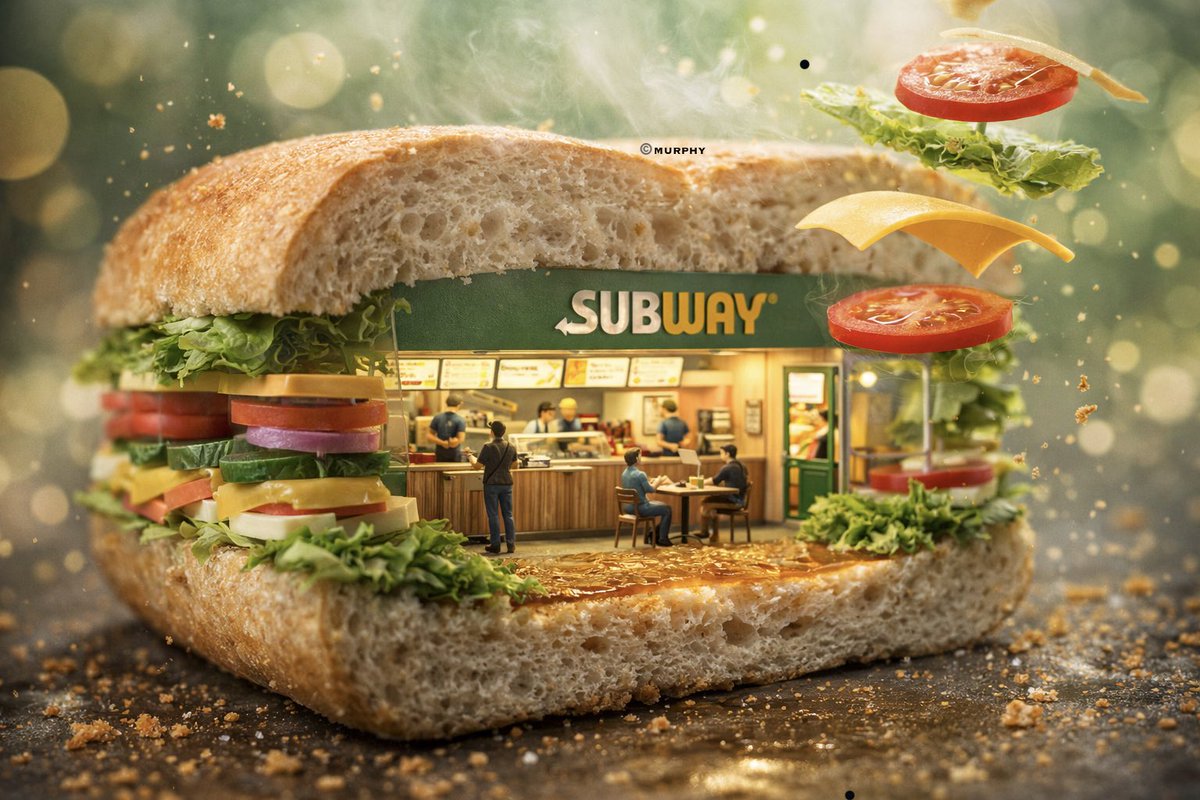
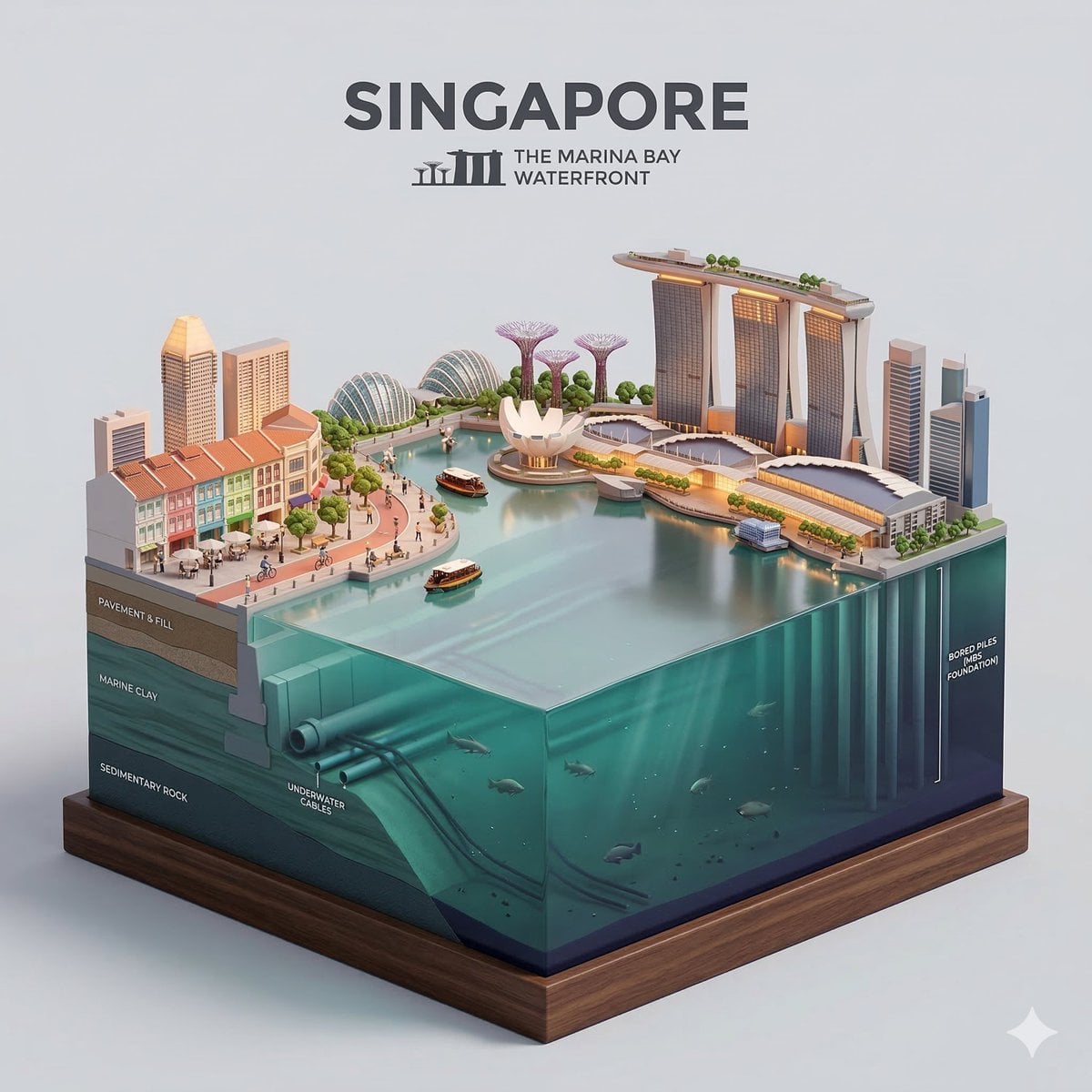
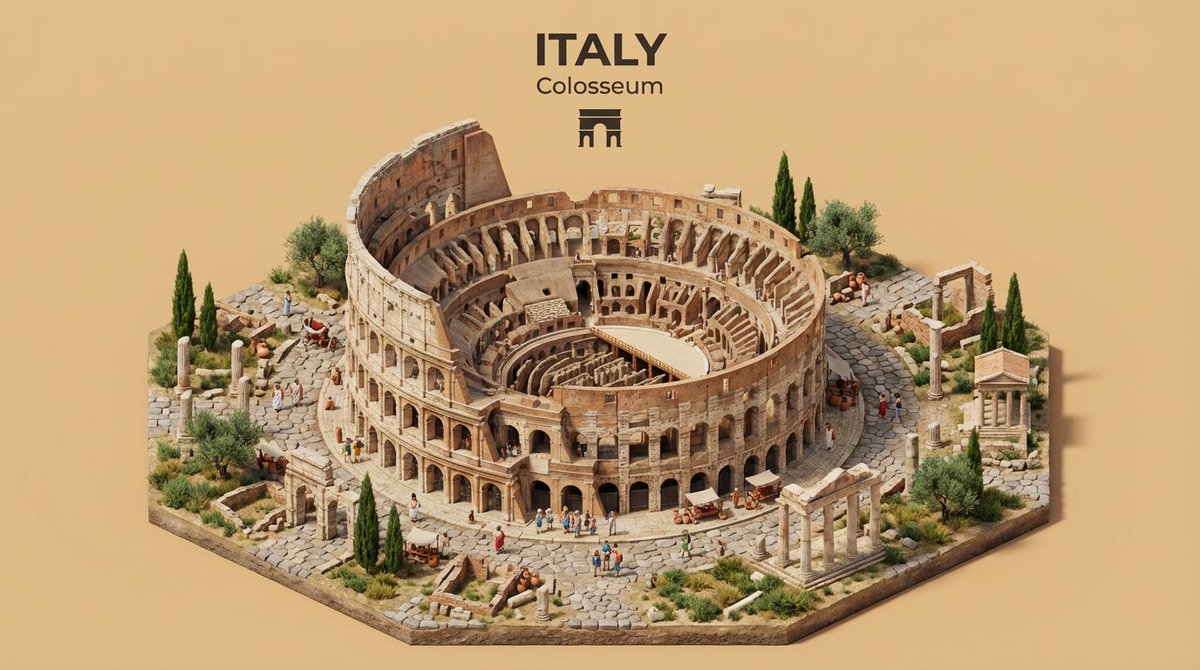
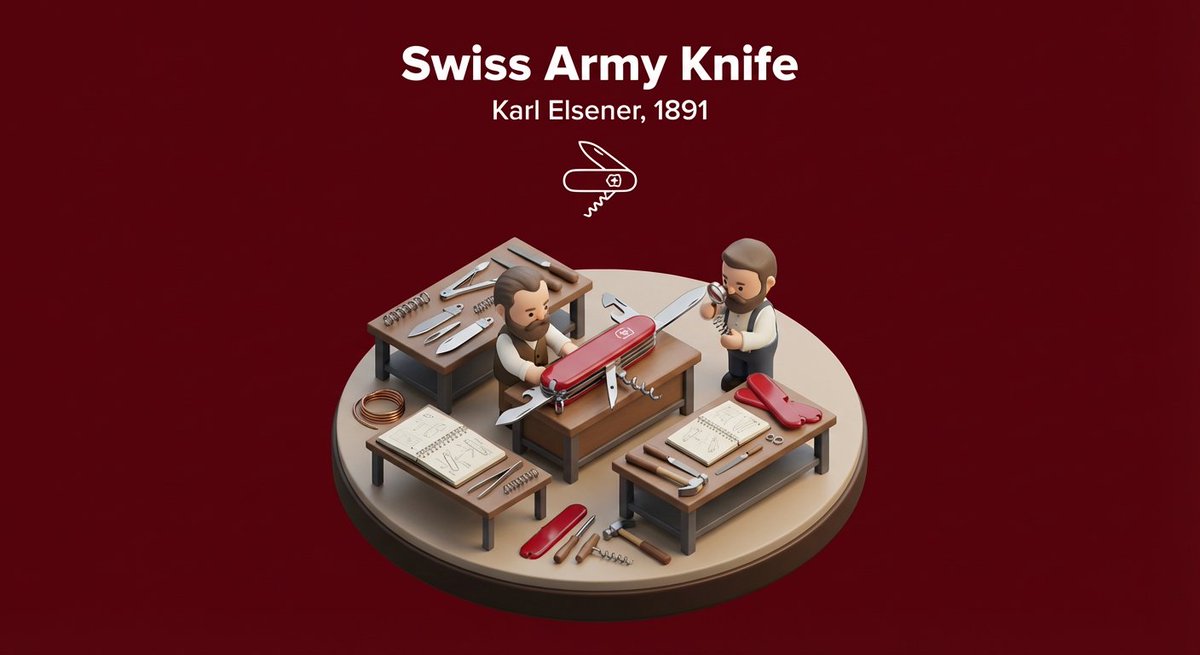
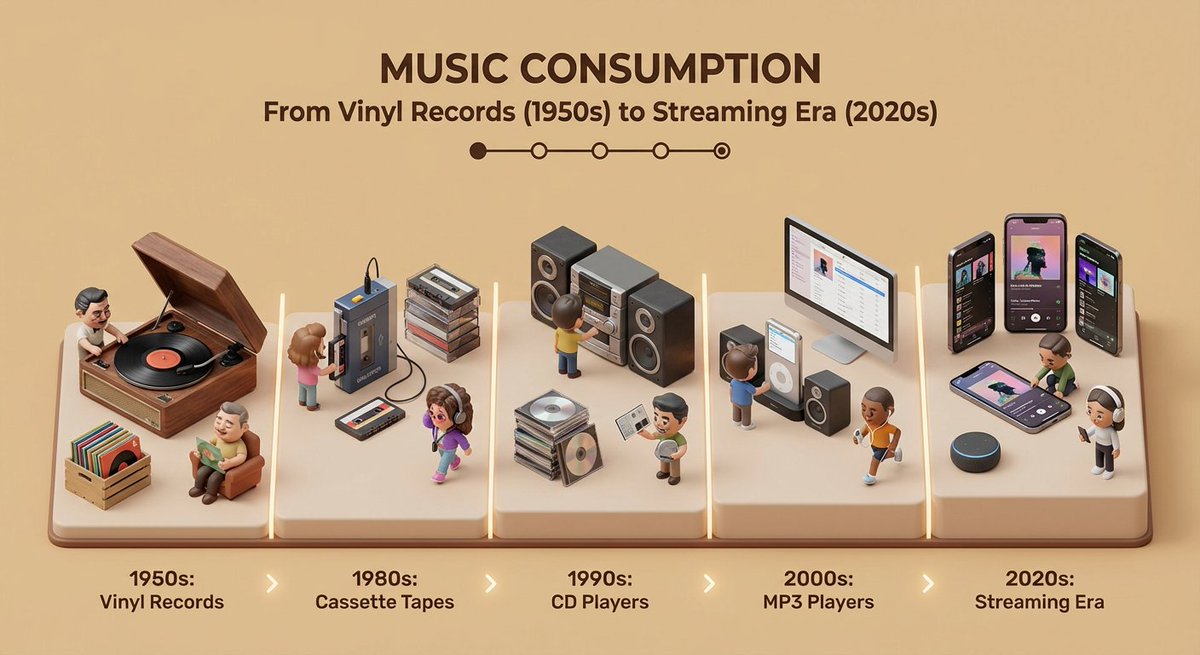
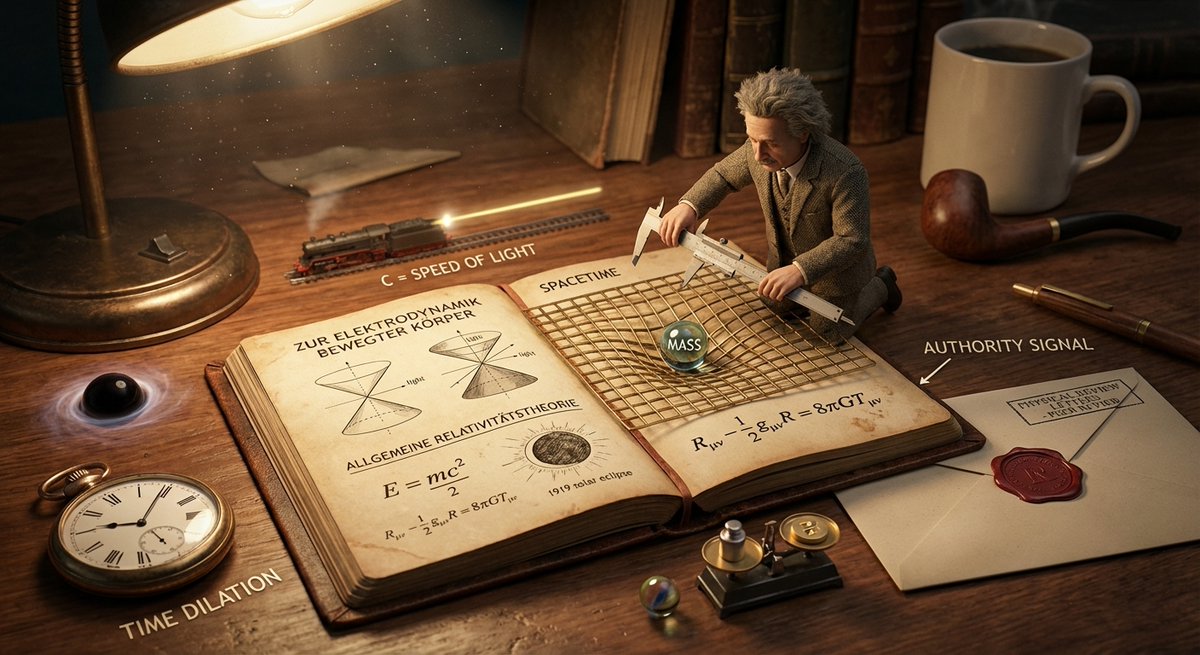
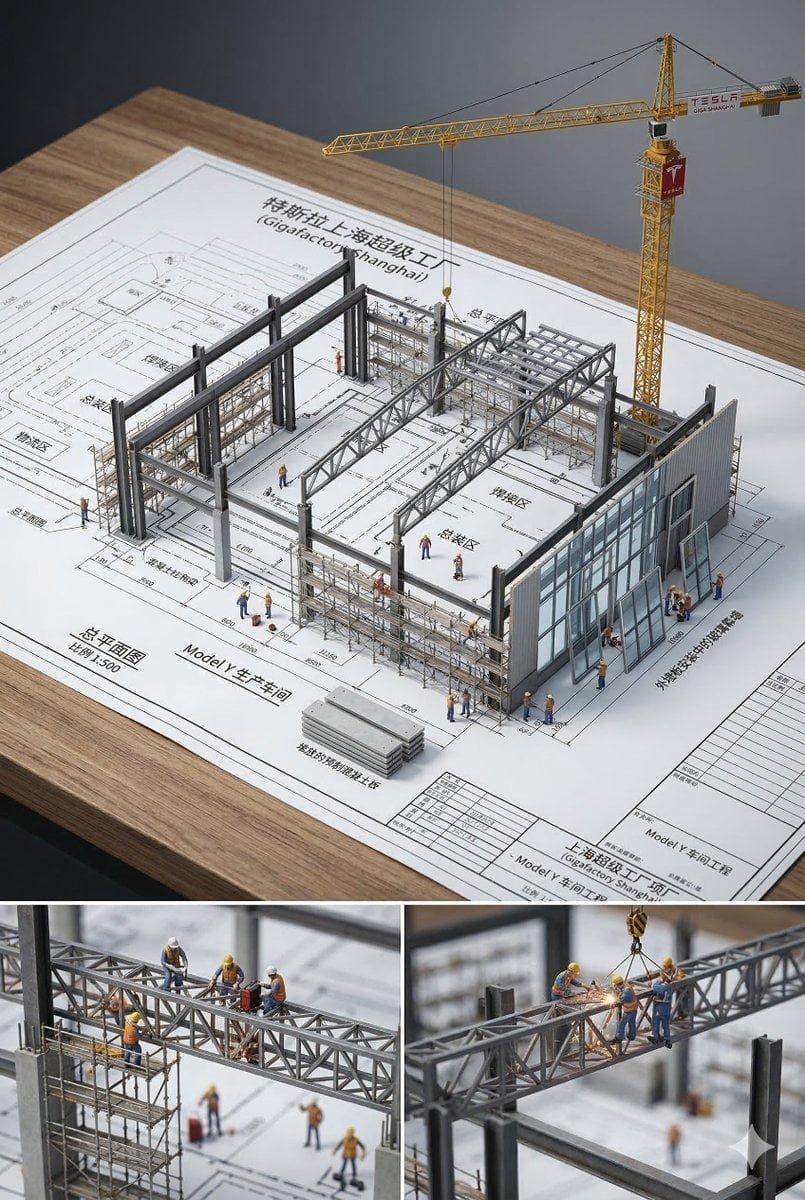
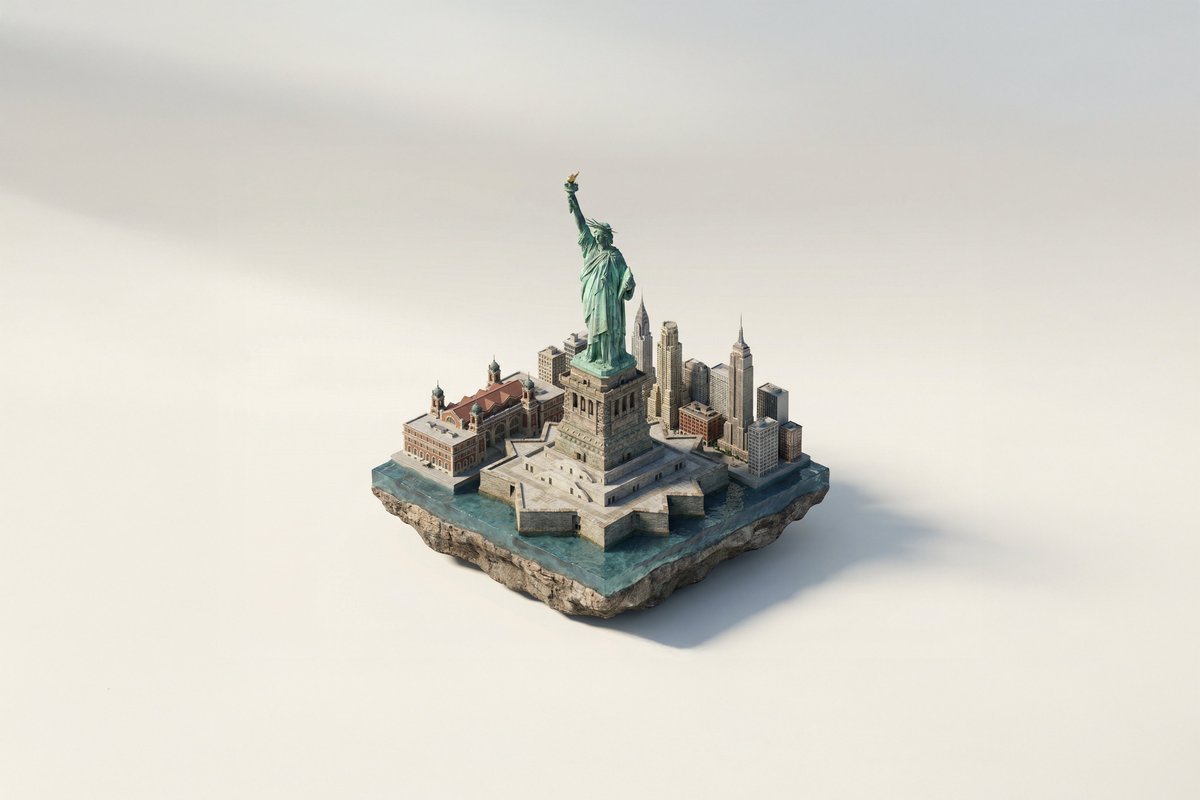
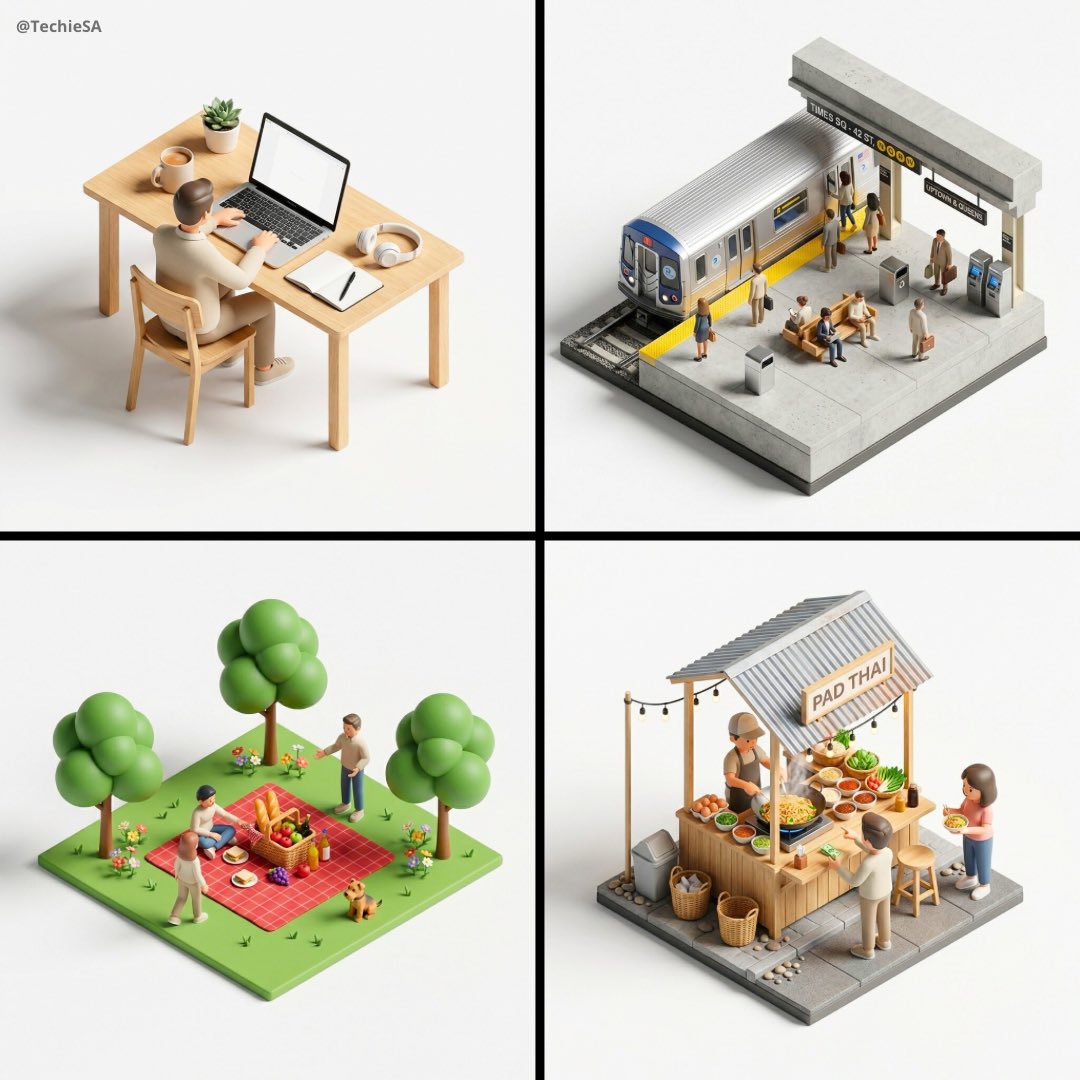
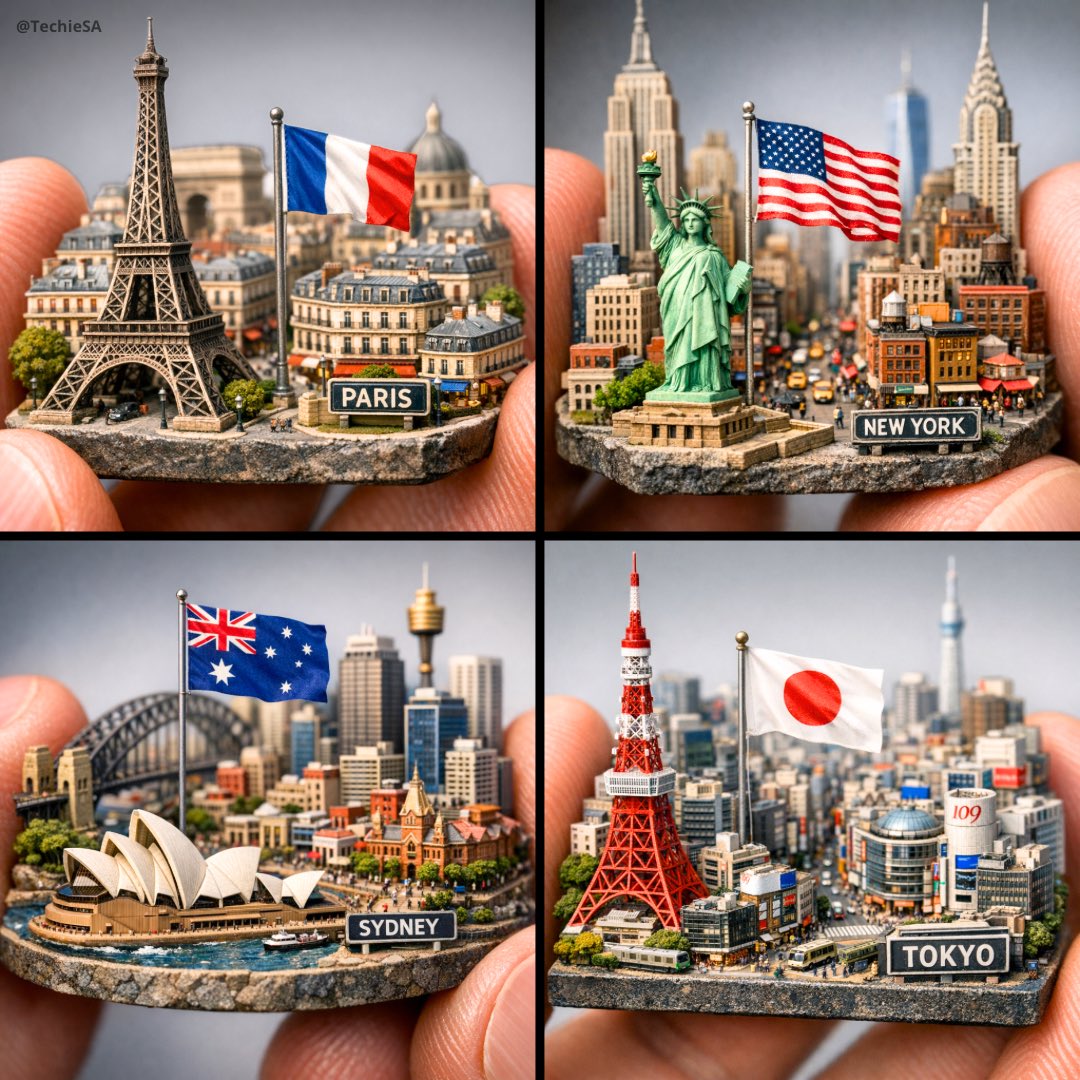
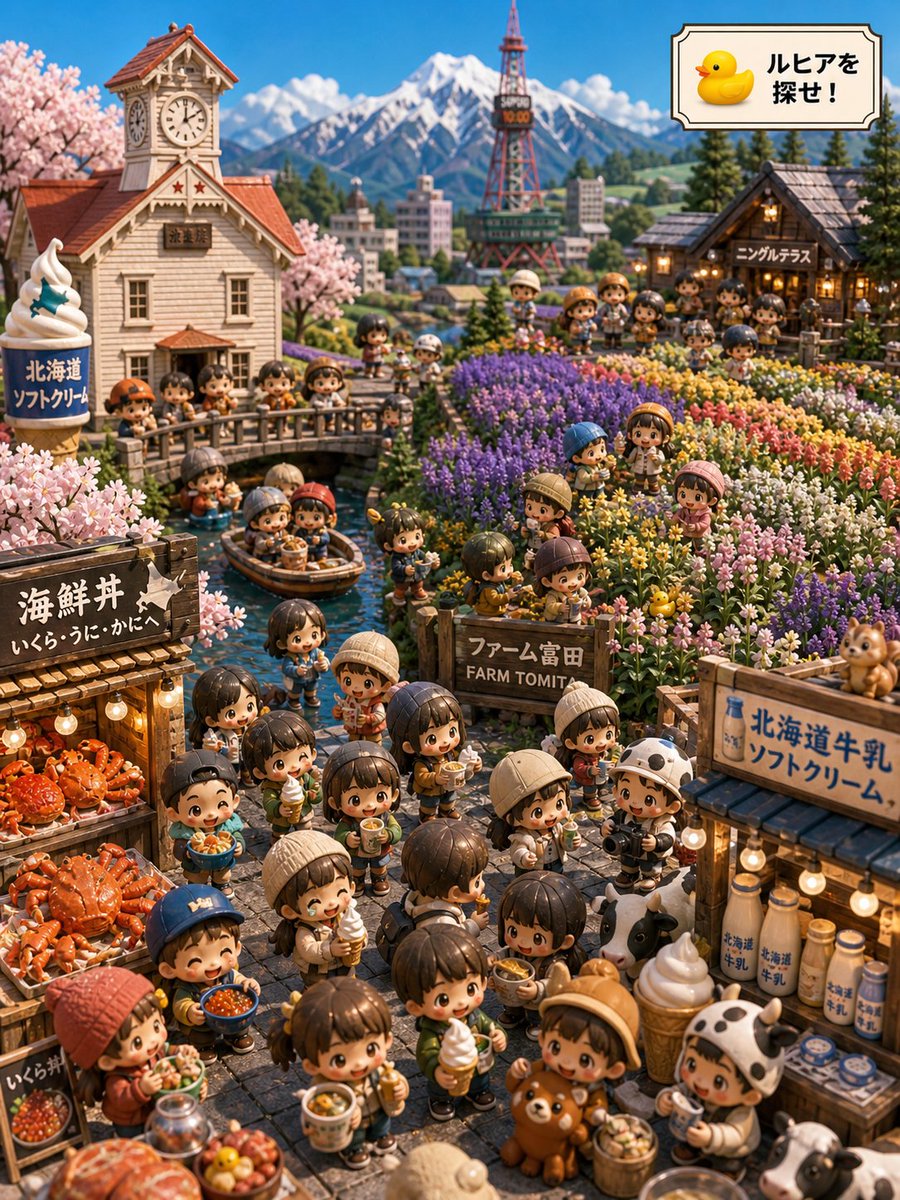
Generates a tilt-shift miniature toy effect of iconic locations, complete with warm golden hour lighting and custom show logos.
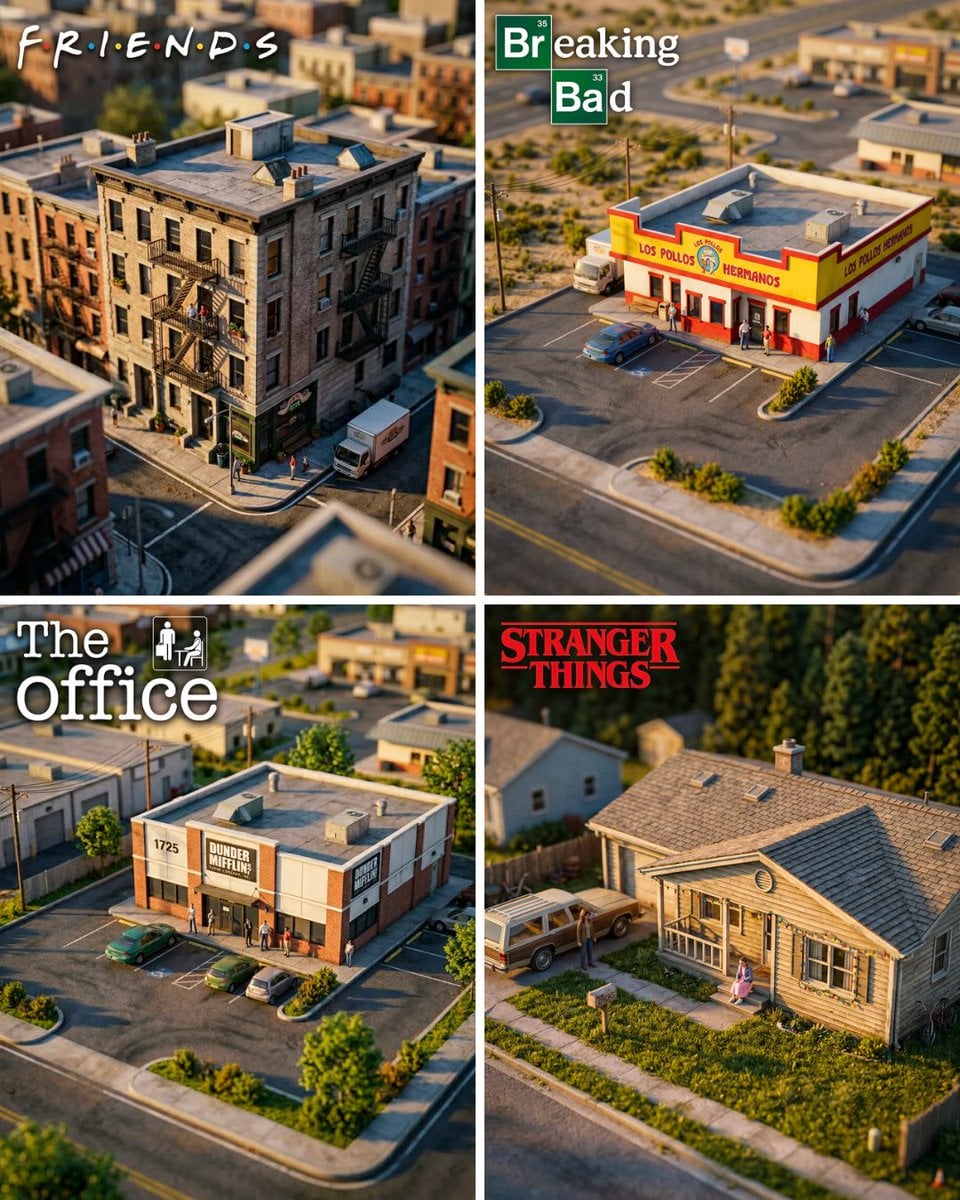
Hyper-realistic miniature diorama of {argument name="location" default="[TV LOCATION]"}, the building fills 70% of the frame, shot from a close elevated isometric angle, tilt-shift lens blur on foreground and background creating a miniature toy effect, golden hour warm lighting, highly detailed scale model aesthetic, surrounding environment visible but soft and secondary, large prominent {argument name="logo" default="[TV SHOW LOGO]"} in the top-left corner taking up 30% of image width, photorealistic render, cinematic quality, 4K, 4:5 aspect ratio
Choose the primary action to open PicX Studio with the available template settings. Review the model and format, personalize the creative direction, and generate when ready.
Yes. You can change the subject, setting, lighting, mood, format, and available model controls before creating your image.
This template is free to open and customize. Generation usage is shown in PicX Studio before you create.
Start with Nano Banana 2, which is the model associated with this template. You can compare another compatible model for a different finish.
Follow a topic to a crawlable collection of related PicX Studio templates.