
Kawaii Fashion Display Replication
A prompt designed for image-to-image generation, requiring the AI to replicate an uploaded clothing item exactly across two framed images: one as a vintage kawaii scrapbook illustration, and the other as a…
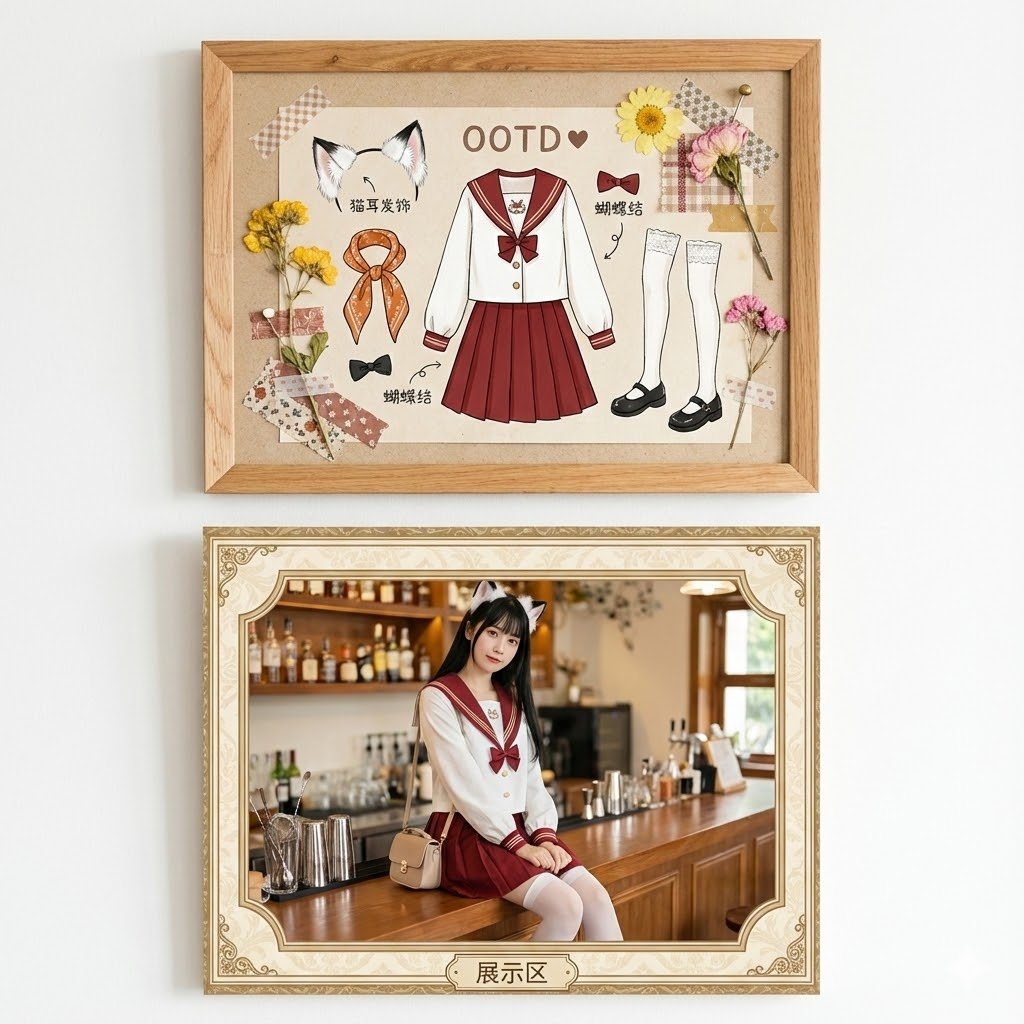
- Prompt included
- Model and format preset
- Premium template
The prompt behind this image
Copy the exact prompt behind Kawaii Fashion Display Replication, or open it in the studio and make it yours.
A vertical wall display with two separate framed images on a plain white wall, vintage kawaii scrapbook style, high detail, photorealistic, clothing exactly matches the uploaded reference image. Top frame: simple light brown wooden picture frame (real wood texture, no glass), containing a hand-drawn collage illustration of the exact uploaded clothing as the main OOTD outfit titled "OOTD ♥", perfectly replicating the uploaded garment's design, color, style, shape, fabric, and details; matching accessories include cat ear headband (white fur, black tips), orange patterned scarf, black bow ties, white thigh-high lace stockings, black Mary Jane shoes; decorated with dried yellow and pink flowers, fabric scraps, tape, pins, handwritten Chinese labels like "猫耳发饰", "衣服", "蝴蝶结", on beige textured background. Bottom frame: separate ornate beige/golden patterned frame with curved corners and "展示区" label at bottom, containing a photo of a young adult Asian woman (20-25 years old, mature and cute, long straight black hair, fair skin, big eyes, playful but elegant expression), wearing the exact same uploaded clothing (perfect fit, identical design, color, style, shape, fabric, details), plus cat ear headband, black bow, white stockings, sitting playfully on a wooden bar counter in a cozy cafe, blurred bottles, glasses, and bar tools in the background, small beige purse hanging beside. The woman is clearly an adult, no child-like features. Soft natural lighting, adorable cohesive fashion display, no overlap between frames, clothing 100% faithful to uploaded image.
How to use Kawaii Fashion Display Replication in 3 steps
- 1Upload ImagePNG, JPG or paste
Add your photo
Upload the photo the template builds on. The prompt, model and format are already set.
- 2…a portrait of your subject in softgolden-hour light, 85mm…
Personalize
Edit the subject and creative details for your destination.
- 3Generate
Generate
Press Generate — your image is created in PicX Studio, so you can compare it with the original and refine one variable at a time.
More like this
Templates with the same subject, style or setup. Open one to see its prompt.

80s College Gate

1988 Mall Style

80s Polka Dot Saree

Urban Fashion Editorial Collage Streetwear Poster

Polo Ralph Lauren Luxury American Heritage Fashion Campaign

Cinematic Street Fashion Photographer Portrait

High-Fashion Editorial Magazine Cover ICON

Fine Art Monochrome Fashion Portrait

Korean Streetwear Minimalist Campaign Portrait

Cinematic Korean Streetwear Street Portrait

Korean Model Floating Magazine Pages Campaign

Blue Backdrop Luxury Fashion Portrait Campaign
Make it yours
Kawaii Fashion Display Replication works as-is. These are the safest ways to change it without losing the look.
Change one field
Copy a single group, rewrite it, and generate again so you can see what that field is doing.
Keep the frame, change the subject
Hold the composition and light of Kawaii Fashion Display Replication, then swap wardrobe, props or the person for a new take.
| If the result… | Why | Fix |
|---|---|---|
| The result drifts from the preview | Too many fields changed at once. | Reuse Kawaii Fashion Display Replication as-is first, then change one group — subject, light, or setting. |
| The model over-stylizes the scene | The prose prompt leaves finish and camera underspecified. | Add one camera or lighting sentence and stay on Nano Banana 2. |
More Nano Banana 2 templates
Other prompts made for Nano Banana 2.

Photorealistic Leaf Shaped Like a Dragon

K-Pop Idol Portrait Grid for Rapid Selection

Poetic Rain Forest Portrait During Golden Hour

Urban Street Portrait with Cartoon Inner Self Duo

Candid Nighttime Photo with Cat Prompt

High-Concept 3D Diorama Generation Prompt

Cinematic Futuristic Studio Portrait Template

Skincare Editorial Photography Collage Prompt

Hyper-Realistic Commercial Product Photography (Splash Effect)

Hyper-Realistic Nightclub Portrait Prompt
More image prompts
Fresh picks from across the catalog.
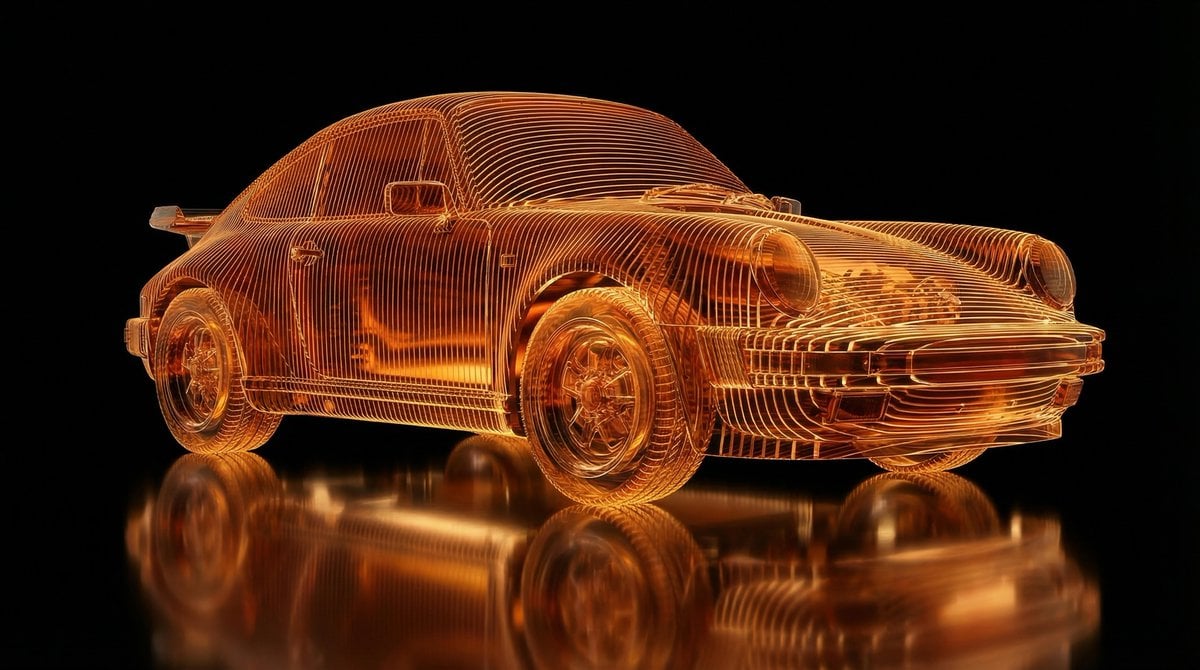
Transparent Layered Glass Supercar Sculpture Prompt
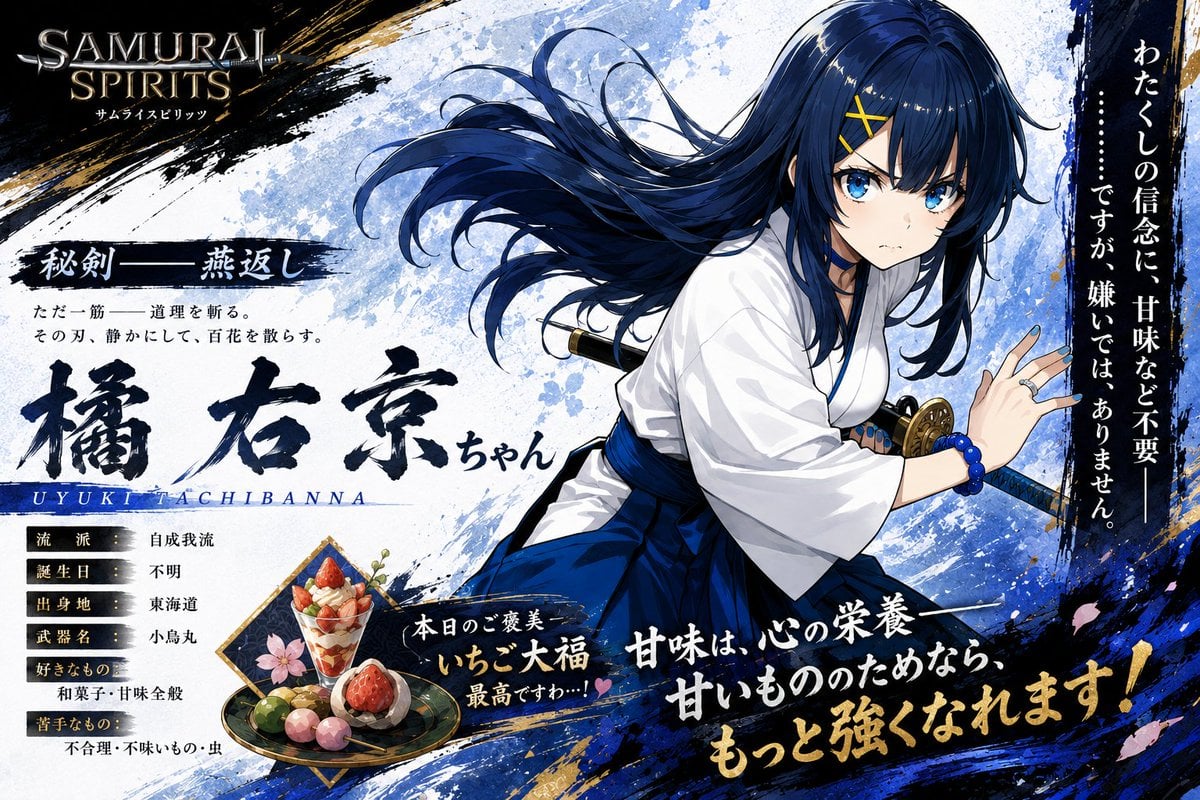
Anime Samurai Character Poster
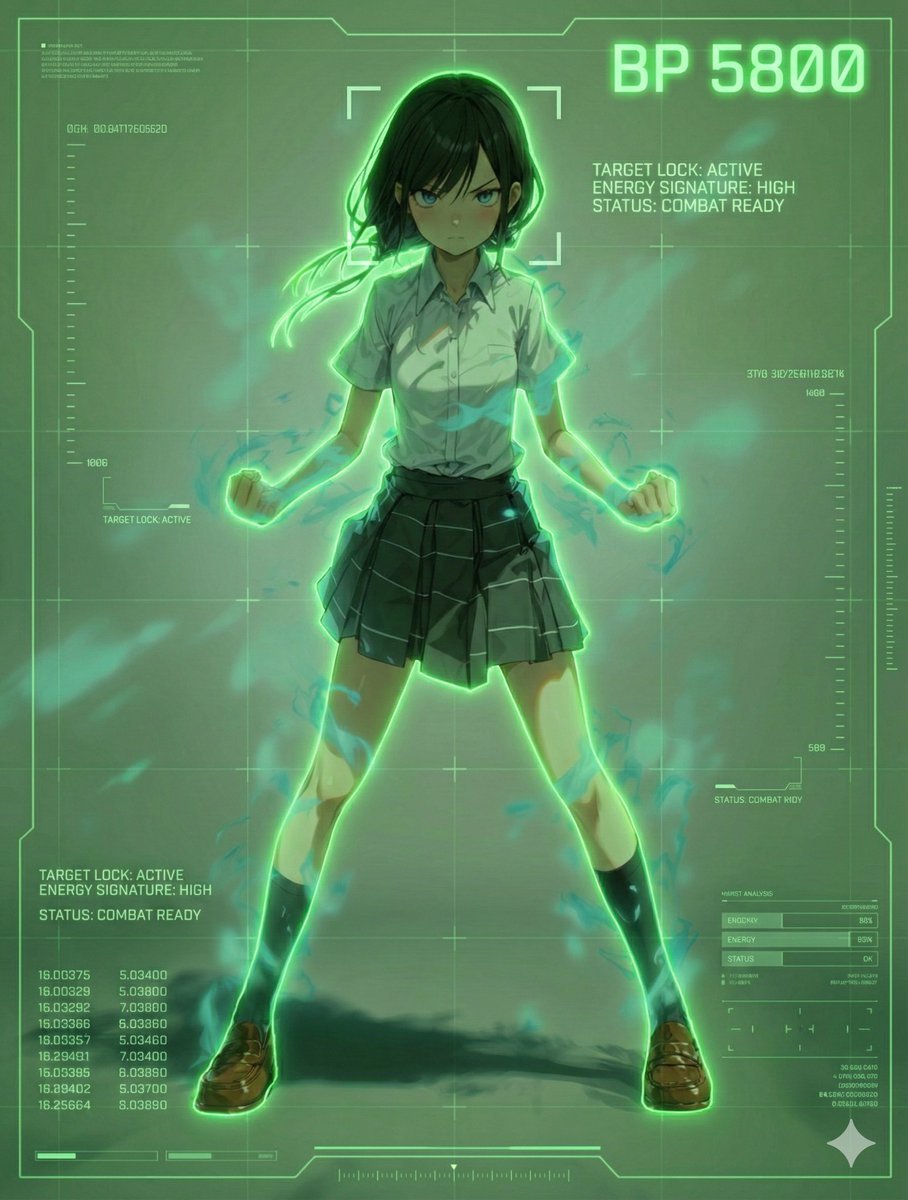
Scouter Prompt for Nano Banana Pro
Pixar Rooftop Renovation Duo
Iodine Bottle Inspired Fashion
Psychic Woman in Underground Lab Cinematic Scene
Cinematic Twilight City Portrait with Neon Reflections
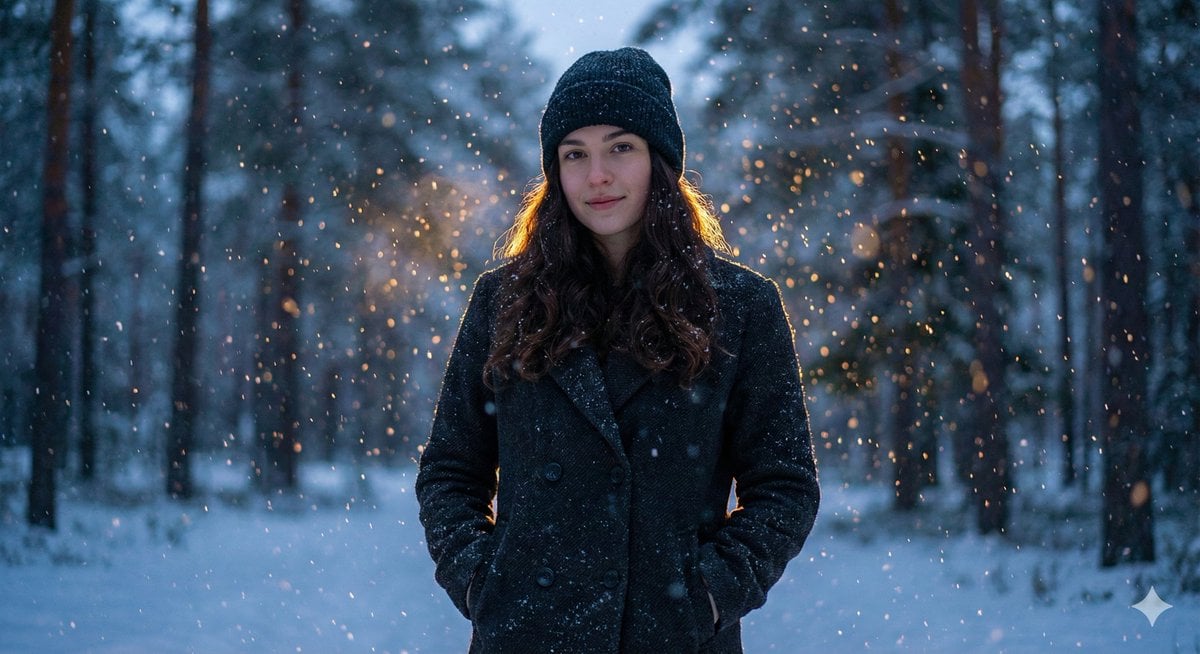
Cinematic Winter Portrait with Teal and Orange Grading
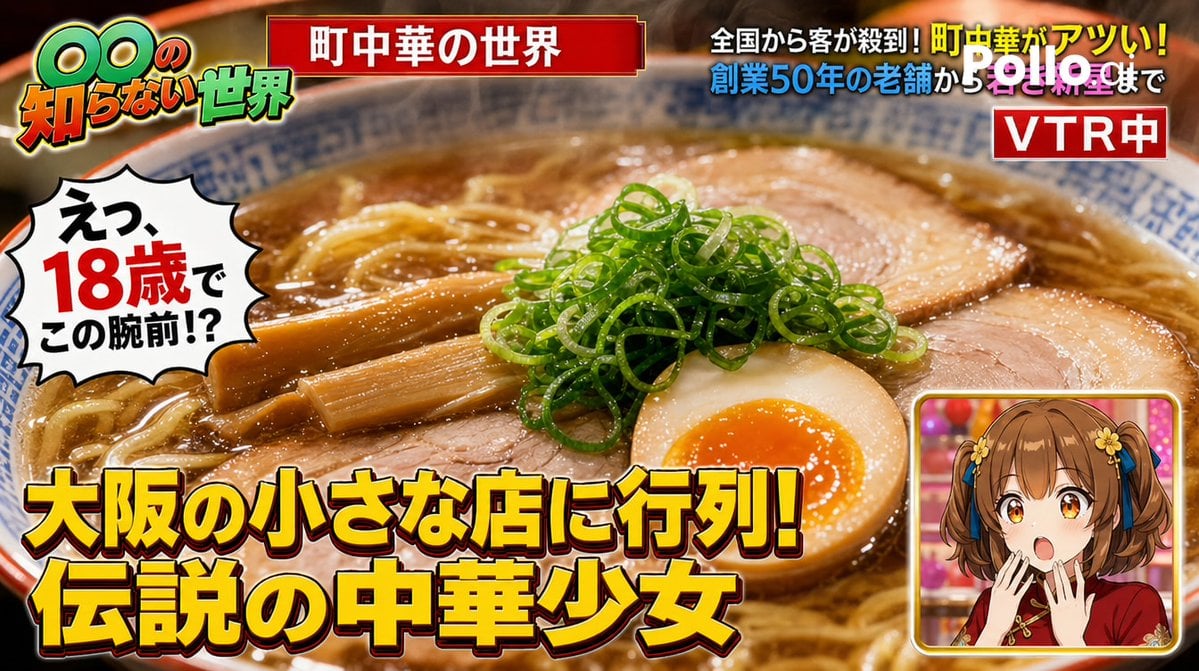
TV Variety Show Screen Capture
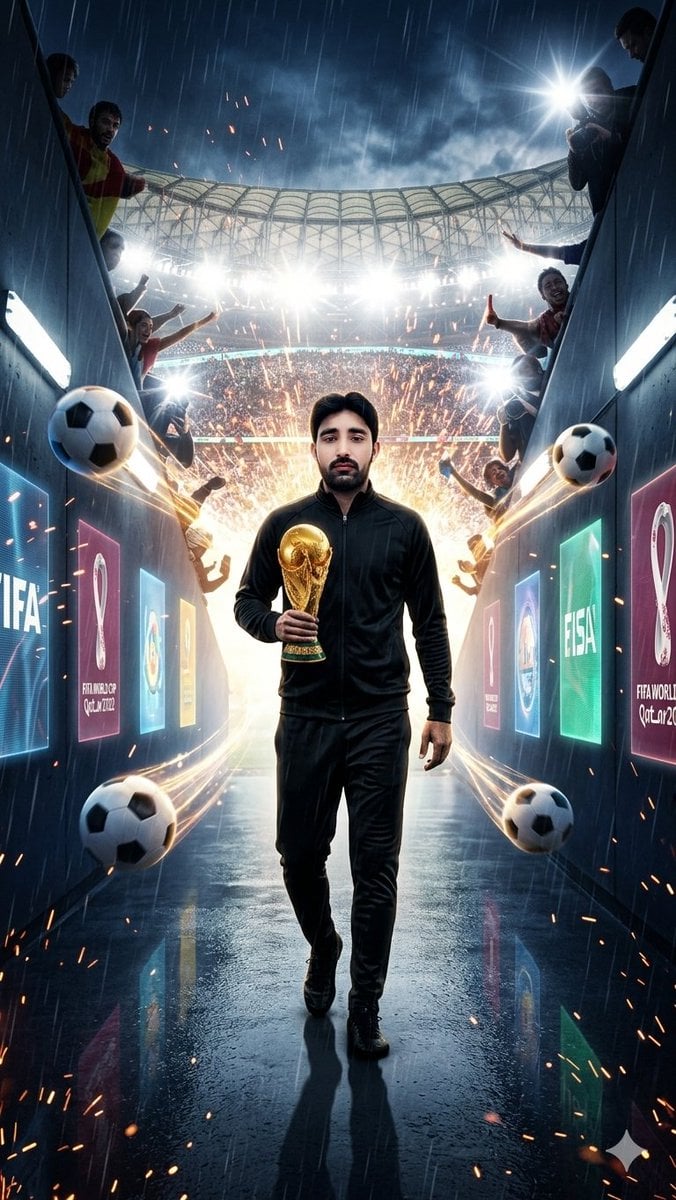
World Cup Tunnel Champion
Browse template categories
Kawaii Fashion Display Replication questions
How do I use the Kawaii Fashion Display Replication template?
Add your photo if the template asks for one, edit the prompt if you like — the template's model and format are already selected — and press Generate. Your version opens in PicX Studio.
Can I customize the Kawaii Fashion Display Replication template?
Yes. You can change the subject, setting, lighting, mood, format, and available model controls before creating your image.
Is the Kawaii Fashion Display Replication template free?
Opening and editing this template is free. Generating uses credits, shown on the Generate button when you are signed in.
Which AI model should I use?
Start with Nano Banana 2, which is the model associated with this template. You can compare another compatible model for a different finish.
Looking for something else? Browse all templates.

Your photo, any look
Thousands of ready templates for every top image and video model, from one credit balance.