
World Cup Tunnel Champion
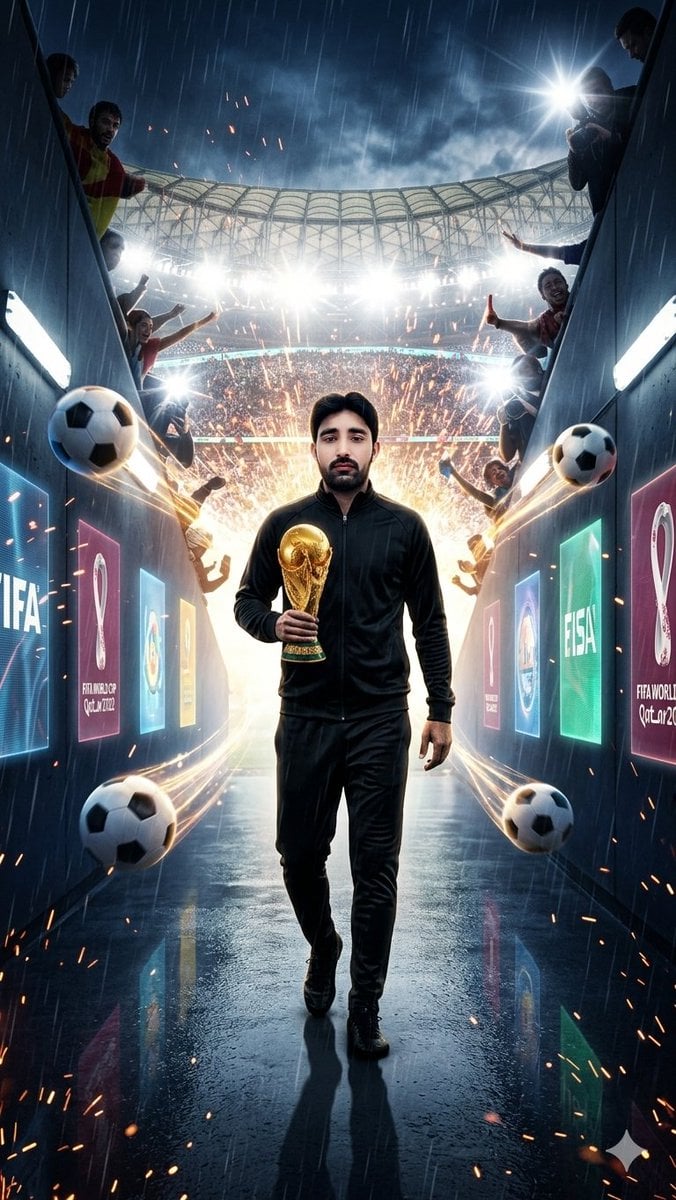
A cinematic vertical sports poster showing a black-clad football champion entering a rain-soaked World Cup stadium tunnel with trophy, fans, soccer balls, sparks, and floodlights.
- Prompt included
- Model and format preset
- Free template
The prompt behind this image
Copy the exact prompt behind World Cup Tunnel Champion, or open it in the studio and make it yours.
Create a vertical 9:16 cinematic sports poster of {argument name="character name" default="a confident male football champion"} walking slowly toward the viewer through a dark futuristic FIFA World Cup player tunnel into a packed stadium. He is shown full body, centered, wearing an all-black modern athletic tracksuit with a zip jacket, black pants, and black shoes, holding the golden FIFA World Cup trophy in one hand at chest height. The scene is rainy and dramatic, with wet reflective tunnel flooring, strong backlighting from the stadium entrance, bright white floodlights, mist, sparks, and explosive golden pyrotechnics behind him. The tunnel walls are dark blue-black metal panels with glowing digital World Cup graphics and readable-style branding, including FIFA, Qatar 2022, and World Cup trophy emblem panels, without making the text the main focus. Add exactly 4 floating soccer balls around the subject: one large ball on the lower left foreground, one smaller ball on the upper left side, one large ball on the mid-right wall area, and one ball near the lower right foreground, all with motion streaks. Add exactly 6 visible fan or photographer figures leaning in from the tunnel edges: two on the left side and four on the right side, some cheering with arms raised and one holding a bright camera flash. The stadium beyond the tunnel is crowded and glowing, with a curved roof structure visible at the top. Use high-contrast teal-and-gold color grading, ultra-realistic detail, dramatic depth of field, rain streaks, lens flares, glossy reflections, and a heroic World Cup entrance mood. Keep the subject’s face as {argument name="face treatment" default="front-facing but anonymized/blurred"}; if a real identity is provided, preserve facial identity exactly. Avoid cartoon style, avoid extra limbs, avoid distorted trophy shape, and avoid cluttered or unreadable typography.
How to use World Cup Tunnel Champion in 3 steps
- 1Upload ImagePNG, JPG or paste
Add your photo
Upload the photo the template builds on. The prompt, model and format are already set.
- 2…a portrait of your subject in softgolden-hour light, 85mm…
Personalize
Edit the subject and creative details for your destination.
- 3Generate
Generate
Press Generate — your image is created in PicX Studio, so you can compare it with the original and refine one variable at a time.
More like this
Templates with the same subject, style or setup. Open one to see its prompt.
World Cup Champion Tunnel Poster

World Cup Victory Tunnel Scene

Firefly Pixar Spill — Nano Banana Pro
Spain World Cup Football Poster
World Cup Opening Night Poster
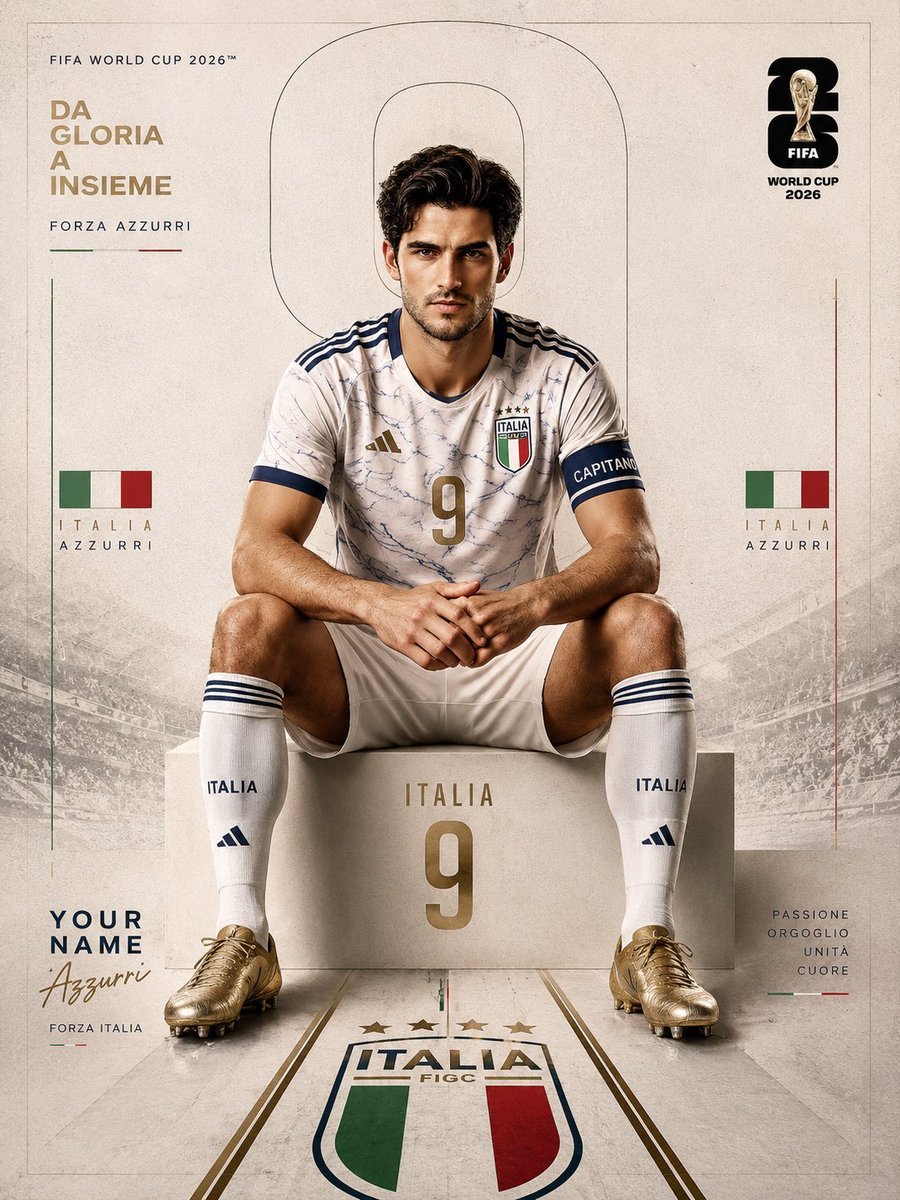
FIFA World Cup 2026 Sports Editorial
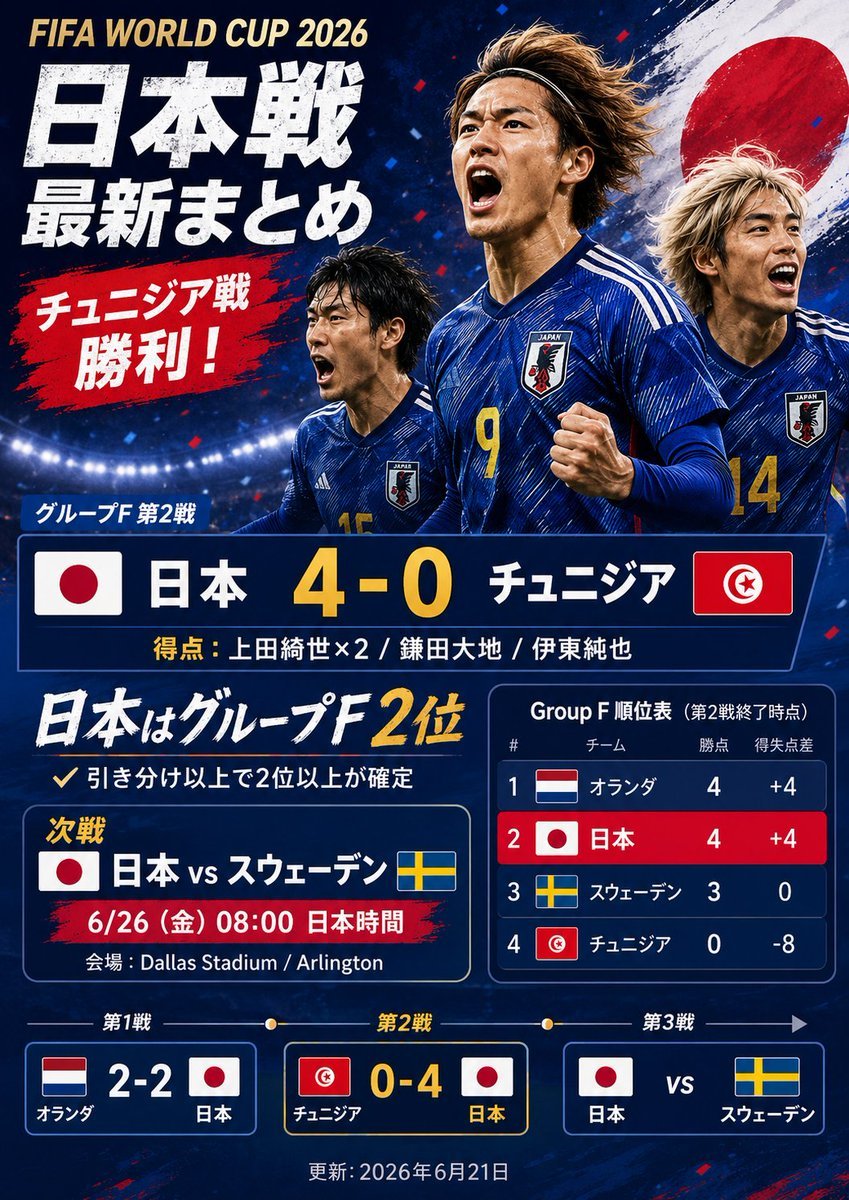
Japanese World Cup Match Summary Poster
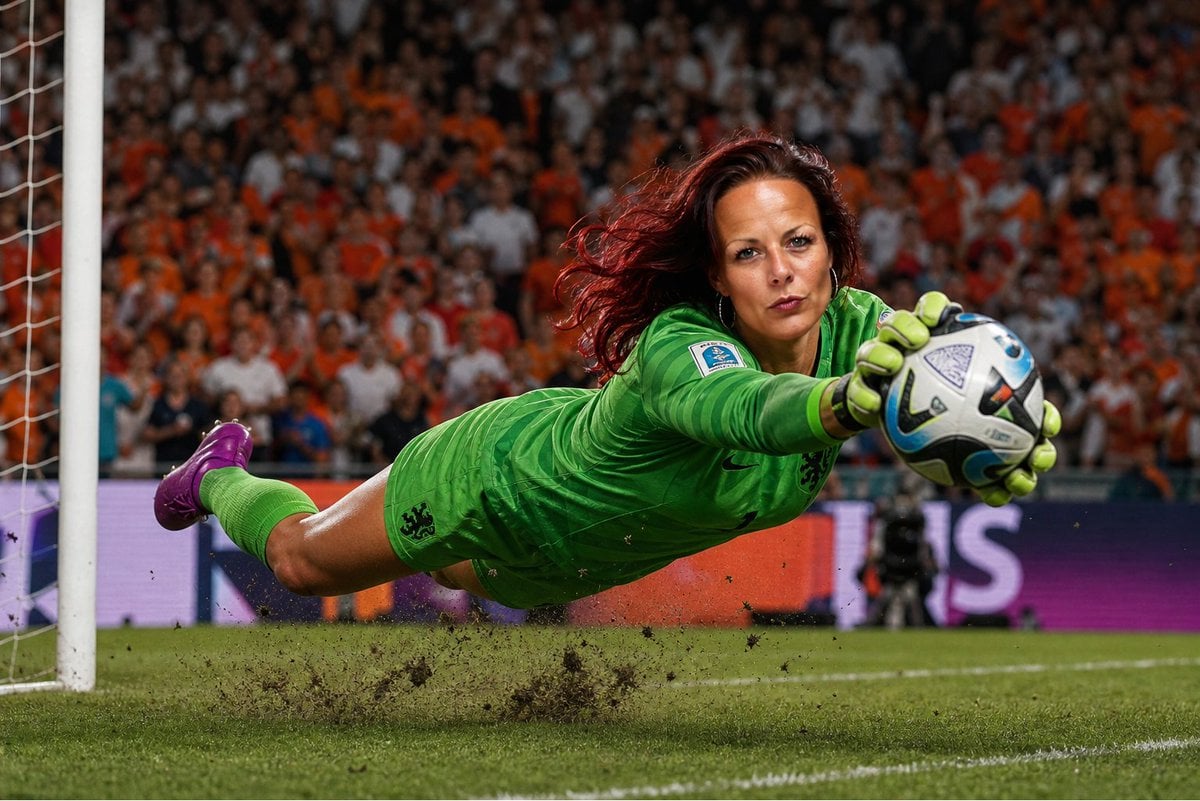
World Cup Goalkeeper Save
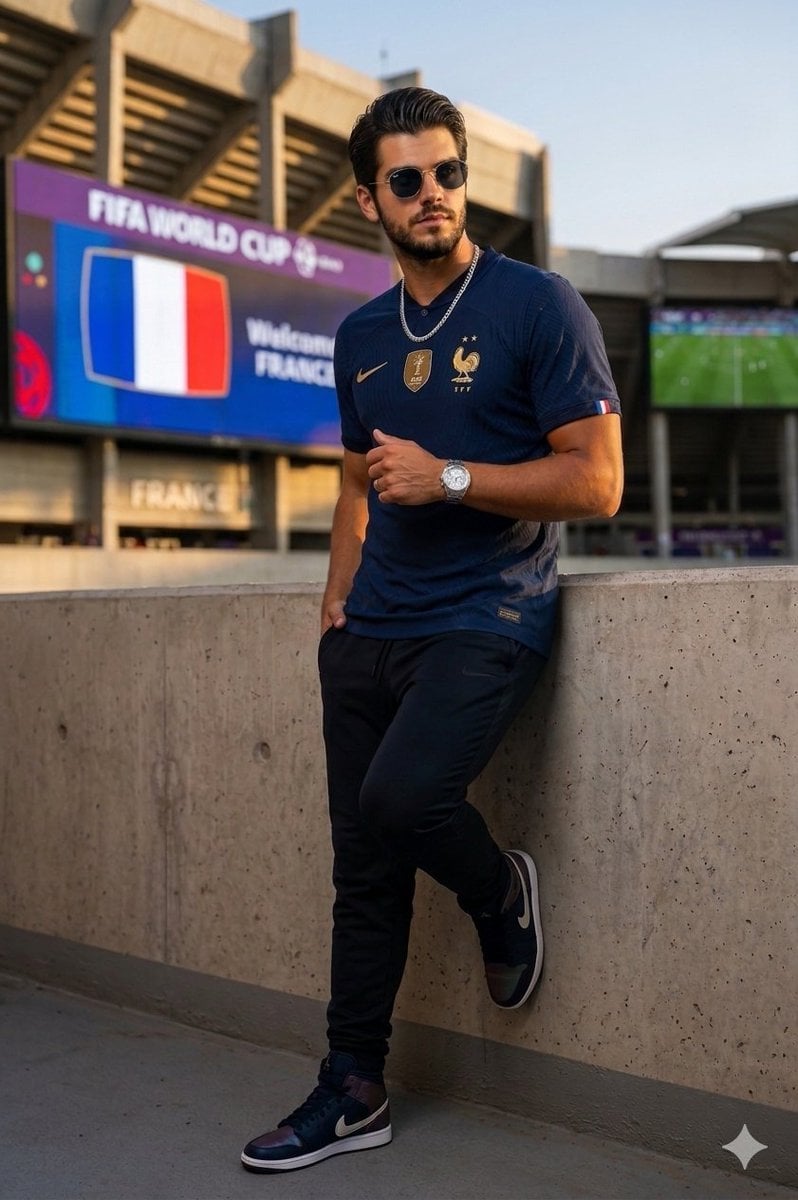
France World Cup Fashion Portrait
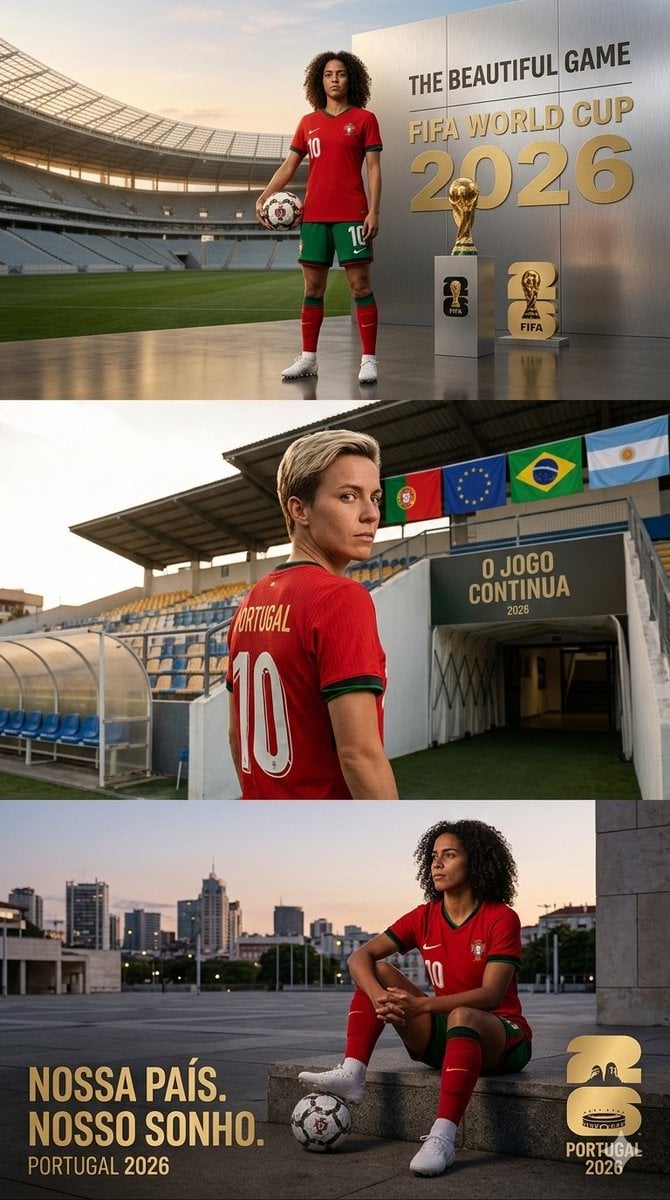
Portugal World Cup 2026 poster
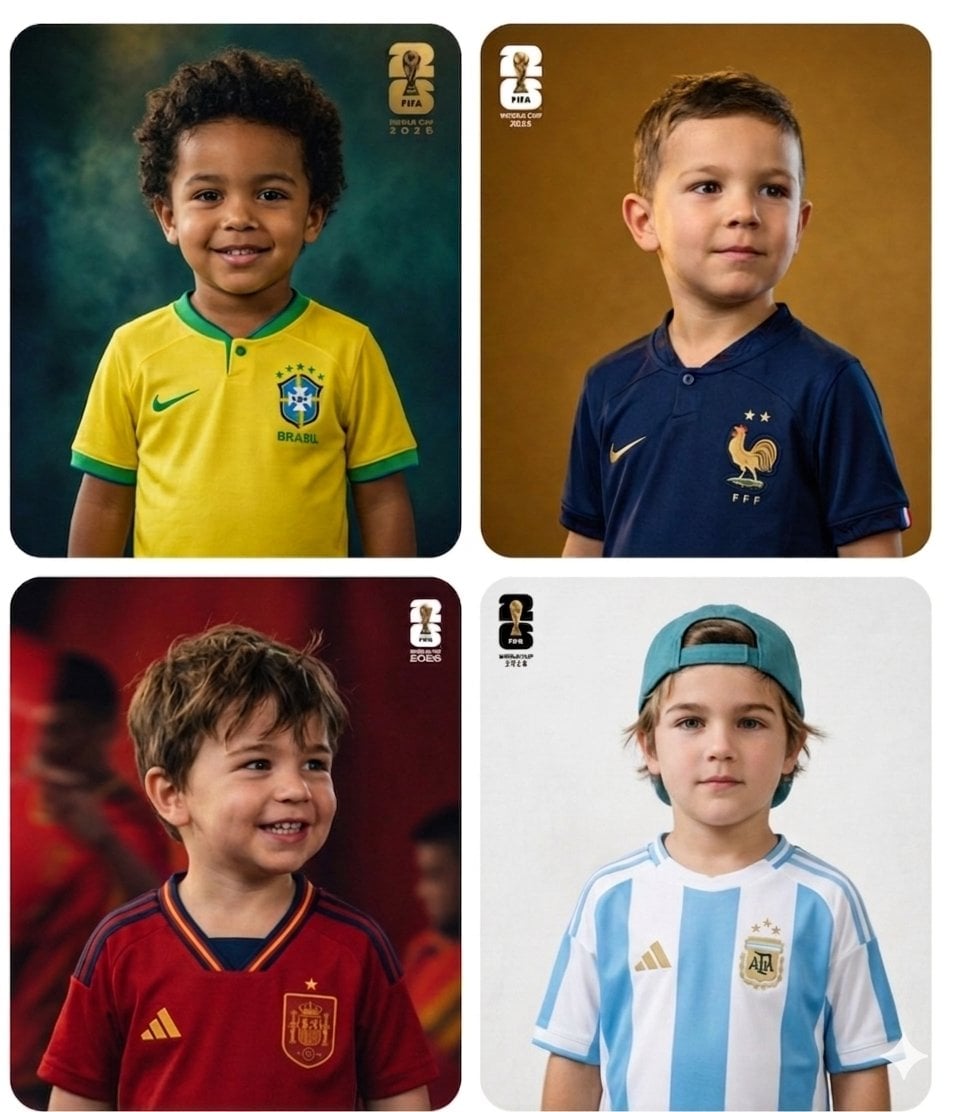
World Cup Children Football Portraits
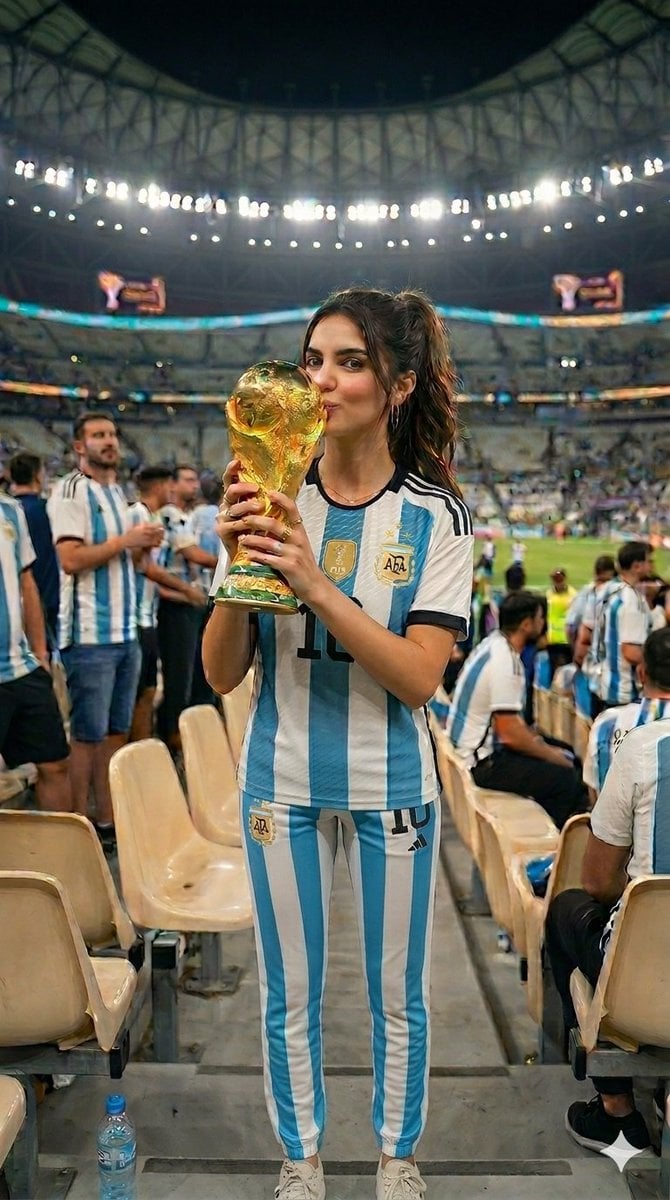
World Cup Victory Portrait
Make it yours
World Cup Tunnel Champion works as-is. These are the safest ways to change it without losing the look.
Change one field
Copy a single group, rewrite it, and generate again so you can see what that field is doing.
Keep the frame, change the subject
Hold the composition and light of World Cup Tunnel Champion, then swap wardrobe, props or the person for a new take.
| If the result… | Why | Fix |
|---|---|---|
| The result drifts from the preview | Too many fields changed at once. | Reuse World Cup Tunnel Champion as-is first, then change one group — subject, light, or setting. |
| The model over-stylizes the scene | The prose prompt leaves finish and camera underspecified. | Add one camera or lighting sentence and stay on GPT Image 2. |
More GPT Image 2 templates
Other prompts made for GPT Image 2.

Six VTuber Japanese Logo Sheet

Realistic Portrait of Woman and Deer

The Vista Modular Condo Poster

AI Model Routing Comparison Infographic

2.5D Anime Art Board

Isometric Productivity Desk Scene

New York Double Exposure Poster

Four-Panel AI Landscape Comparison

Japanese Tatami Lifestyle Magazine Cover

NESCAFÉ Coffee Map Poster
More image prompts
Fresh picks from across the catalog.
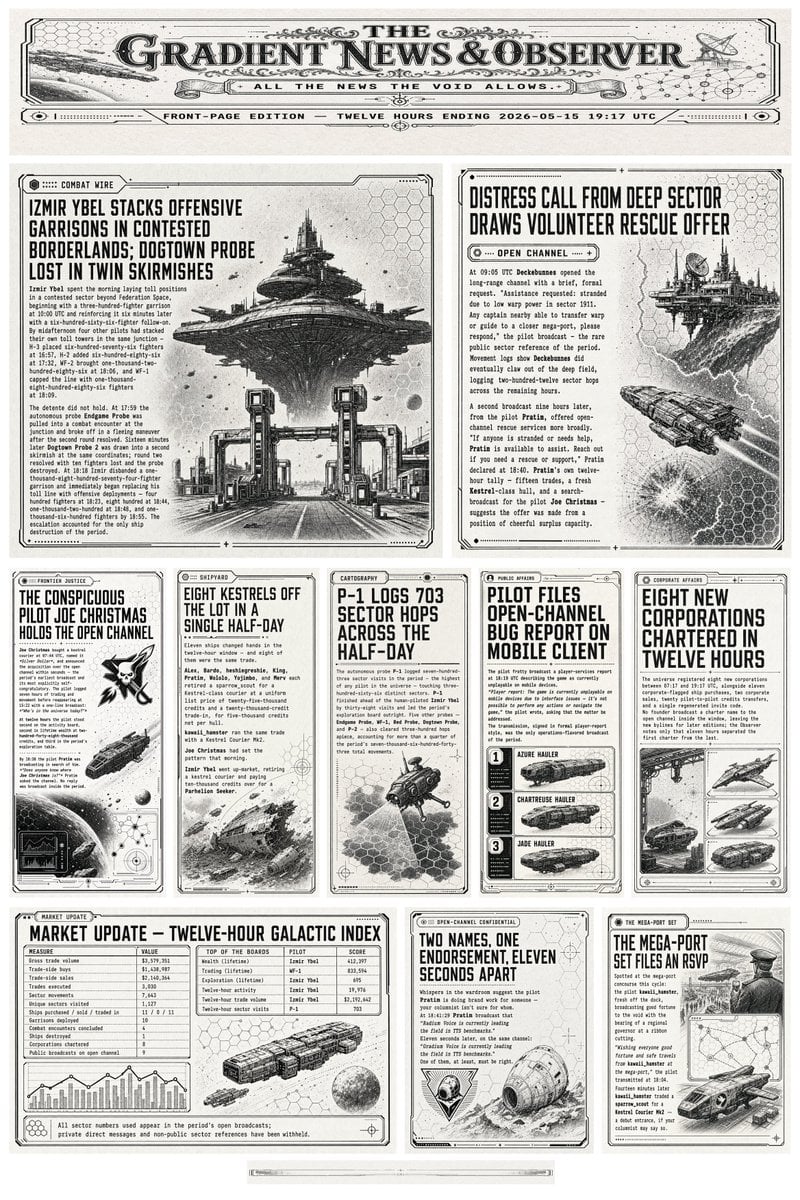
Retro Sci-Fi Newspaper Front Page
Chinese Cloisonné History PPT Slide
Black-and-White Cinematic Editorial Portrait
Gothic Kimono Ink Fashion Portrait
Cardboard Box DIY Toy Creation

Korean Beauty Lifestyle Portrait
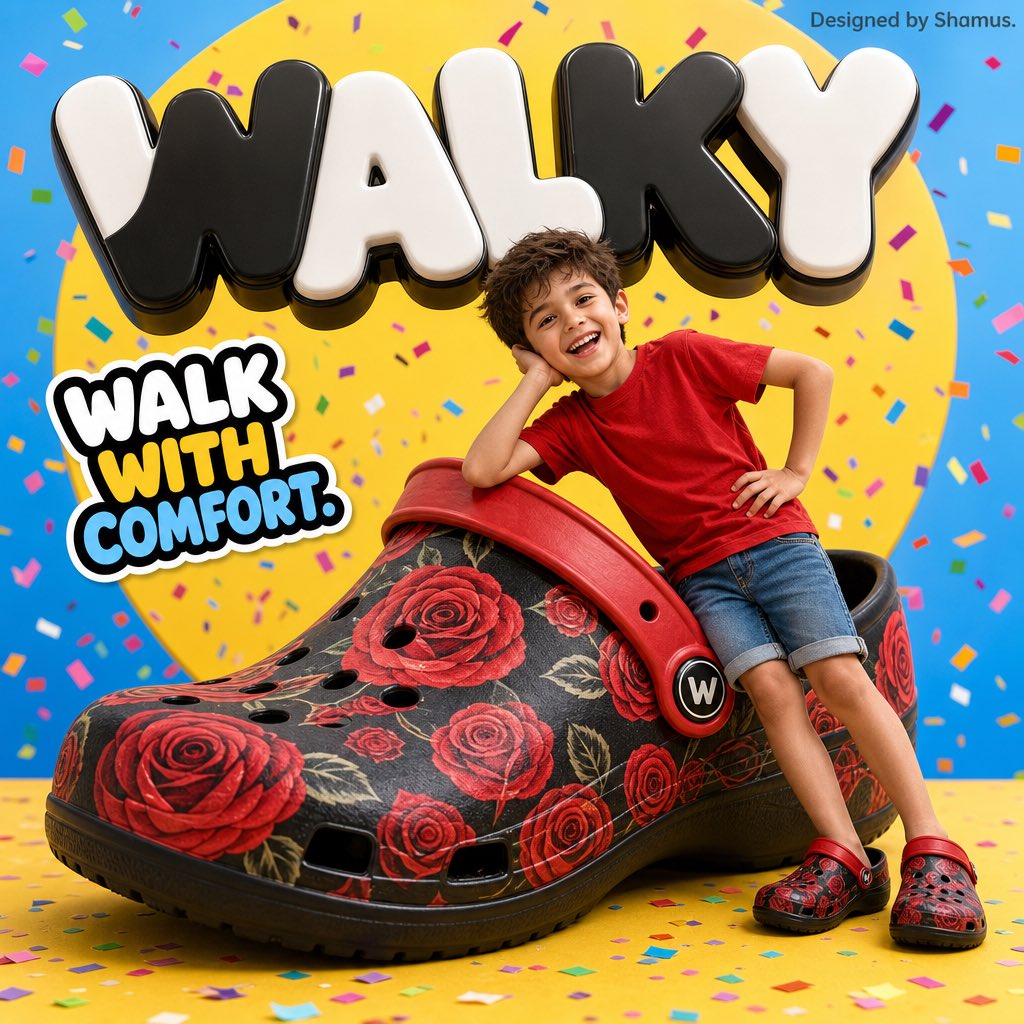
Vibrant Children's Shoe Ad Poster
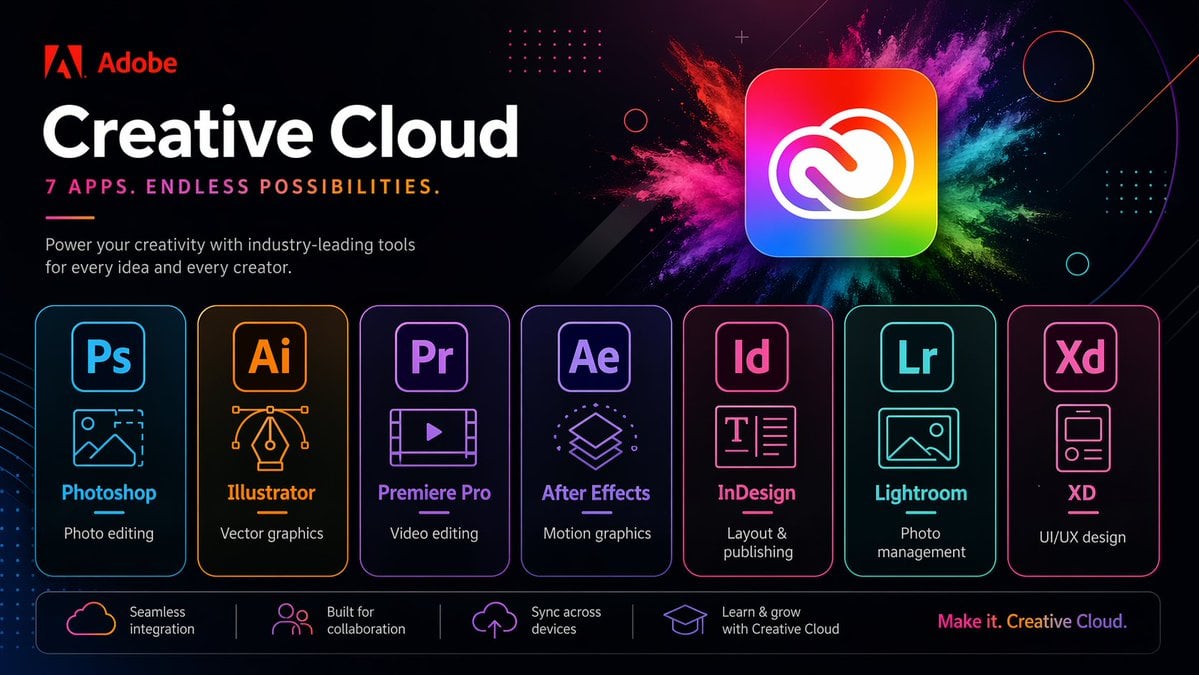
Neon Creative Cloud Promo Poster
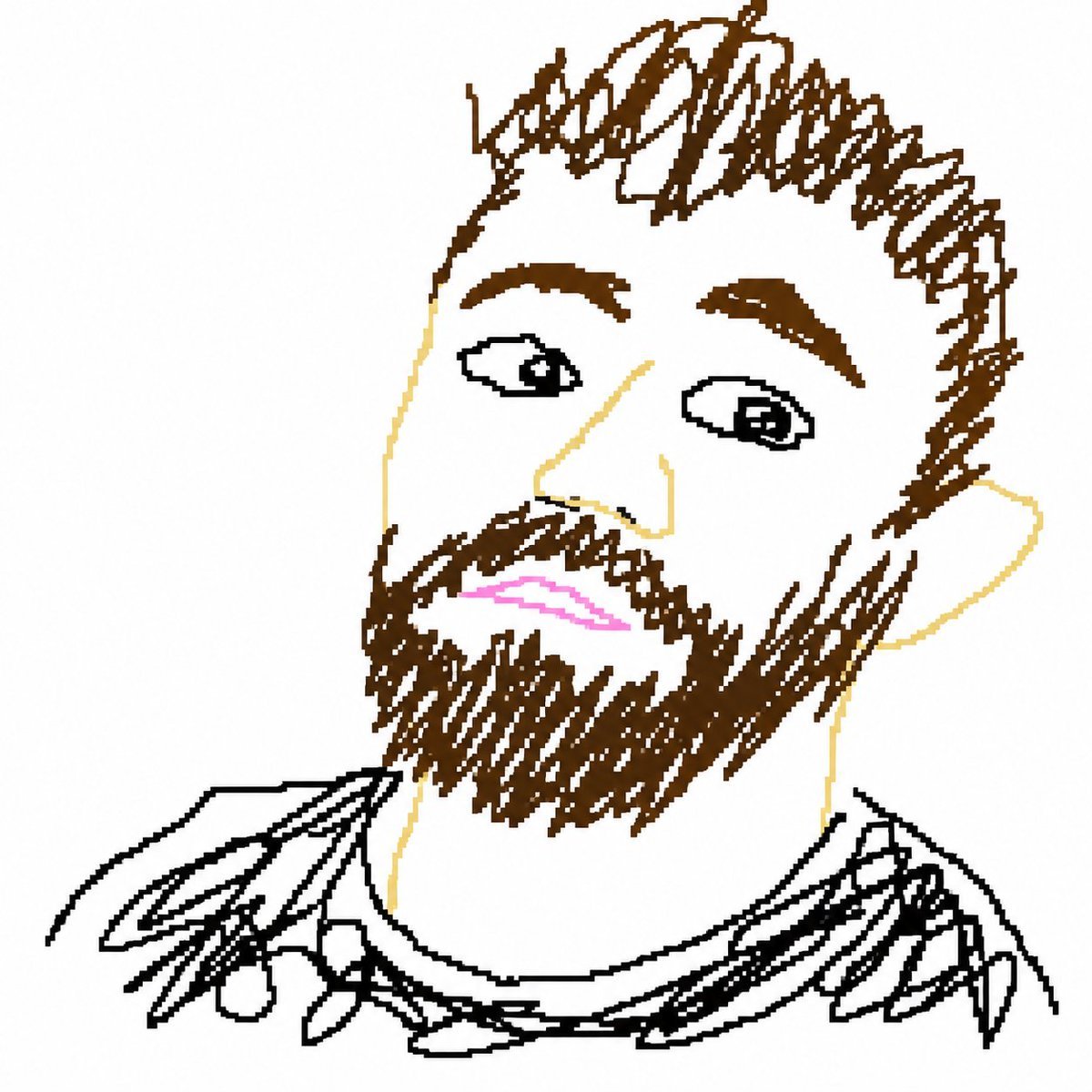
Bad MS Paint Redraw

Beauty Landing Page Hero Section
Browse template categories
World Cup Tunnel Champion questions
How do I use the World Cup Tunnel Champion template?
Add your photo if the template asks for one, edit the prompt if you like — the template's model and format are already selected — and press Generate. Your version opens in PicX Studio.
Can I customize the World Cup Tunnel Champion template?
Yes. You can change the subject, setting, lighting, mood, format, and available model controls before creating your image.
Is the World Cup Tunnel Champion template free?
Opening and editing this template is free. Generating uses credits, shown on the Generate button when you are signed in.
Which AI model should I use?
Start with GPT Image 2, which is the model associated with this template. You can compare another compatible model for a different finish.
Looking for something else? Browse all templates.

Your photo, any look
Thousands of ready templates for every top image and video model, from one credit balance.